

Nov 14, 2025
Document AI: The Next Evolution of Intelligent Document ProcessingPersona
Industry
Use cases
OCR for Invoices
[ OCR for Invoices ]

LlamaParse turns messy invoices into structured JSON with line items, taxes, and totals intact. No need to maintain templates.
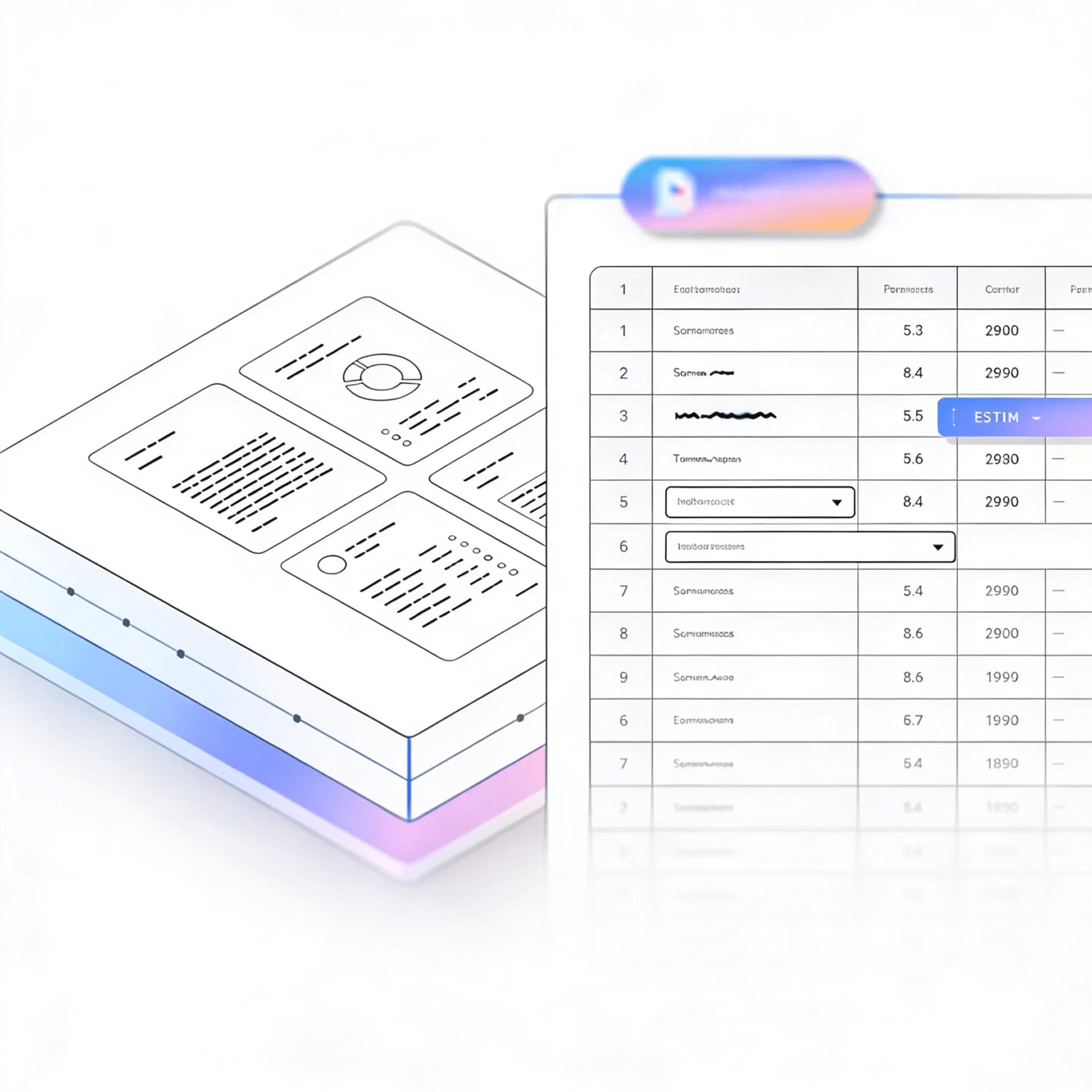


LlamaParse turns multi-layout invoices into schema-ready JSONfor AP automation and reconciliation. Agentic parsing reads tables, line items, and totals, then validates each field with confidence metadata to reduce exceptions.
Best-in-Class Accuracy

Parse vendor invoices with dense line-item tables, multi-page packing references, and inconsistent layouts into clean JSON so your ERP can auto-match PO, GRN, and invoice data without brittle rules. LlamaParse preserves table structure and totals while adding traceable metadata for fast exception review when quantities, unit prices, or tax fields don’t reconcile.

LlamaParse converts physician bills, lab invoices, and facility statements into structured outputs. Modifiers, CPT/HCPCS codes, and fee schedules stay in correct reading order, even across tables, stamps, and scanned artifacts.
Natural-language parsing instructions extract only billing-critical fields and route edge cases to validation loops, reducing rework and missed reimbursements.

LlamaParse ingests invoices bundling accessorials, lane charges, fuel surcharges, and multi-currency taxes into normalized line items. Those line items can be audited against rate cards and shipment records. Messy PDFs and emailed scans are reconstructed as tables in Markdown or JSON, with confidence signals that flag likely overcharges.

LlamaParse handles thousands of vendor formats out of the box, with no custom templates to maintain. Agentic parsing adapts to layout changes and self-corrects common extraction errors. Tier-based processing upgrades only the hard pages, keeping unit economics predictable from pilot to production.
The Solution
01
LlamaParse understands invoice layout so it preserves reading order across headers, addresses, totals, and multi-column sections. This prevents scrambled text and makes it reliable to pull fields like invoice number, dates, vendor, and remittance details without brittle cleanup code.


02
LlamaParse extracts line-item tables with structure intact, including rows, columns, and nested totals. That means you can capture SKU/description, quantity, unit price, tax, and discounts accurately—even when tables span pages or use inconsistent formatting.
03
LlamaParse can return structured JSON with rich metadata like page numbers and bounding boxes for each extracted element. For invoice workflows, this makes every field auditable so you can verify amounts, reconcile exceptions, and support human review with precise citations.


04
LlamaParse uses validation loops to catch and fix common extraction errors such as mismatched totals, missing currency symbols, or misread digits. This increases straight-through processing for AP automation by reducing manual QA on messy scans and vendor-specific templates.
Technical OCR documentation
Explore our developer guides to easily connect your document pipelines to LlamaParse.
Explore the documentation
Our AI catches the typos that tired eyes miss.

Export to Excel, JSON, XML, or directly via API.

SOC2 Type II compliant with end-to-end encryption.

Train the tool on your specific forms in minutes, not days.

Average processing time of <3 seconds per page.
LlamaParse’s support of a wide variety of filetypes and its accuracy of parsing made it the best tool we tested in our evaluations. The LlamaIndex team was very responsive and we were off to the races within a day.
Common FAQs
01
Our layout-aware parsing preserves reading order across headers, addresses, multi-column sections, and totals. That means you can reliably capture fields like invoice number, dates, vendor details, and remittance info without writing fragile cleanup logic.
02
Yes—line-item tables are extracted with structure intact, including rows, columns, and nested totals. You’ll capture SKU/description, quantity, unit price, tax, and discounts consistently, even with inconsistent formatting or multi-page tables.
03
You can enable JSON mode to receive structured output designed for downstream systems. It reduces mapping work and helps you move from PDFs to validated invoice data faster.
04
How do we audit extracted values and prove where a number came from?
Every extracted field can include traceability metadata such as page numbers and bounding boxes. This makes reviews and exception handling faster because your team can jump directly to the exact spot on the invoice that supports the value.
05
What happens when OCR misreads digits or totals don’t add up?
Validation and self-correction loops flag common issues like mismatched totals, missing currency symbols, or misread numbers. This improves straight-through processing and reduces time spent on manual QA for messy scans and tricky templates.
06
Will this work across many invoice templates, or do we need to train it for each vendor?
It’s designed to handle diverse vendor layouts without you maintaining template rules. You’ll get consistent field extraction across formats, and the built-in validation helps keep quality high as new vendors and invoice styles appear.





