An invoice arrives. Your OCR system scans it, pulls out the line items, and dumps a blob of text into your ERP. Then the total doesn't match the purchase order. Turns out the vendor changed their invoice layout this month, with two columns where there used to be one. Your OCR system missed the subtotals. Someone finally catches the discrepancy three days later, after the payment has already been processed.
This scenario plays out thousands of times a day across enterprises. Not because OCR doesn't work, but because traditional OCR was never designed to understand documents.This distinction has practical implications for how document automation systems perform in production.
This is the gap agentic OCR is designed to address. Rather than treating document processing as a one-pass extraction task, it introduces reasoning, validation, and adaptive model selection into the pipeline. In this article, we’ll break down what that means and how it differs from traditional OCR and IDP approaches.
The Limits of "Read and Capture"
For decades, OCR systems have operated on the same basic principle: find pixels that look like text, convert them to characters, and hand the output to the next system. These traditional OCR systems rely on deterministic pattern matching, which can make them sensitive to layout variation.
Traditional OCR systems perform well when document formats are stable. Processing the same invoice template repeatedly typically yields consistent results. However, when layouts change — whether through additional columns, adjusted formatting, or restructured tables—extraction accuracy can decline. Even systems reporting high character-level accuracy may require increased manual review when structural variation is introduced.
Intelligent Document Processing (IDP) improved on this by layering machine learning on top of traditional OCR: better entity extraction, some document classification, smarter handling of exceptions. But IDP still relies on pre-trained models for specific document types. It still needs significant setup time when you add a new document format. And it still can't reason about what it's seeing. It can only categorize it.
Understanding, not accuracy, is the problem
What is Agentic OCR?
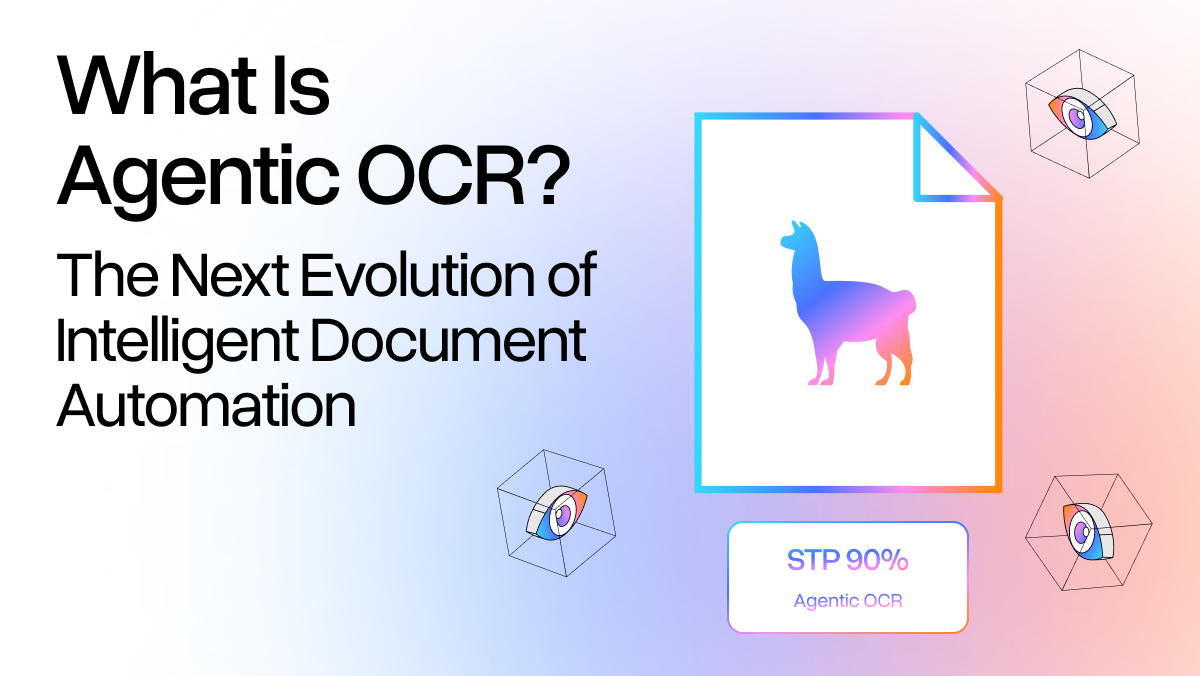
Agentic OCR is document processing where the system can reason, plan, and self-correct. Instead of running a fixed pipeline that extracts text and moves on, an agentic system treats document processing like a task to complete. It keeps working until it gets it right.
An agent, in the AI sense, is a system that takes actions toward a goal, evaluates whether those actions worked, and adjusts. Applied to OCR, that means:
- Reasoning about document structure: Extracting text, but also understanding what type of document this is, what the layout means, and how different sections relate to each other
- Choosing the right model: Traditional OCR, vision language models, and language models based on what each page section requires
- Checking its own output: Running a self-correction loop to catch errors before they reach other systems
Most traditional OCR and IDP systems do not incorporate iterative reasoning or self-correction as a core architectural layer.
How Agentic OCR Works
A few distinct layers work together under the hood:
- Multimodal language models serve as the reasoning layer. Traditional OCR systems operate purely on pixel patterns. These models see both text and images simultaneously. They read a table and understand it as a table, not just as a grid of characters. They interpret a chart as data, not decoration.
- Visual grounding links every piece of extracted data back to its location on the source page using bounding boxes. Visual grounding does more than help with debugging. It makes the output auditable. When a compliance officer asks "where did this number come from?", the system can answer down to the pixel. Every extracted field has a citation back to the source.
- Document type recognition happens automatically, based on layout and visual cues, not keyword matching. The system can tell the difference between an invoice, a contract, and a medical form without being configured for each one. Agentic document extraction is template-free because it adapts to new document formats instead of breaking on them.
- The agentic loop ties it all together. The system plans what to extract, uses the best available model for each element, then verifies the result against internal consistency checks. If something doesn't add up (a total that doesn't match its line items, a date in an impossible format), the loop catches it and corrects it before it leaves the system.
In practice, this looks like a team of specialized document agents coordinating on a single document: one handles layout detection, another tackles table extraction, another validates numerical consistency. They work in parallel and hand off results. The orchestrating language model delegates each task to the most capable sub-agent for that specific element.
Agentic OCR vs. Traditional OCR vs. IDP
| Traditional OCR | Standard IDP | Agentic OCR | |
|---|---|---|---|
| Approach | Pattern matching | ML-based extraction | Goal-oriented reasoning |
| Document flexibility | Template-dependent | Some adaptability | Template-free |
| Layout changes | Breaks | Degrades | Adapts automatically |
| Images & charts | Ignored | Limited | Fully interpreted |
| Error handling | None | Flags exceptions | Self-corrects via agentic loop |
| Output validation | None | Manual review | Automated with citations |
| New document types | Weeks of setup | Days of retraining | Minutes |
Traditional OCR vendors will tell you their accuracy numbers, and those numbers can be real. But only under controlled conditions with consistent documents. The moment document formats change, those accuracy guarantees collapse. Agentic OCR reduces reliance on rigid templates by modeling document structure and relationships directly.
From Extraction to Action: Agentic Workflows
Most discussions of OCR stop at extraction. You get structured data out, and then your other systems figure out what to do with it. Agentic OCR goes further than that.
Reasoning capabilities extend document processing beyond extraction. A traditional OCR pipeline produces structured data and passes it downstream. An agentic workflow can incorporate validation and business logic directly into that process.
Returning to the invoice example: rather than outputting extracted fields in isolation, the system can compare totals against the associated purchase order, detect discrepancies, and route exceptions for review. Human involvement occurs at the point of ambiguity, rather than after errors propagate through the system.
That's the shift: from extracting text to completing document workflows. The agent interacts with ERPs, CRMs, and databases to route structured data where it needs to go, with the right checks built in. It decides what to do with the information it finds, not just where to put it.
This changes what automation can cover. Instead of "extract data from a PDF and hand it off," the agent owns the full document workflow and brings a human in only when the situation genuinely calls for it.
Where Agentic OCR Matters Most
Legal & Compliance
Contract review is one of the clearest wins. A legal team processing M&A due diligence can have thousands of agreements to review. Agentic OCR not only extracts key clauses, but also identifies which provisions matter based on your internal playbook, flags high-risk terms, and maps them to specific pages with source citations. Associates spend their time on the actual judgment calls, not searching through documents.
Healthcare Administration
Medical forms are a nightmare for traditional OCR systems: checkboxes, handwritten annotations, non-standard layouts across providers and facilities. An agentic system handles this without requiring a template for every hospital network in your vendor list. It reads the form the way a human would, understanding what each field means in context rather than just pattern-matching against a known structure. This is especially important when key information lives in free-text fields alongside structured data.
Financial Services
Reconciliation and audit work doesn't tolerate errors. Agentic OCR is built for that. Every extracted figure traces back to a source location. Numerical consistency checks run automatically. When an auditor asks where a number came from, the answer is already in the output. Finance teams reconciling quarterly reports across dozens of subsidiaries can verify provenance without touching the source documents.
The ROI Case
The metric that matters most in enterprise document processing is straight-through processing (STP) rate, meaning the percentage of documents that flow through the system without requiring human intervention. Traditional OCR systems typically achieve 60-80% STP on documents they were trained for. On new formats or complex layouts, that number drops fast.
Agentic OCR consistently reaches 90-95%+ STP because the self-correction loop catches errors that would normally require manual review. Every escalation is feedback. The system learns from the exceptions it can't handle today. The few times a human does step in, that feedback sharpens future performance on similar documents.
Scalability matters too. Adding a new document type to a traditional OCR pipeline means weeks of developer time to build and test new templates. Agentic OCR handles new document types in minutes. For organizations processing dozens of formats across multiple business units, this adds up quickly.
In most document-heavy operations, a small percentage of exceptions eat up most of the manual effort. Better accuracy matters, but the bigger shift is what agentic OCR does to your team's workload. The exceptions get handled. The routine work disappears. What's left is the judgment calls.
Implementation Considerations
Hallucination Guardrails
Hallucination is the legitimate concern here. Language models can generate content that looks right but isn't in the source document. That's a real problem in raw LLM applications, and it's a reasonable reason enterprises have approached AI document workflows cautiously.
Visual grounding is the solution. Every extraction is anchored to a specific location in the source document with a bounding box. If the model can't point to where it found something, that extraction doesn't ship. Citations do more than document the work. They're how you verify any output against its source without hunting through the original. At scale, that's the difference between a system you can trust and one you have to babysit.
Data Security
Enterprise document processing involves sensitive data: financials, personally identifiable information, legal agreements under NDA. Agentic OCR needs to operate in compliant, enterprise-grade environments. That means data stays in your infrastructure, processing logs are auditable, and access controls are enforced at the document level. Any vendor in this space should be able to clearly explain where your data goes during processing and how it's handled.
Human-in-the-Loop
The best implementations don't try to cut humans out entirely. They build a clean escalation path for the cases that need one. When the agent isn't confident, it says so and it hands it off with enough context that the human can make a fast call. Here's what I found. Here's why I flagged it. The point isn't to automate everything. It's to make sure human review is reserved for decisions that actually need it.
What Comes Next
Traditional OCR solved "how do we get text off a page?" IDP made that text more usable. Agentic OCR answers a different question: how do we actually complete the work that documents represent?
This represents a meaningful change in how document automation systems are designed.: from tools that read documents to agents that do something with them. That touches every back-office process that currently depends on someone manually reviewing documents. In most enterprises, that's most of them.
LlamaParse is LlamaIndex's agentic OCR implementation: VLM-powered document processing that selects the best model combination for each document, runs self-correction loops, and delivers output with full page-level citations. If you want to see what agentic document processing looks like against your actual documents, sign up for free. You get 10,000 credits to start.