Nov 14, 2025
Document AI: The Next Evolution of Intelligent Document ProcessingPersona
Industry
Use cases
Financial Data Extraction
[ Financial Data Extraction ]

Turn messy statements and filings into clean, verifiable JSON with citations using LlamaParse.


LlamaParse turns messy statements, invoices, and filings into clean, structured JSON by understanding layout, tables, and embedded figures across formats.Agentic document parsing adds validation loops, confidence metadata, and predictable outputs so your pipelines reconcile faster and humans only review exceptions.
Best-in-Class Accuracy

Use LlamaParse to extract holdings, fees, performance tables, and footnotes from statements, K-1s, and fund reports without tables getting scrambled by layout changes. JSON mode with page-level citations makes every number auditable for compliance and accelerates monthly close, reporting, and client onboarding.

Parse loss runs, adjuster PDFs, medical billing summaries, and repair estimates into structured fields even when documents include scanned tables, stamps, and mixed layouts. Auto-correction loops reduce rework and exception queues by validating totals and key attributes before data hits your claims system.

Turn rent rolls, T-12s, leases, and appraisal packets into clean Markdown/JSON so teams can underwrite faster and compare properties with consistent line items. Layout-aware extraction preserves multi-column schedules and embedded tables, eliminating manual spreadsheet rebuilds during acquisitions and refinancing.

Ship financial document ingestion in days by using natural-language parsing instructions to map investor reports, invoices, and bank statements directly into your product schema. Tier-based processing keeps burn under control by reserving heavy multimodal parsing only for the messy pages that would otherwise break a prototype.
The Solution
01
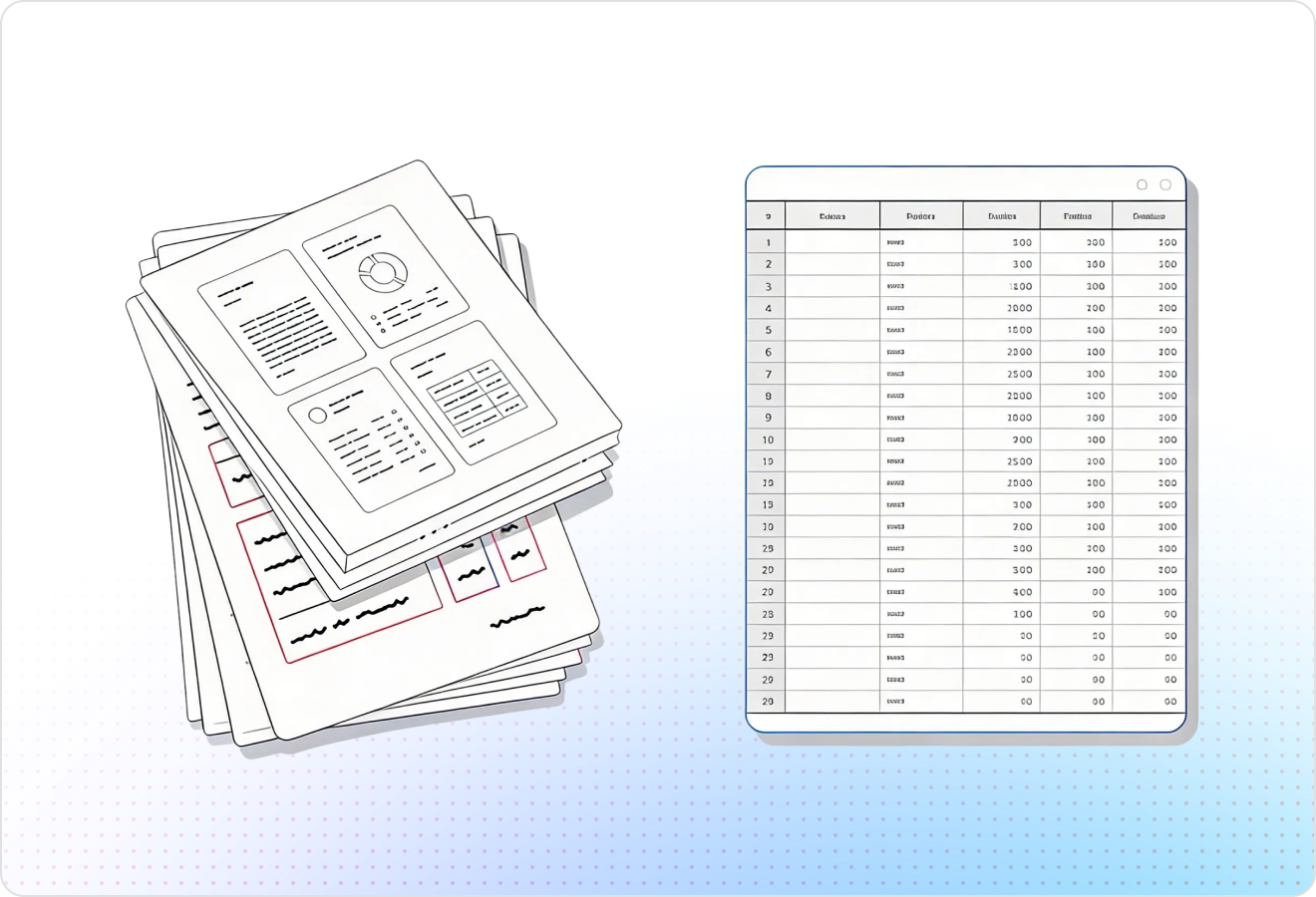
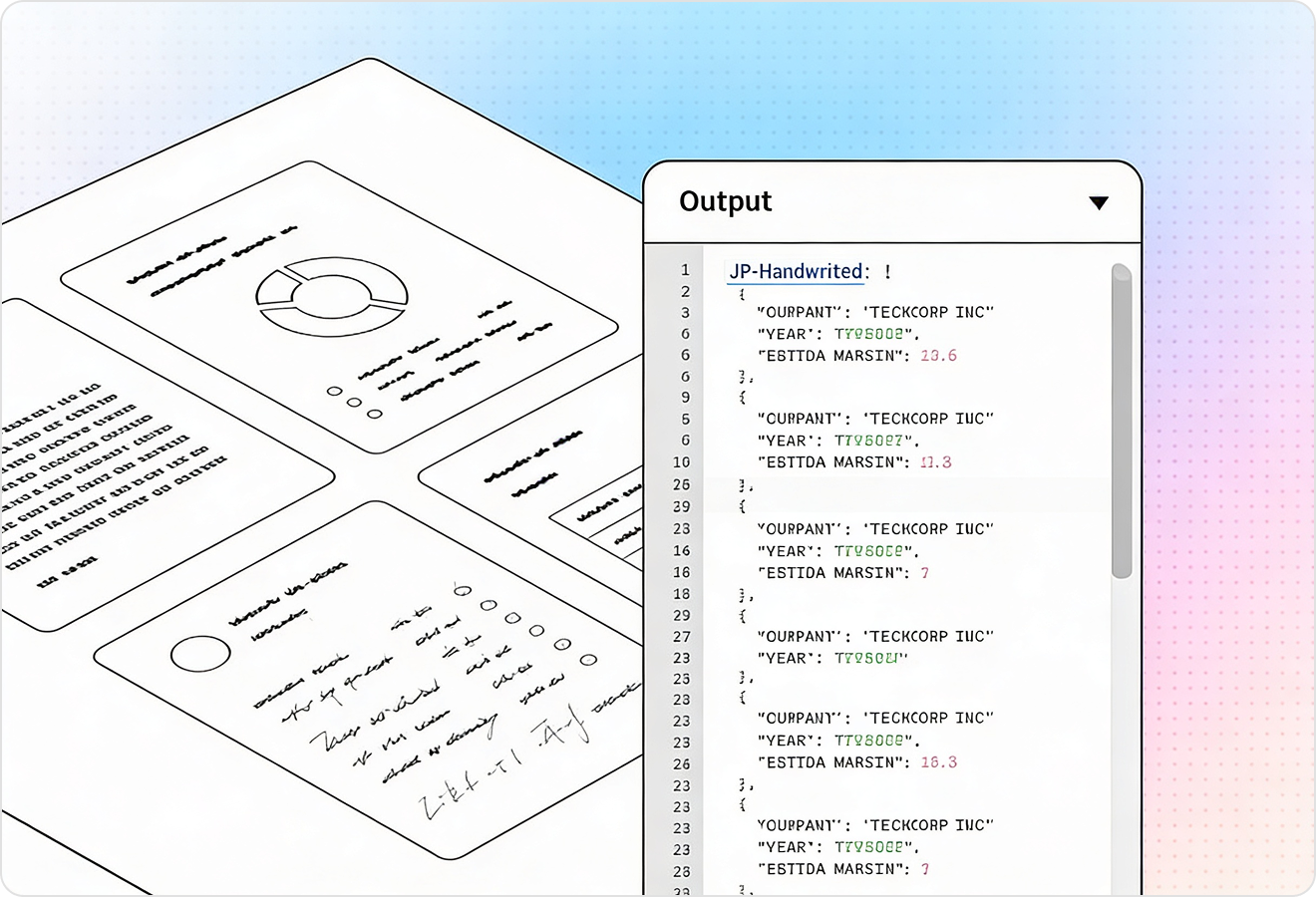
LlamaParse preserves reading order and structure across multi-column statements, footnotes, and dense tables commonly found in financial PDFs. You get clean, analysis-ready tables for line items like revenue, expenses, and cash flow—without brittle post-processing to fix scrambled outputs.
02
LlamaParse interprets embedded charts and visual figures and converts them into structured text representations like Markdown tables when possible. That means trends, ratios, and KPI visuals in investor decks or reports become extractable data your pipeline can actually compute on.
03
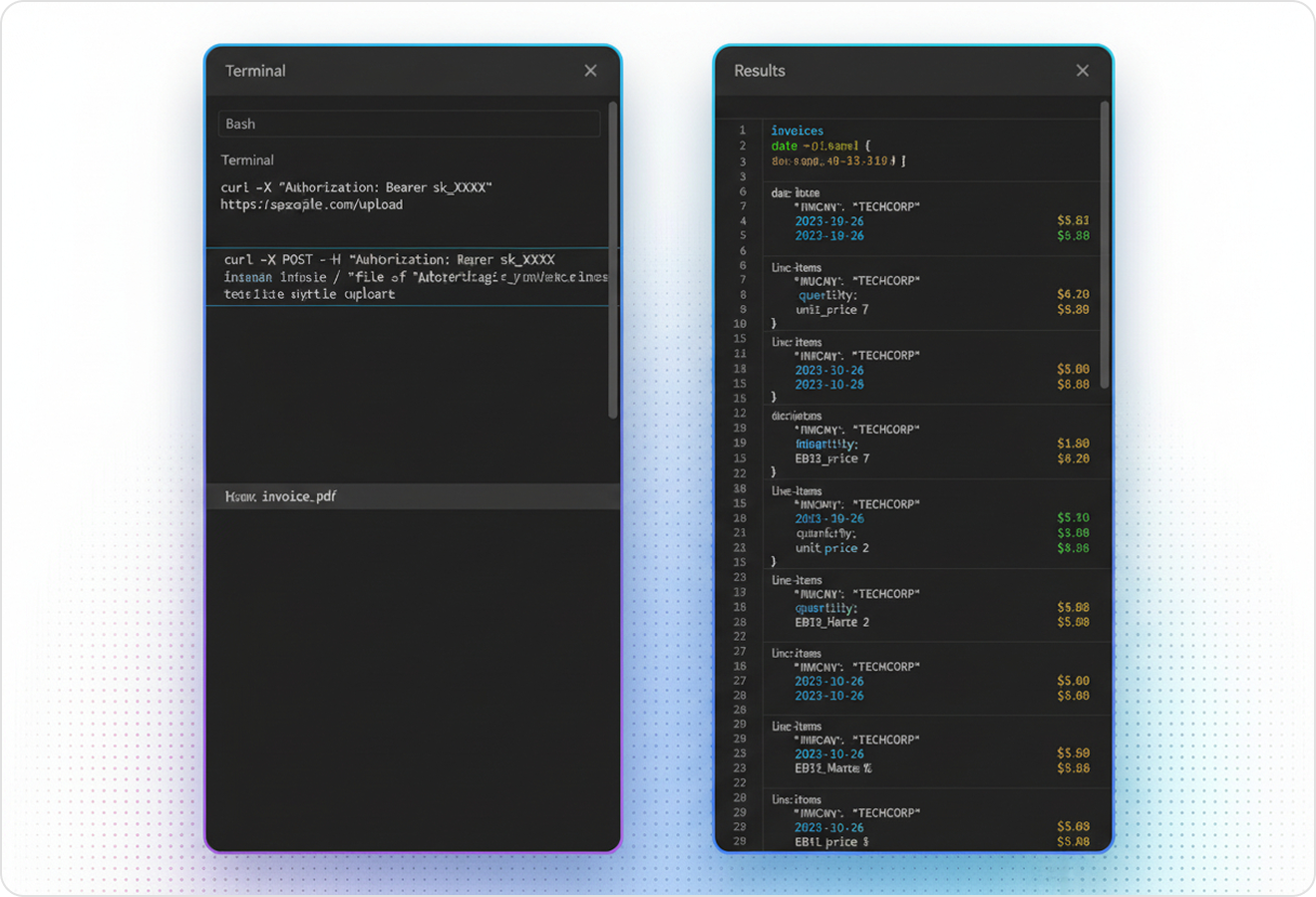
LlamaParse can output structured JSON and attach granular metadata like page numbers, element types, and spatial coordinates to every extracted field. For financial data extraction, this makes audits and exception handling practical because you can trace each value back to its source location.
04
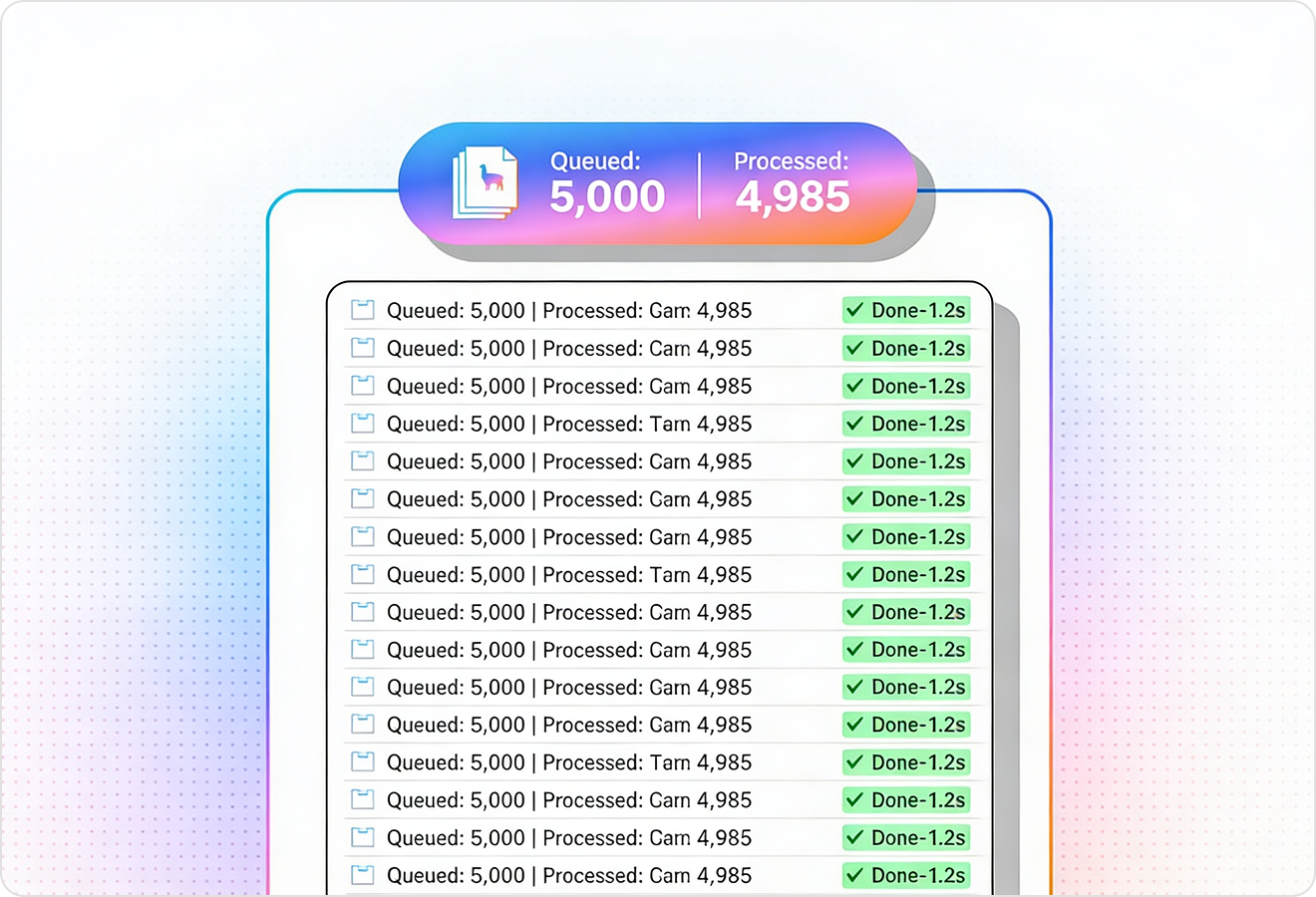
LlamaParse uses self-correction and validation steps to catch common extraction failures like misread digits, shifted columns, or missing negatives in amounts. This improves straight-through processing for invoices, bank statements, and financial disclosures, reducing manual review and downstream reconciliation.
Technical API documentation
Use LlamaIndex’s Python framework to connect your data to production-ready LLM applications.
Explore the documentation
Our AI catches the typos that tired eyes miss.

Export to Excel, JSON, XML, or directly via API.

SOC2 Type II compliant with end-to-end encryption.

Train the tool on your specific forms in minutes, not days.

Average processing time of <3 seconds per page.
LlamaParse’s support of a wide variety of filetypes and its accuracy of parsing made it the best tool we tested in our evaluations. The LlamaIndex team was very responsive and we were off to the races within a day.
Common FAQs
01
Yes—layout-aware extraction keeps reading order and structure intact across multi-column statements, footnotes, and tightly packed tables. You get clean, analysis-ready tables for line items like revenue, expenses, and cash flow without spending time fixing scrambled rows and columns.
02
It can interpret embedded charts and visual figures and convert them into structured text (often as Markdown tables) when possible. That means trends, ratios, and KPI visuals become data your pipeline can compute on instead of screenshots your team has to manually re-key.
03
Yes—JSON Mode outputs structured fields and includes metadata like page numbers, element types, and spatial coordinates. This makes audits, exception handling, and spot-checking straightforward because every value is traceable to where it came from.
04
How do you handle common extraction errors like shifted columns, missing negatives, or misread digits?
Agentic validation loops add self-correction steps that catch and fix common failures before the data hits your systems. This reduces manual review and downstream reconciliation, especially for bank statements, invoices, and financial disclosures.
05
Is the output ready for analytics and downstream automation, or will we still need heavy post-processing?
The extraction is designed to produce clean, consistent tables and structured JSON that are immediately usable in analysis and ETL workflows. By preserving layout and validating results, it minimizes brittle post-processing rules and makes straight-through processing more achievable.
06
What kinds of financial documents does it work best on?
It’s built for the messy reality of financial PDFs—statements, disclosures, invoices, bank statements, and investor reports with dense tables and mixed formatting. If your documents include both tables and visuals, you’ll benefit from unified extraction into structured, computable data.