

Nov 14, 2025
Document AI: The Next Evolution of Intelligent Document ProcessingPersona
Industry
Use cases
Receipt Scanner OCR
[ Receipt Scanner OCR ]

LlamaParse escalates only the hardest scans to heavier processing, so a faded thermal receipt or an angled phone photo gets the extra pass it needs, without slowing down the clean ones.
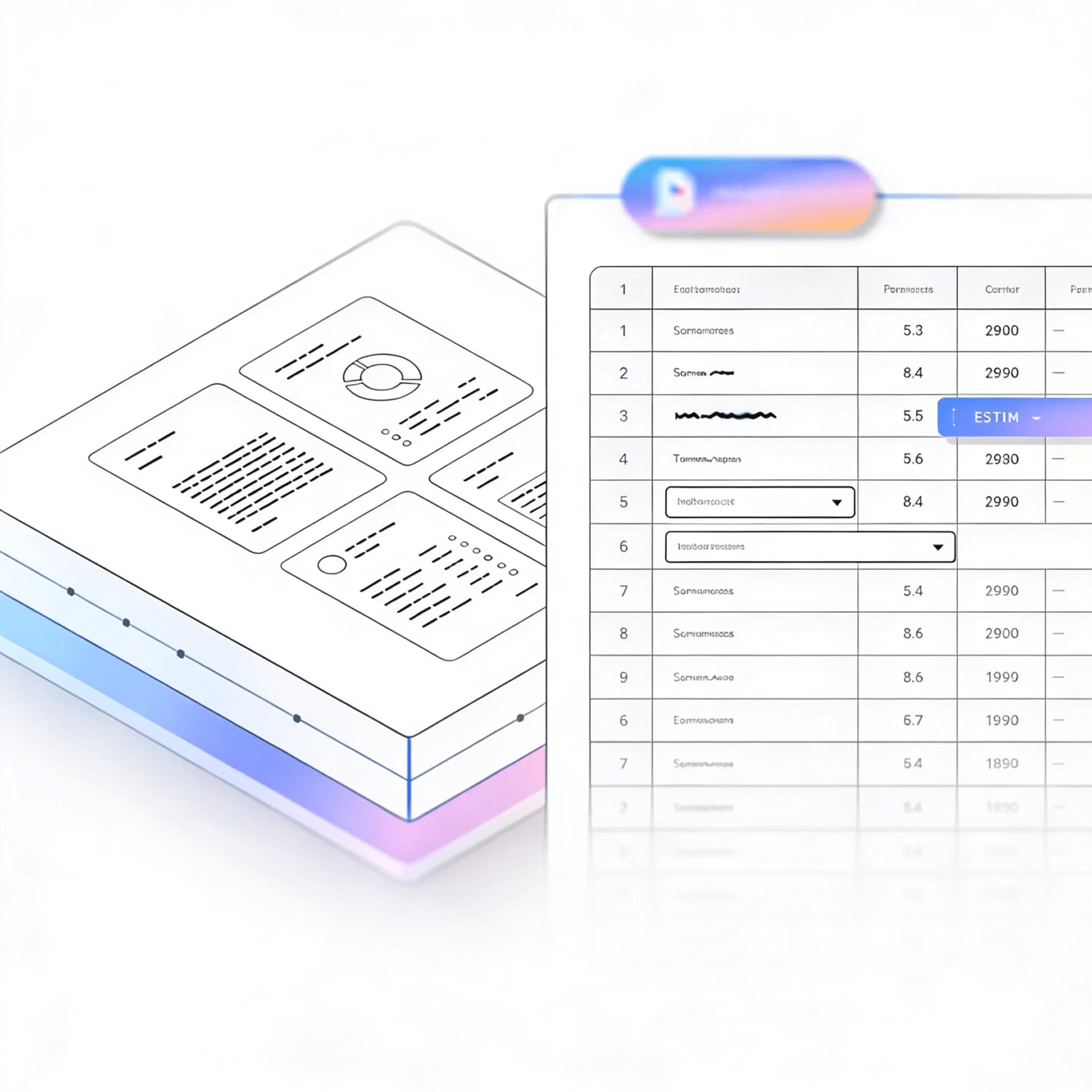


LlamaParse uses agentic document parsing to turn receipts into structured JSON: vendor, date, line items, totals, and tax. Low-quality scans, faded ink, folds, phone photos, get the same reliable extraction as a clean one.
Best-in-Class Accuracy

Turn phone-photographed expense receipts into clean, schema-ready JSON, so spend, VAT, and vendor data lands in your database without building brittle OCR cleanup code. Use Auto Mode to keep costs predictable by routing simple receipts through fast parsing and escalating only the messy scans that would otherwise break your pipeline.

Extract itemized receipts, discounts, and tender types with layout-aware table extraction, even when formats vary across stores, POS systems, and countries. Reconcile store expenses and supplier charges faster by preserving line-item structure and reading order instead of shipping teams a scrambled text blob to manually fix.

Standardize thousands of client receipts, from crisp digital scans to a shoebox of faded paper, into consistent outputs like Markdown or JSON, then push categorized transactions into your GL or expense platform with traceable fields and citations for audit review. Natural-language parsing instructions let you enforce firm-specific rules (e.g., “always capture tax, tip, and project code”) without maintaining per-vendor templates.

Convert claimant receipts and proof-of-purchase into verifiable, line-level data to validate amounts, dates, and item descriptions without slowing adjusters down. Granular metadata and confidence scores make exceptions obvious, enabling fast straight-through processing for clean claims while flagging only the questionable documents for human review.
The Solution
01
LlamaParse detects receipt structure and preserves reading order, even when totals, taxes, and item lines are tightly packed or misaligned. This keeps item names, quantities, and prices from getting scrambled—so your receipt scanner produces reliable extractions without brittle cleanup code.


02
Extracted data maps directly to fields like merchant, date, subtotal, tax, tip, and total, with page and coordinate metadata tracing any value back to its exact spot on the receipt.
03
Validation loops catch common receipt failures, misread decimals, swapped totals, hallucinated characters, before results are returned.


04
Simple receipts route through fast, low-cost processing. Crumpled paper, low-light photos, and faded thermal ink escalate automatically to more capable models, so accuracy holds without paying premium cost on every upload.
Technical OCR documentation
Explore our developer guides to easily connect your document pipelines to LlamaParse.
Explore the documentation
Our AI catches the typos that tired eyes miss.

Export to Excel, JSON, XML, or directly via API.

SOC2 Type II compliant with end-to-end encryption.

Train the tool on your specific forms in minutes, not days.

Average processing time of <3 seconds per page.
LlamaParse’s support of a wide variety of filetypes and its accuracy of parsing made it the best tool we tested in our evaluations. The LlamaIndex team was very responsive and we were off to the races within a day.
Common FAQs
01
Our layout-aware extraction preserves the receipt’s reading order so line items, quantities, and prices don’t get scrambled. It’s designed for real-world receipts where columns drift, totals float, or item lines wrap—reducing the need for brittle post-processing.
02
Yes—outputs can be returned as structured JSON mapped to common expense fields such as merchant, date, subtotal, tax, tip, and total. That means faster integrations with expense tools, ERPs, or your own schema without manual parsing.
03
Along with JSON fields, you receive metadata like page and coordinates for each extracted value. This makes reviews and QA straightforward because you can trace totals, taxes, and line items back to the exact spot on the image.
04
What safeguards are in place for common OCR mistakes like wrong decimals or swapped totals?
The system runs validation and auto-correction loops to catch issues like misread decimals, swapped subtotal/total, or stray characters from noisy scans. This reduces manual auditing and improves straight-through processing for high-volume receipt ingestion.
05
Will this work on low-quality photos—crumpled receipts, low light, or faded thermal paper?
Yes—tiered processing automatically upgrades only the difficult cases to more capable vision-language models. You get consistent accuracy on challenging receipts without paying premium compute for every upload.
06
How do you keep costs predictable when processing large volumes of receipts?
Simple receipts are routed through faster, lower-cost processing, while only edge cases use heavier models. This keeps per-receipt costs under control while maintaining accuracy where it matters most.





