

Nov 14, 2025
Document AI: The Next Evolution of Intelligent Document ProcessingPersona
Industry
Use cases
PDF Parser
[ PDF Parser ]

Use LlamaParse to extract tables, forms, and layouts into clean JSON with confidence metadata.
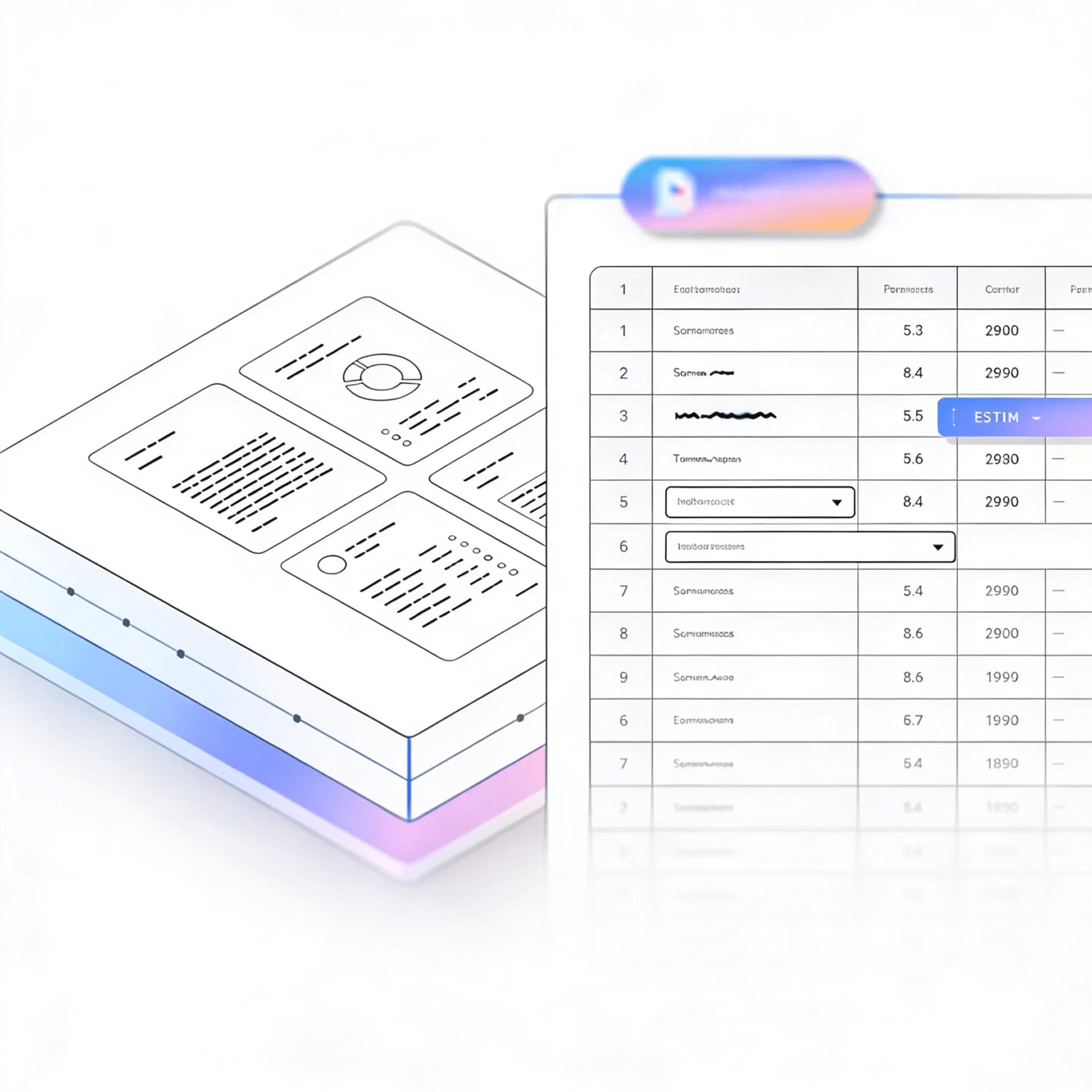


LlamaParse turns messy PDFs into structured Markdown and JSON you can trust, preserving tables, headers, and layout for downstream automation. Its agentic document parsing uses vision and validation loops to reduce extraction errors, so your pipelines spend less time on cleanup.
Best-in-Class Accuracy

Turn customer PDFs like contracts, invoices, and onboarding packets into clean Markdown/JSON so your product can auto-fill workflows and cut manual ops work. Natural-language parsing instructions let you change extraction requirements in minutes without rewriting brittle regex or reprocessing entire pipelines.

Extract borrower data from bank statements, tax forms, and multi-page applications while preserving tables and reading order, so underwriting rules run reliably instead of breaking on layout changes. JSON mode with citations and confidence scores gives audit-ready traceability for every field you approve or decline on.

Parse complex agreements into structured clauses, defined terms, and obligations—even when the document uses multi-column layouts, exhibits, and scanned signatures—so review and redlining workflows can be automated. Granular metadata ties each extracted obligation back to page coordinates, making it fast to verify and defend decisions.

Convert POs, packing lists, and supplier spec sheets into normalized line items by accurately capturing nested tables, part numbers, and units without scrambling columns. Multimodal parsing pulls critical values from diagrams and charts so teams can enforce compliance and reduce shipment exceptions before they hit the dock.
The Solution
01
LlamaParse understands PDF layout instead of flattening everything into a text stream, so paragraphs, headings, and multi-column sections stay in the right order. That means you get clean, readable outputs without writing brittle post-processing to un-scramble typical PDF extractions.


02
LlamaParse detects and reconstructs complex PDF tables, including merged cells and nested headers, into structured formats that don’t fall apart downstream. This makes it practical to reliably parse invoices, reports, and statements where the real data lives in tables.
03
LlamaParse can interpret visual elements inside PDFs—charts, diagrams, and scanned pages—using vision-capable, agentic document parsing. You don’t just capture surrounding text; you preserve the document’s meaning when key information is embedded in visuals.


04
LlamaParse can output PDF content as JSON with granular metadata like page numbers, element types, and coordinates. This makes it easy to build reliable PDF parsing pipelines where every extracted field is traceable back to its source for QA and human review.
Technical OCR documentation
Explore our developer guides to easily connect your document pipelines to LlamaParse.

Our AI catches the typos that tired eyes miss.

Export to Excel, JSON, XML, or directly via API.

SOC2 Type II compliant with end-to-end encryption.

Train the tool on your specific forms in minutes, not days.

Average processing time of <3 seconds per page.
LlamaParse’s support of a wide variety of filetypes and its accuracy of parsing made it the best tool we tested in our evaluations. The LlamaIndex team was very responsive and we were off to the races within a day.
Common FAQs
01
It’s layout-aware, so it understands headings, paragraphs, and multi-column flows instead of flattening everything into a messy text stream. You get clean, human-readable output without spending time on brittle post-processing rules.
02
Yes—tables are detected and reconstructed into structured data even when they include merged cells, nested headers, or irregular formatting. That makes it reliable for invoices, financial statements, and reports where the most important data lives in tables.
03
The parser supports multimodal understanding, so it can interpret visual elements like scanned pages, charts, and diagrams rather than ignoring them. This helps preserve the document’s meaning when key information isn’t represented as selectable text.
04
Do you return structured JSON with metadata for traceability and QA?
Yes, you can output structured JSON enriched with metadata like page numbers, element types, and coordinates. That makes every extracted field auditable and easy to verify during QA or human review.
05
How does this reduce downstream errors in my pipelines (RAG, ETL, or analytics)?
By preserving layout and producing structured, metadata-rich outputs, it prevents common failure cases like scrambled columns, broken tables, and lost context. That means fewer manual fixes, more reliable automation, and higher-quality inputs for your downstream systems.
06
Will I need to build custom parsing rules for every document template?
In most cases, no—the parser is designed to generalize across varied PDF formats by using layout and visual understanding rather than template-specific heuristics. You can start extracting consistent results quickly, and only add optional validation steps where your workflow demands it.





