

Nov 14, 2025
Document AI: The Next Evolution of Intelligent Document ProcessingPersona
Industry
Use cases
PDF Data Extraction
[ PDF Data Extraction ]

Use LlamaParse to turn complex PDFs into reliable JSON with layout awareness and built-in validation.
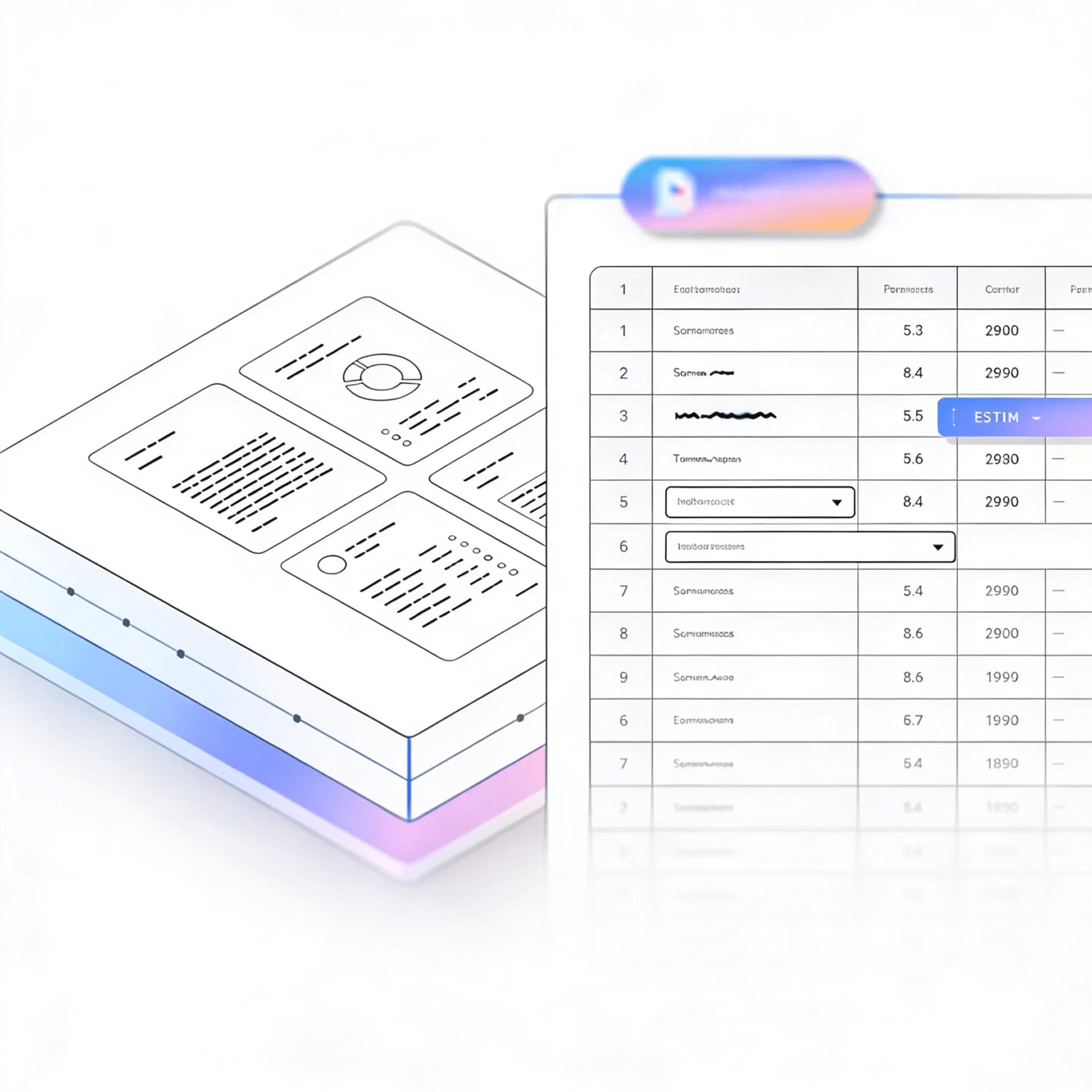


LlamaParse converts messy PDFs into structured JSON and reliable tables automatically, so you can ship clean downstream data without manual cleanup. Its agentic document parsing understands layout, charts, and scanned pages, then adds confidence metadata for fast validation and higher straight-through processing.
Best-in-Class Accuracy

Turn inbound PDFs like pitch decks, customer contracts, and vendor invoices into clean JSON and Markdown so your product can ship data features without building a brittle parsing pipeline. Use natural-language parsing instructions to standardize outputs across constantly changing templates and keep your ingestion stable as you scale.

Extract structured fields from loan packets, policy documents, and claims PDFs—including tables, riders, and multi-column forms—without the downstream cleanup typical of legacy OCR. Return verifiable outputs with page-level citations and confidence scores to accelerate exception handling and reduce compliance risk during audits.

Convert purchase orders, packing lists, certificates of analysis, and specification sheets into structured data while preserving table integrity and reading order across messy scans and vendor-specific layouts. Translate charts and tolerances into machine-readable formats so teams can reconcile shipments, validate quality, and update ERP records faster.

Parse plansets, bids, permits, and inspection reports where critical details live in tables, callouts, and embedded images—not just plain text. Capture granular metadata (page, coordinates, element type) so teams can search, cite, and automate workflows like submittal tracking and change-order review with traceability.
The Solution
01
LlamaParse detects columns, headers/footers, and section boundaries so extracted text keeps the right reading order. This prevents the scrambled output that makes PDF data extraction pipelines brittle and hard to validate.


02
LlamaParse pulls tables out of PDFs with cell-level structure intact, even when they span pages or include nested headers. You get analysis-ready rows and columns without hand-written heuristics to reconstruct tables after the fact.
03
LlamaParse understands charts, embedded images, and diagram-heavy pages and converts key content into usable text structures like Markdown tables. That means your PDF data extraction includes the information people actually care about, not just the surrounding captions.


04
LlamaParse can return structured JSON annotated with page references and element-level metadata for traceability. This makes it straightforward to map extracted fields back to the source PDF during QA, audits, and human-in-the-loop review.
Technical OCR documentation
Explore our developer guides to easily connect your document pipelines to LlamaParse.

Our AI catches the typos that tired eyes miss.

Export to Excel, JSON, XML, or directly via API.

SOC2 Type II compliant with end-to-end encryption.

Train the tool on your specific forms in minutes, not days.

Average processing time of <3 seconds per page.
LlamaParse’s support of a wide variety of filetypes and its accuracy of parsing made it the best tool we tested in our evaluations. The LlamaIndex team was very responsive and we were off to the races within a day.
Common FAQs
01
LlamaParse is layout-aware, so it detects columns, headers/footers, and section boundaries before extracting text. That preserves the intended reading order and prevents the “scrambled” output that breaks downstream parsing and validation.
02
Yes. LlamaParse extracts tables with cell-level structure intact, even across page breaks and with nested header rows. You get analysis-ready rows and columns without building fragile, PDF-specific heuristics to reconstruct tables afterward.
03
LlamaParse can interpret charts and figure-heavy pages and convert key information into usable text structures, such as Markdown tables. That means you capture the data people actually need—not just captions or surrounding paragraphs.
04
Do you provide structured output like JSON, and can I trace fields back to the source PDF?
LlamaParse can return structured JSON annotated with page references and element-level metadata. This makes QA and audits much easier because you can quickly verify where each extracted value came from in the original document.
05
How does this reduce the ongoing maintenance of my PDF data extraction pipeline?
By preserving layout and structure upfront, LlamaParse reduces the need for brittle post-processing rules and constant edge-case patching. Teams typically spend less time fixing broken parsers and more time using the extracted data confidently.
06
Is this suitable for human-in-the-loop review and compliance workflows?
Yes—citations and element metadata make it straightforward for reviewers to confirm extracted values against the exact page and location. That traceability helps speed up approvals, supports audit requirements, and reduces the risk of silent extraction errors.





