

Nov 14, 2025
Document AI: The Next Evolution of Intelligent Document ProcessingPersona
Industry
Use cases
Enterprise OCR Software
[ Enterprise OCR Software ]

Use LlamaParse to turn complex enterprise PDFs into verified, structured data your workflows can automate.
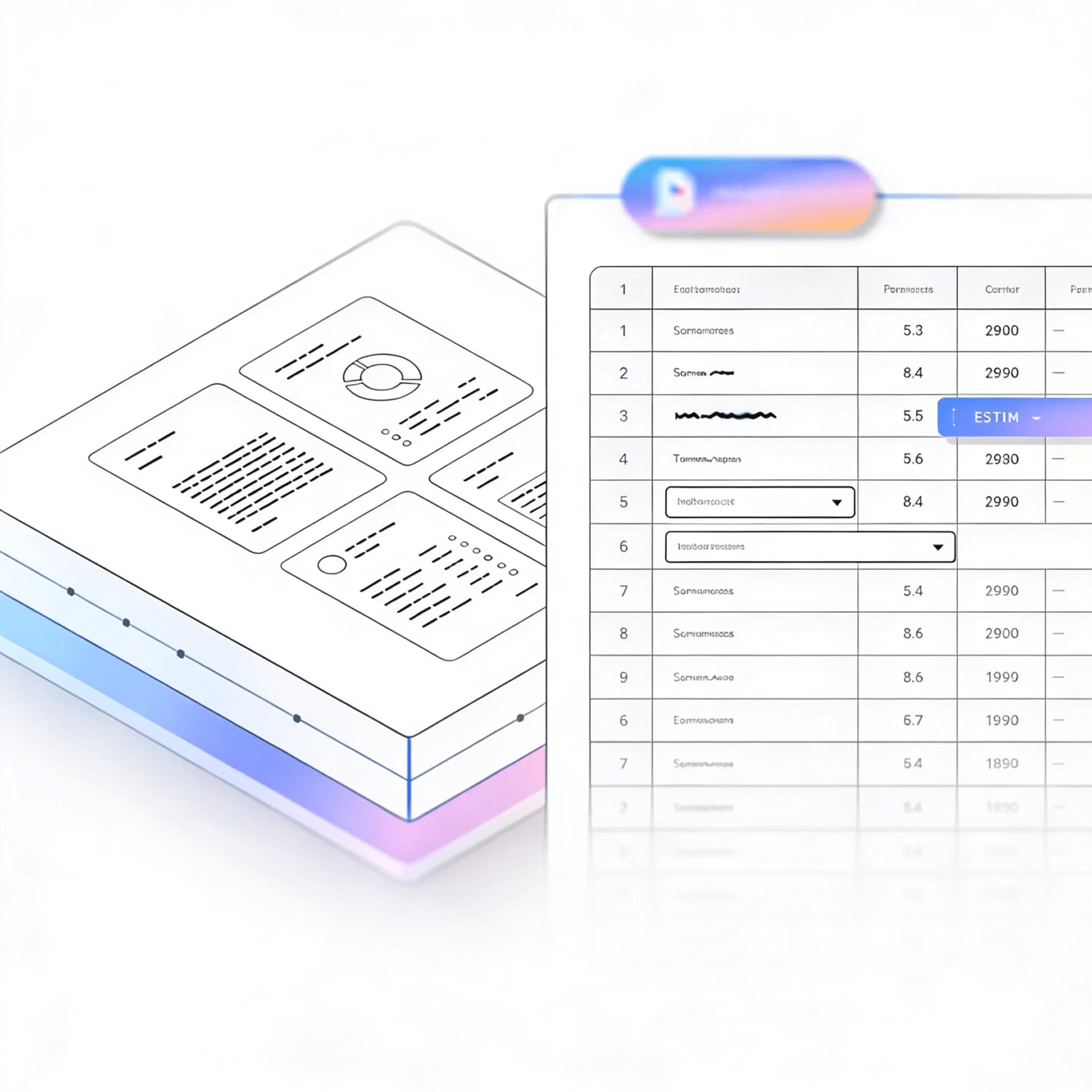


LlamaParse turns messy PDFs, scans, and multi-column forms into clean, structured outputs your agents and pipelines can actually use. It stays accurate on tables, charts, and shifting layouts with validation loops and citations, so teams ship automation with fewer exceptions.
Best-in-Class Accuracy

Ingest FNOL packets, adjuster notes, police reports, and medical bills into clean JSON with page-level citations, so claim decisions can be audited without chasing PDFs. LlamaParse’s layout-aware table extraction prevents line-item totals and coverage tables from getting scrambled, reducing rework and speeding up straight-through processing.

Parse bills of lading, commercial invoices, packing lists, and customs forms into structured fields while preserving multi-column layouts and item tables that traditional OCR routinely mangles. Convert stamped scans and embedded charts into AI-ready Markdown/JSON to automate exception handling and reduce delays from manual data entry errors.

Extract schedules of values, pay applications, RFIs, change orders, and spec sections with correct reading order, so teams can reconcile budget vs. progress without manually reformatting documents. LlamaParse pulls nested tables and plan-sheet callouts into structured outputs that power faster cost control, vendor billing validation, and dispute resolution.

Ship an ingestion layer that turns messy user-uploaded PDFs into consistent JSON/Markdown using natural-language parsing instructions, avoiding weeks of brittle regex and custom cleanup code. Use tier-based agentic processing and auto-correction loops to hit production-grade accuracy on edge-case documents without blowing the budget or constantly retraining.
The Solution
01
LlamaParse understands page layout and preserves reading order across multi-column text, headers/footers, and dense tables. For enterprise document pipelines, this prevents the scrambled outputs that break downstream validations and lets you extract tables reliably without building fragile, template-specific rules.


02
LlamaParse can interpret charts, images, and embedded figures—not just plain text—and convert key visual content into usable structured representations. That matters for enterprise “OCR software” use cases where statements, reports, and forms contain visual evidence (tables, graphs, stamps) that must be captured for compliance and automation.
03
LlamaParse runs self-checks during parsing to catch common extraction failures and correct inconsistencies before returning results. In enterprise environments, this reduces exception queues and improves straight-through processing on messy scans and varied vendor formats without constant prompt-tuning.


04
LlamaParse can output clean JSON with rich metadata like page numbers, element types, and spatial coordinates for each extracted field. This makes enterprise integrations safer and auditable, because you can trace every extracted value back to its source location and route low-confidence items to human review.
Technical OCR documentation
Explore our developer guides to easily connect your document pipelines to LlamaParse.

Our AI catches the typos that tired eyes miss.

Export to Excel, JSON, XML, or directly via API.

SOC2 Type II compliant with end-to-end encryption.

Train the tool on your specific forms in minutes, not days.

Average processing time of <3 seconds per page.
LlamaParse’s support of a wide variety of filetypes and its accuracy of parsing made it the best tool we tested in our evaluations. The LlamaIndex team was very responsive and we were off to the races within a day.
Common FAQs
01
Our layout-aware parsing preserves reading order across columns, headers/footers, and nested table structures, so results don’t get scrambled. That means more reliable table extraction without brittle, template-specific rules that break when vendors change formats.
02
Yes—multimodal visual understanding lets it interpret embedded figures like charts, images, and visual marks and convert key content into structured outputs. This is especially useful for compliance and audit workflows where “visual evidence” needs to be captured alongside text.
03
Auto-correction validation loops run self-checks during parsing to catch common extraction failures and fix inconsistencies before results are returned. This reduces exception queues and helps you maintain higher straight-through processing even with real-world, imperfect inputs.
04
Do you provide structured JSON output with traceability for audits and human review?
We output clean JSON enriched with metadata such as page numbers, element types, and spatial coordinates for extracted fields. This makes every value traceable back to its source location and supports confident auditing and targeted human-in-the-loop review when needed.
05
How do you reduce downstream errors in validation, reconciliation, and ETL pipelines?
By preserving layout context and validating outputs during extraction, we minimize the malformed rows and mis-ordered fields that typically break downstream rules. You get more consistent, integration-ready data with fewer manual fixes and reprocessing cycles.
06
How quickly can we integrate this into an enterprise document pipeline without reworking everything?
The structured JSON format and rich metadata make integration straightforward for common workflows like routing, reconciliation, and exception handling. Most teams can start with a pilot on high-impact document types, prove accuracy and throughput, then scale across additional formats with minimal reconfiguration.





