Nov 14, 2025
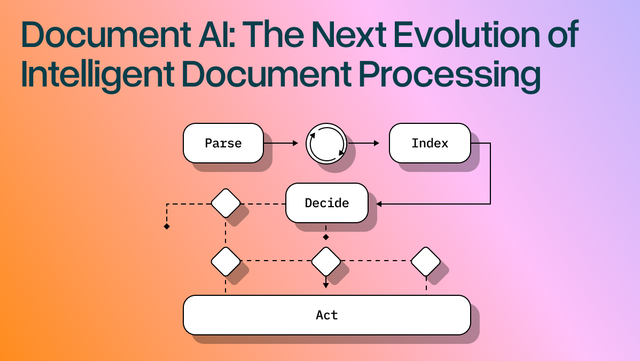
Document AI: The Next Evolution of Intelligent Document ProcessingPersona
Industry
Use cases
OCR For Accounts
[ OCR For Accounts ]

Use LlamaParse to capture every line item and table correctly, then route approvals automatically.
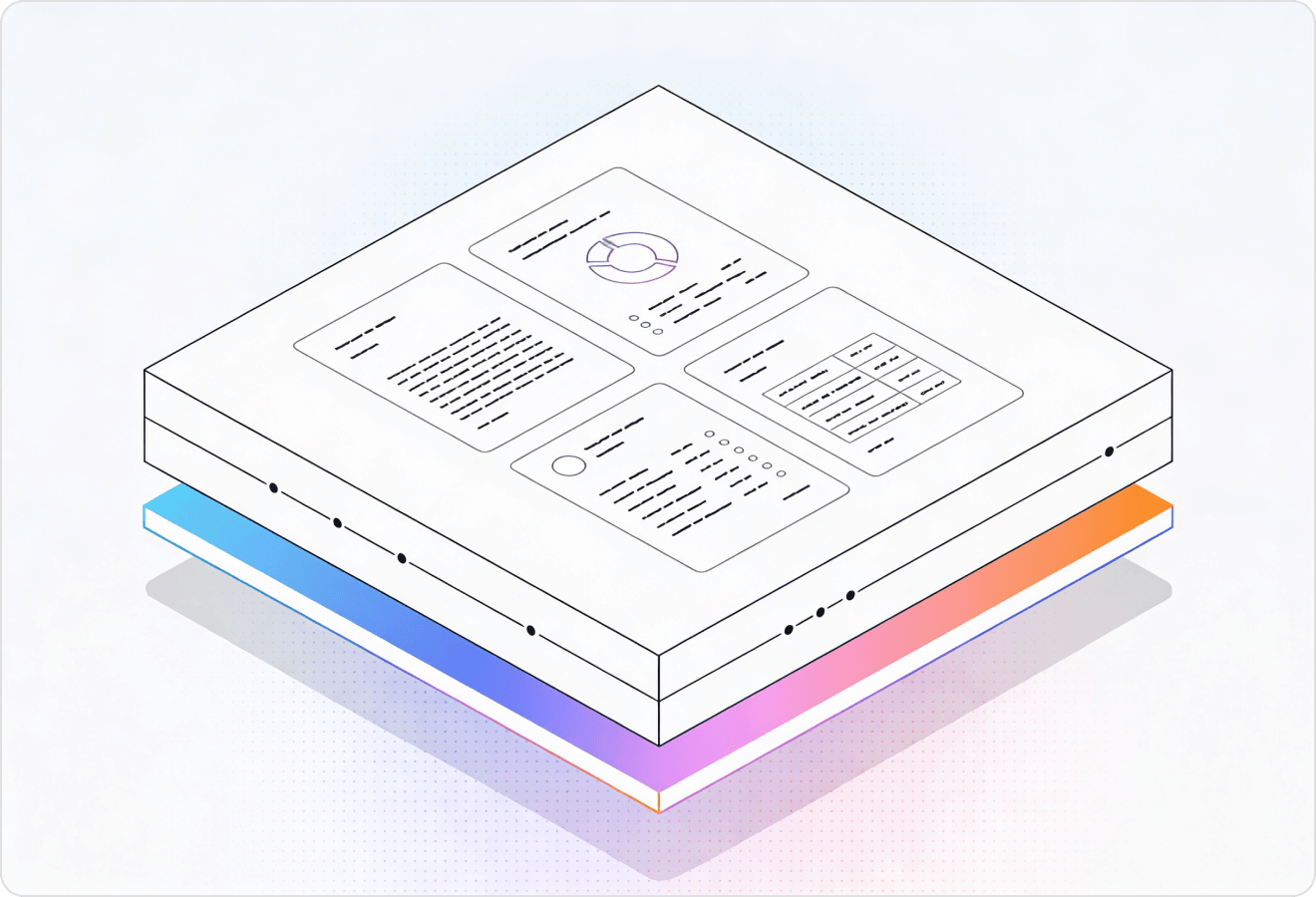

LlamaParse turns messy invoices into layout-aware, AI-ready data so you can route, match, and approve faster with fewer exceptions. Agentic parsing reads tables, line items, and embedded visuals, then validates outputs with citations and confidence scores for reliable, auditable straight-through processing.
Best-in-Class Accuracy

Automate invoice intake end-to-end with LlamaParse by turning messy PDFs, emailed scans, and vendor portals into clean JSON your AP workflow can post to QuickBooks, NetSuite, or Stripe without brittle rules. Layout-aware table extraction and natural-language parsing instructions cut the manual cleanup that slows month-end close when the team is small.

Process high-volume invoices, packing slips, and freight bills with LlamaParse, preserving line-item tables, units, and part numbers so 2-way/3-way match works reliably even when vendors change formats. Agentic processing with auto-correction loops reduces exceptions from misread quantities and scrambled columns that drive costly payment disputes and late fees.

Convert supplier invoices, purchase orders, and service contracts into verifiable structured data with citations and confidence scores, making approvals auditable and easier to reconcile across departments. Multimodal parsing pulls key charges from scanned statements and embedded tables, reducing payment delays caused by inconsistent document layouts and low-quality scans.

Extract recurring charges and meter-based line items from utility bills, maintenance invoices, and vendor statements with LlamaParse, keeping reading order and table structure intact for accurate cost allocation by property and unit. JSON mode with granular metadata makes it easy to route exceptions to the right approver and prove exactly where each amount came from during owner reporting and audits.
The Solution
01
LlamaParse understands page layout and reading order, so multi-column invoices, headers/footers, and remittance sections don’t get scrambled. For accounts payable, that means reliable capture of invoice number, vendor details, dates, and totals even when templates vary.
02
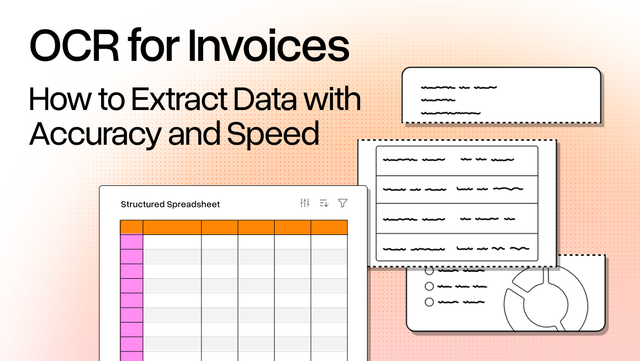
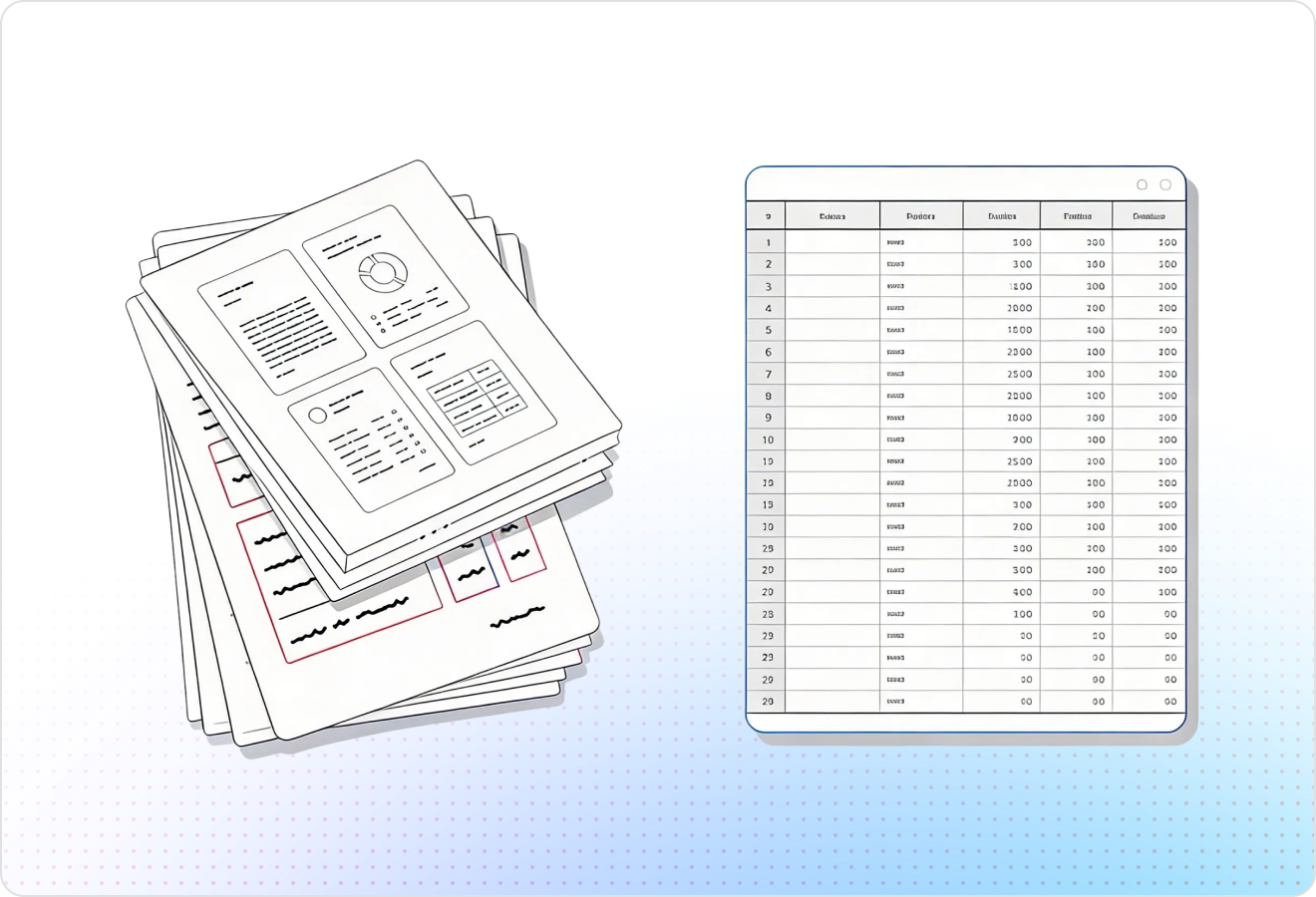
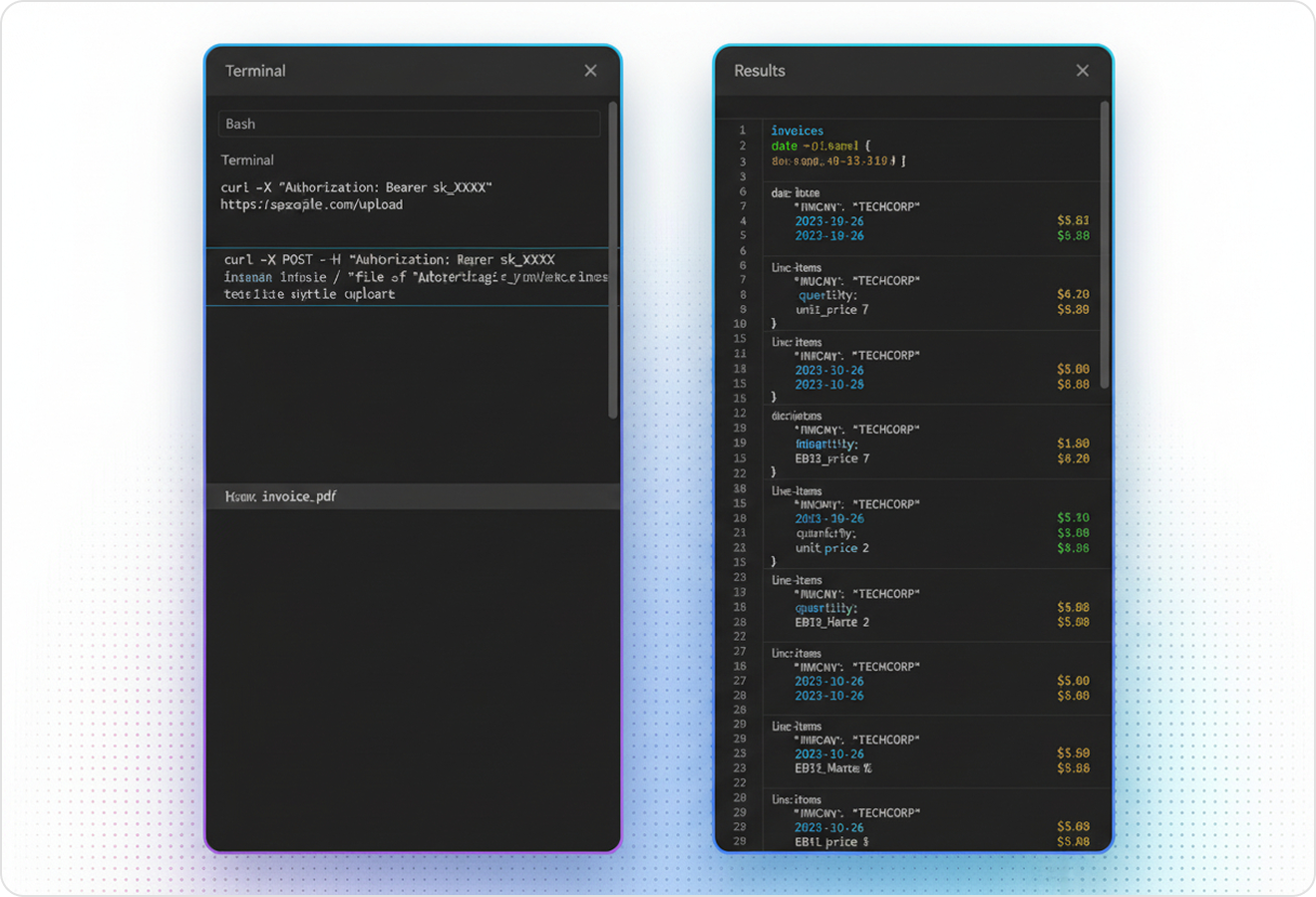
LlamaParse accurately extracts complex tables and nested line items into clean, structured outputs like Markdown or JSON. In AP workflows, you can reconcile PO-backed invoices by pulling SKU/description, quantity, unit price, tax, and line totals without brittle post-processing.
03
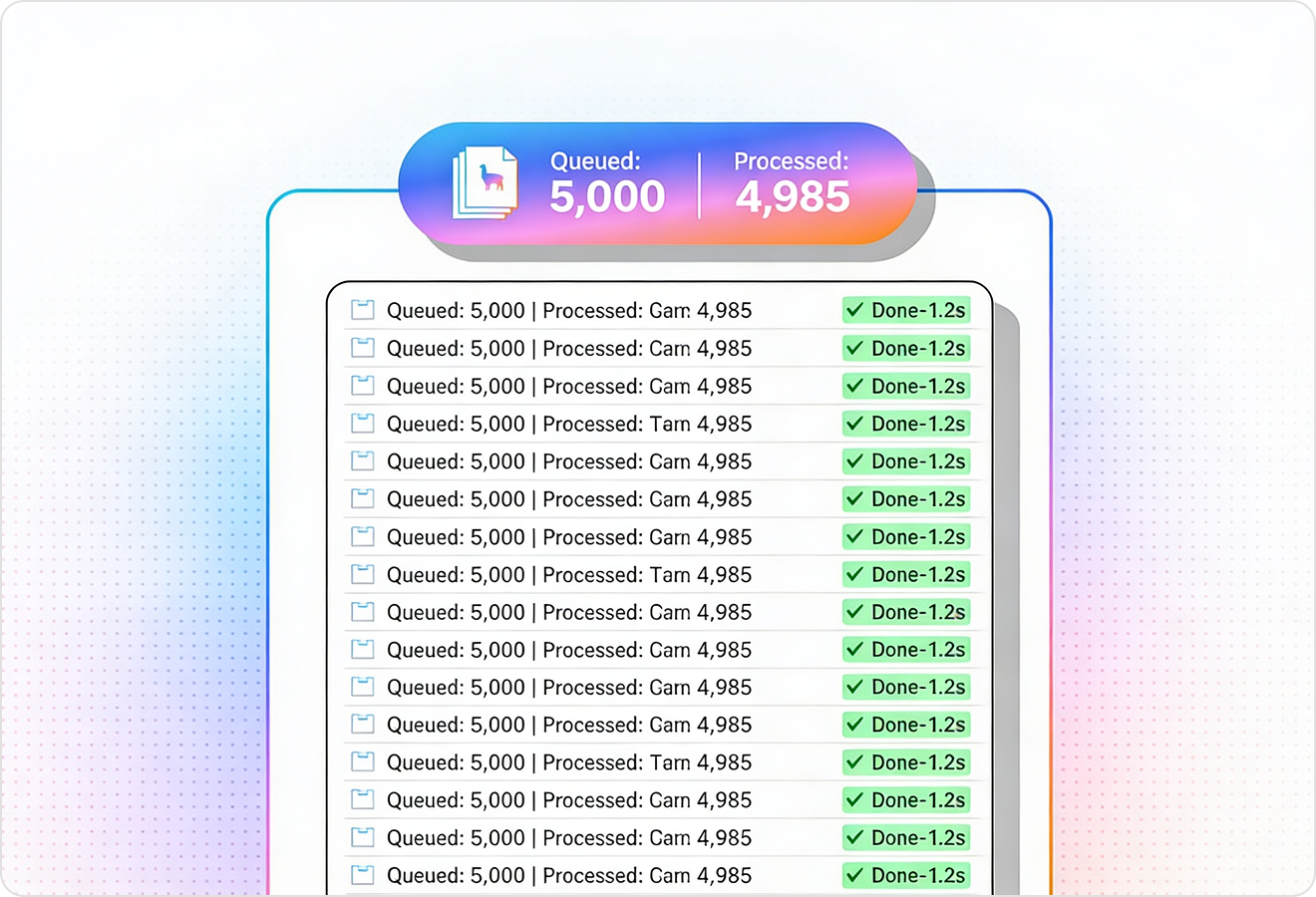
LlamaParse runs validation loops to catch common parsing errors and fix inconsistencies before returning results. This reduces AP exceptions like mismatched subtotal/tax/total math and lowers the amount of manual review needed for straight-through processing.
04
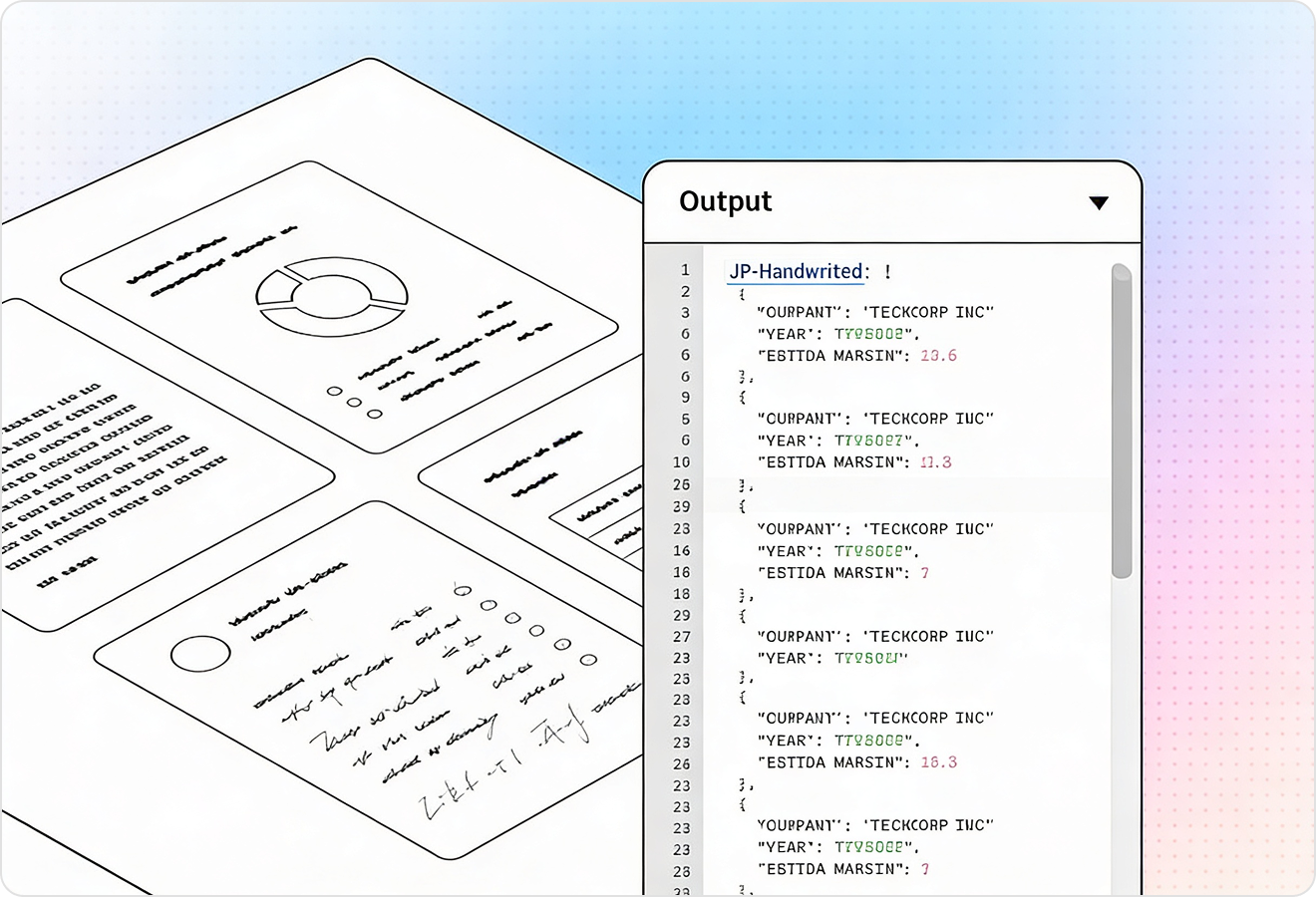
LlamaParse can return JSON enriched with page-level citations, element types, and spatial coordinates for each extracted field. For AP, that gives you audit-ready traceability and makes it easier to route low-confidence fields to human review while auto-approving the rest.
Technical OCR documentation
Explore our developer guides to easily connect your document pipelines to LlamaParse.
Explore the documentation
Our AI catches the typos that tired eyes miss.

Export to Excel, JSON, XML, or directly via API.

SOC2 Type II compliant with end-to-end encryption.

Train the tool on your specific forms in minutes, not days.

Average processing time of <3 seconds per page.
LlamaParse’s support of a wide variety of filetypes and its accuracy of parsing made it the best tool we tested in our evaluations. The LlamaIndex team was very responsive and we were off to the races within a day.
Common FAQs
01
Our layout-aware parsing preserves reading order and understands headers, footers, and remittance blocks, so fields don’t get scrambled. That means reliable capture of invoice number, vendor details, dates, and totals even when formats vary across suppliers.
02
Yes—line items are extracted from complex tables (including nested rows) into clean, structured JSON or Markdown. You can capture SKU/description, quantity, unit price, tax, and line totals in a format that’s ready for reconciliation with your PO and receiving data.
03
Built-in validation and auto-correction checks common issues like subtotal/tax/total inconsistencies and fixes many errors before results are returned. This reduces AP exceptions and cuts down on manual review so more invoices can flow straight through.
04
Do you provide audit-ready traceability for every extracted field?
Yes—results can include traceable JSON with page citations, element types, and spatial coordinates for each field. This gives your team clear evidence of where every value came from, helping with audits, dispute resolution, and compliance.
05
How do we route only low-confidence fields to human review instead of reviewing every invoice?
Metadata and field-level traceability make it easy to flag uncertain values and send only those exceptions to a reviewer. You can auto-approve high-confidence fields while keeping a clear audit trail for anything that needs verification.
06
Will this work across different vendor templates, scans, and PDFs without constant tuning?
It’s designed for template variability by using layout understanding rather than brittle, vendor-specific rules. You get consistent structured outputs across changing invoice designs, reducing the ongoing maintenance typically required by rule-based OCR setups.