Nov 14, 2025
Document AI: The Next Evolution of Intelligent Document ProcessingPersona
Industry
Use cases
Computer Vision
[ Computer Vision ]

Parse messy PDFs into clean, verifiable JSON or Markdown with layout-aware vision and validation loops.
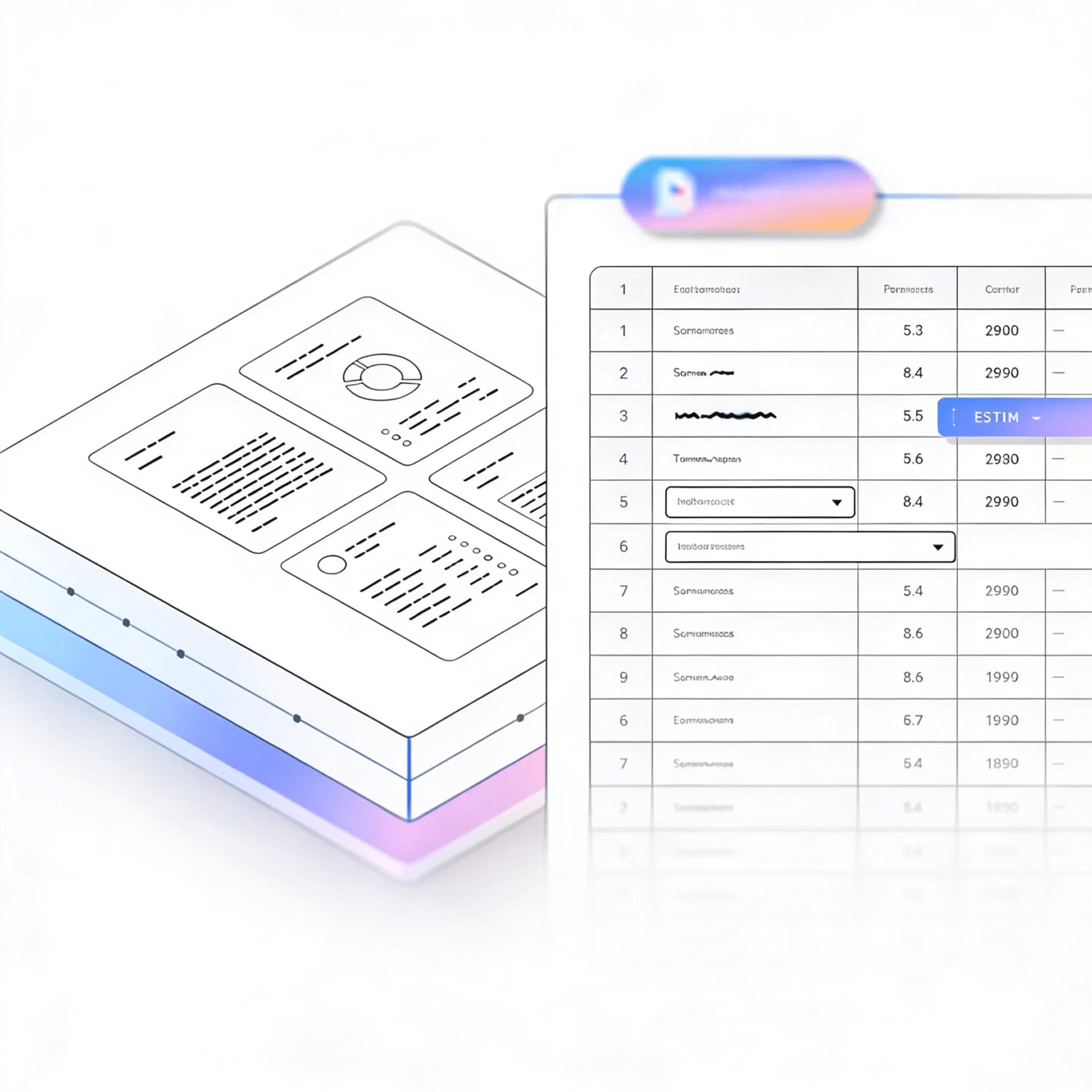
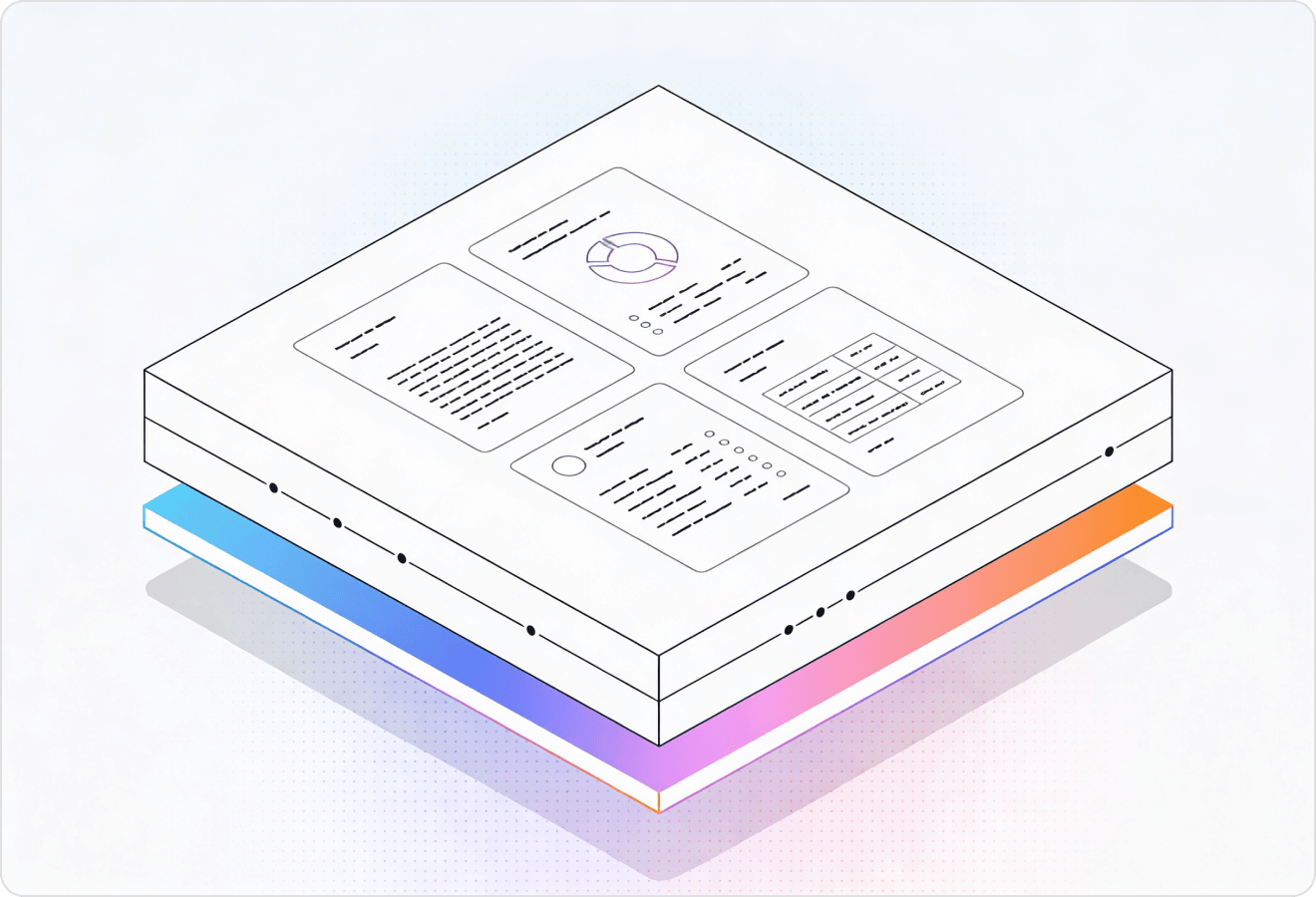

LlamaParse turns messy PDFs, scans, and slides into structured, AI-ready Markdown or JSON by understanding layout, tables, and embedded visuals. Agentic validation loops and citations reduce extraction errors, so your computer vision platform can ship reliable document automation without constant retraining.
Best-in-Class Accuracy

Use LlamaParse to turn messy customer PDFs (bank statements, contracts, invoices) into clean JSON/Markdown with layout-aware tables, so you can ship onboarding and underwriting workflows without brittle post-processing code. Natural-language parsing instructions let your team change extraction requirements in hours—not sprints—while metadata + confidence scores support fast human review when edge cases show up.

Parse loss runs, adjuster reports, medical bills, and photos embedded in claim PDFs using multimodal parsing that understands tables, charts, and scanned forms—not just text. Auto correction loops and tier-based processing raise straight-through processing for high-volume submissions while keeping costs predictable by only upgrading complex pages to agentic modes.

Extract CPT/ICD codes, line-item charges, and prior-auth details from multi-column EOBs, referrals, and lab reports without scrambled reading order or broken tables. Granular coordinates and page-level citations make it easy to audit exactly where each field came from, reducing denial rework and accelerating reimbursement.

Convert spec sheets, inspection reports, and SOP binders into AI-ready Markdown/JSON while preserving headers, footers, and nested tables that traditional OCR routinely mangles. Use schema-guided parsing instructions to standardize outputs for QMS/EHS systems and automatically flag missing signatures, outdated revisions, or nonconforming measurements before audits.
The Solution
01
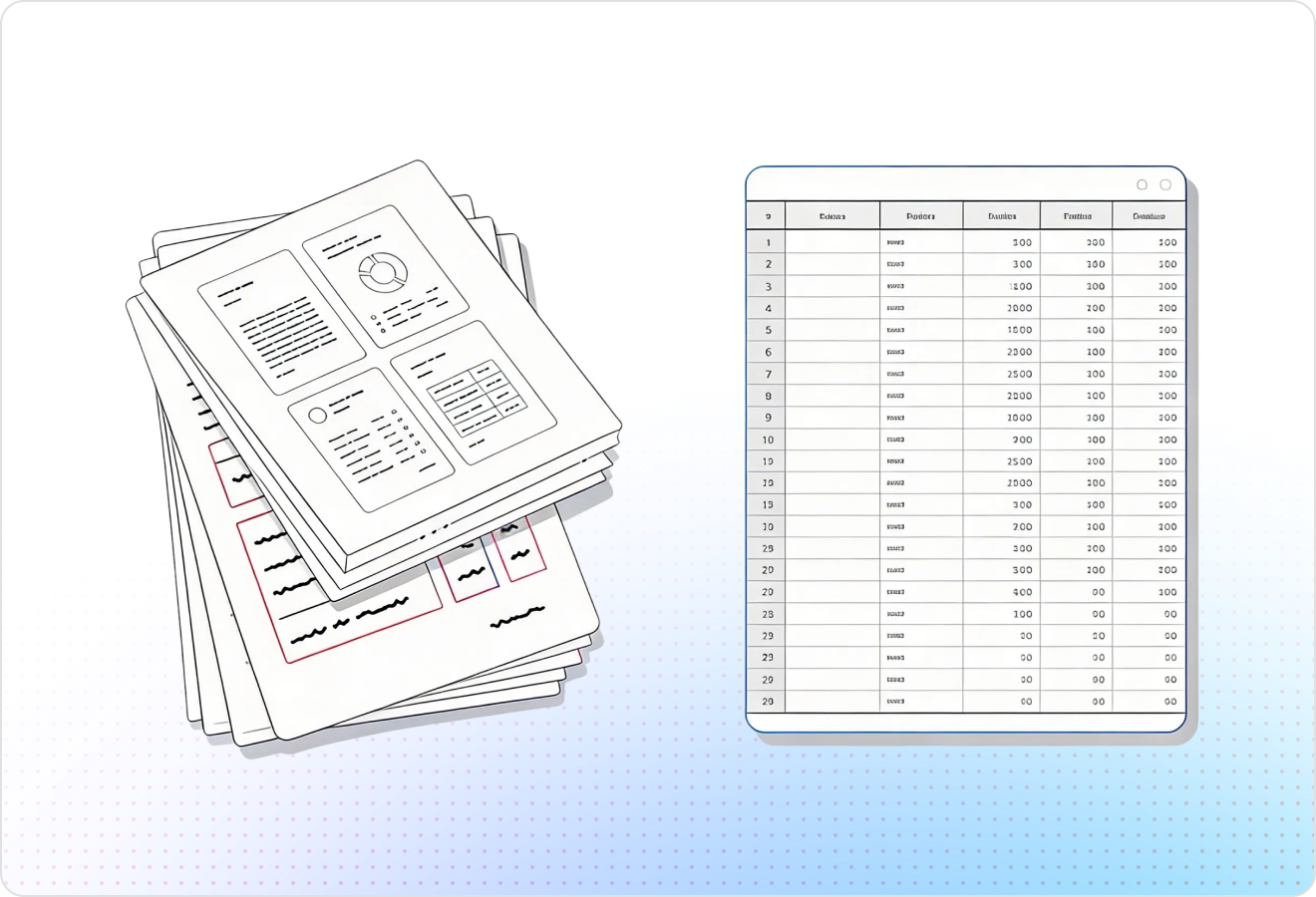
LlamaParse uses layout-aware computer vision to segment pages into headings, paragraphs, columns, tables, and figures without brittle template rules. For a computer vision platform, this produces clean training and evaluation corpora from real-world scans, so your downstream models learn from correctly ordered, correctly separated content.
02
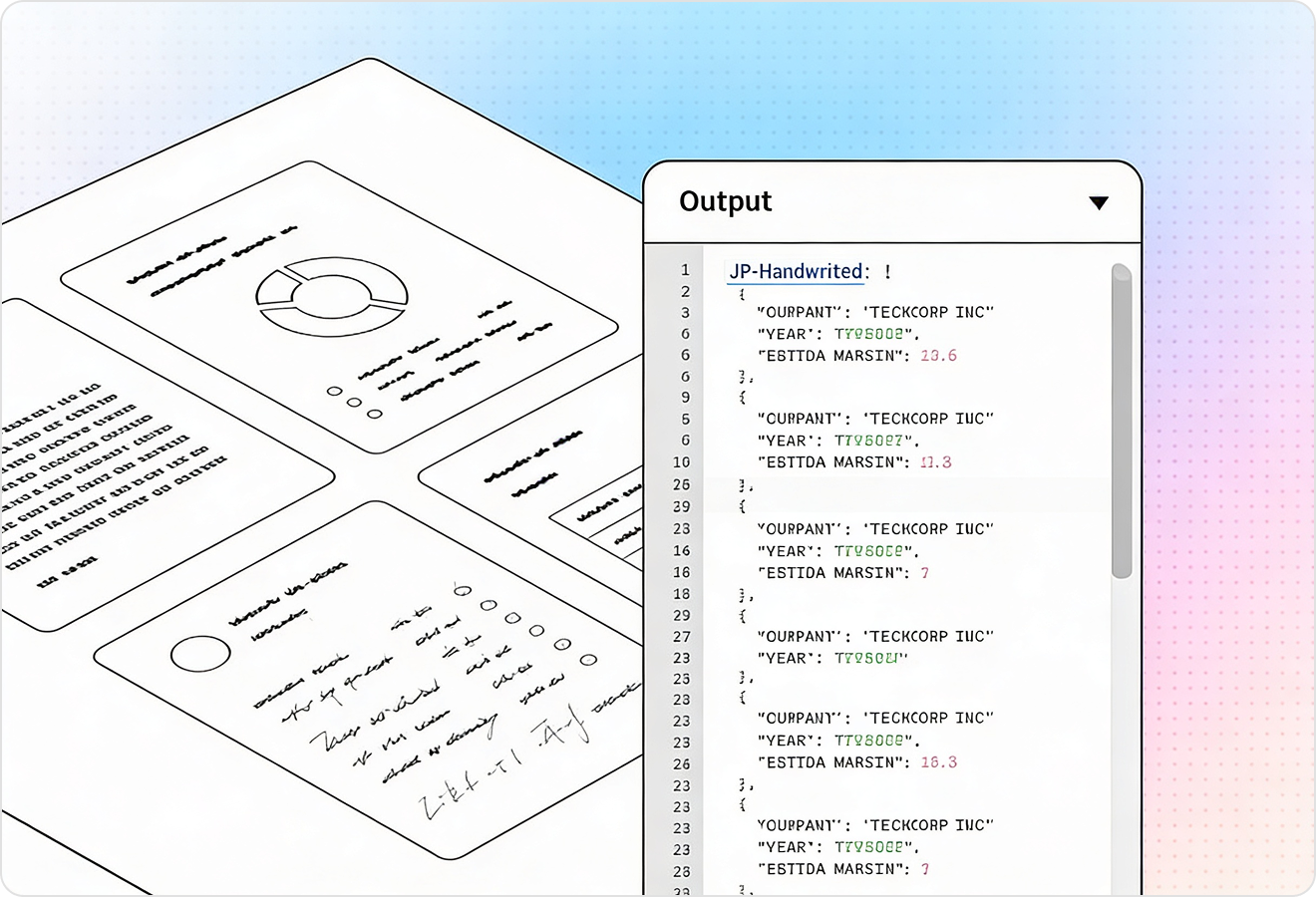
LlamaParse can interpret charts, diagrams, and images and convert them into AI-ready representations like Markdown tables or structured text with traceable references. That helps a computer vision platform turn “visual-only” document content into labeled signals you can search, evaluate, and feed into multimodal pipelines.
03
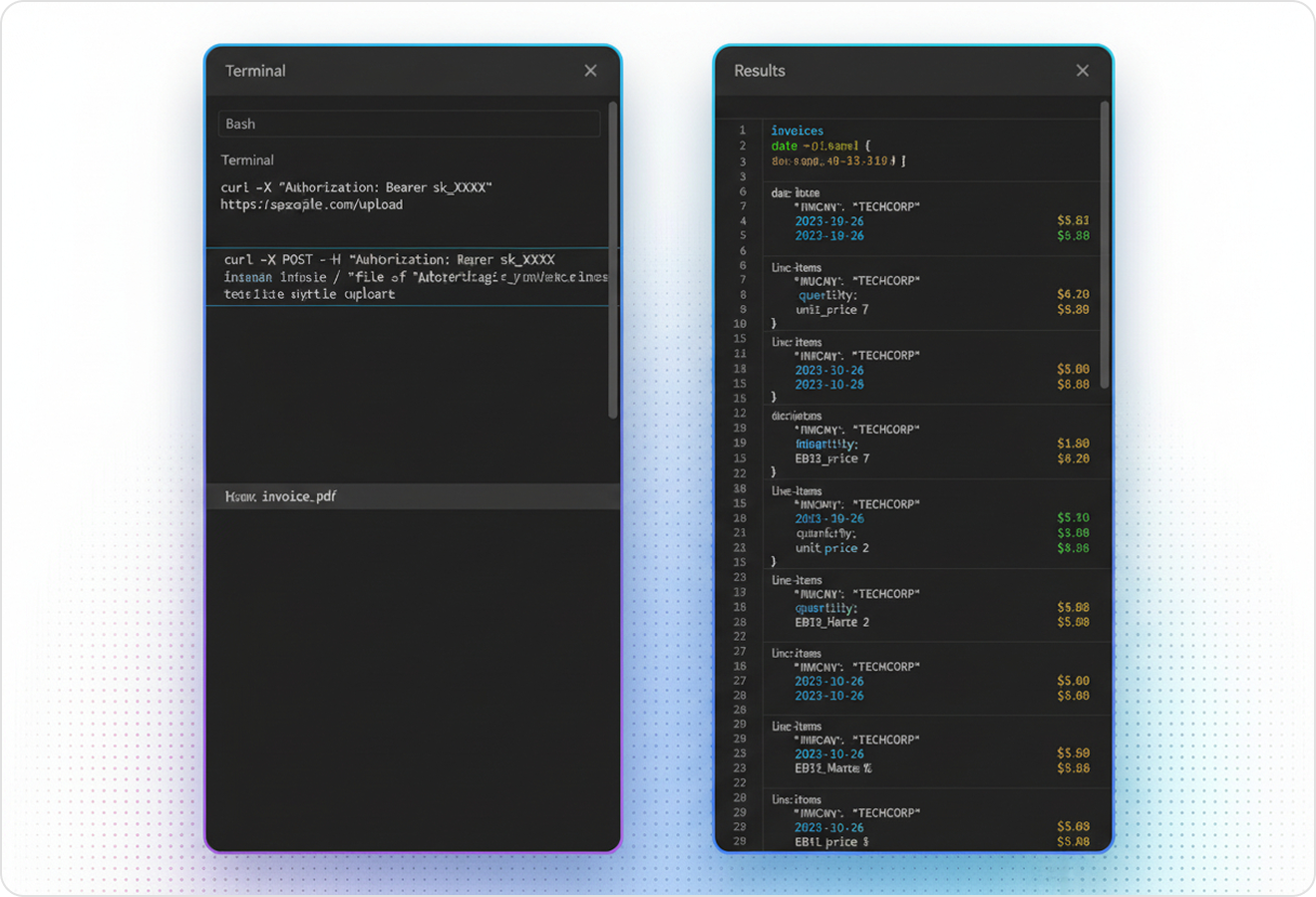
LlamaParse outputs structured JSON with granular metadata like page numbers, element types, and bounding boxes for extracted content. This is ideal for computer vision workflows where you need ground-truth regions, dataset auditing, and tight alignment between pixels and extracted fields.
04
LlamaParse runs multiple validation steps to catch inconsistencies and fix common extraction failures on messy, real-world documents. In a computer vision platform, this reduces label noise and manual QA time, improving dataset quality and model performance without constant post-processing scripts.
Technical OCR documentation
Explore our developer guides to easily connect your document pipelines to LlamaParse.
Explore the documentation
Our AI catches the typos that tired eyes miss.

Export to Excel, JSON, XML, or directly via API.

SOC2 Type II compliant with end-to-end encryption.

Train the tool on your specific forms in minutes, not days.

Average processing time of <3 seconds per page.
LlamaParse’s support of a wide variety of filetypes and its accuracy of parsing made it the best tool we tested in our evaluations. The LlamaIndex team was very responsive and we were off to the races within a day.
Common FAQs
01
It automatically segments pages into headings, paragraphs, columns, tables, and figures—without fragile template rules. That means your training and evaluation data reflects true reading order and structure, reducing noisy labels and improving downstream model accuracy.
02
Yes—validation and auto-correction steps are designed to catch common extraction failures in imperfect documents. You spend less time on manual QA and post-processing scripts, and more time training models on reliable data.
03
Multimodal figure interpretation converts visual elements into AI-ready formats like Markdown tables or structured text with traceable references. This turns “visual-only” content into searchable, labelable signals you can feed into multimodal and document AI workflows.
04
What does the structured output look like, and will it work for dataset auditing?
You get structured JSON with page numbers, element types, and bounding boxes for each extracted item. That makes it easy to audit datasets, track ground-truth regions, and keep tight alignment between pixels and extracted fields.
05
How does this reduce label noise and improve model performance over time?
Built-in validation catches inconsistencies early and auto-corrects frequent edge cases, so errors don’t propagate into your training data. Cleaner labels typically translate to faster iteration cycles, more stable metrics, and better generalization on real documents.
06
How quickly can my team get started and see results?
You can start by parsing a small, representative set of documents to generate a clean baseline corpus with coordinates and structured content. From there, it’s straightforward to plug the output into your annotation, evaluation, or training pipeline and measure gains in data quality and model accuracy.