Nov 14, 2025
Document AI: The Next Evolution of Intelligent Document ProcessingPersona
Industry
Use cases
Document Processing Platform
[ Document Processing Platform ]

Parse complex files into clean, accurate JSON or Markdown you can trust for automation.
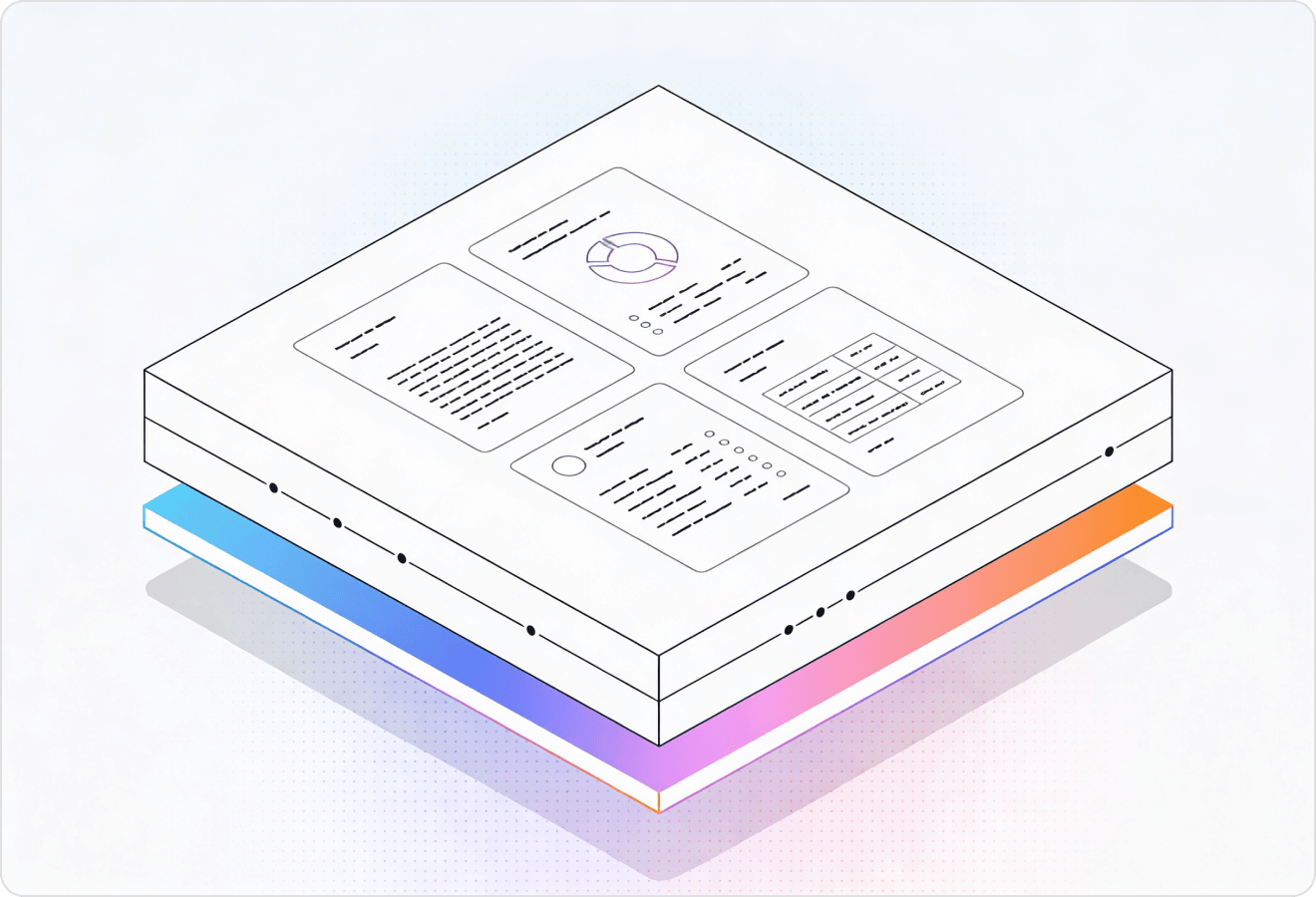

LlamaParse converts PDFs, scans, and inconsistent forms into clean, structured outputs your applications can trust, without brittle templates or constant retraining. It uses layout-aware vision and agentic validation loops to capture tables and charts, returning Markdown or JSON with metadata for review.
Best-in-Class Accuracy

Use LlamaParse to turn messy vendor PDFs, customer contracts, and receipts into clean JSON you can push into your accounting stack and KPI dashboards without building brittle parsing code. Auto Mode routes only the weird edge cases (scanned invoices, multi-page SOWs) to heavier processing so you get reliable automation without blowing your burn.

Parse claim packets (photos, adjuster notes, medical bills, repair estimates) into structured outputs with page-level citations, so teams can validate decisions quickly and reduce back-and-forth with policyholders. Layout-aware extraction preserves tables, line items, and coverage details that traditional OCR scrambles—improving straight-through processing for routine claims.

Convert POs, invoices, packing slips, and multi-column inspection reports into normalized, schema-ready data for ERP matching and exception handling, even when suppliers change templates. Multimodal parsing can capture charts and tolerances from QA documents so quality teams can query defects and trends without manual rekeying.

Ingest agreements, amendments, and exhibits and extract clause-level fields (term, renewal, indemnity, pricing) into a consistent JSON schema using natural-language parsing instructions instead of regex-heavy pipelines. Granular metadata and citations make it easy to trace every extracted value back to the exact page and section for faster review and fewer costly misses.
The Solution
01
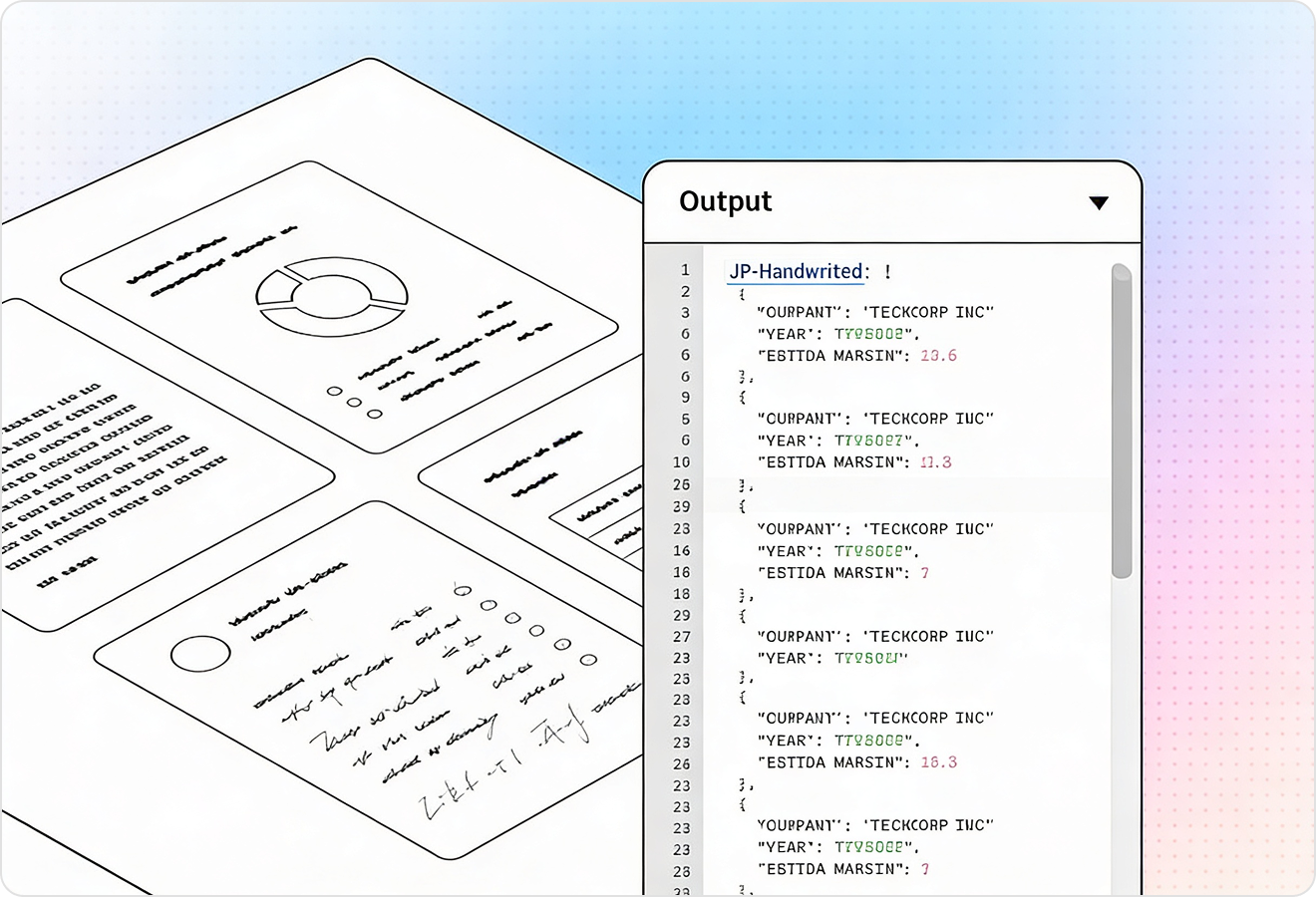
LlamaParse reads documents with layout-aware vision, preserving sections, headings, and multi-column reading order instead of scrambling text. For a document processing platform, this means you can ingest real-world PDFs and scans and get consistent structure that downstream workflows can trust.
02
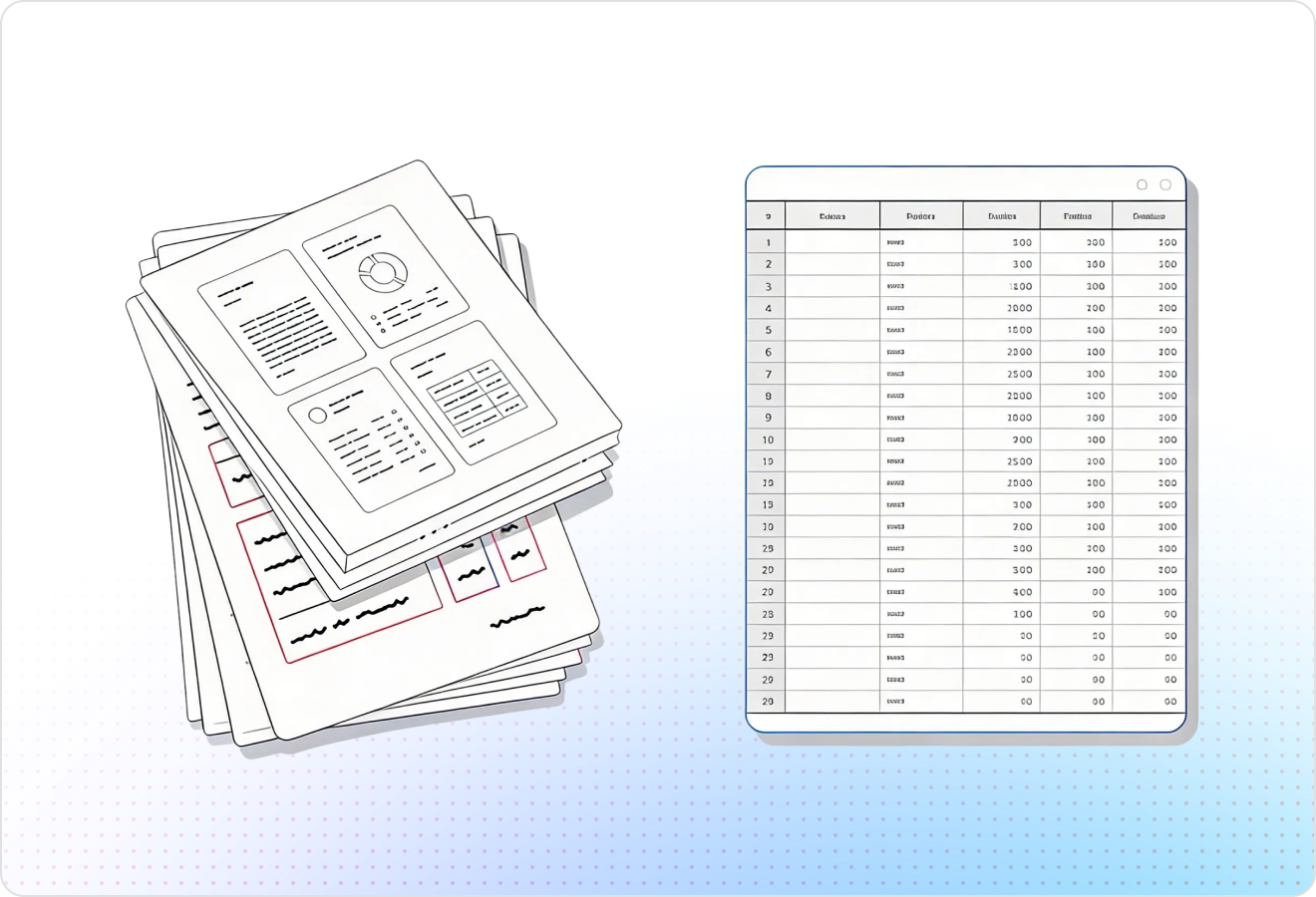
LlamaParse accurately extracts complex tables (nested cells, merged headers, footnotes) and returns them in clean, AI-ready formats like Markdown or JSON. That gives your platform reliable, queryable data without brittle post-processing scripts to repair broken rows and columns.
03
LlamaParse parses charts, images, and math alongside text, converting visuals into usable representations like Markdown tables or LaTeX where appropriate. This lets a document processing platform capture the full meaning of technical and financial documents, not just the plain text layer.
04
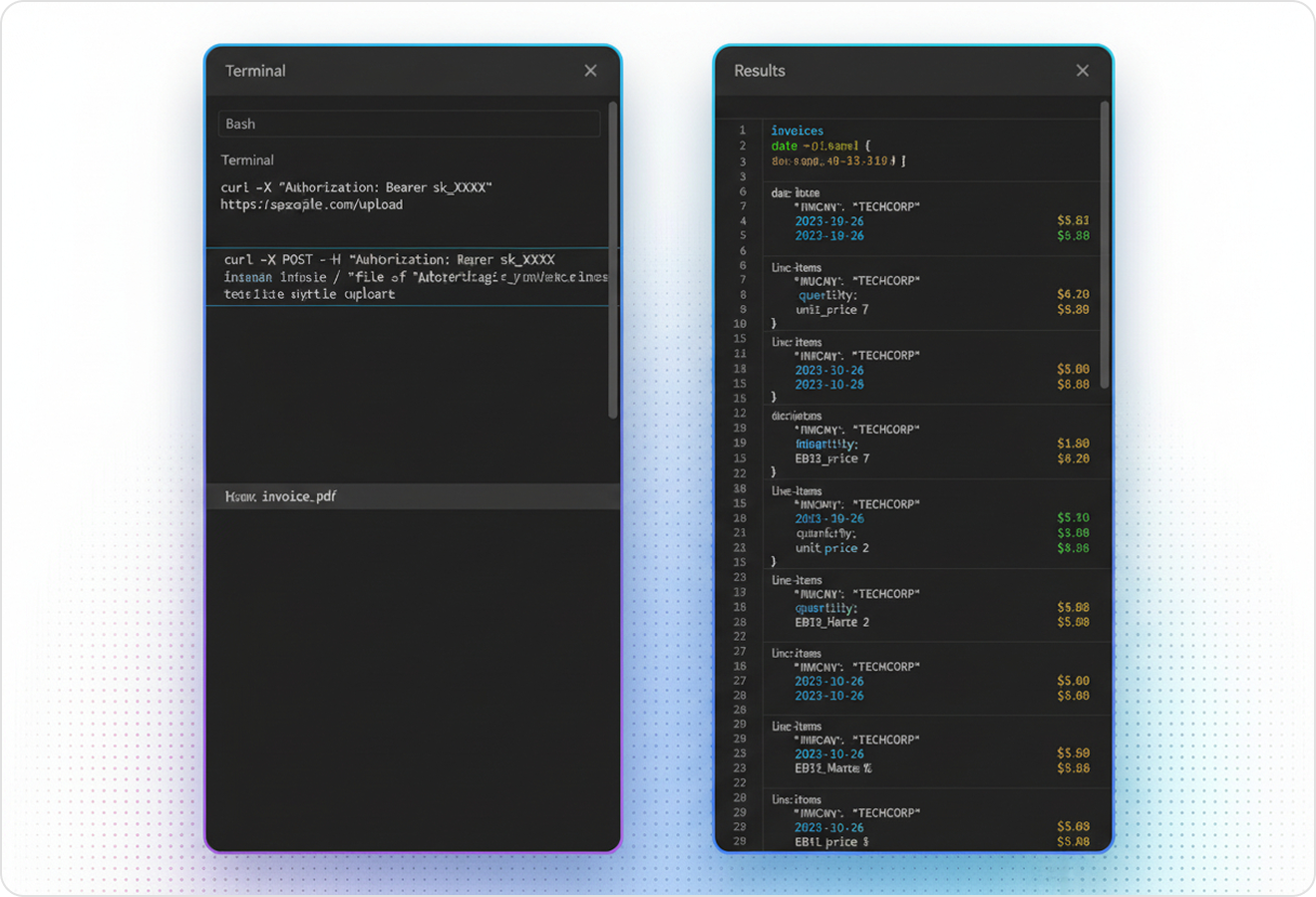
LlamaParse can output structured JSON enriched with page numbers, node types, and spatial coordinates for each extracted element. In a document processing platform, that metadata enables traceability, confident human review, and precise routing of content into downstream systems.
Technical OCR documentation
Explore our developer guides to easily connect your document pipelines to LlamaParse.
Explore the documentation
Our AI catches the typos that tired eyes miss.

Export to Excel, JSON, XML, or directly via API.

SOC2 Type II compliant with end-to-end encryption.

Train the tool on your specific forms in minutes, not days.

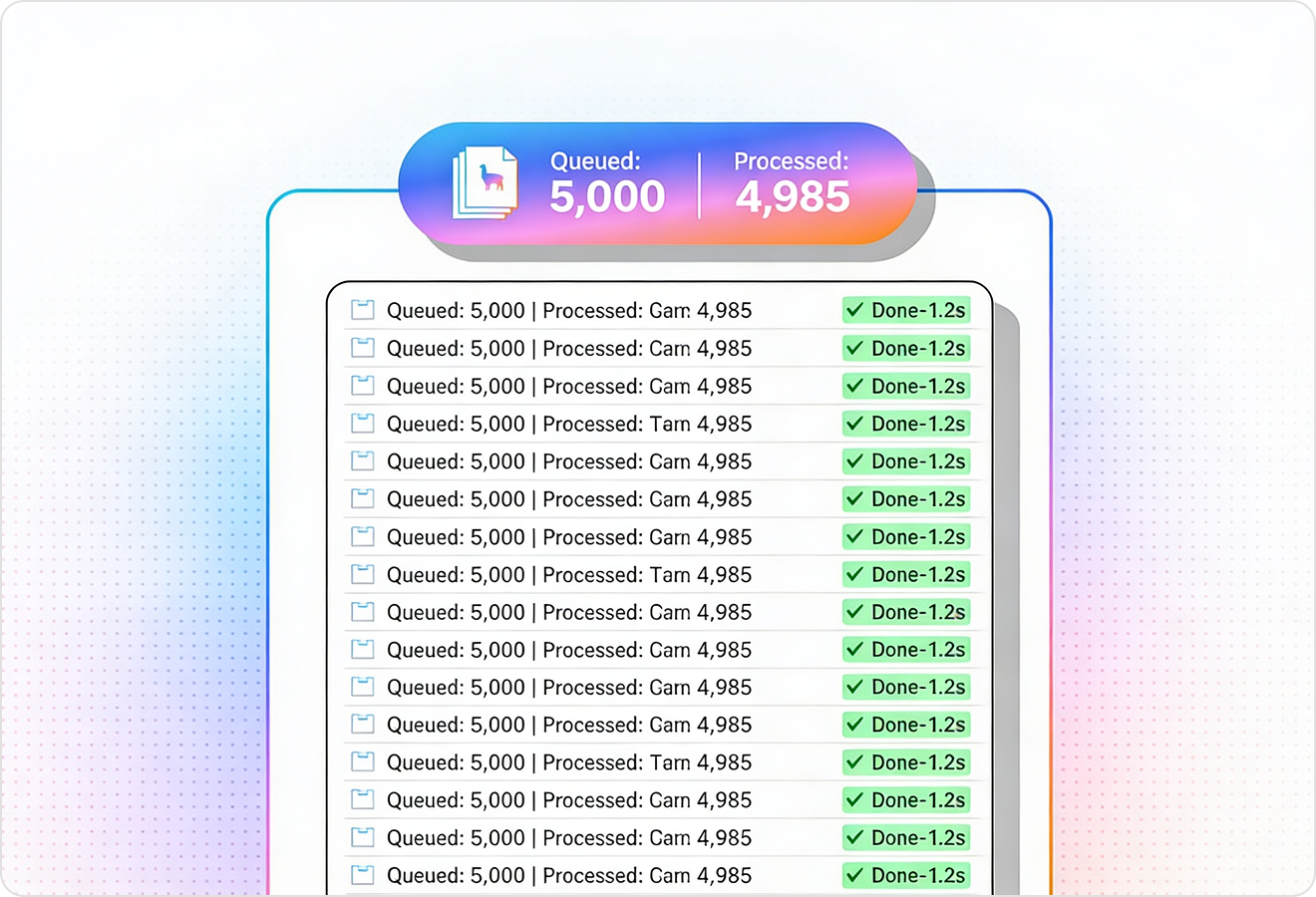
Average processing time of <3 seconds per page.
LlamaParse’s support of a wide variety of filetypes and its accuracy of parsing made it the best tool we tested in our evaluations. The LlamaIndex team was very responsive and we were off to the races within a day.
The engine room
01
Yes—layout-aware parsing keeps reading order and structure intact, so multi-column pages don’t get scrambled and headings stay attached to the right content. That means cleaner downstream automation and fewer manual fixes when processing real-world PDFs and scans.
02
It’s built for messy, real tables—handling merged headers, nested cells, and footnotes more reliably than basic OCR-to-text approaches. Tables can be returned in clean formats like Markdown or JSON, so your data is immediately usable for search, analytics, or ingestion.
03
Yes—multimodal parsing captures visuals and math alongside text, converting them into usable representations like Markdown tables or LaTeX when appropriate. This helps you preserve meaning in technical, financial, and scientific documents where key information isn’t purely textual.
04
Do I get structured output I can trust in production, or just a blob of text?
You can export verifiable JSON with rich metadata like page numbers, element types, and spatial coordinates. That structure makes results auditable, easier to validate, and far simpler to route into downstream workflows and systems.
05
How does this help with human review and compliance workflows?
Because every extracted element can include page-level references and coordinates, reviewers can quickly trace content back to the source. This improves confidence during QA, supports compliance requirements, and reduces time spent hunting through documents.
06
How quickly can we integrate this into our document processing platform?
Most teams integrate quickly by sending documents in and receiving structured outputs (Markdown/JSON) that slot into existing pipelines. With consistent structure and metadata, you’ll spend less time on brittle post-processing and more time building user-facing features.
Explore Our Resources