Nov 14, 2025
Document AI: The Next Evolution of Intelligent Document ProcessingPersona
Industry
Use cases
OCR For PDFS
[ OCR For PDFS ]

Use LlamaParse to turn messy filings into structured, cited data you can review and trust.
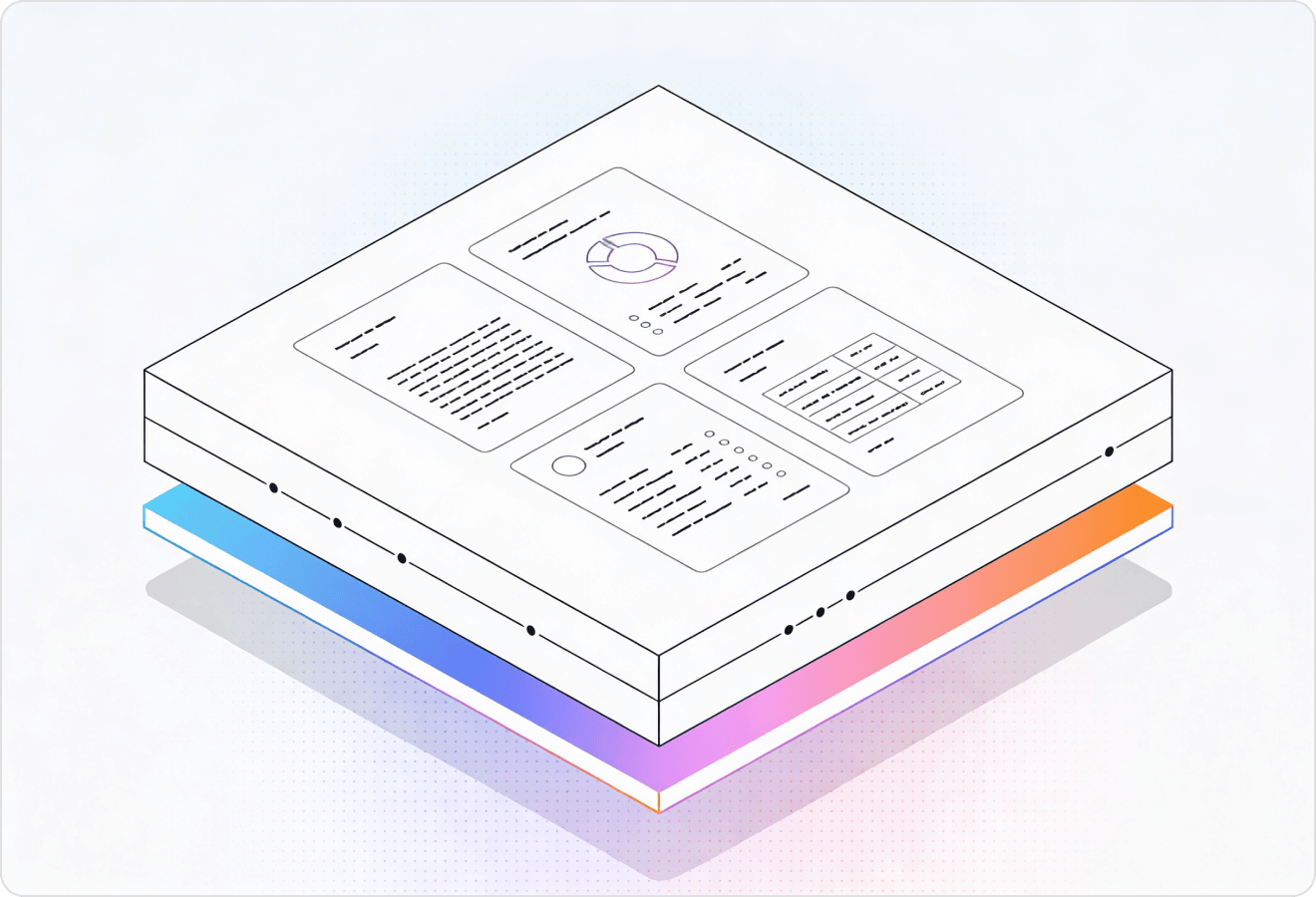
LlamaParse turns messy pleadings, contracts, and exhibits into clean JSON or Markdown with precise clause structure and citations back to the source. Agentic parsing understands layout, tables, and scanned pages, then runs validation loops so your review pipeline sees fewer misses and less rework.
Best-in-Class Accuracy

Parse pleadings, contracts, and discovery PDFs into layout-faithful Markdown/JSON so clauses, definitions, and exhibit references aren’t scrambled across columns and tables. Use granular page-level citations and confidence metadata to accelerate review, support defensible audit trails, and reduce manual QA on high-volume matters.

Extract structured fields from demand packages, police reports, medical bills, and repair estimates—even when they include mixed tables, images, and poor scans—so claims teams stop rekeying data. Route simple pages through lower-cost modes and automatically escalate only the complex ones to keep cycle times down without blowing the document-processing budget.

Turn regulatory filings, KYC/AML packets, and legal agreements into verifiable structured data with precise source attribution, making compliance checks easier to evidence. Normalize messy document sets into consistent JSON schemas so monitoring and reporting systems can run reliably without brittle regex pipelines.

Ship document features fast by using natural-language parsing instructions to extract the exact fields your app needs from leases, MSAs, and court PDFs without building custom parsers. Start on the free credits and scale to production with an API-first ingestion layer that outputs AI-ready Markdown/JSON for agents, search, and downstream automations.
The Solution
01
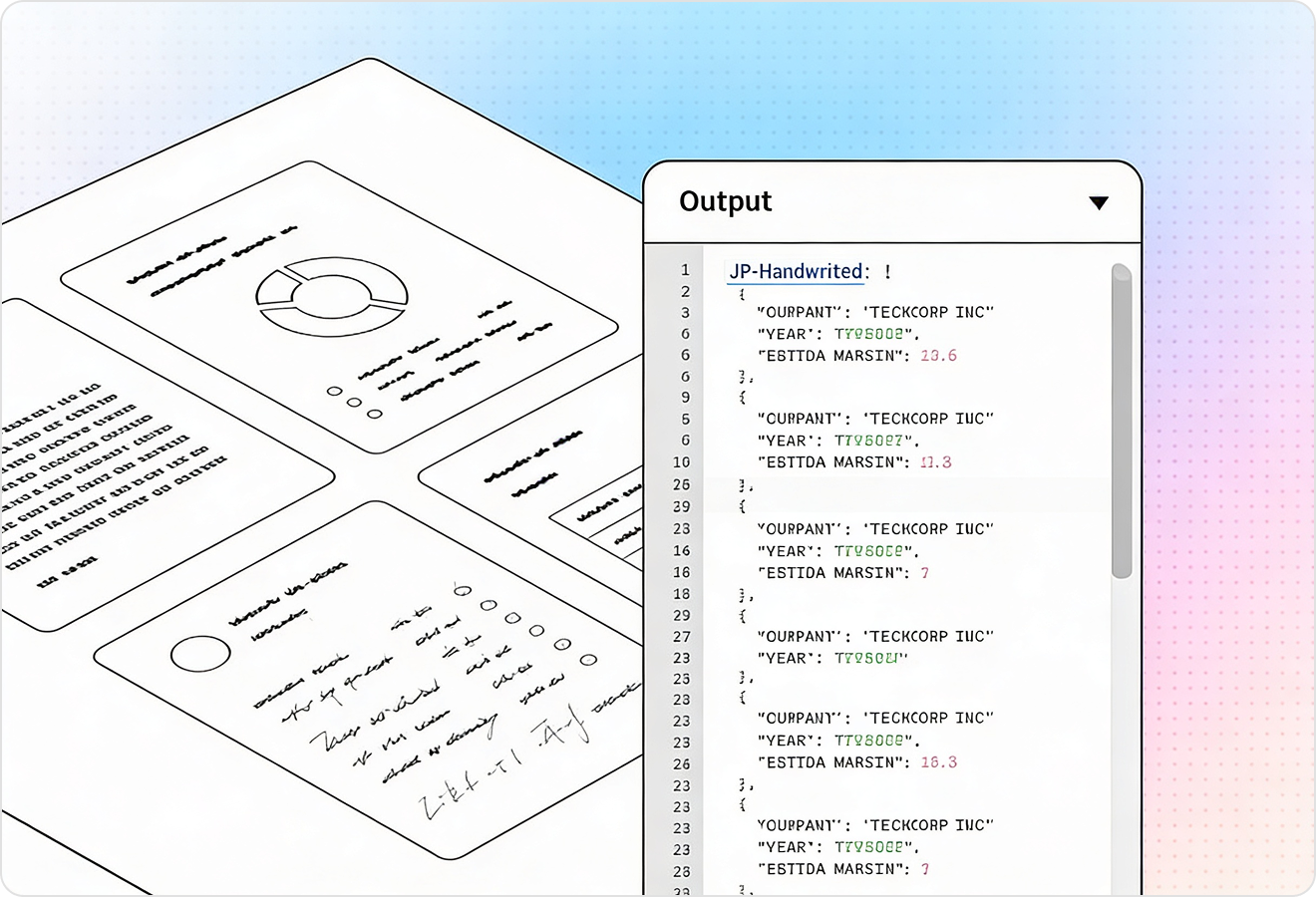
LlamaParse understands page layout to preserve reading order across multi-column briefs, headers/footers, and long agreements. That means definitions, clauses, and exhibits don’t get scrambled—so downstream review and search reflect the document as a lawyer expects to read it.
02
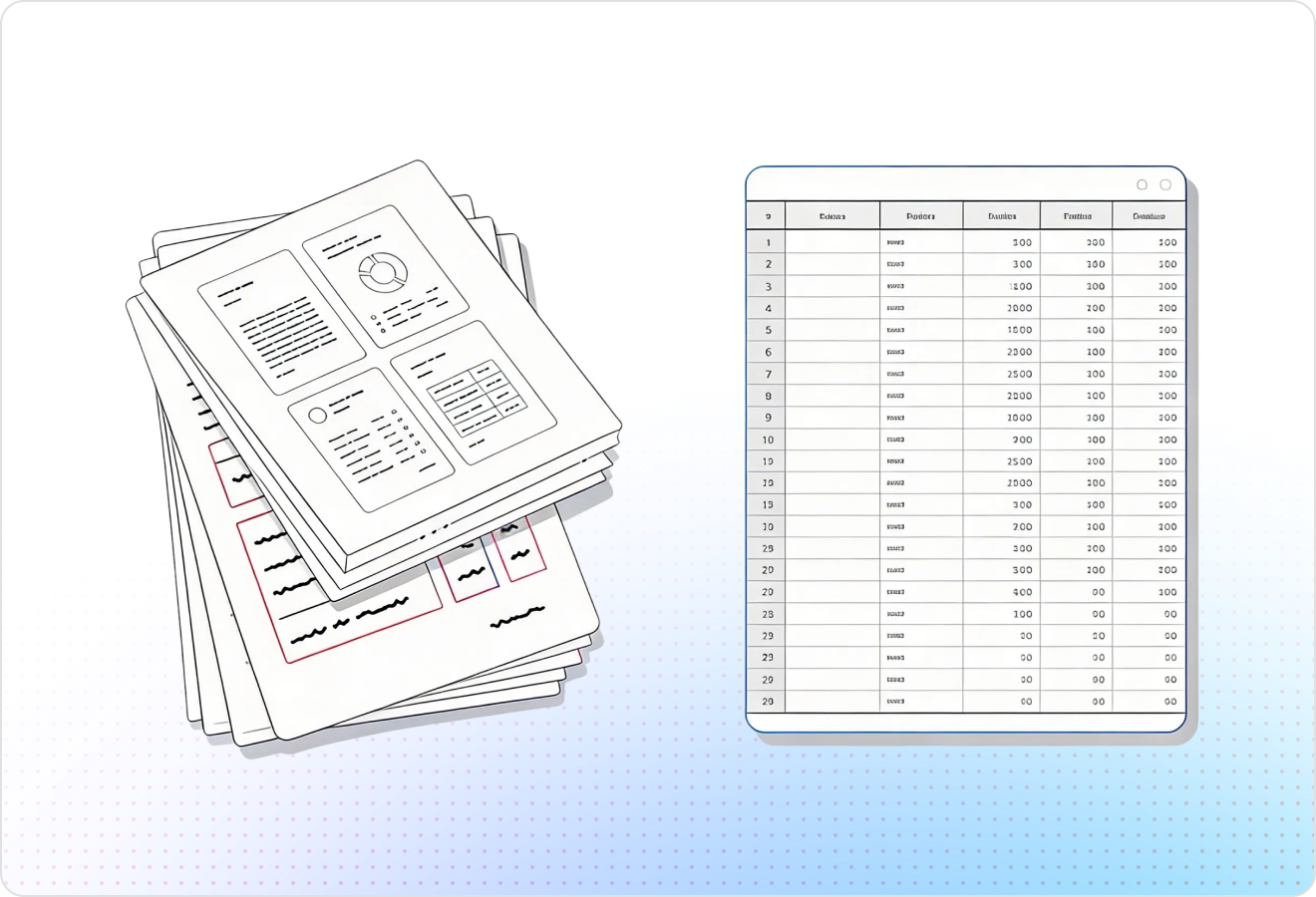
LlamaParse accurately extracts complex tables and nested rows from legal docs like billing records, cap tables, and discovery spreadsheets embedded in PDFs. You get clean Markdown or structured outputs without writing brittle post-processing to fix merged cells or broken alignment.
03
LlamaParse runs validation and self-correction steps to catch common scan issues like dropped lines, duplicated text, and formatting inconsistencies. For legal documents, this reduces citation mistakes and lowers the amount of manual QA needed before producing filings or internal work product.
04
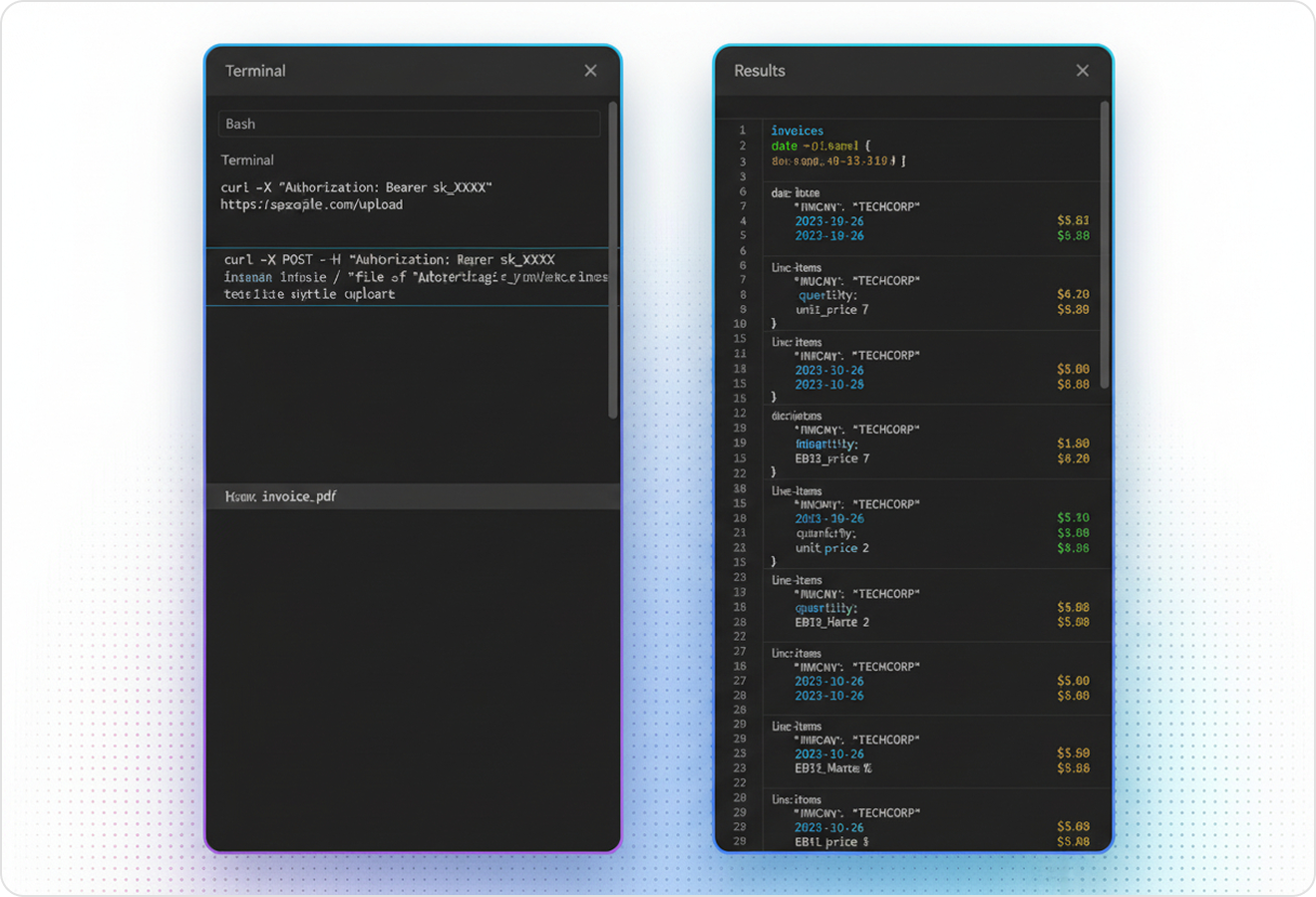
LlamaParse can return structured JSON with granular metadata like page numbers and element locations for every extracted clause, table cell, or heading. This makes legal extraction auditable, letting teams trace any field back to its source and route low-confidence items to human review.
Technical OCR documentation
Explore our developer guides to easily connect your document pipelines to LlamaParse.

Our AI catches the typos that tired eyes miss.

Export to Excel, JSON, XML, or directly via API.

SOC2 Type II compliant with end-to-end encryption.

Train the tool on your specific forms in minutes, not days.

Average processing time of <3 seconds per page.
LlamaParse’s support of a wide variety of filetypes and its accuracy of parsing made it the best tool we tested in our evaluations. The LlamaIndex team was very responsive and we were off to the races within a day.
Common FAQs
01
Yes—layout-aware parsing preserves reading order across columns, headers/footers, and section breaks so clauses and definitions don’t get scrambled. That means what you review, search, and cite matches how the document is meant to be read.
02
It maintains the legal structure of the document, including headings and definition blocks, so exhibits and referenced sections stay anchored in the right context. This reduces time spent reconciling mismatched sections and helps reviewers trust what they’re seeing.
03
Yes—reliable table extraction captures nested rows, merged cells, and alignment without you having to write fragile cleanup scripts. You can export clean Markdown or structured data that’s ready for review, analysis, or ingestion into your systems.
04
What happens with messy scans—skewed pages, dropped lines, duplicated text, or inconsistent formatting?
Auto correction loops validate the output and self-correct common scan issues like missing lines and duplicated content. This lowers manual QA effort and reduces the risk of citation or clause errors making it into downstream work product.
05
Can we audit the extracted data and trace every field back to the source page in case of disputes?
Yes—verifiable JSON includes page numbers and element-level location metadata for clauses, headings, and even table cells. That makes extraction defensible and easy to spot-check, with a clear trail back to the original PDF.
06
How do we handle low-confidence extractions without slowing down the whole workflow?
You can use the included metadata to flag low-confidence items and route only those sections to human review. This keeps throughput high while still meeting the accuracy standards legal teams require.