Nov 14, 2025
Document AI: The Next Evolution of Intelligent Document ProcessingPersona
Industry
Use cases
Text Extraction Software
[ Text Extraction Software ]

Turn messy PDFs into clean, structured data with LlamaParse’s layout-aware extraction and built-in checks.
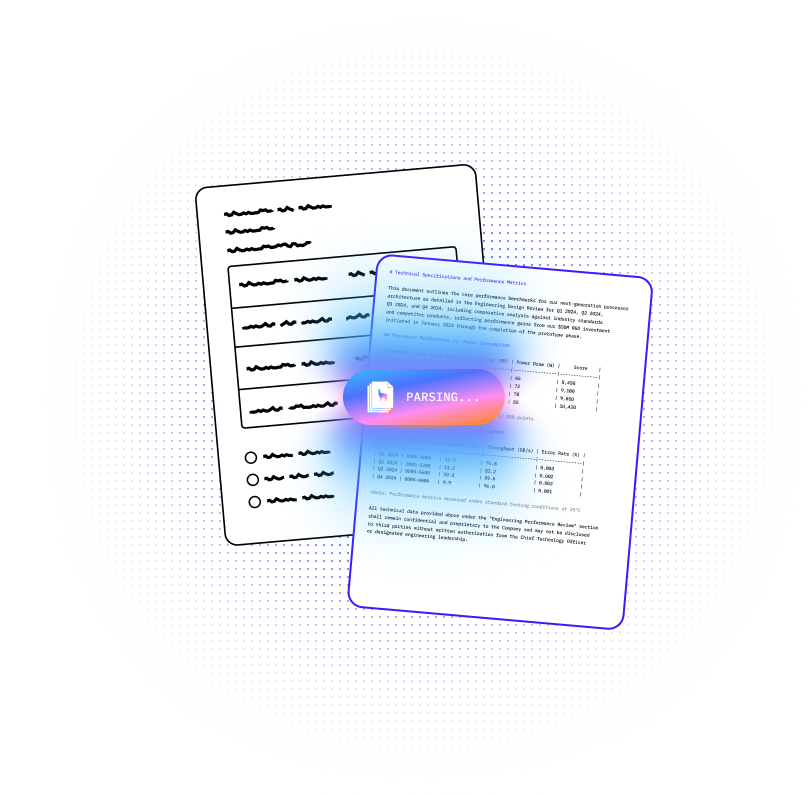
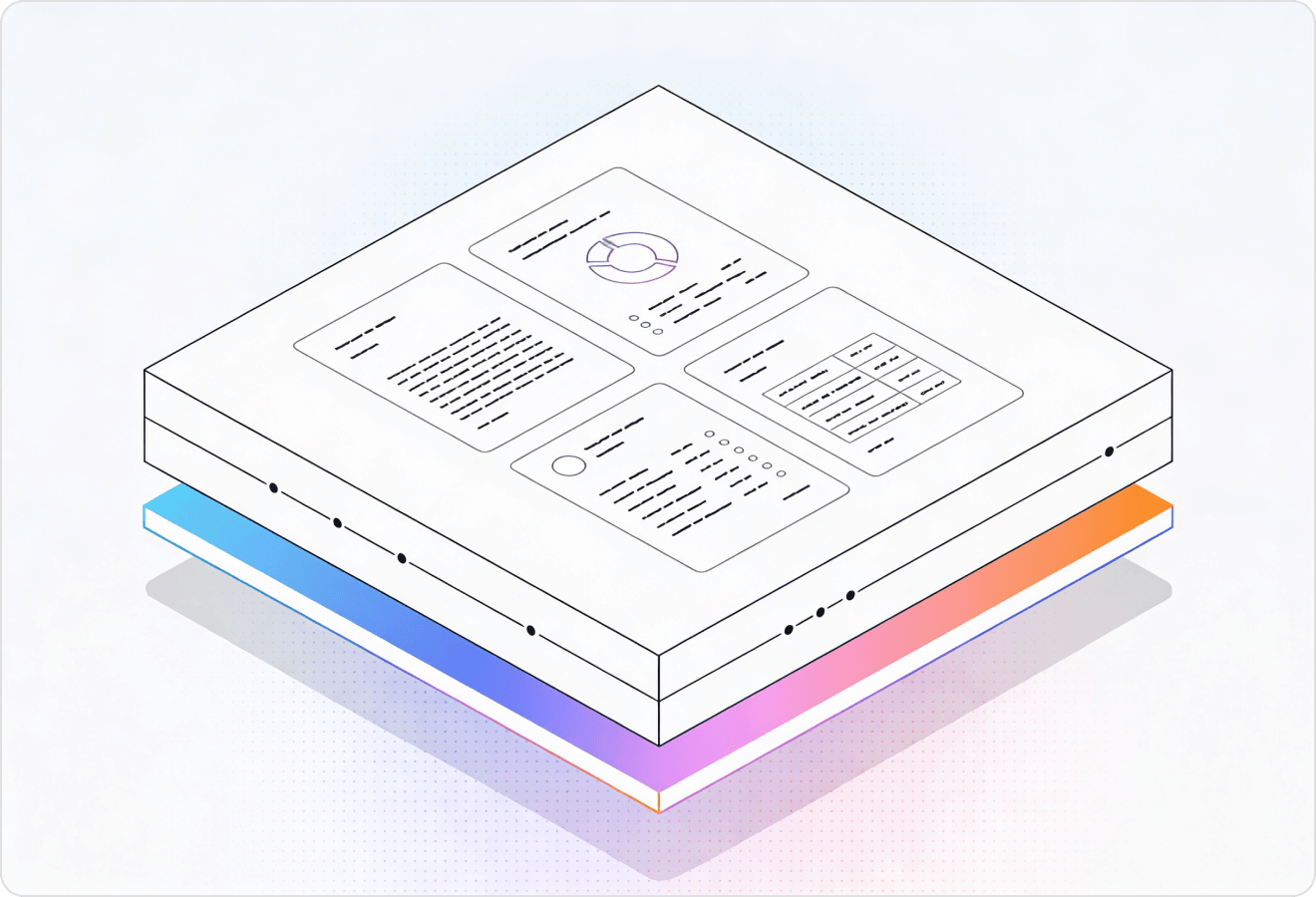

LlamaParse turns messy PDFs, scans, and multi-column forms into clean, structured data your systems can actually trust, automatically. It understands layout, tables, and embedded visuals, then validates extractions with confidence metadata so you can automate workflows with less manual review.
Best-in-Class Accuracy

Use LlamaParse to turn user-uploaded PDFs (invoices, contracts, onboarding packs) into clean JSON/Markdown so product teams can ship document-driven features without building brittle parsing code. Auto Mode routes only the messy pages to agentic parsing, keeping unit economics predictable while improving straight-through processing.

Parse loss runs, ACORD forms, adjuster reports, and photo-heavy estimates with layout-aware table extraction so downstream systems stop breaking on multi-column scans and inconsistent templates. Return verifiable outputs with page-level citations and confidence scores to speed reviews, reduce rework, and support audit-ready decision trails.

Extract quantities, line items, and schedule data from bids, change orders, and pay applications where tables and formatting vary by subcontractor. Multimodal parsing converts diagrams, charts, and embedded math into usable text/LaTeX so teams can reconcile scope and cost without manual takeoffs.

Turn messy pleadings, scanned exhibits, and multi-part agreements into structured Markdown that preserves reading order, headers/footers, and clause boundaries for faster review and drafting. Natural-language parsing instructions let teams pull specific fields (parties, dates, obligations) into a consistent schema without regex-heavy pipelines.
The Solution
01
LlamaParse understands page structure like columns, headers, footers, and callouts to preserve the intended reading order. For text extraction software, this prevents the classic “scrambled paragraph” problem and delivers clean, usable text without brittle post-processing.
02
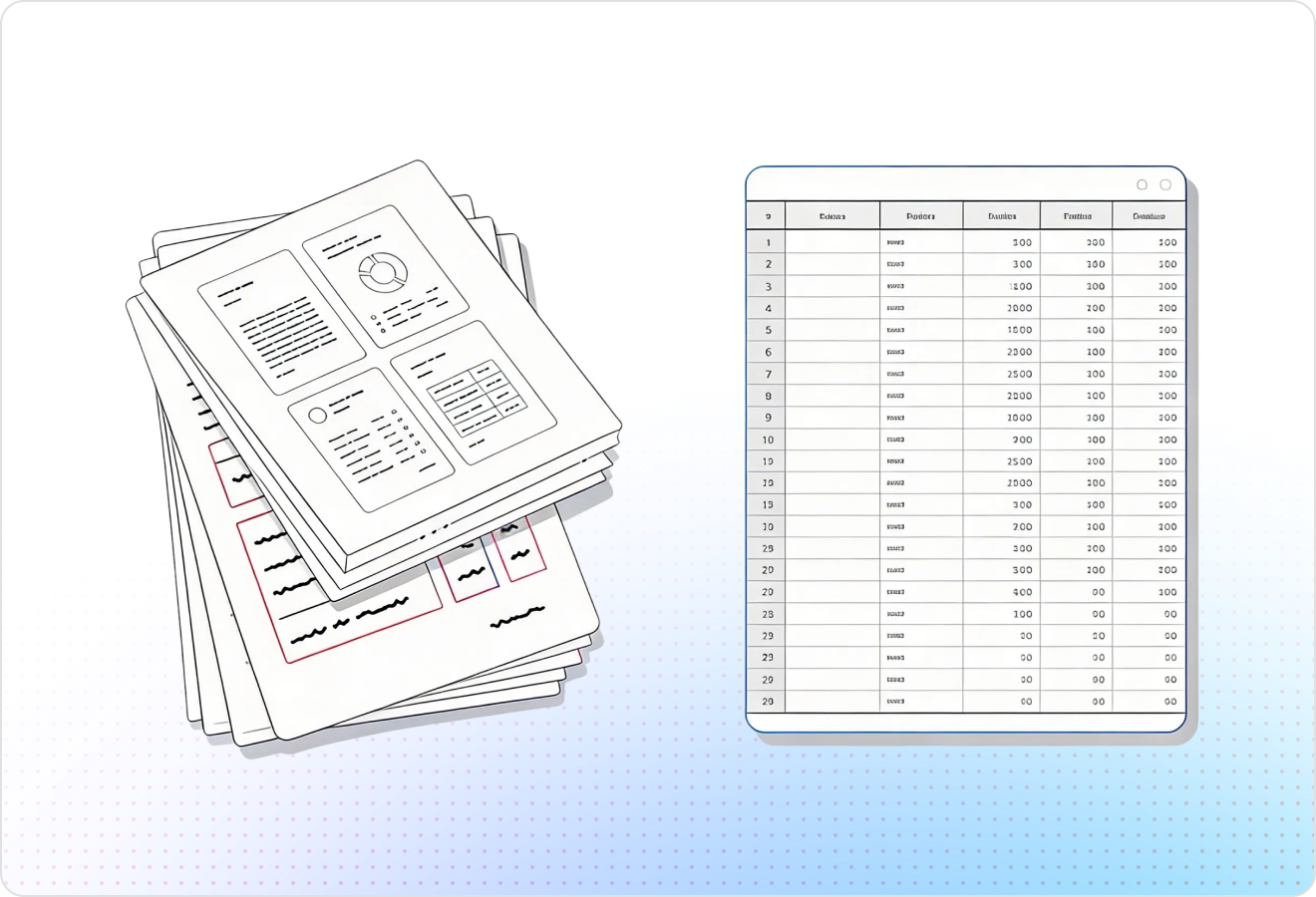
LlamaParse detects and reconstructs complex tables (including nested tables and multi-row headers) instead of flattening them into unreadable text. This makes extracted data directly usable for spreadsheets, analytics, and downstream automation rather than manual cleanup.
03
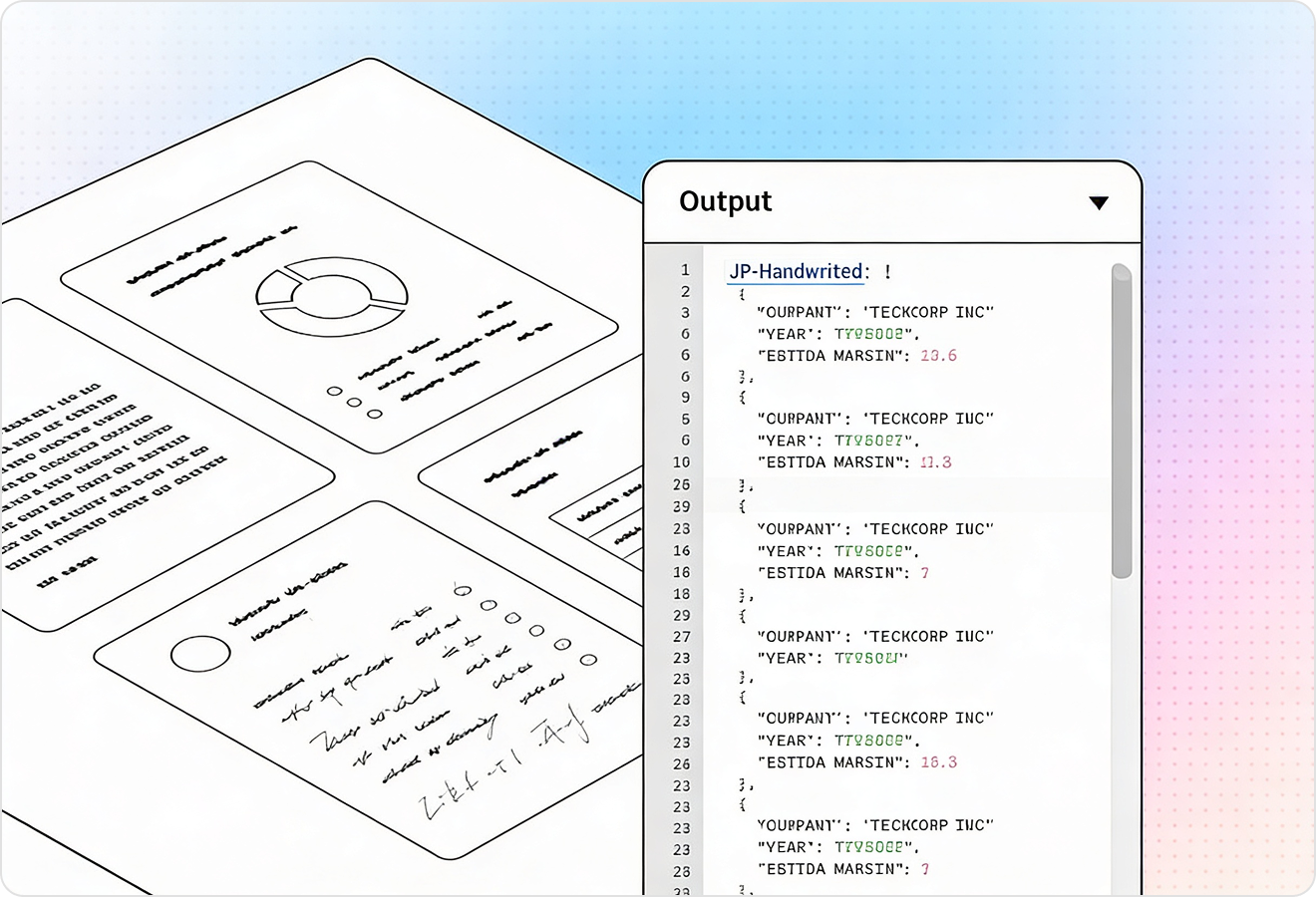
LlamaParse can interpret charts, images, and equations as part of agentic document parsing, not just plain text on a page. That means your “text extraction” output includes the information trapped in visuals (like chart values or math) so users don’t lose critical context.
04
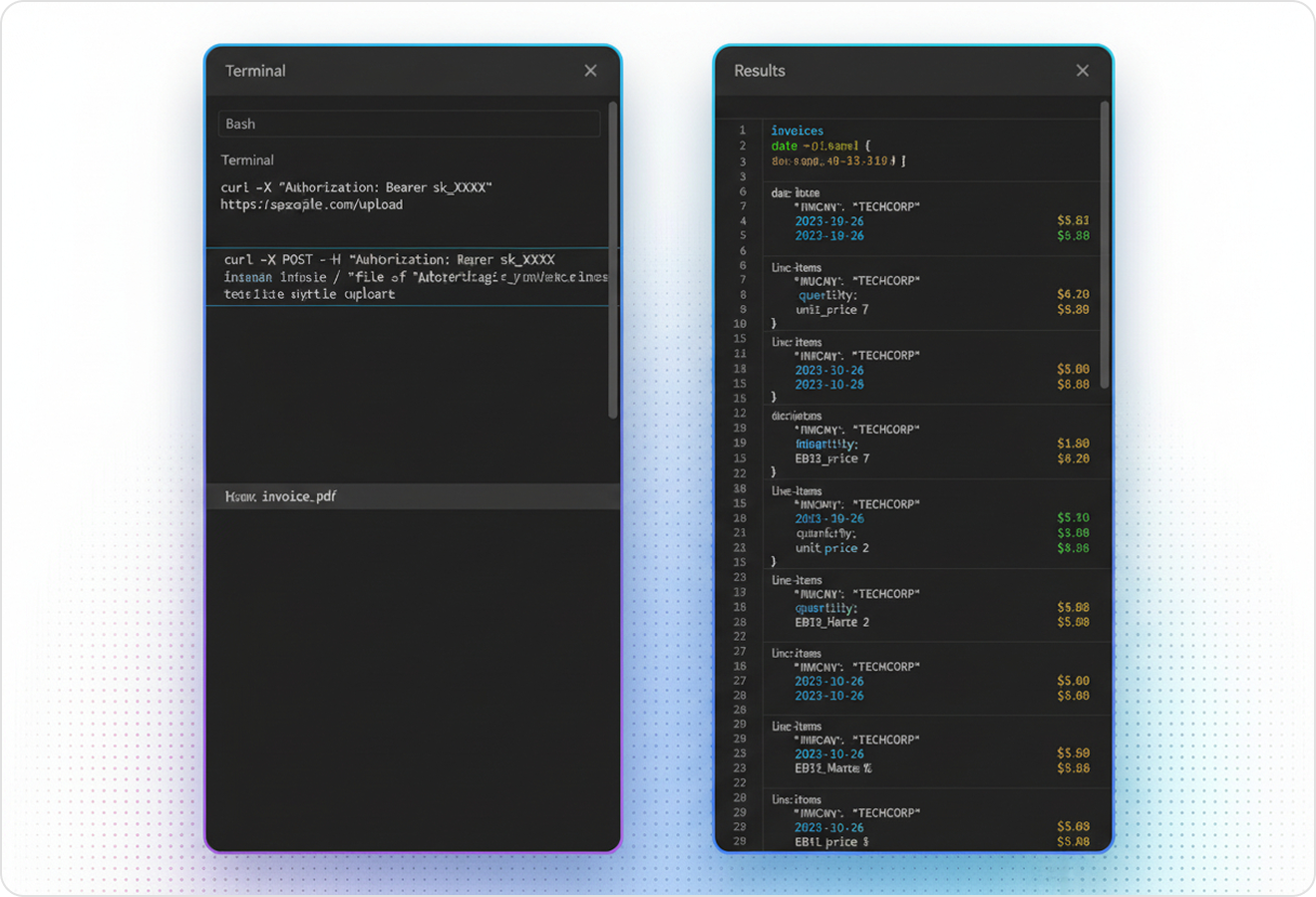
LlamaParse can return extraction results as structured JSON with granular metadata like page numbers and element types. For text extraction software, this makes it easy to map outputs into databases and APIs while keeping traceability for review and quality control.
Technical OCR documentation
Explore our developer guides to easily connect your document pipelines to LlamaParse.

Our AI catches the typos that tired eyes miss.

Export to Excel, JSON, XML, or directly via API.

SOC2 Type II compliant with end-to-end encryption.

Train the tool on your specific forms in minutes, not days.

Average processing time of <3 seconds per page.
LlamaParse’s support of a wide variety of filetypes and its accuracy of parsing made it the best tool we tested in our evaluations. The LlamaIndex team was very responsive and we were off to the races within a day.
Common FAQs
01
It preserves the intended reading flow by understanding layout elements like columns, headers, footers, and callouts. That means you get clean, readable text without the usual “scrambled paragraph” issues or fragile post-processing rules.
02
It detects and reconstructs tables as tables, including multi-row headers and nested structures, instead of flattening everything into a text blob. The result is immediately usable for spreadsheets, analytics, and automation—without manual cleanup.
03
Yes—multimodal parsing captures key information embedded in visuals, such as chart values or mathematical expressions. This helps you avoid losing context that would otherwise be trapped in images and diagrams.
04
Do you provide structured output like JSON for databases and APIs?
You can get structured JSON output with granular metadata such as page numbers and element types. This makes it straightforward to map results into your systems while keeping traceability for audits and quality checks.
05
How do we verify accuracy and trace extracted content back to the source document?
Each extracted element can include metadata like page location and type, so reviewers can quickly confirm what came from where. That traceability reduces risk and makes quality control much faster for high-stakes documents.
06
Will this reduce the time we spend cleaning data after extraction?
Because it’s layout-aware and reconstructs tables properly, most teams see a major drop in post-extraction cleanup. You get usable text and structured data sooner, so you can move directly to analysis, indexing, or automation.