Nov 14, 2025
Document AI: The Next Evolution of Intelligent Document ProcessingPersona
Industry
Use cases
OCR For PDFS
[ OCR For PDFS ]

Use LlamaParse to turn screenshots and PDFs into accurate, structured code blocks you can reuse.
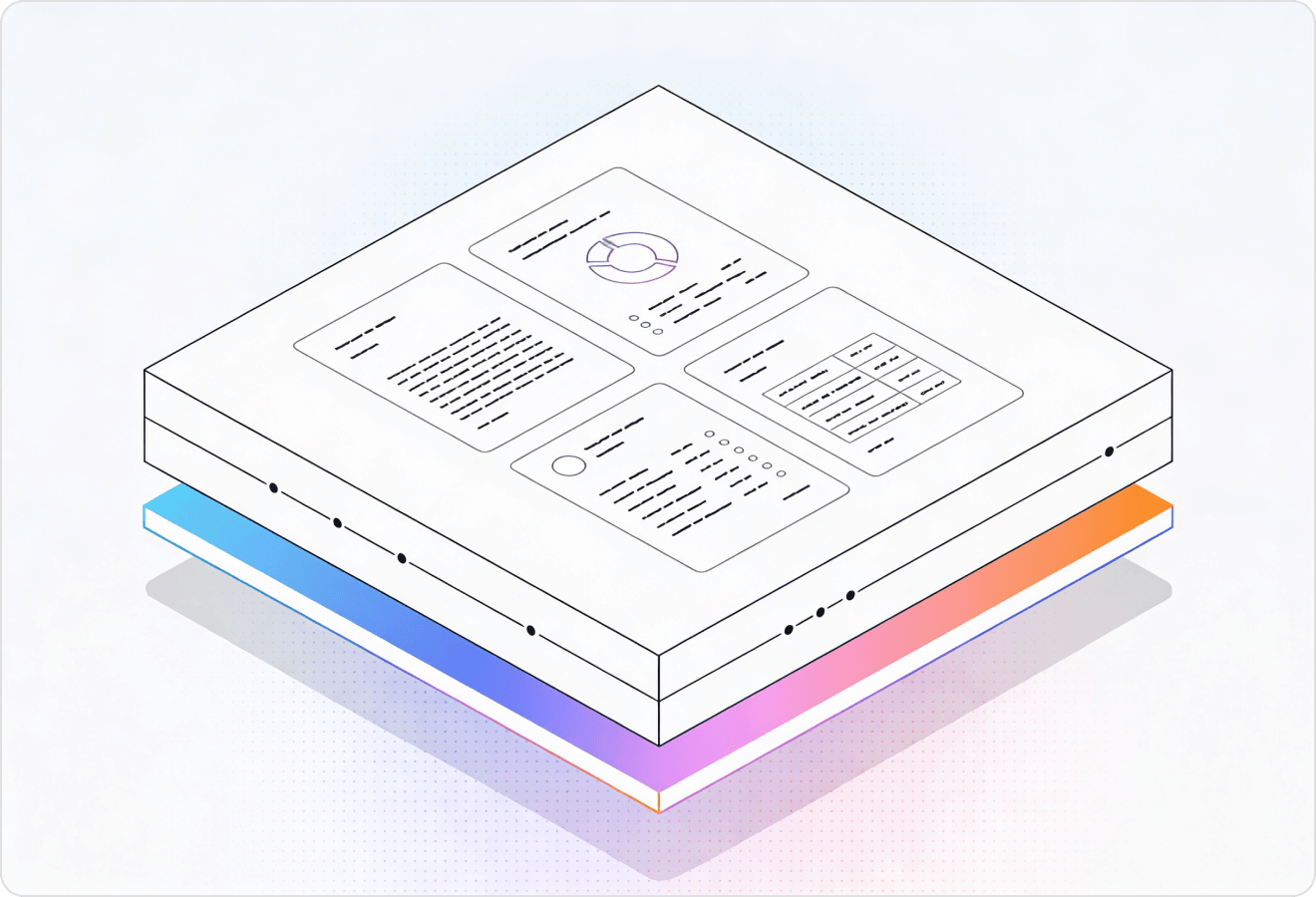
LlamaParse turns code screenshots, scanned PDFs, and slide-deck snippets into clean, structured Markdown or JSON you can diff, search, and ship. It uses agentic document parsing with layout-aware vision and validation loops to preserve indentation, symbols, and tables with verifiable outputs.
Best-in-Class Accuracy

Turn screenshots of stack traces, code snippets in pitch decks, and copied-and-pasted docs into clean Markdown or JSON that your product can index immediately—without writing brittle cleanup scripts. LlamaParse’s layout-aware parsing preserves code blocks and reading order so your “paste anything” onboarding doesn’t break on real-world formatting.

Extract code-like artifacts embedded in audits, model risk documentation, and vendor security reports (e.g., SQL snippets, config blocks, and control mappings) into structured JSON for review workflows and evidence tracking. LlamaParse keeps multi-column pages and tables intact, reducing exception handling when documents are scanned, templated inconsistently, or filled with footnotes.

Convert PLC ladder logic screenshots, wiring tables, and maintenance runbooks into machine-readable outputs to accelerate troubleshooting and standardize procedures across plants. Multimodal parsing captures diagrams and tables accurately, so engineering teams can search, diff, and reuse “tribal knowledge” without retyping from PDFs.

Parse contracts, exhibits, and deposition PDFs that include code snippets, log excerpts, and API payloads into citation-backed, reviewable structures for faster issue spotting and chronology building. JSON mode with granular metadata preserves page coordinates for defensible referencing, so attorneys can validate extracted code against the source in minutes.
The Solution
01
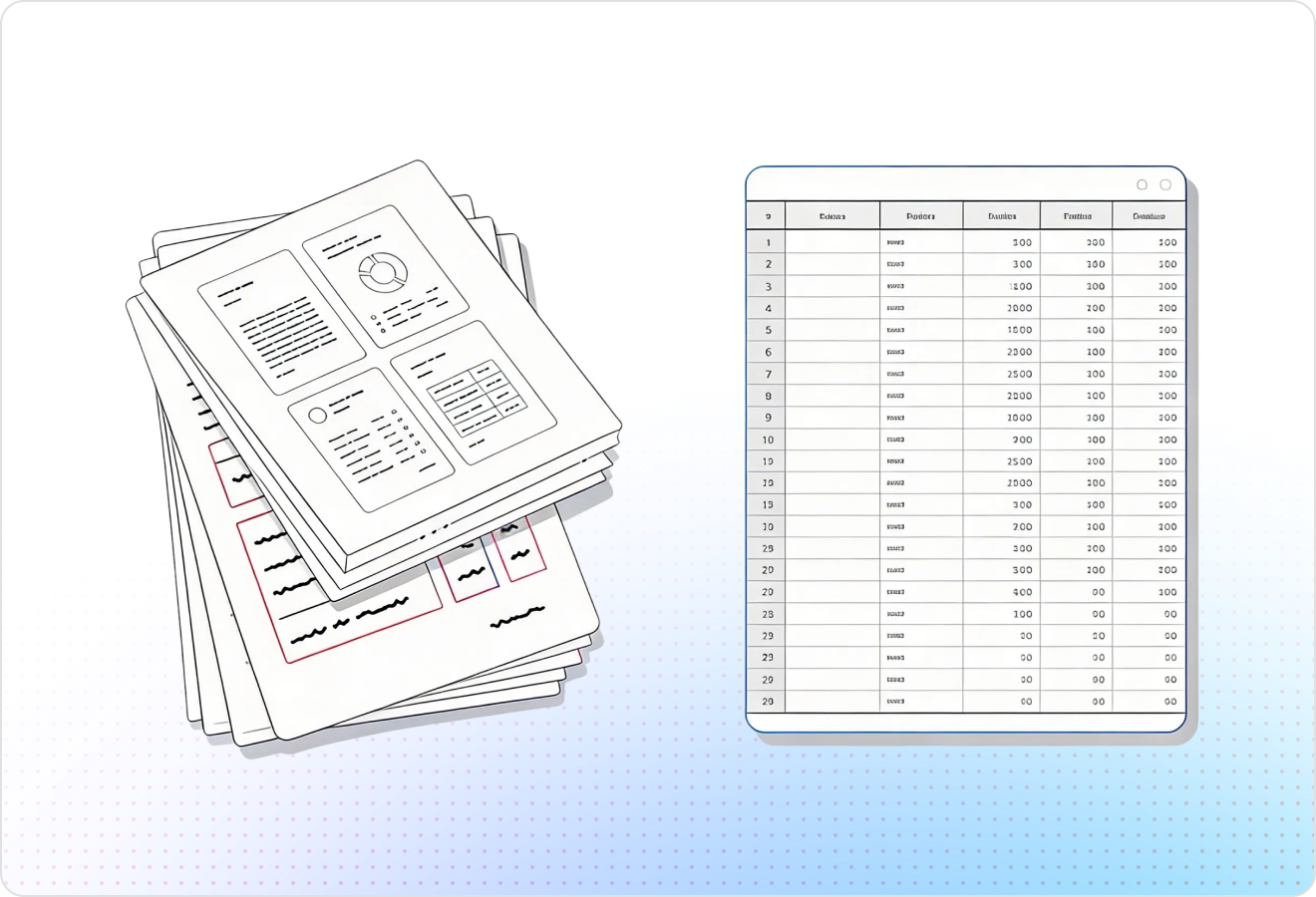
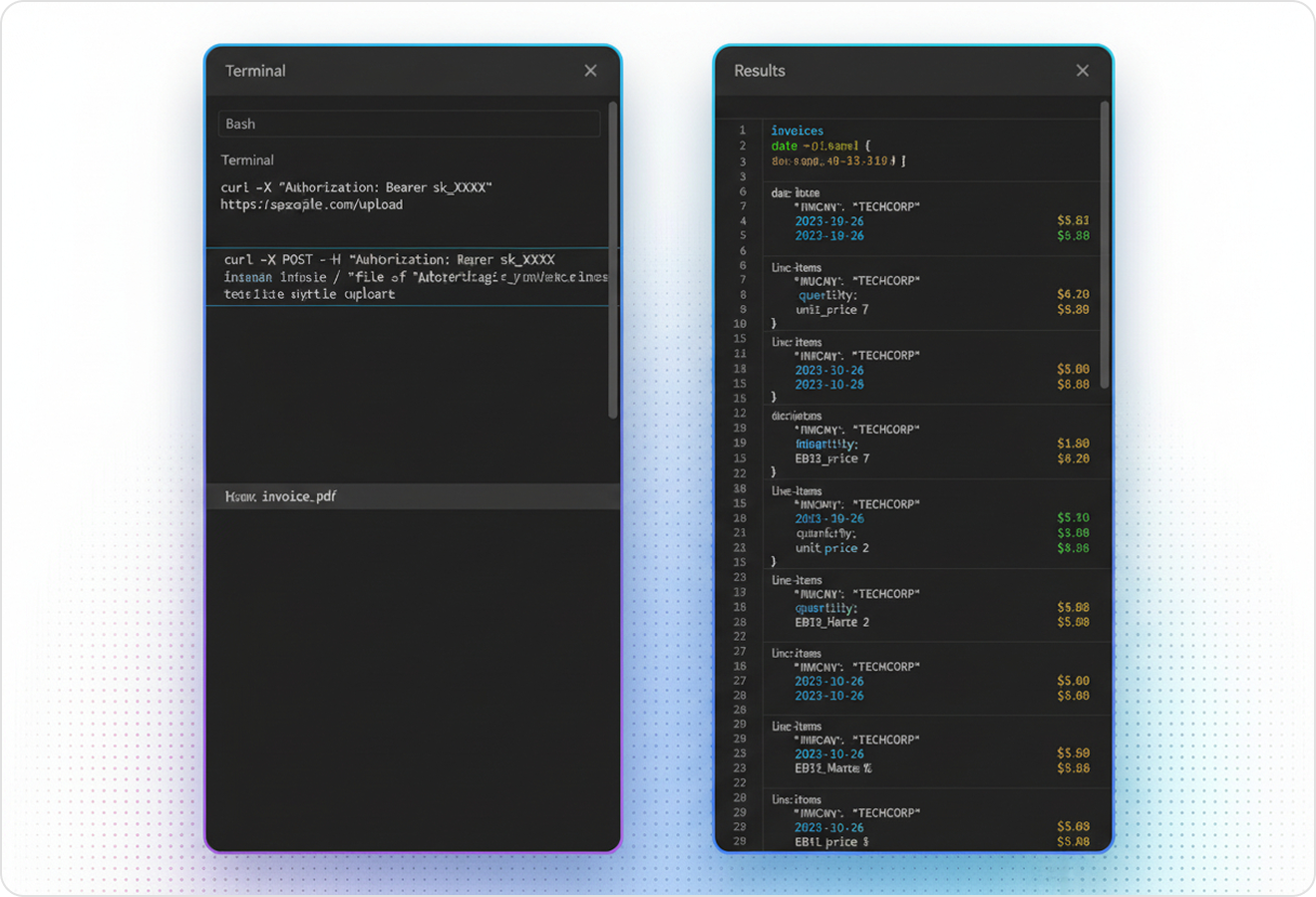
LlamaParse uses layout-aware vision to preserve indentation, line breaks, and reading order when extracting code from PDFs, scans, and slides. That means fewer broken code samples from multi-column pages, callout boxes, or wrapped lines that would otherwise ruin compilation and analysis.
02
LlamaParse reconstructs documents into clean Markdown that keeps code fences, headings, and inline code formatting intact. For OCR-for-code workflows, this gives you AI-ready outputs that are easy to diff, review, and feed into downstream tooling without manual cleanup.
03
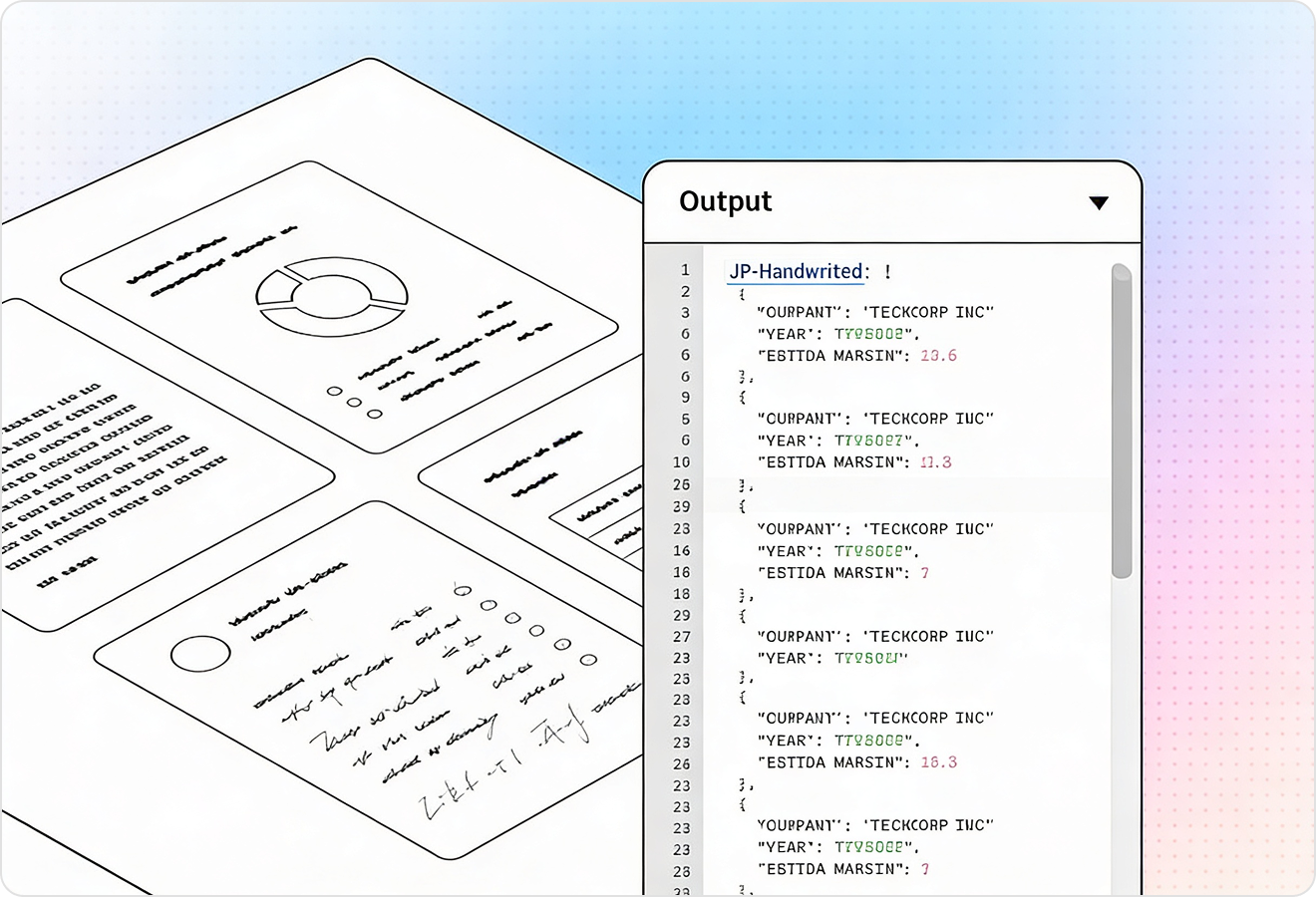
LlamaParse runs multiple validation passes to catch common recognition errors like misread symbols, swapped characters (O/0, l/1), and mangled braces. This is critical for code OCR, where a single character mistake can silently change meaning or break builds.
04
LlamaParse can emit structured JSON with element types and page-level coordinates, so you can isolate code snippets from surrounding prose, headers, and footers. That makes it straightforward to highlight the exact source region for human verification and build reliable, traceable code extraction pipelines.
Technical OCR documentation
Explore our developer guides to easily connect your document pipelines to LlamaParse.

Our AI catches the typos that tired eyes miss.

Export to Excel, JSON, XML, or directly via API.

SOC2 Type II compliant with end-to-end encryption.

Train the tool on your specific forms in minutes, not days.

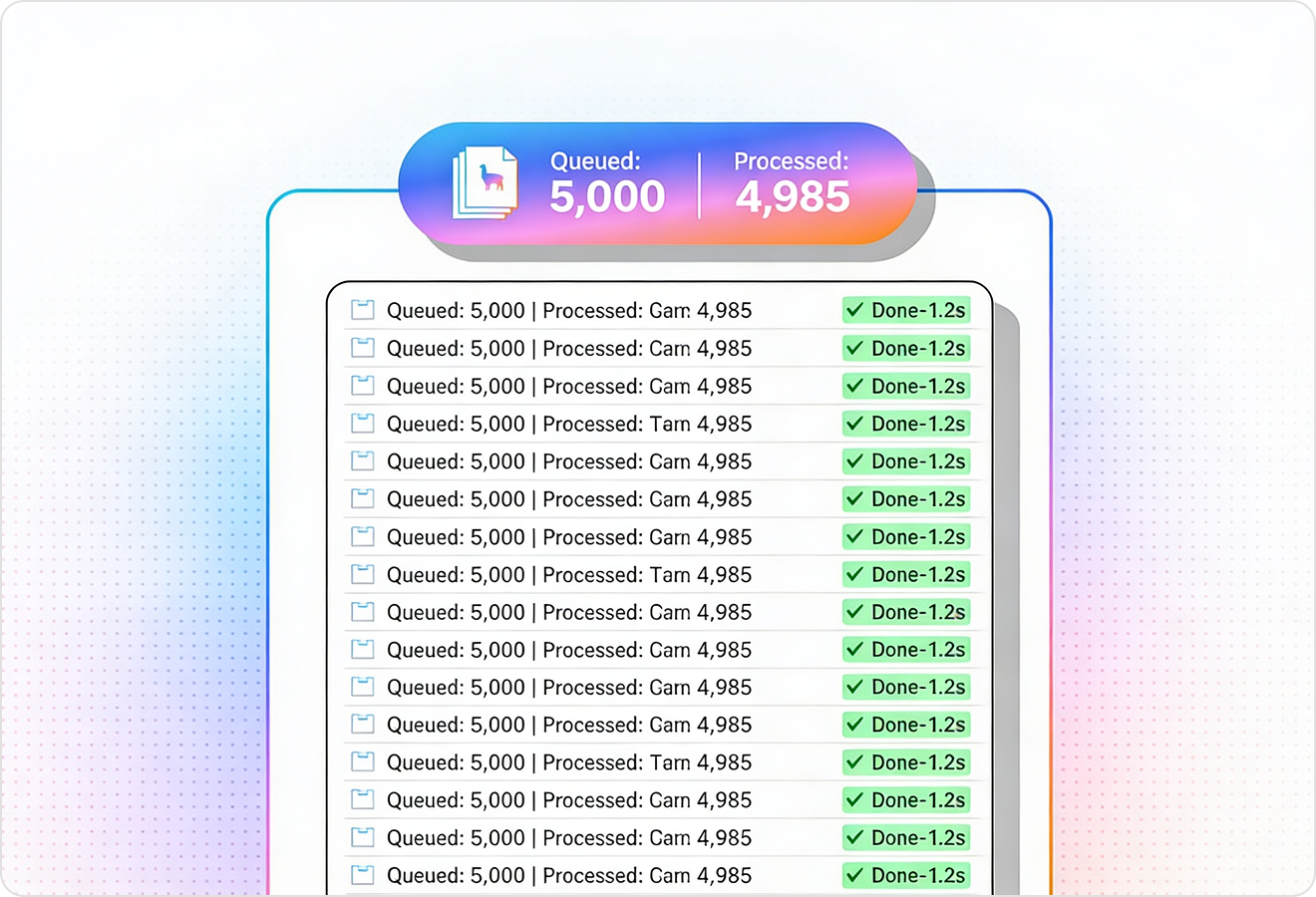
Average processing time of <3 seconds per page.
LlamaParse’s support of a wide variety of filetypes and its accuracy of parsing made it the best tool we tested in our evaluations. The LlamaIndex team was very responsive and we were off to the races within a day.
Common FAQs
01
LlamaParse uses layout-aware vision to preserve indentation, line breaks, and reading order—critical for Python, YAML, and any whitespace-sensitive code. It’s designed to handle multi-column pages, callout boxes, and wrapped lines so the output is far less likely to break compilation or analysis.
02
Yes—LlamaParse can isolate code snippets from surrounding prose, headers, and footers by using structured output with coordinates. This makes it easier to review exactly what was extracted and avoid accidentally mixing explanatory text into your code.
03
LlamaParse runs validation and auto-correction loops to catch frequent code OCR errors like swapped characters, misread symbols, and mangled braces. These extra passes help prevent subtle mistakes that can change meaning or cause builds and tests to fail.
04
What output formats do you provide for code OCR workflows—Markdown, JSON, or both?
You can get clean Markdown that preserves headings, inline code, and code fences for easy review and diffing. For automation, you can also output structured JSON with element types and page coordinates, making it straightforward to build reliable pipelines.
05
How easy is it to verify extracted code against the original document?
With JSON output that includes page-level coordinates, you can trace each code block back to its exact source region. That enables fast human spot-checking, highlights the right area for reviewers, and improves auditability in regulated or high-stakes workflows.
06
Can I trust the output enough to feed it into downstream tools like linters, analyzers, or LLMs?
The combination of layout-aware extraction, Markdown reconstruction, and validation passes produces AI-ready outputs that typically need far less manual cleanup. That means you can confidently pipe results into code review, static analysis, search/indexing, or LLM-based tooling while keeping an easy path for verification when needed.