

Nov 14, 2025
Document AI: The Next Evolution of Intelligent Document ProcessingPersona
Industry
Use cases
Cloud OCR
[ Cloud OCR ]

Use LlamaParse to extract tables, forms, and layouts into verified Markdown or JSON, fast.
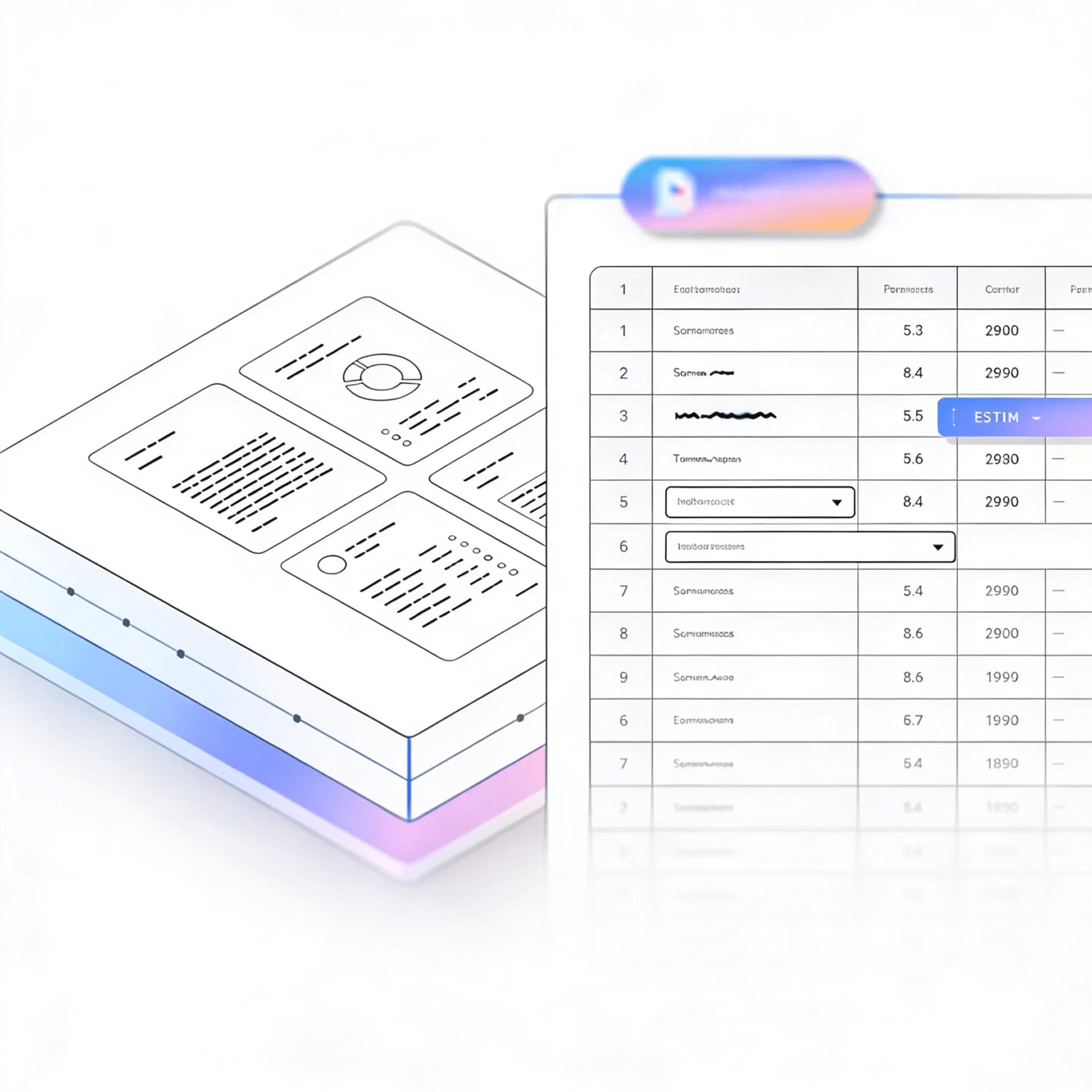


LlamaParse turns scans, PDFs, and mixed layouts into clean, structured outputs your apps can trust, so downstream extraction and automation stop breaking. It uses agentic document parsing to understand tables, charts, and forms, then returns Markdown, JSON, or HTML with metadata for verification.
Best-in-Class Accuracy

Turn messy customer PDFs—contracts, invoices, SOC 2 reports, and onboarding packets—into clean Markdown or JSON your product can actually use, without building a brittle parsing pipeline. LlamaParse preserves layout and tables and supports natural-language extraction instructions, so lean teams ship document-driven features faster with fewer edge-case fires.

Extract borrower financials from multi-column statements, tax returns, and collateral schedules into structured JSON with page-level citations, so analysts can verify values instead of rekeying them. Agentic parsing handles scanned, low-quality uploads with auto-correction loops, improving straight-through processing for underwriting and covenant monitoring.

Parse purchase orders, packing lists, and supplier quotes with complex line-item tables into normalized data that matches your ERP schema, even when vendors change templates. Multimodal parsing converts spec-sheet charts and diagrams into usable text, reducing ordering mistakes and speeding up quote-to-PO cycles.

Convert executed agreements, amendments, and exhibit-heavy PDFs into structured outputs while preserving reading order, section hierarchy, and embedded tables for obligations and pricing. With granular metadata and citations, legal teams can audit extractions quickly and drive clause tracking, renewal alerts, and playbook compliance at scale.
The Solution
01
LlamaParse understands page structure (columns, headers/footers, sections) so extracted text keeps its intended reading order. For cloud document processing, this prevents the “scrambled output” problem that makes downstream search, summarization, and data extraction unreliable.


02
It accurately pulls complex tables—merged cells, nested headers, multi-page tables—without losing row/column relationships. That means invoices, statements, and reports become usable structured data in your cloud pipeline, not a manual cleanup project.
03
LlamaParse can interpret charts, images, and math, turning visuals into machine-readable outputs like Markdown tables or LaTeX. This matters in cloud “OCR” workflows because the most valuable information often lives outside plain text, and you want it captured in the same pass.


04
JSON mode returns structured fields along with granular metadata like page references and spatial coordinates for traceability. In a cloud processing setup, this makes it easier to audit extractions, build human-in-the-loop review, and reliably connect extracted values back to the source.
Technical OCR documentation
Explore our developer guides to easily connect your document pipelines to LlamaParse.

Our AI catches the typos that tired eyes miss.

Export to Excel, JSON, XML, or directly via API.

SOC2 Type II compliant with end-to-end encryption.

Train the tool on your specific forms in minutes, not days.

Average processing time of <3 seconds per page.
LlamaParse’s support of a wide variety of filetypes and its accuracy of parsing made it the best tool we tested in our evaluations. The LlamaIndex team was very responsive and we were off to the races within a day.
Common FAQs
01
Our layout-aware parsing reads pages the way humans do—tracking columns, headers/footers, and section flow—so the extracted text keeps the correct reading order. That means cleaner search, summarization, and downstream extraction with far fewer post-processing fixes.
02
Yes—tables with merged cells, nested headers, and multi-page continuation are preserved with their row/column relationships intact. You get structured data you can trust in your pipeline, instead of spending hours on manual cleanup or brittle rules.
03
It goes beyond text with multimodal visual understanding, interpreting charts, embedded images, and mathematical notation in the same pass. Outputs can be returned as machine-readable formats like Markdown tables or LaTeX, so key insights don’t get lost.
04
What output formats do you support, and can I get structured JSON for my apps?
You can export clean text and structured formats, including a verifiable JSON mode built for automation. JSON results include the extracted fields plus traceability details so your app can reliably consume and validate the output.
05
How can I audit extractions and trace a value back to the exact spot in the source document?
Each JSON extraction can include page references and spatial coordinates, making it easy to link any value back to where it appeared on the page. This supports auditing, QA, and human-in-the-loop review without guessing or re-checking entire documents.
06
Will this reduce manual review time, or will my team still need to verify everything?
By preserving layout and table structure—and providing traceable JSON—you can focus review only on exceptions instead of re-validating every field. Most teams see faster processing and fewer re-runs, making it easier to confidently move from pilot to production.





