

Nov 14, 2025
Document AI: The Next Evolution of Intelligent Document ProcessingPersona
Industry
Use cases
OCR Invoice Scanning
[ OCR Invoice Scanning ]

LlamaParse scores every extracted field for confidence, so clean invoices flow straight to payment and only genuine exceptions land in front of your team.
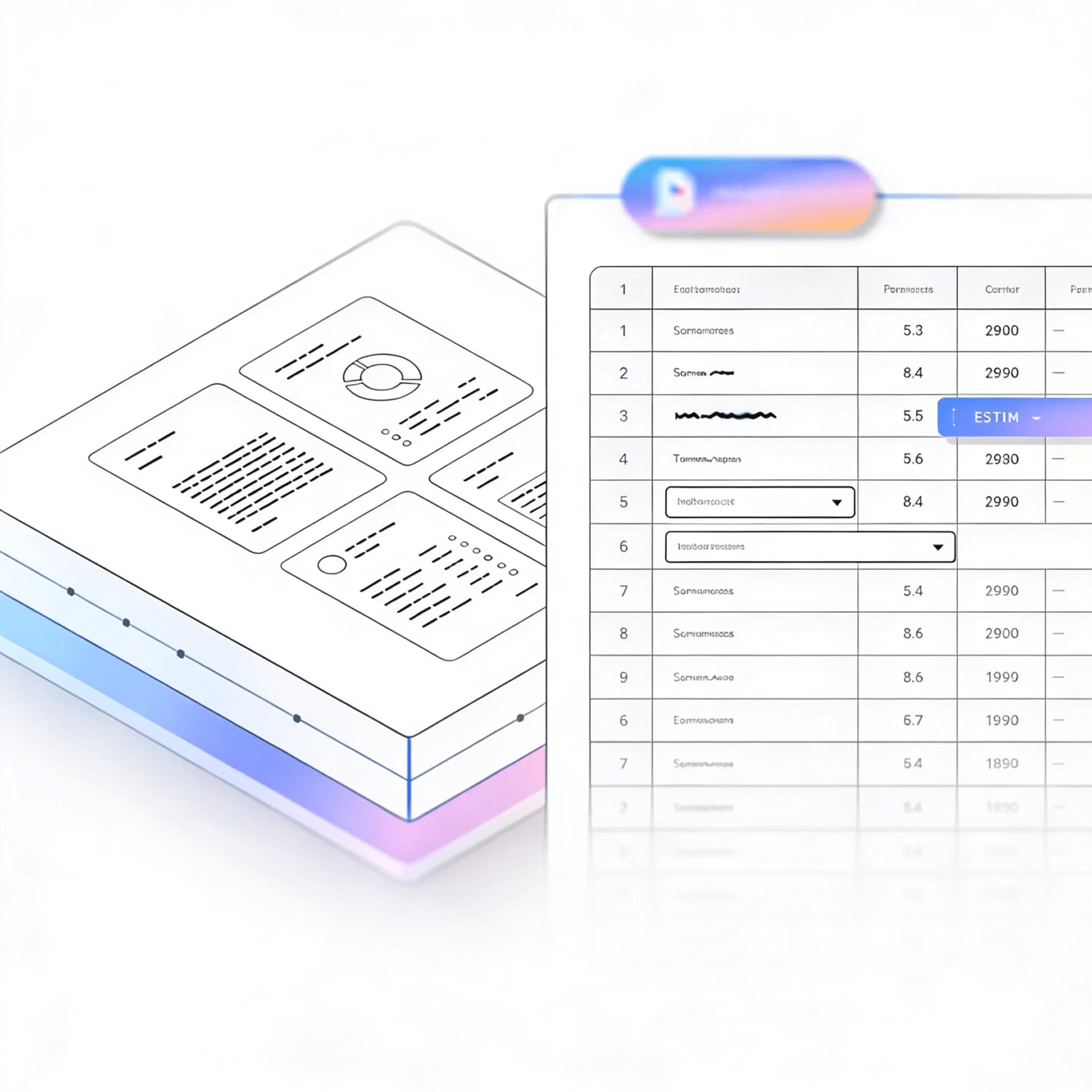


LlamaParse turns multi-layout invoices into clean, structured data so your intake and adjudication workflows run automatically. It understands layout, tables, and scanned images, then adds citations and confidence signals so your team can verify edge cases fast.
Best-in-Class Accuracy

LlamaParse handles new vendor formats the moment they show up, with no rule-writing or retraining. A five-person AP team can support a vendor list that triples without adding headcount to babysit exceptions.

Detention fees, lumper charges, and fuel surcharges vary by carrier and are where most billing disputes start. LlamaParse extracts each as its own line item, so mismatches against the rate card surface automatically instead of during a manual audit weeks later.

LlamaParse extracts pay applications, subcontractor invoices, and schedule-of-values line items, keeping retainage, stored materials, and change orders linked to the correct line even across multi-page formats. Draw requests and budget tracking stay audit-ready without manual reassembly.

A single facility can receive invoices from hundreds of suppliers, each with a different layout. LlamaParse extracts consistent fields across all of them, so AP automation doesn't require a template for every vendor relationship.
The Solution
01
LlamaParse uses layout-aware vision to preserve reading order across headers, line items, totals, and footer terms—even on messy scans. That means invoice number, dates, vendor info, and totals land in the right fields instead of getting scrambled by columns and stamps.


02
Table structure stays intact down to SKU, quantity, and unit price, keeping automated PO and GRN matching accurate instead of breaking on a shifted column.
03
Every flagged field comes with its exact page location, so review takes seconds instead of a full re-read of the invoice.


04
Validation loops catch and fix common failures, hallucinated totals, missing currency symbols, misaligned line items, before results are returned.
Technical OCR documentation
Explore our developer guides to easily connect your document pipelines to LlamaParse.
Explore the documentation
Our AI catches the typos that tired eyes miss.

Export to Excel, JSON, XML, or directly via API.

SOC2 Type II compliant with end-to-end encryption.

Train the tool on your specific forms in minutes, not days.

Average processing time of <3 seconds per page.
LlamaParse’s support of a wide variety of filetypes and its accuracy of parsing made it the best tool we tested in our evaluations. The LlamaIndex team was very responsive and we were off to the races within a day.
Common FAQs
01
Yes—layout-aware vision preserves the reading order across headers, line items, totals, and footer terms, even when stamps or skewed scans are present. That means key fields like invoice number, dates, vendor details, and totals land in the correct places instead of getting scrambled.
02
It extracts line-item tables with high fidelity, maintaining the row/column structure so SKUs, quantities, unit prices, tax, and discounts stay aligned. This reduces brittle post-processing and improves reliability when matching against POs or importing into your ERP.
03
You can get structured JSON output in a consistent, machine-friendly shape that maps cleanly into your database, AP automation, or ERP import. It also includes granular metadata (like page references and element types) to support auditing and exception handling.
04
How do you prevent common OCR mistakes like wrong totals or missing currency symbols?
Automatic validation loops run checks and self-corrections to catch issues like hallucinated totals, missing currency symbols, or broken line-item alignment. This increases straight-through processing and reduces the number of invoices that need manual review.
05
Can it handle different invoice templates from multiple vendors without custom training?
Yes—the system is designed to understand invoice layouts broadly, so it adapts across vendors and formats without you maintaining template rules. You’ll spend less time onboarding new suppliers and more time processing invoices consistently.
06
How does this help my team reduce manual data entry and speed up invoice processing?
By capturing structured fields and accurate line items in JSON—and validating results automatically—you can automate most invoices end-to-end. Teams typically use it to cut rework, minimize exceptions, and free AP staff to focus on approvals and vendor resolution.





