

Nov 14, 2025
Document AI: The Next Evolution of Intelligent Document ProcessingPersona
Industry
Use cases
AI Document Processing
[ AI Document Processing ]

Use LlamaParse to turn messy PDFs into structured JSON with citations and confidence scores.
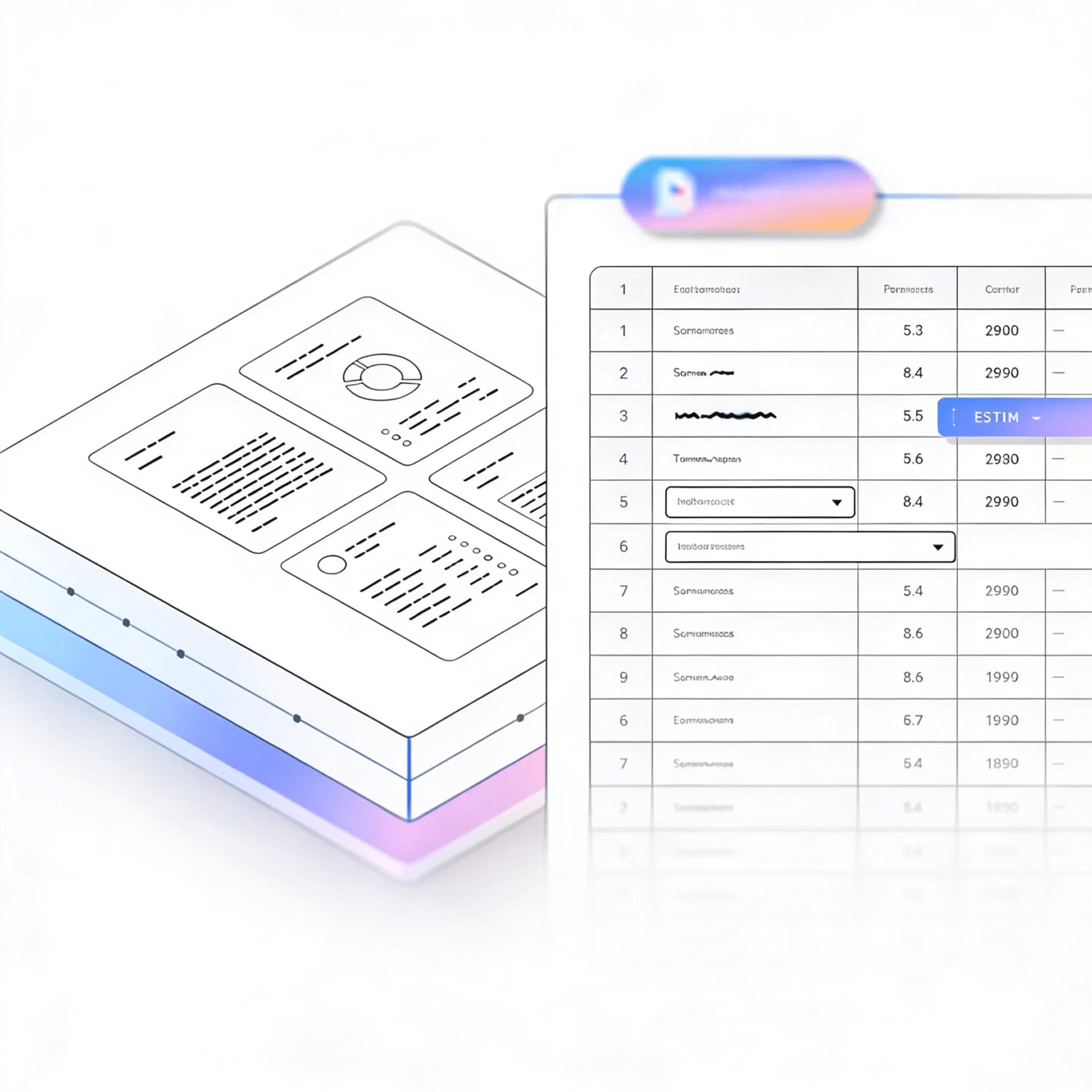


LlamaParse transforms PDFs, scans, and weird layouts into clean, structured outputs your apps and agents can reliably consume. It uses layout-aware vision and validation loops to handle tables, charts, and citations, boosting accuracy while cutting manual review.
Best-in-Class Accuracy

Use LlamaParse as the ingestion layer to turn messy customer PDFs into clean Markdown/JSON so you can ship searchable, agent-driven workflows without months of brittle parsing code. Natural-language parsing instructions let you iterate on extraction and schemas in hours, while tier-based processing keeps costs predictable as usage scales.

Parse loan packets, bank statements, and KYC files with layout-aware table extraction so income, liabilities, and cashflow don’t get scrambled across columns or footnotes. JSON mode with citations and confidence scores enables faster underwriting and auditable decisions while reducing exception queues from legacy OCR errors.

Convert contracts, exhibits, and scanned filings into structured outputs that preserve reading order, section headers, and signature blocks so legal teams can reliably search and draft against the right clauses. Multimodal parsing captures embedded charts and images and returns traceable metadata for defensible review and faster matter timelines.

Extract line items, part numbers, and terms from POs, invoices, packing slips, and spec sheets—even when tables are nested or split across pages—so ERP updates stop relying on manual rekeying. Auto correction loops and cost-optimized routing reduce downstream reconciliation issues and keep high-volume intake efficient without constant template maintenance.
The Solution
01
LlamaParse understands document layout so multi-column text, headers/footers, and nested sections come back in the right reading order. For AI document processing, this prevents scrambled context and makes downstream extraction and reasoning far more reliable.


02
LlamaParse pulls complex tables (including merged cells and irregular grids) into clean, structured Markdown instead of flattened text. That gives your pipeline AI-ready structure for reconciliation, analytics, and automated decisions—without brittle post-processing code.
03
LlamaParse can interpret charts, figures, and equations, turning visual content into usable text like Markdown tables and LaTeX. This helps AI document processing capture the full meaning of technical PDFs and reports, not just the words that happen to be selectable.


04
LlamaParse outputs structured JSON with granular metadata like page numbers, element types, and spatial coordinates for each extracted node. In AI document processing workflows, that traceability enables precise validation, targeted human review, and deterministic downstream automation.
Technical OCR documentation
Explore our developer guides to easily connect your document pipelines to LlamaParse.

Our AI catches the typos that tired eyes miss.

Export to Excel, JSON, XML, or directly via API.

SOC2 Type II compliant with end-to-end encryption.

Train the tool on your specific forms in minutes, not days.

Average processing time of <3 seconds per page.
LlamaParse’s support of a wide variety of filetypes and its accuracy of parsing made it the best tool we tested in our evaluations. The LlamaIndex team was very responsive and we were off to the races within a day.
Common FAQs
01
Yes—our layout-aware parsing preserves the intended reading order, even with multi-column text, footnotes, and nested headings. That means your downstream extraction and LLM prompts get coherent context instead of scrambled paragraphs, improving accuracy with less cleanup.
02
Tables are extracted into clean, structured Markdown, including merged cells and non-uniform layouts. You get AI-ready structure for reconciliation, analytics, and automation—without writing brittle regex or post-processing scripts.
03
It’s multimodal, so it can interpret charts and figures into usable text (like Markdown tables) and convert equations into LaTeX. This helps you capture the meaning of technical reports and scanned visuals, not just the text layer.
04
What does the output look like, and can I trace results back to the source document?
You’ll get verifiable JSON with rich metadata, including page numbers, element types, and spatial coordinates for each extracted node. That traceability makes it easy to audit results, pinpoint errors, and route only the right sections for human review.
05
How do we validate quality and handle exceptions without slowing down the whole pipeline?
Because every extracted element includes location and type metadata, you can set targeted validation rules (e.g., “only review tables on pages 3–5”). This supports faster QA workflows and more deterministic automation than relying on raw text alone.
06
How quickly can we integrate this into an existing AI document processing workflow?
Most teams plug it in as a drop-in parsing layer and immediately improve extraction reliability—especially for layout-heavy PDFs and tables. Start with a small batch, compare outputs side-by-side, and scale once your validation checks confirm the gains.





