Nov 14, 2025
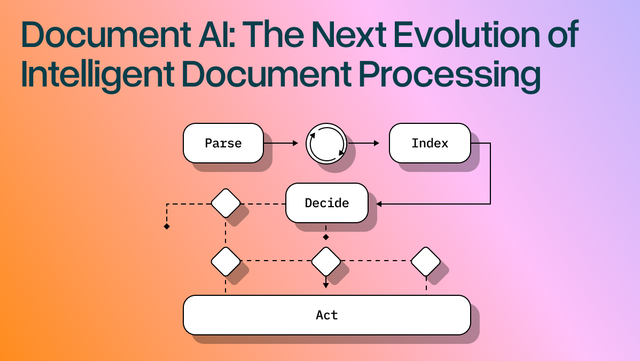
Document AI: The Next Evolution of Intelligent Document ProcessingPersona
Industry
Use cases
OCR For PDFS
[ OCR For PDFS ]

Use LlamaParse to turn statements into clean JSON with citations and confidence you can verify.
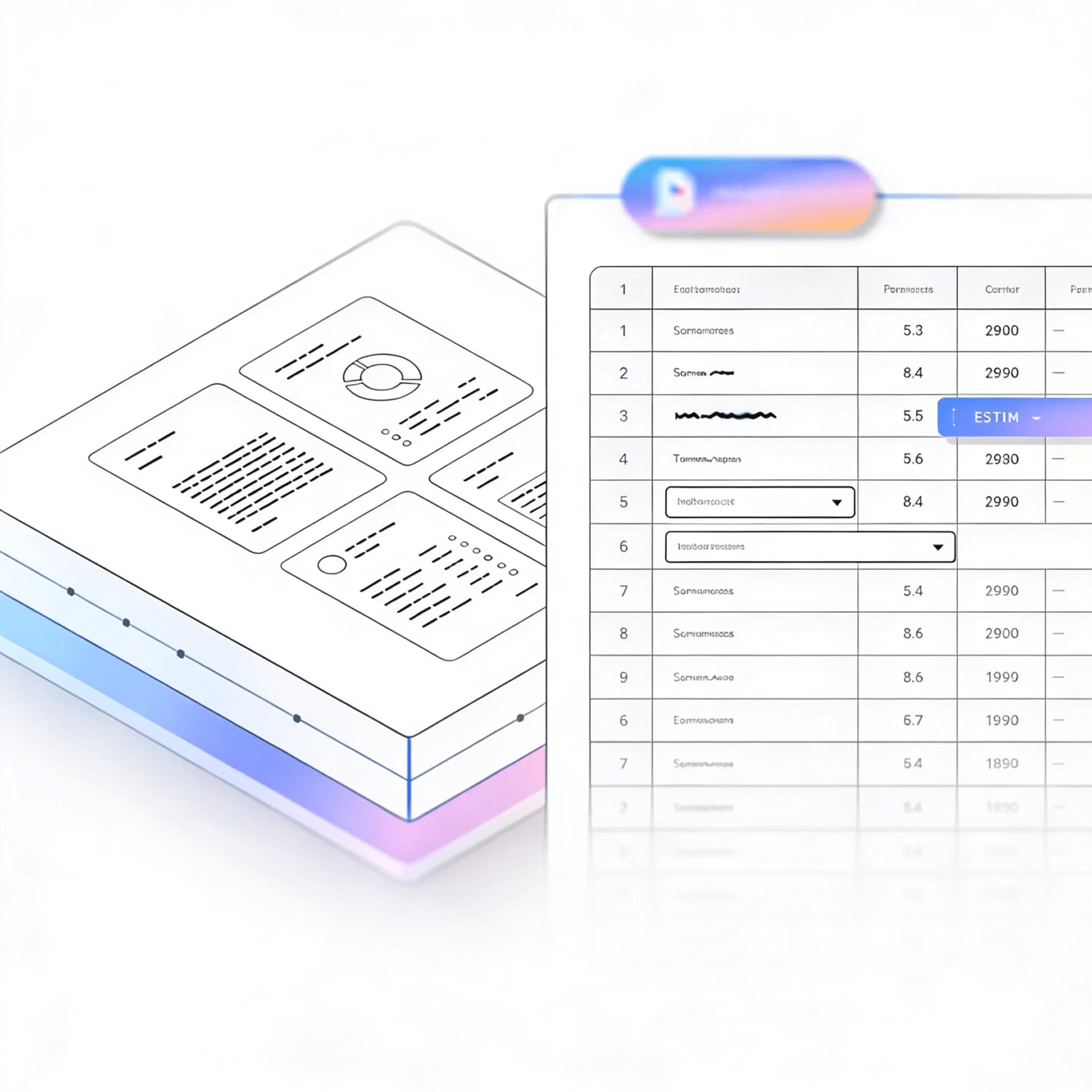
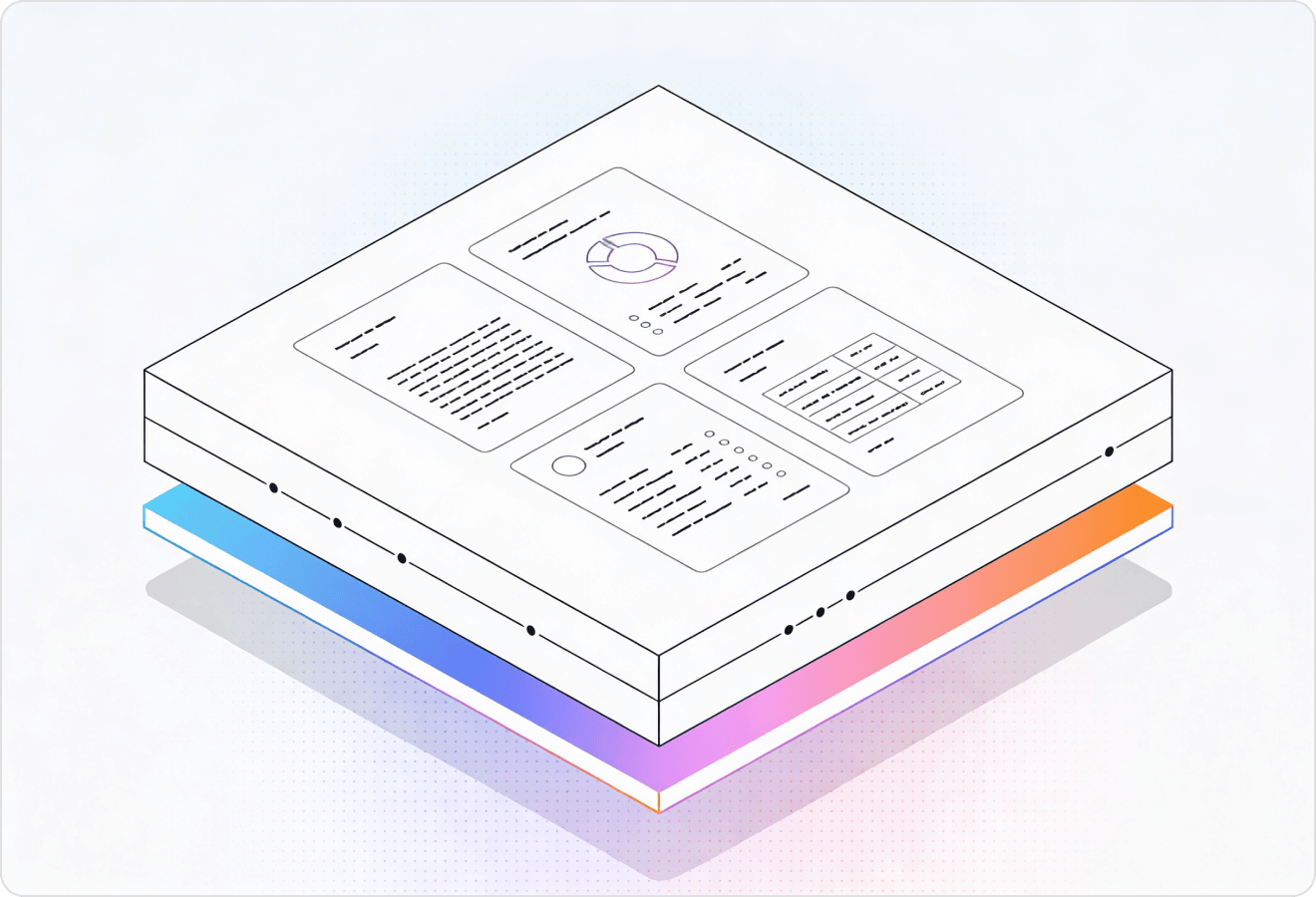

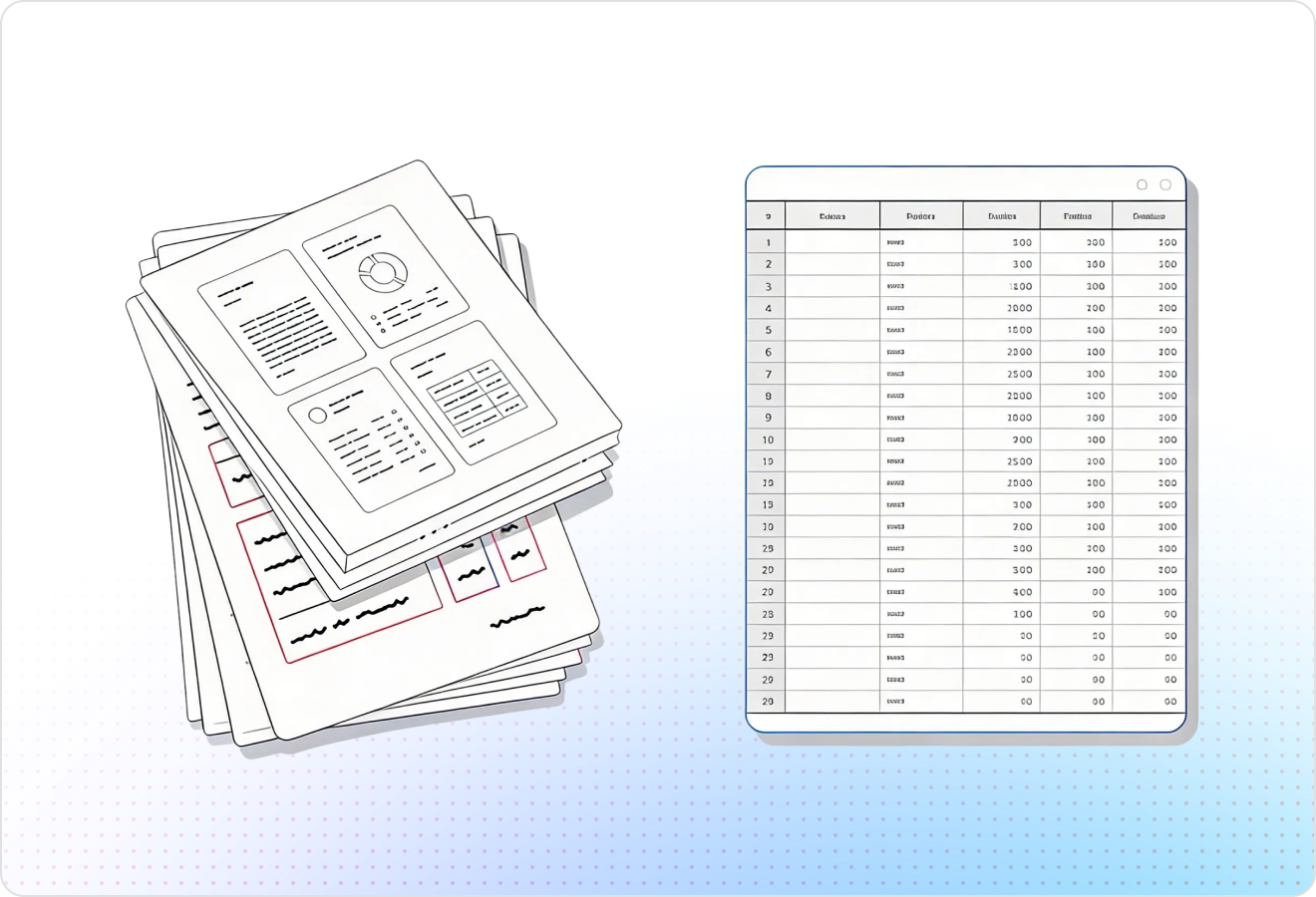
LlamaParse turns messy PDFs and scanned statements into reliable JSON or tables, so you can map line items without spreadsheet cleanup. It uses agentic document parsing to understand layout, reconcile totals, and attach citations and confidence scores for fast review.
Best-in-Class Accuracy

Use LlamaParse to turn borrower financial statements into clean, layout-faithful JSON and Markdown so spreading, covenant checks, and ratio calculations run automatically—even when tables span pages or columns shift. Page-level citations and confidence metadata let underwriters spot-check exceptions fast instead of manually rekeying line items.

Parse client financial packets into structured outputs that preserve footnotes, multi-column sections, and statement hierarchies, making tie-outs and lead schedules easier to assemble without brittle cleanup scripts. Natural-language parsing instructions can extract just the disclosures you care about (e.g., revenue recognition, leases) and attach source references for audit trail.

Convert submitted financial statements into standardized datasets for faster risk scoring and coverage decisions, including reliable table extraction from scanned PDFs and broker-provided packs. Multimodal parsing captures charts and embedded visuals (like loss triangles or KPI graphs) so analysts don’t miss signals that traditional text-only extraction drops.

Automate investor and board reporting by parsing monthly financial statements into a consistent schema that feeds dashboards, burn/runway alerts, and variance analysis without spreadsheet wrangling. Tier-based agentic processing keeps costs predictable by using heavier vision reasoning only on messy pages like scanned statements or complex notes.
The Solution
01
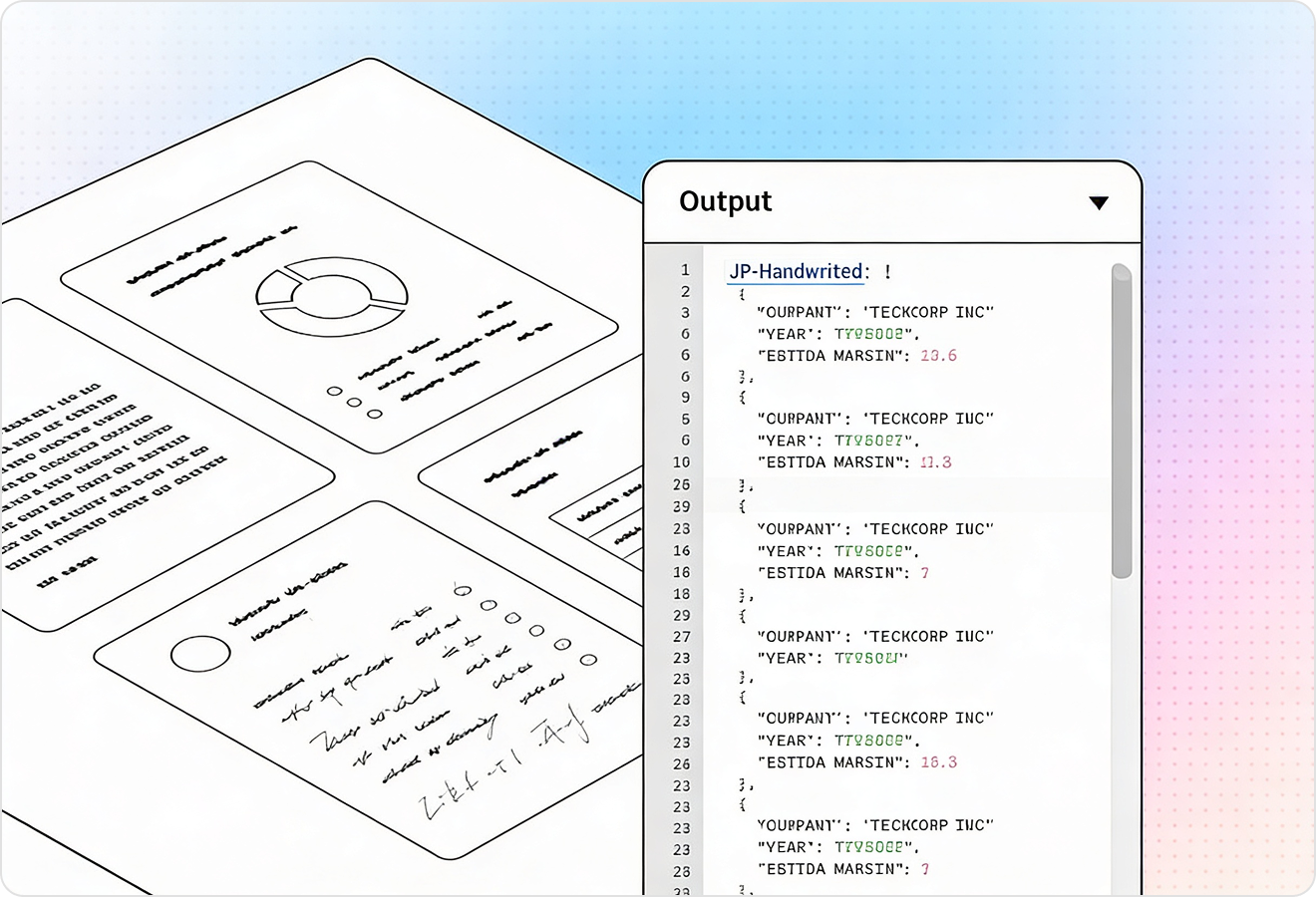
LlamaParse understands page structure to extract multi-column financial statements and dense tables without scrambling rows, headers, or footnotes. That means cleaner balance sheets and income statements you can trust for downstream analytics and reconciliation.
02
LlamaParse can interpret embedded charts, scanned tables, and image-based disclosures using multimodal document understanding, not just raw text extraction. This helps capture key financial context like trend charts and table callouts that traditional pipelines often drop.
03
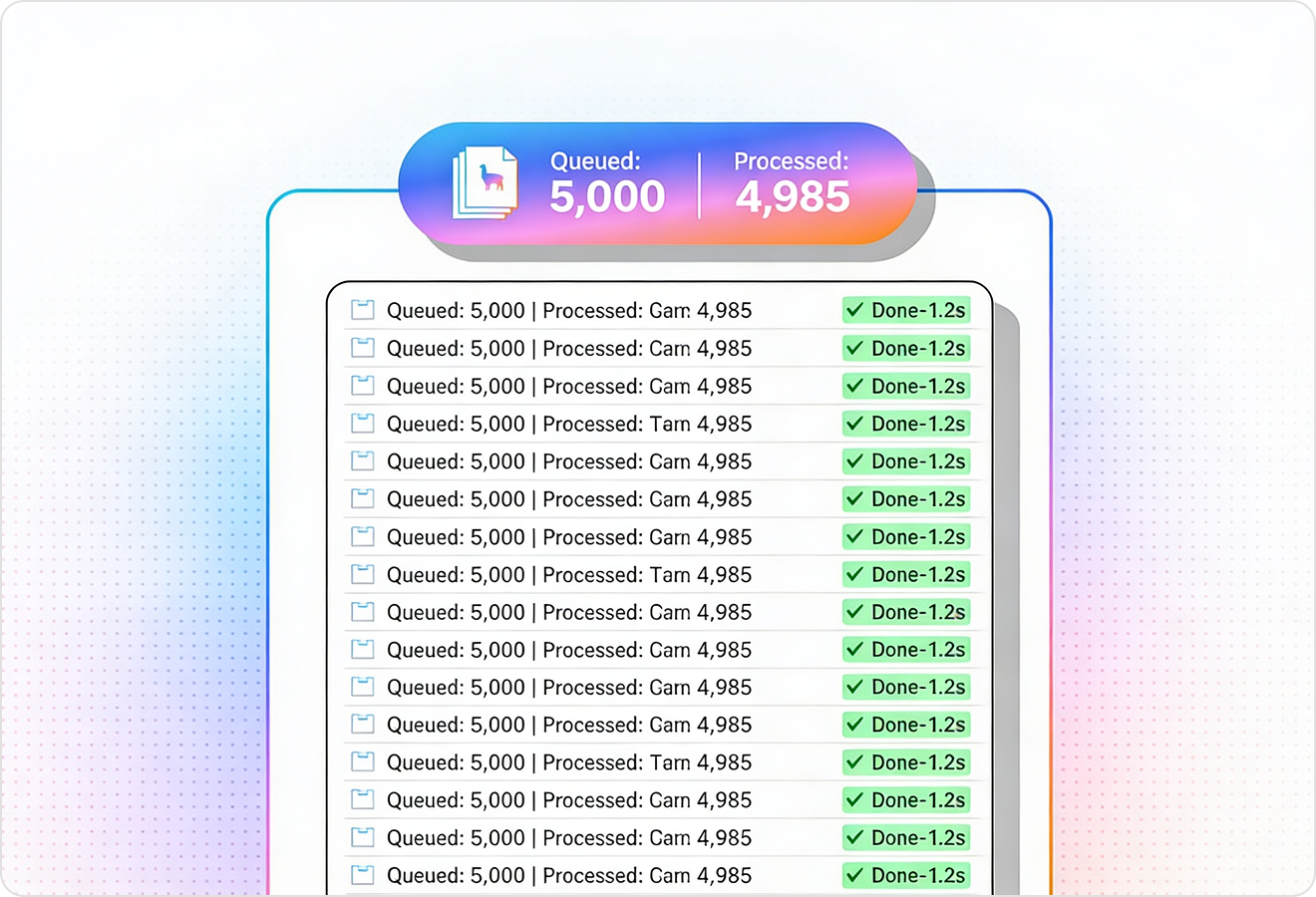
LlamaParse runs self-checks and iterative validation to catch common extraction failures like shifted columns, missing negatives, or broken totals. For financial statements, this reduces manual review and improves straight-through processing on real-world scans.
04
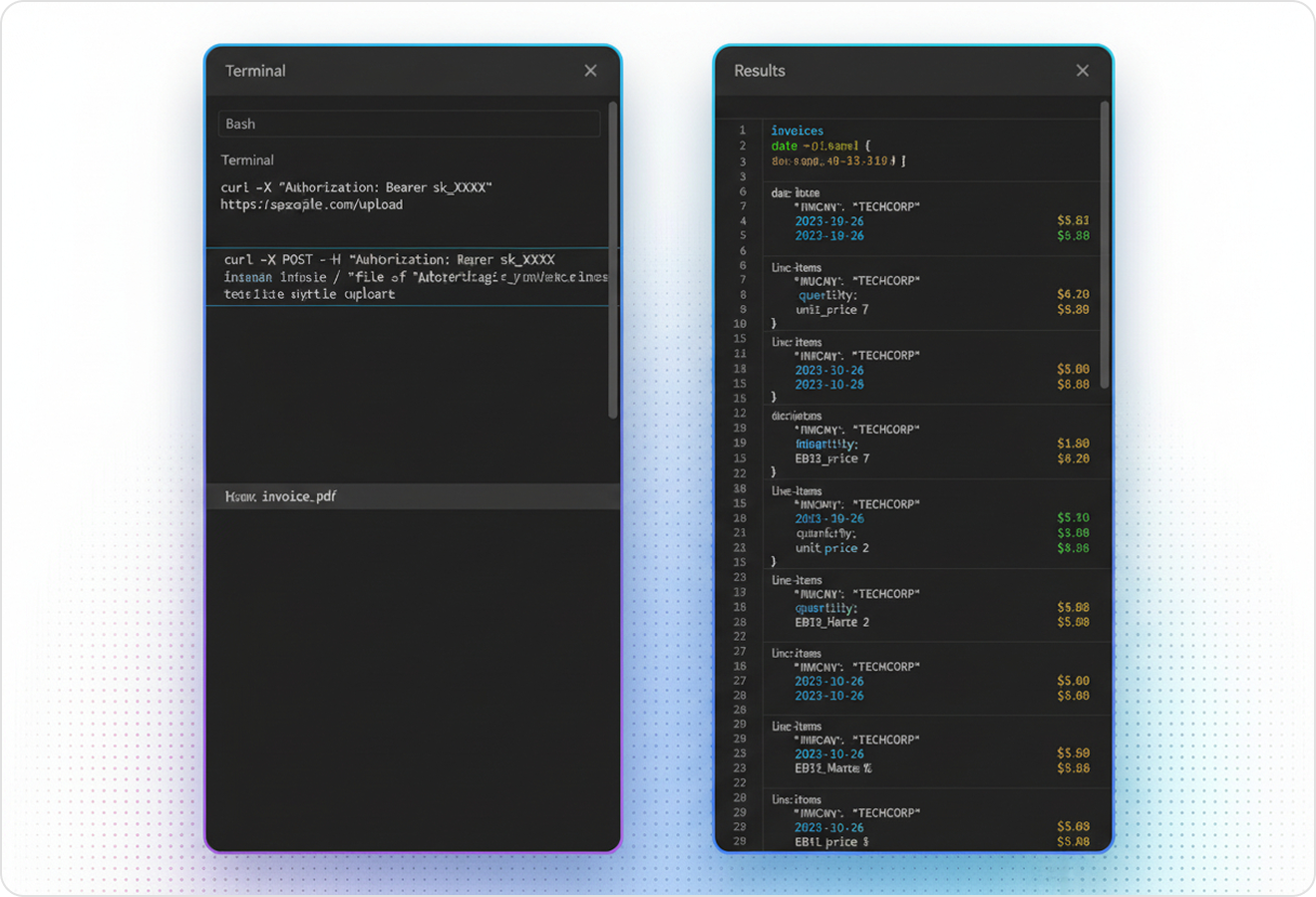
LlamaParse outputs structured JSON and attaches traceable metadata such as page references and element-level positioning. This makes it straightforward to audit extracted line items back to the source statement and route low-confidence fields to human review.
Technical API documentation
Use LlamaIndex’s Python framework to connect your data to production-ready LLM applications.
Explore the documentation
Our AI catches the typos that tired eyes miss.

Export to Excel, JSON, XML, or directly via API.

SOC2 Type II compliant with end-to-end encryption.

Train the tool on your specific forms in minutes, not days.

Average processing time of <3 seconds per page.
LlamaParse’s support of a wide variety of filetypes and its accuracy of parsing made it the best tool we tested in our evaluations. The LlamaIndex team was very responsive and we were off to the races within a day.
Common FAQs
01
Our layout-aware table parsing reads page structure so headers, rows, and footnotes stay aligned—even in dense, multi-column statements. You get cleaner balance sheets and income statements that are ready for reconciliation and analytics with far less manual cleanup.
02
Yes—agentic visual understanding lets us interpret scanned tables, image-based footnotes, and even chart callouts, not just plain text. This helps preserve important context (like trends and references) that traditional OCR workflows often miss.
03
Validation correction loops run iterative self-checks to detect issues such as shifted columns, dropped minus signs, and totals that don’t tie out. When something looks off, the system corrects it when possible and flags it when not—reducing review time and increasing straight-through processing.
04
Do you provide structured output that’s easy to load into our finance systems?
We output structured JSON designed for downstream use in ETL, reconciliation, and reporting pipelines. It’s consistent and machine-readable, so you can map line items to your chart of accounts and automate ingestion faster.
05
How can auditors or reviewers trace extracted numbers back to the source statement?
Every extracted field can include citations like page references and element-level positioning, making it easy to verify values against the original document. This creates an audit-friendly trail and supports confidence-based workflows where low-confidence fields can be routed for human review.
06
How well does this handle messy, real-world statements from different issuers and formats?
It’s built for variability—multiple templates, dense disclosures, and uneven scan quality—by combining layout awareness, visual understanding, and validation checks. The result is more consistent extraction across issuers, fewer exceptions, and a faster path to production-grade automation.