Nov 14, 2025
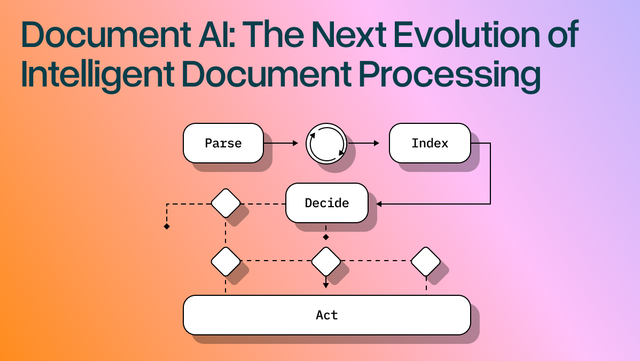
Document AI: The Next Evolution of Intelligent Document ProcessingPersona
Industry
Use cases
Intelligent Document
[ Intelligent Document ]

Turn messy PDFs into clean JSON or Markdown with layout-aware parsing you can trust.
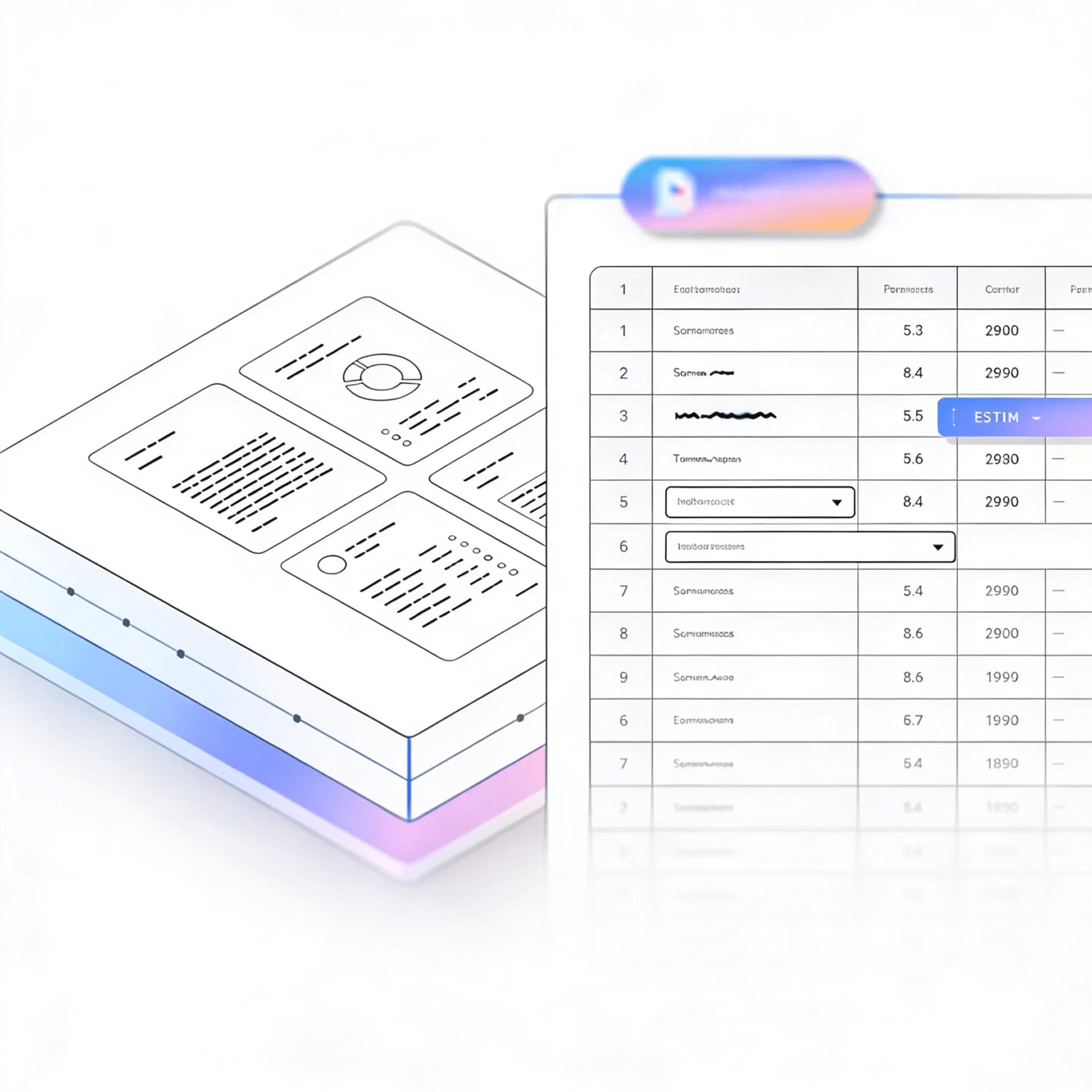


LlamaParse turns messy PDFs, scans, and mixed-format files into clean Markdown, JSON, or HTML your AI apps can reliably work with. It uses layout-aware vision plus agentic validation loops to reduce extraction errors, speed automation, and keep results verifiable with metadata.
Best-in-Class Accuracy

LlamaParse turns investor decks, customer contracts, and inbound PDFs into clean Markdown/JSON so product teams can ship searchable document experiences without building brittle parsing code. Auto routing and cost controls let you keep unit economics predictable while scaling from a prototype to production ingestion.

LlamaParse extracts structured fields from loss runs, adjuster reports, and multi-page claim packets—preserving tables, footnotes, and reading order that legacy OCR scrambles. With granular metadata and confidence signals, teams can accelerate straight-through processing while routing only true exceptions to human review.

LlamaParse parses bills of lading, commercial invoices, packing lists, and customs forms into schema-ready JSON, even when layouts vary by carrier and country. It reduces costly shipment holds by reliably capturing line items, HS codes, and quantities from dense tables and scanned documents.

LlamaParse converts plan sets, spec books, and submittals into structured outputs that keep sections, headers, and cross-references intact for downstream review workflows. It can interpret diagrams and tables to support faster takeoffs, compliance checks, and change-order reconciliation without manual re-keying.
The Solution
01
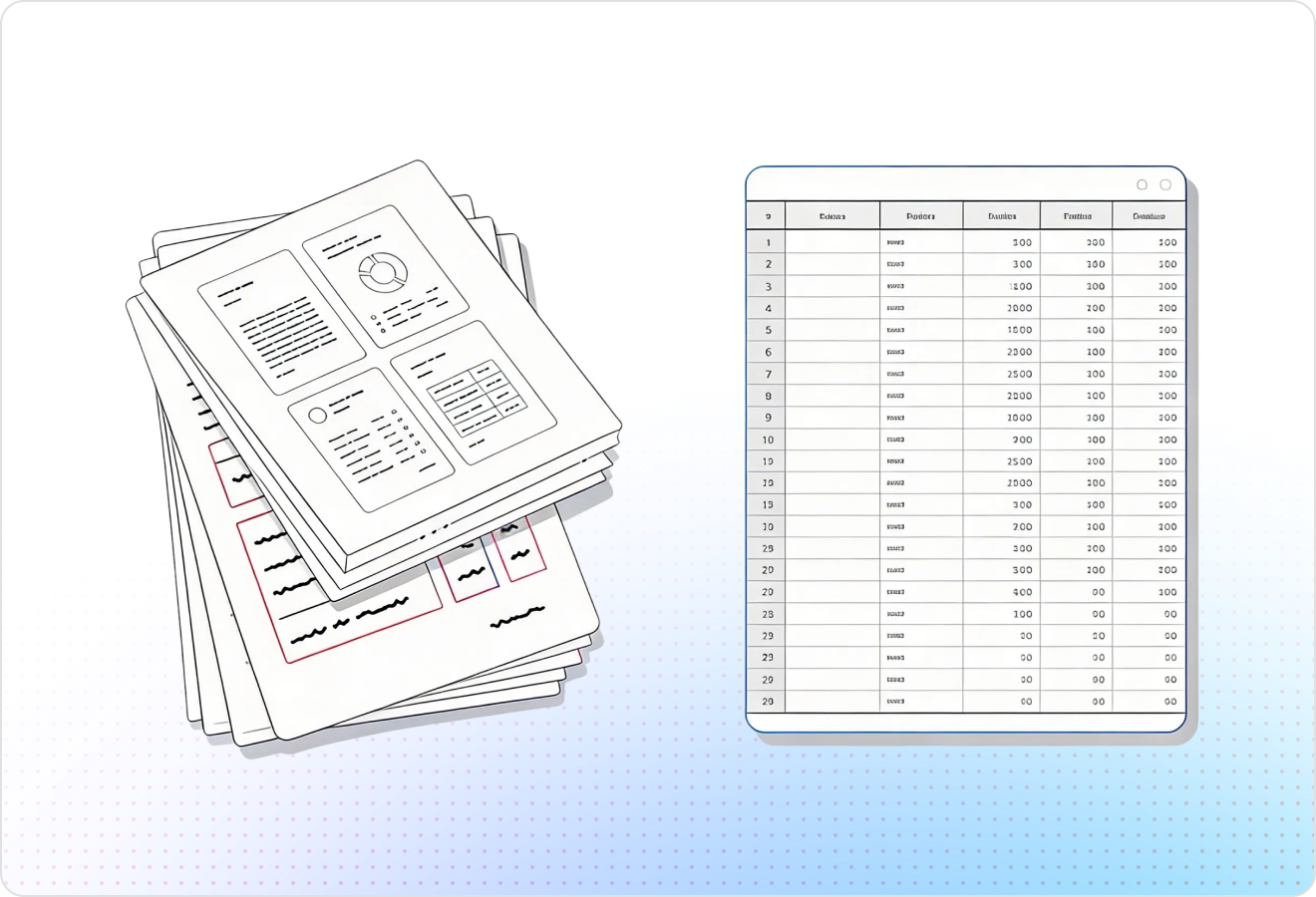
LlamaParse understands page structure to extract multi-column text, nested tables, and repeating headers without scrambling reading order. That reliability is foundational for intelligent document processing because downstream automations can trust the document’s structure instead of fighting brittle post-processing.
02
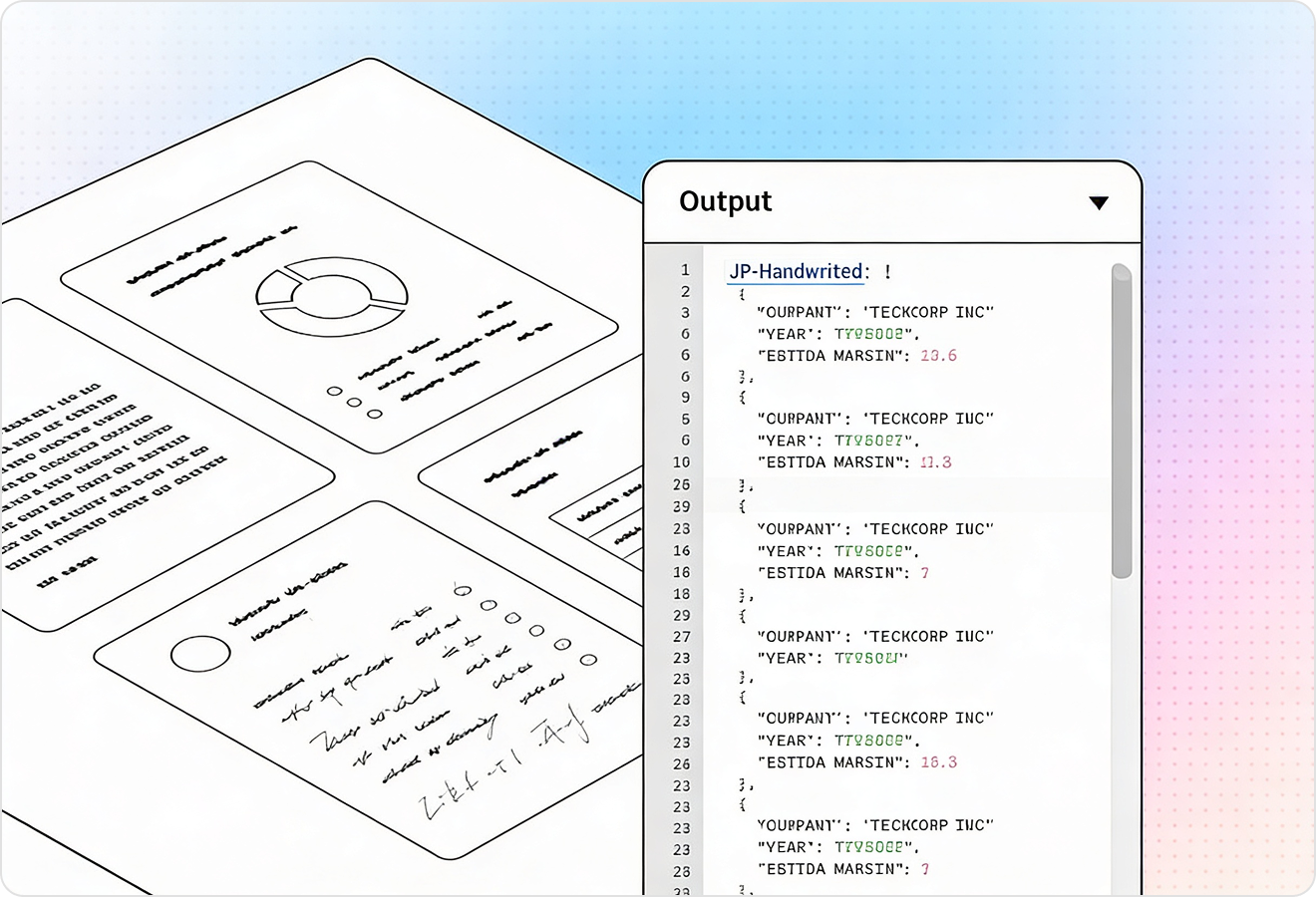
LlamaParse can interpret charts, images, and math expressions, converting them into usable representations like Markdown tables or LaTeX. This turns visual-heavy documents into machine-readable data so your intelligent document workflows capture meaning—not just text.
03
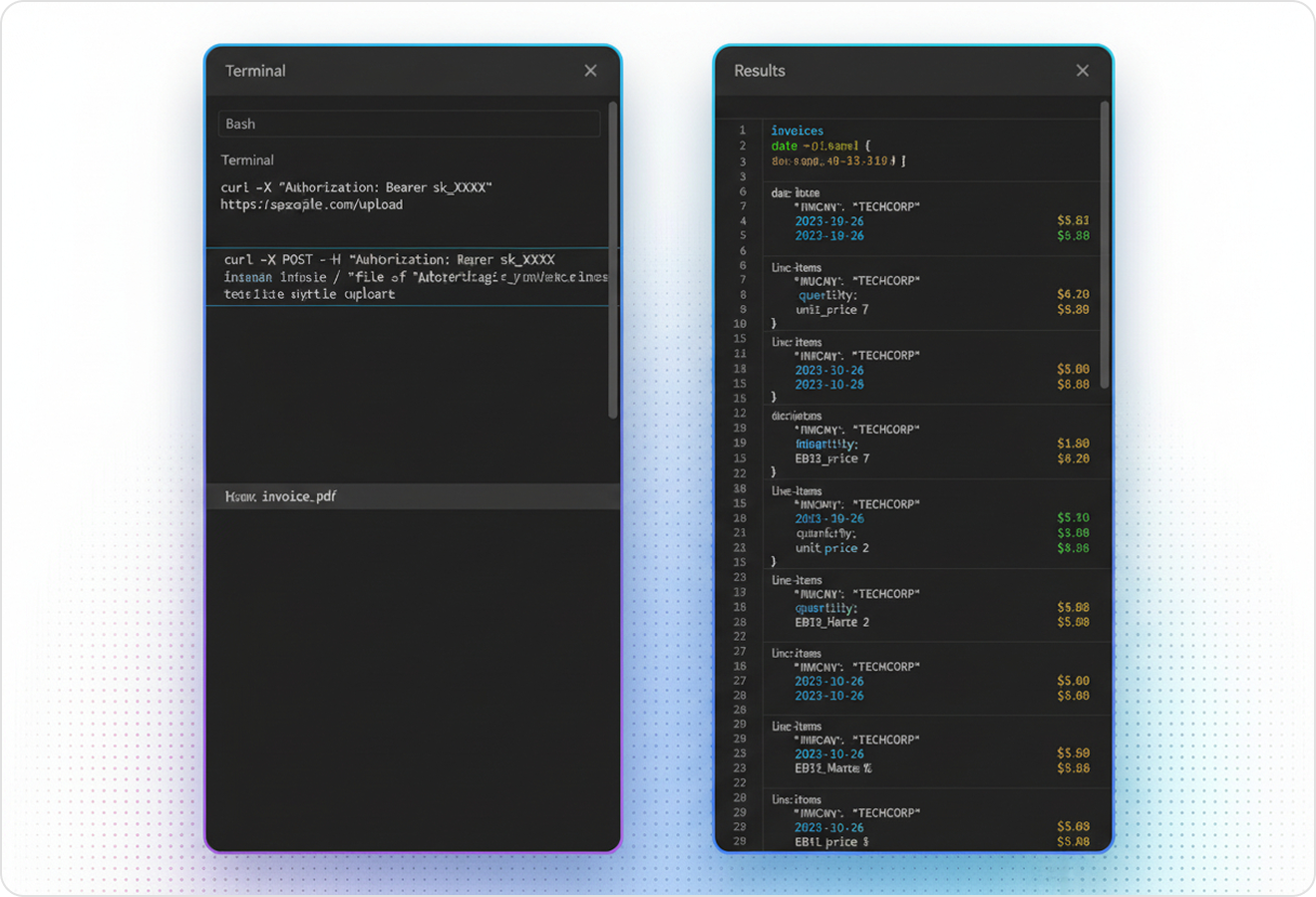
You can steer parsing with natural-language instructions to extract exactly what matters, format it consistently, or ignore irrelevant sections. This speeds up building intelligent document processing pipelines because you replace custom cleanup code with targeted, repeatable extraction behavior.
04
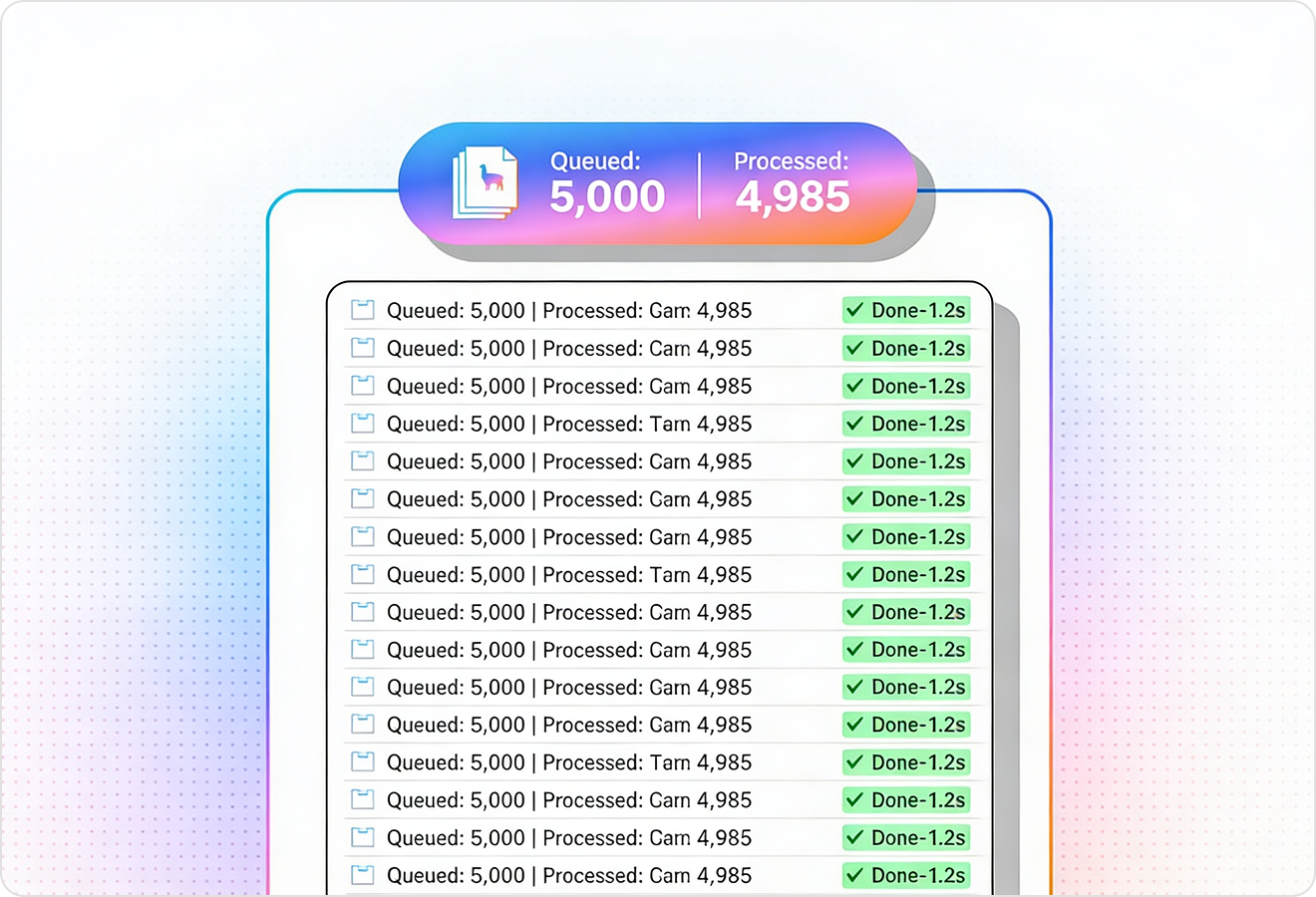
LlamaParse runs validation loops to catch inconsistencies and repair common extraction errors before results are returned. That increases straight-through processing in intelligent document processing solutions by reducing exceptions, rework, and manual review.
Technical OCR documentation
Explore our developer guides to easily connect your document pipelines to LlamaParse.

Our AI catches the typos that tired eyes miss.

Export to Excel, JSON, XML, or directly via API.

SOC2 Type II compliant with end-to-end encryption.

Train the tool on your specific forms in minutes, not days.

Average processing time of <3 seconds per page.
LlamaParse’s support of a wide variety of filetypes and its accuracy of parsing made it the best tool we tested in our evaluations. The LlamaIndex team was very responsive and we were off to the races within a day.
Common FAQs
01
Our layout-aware parsing understands page structure so multi-column text, nested tables, and repeating headers stay in the correct reading order. That means you get reliable, analysis-ready output with far less manual cleanup. It’s built to reduce downstream errors in your automations.
02
Yes—multimodal understanding converts visual elements like charts, images, and equations into usable formats such as Markdown tables or LaTeX. This helps your workflows capture the actual intent of the document, not just the surrounding text. It’s especially valuable for reports, financial statements, and scientific content.
03
You can guide extraction with simple natural-language instructions—what to pull, how to format it, and what to ignore. This replaces brittle post-processing scripts with consistent, repeatable behavior. It’s an easy way to stand up new document workflows faster.
04
What happens when the parser makes a mistake—do we have to catch everything ourselves?
The system runs validation and self-correction loops to detect common inconsistencies and repair them before results are returned. This reduces exceptions and manual review, increasing straight-through processing. Your team spends less time troubleshooting edge cases.
05
Will the extracted tables and fields be consistent enough for downstream systems like RPA, BI, or databases?
Yes—structured output is designed to preserve document hierarchy and keep tables aligned, which makes it dependable for automation and analytics. Instruction-guided formatting also helps standardize schemas across varying templates. The goal is fewer pipeline breaks and cleaner integrations.
06
How quickly can we go from a sample document to a working intelligent document processing pipeline?
Most teams start by uploading a few representative documents and adding instructions for the fields and formats they need. Because layout handling and validation are built in, you avoid weeks of custom rules and rework. You can typically move from proof-of-concept to production