Nov 14, 2025
Document AI: The Next Evolution of Intelligent Document ProcessingPersona
Industry
Use cases
OCR For PDFS
[ OCR For PDFS ]

Turn complex PDF layouts into clean, verifiable JSON or Markdown with LlamaParse in minutes.
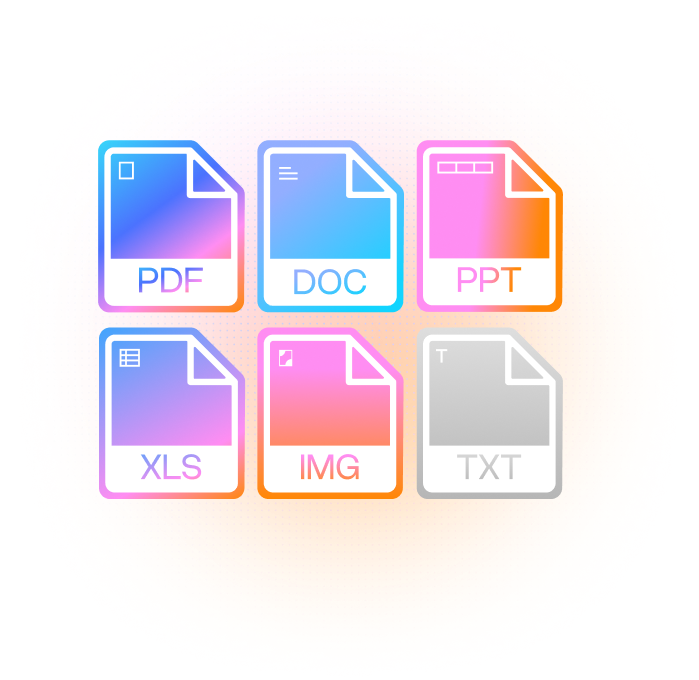
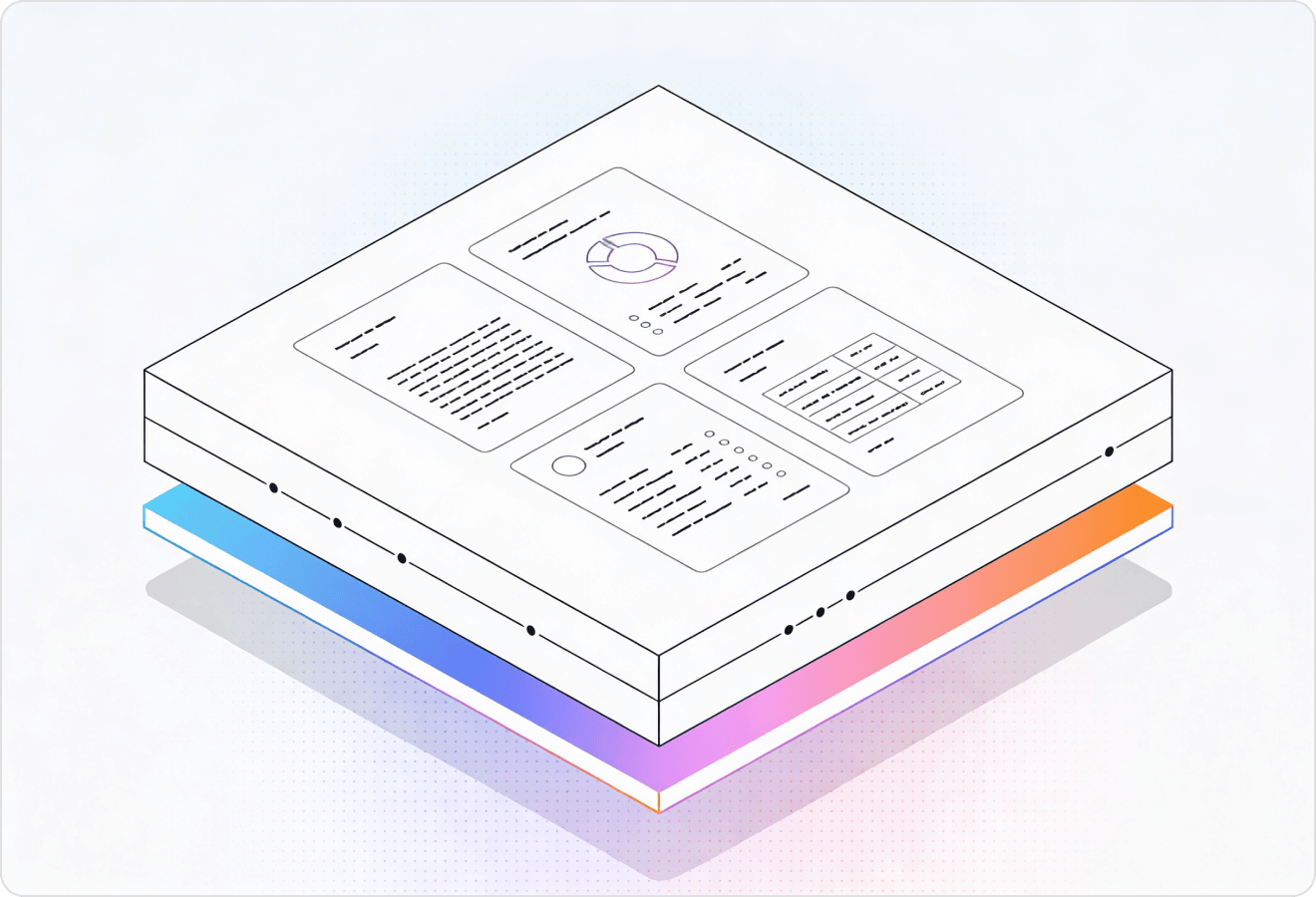
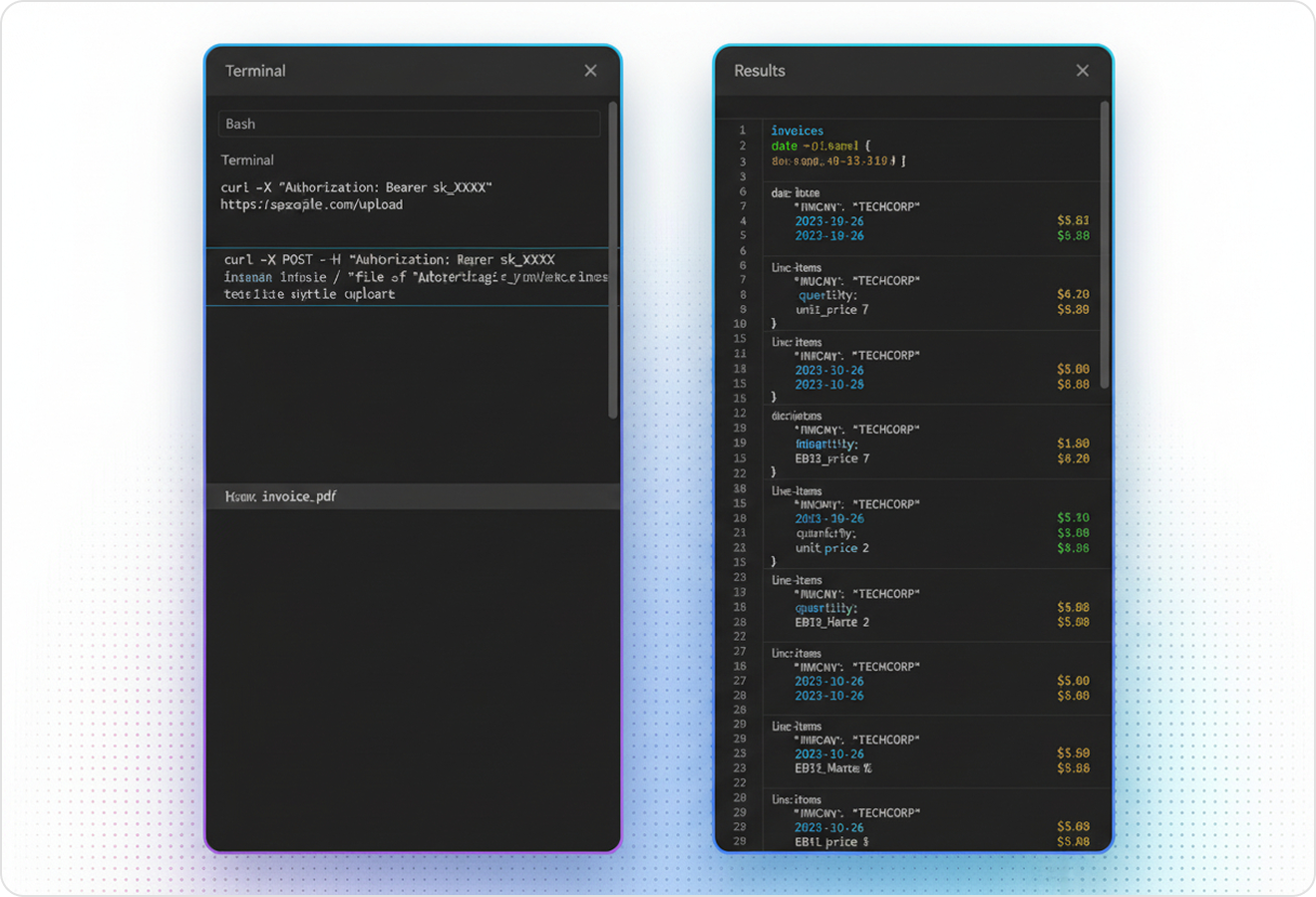
LlamaParse turns messy PDFs into clean, structured outputs your systems can trust, capturing layout, tables, and embedded visuals with semantic understanding. Agentic validation loops reduce extraction errors and rework, so you can ship reliable JSON, Markdown, or HTML at scale.
Best-in-Class Accuracy

Turn customer-uploaded PDFs (contracts, invoices, onboarding forms) into clean Markdown/JSON with layout-aware extraction, so your product doesn’t break every time a template changes. Use tier-based agentic processing to keep spend predictable while still handling the messy edge cases that kill straight-through automation.

Extract borrower data from bank statements, pay stubs, and tax PDFs without scrambled tables or missed fields, producing auditable JSON outputs with page-level traceability for underwriting. Auto-correction loops reduce exception queues by catching common scan errors before they hit your analysts.

Parse multi-column pleadings and contract exhibits into structured text that preserves reading order, headings, and citations so attorneys can search and review faster. Multimodal parsing captures tables, embedded images, and charts as usable structures instead of losing context in flat text.

Convert supplier spec sheets, packing lists, and COAs into normalized JSON, reliably extracting nested tables and part metadata for ERP ingestion. Natural-language parsing instructions let ops teams enforce field-level rules (e.g., “capture lot number, tolerance, and revision”) without writing brittle post-processing code.
The Solution
01
LlamaParse uses layout-aware computer vision to preserve reading order across multi-column PDFs, headers/footers, and mixed content blocks. This prevents the scrambled text you often get from basic PDF OCR, so extracted content is immediately usable for search, review, and downstream automation.
02
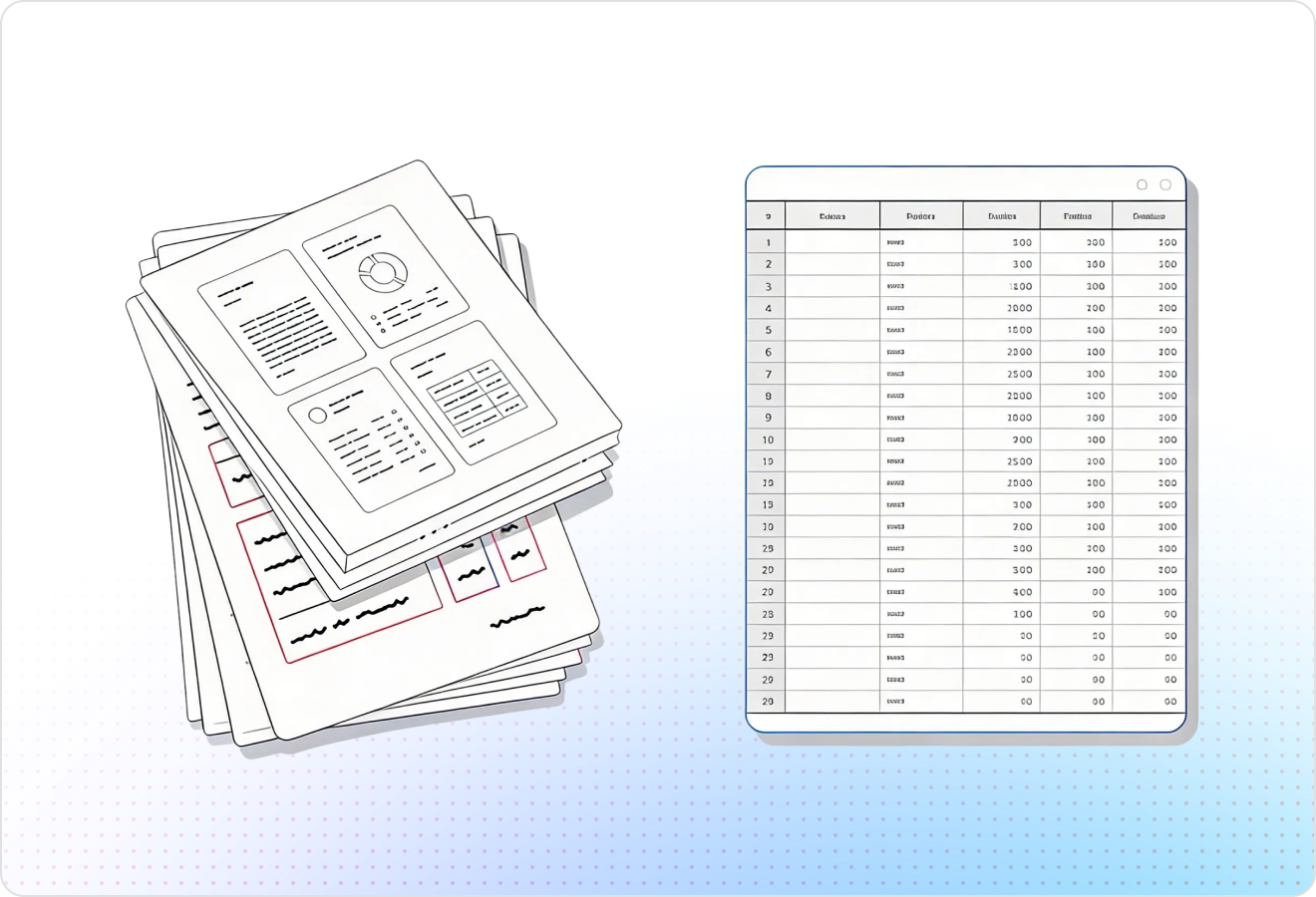
LlamaParse detects and rebuilds tables as structured content instead of dumping cells into an unreadable text stream. For OCR on PDFs with invoices, statements, or reports, this keeps row/column relationships intact so values map cleanly into databases and workflows.
03
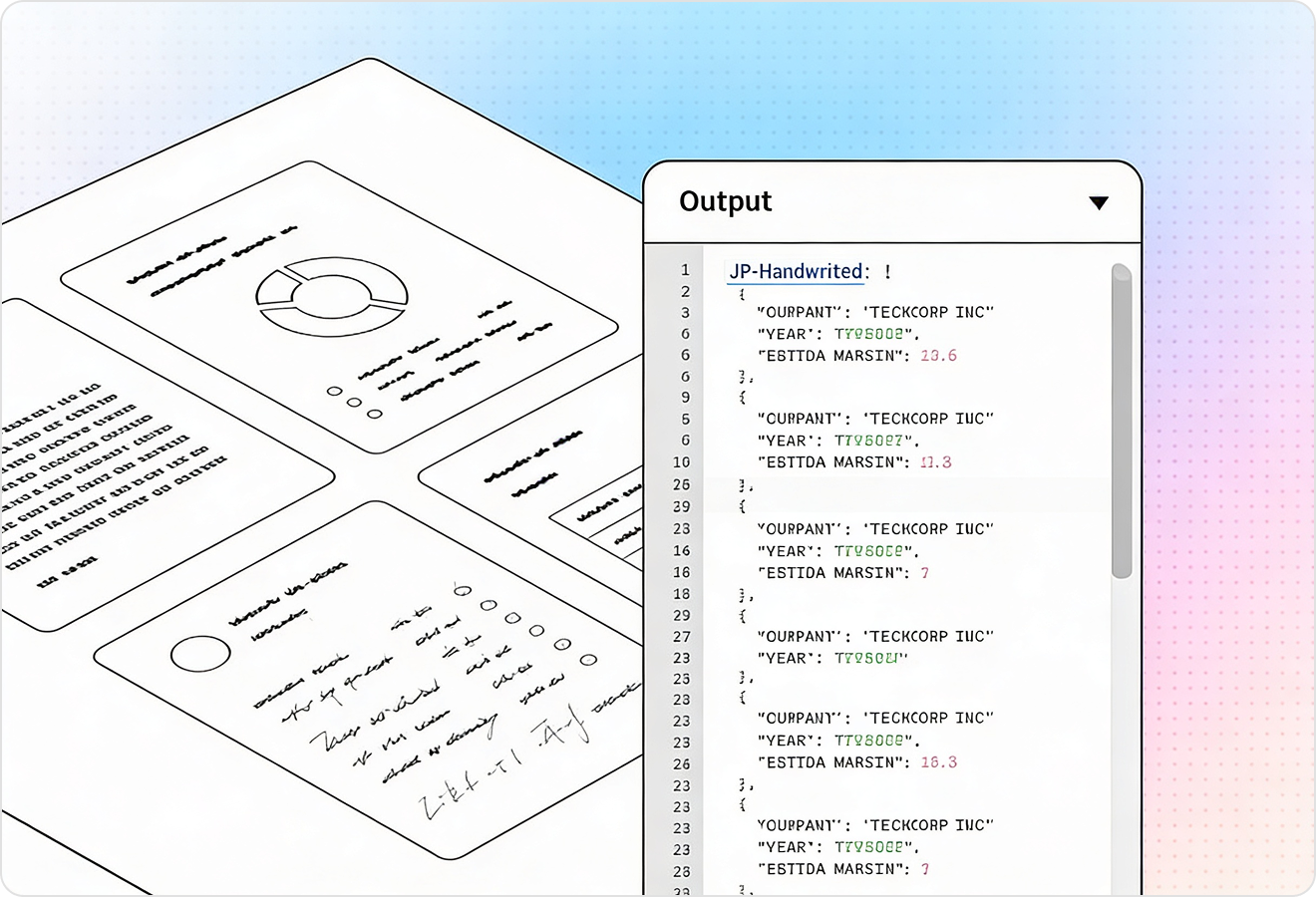
LlamaParse can interpret visual elements in PDFs—like charts, diagrams, and equations—by routing them through vision-capable models when needed. That means OCR for PDFs isn’t limited to plain text; you can capture meaning from graphs and export formulas into LaTeX for technical documents.
04
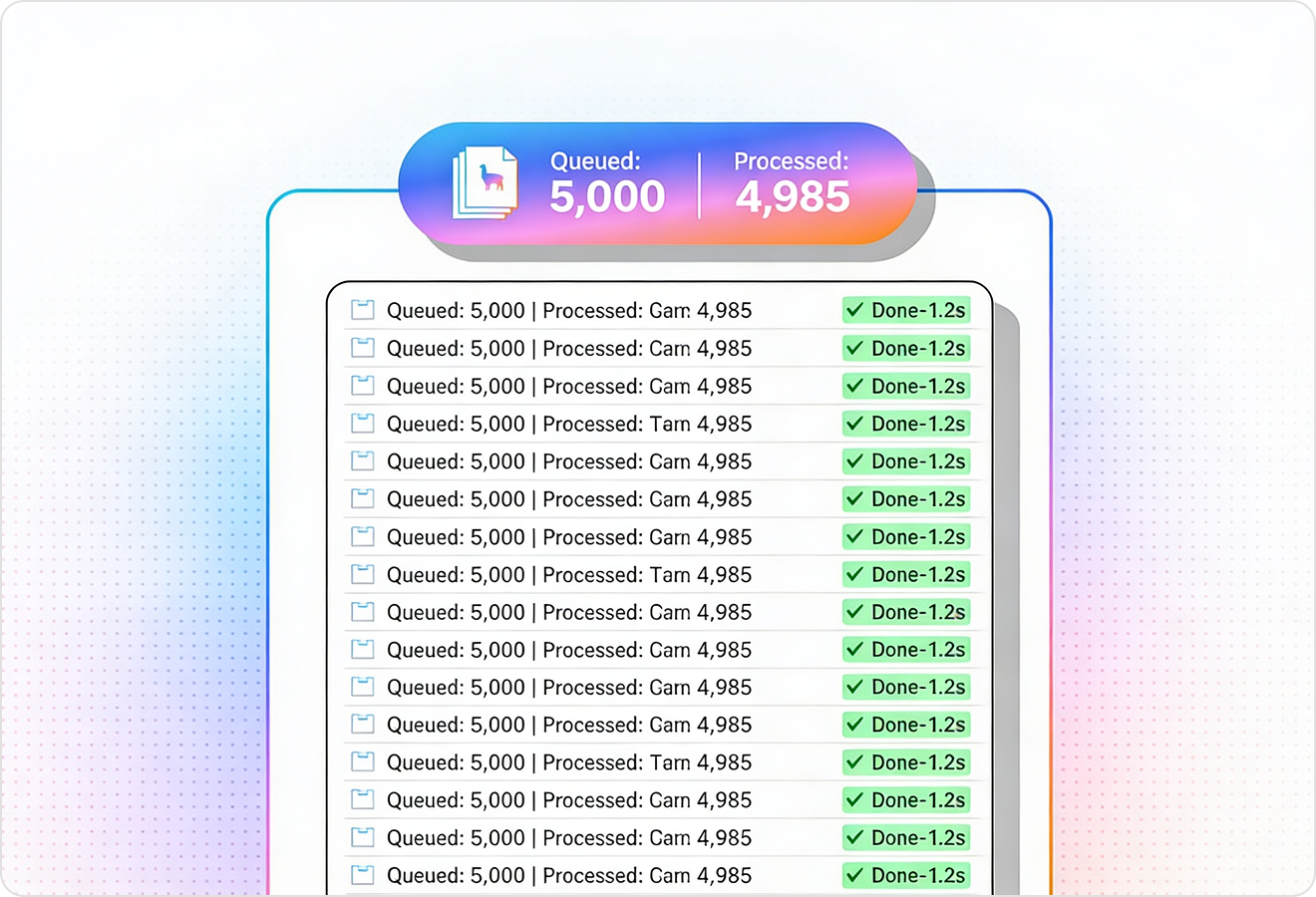
LlamaParse runs multiple validation steps to catch common extraction errors and self-correct inconsistencies before returning results. This improves straight-through processing on noisy scans and complex PDFs, reducing the manual QA typically required after traditional OCR.
Technical OCR documentation
Explore our developer guides to easily connect your document pipelines to LlamaParse.
Explore the documentation
Our AI catches the typos that tired eyes miss.

Export to Excel, JSON, XML, or directly via API.

SOC2 Type II compliant with end-to-end encryption.

Train the tool on your specific forms in minutes, not days.

Average processing time of <3 seconds per page.
LlamaParse’s support of a wide variety of filetypes and its accuracy of parsing made it the best tool we tested in our evaluations. The LlamaIndex team was very responsive and we were off to the races within a day.
Common FAQs
01
Yes—layout-aware reconstruction preserves reading order across columns, headers/footers, and mixed content blocks. That means you get clean, usable text instead of the scrambled output common with basic PDF OCR.
02
Tables are detected and rebuilt as structured data, keeping rows and columns intact. This makes it easy to map values into spreadsheets, databases, or downstream workflows without manual reformatting.
03
Yes—visual elements like charts and equations can be interpreted with vision-capable models when needed. You can capture meaning from graphs and export formulas into LaTeX for technical and scientific documents.
04
What about messy scans—skewed pages, low-quality images, or noisy PDFs?
Built-in validation and auto-correction loops catch common extraction errors and fix inconsistencies before results are returned. This reduces manual QA and improves reliability on real-world scanned PDFs.
05
How do you ensure the OCR output is accurate enough for automation, not just reading?
Multiple validation steps check structure and consistency so the output is dependable for search, review, and straight-through processing. You spend less time spot-checking and more time automating confidently.
06
What will I get back—plain text, structured data, or something I can plug into my app?
You get immediately usable, structured output that preserves document layout and table structure rather than a single messy text stream. That makes it faster to integrate into indexing, ETL pipelines, and review tools with minimal cleanup.