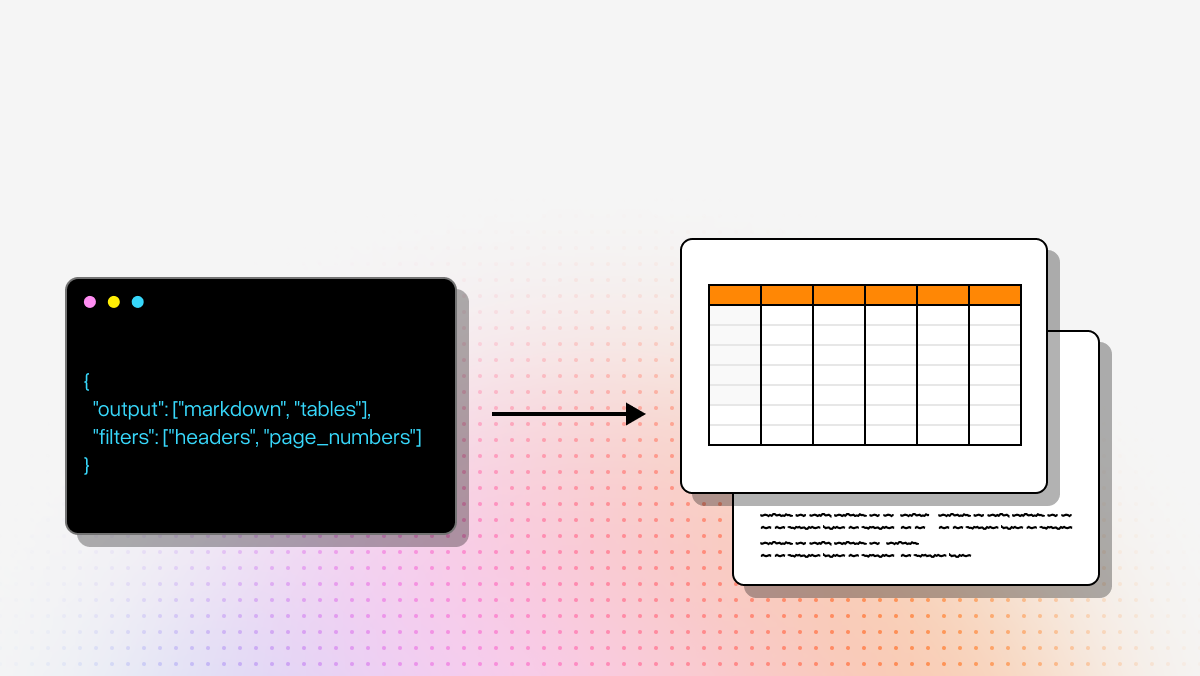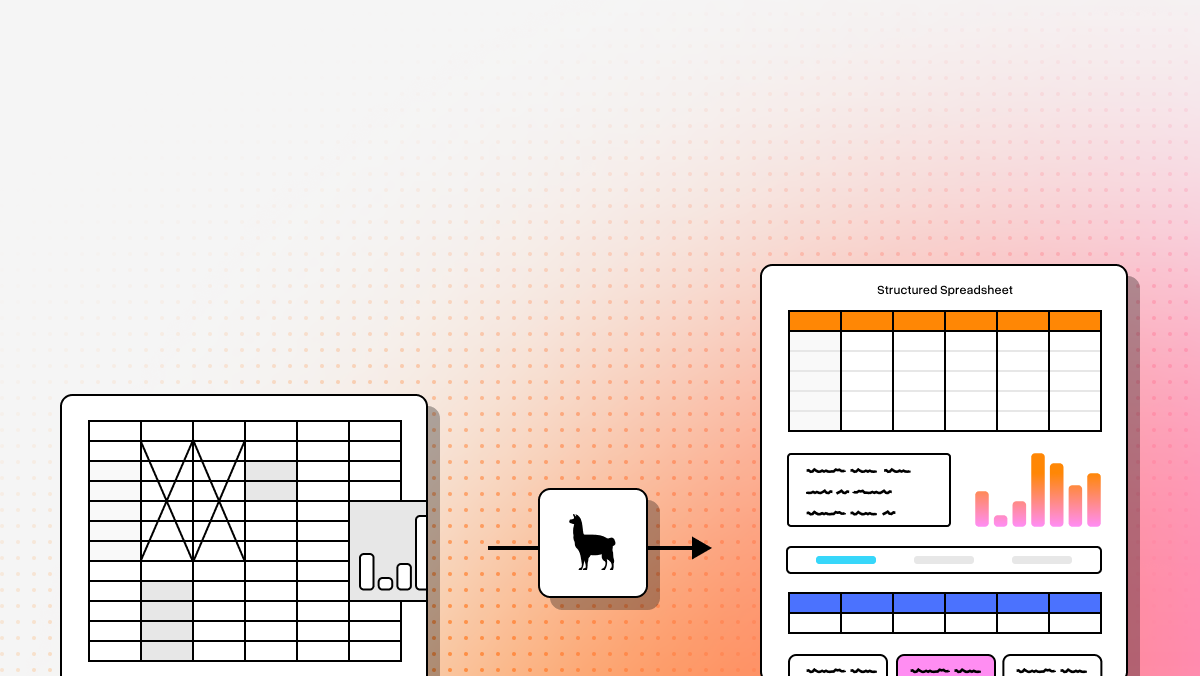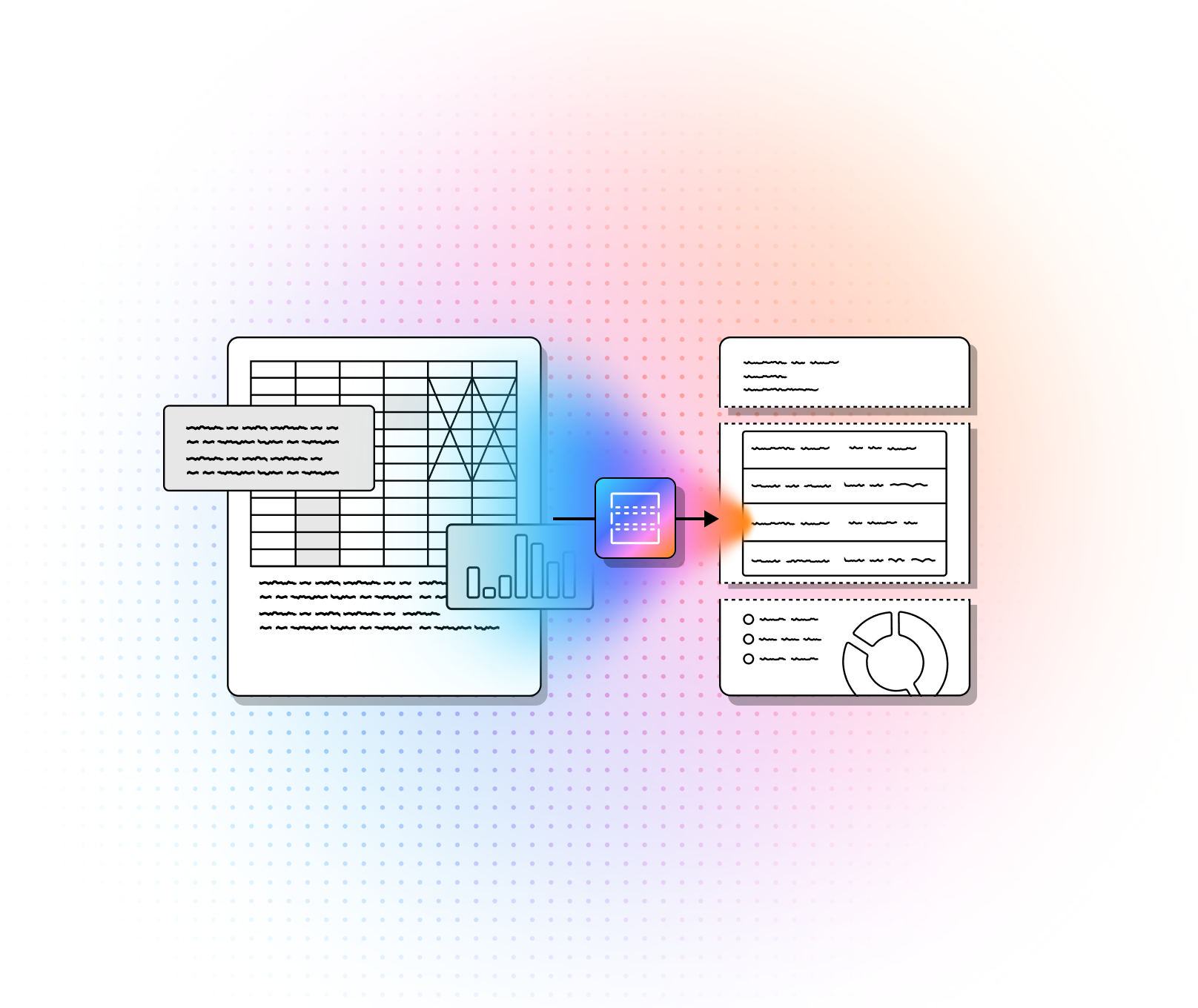

"Data extraction tool" can mean three different products:
- Web scrapers pull data from websites.
- ETL connectors move data between databases or SaaS apps.
- AI document extraction tools read PDFs, scans, contracts, invoices or forms, and unstructured data then return typed fields a system can use.
This guide is about the third kind, which is where the hard problems are: a nested table, a two-column contract, a handwritten claim form, a 300-page filing where the figure you need is on page 212.
It's written for the developer or operations lead who has to put one of these tools into production: eight platforms, one format, with what each one returns, how it tells you when it's unsure, where it runs, and what it costs at volume. Prices are US list as of October 27, 2026.
Our pick overall is LlamaParse. Hand it a JSON schema and it returns typed fields with a confidence score and a citation to the page region each one came from, on top of a parse that keeps tables and reading order intact. On ExtractBench, the public benchmark for schema-guided extraction (370 enterprise documents, 4,869 pages), its Agentic Plus tier scores 95.6% F1, the top result, and the free plan's 10,000 credits a month covers a real pilot.
How we chose these eight
The shortlist came from where buyers actually look: the first page of results for this query, the r/dataengineering and r/automation threads asking for extraction tools this year, and the tools AI assistants name when asked the same question. A tool stays on the list if it returns fields rather than text, lets you say which fields you want (a schema, a template, a prompt or a trained model), has public documentation we could check, and adds a real choice rather than a second version of one already here.
That left eight: one agentic document platform, three cloud document APIs, three enterprise IDP platforms and one open-source parser.
Compare the best AI data extraction tools
Four things decide most extraction projects: which unstructured elements the tool actually handles, whether you can define the fields and check where each value came from, where it runs and what it keeps, and what it costs per thousand pages. Here is how the eight answer them; the tool sections carry the detail.
| Tool | Handles | Define fields, check values | Runs and keeps |
|---|---|---|---|
| LlamaParse | Tables, charts, handwriting, scans, multi-column | JSON schema or inferred; confidence plus page citation | EU or US region, BYOC, on-prem; 48-hour cache or none |
| Google Document AI | Forms, invoices, IDs; tables via Layout Parser (extra) | Prompted schema; confidence plus text anchors | EU multi-region; online requests not stored |
| Azure AI Document Intelligence | Forms, receipts, IDs; tables via Layout (extra) | Custom model from 5+ samples; confidence plus regions | EU regions or containers; 24-hour retention |
| Amazon Textract | Forms, receipts, IDs; tables add-on; English handwriting | Plain-English Queries; confidence plus boxes | EU regions; stored unless you opt out |
| ABBYY Vantage | Invoices, POs, IDs, shipping docs; 150+ skills | Pretrained or designed skill; confidence per skill | EU cloud or on-prem; per contract |
| Hyperscience | Degraded scans, cursive handwriting, legacy forms | Trained per document type; accuracy target per field | On-prem, air-gapped, FedRAMP High |
| Rossum | Invoices, orders, packing lists with line items | AP templates, trainable; validation screen | Frankfurt or Ireland; retention you set |
| Docling | Tables, multi-column, formulas; parse only | No schema; your own model after | Wherever you run it; nothing leaves |
Which kind of data extraction do you need?
- Documents: PDFs, scans, forms, contracts, emails. You need a tool that reads the page and returns fields. That's this list. Start with LlamaParse; the cloud APIs if you're already on that cloud; an IDP platform if operations staff will review the output.
- Web pages. You need a scraper or crawler (Apify, Firecrawl, Octoparse, Bright Data), not a document tool. None of the tools here crawl websites.
- Databases and SaaS apps. You need an ETL or ELT connector (Fivetran, Airbyte, Stitch). The data is already structured; the job is moving it.
1. LlamaParse
LlamaParse is the tool on this list built for the step after the page is read. A layout model segments each page, an orchestrator sends each region to the right OCR model, language model or vision model, and validation passes check the result before it's assembled into Markdown or JSON. Then extraction runs on that structure: give it a JSON schema, or let it infer one, and it returns typed fields, each with a confidence score and a citation to the exact region of the page it came from. A total pulled from a nested table arrives with the table intact behind it, which is what makes the value checkable.
That's why it leads this list. On ExtractBench (July 2026, 370 enterprise documents across 67 document types, with human-verified ground truth), the Agentic Plus extraction tier scores 95.6% F1, the top result, and the benchmark's authors note that commercial vision models tend to truncate long record lists where LlamaParse keeps going.
On ParseBench, the parsing benchmark underneath, LlamaParse with the OCRia-1 model released on October 22, 2026 scores 87.4 overall, with 91.5 on tables.
The fair comparison with the rest of this list: the cloud APIs extract key-value pairs about as well on clean forms, and LlamaParse is the one that gives you fields with evidence from documents that aren't forms.
What you get back
- Typed fields from a schema you define or one it infers, each with a per-field confidence score and a page-region citation, so low-confidence values can be routed to review automatically.
- Tables as tables, in Markdown or JSON with cell geometry, on every tier; charts come back as data, two-column pages in reading order.
- Three extraction tiers at 8, 25 and 60 credits a page (Cost Effective, Agentic, Agentic Plus), scoring 86.8%, 89.5% and 95.6% F1 on ExtractBench, plus a Turbo tier in beta at 35 credits with no separate parsing pass.
- OCRia-1, the 4-billion-parameter vision-language model LlamaIndex trained and released in October 2026, now reads the pages: 87.4 on ParseBench, 12 points ahead of the next-best parsing model, at the same price.
Best for
- Financial filings, claims files and contracts, where the field you need sits in a table or a clause and a silent misread costs money; the citation lets a reviewer check the source in one click.
- Document pipelines feeding a database, an agent or a search index, where Markdown with structure and JSON with provenance beat a flat transcript.
- Mixed document sets where a few hard pages sit among many simple ones and you don't want to pay the top tier for all of them.
Watch out for
- It's a hosted API. Standard plans process documents in LlamaIndex's cloud; teams with data-residency rules need the Enterprise plan, which runs in your own cloud or a single-tenant deployment.
- There's no review screen for operations staff. Confidence and citations are returned through the API; the queue your reviewers work from is yours to build or buy.
- Agentic Plus extraction is 60 credits a page. Pin a tier in production and let the Cost Optimizer keep simple pages on the cheap tiers.
Integration and cost
- Output: typed JSON matching your schema, with confidence and citations; Markdown, spatial text or JSON with bounding boxes from the parse.
- Integration: REST API with Python, TypeScript and .NET SDKs, a web playground, an n8n node and an MCP server for agents.
- Cost: 1,000 credits cost $1.25. Extraction is 8 credits a page on Cost Effective ($10 per 1,000 pages), 25 on Agentic ($31.25) and 60 on Agentic Plus ($75); parsing alone runs from 1 credit a page. The free plan includes 10,000 credits a month.
Llama has great custom settings, and it’s easy to extract the sections I want instead of the entire documents. The hover-over selection on headings makes it simple to verify the results, and the charts and pictures are extracted along with the text.
G2 Reviews
Get started with Extract
Run the Python example to extract a sample invoice with confidence scores and citations.
2. Google Document AI
Google Document AI is a catalog of processors, and three matter for extraction. Form Parser returns key-value pairs and checkbox state from any form with no training. The pretrained processors cover invoices, receipts, IDs, bank statements and a long list of US forms. Custom Extractor is the generative one: it runs on Gemini models, takes the fields you want as a schema with natural-language descriptions, and can be fine-tuned on your own labeled documents when the zero-shot result isn't good enough.
It's the obvious choice when the documents already live in Cloud Storage and the results are going to BigQuery, and the human-in-the-loop service gives you a review queue without building one. The cost is that a complete pipeline is four or five services, each with its own pricing line, and that structure beyond OCR means paying for Layout Parser or Custom Extractor on top of the OCR fee. Our Google Document AI alternatives guide covers the trade-offs in more depth.
What you get back
- JSON with entities, confidence scores and text anchors that point back to the page, plus normalized values for dates and amounts.
- Custom Extractor on Gemini foundation models, with fine-tuning and CEL-based validation rules in preview.
- Human-in-the-loop review for fields below a confidence threshold, as a managed service.
Best for
- Mortgage, lending and procurement packets on Google Cloud, where the pretrained processors cover most of the document types.
- Teams that want a review queue and analytics in BigQuery without running either themselves.
Watch out for
- Pricing stacks per processor: OCR plus Layout Parser plus Custom Extractor can pass $40 per 1,000 pages before storage and functions.
- Online Layout Parser requests cap at 15 pages and 20 MB; long documents go through batch.
- Output is Google's JSON schema; turning it into your own structure is your job.
Integration and cost
- Output: JSON document with entities, confidence, text anchors; Layout Parser adds chunks for retrieval.
- Integration: REST and gRPC with Python, Java, Node, Go and .NET client libraries; batch processing from Cloud Storage.
- Cost: Enterprise Document OCR $1.50 per 1,000 pages; Layout Parser $10; Form Parser and Custom Extractor $30 per 1,000 for the first million pages, then $20.
3. Azure AI Document Intelligence
Azure AI Document Intelligence is Microsoft's document API and the one cloud option you can run inside your own network: the Read and Layout models ship as containers. For extraction it offers prebuilt models for invoices, receipts, IDs, contracts, health insurance cards and US tax forms, custom extraction models you train in Document Intelligence Studio from a handful of labeled examples, and a custom classifier that routes incoming files to the right model.
It fits Microsoft-centric stacks, teams that need on-premises processing, and anyone whose documents are mostly forms and tables rather than free text. The Read tier is cheap and good; the custom extraction models are where the structure is and where the cost goes up. For the comparison with parsers built for AI pipelines, see our Azure Document Intelligence alternatives guide.
What you get back
- JSON with fields, confidence scores and bounding regions; Layout adds tables, selection marks, paragraph roles and Markdown.
- Custom extraction models trained from as few as five labeled documents, with a template mode for fixed layouts and a neural mode for variable ones.
- Containers for Read and Layout when documents can't leave your network.
Best for
- Forms-heavy workloads on Azure: invoices, receipts, IDs, tax forms, where a prebuilt model exists.
- Regulated environments that need processing inside their own perimeter.
Watch out for
- Tables and structure are in Layout, not Read: budget about $10 per 1,000 pages, nearly seven times the Read price, before extraction.
- No managed review queue; Studio is for labeling and testing, and the exception workflow is yours.
- Handwriting is limited to nine languages; everything else is printed text only.
Integration and cost
- Output: JSON with fields, tables, confidence and geometry; Markdown from Layout; searchable PDF from Read.
- Integration: REST API with Python, .NET, Java and JavaScript SDKs; Docker containers for Read and Layout.
- Cost: Read about $1.50 and Layout about $10 per 1,000 pages; prebuilt extraction models about $10 and custom extraction about $50 per 1,000 pages at US list (confirm in your region). 500 pages a month free on F0.
4. Amazon Textract
Amazon Textract is the AWS document API, priced by what you ask for on each call. Detect Document Text is cheap OCR; Analyze Document adds Forms (key-value pairs), Tables, Queries and Signatures as add-ons; Analyze Expense and Analyze ID cover receipts, invoices and identity documents. Queries is the feature that makes it an extraction tool: you ask "What is the policy number?" in plain English and get the answer with a confidence score, no template and no training.
Choose it when you're on AWS and your documents are forms, invoices and claims rather than long reports. Everything comes back as JSON blocks with geometry and relationships, which is exactly what a pipeline wants for routing low-confidence pages to review and exactly what nobody wants to turn into a document by hand. Our Textract alternatives guide covers where it falls short.
What you get back
- JSON blocks (words, lines, key-value sets, tables, cells, query answers) with a confidence score and bounding box on every one.
- Queries: up to 30 plain-English questions per page, answered without a template; custom query adapters for recurring layouts.
- Async jobs from S3 for multi-page PDFs; synchronous calls for single pages.
Best for
- Invoice, receipt and claims intake in AWS-native pipelines with Step Functions and S3 triggers.
- Forms with checkboxes and signatures; see our handwritten forms guide.
Watch out for
- Feature pricing adds up: Forms is $50 per 1,000 pages on its own, and a Forms plus Tables call is $65, more than the top LlamaParse parsing tier.
- Six printed languages and English-only handwriting, the narrowest coverage on this list.
- No Markdown and no document tree; you rebuild structure from block relationships yourself.
Integration and cost
- Output: JSON blocks with confidence and geometry; expense and ID fields as normalized key-value pairs.
- Integration: boto3 and every AWS SDK; the open-source Textractor library for post-processing.
- Cost (US West, first million pages): text $1.50, Tables $15, Queries $15, Forms $50, Signatures $3.50, Analyze Expense $10 per 1,000 pages. Free tier: 1,000 text pages a month for three months.
5. ABBYY Vantage
ABBYY Vantage is the enterprise IDP platform for teams where operations staff, not developers, own the document workflow. It ships a marketplace of pretrained "skills" for more than 150 document types, a low-code skill designer for building new ones, and verification stations where reviewers correct fields and the model learns from the corrections. ABBYY says the pretrained skills start at about 90% accuracy and improve from there; that's a vendor figure, measured on ABBYY's own document sets.
It's the right shape for accounts payable, logistics paperwork and HR onboarding, where the documents repeat and the process already has people in it. It's the wrong shape for a developer who wants an API call that returns a schema. Vantage runs in ABBYY's cloud (US, EU and Australia regions) or on premises, integrates natively with Power Automate, UiPath, Blue Prism and Automation Anywhere, and is priced by quote.
What you get back
- Extracted fields with confidence per skill, exported through a REST API or straight into RPA and ERP connectors.
- A marketplace of pretrained skills (invoices, purchase orders, IDs from more than 190 countries, shipping documents) and a no-code designer for your own.
- Built-in manual review and continuous learning from reviewer corrections.
Best for
- Accounts payable, customs and shipping, and HR packets at companies that run RPA already.
- Business-owned workflows where the person configuring the skill isn't an engineer.
Watch out for
- Quote-based licensing; no public per-page price and no self-serve tier to test with.
- Skills are tuned per document type, so a genuinely unpredictable layout means designing and training a skill rather than writing a schema.
- Heavier to stand up than an API: deployment, connectors and review stations all need configuring.
Integration and cost
- Output: fields and confidence per skill; exports to RPA, BPM and ERP systems.
- Integration: REST API; connectors for Power Automate, UiPath, Blue Prism, Automation Anywhere; cloud or on-premises on Docker and Kubernetes.
- Cost: quote only.
6. Hyperscience
Hyperscience, now sold as the Hypercell platform, is built for the hardest paper: degraded scans, cursive handwriting, decades-old government and insurance forms. It claims customers regularly reach 99.5% field accuracy and 98% automation, with handwriting read at 98% without manual configuration; those are vendor claims without a public benchmark behind them, but they are the claims the reference customers were sold on. ORCA 2, its vision-language model layer, is credited with a large jump in table extraction over the previous generation.
What sets it apart is the supervision model. You set an accuracy target per field, and only the characters or fields that fall below it reach a human, which is how 98% automation and a 99.5% accuracy claim can coexist. It deploys on premises, in your own cloud tenant, as SaaS, or air-gapped, and carries FedRAMP High, which is why it shows up in government and insurance shortlists. It is priced by volume and quote, and it's a program to roll out, not an API to call this afternoon.
What you get back
- Fields with per-field accuracy against the threshold you set; exceptions routed to supervision tasks.
- Flows and Blocks for building the end-to-end process, including classification, extraction and custom code.
- Deployment on AWS, Azure or Google, on premises, or fully air-gapped; FedRAMP High available.
Best for
- Government, insurance and lending back offices with handwritten and legacy paper at volume.
- Organizations that need to prove accuracy per field for audit.
Watch out for
- Volume-based, quote-only pricing with tiers that start in the hundreds of thousands of pages a year.
- Professional services and a rollout plan are part of the deal; self-serve adoption isn't.
- Accuracy figures are the vendor's own; ask for a pilot on your documents.
Integration and cost
- Output: structured fields with accuracy scoring and supervision history.
- Integration: REST API, custom code blocks, and connectors; multi-cloud and on-premises deployment.
- Cost: volume-based and quote only.
7. Rossum
Rossum is the accounts-payable specialist: its Aurora document AI reads invoices, bills of lading, sales orders and packing lists, matches them against master data, flags duplicates and routes exceptions to a validation screen that learns from corrections. It was acquired by Coupa in 2026, which tells you where it's going: deeper into procure-to-pay rather than general document AI.
If your extraction problem is "thousands of supplier invoices a month into SAP or Coupa", it's the most complete packaged answer here, with the review screen, the approval workflow and the ERP connectors already built. If your documents are anything else, you're paying for an AP system you won't use. Pricing starts at $18,000 a year on a one-year minimum, with a 14-day trial.
What you get back
- Header and line-item fields for transactional documents, with confidence and a validation UI.
- Master-data matching, duplicate detection and predictive GL coding on the Business tier and above.
- Certified integrations with SAP, Coupa, NetSuite and other ERPs; API and SFTP access.
Best for
- Accounts payable teams processing invoices and logistics documents at volume.
- Companies standardizing on Coupa.
Watch out for
- Transactional documents only; contracts, reports and research papers are outside its lane.
- $18,000 a year minimum and a one-year contract, so there's no pay-as-you-go entry point.
- Post-acquisition roadmap now sits inside Coupa.
Integration and cost
- Output: validated fields and line items pushed to ERP; JSON through the API.
- Integration: API, SFTP, ERP connectors; SSO and preferred cloud location on Enterprise.
- Cost: Starter from $18,000 a year; Business, Enterprise and Ultimate by quote.
8. Docling
Docling is IBM's open-source document conversion toolkit and the parser most often recommended in the self-hosting threads this year. It runs a layout model and a table-structure model locally, with pluggable OCR for scans, and returns a lossless JSON document it can render as Markdown, HTML or chunks. It's MIT-licensed, has 69,000 GitHub stars and ships a release every few days (v2.140.0 on October 16, 2026), so it's safe to build on.
It belongs on an extraction list with one caveat stated plainly: Docling parses, it doesn't extract. There is no schema, no field confidence and no citation; you take its JSON or Markdown and run your own model over it to pull fields out. For a team that already has that model and can't send documents anywhere, that's the point. For everyone else it's two systems to run instead of one.
What you get back
- Lossless JSON with layout, reading order and table structure; Markdown, HTML and chunked JSONL rendered from it.
- Local execution on CPU or GPU; air-gapped is fine, and the first run downloads 1 to 2 GB of models.
- Input beyond PDF: Office files, images, HTML, audio through a transcription pipeline.
Best for
- Privacy-first teams with their own extraction model and a GPU.
- Academic and technical PDFs with multi-column layouts and formulas.
Watch out for
- No field extraction, confidence scores or citations; validation is your job downstream.
- Table structure on dense financial pages trails the hosted agentic parsers in Datalab's published olmOCR-Bench run (50.3 overall).
- CPU-only parsing of long scanned PDFs is slow; budget a GPU or a batch queue.
Integration and cost
- Output: JSON, Markdown, HTML, DocTags, chunked JSONL.
- Integration: Python library and CLI; Docling Serve for a self-hosted API.
- Cost: free (MIT). Budget for the GPU, the extraction model and the person who runs both.
Data residency, retention and straight-through processing
Which invoice extraction tool keeps data in the EU?
LlamaParse runs a managed EU region, with an EU data processing agreement, standard contractual clauses and an Article 27 representative, and Enterprise customers can deploy in their own cloud.
Rossum hosts EU customers in Frankfurt or Ireland by default and lets you set retention periods per document, which makes it the pick when invoices need a review screen as well.
Google, Azure and Textract all process in EU regions when you create the resource there; ABBYY Vantage has an EU cloud; Hyperscience and Docling run wherever you put them.
Which document extraction APIs offer zero data retention?
None of the hosted APIs keeps documents by default for long, but the details differ.
- LlamaParse caches uploads for 48 hours to avoid charging twice for the same file, deletes them after that, and skips the cache entirely if you set do_not_cache; the LLM providers behind it run under zero-retention, no-training agreements.
- Google Document AI processes online requests in memory without writing to disk and deletes batch inputs when the job finishes.
- Azure keeps inputs and results for 24 hours unless you call the delete API sooner.
- Textract is the one to check: AWS may store and use your documents to improve the service unless you set an AI services opt-out policy in AWS Organizations.
For a hard zero, Azure's containers, Hyperscience on premises or Docling keep everything on your own hardware.
Which platforms have the highest straight-through processing rate?
Straight-through processing is the share of documents that clear your confidence threshold without a person looking, and it comes down to two things: how accurate the extraction is to begin with, and how precisely the tool tells you which values to check.
LlamaParse leads on both. Its Agentic Plus tier posts the top ExtractBench score (95.6% F1), and every field comes back with a confidence score and a citation to the page region, so the review queue holds only the fields that need a person and each one is checked in a click. You set the threshold, and you can measure your own rate on your own pages in the first week.
The platforms publish their own numbers: Hyperscience claims 98% automation at 99.5% field accuracy, and Rossum's customer cases run around 70% of invoices touchless. Both are measured on the vendor's documents inside the vendor's review tooling, so they tell you what the platform can do for a reference customer, not what it will do for yours.
Final thoughts
Extraction is where document errors become business errors. A parser that flattens a table produces text that reads fine; an extractor that pulls the wrong total from that table produces a payment. That's the argument for choosing on evidence, not just accuracy: whatever you pick, you want each value to arrive with a confidence score and a pointer to where it came from, so the ones that are wrong are the ones a person sees.
LlamaParse is where we'd start, because it does that on every document type at a per-page price the cloud APIs only match for plain forms. The cloud APIs win inside their own clouds, the IDP platforms win when operations staff own the process, and Docling wins when nothing can leave the building and you already have a model.
Run fifty of your own pages through two candidates before you commit, with a schema you wrote and ground truth you checked. Our parser evaluation guide walks through the scoring.
Frequently asked questions
Which tool should you start with?
Start with LlamaParse. It's the only tool here that returns fields with evidence from any document type, the top ExtractBench score, and a free tier big enough to run a real pilot. The exceptions are narrow:
| Your documents | Start with | Why |
|---|---|---|
| Financial filings, contracts, reports with tables | LlamaParse | Fields with citations, tables intact; 95.6% F1 on ExtractBench |
| Mixed document sets with unknown layouts | LlamaParse | Infers a schema; the Cost Optimizer picks a tier per page |
| Pipelines feeding agents, search or a database | LlamaParse | Markdown with structure plus JSON with provenance |
| Forms on a cloud you already run | LlamaParse, or that cloud's API | Prebuilt form models are cheap; LlamaParse when values need evidence |
| Supplier invoices into an ERP | Rossum | Review screen and ERP connectors come with it |
| Handwritten legacy paper at volume | Hyperscience | Per-field accuracy targets and supervision built in |
| Documents that can't leave your network | Docling, or LlamaParse Enterprise | Self-host, or a single-tenant deployment |
- Financial filings, contracts, reports with tables: LlamaParse · Fields with citations, tables intact; 95.6% F1 on ExtractBench
- Mixed document sets with unknown layouts: LlamaParse · Infers a schema; the Cost Optimizer picks a tier per page
- Pipelines feeding agents, search or a database: LlamaParse · Markdown with structure plus JSON with provenance
- Forms on a cloud you already run: LlamaParse, or that cloud's API · Prebuilt form models are cheap; LlamaParse when values need evidence
- Supplier invoices into an ERP: Rossum · Review screen and ERP connectors come with it
- Handwritten legacy paper at volume: Hyperscience · Per-field accuracy targets and supervision built in
- Documents that can't leave your network: Docling, or LlamaParse Enterprise · Self-host, or a single-tenant deployment
What is the difference between OCR, document parsing and data extraction?
OCR turns an image of text into characters. Parsing turns the characters into a document: headings, tables, reading order, usually as Markdown or JSON. Extraction turns the document into the specific fields you asked for, typed and validated. Most tools on this list do all three in one call; the ones that don't (Docling, and the cloud APIs on their OCR tiers) leave the last step to you. For anything downstream of the document, extraction is the step that matters, because that's where a misread becomes a wrong number in a system.
Which tool is best for extracting data from invoices, receipts and forms at scale?
- For invoices and receipts inside an AP process, Rossum or ABBYY Vantage, because the review workflow and ERP connectors come with the extraction.
- For forms on a cloud you already use, that cloud's prebuilt model: Textract Analyze Expense, Azure's prebuilt invoice model, Google's invoice processor.
- For forms and invoices mixed with everything else, or anywhere you need a field tied to its source, LlamaParse: one schema covers the whole set, each field comes back with a citation, and the Cost Effective tier runs at $10 per 1,000 pages.
At scale the deciding cost is usually review time, so compare tools on how many fields they flag for review, not just on the per-page fee.
Does LlamaParse support schema-based structured extraction, and can I define my own schema?
Yes on most of the list, in different ways. LlamaParse takes a JSON schema directly, or infers one from the document, and returns typed values with confidence and citations. Google's Custom Extractor takes field names with natural-language descriptions and can be fine-tuned. Textract Queries takes plain-English questions, up to 30 per page. Azure custom models are trained from labeled examples in Studio. ABBYY, Hyperscience and Rossum define fields inside a skill, flow or queue. Docling has no schema; you extract from its JSON with your own model. If your schema changes often, prefer the tools that take it at request time rather than the ones that need retraining.
How accurate are AI data extraction tools, and which benchmark should I use?
The published numbers range from about 87% to 99.5% and none of them are comparable, because each vendor measures on its own documents. The public benchmark for schema-guided extraction is ExtractBench (370 enterprise documents, 4,869 pages, published July 2026), where LlamaParse Agentic Plus scores 95.6% F1; Hyperscience's 99.5% and ABBYY's 90% are vendor claims on their own sets.
Measure your own: pick fifty pages, write the schema, build ground truth by hand, and score precision and recall per field, not per document. Then check what each tool gives you to catch the misses. A tool at 95% with confidence scores and citations is safer in production than one at 97% that hands you a wall of values.
Which tool is best for table extraction from complex PDFs?
LlamaParse, and it's the clearest gap on the list. Tables are included on every tier, come back as Markdown or JSON with cell geometry, and score 91.5 on the ParseBench table subset with the OCRia-1 model. Google, Azure and Textract all sell table structure as an add-on (Layout Parser, Layout and Tables, at $10 to $15 per 1,000 pages on top of OCR), and Docling's open-source TableFormer handles clean tables well but trails the hosted agentic parsers on dense financial pages.