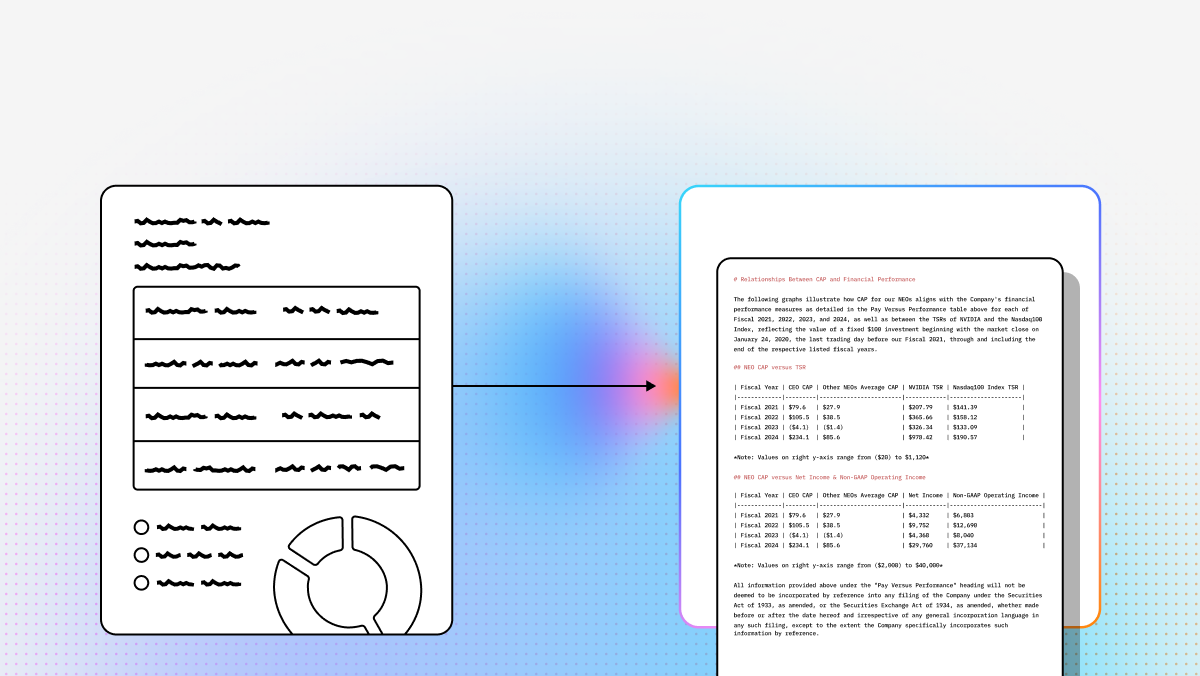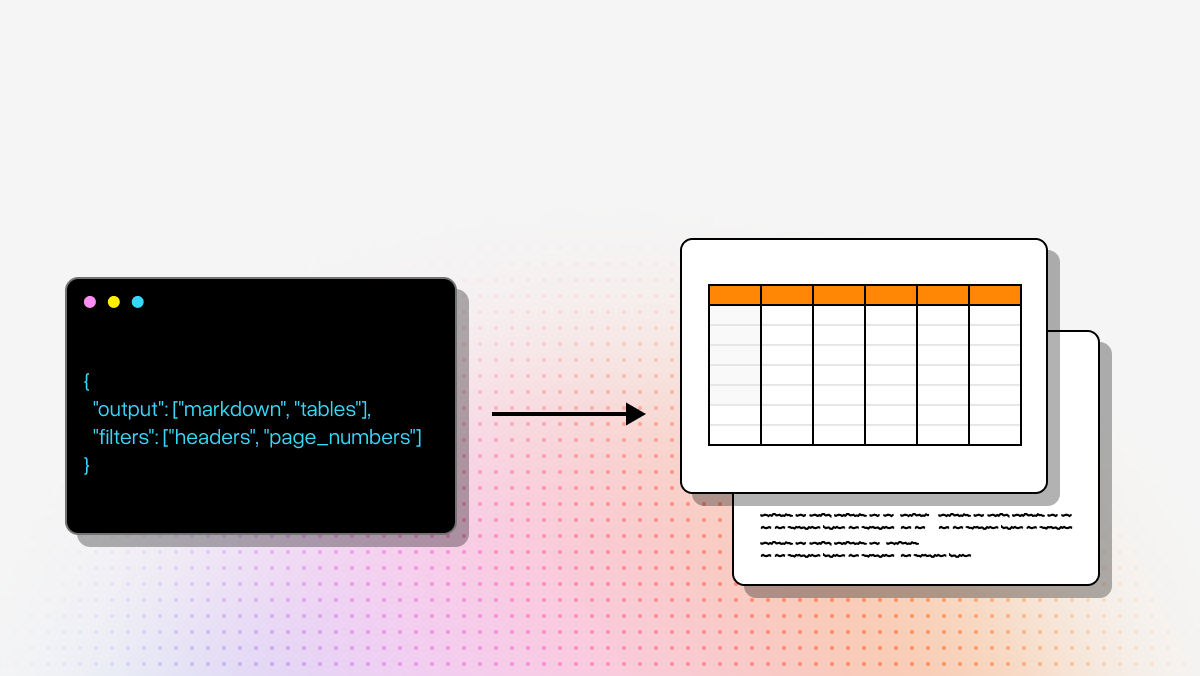
Traditional OCR was built for digitization. Modern AI applications need something more: structure, context, and outputs that are actually usable in RAG pipelines, agents, and downstream automation. That is why many teams evaluating PDF OCR software are no longer just comparing text extraction speed. They are comparing how well each platform reconstructs document meaning across tables, charts, forms, handwriting, and messy layouts.
For developers and technical decision-makers, the right choice depends on what you are trying to build. If your priority is standard invoice extraction inside a cloud ecosystem, one class of tool makes sense. If your priority is semantically accurate parsing for LLM workflows, a newer category of agentic document processing tools is a better fit.
This guide breaks down the top PDF OCR software options for enterprise and AI-native use cases. You will get a side-by-side comparison, recent product updates, setup considerations, and a detailed look at where each platform fits best.
If you want a deeper look at the category leader for AI-native parsing, the most relevant follow-up is LlamaParse for complex document parsing.
Comparison: Top PDF OCR Tools for AI Workflows
| Product | Capabilities | Use Cases | APIs |
|---|---|---|---|
| LlamaParse | Agentic document processing built for LLM applications. Strong at layout-aware extraction, nested tables, multimodal content, and semantic reconstruction of messy PDFs into Markdown-ready outputs for intelligent retrieval pipelines. | Financial document analysis, insurance claims processing, technical documentation, and other AI workflows that depend on high-fidelity parsing of complex documents. | API-first and developer-oriented. Best suited for teams building AI agents, retrieval systems, or async document workflows; requires integration work and cloud connectivity for advanced features. |
| Azure Document Intelligence | Cloud-based document extraction with strong prebuilt models for invoices, receipts, IDs, and structured business forms. Also offers advanced table extraction and enterprise-grade security. | Accounts payable automation, identity verification, healthcare record digitization, and high-volume enterprise form processing. | Well-suited to teams already using Azure services and automation tooling. Works best when integrated into the broader Microsoft ecosystem. |
| Amazon Textract | Managed AWS service for OCR plus form, field, handwriting, and table extraction. Good at preserving field relationships and handling large-scale document workloads. | Compliance archiving, automated data entry, financial report analysis, and mixed printed/handwritten document processing. | A strong fit for AWS-native teams building scalable extraction pipelines. Pricing and workflow design typically depend on usage volume and AWS integration patterns. |
| ABBYY FineReader | Traditional OCR leader with strong language support, offline desktop processing, document comparison, and layout-preserving conversion into editable formats. | Legal document review, multilingual archive digitization, screenshot-to-text conversion, and secure local processing of sensitive files. | Less API-first in this comparison and more oriented toward desktop/offline workflows. Better for local control than for modern LLM orchestration. |
Recent Updates
LlamaParse
- Introduced LlamaExtract for context-aware structured data extraction with confidence scores and citations.
- Launched Agentic Workflows for multi-step, async agentic systems with more precision and control.
Azure Document Intelligence
- Enhanced generative AI capabilities for unstructured documents and more complex layouts.
Amazon Textract
- Continued improving ML models for irregular layouts, inconsistent text sizes, and poor-quality scans.
ABBYY FineReader
- Added generative AI and updated neural network architectures to improve OCR accuracy and image enhancement, especially on low-resolution scans.
Setup Considerations
- LlamaParse is the best fit when your priority is AI-ready output for intelligent retrieval, agents, or complex table-heavy PDFs. Teams evaluating LlamaParse for table-heavy documents should plan for API integration and a developer-led setup.
- Azure Document Intelligence is the most natural choice for organizations already standardized on Microsoft Azure, especially when security, compliance, and prebuilt business document models matter most.
- Amazon Textract is a strong option for AWS-centric teams that need scalable extraction for forms, handwriting, and enterprise archives, but cost and architecture should be evaluated based on volume.
- ABBYY FineReader makes the most sense for teams that prioritize offline processing, language coverage, and desktop workflows over cloud-native AI pipelines.
- For AI teams comparing modern parsing stacks, LlamaParse in agentic document workflows and LlamaParse for LLM-ready document ingestion are the most relevant benchmarks against Azure, Textract, and ABBYY.
LlamaParse
LlamaParse represents a shift from traditional OCR toward agentic document processing. Built for LLM applications, it does more than convert scanned text into machine-readable words. It semantically reconstructs complex PDFs by treating a document as a layout and meaning problem, not just an image recognition problem. That distinction matters when you are parsing nested tables, charts, formulas, dense financial filings, or technical manuals where structure is as important as the text itself.
For developers building retrieval systems, agentic workflows, or document-heavy enterprise AI applications, LlamaParse is especially compelling because the output is optimized for downstream use. Instead of forcing teams to clean up scrambled OCR text with brittle heuristics, it produces structured Markdown and JSON that fit naturally into embedding, indexing, and retrieval pipelines.
Key Benefits
- Delivers high-fidelity parsing for complex layouts, nested tables, charts, and handwriting.
- Produces AI-ready outputs that reduce post-processing work for intelligent retrieval and agent pipelines.
- Uses auto-correction and validation loops to improve extraction reliability.
- Eliminates the need for teams to custom-train document-specific ML models in many scenarios.
Core Features
- Layout-Aware Structure Extraction: Visually analyzes page layouts to preserve hierarchy, sections, and tabular relationships.
- Multimodal Parsing: Processes graphs, formulas, and other visual elements into usable text or code representations.
- Auto Correction Loops: Applies self-reflection and validation steps during parsing to catch and fix errors.
- Markdown and JSON Output for LLMs: Generates clean, developer-friendly output formats that are easier to index and query.
Primary Use Cases
- Financial document analysis: Parsing SEC filings, spreadsheets, and complex reports for due diligence and compliance workflows.
- Insurance claims processing: Extracting structured details from messy forms, medical records, and policy PDFs.
- Technical documentation: Turning engineering diagrams, SOPs, and equipment documentation into searchable AI-ready knowledge.
Recent Updates
- Introduced LlamaExtract for context-aware structured extraction with confidence scores and citations.
- Launched Agentic Workflows to support multi-step, asynchronous document automation.
- Expanded its value as an ingestion layer for teams building more precise document-centric AI systems.
Limitations
- Requires API integration and developer familiarity to unlock its full value.
- May be more sophisticated than necessary for teams that only need plain-text OCR.
- Advanced agentic capabilities depend on cloud connectivity.
Azure Document Intelligence
Azure Document Intelligence is a strong fit for enterprises that want reliable document extraction inside the Microsoft stack. Its biggest strength is structured business document processing: invoices, receipts, identity documents, and similar formats where prebuilt models can drive predictable results at scale. For organizations already invested in Azure, the platform fits naturally into existing automation, security, and governance workflows.
It also appeals to technical decision-makers who need to bridge document ingestion with broader enterprise systems. Because it works well with Azure-native orchestration and automation tooling, teams can build streamlined pipelines from document intake to business process execution without assembling as many custom components.
Core Features
- Pre-built Document Models: Ready-made models for invoices, receipts, business cards, IDs, and similar document types.
- Advanced Table Extraction: Preserves table structure and cell relationships for workflows that depend on tabular accuracy.
- Enterprise-Grade Security: Supports strong compliance and security requirements for regulated industries.
Primary Use Cases
- Accounts payable automation: Extracting line items, totals, and vendor information from invoices.
- Identity verification: Pulling structured data from government-issued IDs and passports.
- Healthcare record digitization: Processing handwritten and printed clinical documents for patient data extraction.
Recent Updates
- Enhanced generative AI capabilities for more flexible handling of unstructured documents.
- Improved support for complex layouts and non-standard document formats.
Limitations
- Requires a paid subscription after the free tier is exhausted.
- Performance is dependent on internet connectivity and cloud latency.
- Delivers the most value when used within the broader Microsoft Azure ecosystem.
Amazon Textract
Amazon Textract is designed for organizations that need scalable OCR and document extraction within AWS. Its value is not just in reading text, but in understanding relationships inside forms and structured documents. That makes it useful for intake-heavy environments where field-label association matters as much as the words themselves.
For AWS-native development teams, Textract is appealing because it can be embedded into larger cloud workflows with relatively little friction. It is particularly well suited for high-volume document pipelines, mixed printed and handwritten documents, and enterprise archiving projects that need managed infrastructure and elastic scale.
Core Features
- Handwriting and Text Extraction: Extracts both printed text and cursive handwriting from PDFs and image files.
- Form and Field Recognition: Preserves key-value relationships in forms and structured records.
- Automatic Language Detection: Supports multilingual document batches without requiring manual language selection.
Primary Use Cases
- Compliance archiving: Converting physical document backlogs into searchable digital archives.
- Automated data entry: Extracting key-value pairs from applications, intake forms, and operational paperwork.
- Financial report analysis: Pulling dense tabular data from statements, tax documents, and reporting packages.
Recent Updates
- Continued improving ML models for irregular layouts and inconsistent text sizes.
- Improved performance on poor-quality scans and noisy source documents.
Limitations
- Requires AWS integration knowledge to use effectively in production.
- Pricing scales with volume and the types of extraction features used.
- Can struggle with highly complex nested tables compared with newer VLM-based parsers.
ABBYY FineReader
ABBYY FineReader remains one of the most recognizable names in OCR because it serves a different need than most API-first platforms in this list. Its strength is traditional enterprise digitization: accurate OCR, broad language coverage, offline processing, and document comparison. For organizations that prioritize local control and desktop workflows, that still makes it highly relevant.
It is especially useful when the goal is not to feed documents into an LLM pipeline, but to convert, compare, and manage scanned documents with high fidelity. Legal teams, government organizations, and multinational companies often value its language breadth and offline capabilities more than they value cloud-native orchestration.
Core Features
- Broad Language Support: Recognizes and processes text in up to 198 languages.
- Live Text Recognition: Lets users interact with recognized text quickly after upload.
- Cross-Format Comparison: Compares documents across file types to identify differences and changes.
Primary Use Cases
- Legal document review: Comparing scanned contracts and case files across formats.
- Global document digitization: Processing multilingual archives into centralized searchable repositories.
- Screenshot conversion: Capturing and converting text from webpages or applications into editable formats.
Recent Updates
- Added generative AI enhancements to improve OCR conversion quality.
- Updated neural network architectures for better performance on low-resolution scans.
- Improved image enhancement workflows for more difficult source documents.
Limitations
- Does not offer a permanent free plan for ongoing use.
- The interface can feel dated compared with newer cloud-native tools.
- Lacks native LLM orchestration for agentic document workflows.
For most teams, the right PDF OCR software comes down to the shape of the problem. If you are standardizing invoice extraction inside Azure, Azure Document Intelligence is a logical choice. If you are deeply AWS-native and need scale for forms and handwriting, Amazon Textract is a strong contender. If you need offline control and multilingual OCR, ABBYY FineReader still has a clear role.
But if your goal is to turn messy, high-value documents into structured, AI-ready context for retrieval, automation, and agents, LlamaParse stands out because it is built for that exact outcome.
What is PDF OCR Software?
PDF Optical Character Recognition (OCR) software is an advanced technology designed to convert scanned documents, images, and unsearchable PDF files into machine-readable, editable, and searchable text. At the enterprise level, this software leverages artificial intelligence and machine learning to accurately identify characters, tables, and formatting across massive volumes of complex documents. Instead of relying on manual data entry, organizations can use PDF OCR to instantly extract critical data from invoices, contracts, and forms, transforming static pixels into actionable digital assets.
Why is it Important?
In today's data-driven business landscape, PDF OCR software is a critical catalyst for digital transformation and operational efficiency. By automating data extraction, enterprises significantly reduce the time and financial costs associated with manual document processing while virtually eliminating human error. Furthermore, making document data searchable and structured is essential for regulatory compliance, seamless integration with downstream automated workflows, and unlocking valuable business insights that would otherwise remain trapped in unstructured files.
How to Choose the Best Software Provider
Selecting the right enterprise PDF OCR provider requires a strategic methodology focused on accuracy, scalability, and seamless integration. Begin by evaluating the software's recognition capabilities on your specific document types, prioritizing solutions that utilize AI and deep learning to handle poor-quality scans, handwriting, and complex layouts. Additionally, assess the provider's enterprise-grade security protocols, deployment flexibility, and robust API capabilities to ensure the software can securely and effortlessly integrate into your existing tech stack and scale alongside your business needs.
What should developers look for in PDF OCR software for AI workflows?
For AI workflows, PDF OCR software should be evaluated on more than raw text extraction accuracy. The key question is whether the tool produces outputs that are actually usable in downstream systems like RAG pipelines, agents, search indexes, and automation workflows.
Important evaluation criteria include:
- Layout awareness: Can it preserve headings, sections, reading order, tables, footnotes, and form relationships instead of flattening everything into plain text?
- Structured outputs: Look for support for formats like JSON, Markdown, key-value pairs, or schema-based extraction. These are much easier to feed into embedding, chunking, indexing, and retrieval systems.
- Complex document handling: Many real-world PDFs include nested tables, multi-column layouts, charts, handwriting, scans, and low-quality images. A strong tool should handle these without extensive cleanup.
- Semantic reconstruction: For LLM applications, it matters whether the software can reconstruct meaning, not just characters. This is especially important for financial statements, policies, technical manuals, and research documents.
- API and workflow fit: Developers should check for REST APIs, SDKs, async processing, webhook support, batch jobs, and integration patterns that fit their architecture.
- Security and deployment requirements: Some teams need cloud-native scale, while others need offline or controlled environments for privacy and compliance reasons.
- Post-processing burden: A tool that requires heavy custom parsing after OCR may create more engineering work than it saves.
In short, the best PDF OCR software for AI is usually the one that minimizes downstream cleanup while maximizing structure, context, and machine usability.
How is PDF OCR software for RAG and LLM applications different from traditional OCR?
Traditional OCR is primarily designed to convert scanned pages into searchable or editable text. That is useful for digitization, archiving, and document conversion, but it often falls short for LLM-based systems because the output loses structure and context.
For RAG and LLM applications, PDF OCR software needs to do more:
- Preserve document structure: Section headers, lists, tables, and page hierarchy affect how information should be chunked and retrieved.
- Maintain semantic relationships: Invoices, forms, and reports often depend on label-value associations, row-column relationships, and cross-page continuity.
- Handle multimodal content: Charts, diagrams, formulas, and handwritten annotations may need interpretation, not just transcription.
- Produce LLM-friendly output: Markdown and structured JSON are often more useful than plain text because they retain meaning and reduce prompt-time ambiguity.
- Support automation pipelines: AI workflows often require APIs, asynchronous jobs, confidence signals, and reliable integration into ingestion systems.
That is why many teams no longer treat OCR as just a scanning feature. In modern AI stacks, document parsing is part of the data pipeline, and the quality of that parsing directly affects retrieval accuracy, agent performance, and answer quality.
Which PDF OCR software is best for complex tables, messy layouts, and document-heavy AI systems?
It depends on the kind of complexity you need to handle.
- LlamaParse is best suited for teams building AI-native workflows that depend on high-fidelity parsing of complex PDFs. It is especially strong when documents contain nested tables, mixed layouts, visual structure, charts, or content that needs semantic reconstruction for RAG and agents.
- Azure Document Intelligence is a strong choice when the workload is centered on business documents like invoices, receipts, IDs, and standardized forms, especially for teams already invested in Microsoft Azure.
- Amazon Textract is a good fit for high-scale form and handwriting extraction in AWS environments, particularly when preserving field relationships matters.
- ABBYY FineReader is often the better option for offline OCR, multilingual digitization, and desktop workflows where local processing is more important than LLM-ready outputs.
If your documents are relatively standardized, prebuilt cloud models may be enough. If your documents are messy, dense, table-heavy, or destined for AI retrieval and agent workflows, a parsing system built for semantic and layout-aware extraction will generally perform better than traditional OCR-first tools.
Can PDF OCR software handle handwriting, scanned PDFs, and multilingual documents?
Yes, but performance varies significantly by product and document type.
Most enterprise OCR tools can process:
- Scanned PDFs and image-based files
- Printed text in standard document layouts
- Some handwritten text
- Multilingual content to varying degrees
The main differences show up in edge cases:
- Handwriting: Tools like Amazon Textract and Azure Document Intelligence can handle handwriting reasonably well in many business scenarios, but messy cursive or annotation-heavy pages may still reduce accuracy.
- Poor-quality scans: Low resolution, skewed pages, shadows, and compression artifacts often separate stronger OCR engines from weaker ones.
- Multilingual batches: ABBYY FineReader is well known for broad language coverage, which makes it useful for global digitization projects.
- Complex mixed documents: A document with handwriting, tables, stamps, diagrams, and inconsistent formatting may need more than standard OCR. In those cases, layout-aware or multimodal parsers are usually a better fit.
For technical teams, the best approach is to test tools against your actual document set rather than relying only on vendor benchmarks. OCR quality is highly dependent on layout complexity, scan quality, and the kind of output your application needs.
Should I choose cloud-based PDF OCR software or an offline desktop solution?
The right choice depends on security requirements, integration needs, and how the extracted data will be used.
Cloud-based PDF OCR software is usually the better choice when you need:
- API access for automated pipelines
- Elastic scaling for high document volumes
- Integration with cloud infrastructure and orchestration tools
- Faster iteration for AI, search, and agent workflows
- Managed updates and model improvements over time
This makes cloud tools like LlamaParse, Azure Document Intelligence, and Amazon Textract strong options for product teams and enterprise automation projects.
Offline or desktop OCR software is often better when you need:
- Local processing for sensitive documents
- Tighter control over where files are stored
- Support for manual review and correction workflows
- Traditional conversion into editable office formats
- Multilingual digitization without building API-driven systems
This is where ABBYY FineReader remains relevant, especially for legal, government, or archival use cases.
A practical rule of thumb is:
- Choose cloud OCR if your goal is automation, integration, and AI-ready ingestion.
- Choose offline OCR if your goal is local control, document conversion, and traditional digitization.
For many organizations, the decision is not just about OCR accuracy. It is about where the documents live, who needs access, how the data flows into other systems, and whether the output is meant for people, software, or both.