

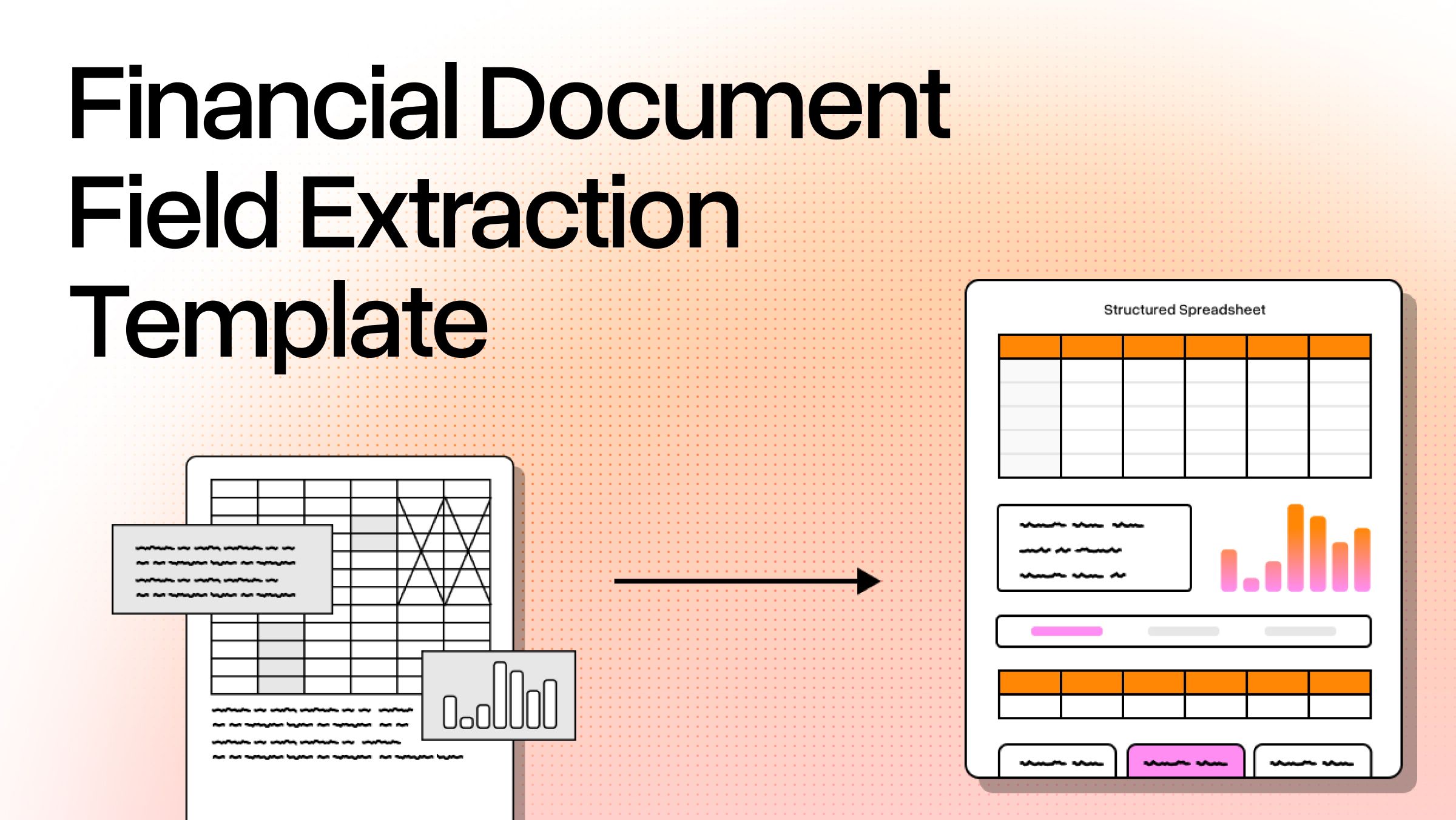
Financial documents are deceptively hard to extract. The field names are consistent: invoice number, total amount, due date, line items. The formats are not. A vendor invoice from one supplier puts the total in a summary box at the bottom right. Another lists it mid-page after multiple rows of discounts. A third is generated from a custom ERP that exports PDFs with overlapping text layers. Your extraction pipeline has to handle all three correctly, and it has to know when it's gotten something wrong.
A financial document field extraction template is a structured schema that maps named fields, such as invoice number, line items, and total amount, to their expected locations, types, and validation rules within a document processing pipeline. A good template should both name the fields you want and specify:
- Types: dates need normalization, currency fields need decimal handling
- Structures: line items are arrays, not flat strings
- Validation Logic: a total amount that doesn't match the sum of line items
The mistake most teams make is treating the template as just a field list. That works until the first production invoice shows up in a layout the template has never seen, and the system silently returns wrong numbers without an alarm or error. Understanding what a reliable template actually requires, and where traditional approaches break down, is the difference between a document extraction pipeline that runs in production and one that needs constant maintenance.
Why Financial Document Extraction Breaks More Than You'd Expect
Financial documents are a mess and most extraction pipelines pretend they aren't. Invoices, bank statements, purchase orders, and receipts each have different layouts, table structures, and field positions. Even within a single document type, the same field can appear in dozens of different locations depending on which accounting software generated the PDF, which country the vendor is in, or whether they've customized their billing template.
The "same field, different location" problem is where most extraction approaches run into trouble first. Take total amount: it might appear in a clearly labeled summary box, buried in the footer of a line items table, or calculated across a subtotal chain with separate tax and discount rows. Rules-based extraction anchored to field positions breaks on any of these variations, and it breaks silently, returning the wrong value without flagging anything. No error thrown, no flag raised.
Document formats make this worse. Scanned PDFs, digital-native PDFs, image files, and mixed-format packets all require different handling before extraction even begins. A bank statement scanned at a slight angle with uneven lighting is a fundamentally different input from a digital PDF generated directly from a banking system, even if they contain identical fields. And in any realistic enterprise document processing workflow, you're going to see all of these document formats in the same pipeline.
Optical character recognition (OCR) is the prerequisite, but raw text extraction doesn't understand document structure. A string dump of a bank statement's text doesn't tell you which numbers are transaction amounts, which are running balances, and which are account numbers embedded in a header. The extraction template needs structured data. The layer beneath it needs to understand layout, not just convert pixels to characters.
The Core Fields Every Financial Document Template Must Cover
Two document types drive the majority of financial document extraction use cases: invoices and bank statements. Their field sets are distinct enough that trying to unify them into one flat schema consistently creates edge-case failures. A modular design with separate schemas per document type and a shared validation layer is more maintainable and produces more reliable results in production.
Invoice Template Fields
Required fields for any invoice template: invoice number, vendor name, billing address, issue date, and due date. These are the baseline, and most extraction tools handle them reasonably well on clean digital documents.
Where templates underspecify, and where most production pipelines develop problems, is the line items sub-schema. Each line item needs its own structured object: description, quantity, unit price, and line total. Treating line items as a flat string, which is what happens when a template hasn't been designed with multi-row invoices in mind, means losing the relational structure between items and totals. If a vendor sends a 40-line invoice, the downstream system needs an array of 40 structured objects, not a text block where the line breaks may or may not have survived OCR.
The totals block requires careful type handling: subtotal, tax rate, tax amount, total amount, and currency. Currency fields need decimal normalization. EUR and USD carry two decimal places, JPY has none, and invoices with multiple currencies on the same document appear regularly in international procurement workflows.
Not every invoice has them, but if you can get PO number, payment terms, and account number, they're worth having. Order matching, cash flow forecasting, and remittance routing all get easier.
Bank Statement Template Fields
Header fields: account holder name, account number, IBAN or routing number, statement period, opening balance, and closing balance. These are typically straightforward on digital-native statements. They get harder on scanned documents where page rotation or inconsistent scan quality degrades OCR accuracy.
The transaction line schema is where bank statement extraction gets genuinely difficult: date, description, debit amount, credit amount, and running balance. Multi-page statements require page-aware extraction to avoid dropped or duplicated transaction rows. This is one of the more common failure modes when an extraction pipeline processes each page independently without tracking state across page boundaries.
Edge cases that break most templates: merged transaction rows (where a long description wraps to a second line and the parser treats it as a new transaction), pending versus posted transactions, multi-currency accounts, and overdraft formatting where the sign convention inverts without a clear structural signal.
Confidence scoring at the transaction level, not just at the document level, is the clearest indicator that separates production-ready extraction from a demo.
Building Your Own Template vs. Using a Pre-Trained Model
There are three realistic approaches to extracting data from financial documents, and the right choice depends heavily on document volume and format consistency.
Rules-based templates, regex patterns combined with positional anchors, are fast to prototype and cost nothing to run. They feel like the right call at first. They work for internal documents with controlled, predictable formats, like expense reports that always come out of the same software in the same layout. They're the wrong choice for vendor invoices, where you have no control over how suppliers format their PDFs, and layouts change whenever a vendor updates their billing system or switches accounting software.
Pre-trained document extraction models deploy faster than building from scratch, but their accuracy ceiling is set by training data. If your specific documents don't match the training distribution, accuracy degrades in ways that don't always surface in aggregate benchmarks. Specialized financial instruments, non-English bank statements, and invoices from industries with non-standard formats are common gaps. A model reporting 97% accuracy overall might be doing far worse on the document types that matter most for your workflow. That gap usually surfaces in production, not in the benchmark.
Schema-based AI extraction is the approach that has changed what's achievable on real-world financial documents: define the fields you want as a structured schema, and let the model handle layout variation and field normalization. The template is still doing the work of specifying types, validation rules, and output structure, but the extraction layer isn't anchored to positional coordinates that shift every time a vendor updates their invoice template.
Here's what often gets missed: the template isn't just the schema. A production-grade financial document field extraction template includes validation rules (currency fields can't be returned as strings), confidence thresholds (below a certain score on total amount, route to human review), fallback behavior for missing required fields, and output format. JSON is standard for most downstream systems. Some pipelines require CSV or XML depending on what's consuming the extraction.
Document processing pipelines that treat extraction as a one-step process rather than a validation loop accumulate errors that surface late, often during reconciliation rather than at extraction time. Building the validation logic into the template design, rather than treating it as downstream cleanup, is what keeps error rates manageable at scale.
Where Traditional OCR Falls Short on Financial Document Templates
Traditional OCR converts pixels to text but doesn't understand that a table of line items is structurally different from a paragraph of payment terms. The extraction template has to compensate for this with post-processing rules, which means every time a document structure changes, the rules need updating.
Tables are where the gap is most visible in practice. Multi-page line item grids and transaction registers are exactly where traditional OCR and rules-based field extractions consistently underperform. A table that spans three pages, with column headers only on the first page and totals only on the last, requires the extraction system to understand that all three pages form a single logical structure. Traditional OCR returns three separate text dumps, and the template has to reconstruct the relationship through heuristics that don't generalize well.
LlamaParse's layout-aware computer vision segments page components before extraction begins, identifying tables, headers, footers, and inline text as distinct structural elements rather than treating the page as a single text layer. The template operates on understood document structure, which is why layout changes don't require constant post-processing rule updates.
The validation loop matters as much as the initial extraction pass. An agentic approach checks extracted values against expected patterns before returning results. A total amount that doesn't reconcile with the sum of line items gets flagged, not silently passed through. This is what higher straight-through processing rates look like in practice: fewer exceptions reaching the manual review queue because structural errors are caught at extraction time, not discovered in accounting.
LlamaExtract provides schema-based structured data extraction purpose-built for this use case. Define your invoice or bank statement template as a schema, and the extraction pipeline handles layout variation, multi-modal content (including tables, signatures, and embedded stamps that traditional OCR misreads or ignores entirely), and output validation without custom retraining.
What to Look For When Evaluating a Financial Document Extraction Template
Accuracy on real-world documents, not curated test sets: Ask vendors for benchmark data on messy, scanned, multi-page invoices with non-standard layouts. Clean digital PDFs aren't a useful test. The failure modes that affect production pipelines are uneven scan quality, unconventional layouts, and multi-page documents where tables span page breaks.
Field-level confidence scores, not just document-level accuracy: A system that reports high accuracy overall while silently underperforming on line items extraction in multi-page invoices is worse, in practice, than a system with lower headline accuracy that flags uncertain fields for human review. The per-field confidence signal is what makes HITL workflows functional at scale. Reviewers need to know exactly where to look, not re-verify entire documents.
Schema flexibility without retraining: Financial document types evolve: new regulatory fields get added, clients need custom output structures, payment terms formats change. A template system that requires model retraining for every schema update doesn't scale past the pilot stage in any environment with real document diversity.
Multi-format support across all relevant document formats: PDFs, image files, scanned documents, and digital-native files should all process through a single pipeline. Separate processing paths per format multiply maintenance overhead and introduce inconsistencies that are difficult to track down when extraction quality varies unexpectedly.
If you're past the prototype stage, the schema-based approach is worth testing against your actual documents before committing to anything else. LlamaParse handles schema-based extraction from financial documents at scale, with field-level confidence scores, configurable validation rules, and support for the full range of document formats that appear in production. Start free with 10,000 credits at LlamaCloud.