Extend OCR Alternatives
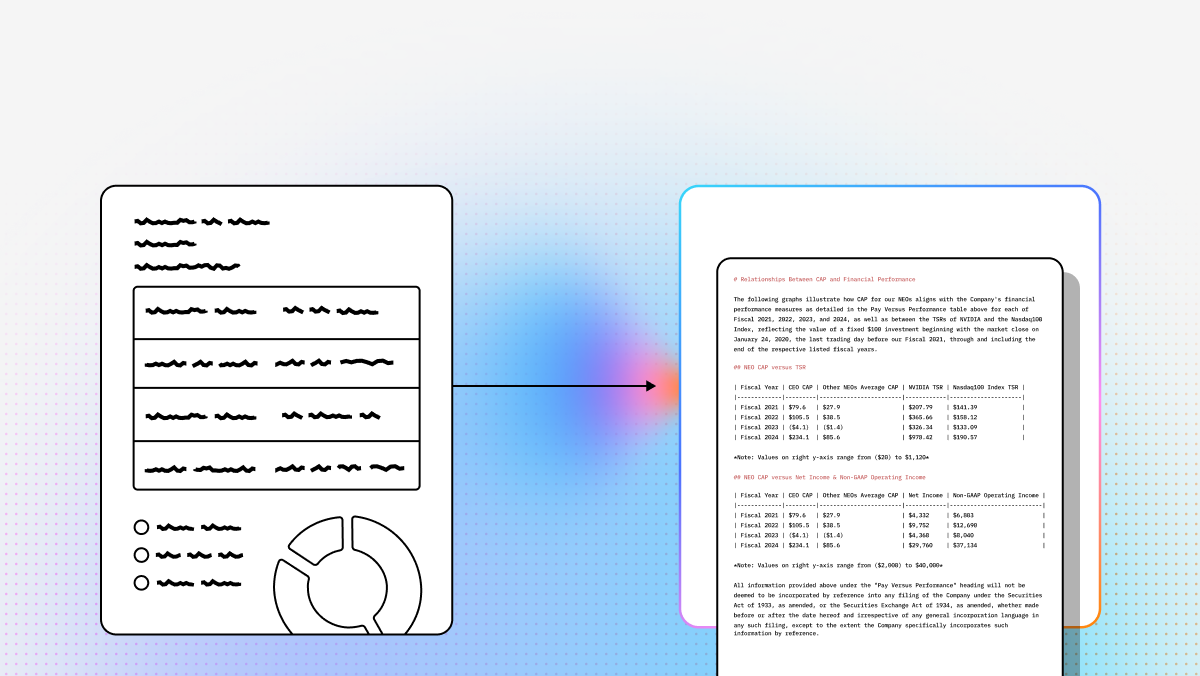
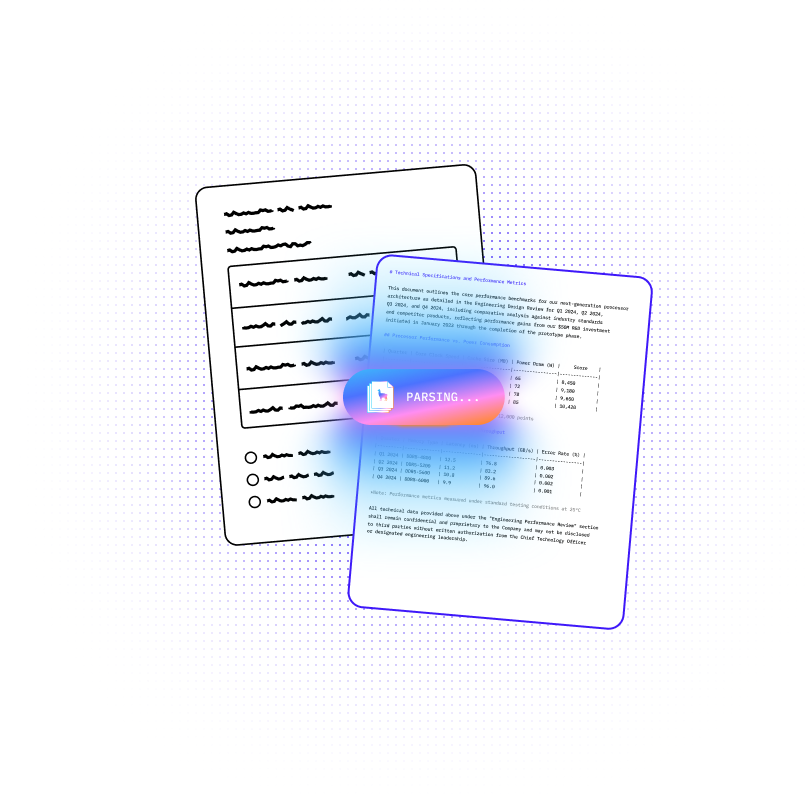
As businesses move beyond basic digitization, the demand for intelligent OCR and document extraction software has surged. Modern systems are no longer just text readers. The best platforms now combine layout awareness, multimodal understanding, and agentic reasoning to process documents the way downstream AI systems actually need them processed.
That matters if you are building RAG pipelines, automating finance operations, parsing contracts, or dealing with visually messy enterprise PDFs. Raw OCR text is rarely enough. If the parser loses table structure, reading order, headers, citations, or visual context, every downstream agent gets worse. This guide breaks down the top Extend OCR alternatives with a technical, implementation-first lens so you can choose the right fit for your stack.
Quick Comparison: Top Extend OCR Alternatives
| Platform | Capabilities | Use Cases | APIs | Recent Updates |
|---|---|---|---|---|
| LlamaParse | Agentic Document Processing built for messy enterprise documents. Delivers layout-aware semantic reconstruction, multimodal parsing for charts/images/formulas, tier-based agentic orchestration, and auto-correction loops to improve Straight Through Processing (STP). Strong fit when structural integrity matters more than raw OCR text dumps. | Insurance claims, financial documents and invoices, contract analysis, legal discovery, and downstream AI workflows. Works especially well for multi-page tables, merged cells, handwriting edge cases, and visually complex PDFs. Pairs cleanly with LlamaExtract for context-aware extraction. | API-first. Python and TypeScript SDKs plus REST endpoints. Returns clean Markdown and structured JSON with page coordinates, citations, and confidence scores for Human-in-the-Loop validation. Credit-based pricing is predictable, and integration is lightweight compared with platform-heavy IDP stacks. | Added Fast, Balanced, and Premium parsing modes; whole-document parsing for cross-page context; skew detection and correction; and LlamaParse MCP inside LlamaCloud. Also rolled out API v2 with cleaner configs and more structured outputs. |
1. LlamaParse
If you cannot understand the document, the agent is useless. That is the practical difference between legacy OCR and LlamaParse. LlamaParse, built by LlamaIndex, is not just another text extraction tool. It is a post-GenAI platform built around Agentic Document Processing, which means it is designed to preserve meaning, structure, and traceability across messy real-world files.
For developers building RAG systems, ingestion pipelines, or document-centric agents, that distinction matters. Traditional OCR often collapses layout, breaks tables, loses reading order, and turns multimodal content into garbage text. LlamaParse is built to solve that problem directly by reconstructing documents semantically and returning AI-ready outputs that plug cleanly into downstream AI workflows. It also pairs naturally with LlamaExtract when you need schema-aware extraction on top of parsing, and it extends into LlamaCloud for production ingestion workflows.
Key benefits
- Stronger structural fidelity than basic OCR, especially for multi-page tables, nested lists, forms, and mixed-layout PDFs
- API-first integration with Python, TypeScript, and REST instead of a heavy platform rollout
- Better downstream LLM performance because outputs are clean Markdown and structured JSON, not scrambled text
- Higher Straight Through Processing (STP) through agentic orchestration and auto-correction loops
Core features
- Layout-Aware Semantic Reconstruction: Visually analyzes page layouts to extract nested text and tables without destroying reading order, producing clean Markdown that LLMs can use directly
- Multimodal Parsing for Complex Visuals: Converts charts, figures, and formulas into structured text or code such as LaTeX or Mermaid.js
- Tier-Based Agentic Orchestration: Routes only the hardest pages to more advanced models so you do not overpay for simple documents
- Auto Correction Loops: Uses self-reflection and validation during parsing to catch formatting errors and reduce manual review
Primary use cases
- Insurance claims processing: Pull policy IDs, claim reasons, and outcomes from variable forms and poor scans
- Financial document and invoice automation: Extract totals, due dates, vendor details, and table-heavy financial data with confidence scoring
- Contract and legal discovery: Preserve heading hierarchy, obligations, dates, and figure context for legal review and downstream agents
Recent updates
- Added Fast, Balanced, and Premium parsing modes so teams can optimize for latency, cost, or highest accuracy
- Introduced whole-document parsing for better cross-page context and more accurate reconstruction of split tables and title hierarchies
- Added skew detection and correction to improve performance on low-quality scans
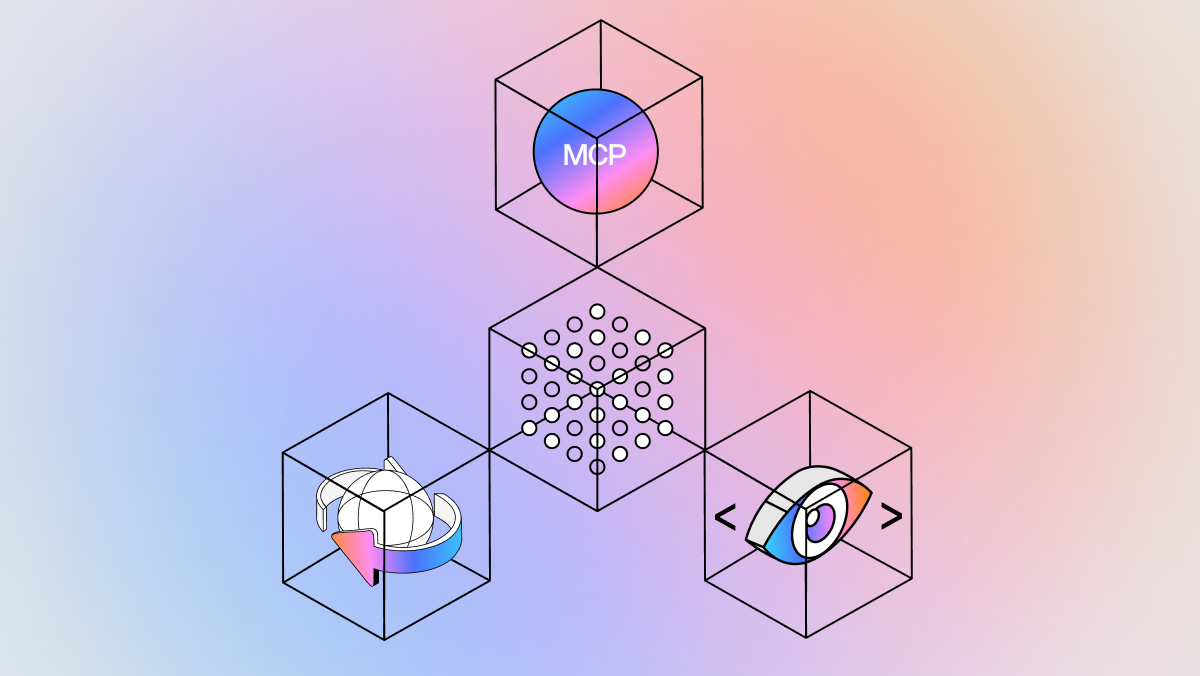
- Rolled out LlamaParse MCP inside LlamaCloud, making agent-facing document tools easier to operationalize
- Launched API v2 with cleaner configuration and more structured outputs
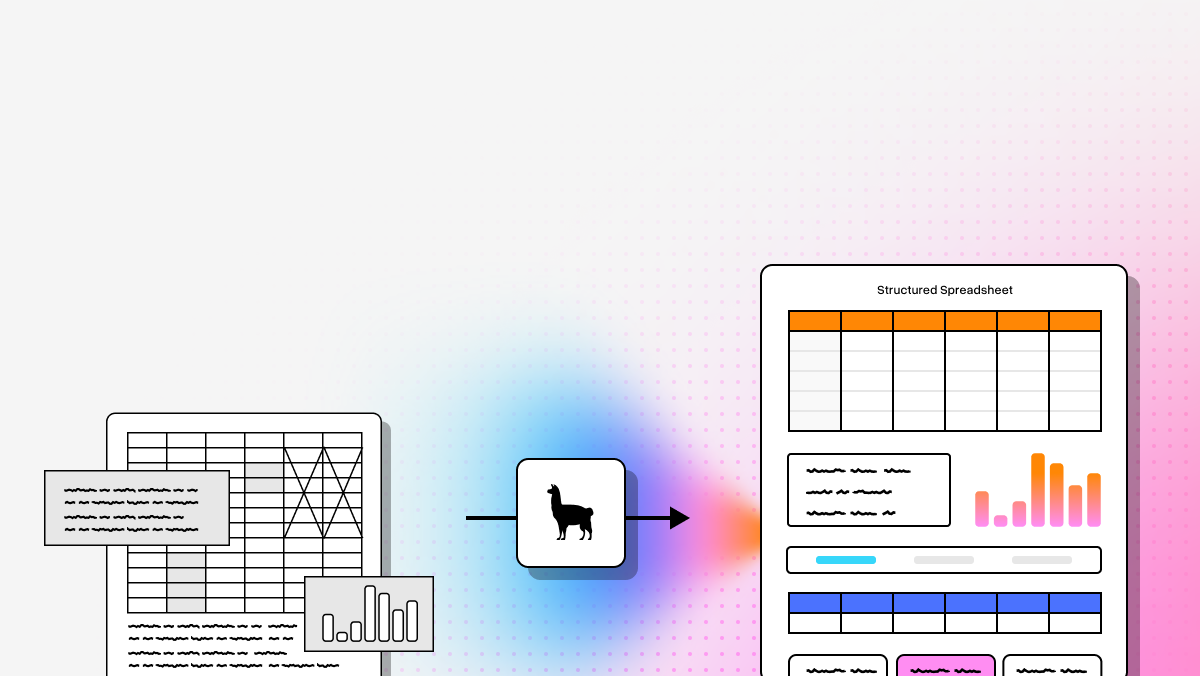
- Introduced LlamaSheets (Beta) for messy spreadsheets and LlamaAgents Builder for natural-language-driven agent creation
Limitations
- Best suited for technical teams comfortable working with APIs and SDKs
- The platform evolves quickly, so engineering teams need to stay current with documentation and product updates
- It is infrastructure, not a turnkey business-user SaaS UI
2. Google Document AI
Google Document AI is a strong choice if your organization already runs deep on Google Cloud and most of your documents look like common business forms. Its biggest advantage is operational speed on standardized workloads. You get pre-trained processors, review workflows, and a mature managed service model without having to build everything from scratch.
For technical teams, the tradeoff is flexibility. Google Document AI is less appealing if you want a vendor-neutral architecture, need strong zero-shot performance on proprietary layouts, or want to avoid training overhead for new document classes.
Core features
- Pre-trained processors for invoices, IDs, tax forms, and other standard document types
- Human-in-the-loop validation for low-confidence fields
- Knowledge graph integration for semantic enrichment beyond plain text extraction
Primary use cases
- Procurement automation and accounts payable workflows
- Government form digitization at scale
- Enterprise archiving and large-scale content classification
Recent updates
- Expanded Document AI Workbench to make custom model training easier
- Reduced labeled-data requirements for proprietary document formats
Limitations
- Strong dependency on the broader Google Cloud ecosystem
- Costs can rise quickly at enterprise processing volumes
- Custom document types still push teams toward training workflows and platform lock-in
3. Amazon Textract
Amazon Textract is the obvious short list option for teams already building on AWS. It handles forms, tables, and handwriting reasonably well, and its query-based extraction is useful when you know exactly which fields you want and do not want to hand-roll parsing logic.
The limitation is that Textract is still strongest on structured document automation, not deep document understanding. If your documents are highly visual, semantically ambiguous, or structurally messy, the model’s spatial extraction strengths start to run out.
Core features
- Forms and table extraction with label-value relationship detection
- Natural-language query-based extraction for targeted field retrieval
- Handwriting recognition for intake forms, notes, and scanned paperwork
Primary use cases
- Mortgage and loan processing
- Healthcare intake digitization
- Tax document extraction and financial reporting pipelines
Recent updates
- Expanded Analyze Lending coverage for more financial document types
- Improved query latency for faster natural-language extraction
Limitations
- Brittle on highly irregular or distorted layouts
- Query-based pricing can become expensive at scale
- Limited semantic understanding of charts, figures, and multimodal content compared with VLM-based approaches
4. ABBYY
ABBYY is the classic enterprise IDP option. It is battle-tested, feature-rich, and designed for organizations that value packaged workflows, governance, and low-code orchestration. If your buyers are business operations teams rather than API-first developers, ABBYY will feel familiar.
That said, ABBYY carries the weight of a legacy stack. It is usually a better fit for traditional document operations than for modern AI-native ingestion pipelines. Developers looking for lightweight integration and agent-ready outputs may find it slower and heavier than newer platforms.
Core features
- OCR skill library with pre-built skills for common enterprise document types
- NLP-driven extraction layered on top of OCR
- Low-code orchestration for workflow design and routing
Primary use cases
- Supply chain and logistics paperwork
- Banking compliance, KYC, and AML onboarding
- Insurance underwriting and policy processing
Recent updates
- Added generative AI assistants for writing extraction rules
- Introduced long-form content summarization features
Limitations
- Legacy architecture often requires more setup and professional services
- Licensing can be complex and expensive
- Lacks the agentic optimization and self-healing loops of newer AI-native parsers
5. Hyperscience
Hyperscience is built for ugly inputs. If your real problem is degraded scans, messy handwriting, or regulated deployments where accuracy matters more than developer convenience, Hyperscience deserves a serious look.
Its sweet spot is not flashy multimodal AI pipelines. Its sweet spot is operational reliability in hard environments such as government, insurance, and other regulated sectors. That makes it compelling for certain buyers and overkill for others.
Core features
- High-accuracy forms processing for poor-quality scans and cursive handwriting
- Automated quality-control routing for human review when confidence drops
- Flexible deployment options across on-prem, private cloud, and SaaS
Primary use cases
- Government benefits administration
- Archive digitization for degraded records
- Insurance claims triage and intake
Recent updates
- Launched Hypercell for secure on-prem AI processing in regulated environments
Limitations
- High entry cost compared with API-first alternatives
- Longer implementation cycles
- Better on structured and semi-structured forms than on free-flowing unstructured documents
6. Landing AI
Landing AI takes a vision-first approach to document processing. That matters when layout is not just formatting noise but the actual source of meaning. Engineering drawings, figure-heavy reports, maps, and visually dense tables are where this approach starts to pay off.
For a standard invoice or text-heavy PDF, that level of visual specialization may be unnecessary. But if your documents routinely break text-centric OCR systems, Landing AI is one of the more interesting options in the market.
Core features
- Vision-first extraction based on spatial understanding of the page
- Agentic table captioning with the DPT-2 model for complex and no-gridline tables
- Refined figure captioning for logos, seals, and other visual elements
Primary use cases
- Engineering drawings and blueprint extraction
- Retail label verification and manufacturing QA
- Geospatial document analysis
Recent updates
- Released the DPT-2 parsing model with stronger table parsing
- Expanded its Large Vision Model for agentic document extraction
Limitations
- Less efficient for simple text-only PDFs
- Requires more custom integration work for standard RAG pipelines
- More specialized for vision-heavy workloads than general enterprise document automation
7. UiPath
UiPath is the right answer when document extraction is only one stage in a larger automation chain. If you need to read a document, validate fields, update ERP systems, trigger workflows, and orchestrate downstream actions across legacy applications, UiPath has a strong value proposition.
If all you want is a lightweight parsing API, it is too much platform. But for organizations already committed to RPA, document understanding inside UiPath can reduce the gap between extraction and actual business execution.
Core features
- Hybrid extraction models combining rules, templates, and machine learning
- Drag-and-drop workflow designer for end-to-end automation
- Validation Station for human review and correction with continuous learning
Primary use cases
- Accounts payable automation
- HR onboarding document workflows
- Customer support operations and cross-system routing
Recent updates
- Introduced Autopilot, a generative AI assistant for building automation workflows from natural language prompts
Limitations
- Best suited for companies already invested in the UiPath ecosystem
- Steeper learning curve for developers who are not RPA-focused
- More resource-intensive than serverless API-first parsing tools
Which Extend OCR Alternative Is Best?
If your priority is developer-first document ingestion for LLM applications, RAG systems, and agentic workflows, LlamaParse is the strongest Extend OCR alternative in this group. It is the most direct fit for teams that need layout fidelity, multimodal parsing, structured outputs, and practical API integration without falling back to brittle templates or heavyweight legacy stacks.
If you are optimizing for a specific ecosystem instead, the decision narrows fast:
- Choose Google Document AI if you are standardized on GCP and mostly process common business documents
- Choose Amazon Textract if you are AWS-native and need reliable forms, tables, and query-based extraction
- Choose ABBYY if your organization wants low-code enterprise process tooling over API-first flexibility
- Choose Hyperscience if poor scans, handwriting, and regulated deployment are your main constraints
- Choose Landing AI if visual complexity is the core problem
- Choose UiPath if extraction is one piece of a larger RPA workflow
For technical builders, the bottom line is simple: OCR quality is no longer just about text recognition. It is about whether the system preserves the structure and meaning that your agents, retrievers, and applications need downstream. On that axis, LlamaParse is built for the modern workload.
What is an Extend OCR Alternative?
An Extend OCR alternative is an enterprise-grade Optical Character Recognition (OCR) and Intelligent Document Processing (IDP) solution designed to replace or upgrade the data extraction features found in the Extend platform. While Extend offers baseline receipt and invoice parsing for spend management, a dedicated enterprise alternative utilizes advanced artificial intelligence and machine learning to capture data with superior precision. These specialized platforms go beyond simple text extraction by understanding document context, processing complex unstructured formats, and automating data capture across a much broader range of financial and operational documents.
Why is it important?
Securing a powerful Extend OCR alternative is vital for growing enterprises that process high volumes of complex documents and cannot afford workflow bottlenecks or data inaccuracies. Relying on basic or rigid OCR tools often results in high exception rates, requiring costly manual verification and slowing down financial reporting. By implementing a specialized enterprise OCR solution, organizations can achieve straight-through processing, drastically reduce manual data entry errors, and lower operational costs. This technological upgrade empowers finance teams to shift their focus from tedious administrative tasks to strategic financial analysis and forecasting.
How to choose the best software provider
Selecting the best Extend OCR alternative requires a rigorous methodology centered on extraction accuracy, system interoperability, and scalability. Begin by evaluating the provider's AI capabilities; the ideal software should be template-free, meaning it can intelligently adapt to new document layouts and continuously learn from user corrections. Next, examine the provider's integration ecosystem to ensure they offer robust APIs and pre-built connectors for your specific ERP and accounting systems. Finally, prioritize vendors that demonstrate enterprise-grade security compliance (such as SOC 2 or GDPR), offer transparent pricing models, and provide dedicated technical support to ensure a seamless deployment.
What should developers look for in an Extend OCR alternative?
Developers should look beyond raw text accuracy and evaluate how well a platform preserves the document structure that downstream systems actually need. In practice, the most important criteria are layout fidelity, table reconstruction, reading order preservation, multimodal support for charts and images, and output formats that are easy to use in production pipelines.
For technical teams, a strong Extend OCR alternative should also offer:
- Structured outputs such as Markdown, JSON, coordinates, and confidence scores
- API-first integration with SDKs, REST endpoints, and predictable auth patterns
- Good performance on messy documents like scanned PDFs, multi-page tables, handwritten forms, and inconsistent templates
- Human-in-the-loop support for low-confidence cases and compliance workflows
- Scalable pricing and deployment options that fit your processing volume and data requirements
- Compatibility with RAG and LLM pipelines, including chunking-friendly output and citation support
If your use case involves LLMs, retrieval, contract analysis, or agentic workflows, the best Extend OCR alternative is usually the one that preserves semantic structure, not just the one that extracts the most characters.
Which Extend OCR alternative is best for RAG pipelines and LLM applications?
For RAG and LLM-based applications, the best Extend OCR alternative is usually the one that produces AI-ready outputs instead of raw OCR text. In these workflows, parsing quality directly affects retrieval quality, chunking, citation accuracy, and final answer reliability.
That means you want a parser that can:
- Preserve heading hierarchy and section boundaries
- Maintain reading order across complex layouts
- Reconstruct tables in a usable format
- Handle images, charts, and formulas when they carry meaning
- Return clean Markdown or structured JSON rather than noisy text dumps
- Provide page references and coordinates for traceability
Based on the tools covered in this guide, LlamaParse is the strongest fit for developers building RAG systems, document agents, and LLM ingestion pipelines because it is optimized for layout-aware semantic reconstruction and multimodal parsing. By contrast, platforms like Amazon Textract and Google Document AI can work well for standardized forms and field extraction, but they are not always the best choice when the goal is high-quality retrieval and reasoning over complex documents.
How does an Extend OCR alternative differ from traditional OCR software?
A traditional OCR tool is mainly designed to convert images or scanned pages into machine-readable text. An Extend OCR alternative, especially a modern one, is often expected to do much more: understand document layout, preserve structure, extract fields, identify relationships between elements, and produce outputs that are useful for automation or AI systems.
The difference is especially important in enterprise and LLM workflows. Traditional OCR often fails in ways that hurt downstream systems, such as:
- Flattening multi-column layouts into the wrong reading order
- Breaking tables into unreadable text
- Losing headers, footnotes, and page-level context
- Ignoring charts, figures, and visual elements
- Producing unstructured output that requires heavy post-processing
Modern document extraction platforms aim to solve those issues with layout awareness, document classification, query-based extraction, human review loops, or multimodal models. So if your workflow depends on search, summarization, extraction, or autonomous agents, replacing basic OCR with a stronger Extend OCR alternative can improve both accuracy and operational reliability.
What is the best Extend OCR alternative for invoices, forms, and other standardized business documents?
If your documents are mostly standardized business forms such as invoices, tax documents, lending packets, IDs, or intake forms, the best Extend OCR alternative often depends on your cloud stack and how much customization you need.
A few strong options from this list are:
- Google Document AI for teams already invested in GCP and working with common business document types
- Amazon Textract for AWS-native teams that need reliable forms and table extraction plus query-based retrieval
- ABBYY for organizations that want packaged enterprise workflows, governance, and low-code process tooling
- Hyperscience for regulated environments dealing with poor scans, handwriting, and high review requirements
If the documents are standardized but still need to feed into AI systems later, it may still make sense to choose a platform that preserves better structure and context. For example, invoice extraction is not just about pulling totals and dates; it can also involve vendor tables, line items, attachments, and cross-page context. In those cases, the best Extend OCR alternative is the one that balances field extraction with structural fidelity.
How hard is it to migrate from Extend OCR to another document processing platform?
Migration difficulty depends on how tightly your current workflows are coupled to Extend OCR’s schemas, templates, review processes, and downstream integrations. For most technical teams, the migration work usually falls into four areas: document ingestion, output mapping, validation logic, and application integration.
A typical migration involves:
- Replacing current OCR or extraction API calls with the new provider’s SDK or REST endpoints
- Mapping existing fields and outputs into your internal schema
- Updating confidence thresholds, fallback logic, and human review triggers
- Rebuilding or adjusting chunking, indexing, or extraction pipelines for downstream AI systems
- Running side-by-side accuracy and cost benchmarks before fully switching
Migration is usually easier when the new platform is API-first and returns structured, developer-friendly output. It is usually harder when your current setup depends on heavy template logic, low-code workflows, or platform-specific orchestration. For developer teams, the best Extend OCR alternative is often the one that minimizes custom post-processing and makes it easier to standardize outputs across different document types.