Document AI Decision Guide: Top Tools for 2025
In 2025, the data-driven enterprise is no longer a strategic aspiration. It is an operational requirement. Yet many teams still hit the same bottleneck: unstructured documents. Enterprises want to ship production-grade AI assistants, automate back-office workflows, and build reliable Retrieval-Augmented Generation pipelines, but those systems only work when the input layer is trustworthy. If the source document is a messy PDF, scanned image, or multi-column report, weak parsing quickly turns into bad retrieval, broken workflows, and unreliable outputs.
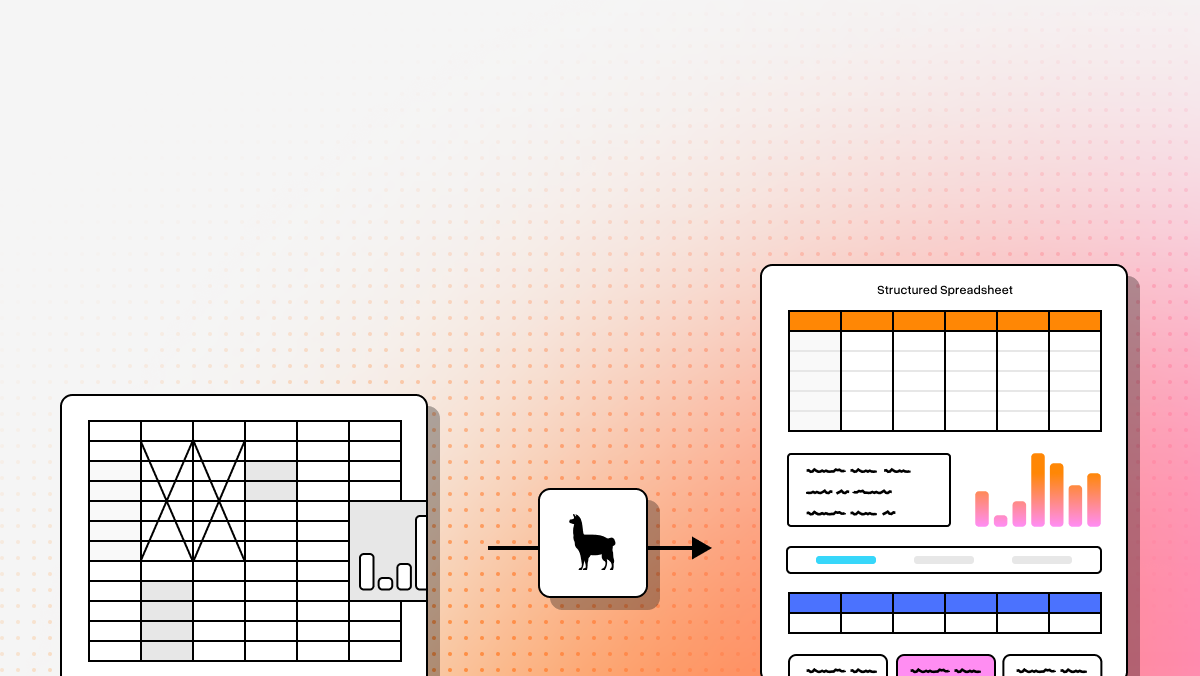
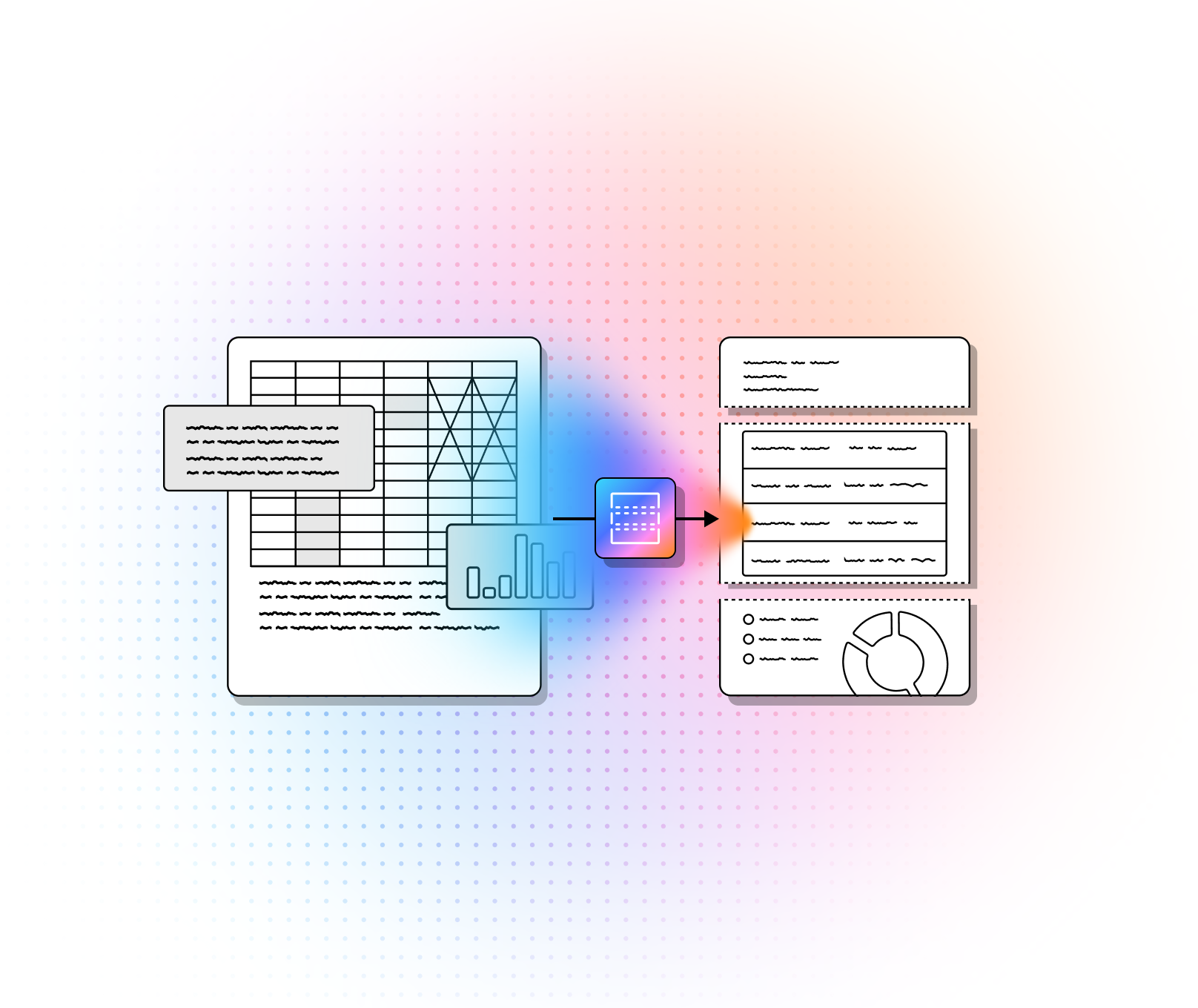
That is why traditional OCR is no longer enough. Legacy OCR tools can read characters, but they often fail to understand reading order, layout, tables, figures, handwritten notes, or the relationship between a chart and its caption. Modern Document AI platforms go further. They combine computer vision, machine learning, large language models, and increasingly agentic workflows to convert documents into structured, AI-ready outputs such as Markdown and JSON.
This guide compares four leading platforms for technical teams evaluating document processing infrastructure: LlamaParse, Google Cloud Document AI, AWS Textract, and Azure Document Intelligence. If you are choosing a parsing layer for RAG, extraction pipelines, or enterprise workflow automation, the right tool often comes down to three questions: how well it handles complex layouts, how naturally it fits your existing stack, and how much engineering overhead it introduces before you reach production.
| Platform | Capabilities | Use Cases | APIs |
|---|---|---|---|
| LlamaParse |
Layout-aware semantic parsing for PDFs, images, and presentations; multimodal extraction for tables, charts, equations, and handwriting; outputs clean Markdown and structured JSON with metadata and confidence scores; agentic orchestration and cost-optimized routing for complex pages. |
Financial document and invoice extraction; healthcare and medical record processing; logistics manifests and multi-page table parsing; high-accuracy RAG and downstream AI workflows. |
Python and TypeScript SDKs; REST API with structured JSON in v2; native integration with LlamaIndex and LangChain; natural-language instruction support for extraction control. |
| Google Cloud Document AI |
Pre-trained processors for invoices, tax docs, and forms; entity extraction with NLP + computer vision; human-in-the-loop review and model improvement; document storage and search through Document AI Warehouse. |
Procurement and accounts payable automation; mortgage and loan document processing; contract analysis and compliance workflows. |
Google Cloud-native APIs and processors; Workbench for custom model creation; integrations across the broader GCP ecosystem; HITL tooling for validation and uptraining. |
| AWS Textract |
OCR plus form, table, and handwriting extraction; high-throughput batch processing at cloud scale; preserves key-value and table structure without templates; can be paired with Bedrock for summarization and insight generation. |
Financial onboarding and underwriting workflows; healthcare claims and doctor note processing; public sector record digitization and backlog reduction. |
AWS-native API access and pay-as-you-go processing; deep integration with S3 and Amazon Bedrock; well suited for large-scale automation inside AWS environments. |
| Azure Document Intelligence |
Text, key-value, and structure extraction across varied document types; supports custom model training for proprietary forms; strong security and compliance positioning; tight integration with Microsoft productivity and workflow tools. |
Legal document review; accounts payable automation; insurance policy and claims processing; enterprise workflows embedded in Microsoft environments. |
Azure-based document AI APIs and custom model tooling; integrations with Microsoft 365, SharePoint, and Power Automate; best suited for organizations standardizing on Azure and Power Platform. |
1. LlamaParse
LlamaParse is the most purpose-built option in this group for developers building AI-native document workflows. Rather than treating parsing as simple OCR, it approaches the problem as semantic reconstruction: understanding the full page context, preserving layout, and converting messy enterprise documents into clean Markdown or structured JSON. For teams building RAG systems, extraction pipelines, or agentic applications, that difference matters because the parser becomes part of the reasoning stack, not just a preprocessing utility.
From a positioning standpoint, LlamaParse is best suited to sophisticated engineering teams and digital-native organizations that want high-fidelity outputs without maintaining brittle template systems or expensive custom-trained pipelines. It is part of the broader LlamaIndex ecosystem, which also supports end-to-end document understanding, downstream AI workflows, and context-aware data extraction.
Key benefits
- Eliminates much of the technical debt associated with brittle OCR and template-based IDP systems.
- Optimized for high-accuracy AI ingestion, especially when the parsed output will feed RAG or agent workflows.
- Balances quality and cost through tier-based routing instead of applying maximum-cost processing to every page.
- Gives developers strong programmatic control through SDKs, REST APIs, metadata-rich outputs, and natural-language extraction instructions.
Core features
- Layout-aware structure and table extraction: Visually analyzes multi-column layouts, nested sections, and complex tables while preserving reading order.
- Multimodal parsing: Extracts value from charts, images, handwriting, and scientific equations rather than flattening everything into plain text.
- Tier-based agentic orchestration: Dynamically applies more advanced models only when pages are complex enough to justify the extra compute.
- JSON mode and granular metadata: Produces structured outputs with coordinates, node types, and spatial metadata for downstream retrieval and validation.
Primary use cases
- Financial services and invoice extraction: Pulls totals, dates, vendor fields, and tabular data from highly variable financial documents.
- Healthcare and medical records: Handles messy notes, signatures, and mixed-format records that typically break traditional OCR pipelines.
- Logistics and supply chain workflows: Preserves the structure of dense, multi-page manifests and merged-cell tables for automated downstream processing.
Recent updates
- Expanded model support: Added support for newer frontier models, including GPT 4.1 and Gemini 2.5 Pro, for complex document parsing.
- Automatic orientation and skew detection: Corrects upside-down, sideways, and slightly skewed scanned pages automatically.
- Confidence scores: Provides field-level confidence values to help route low-confidence outputs into validation workflows.
- Cost Optimizer Mode: Chooses the most cost-effective parsing path on a per-page basis.
- v2 API with structured JSON: Moves from flat form parameters to structured API inputs with explicit tier and version pinning.
Limitations
- Developer-first product: Best fit for technical teams rather than business users looking for a no-code back-office replacement.
- Requires downstream AI context to unlock full value: Strongest when paired with RAG, extraction, or agent workflows rather than used as a standalone OCR utility.
- Pricing requires some planning: Teams need to understand tiering and routing behavior to optimize cost versus accuracy.
2. Google Cloud Document AI
Google Cloud Document AI is a broad enterprise platform designed for organizations that want document automation tightly coupled to the Google Cloud ecosystem. Its strength is not just raw extraction, but the combination of specialized processors, model customization, human review workflows, and warehouse-style document management. That makes it a good fit for companies that want both processing and governance under one cloud umbrella.
For technical buyers, Google Cloud Document AI is especially appealing when the problem looks like enterprise document operations at scale: invoice pipelines, lending workflows, contract review, or large document repositories that need search and metadata management. It is less tailored to AI-native parsing for Markdown-first RAG pipelines than LlamaParse, but it is strong for organizations already standardized on GCP services.
Core features
- Pre-trained specialized models for common business document types such as invoices, tax forms, and other structured paperwork.
- Human-in-the-loop review tools for validating extracted data and improving performance over time.
- Document AI Warehouse for document storage, metadata management, and semantic or multimodal search.
- Custom model creation through Workbench for organizations that need specialized processing.
Primary use cases
- Procurement and accounts payable automation.
- Mortgage and loan document processing.
- Contract analysis, clause extraction, and compliance support.
Recent updates
- General Availability of Document AI Workbench for building custom machine learning models through a more approachable interface.
Limitations
- Deep GCP alignment can create ecosystem lock-in for multi-cloud organizations.
- Custom model work still requires meaningful data preparation and training effort.
- Pricing can become difficult to forecast across processor types, storage, and high document volume.
Unique selling point
- Combines pre-trained document processors with human review and warehouse-style document management inside the broader Google Cloud stack.
3. AWS Textract
AWS Textract is a scalable extraction engine for teams that want to process large document volumes inside AWS. It extends beyond basic OCR by understanding forms, tables, and handwriting, and it integrates naturally with services such as S3 and Bedrock. For engineering teams already committed to AWS, that makes it a practical building block for production document workflows.
Textract is often best when the problem is throughput, reliability, and cloud-native automation rather than layout-rich semantic reconstruction for LLM-ready Markdown. It can absolutely support AI use cases, especially when combined with Bedrock and other AWS services, but the more advanced the reasoning or orchestration requirements become, the more the broader AWS ecosystem matters.
Core features
- Form and table extraction that preserves key-value relationships and table structure without manual templates.
- Handwriting recognition for scanned forms, notes, and other semi-structured inputs.
- High-throughput cloud-scale batch processing for large enterprise document volumes.
- Integration with Amazon Bedrock for summarization and higher-level document understanding workflows.
Primary use cases
- Financial onboarding and underwriting pipelines.
- Healthcare claims and doctor note processing.
- Public sector digitization and backlog reduction.
Recent updates
- Enhanced integration with Amazon Bedrock Data Automation to streamline insight generation from unstructured and multimodal content.
Limitations
- Primarily an extraction layer, so deeper semantic reasoning usually requires stitching together additional AWS services.
- Highly irregular tables and visually complex layouts may require custom post-processing.
- Best results often depend on operating fully inside AWS infrastructure.
Unique selling point
- Offers an extraction-first service that scales cleanly into the rest of the AWS machine learning, storage, and analytics ecosystem.
4. Azure Document Intelligence
Azure Document Intelligence is the strongest fit for enterprises that want document AI to plug directly into existing Microsoft environments. It combines extraction, custom model support, and enterprise security with integrations across Microsoft 365, SharePoint, Power Automate, and related Azure services. For large organizations already standardized on Microsoft, that ecosystem fit can outweigh the need for a more specialized parser.
From a technical perspective, Azure Document Intelligence is well positioned for workflow-heavy enterprise automation, especially in regulated environments. It is less focused on agentic document parsing for developer-centric AI pipelines than LlamaParse, but it is attractive for organizations where document processing is one component of a larger Microsoft-centered automation strategy.
Core features
- Text, key-value, and structure extraction across varied document types.
- Custom model training for proprietary or industry-specific forms.
- Strong security and compliance positioning for enterprise deployments.
- Tight integration with Microsoft workflow and productivity tools.
Primary use cases
- Legal document review and entity extraction.
- Accounts payable and invoice automation.
- Insurance policy and claims processing.
Recent updates
- Continued multimodal processing improvements and tighter integration with Microsoft’s Copilot-oriented ecosystem.
Limitations
- Custom model setup can involve a steep learning curve for specialized use cases.
- The platform is most compelling when used with the wider Azure and Power Platform stack.
- Large batches of complex PDFs can require optimization to avoid latency spikes.
Unique selling point
- Provides the smoothest path for document automation inside organizations already committed to Microsoft cloud and workflow tooling.
How to choose the right Document AI platform
If your priority is high-fidelity parsing for LLM applications, RAG systems, and agentic workflows, LlamaParse is the strongest fit in this group. It is designed for developers who care deeply about layout preservation, multimodal extraction, and AI-ready output formats such as Markdown and structured JSON.
If your organization is already committed to a major cloud provider and wants document processing embedded inside that ecosystem, the cloud-native options become more compelling. Google Cloud Document AI is strong for enterprises that want specialized processors plus human review and document warehousing. AWS Textract is attractive for high-throughput extraction inside AWS environments. Azure Document Intelligence is a natural choice for Microsoft-centric automation and compliance-heavy workflows.
In practice, the decision usually comes down to whether document parsing is your product’s intelligence layer or simply one component of a broader enterprise cloud workflow. If it is the intelligence layer, parser quality matters more. If it is one service among many, ecosystem fit may matter more.
FAQs
What is the difference between traditional OCR and Document AI?
Traditional OCR focuses on turning images of text into machine-readable characters. Document AI goes further by understanding layout, structure, and context. That means it can reason about tables, headers, multi-column content, and visual elements instead of returning a flat text dump.
How should teams measure the success of a Document AI implementation?
Success should be measured beyond raw extraction accuracy. Better metrics include straight-through processing rate, pass-through rate without human review, throughput, exception-handling burden, and business outcomes such as faster approvals, lower operating costs, or more reliable downstream AI answers.
Why is layout awareness so important in document processing?
Most business documents are not linear text. They contain sidebars, tables, captions, footers, charts, forms, and nested sections. If a parser does not preserve layout and reading order, the final output may be technically readable but practically unusable for search, extraction, or LLM reasoning.
What is Document AI?
Document AI, or Document Artificial Intelligence, represents the next evolution beyond traditional Optical Character Recognition (OCR). It combines advanced machine learning, natural language processing (NLP), and computer vision to not only extract text from complex files but also understand the context, structure, and intent behind the data. Whether your enterprise is processing unstructured invoices, lengthy legal contracts, or handwritten forms, Document AI transforms dark, unstructured documents into structured, actionable data that feeds directly into your automated workflows.
Why is it important?
In today's fast-paced enterprise landscape, relying on manual data entry or rigid legacy OCR systems creates severe bottlenecks, leading to costly errors and operational delays. Document AI is critical because it automates complex document processing at an enterprise scale, drastically reducing turnaround times from days to mere seconds while achieving near-perfect accuracy. By eliminating tedious manual extraction, organizations can significantly lower operational costs, improve regulatory compliance, and empower their workforce to focus on high-value, strategic initiatives rather than administrative heavy lifting.
How to choose the best software provider
Selecting the right Document AI provider requires a rigorous methodology tailored to your specific enterprise requirements. Begin by evaluating a provider's out-of-the-box extraction accuracy and their model's ability to learn and adapt to the unique document layouts specific to your industry. Next, assess their API and integration capabilities to ensure the software seamlessly connects with your existing ERP, RPA, and downstream data systems. Finally, prioritize vendors that offer enterprise-grade data security, strict compliance certifications (such as SOC 2 and GDPR), and a scalable infrastructure capable of growing alongside your document volume.
Which Document AI platform is best for RAG and LLM-based applications?
For RAG, AI agents, and other LLM-heavy workflows, the best platform is usually the one that produces the most faithful, structured representation of the original document rather than the one that simply extracts text. In practice, that means strong layout awareness, table preservation, reading-order reconstruction, support for multimodal elements such as charts or handwriting, and output formats that are easy to chunk, index, and trace back to the source.
For teams prioritizing AI-ready outputs, LlamaParse is the strongest fit in this comparison because it is designed around semantic reconstruction and structured output for downstream model use. Clean Markdown and JSON are especially useful when you need reliable chunking, source attribution, metadata-aware retrieval, or extraction pipelines that feed agents. By contrast, Google Cloud Document AI, AWS Textract, and Azure Document Intelligence are often better fits when document processing is part of a broader enterprise automation program within an existing cloud stack.
A useful rule of thumb is this: if your parser directly affects answer quality in a chatbot, copilot, or retrieval system, choose for parsing fidelity first. If document extraction is just one step in a larger cloud workflow, ecosystem fit may matter more than parser sophistication alone.
What output format should developers look for when evaluating Document AI tools?
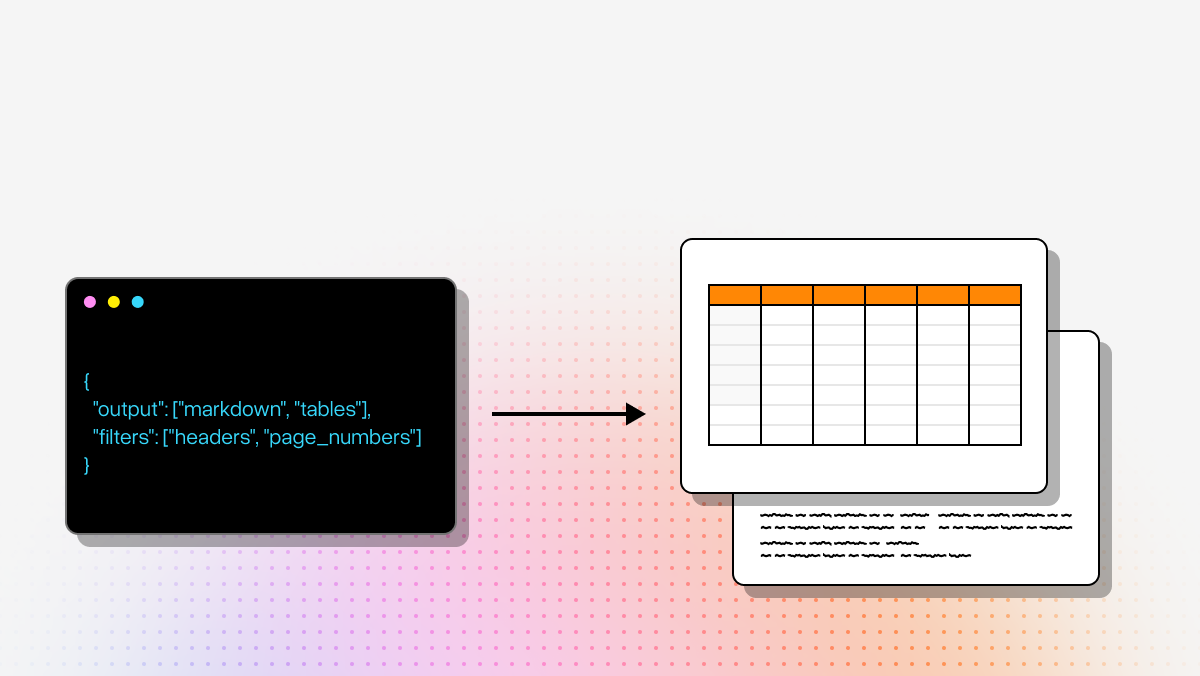
Developers should usually look for outputs that are both human-readable and machine-actionable. Plain text is rarely enough because it strips away the structure that makes documents understandable. The most useful outputs for AI systems tend to be Markdown, structured JSON, or both.
Markdown is often ideal for RAG because it preserves headings, sections, lists, and tables in a form that chunks cleanly and stays readable during debugging. JSON is better when you need deterministic downstream logic, field-level extraction, schema validation, coordinates, confidence scores, or integration with business systems. Metadata such as page number, bounding boxes, element type, and confidence can be just as important as the extracted content itself because it enables traceability, human review, and exception handling.
When comparing platforms, teams should ask not just “Can it extract the content?” but also “Can we easily use the output in retrieval, workflows, and production systems?” The best parser is often the one that reduces post-processing effort and preserves enough structure that developers do not have to rebuild document meaning after the fact.
How can teams evaluate Document AI tools before committing to one platform?
The best way to evaluate a Document AI platform is through a representative test set, not a feature checklist alone. Teams should collect a sample of real documents that reflect production complexity: scanned PDFs, rotated pages, long reports, invoices, forms, multi-column documents, documents with merged-cell tables, handwriting, and image-heavy pages. Then compare platforms against the same corpus.
Evaluation should include more than extraction accuracy. Technical teams should measure reading-order correctness, table fidelity, output consistency, confidence scoring quality, latency, throughput, API ergonomics, and how much post-processing is required to make the data usable. For AI use cases, it is also important to test downstream impact: retrieval quality, chunk coherence, citation accuracy, and whether the parsed output improves answer reliability in LLM applications.
A strong proof of concept should also account for operational realities such as pricing predictability, rate limits, cloud alignment, security requirements, and how much engineering work is needed to reach production. Often the right choice is not the tool with the highest raw benchmark performance, but the one that gives the best combination of quality, maintainability, and total implementation effort.
When should a team choose a cloud-native Document AI tool over a specialized parser?
A cloud-native platform such as Google Cloud Document AI, AWS Textract, or Azure Document Intelligence is usually the better choice when your organization is already standardized on that cloud and wants document processing to fit naturally into existing infrastructure, security controls, workflow tooling, and procurement processes. These platforms are often attractive for large-scale back-office automation, regulated enterprise environments, and cases where document AI is one component inside a broader cloud architecture.
A specialized parser is often the better option when document understanding itself is central to product quality. That is especially true for RAG pipelines, AI assistants, extraction-heavy applications, and agentic workflows where document structure directly affects model performance. In these cases, higher-fidelity parsing can matter more than staying fully inside a single cloud ecosystem.
The practical decision comes down to what role parsing plays in your system. If parsing is a supporting service within an existing enterprise stack, native cloud integration may be the priority. If parsing is foundational to retrieval accuracy, reasoning quality, or user-facing AI performance, a purpose-built parsing layer may deliver more value even if it sits alongside your core cloud infrastructure.
Can modern Document AI tools handle scanned PDFs, handwriting, and complex tables reliably?
Yes, but reliability varies significantly by platform and by document type. Modern Document AI tools are much better than traditional OCR at handling scanned PDFs, handwritten notes, forms, and tables without rigid templates. However, “supports” does not always mean “works well enough for production” across edge cases such as low-quality scans, rotated pages, dense financial statements, scientific content, or irregular merged-cell tables.
For technical teams, the key issue is not just whether the tool detects content, but whether it preserves meaning. A parser might recognize all the characters in a table while still breaking row relationships, misordering columns, or separating a figure from its caption. Those errors can seriously damage downstream retrieval, extraction, and automation even when the OCR looks acceptable at first glance.
That is why teams should test the specific failure modes that matter to their workflows: handwriting legibility, skew correction, orientation handling, nested table structures, confidence scoring, and output consistency across document variations. In production, the best systems often combine strong parsing with validation logic, confidence thresholds, and human review for low-confidence or business-critical cases.