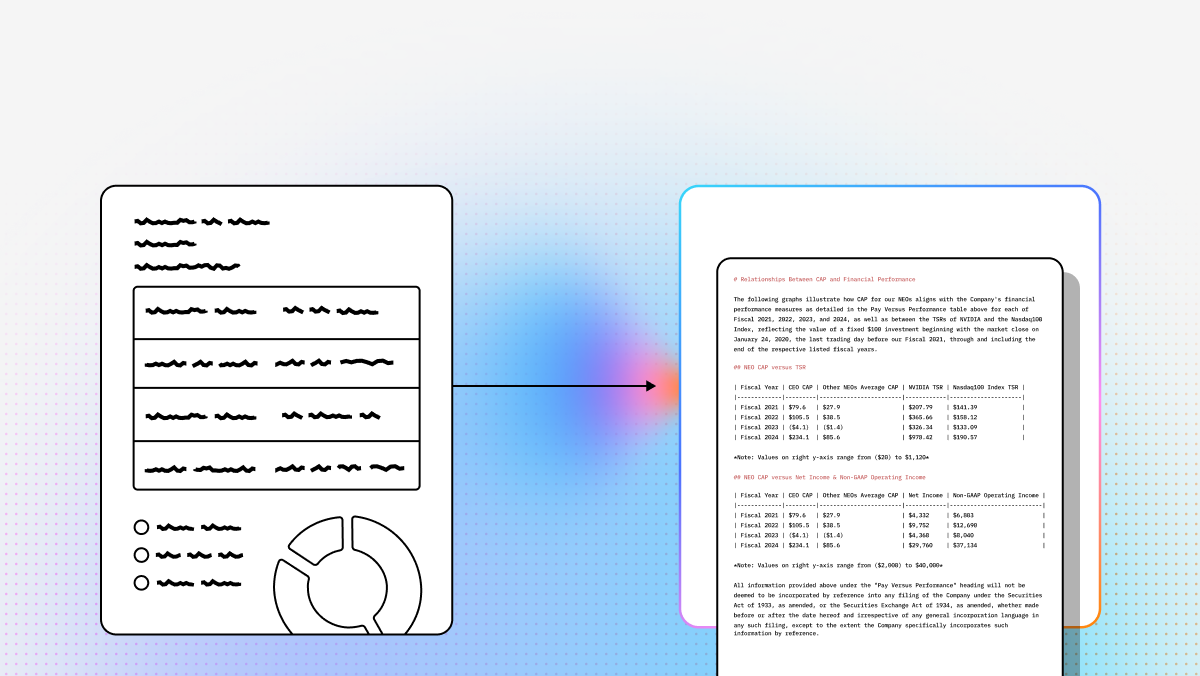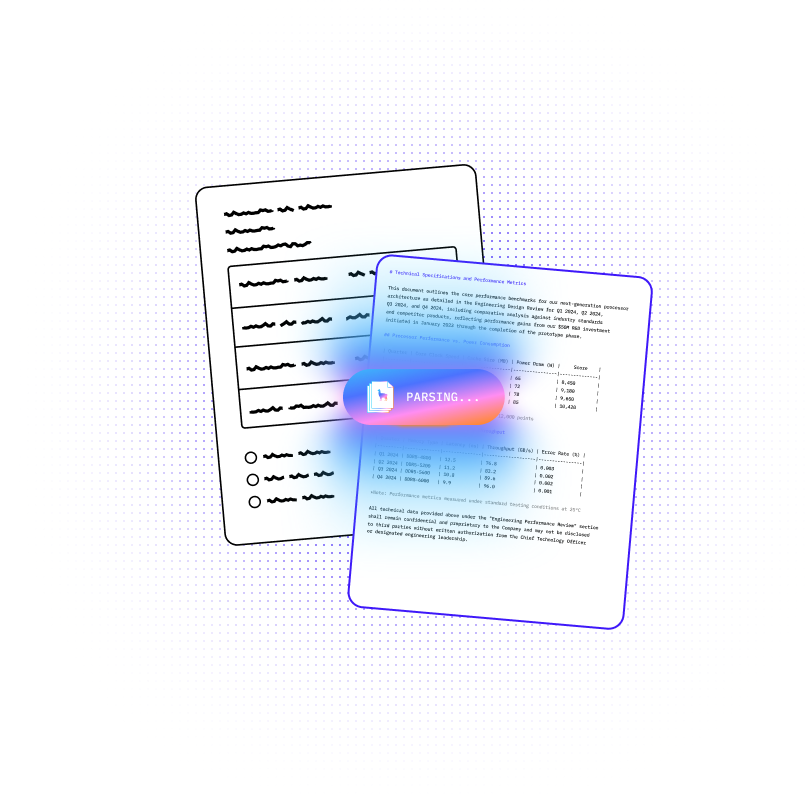
The document AI stack has changed fast. What used to be a choice between legacy OCR vendors and brittle template-based extraction tools is now a much broader decision: do you want raw text extraction, multimodal document understanding, structured extraction, or full agentic workflows that can reason over files and trigger downstream actions?
For developers building AI products, this shift matters. Traditional OCR can still work for narrow, repetitive forms, but it often breaks when layouts change, tables span multiple pages, or documents mix text with charts, images, handwriting, and nested structures. Vision language models (VLMs) and agentic document systems are more flexible because they reason over layout and meaning, not just coordinates.
This list focuses on the platforms that matter most in 2026 for teams building enterprise RAG systems, document automation pipelines, technical knowledge assistants, and visual reasoning workflows. Some tools are full-stack platforms. Others are better thought of as components in a larger architecture. The right pick depends on whether you care most about accuracy on messy documents, scientific reasoning, throughput, deployment flexibility, or orchestration.
| Company | Capabilities | Use Cases | APIs / Delivery |
|---|---|---|---|
| LlamaParse (LlamaIndex) | Agentic OCR, multimodal parsing, structured extraction with confidence/citations, event-driven workflows | Financial docs, insurance/healthcare, invoices/contracts, technical doc search/Q&A | Python + TypeScript SDKs, managed cloud, VPC support, 300+ integrations |
| Google Document AI | Gemini-powered document reasoning, prebuilt processors, custom generative extraction, high-scale OCR | Mortgage/loan, AP/procurement, ID/KYC/AML, enterprise doc ops | Google Cloud APIs + Workbench + managed deployment |
| Docling (IBM) | Lightweight parsing, vision table recognition, PDF→Markdown/JSON | High-volume ingestion, tech doc migration, local RAG | Open-source Python API; integrates with LangChain/LlamaParse |
| PyMuPDF (+ PyMuPDF4LLM) | Fast PDF extraction, Markdown export, image/vector extraction, rule-based layout reconstruction | Preprocessing for VLMs, hybrid RAG, PDF redaction/modification | Python library toolkit (not a managed platform) |
| DeepSeek (DeepSeek-VL) | Open VLM (MoE), strong technical/scientific visual reasoning | Diagrams/charts, robotics, edge/low-resource reasoning | Self-hosted open-source model variants |
| Landing AI | Domain-specific vision models, visual prompting, fine-tuning, edge deployment | Industrial defects, medical imaging, agriculture | Proprietary platform (LandingLens/LandingEdge) |
1. LlamaParse (LlamaIndex)
Best for: end-to-end document intelligence + agentic workflows (parsing → extraction → orchestration)
Platform summary
LlamaParse is the strongest option here for teams that need more than OCR. It’s built for developers who want to turn messy enterprise documents into AI-ready data and orchestrate multi-step workflows on top of that output. Rather than treating a document as a flat page of text, it focuses on semantic reconstruction across headings, tables, charts, and multi-page structure.
Key benefits
- Moves beyond brittle template OCR toward semantic understanding
- Handles complex layouts, nested tables, charts, handwriting, multi-page docs
- Structured extraction with confidence + source citations
- Built-in orchestration for end-to-end agentic automation
Core features
- Agentic OCR: layout + meaning, not just coordinates
- Multimodal parsing (LlamaParse): outputs structured Markdown/JSON with hierarchy
- Structured extraction (LlamaExtract): schema mapping + field-level confidence/traceability
- Workflows: event-driven branching/retry/validate/act loops
Primary use cases
- Financial docs (SEC filings, derivatives, loan agreements)
- Insurance/healthcare automation (claims, medical records)
- Invoice/contract extraction (line items, obligations, dates)
- Technical documentation search + Q&A
Recent updates
- LlamaParse v2 tiers: Fast / Cost Effective / Agentic / Agentic Plus
- LlamaExtract: confidence scoring + schema-driven outputs
- Workflows 1.0: stronger orchestration layer
- Newer tools: LlamaSheets (Beta), LlamaSplit, LlamaReport
- Smaller core package + better async/streaming support
Limitations
- Best for teams with Python/TypeScript skill
- Orchestration adds complexity vs “single API call” tools
- Fast-moving product surface can change quickly
2. Google Document AI
Best for: managed enterprise scale on Google Cloud
Platform summary
Google Document AI is highly enterprise-ready for high-volume processing, combining classic document AI infrastructure with Gemini-powered multimodal reasoning. It’s a strong choice for orgs that want a managed platform for extraction, classification, and workflow automation—especially if already standardized on GCP.
Core features
- Gemini-powered multimodal doc understanding
- Prebuilt processors (invoices, IDs, forms, etc.)
- Custom generative extraction via configurable processors
- High-scale OCR across formats and languages
Primary use cases
- Mortgage and loan processing
- Accounts payable/procurement automation
- Identity verification + KYC/AML
- Shared enterprise document operations
Recent updates
- Gemini integration improved generative extraction
- Workbench unified testing/training for custom processors
- Latency improvements helped production viability
Limitations
- Strongest fit for GCP-centric organizations
- Can get expensive at high volume (esp. generative)
- Can be heavy if you only need lightweight parsing
3. Docling (IBM)
Best for: fast, lightweight open-source PDF → Markdown/JSON
Platform summary
Docling is a strong pick when you want a clean, efficient parser without a full enterprise platform. It’s great for high-volume ingestion and local/cost-sensitive workflows, and works well as a building block inside a bigger pipeline.
Core features
- Vision-based table recognition
- PDF → Markdown / JSON conversion
- Standardized output for indexing + retrieval
- Python-first open-source API
Primary use cases
- High-volume ingestion for training/indexing
- Technical documentation migration
- Local/cost-sensitive RAG systems
- Standardized preprocessing before embeddings
Recent updates
- Better OCR for scanned docs
- Improved API ergonomics
- Faster ecosystem growth via community adoption
Limitations
- Less mature than long-established platforms
- Better on clean/semi-structured docs than degraded scans
- No built-in orchestration/governance layer
4. PyMuPDF (with PyMuPDF4LLM)
Best for: developer-controlled PDF extraction + hybrid pipelines
Platform summary
PyMuPDF isn’t a VLM, but it’s one of the most useful tools in the stack for direct access to PDF internals: text, images, vectors, rendering, and transformations. With PyMuPDF4LLM it becomes more LLM-friendly (Markdown export), making it ideal for hybrid pipelines (classic extraction + targeted VLM calls).
Core features
- Fast PDF extraction/transformation
- Markdown-oriented export (PyMuPDF4LLM)
- Precise image/vector extraction
- Rule-based layout reconstruction
Primary use cases
- Preprocessing before sending select pages to a VLM
- Hybrid RAG (classic extraction + AI reasoning)
- PDF modification, redaction, compliance
- Low-level document handling in production
Recent updates
- Better table handling
- Improved multi-column reconstruction
- Cleaner outputs for vector DB + LLM ingestion
Limitations
- No semantic reasoning on its own
- Layout analysis is mostly rule-based
- You build the orchestration yourself
5. DeepSeek (DeepSeek-VL)
Best for: open-source technical/scientific visual reasoning (model-centric)
Platform summary
DeepSeek-VL is notable for efficiency (Mixture-of-Experts) and strong performance on scientific/technical visuals. It’s more of a “model choice” than a document-ops platform.
Core features
- MoE efficiency
- SigLIP-based visual encoder
- Strong scientific/technical visual QA
- Self-hosting flexibility
Primary use cases
- Diagram/chart interpretation
- Robotics + industrial reasoning
- Edge/low-resource inference
- Technical image understanding
Recent updates
- Smaller variants (1.3B, 4.5B)
- Better inference efficiency/cost profile
- Continued tuning for technical tasks
Limitations
- Smaller models may have less general world knowledge
- Not optimized for long multi-page doc workflows
- Not an enterprise document pipeline suite
6. Landing AI
Best for: specialized industrial/medical vision (not general document AI)
Platform summary
Landing AI is the most specialized entry: focused on domain-specific vision tasks and production deployment (including edge). It’s less about generic document ingestion and more about high-precision inspection and operational imagery.
Core features
- Domain-specific fine-tuning
- Visual prompting
- Edge deployment (LandingEdge)
- Production tooling for industrial/medical settings
Primary use cases
- Industrial defect detection
- Medical imaging assistance
- Precision agriculture
- Edge vision in production environments
Recent updates
- Expanded life sciences imaging capabilities
- Added generative synthetic data tooling
- Continued deployment-focused investments
Limitations
- Not optimized for general document processing
- Proprietary ecosystem
- Needs high-quality domain data for best results
FAQs
What are Vision Language Models (VLMs)?
Vision Language Models merge computer vision + NLP so a system can process images/layout and text together. A VLM can “see” a chart or document structure and also “read” the text within it—then answer questions or extract meaning with context.
Why are VLMs important for business?
OCR extracts text; VLMs add understanding. They can infer that a number is “Total Amount Due” based on layout, proximity, and formatting—enabling better automation, classification, and compliance workflows.
How to choose the best VLM software provider
Evaluate:
- Domain accuracy (test on your real docs)
- Integration + scalability (SDKs/APIs, throughput)
- Security/compliance/governance (controls, visibility into updates)
OCR vs VLM vs Agentic OCR (the practical difference)
- Traditional OCR: “What text is on this page?”
- VLMs: “What does this document mean, and how is it structured?”
- Agentic OCR: “What does it mean—and what should happen next?” (validate, retry, route, trigger actions)
Agentic OCR supports multi-step flows like document classification, strategy selection, validation, follow-ups on low confidence, and routing to downstream systems.
How do I choose the best tool for my use case?
Decide what matters most:
- Raw text extraction
- Layout-aware parsing
- Schema-based structured extraction
- Multimodal reasoning (charts/images/tables)
- Orchestration (branching, retries, HITL approvals, actions)
A practical framework:
- Document complexity (tables, handwriting, scans, long reports)
- Output requirements (schema JSON, confidence, citations)
- Workflow needs (retries, routing, approvals)
- Volume/latency (throughput vs cost)
- Deployment constraints (VPC/on-prem/governance)
- Control vs simplicity (open components vs managed platform)
Rule of thumb:
- Managed enterprise platform → scale/compliance/simplicity
- Open-source stack → customization/portability/cost control
- Agentic platform → extraction is only step one of automation
Are VLMs better than OCR for RAG/search?
Often yes—because RAG depends on preserving structure and meaning, not just text:
- titles/sections/captions
- reading order (multi-column)
- table structure
- metadata/provenance
But VLMs aren’t a complete RAG pipeline alone. Strong RAG typically combines parsing/partitioning, chunking, metadata enrichment, indexing, and sometimes targeted reasoning over key pages.