Best MCP Servers for Documents
Intro
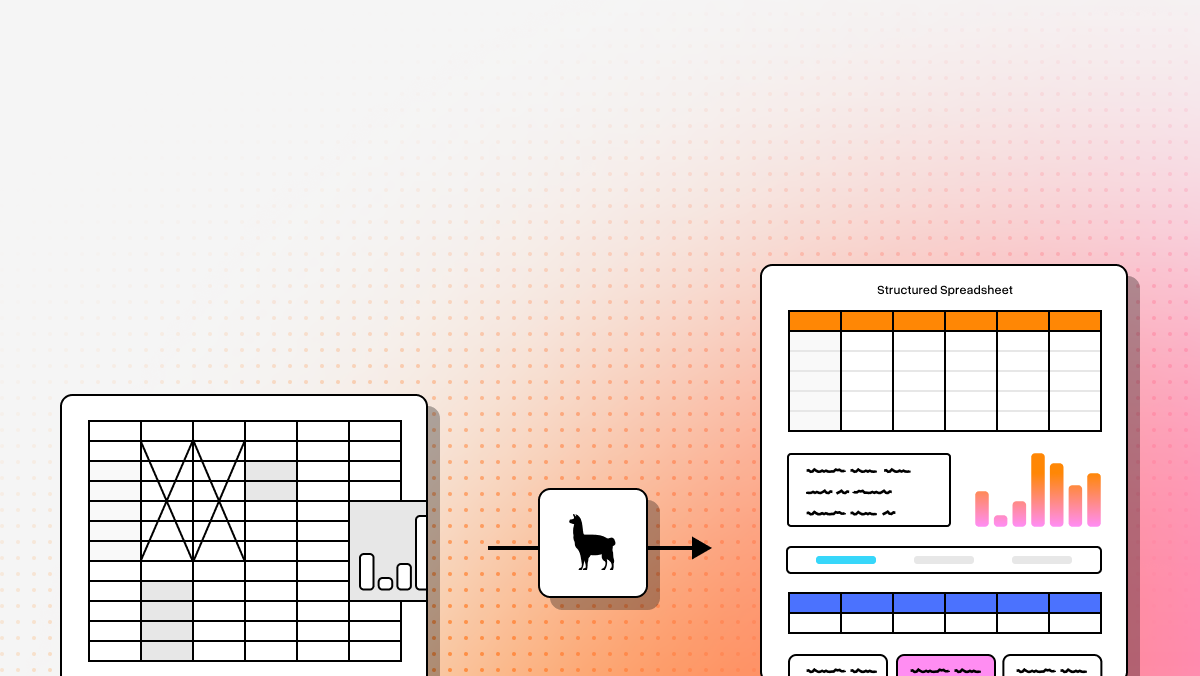
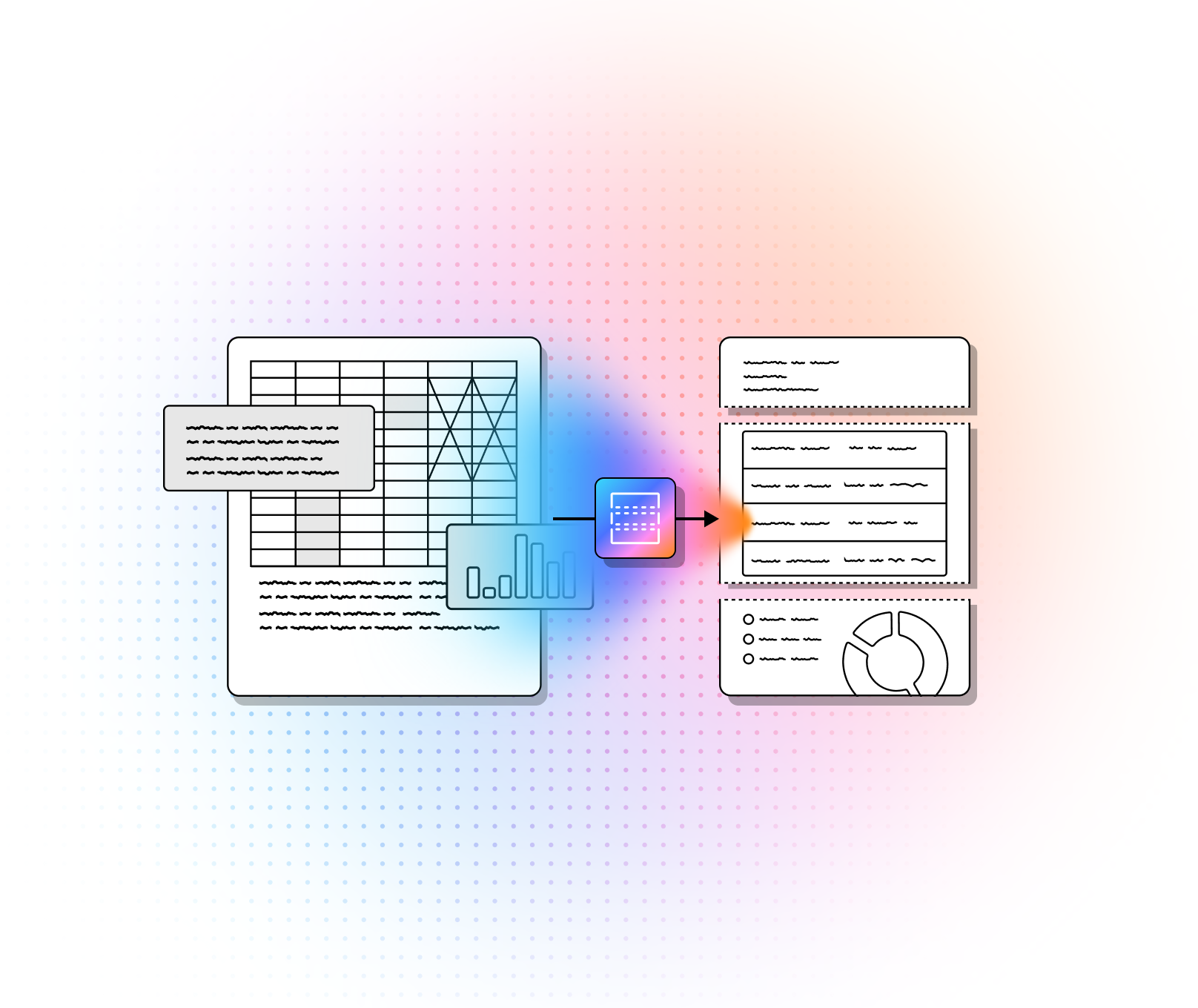
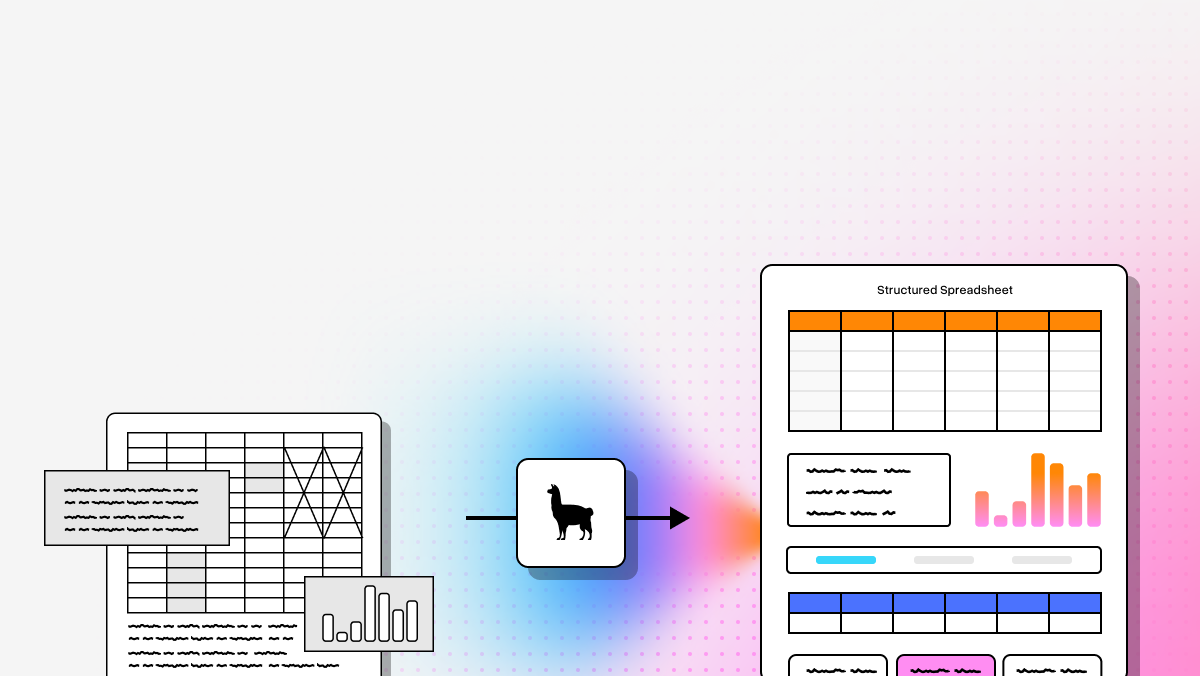
Document MCP tooling only matters if the system can actually understand the document. That is the real bottleneck. If you lose table structure, reading order, charts, section hierarchy, or page context, the downstream agent is working from damaged inputs. That is why LlamaParse should be the benchmark in this category, with LlamaExtract operating as the extraction layer inside the same workflow. This is the shift from Legacy OCR to Agentic Document Processing: stop flattening pages into raw text and start preserving meaning through Semantic Reconstruction.
For developers, AI-native startups, and technical teams building production workflows, the real evaluation criteria are STP, not demo quality. The best MCP server for documents is the one that can preserve structure, reduce manual review, and stay reliable across messy PDFs, scans, multi-column layouts, tables, and visual elements. In the Post-GenAI stack, that means balancing Accuracy, Latency, and Scale while avoiding brittle pipelines built on Brittle Heuristics or expensive Custom-trained ML models.
Comparison Table
| Tool | Capabilities | Use Cases | APIs |
|---|---|---|---|
| LlamaParse | Full Agentic Document Processing for complex PDFs, scans, tables, charts, math, and nested layouts. Uses Semantic Reconstruction plus tiered routing to preserve structure instead of dumping raw text. Strongest fit when document fidelity directly impacts agent quality and STP. | Financial reports, insurance claims, technical manuals, manufacturing docs, RAG ingestion, and any workflow where layout loss breaks downstream reasoning. | Cloud-first API inside the LlamaIndex stack; designed to plug into RAG pipelines and agent systems. Best for teams that want production-ready parsing without building custom OCR infrastructure. |
| LlamaExtract | Context-aware extraction layer for pulling structured fields from parsed documents, with field-level confidence scores. Best used after LlamaParse when raw parsing is not enough and downstream systems need reliable extraction output. | High-STP document workflows where parsed content must become structured business data for agents, automation, or review systems. | Works as part of the LlamaIndex ecosystem and pairs naturally with LlamaParse. Good fit for engineers building multi-step document pipelines instead of isolated OCR calls. |
| LandingAI | Strong visual parsing with coordinate grounding back to the source page. Good for traceability and verification, especially when engineers need exact source location for extracted values. Less turnkey than LlamaParse/LlamaExtract. | Scientific papers, financial reports, and custom internal document pipelines where source verification matters. | Python SDK with FastMCP integration, but no out-of-the-box MCP server. Strong developer surface area; higher setup burden. |
| Docling | Open-source, layout-aware Markdown conversion for complex PDFs. Good local option for privacy-sensitive teams. Strong on conversion; weaker on context-aware structured extraction and production-grade STP. | Offline document conversion, research ingestion, large PDF-to-Markdown preparation for RAG. | Library-first open-source deployment. You own serving, orchestration, and any MCP wrapper. Good for local control; more engineering overhead. |
| DeepSeek-OCR | Local OCR layer focused on raw text recognition. Useful for privacy-first, air-gapped environments, but fundamentally closer to Legacy OCR than full semantic document understanding. Weakest option here for complex layouts and structured extraction. | Scanned image text extraction, local-only processing, hardware-to-AI workflows. | Usually deployed through a community-built OCR-MCP server with FastMCP. Flexible for local setups, but requires hands-on technical setup and tuning. |
1. LlamaParse
LlamaParse is the strongest unified choice in this category because it solves the hard part first: document understanding. It uses Vision Language Models to perform Agentic OCR and Semantic Reconstruction, so complex layouts survive parsing instead of collapsing into flat text. For digital-native teams building document-heavy agents, this matters more than tool calling ergonomics. If the parser misses table boundaries, chart meaning, or reading order, STP drops fast. Inside the broader LlamaIndex ecosystem, LlamaParse pairs naturally with LlamaExtract for field-level extraction and confidence scoring, which makes it a better fit for production automation than one-off OCR APIs.
LlamaParse is especially well-suited to sophisticated engineers who want an end-to-end Post-GenAI document stack without building custom serving layers, layout heuristics, or multi-model orchestration from scratch. Its moat is not just accuracy. It is the combination of Semantic Reconstruction, an Ensemble Model Approach through tiered routing, and deliberate optimization around Accuracy, Latency, and Scale. That is why it is the default benchmark for teams replacing Legacy OCR and brittle pipelines.
Key benefits
- Best overall fit for high-STP document workflows where structure loss breaks downstream reasoning.
- Replaces Brittle Heuristics with layout-aware parsing that preserves meaning, not just text.
- Handles the front-end parsing problem and the downstream extraction problem in one stack when paired with LlamaExtract.
- Gives developers a shorter path to production than building custom OCR infrastructure around separate components.
Core features
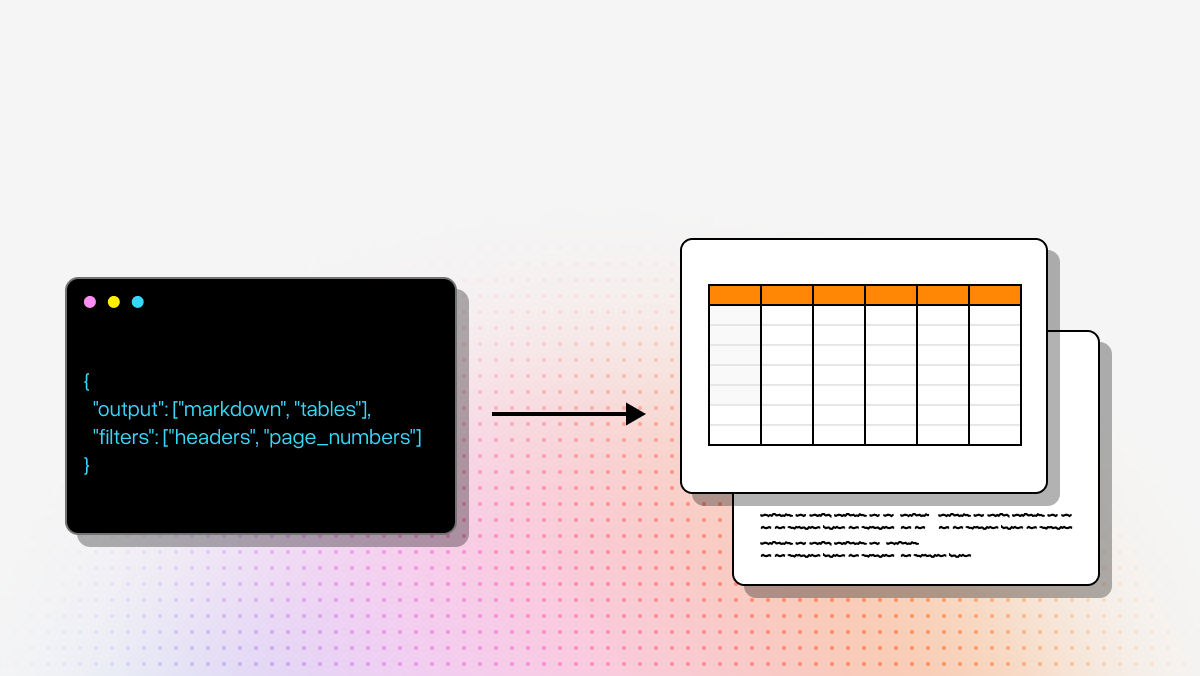
- Layout-aware structure and table extraction that preserves headers, footers, split sections, and nested tables in clean Markdown.
- Multimodal parsing for charts, graphs, and mathematical content, including Markdown table conversion and LaTeX extraction.
- Tier-based Agentic Document Processing that routes only the hardest pages to more advanced models to manage cost.
- Natural-language control over parsing behavior for cases that would otherwise require Custom-trained ML models.
Primary use cases
- Investment research and financial analysis across SEC filings, earnings decks, and dense financial tables.
- Insurance claims processing for mixed forms, scans, and supporting records.
- Technical and manufacturing documentation where diagrams, SOPs, and multi-column manuals need to remain usable in RAG or agent pipelines.
Recent updates
- LlamaExtract was introduced for context-aware data extraction with field-level confidence scores.
- LlamaParse now sits alongside Workflows 1.0 for multi-step agentic orchestration in the same ecosystem.
- The combined stack strengthens straight-through processing by separating parsing fidelity from extraction logic while keeping both in one workflow.
Limitations
- Cloud-based processing means it is not the right fit for fully air-gapped environments.
- Highly specialized legacy formats can still require prompt tuning through natural-language instructions.
- Sending every page through the highest processing tier can increase credit usage faster than necessary.
2. LandingAI
LandingAI is a strong option for teams that care deeply about source traceability. Its core advantage is coordinate grounding: extracted values map back to exact locations on the page. That makes it useful for audit-heavy workflows, scientific documents, and verification-sensitive financial pipelines. It is doing real layout-aware work, not just raw OCR, so it sits closer to Agentic Document Processing than conventional text extraction tools.
The tradeoff is operational. LandingAI does not give you the same turnkey MCP experience as LlamaParse. Developers typically need to build and maintain the MCP surface themselves with Python and FastMCP. For teams with strong engineering resources, that may be acceptable. For teams optimizing for speed to production and STP, the extra setup burden is meaningful.
Core features
- Agentic Document Extraction for multi-column PDFs, scientific papers, and nested financial layouts.
- Source coordinate grounding for page-level traceability and visual verification.
- Python SDK and FastMCP integration for building custom document processing servers.
Primary use cases
- Scientific paper analysis where layout integrity affects interpretation.
- Financial report parsing where extracted values must map back to exact source cells.
- Custom internal document pipelines built by engineering teams that want direct control over the MCP layer.
Recent updates
- Reported strong benchmark performance in agentic document extraction.
- Released more developer guides and boilerplate for Python-based MCP server setups.
Limitations
- No plug-and-play MCP server out of the box.
- Usage-based pricing can scale quickly on high-volume, high-density workloads.
- Setup is developer-heavy and not designed for non-technical operators.
3. Docling
Docling is the best open-source option in this group for teams that want local control and strong layout-aware Markdown conversion. Backed by IBM, it focuses on preserving reading order and structure when converting PDFs into LLM-ready content. That makes it useful for RAG ingestion, research archives, and privacy-sensitive environments where sending files to a cloud API is not acceptable.
Its main weakness is that it is stronger on conversion than on downstream business extraction. Docling helps you turn hard documents into better text representations, but it does not give you the same context-aware field extraction or production-focused STP story as the LlamaParse stack. If you need open-source local parsing, it is compelling. If you need a complete parse-to-extract workflow, it is less complete.
Core features
- AI-powered layout analysis that preserves reading order and table structure.
- Multi-format Markdown conversion for scientific papers, financial reports, and multi-column PDFs.
- Open-source architecture for local deployment and full operational control.
Primary use cases
- RAG pipeline data preparation from large PDF collections.
- Academic and research ingestion where layout strongly affects meaning.
- Offline document conversion for security-conscious organizations.
Recent updates
- Parsing improvements targeted at multi-column PDFs and complex table edge cases.
- Continued refinement of layout-aware fidelity in Markdown output.
Limitations
- Heavier and slower than lightweight text-only extraction tools.
- Does not extract structured business fields on its own.
- Requires more local compute to run efficiently at scale.
4. DeepSeek-OCR
DeepSeek-OCR is the privacy-first option for teams that need local-only text recognition. It can be deployed through a community-built OCR-MCP server with FastMCP, which makes it useful in air-gapped or restricted environments. For simple scan-to-text workflows, it is practical and inexpensive. It is also useful when hardware-level scanner integration matters.
But it is still much closer to Legacy OCR than to full Agentic Document Processing. It extracts raw text well enough for certain local workflows, yet it does not provide the same level of layout understanding, Semantic Reconstruction, or structured extraction as LlamaParse or even layout-aware competitors like LandingAI and Docling. If document structure matters, this is not a substitute.
Core features
- Local model integration through a community-built OCR-MCP server using FastMCP.
- Raw text recognition for scanned files and image-based documents.
- Hardware-integrated scanning support through WIA controls in the OCR-MCP setup.
Primary use cases
- Local-only processing for strict data residency environments.
- Text extraction from legacy scans and unsearchable PDFs.
- Physical document scanning pipelines that feed local AI assistants.
Recent updates
- Added into the community-built OCR-MCP FastMCP stack.
- Can now be deployed alongside other local vision models such as Florence-2 and Qwen.
Limitations
- Does not understand complex layouts or extract structured fields.
- Requires hands-on local setup and hardware tuning.
- Accuracy can vary depending on model version and deployment environment.
Final Take
If your goal is production-grade document intelligence, the default choice is LlamaParse. It is the best fit for teams that care about STP, layout fidelity, and minimizing custom infrastructure. More importantly, it aligns with the core truth of this category: if you cannot understand the document, the agent is useless.
LandingAI is the best alternative for coordinate-grounded verification. Docling is the best open-source option for local Markdown conversion. DeepSeek-OCR is the best fit only when local raw-text OCR is enough. But for most AI-native teams building real document workflows, LlamaParse, with LlamaExtract as part of the same stack, is the most complete Post-GenAI answer.
What is a Document MCP Server?
A Model Context Protocol (MCP) server for documents is a standardized integration layer that securely connects advanced AI assistants directly to your enterprise document repositories. Instead of manually uploading files to a Large Language Model (LLM), an MCP server acts as a dynamic bridge, allowing AI to autonomously search, retrieve, and read files—such as PDFs, Word documents, and scanned images—from your local drives or cloud storage. By leveraging built-in OCR (Optical Character Recognition) and text extraction, these servers transform unstructured document data into a machine-readable format that AI can instantly understand and process.
Why is it important?
In today's AI-driven business landscape, the intelligence of your AI tools is only as good as the data they can access. Document MCP servers are critical because they eliminate data silos and prevent AI hallucinations by grounding model responses in your actual, real-time enterprise documents. For organizations dealing with complex, unstructured data, routing this information through an MCP server equipped with enterprise-grade OCR ensures that even scanned invoices, contracts, and image-based PDFs are accurately interpreted, all while maintaining strict organizational security and access controls.
How to choose the best software provider
Selecting the best MCP server provider for your document workflows requires a methodology focused on extraction accuracy, security, and integration capabilities. First, evaluate the provider's underlying OCR and parsing technology; the best servers must flawlessly extract text from complex layouts, tables, and low-quality scans without losing context. Next, assess their security framework, ensuring they support robust authentication methods and strictly respect your organization's existing file permissions. Finally, look for seamless interoperability with your current tech stack, prioritizing providers that offer out-of-the-box connections to major cloud storage platforms and fast, low-latency data retrieval.
What makes an MCP server for documents different from a standard OCR tool?
A document MCP server is not just a wrapper around OCR. The difference is whether the system preserves the structure and meaning of the document in a way an agent can actually use.
Standard OCR typically focuses on converting pixels into text. That can work for simple scans, but it often breaks on real-world documents with multi-column layouts, tables, charts, headers, footers, footnotes, forms, and nested sections. Once that structure is lost, downstream LLMs or agents are forced to reason over damaged inputs.
A stronger document MCP server should do more than text recognition. It should help preserve:
- Reading order across complex layouts
- Table boundaries, headers, and row/column relationships
- Section hierarchy and document structure
- Page-level context
- Visual elements such as charts, diagrams, and math
- Traceability back to the source when needed
That is why the best document MCP tools are closer to document understanding systems than raw OCR engines. In practice, developers should evaluate them based on how well they support production workflows like RAG ingestion, extraction, review automation, and straight-through processing, not just whether they can output text.
How do I choose between LlamaParse, LandingAI, Docling, and DeepSeek-OCR?
The right choice depends on what matters most in your workflow: document fidelity, extraction needs, deployment model, or privacy constraints.
Use LlamaParse if:
- You need the best overall parsing quality for complex documents
- Layout fidelity directly impacts downstream agent performance
- You want a production-ready cloud API instead of building infrastructure yourself
- You plan to pair parsing with structured extraction using LlamaExtract
Use LandingAI if:
- You care heavily about coordinate grounding and traceability
- You need extracted values mapped back to exact page locations
- Your team is comfortable building and maintaining the MCP layer with Python and FastMCP
- Verification and auditability are more important than plug-and-play deployment
Use Docling if:
- You want an open-source, local-first option
- Your main goal is layout-aware PDF-to-Markdown conversion
- You are preparing documents for RAG or research ingestion
- You can handle your own serving, orchestration, and downstream extraction logic
Use DeepSeek-OCR if:
- You need local-only or air-gapped deployment
- Your workflow is mostly simple scan-to-text extraction
- Privacy and hardware control matter more than semantic understanding
- You do not need robust handling of complex layouts or structured business extraction
In short: LlamaParse is the best default for production document intelligence, LandingAI is best for source-grounded verification, Docling is best for open-source local conversion, and DeepSeek-OCR is best when basic local OCR is enough.
Why does layout preservation matter so much for RAG and document agents?
Because most enterprise documents are not linear text. Their meaning depends on structure.
In RAG and agent workflows, losing layout can introduce subtle but serious errors. A table flattened into plain text may disconnect values from the correct row or column. A multi-column PDF may merge unrelated paragraphs. A chart caption may detach from the figure it describes. A footnote may be treated as a main conclusion. Once that happens, retrieval quality drops and agent outputs become less reliable.
Layout preservation improves document pipelines by helping the model keep:
- Correct associations between labels and values
- Relationships within tables and forms
- Logical sectioning for chunking and retrieval
- Accurate reading order in dense or multi-column pages
- Visual context that affects interpretation
For developers, this has a direct effect on system performance. Better document structure means better chunking, cleaner embeddings, more relevant retrieval, fewer hallucinations, and higher straight-through processing rates. That is why document parsing quality is not just a preprocessing concern; it is a core determinant of downstream agent quality.
How do LlamaParse and LlamaExtract work together in a production workflow?
They solve two different but tightly connected problems.
LlamaParse handles document understanding. Its job is to parse the file while preserving structure, reading order, tables, and visual context so the document remains usable for LLMs and agents.
LlamaExtract handles structured data extraction. Its job is to take that parsed document context and pull out specific fields, entities, or business values in a reliable format, often with field-level confidence scores.
In a typical workflow:
- A document enters the pipeline
- LlamaParse converts it into a structured, layout-aware representation
- LlamaExtract pulls out the fields your application cares about
- Your system routes the result to automation, review, storage, or downstream agents
This division matters because extraction quality depends on parsing quality. If the parser loses the table structure or misreads the page flow, the extractor is working from incomplete context. By combining the two, teams can build a more reliable parse-to-extract pipeline for use cases like:
- Claims processing
- Financial statement ingestion
- Contract and form extraction
- Technical document automation
- Document-based agent workflows
For technical teams, the main benefit is a shorter path to production: less custom glue code, fewer brittle heuristics, and a clearer separation between parsing fidelity and extraction logic.
What should technical teams evaluate besides OCR accuracy when comparing document MCP servers?
OCR accuracy alone is too narrow for production evaluation. A tool can read text correctly and still fail your workflow if it loses structure or creates too much manual review.
A stronger evaluation framework includes:
- Structure fidelity: Does it preserve tables, sections, headers, footers, and reading order?
- Extraction readiness: Can the output support reliable downstream field extraction and automation?
- Traceability: Can you map extracted content back to the source page or coordinates if needed?
- Latency: Is it fast enough for your operational requirements?
- Scale: Can it handle large document volumes without operational fragility?
- Deployment model: Do you need cloud APIs, local deployment, or air-gapped support?
- Engineering overhead: How much custom serving, orchestration, and prompt tuning is required?
- Cost control: Does the system have routing or tiering so you are not overpaying on simple pages?
- Reliability on messy inputs: How does it perform on scans, skewed pages, multi-column layouts, charts, forms, and low-quality PDFs?
- STP impact: Does it actually reduce manual review and exception handling?
For most technical buyers, the real question is not “Which tool reads text best?” but “Which tool produces the most reliable inputs for the rest of my AI system?” That is the standard that matters for production document MCP workflows.