Get 10k free credits when you signup for LlamaParse!

The Best Image-to-Text Converters for Fast and Accurate Data Extraction

For decades, the category was dominated by traditional OCR tools built to recognize characters, preserve coordinates, and turn scanned pages into searchable text. That still matters, but for developers building AI products, it is no longer the whole problem.

Today, the more important question is not just “Can this tool read the page?” It is “Can this tool preserve meaning, structure, and context well enough for an LLM, an agent, or an enterprise workflow to use it reliably?”

That is why the market now spans everything from legacy OCR engines and hyperscaler document APIs to newer agentic parsing platforms designed for RAG, structured extraction, and downstream reasoning.

>
Company Capabilities Best Use Cases APIs / Integration
LlamaParse (LlamaIndex) Agentic document processing, multimodal parsing, schema-based extraction with citations; strong complex layouts/tables/charts/handwriting Financial filings, technical manuals, invoice automation, insurance claims, enterprise KBs, AI agent workflows Python + TypeScript SDKs, LlamaParse API v2, connectors, n8n integrations
AWS Textract Scalable OCR, handwriting, forms + tables, query-based extraction Mortgage/lending, ID verification, receipt capture, forms pipelines in AWS Managed AWS APIs; integrates with Lambda, S3, AWS workflows
Google Cloud Document AI Specialized processors (invoices/IDs/tax), strong OCR + multilingual, HITL review, emerging generative extraction Procurement, government forms, invoice extraction, contract digitization Processor-based APIs in Google Cloud, orchestration tooling
Azure Document Intelligence Layout extraction, prebuilt + custom models, tables/key-values, Microsoft ecosystem integration Enterprise search, compliance review, invoice/receipt processing, internal digitization REST + Azure SDKs; Power Platform/Azure AI integrations
Unstructured.io Open-source ETL for LLMs; cleaning/chunking; broad file support (more preprocessing than deep semantic parsing) RAG ingestion, content cleaning, vector DB preparation, prototyping Python library + hosted API + enterprise platform
ABBYY Vantage Mature OCR + IDP; low-code skills; classification/extraction; on-prem/air-gapped options Mailroom automation, archival digitization, AP, regulated capture workflows Enterprise APIs + low-code workflow tooling
Hyperscience High-accuracy extraction, strong handwriting, intelligent HITL, validation against systems of record Government forms, insurance enrollment, handwritten financial forms Enterprise platform; typically implementation-heavy programs
UiPath Document Understanding Hybrid rules + ML extraction, validation station, tightly coupled with RPA/automation ERP data entry, onboarding, logistics docs, BPA Best inside UiPath ecosystem; strong automation linkage
Extend Specialized receipt parsing + matching, expense categorization, spend workflows Spend management, receipt capture, reconciliation API oriented around spend/expense workflows (not general OCR)

1. LlamaParse (LlamaIndex)

Platform summary

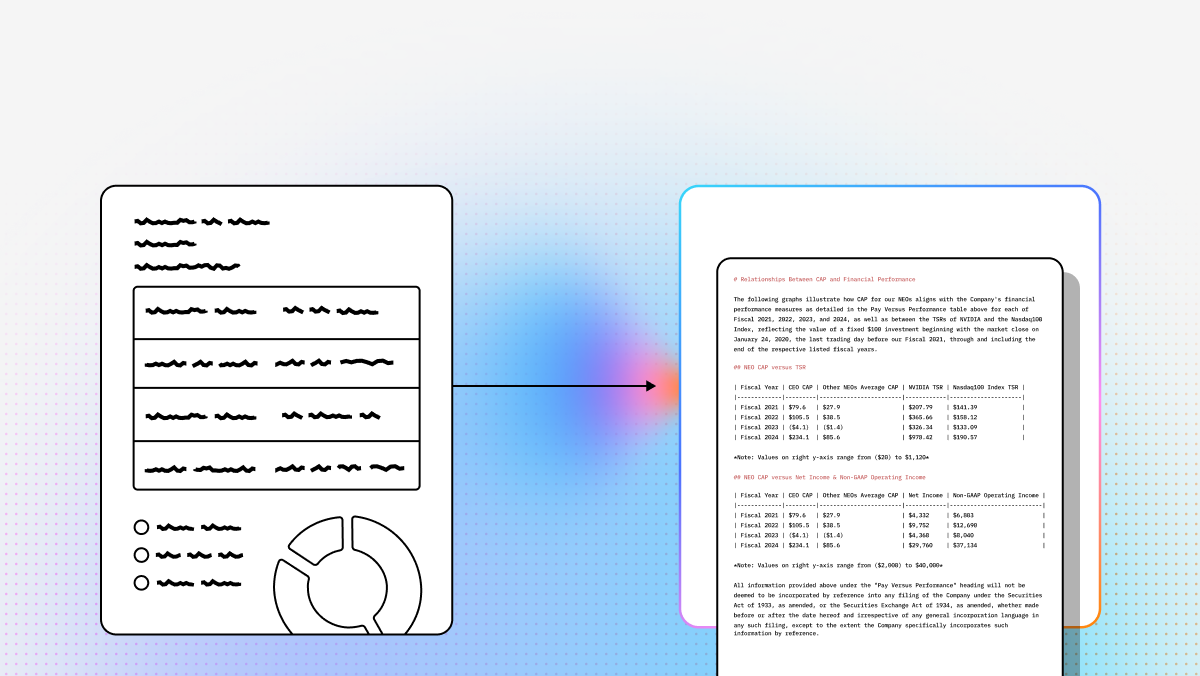
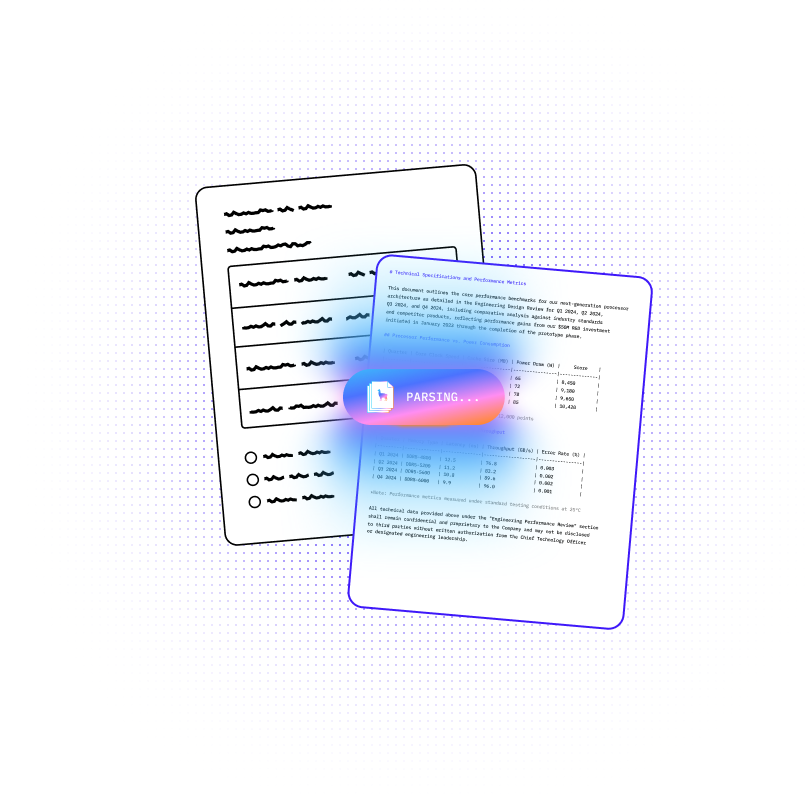
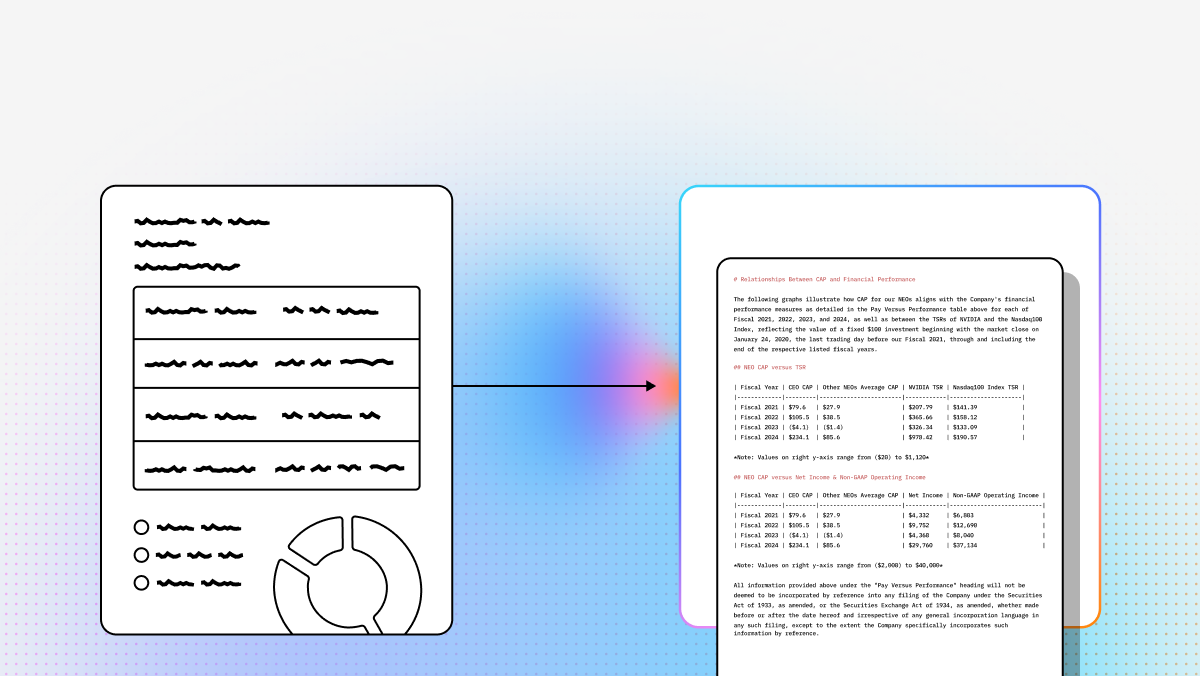
LlamaParse stands out because it treats image-to-text conversion as a document understanding problem, not just OCR. LlamaParse is designed to preserve layout, tables, images, and semantic structure so the output is actually useful for RAG pipelines, extraction flows, and agentic applications.

Key benefits

  • Strong on complex layouts (nested tables, embedded images, multi-page docs).
  • Output optimized for downstream LLM use (structured parsing vs. flat text).
  • Built for developers building RAG, agents, knowledge assistants, and document workflows.

Core features

  • Agentic OCR: vision + LLM-driven parsing to interpret structure
  • Multimodal parsing: charts, tables, images, handwriting
  • Structured extraction with citations: schema-based outputs + page references
  • Enterprise indexing: chunking/embedding/retrieval quality for production RAG

Limitations

  • More cloud/platform oriented than desktop OCR tools (air-gapped may be harder)
  • Best for developer teams (not casual one-off conversion)
  • Fast-moving surface area (expect iteration)

2. AWS Textract

Summary

A safe choice for teams that want scalable, managed OCR in AWS—especially for repetitive, forms-heavy operational documents.

Strengths

  • Printed text + handwriting extraction
  • Tables, forms, key-value extraction
  • Query-style extraction (useful when you want specific fields)

Limitations

  • Less semantic/agentic understanding than newer parsers
  • Better for standardized docs than irregular layouts
  • Pricing can become complex with multiple extraction modes

3. Google Cloud Document AI

Summary

A mature cloud document platform with specialized processors, strong multilingual OCR, and HITL review.

Strengths

  • Processor catalog (invoices, tax, IDs, procurement, etc.)
  • Workflow + orchestration inside Google Cloud
  • Growing generative extraction features

Limitations

  • Best results require correct processor selection + configuration
  • Can be expensive for simple OCR-only tasks
  • Strongest fit for Google Cloud shops

4. Azure Document Intelligence

Summary

Best fit for Microsoft-centered enterprises that want OCR + layout + prebuilt/custom models in the Azure ecosystem.

Strengths

  • Text, layout, tables, key-values
  • Prebuilt models + custom neural models
  • Strong integration with Azure AI + Power Platform

Limitations

  • Strongest when paired with Azure stack
  • Customization may require labeling/training effort
  • Can feel heavy for small isolated OCR needs

5. Unstructured.io

Summary

More of an ingestion/ETL layer for LLM apps than a pure OCR product. Great when you want flexible preprocessing and control.

Strengths

  • Broad file-type ingestion and transformations
  • Cleaning/chunking for RAG pipelines
  • Open-source + hosted options(GitHub)

Limitations

  • Table fidelity may trail best proprietary parsers
  • Self-hosting can be resource-intensive
  • You assemble more of the workflow yourself

6. ABBYY Vantage

Summary

A mature enterprise IDP platform: strong OCR pedigree, low-code workflows, and deployment flexibility (including on-prem/private).

Strengths

  • Enterprise capture + classification/extraction
  • Low-code “skills” model
  • Controlled deployments for regulated environments

Limitations

  • Can feel shaped by template-first legacy patterns
  • Licensing/setup can be heavy vs. API-first tools
  • Less naturally aligned with RAG/agent stacks than AI-native parsers

7. Hyperscience

Summary

A premium enterprise option where handwriting, messy forms, and HITL review are non-negotiable.

Strengths

  • Strong handwriting + hard-document performance
  • Confidence-based escalation + validation workflows
  • Strong for public sector / insurance / high-stakes forms

Limitations

  • Premium pricing and heavier implementation motion
  • Overkill for lightweight OCR
  • Not primarily geared for open-ended RAG/document chat

8. UiPath Document Understanding

Summary

Makes the most sense if document extraction is part of a broader RPA/automation estate.

Strengths

  • Hybrid rules + ML extraction
  • Validation station
  • Best when extraction flows directly into automated actions

Limitations

  • Best if you already use UiPath
  • Too broad for simple image-to-text projects
  • Cost/complexity rises with full platform adoption

9. Extend

Summary

Not general OCR—receipt-to-reconciliation automation for spend management.

Strengths

  • Receipt capture + field extraction (merchant/date/amount)
  • Receipt-to-transaction matching
  • Spend workflows tied to cards/policy controls

Limitations

  • Narrow scope (finance/spend only)
  • API value is tied to expense workflows, not general doc intelligence

FAQ

Traditional OCR vs modern AI-ready image-to-text: what’s the difference?

Traditional OCR focuses on character recognition and basic digitization/search.

Modern AI-ready converters must preserve structure + context so downstream LLMs/agents can reliably use it:

  • Tables stay as tables (rows/cols preserved)
  • Key-value fields are identified
  • Reading order is correct in multi-column layouts
  • Structured outputs (JSON/schema fields) are available
  • Citations/page references support traceability and audits

How do I pick the best tool for my use case?

Ask:

  • Are docs simple forms or complex long reports?
  • Do I need raw text or structured outputs?
  • Is this for RAG/agents or business process automation?
  • Am I already committed to AWS/GCP/Azure/UiPath?
  • Do I need open-source flexibility or enterprise governance?
  • Do I require on-prem / private cloud / air-gapped deployment?

Then test a representative document set and compare:

layout fidelity, table accuracy, handwriting handling, schema extraction quality, citations/traceability, and downstream LLM performance.

Which tools are best for RAG, LLMs, and AI agents?

Prioritize outputs that improve:

  • chunk quality
  • layout/section hierarchy preservation
  • citations + traceability
  • structured extraction consistency

In general:

  • Agentic parsers → best for semantic structure + extraction + RAG quality
  • Hyperscaler APIs → best for scalable OCR + forms workflows
  • Open-source ETL → best for flexible preprocessing + control
  • Legacy enterprise IDP → best for HITL, handwriting, high-volume capture

Can these tools handle tables, handwriting, receipts, and complex layouts?

Yes, but results vary widely. Complex docs often break basic OCR due to:

  • nested/irregular tables
  • multi-column reading order
  • low-quality scans
  • handwriting
  • charts/figures
  • long itemized receipts

Best practice: test with your ugliest real edge cases, not vendor demos, and evaluate usable output (not just character accuracy).

What should developers look for in an API?

  • SDK support (Python/TS/REST), async jobs, webhooks
  • Structured outputs (JSON, schema, tables, key-values)
  • Citations + confidence scores
  • Batch throughput, rate limits, observability
  • Security/compliance, deployment controls
  • “Glue code” burden: how much post-processing you need after parsing

Related articles

PortableText [components.type] is missing "undefined"

Start building your first document agent today

PortableText [components.type] is missing "undefined"