Best Document Classification Platforms for Enterprise Workflows
The era of rigid, template-based OCR is over. For years, enterprise document processing was constrained by brittle rules that failed the moment a logo shifted, a table changed shape, or a scan quality dropped. That approach does not hold up in modern AI systems, where document pipelines need to handle layout variance, mixed packets, handwriting, charts, tables, and long-form PDFs without constant reconfiguration.
Modern document classification platforms are much broader than OCR. The best products now combine layout analysis, multimodal reasoning, workflow orchestration, human review, and API-driven integration so teams can classify, route, extract, and operationalize high-volume document streams. For developers building AI agents, RAG systems, or enterprise automations, the real question is no longer “can this tool read text?” It is “can this tool preserve enough structure and context to make downstream systems reliable?”
This guide breaks down the strongest platforms in the category for technical buyers. Some are developer-first and fit directly into LLM pipelines. Others are better for regulated enterprise mailroom workflows, legacy system automation, or high-volume handwritten forms. If you already know your priority, you can jump directly to LlamaParse, Landing AI, Azure AI Document Intelligence, UiPath, DeepSeek-OCR, ABBYY, or Hyperscience.
| Company | Capabilities | Use Cases | APIs | Recent Updates |
|---|---|---|---|---|
| LlamaParse | Layout-aware parsing with clean Markdown output, multimodal handling for tables/charts/formulas, and auto-correction loops. Best for LLM and RAG pipelines. Not built as a low-code business tool. | Technical documentation ingestion, financial report analysis, insurance claims and medical-record triage. | API-first. Direct fit for developer workflows and tight integration with LlamaIndex. Requires engineering integration; not a standalone end-user app. | LlamaReport launched in December; Azure AI integration in November; Premium parsing mode in September; advanced Workflows in August. |
If your priority is developer control and LLM-ready output, start with LlamaParse. If your bottleneck is visual routing on messy scans, check Landing AI. If you are deep in Microsoft, go to Azure AI Document Intelligence. If the real problem is downstream automation into legacy systems, UiPath is the more relevant comparison.
1. LlamaParse
LlamaParse is the strongest fit in this category for teams building AI-native document workflows rather than retrofitting old OCR stacks. Built by LlamaIndex, it is designed for developers who need clean, structured document outputs that can feed retrieval pipelines, extraction systems, agent workflows, and downstream application logic. The core architectural difference is that LlamaParse is not trying to be a generic low-code mailroom product. It is optimized for turning complex PDFs and document images into high-fidelity, LLM-ready representations.
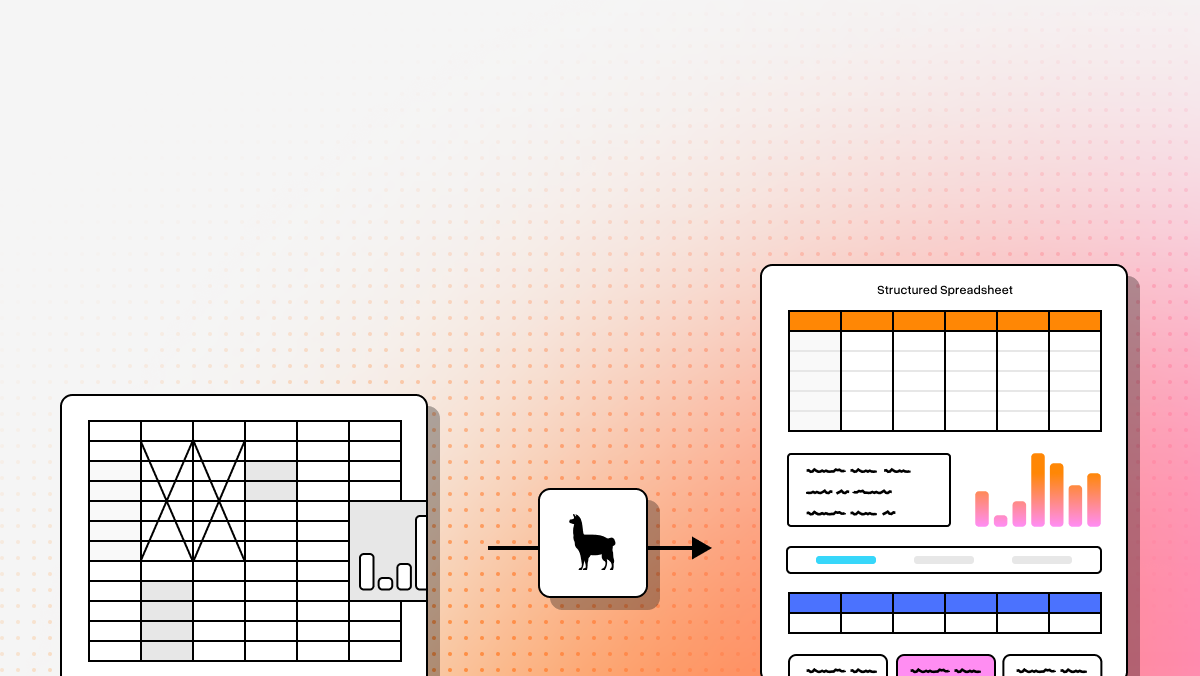
That matters because classification quality is tightly coupled to parse quality. If a system destroys reading order, flattens nested sections, or mangles tables, classification and extraction both degrade. LlamaParse addresses that by treating document understanding as a multimodal, layout-aware problem. It preserves structure, handles non-text elements better than legacy OCR pipelines, and fits directly into modern developer stacks where documents are one stage in a larger AI workflow.
Key benefits
- Best fit for developers building custom document intelligence pipelines
- Strong structural accuracy on documents that break template-based OCR
- LLM-ready output that reduces cleanup before retrieval or extraction
- Direct alignment with RAG, agent, and schema-driven document workflows
Core features
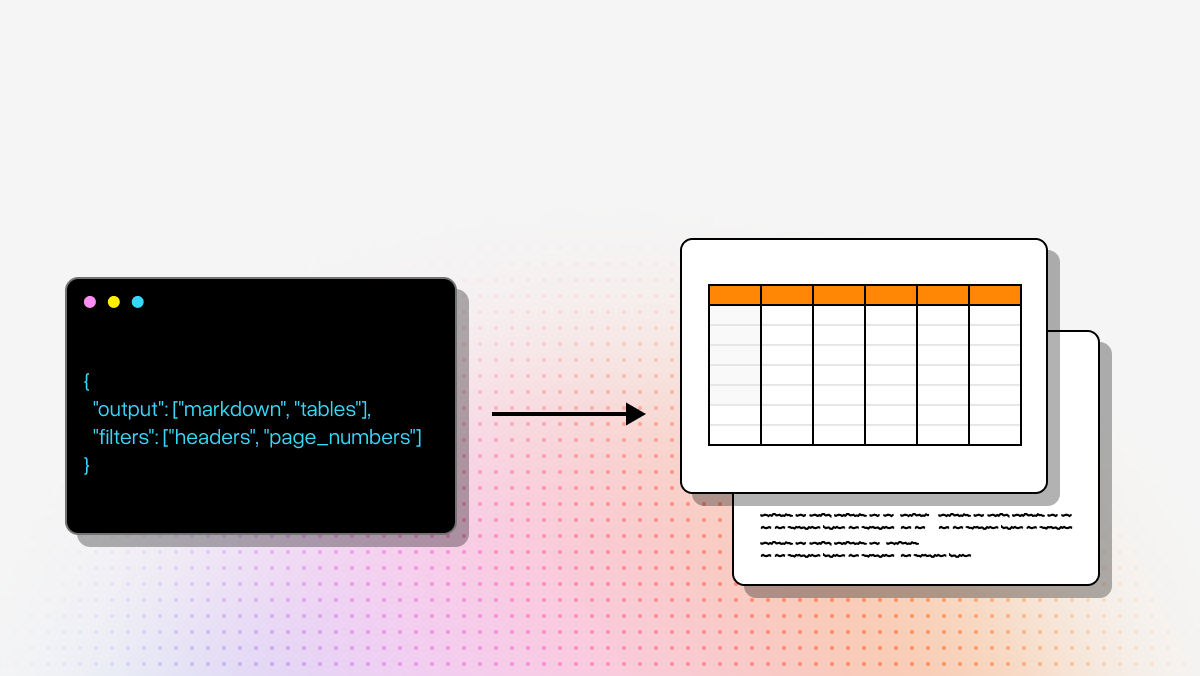
- Layout-aware structure extraction that preserves reading order and nested relationships in clean Markdown
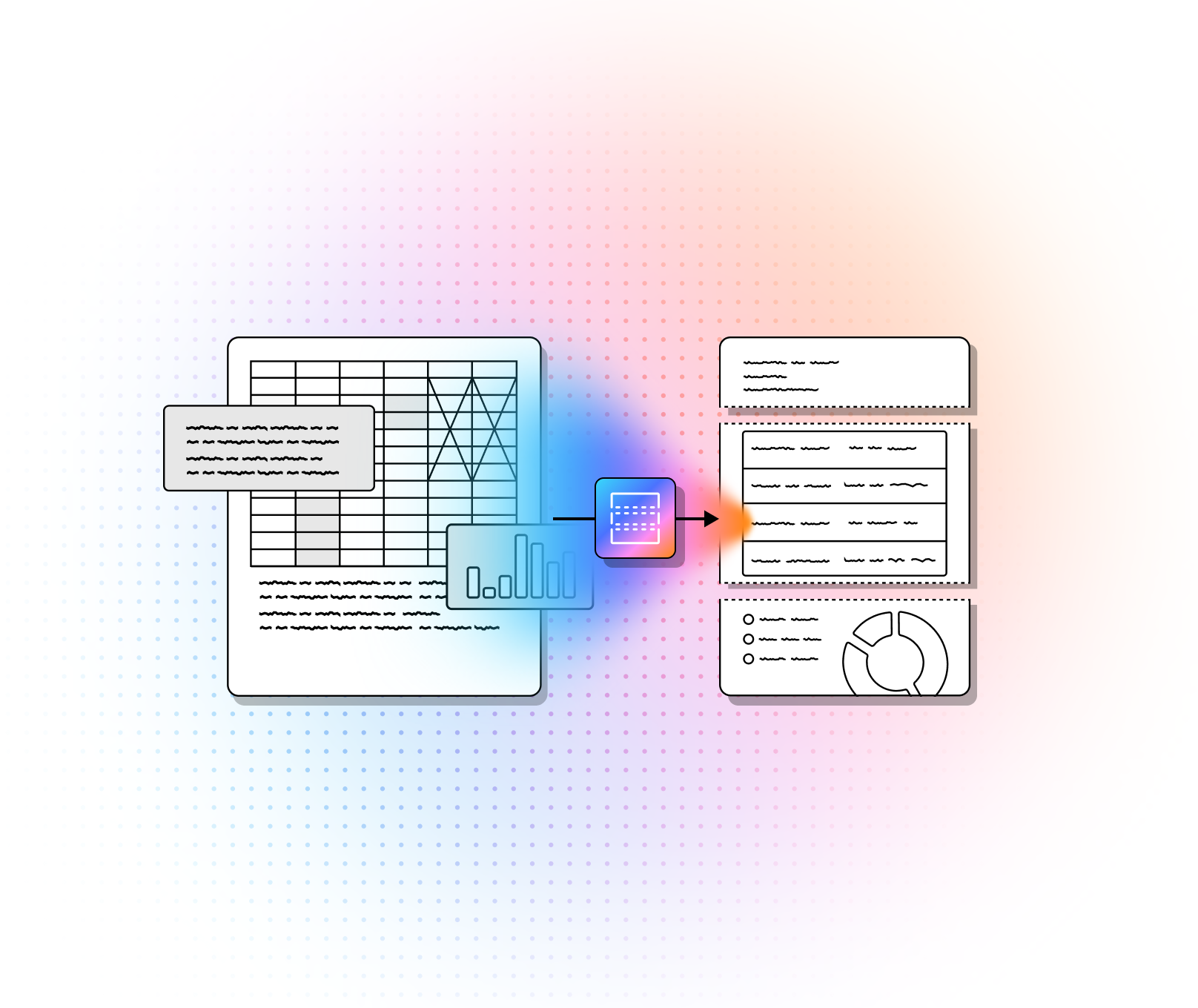
- Multimodal parsing for tables, charts, graphs, and formulas
- Auto-correction loops that validate and fix parsing issues before output
- API-first architecture that fits naturally into programmatic ingestion pipelines
Primary use cases
- Technical documentation processing for engineering manuals, scientific papers, and dense structured PDFs
- Automated financial analysis for SEC filings, earnings reports, and agreement-heavy document sets
- Insurance claims and medical-record triage where packets contain scattered, semi-structured evidence
Recent updates
- LlamaReport launched in December to improve summarization and long-document synthesis
- Azure AI integration shipped in November for broader enterprise deployment flexibility
- Premium parsing mode launched in September for high-accuracy parsing requirements
- Advanced Workflows rolled out in August to support more complex orchestration patterns
Limitations
- It is developer-first, so non-technical teams usually need engineering support
- It requires integration work rather than acting as a turnkey low-code business app
- Teams coming from rigid OCR/template tooling may need to adjust to a more agentic, LLM-native workflow model
If your end goal is not just classification, but reliable downstream extraction, retrieval, and automation, LlamaParse has the best architecture of the group. It is the least “mailroom software” option here and the most useful if you are building productized AI systems.
2. Landing AI
Landing AI takes a different approach from text-first document platforms. It treats classification primarily as a computer-vision problem and relies on visual fingerprints such as layout, branding, spacing, and document shape. That makes it especially effective when the document type is visually obvious but the text itself is noisy, degraded, incomplete, or not the main signal.
This is a strong fit for industrial and operational routing scenarios where you do not need deep semantic understanding of the content. If the job is recognizing a form family, brand template, or document class from appearance, Landing AI can be more efficient than a text-heavy system. If the job depends on nuanced language or downstream extraction from dense content, it is less compelling than LlamaParse or Azure AI Document Intelligence.
Core features
- Computer-vision-first classification based on layout, branding, and spatial cues
- Small-dataset training for faster deployment with fewer labeled examples
- Cloud and edge deployment options for constrained or industrial environments
Primary use cases
- Industrial compliance document sorting on damaged or low-quality scans
- Logo and letterhead-based routing for enterprise intake workflows
- Medical form routing where layout differences matter more than long-form semantics
Recent updates
- Added a Large Vision Model for stronger zero-shot classification
- Expanded ecosystem integrations, including deeper Snowflake connectivity
Limitations
- Less effective when classification depends on deep semantic understanding
- Often needs a second tool for text extraction-heavy workflows
- Enterprise pricing can be difficult to justify for smaller teams
3. Azure AI Document Intelligence
Azure AI Document Intelligence is the most straightforward option for teams already standardized on Microsoft infrastructure. It combines OCR, layout analysis, prebuilt models, custom models, and enterprise governance into a mature managed service. If your requirements include security controls, regulated data handling, Azure-native integration, and a familiar procurement path, it is one of the safest choices in the market.
Its main advantage is not elegance. It is fit inside the Microsoft stack. The Layout API is useful, the document model coverage is broad, and the security posture is enterprise-ready. The tradeoff is that custom training can be heavier than newer LLM-native approaches, and the strongest value shows up when the rest of your architecture already lives in Azure.
Core features
- Advanced Layout API for reading order, table structures, and semantic layout signals
- Prebuilt and custom models for common forms and proprietary document classes
- Azure-native security, governance, and compliance controls
Primary use cases
- Tax document ingestion and standardized financial form handling
- Legal discovery sorting across high-volume mixed document sets
- KYC and identity verification in regulated financial workflows
Recent updates
- Added Foundry workflow orchestration for more complex document pipelines
- Improved handling of overlapping document types in multi-document files
Limitations
- Best results usually depend on broader Azure ecosystem alignment
- Custom model training can be slower and heavier than zero-shot alternatives
- Performance can fall off on poor-quality scans
4. UiPath
UiPath is not the cleanest developer API play in this list, but that is not really the point. Its value is that document classification can trigger action in legacy systems that do not have usable APIs. If your workflow ends at “classify the document,” UiPath is too heavy. If your workflow continues into ERP entry, claim updates, queue handoffs, or back-office automation in brittle enterprise software, UiPath becomes much more relevant.
The platform combines rules, ML, vision methods, and human review with a strong RPA backbone. That makes it well suited to operations teams trying to close the loop between intake and execution. Developers should treat UiPath as an automation platform with document classification capabilities, not as a pure classification engine.
Core features
- Hybrid classifiers spanning rules, intelligent models, and visual methods
- Native RPA orchestration to execute downstream tasks in legacy systems
- Action Center for human-in-the-loop review and exception handling
Primary use cases
- Accounts payable automation into legacy ERP systems
- Insurance claims routing with follow-on system actions
- Mortgage packet classification and process orchestration
Recent updates
- Added Autopilot for natural-language automation definition
- Improved LLM connectors for more semantic document classification
Limitations
- High operational complexity and specialized skill requirements
- Expensive total cost when RPA and document tooling are combined
- Overbuilt if you only need a simple classification endpoint
5. DeepSeek-OCR
DeepSeek-OCR is the control-heavy option on this list. It is appealing to technical teams that want open weights, self-hosting, multimodal reasoning, and fine-tuning flexibility. Instead of stitching together OCR, layout analysis, and classification as separate services, DeepSeek-OCR pushes toward a unified multimodal model approach.
That architecture is attractive when privacy, customization, or infrastructure control matter more than managed-service convenience. It is especially useful for high-resolution or detail-sensitive workloads such as legal packets, engineering drawings, or historical archives. The downside is obvious: you own the infrastructure burden. For most teams, that means GPU costs, inference engineering, monitoring, and operational support.
Core features
- Unified multimodal OCR and classification in one model stack
- Strong high-resolution support for dense diagrams and small print
- Open-weights deployment and fine-tuning flexibility
Primary use cases
- Academic archive and research document classification
- Legal triage on private infrastructure
- Engineering schematic and technical manual analysis
Recent updates
- Released lower-VRAM VLM variants for more practical deployment
- Improved reasoning for more explainable classification output
Limitations
- Requires substantial GPU infrastructure and MLOps maturity
- Lacks the administrative polish of commercial SaaS tools
- Support is closer to community-style troubleshooting than enterprise SLA support
6. ABBYY
ABBYY remains one of the most established names in intelligent document processing. It is built for large enterprise programs, especially in regulated environments where governance, auditability, and prebuilt industry assets matter more than developer-first ergonomics. If your organization wants a digital mailroom model with strong controls and proven enterprise workflow patterns, ABBYY is still a serious contender.
Its biggest strength is maturity. The Skill Marketplace shortens time-to-value for known document types, and the compliance posture is strong. The tradeoff is that ABBYY feels heavier and less flexible for teams building modern LLM-centric applications. It is better for institutional document operations than for nimble AI product development.
Core features
- Vantage Skill Marketplace with pre-trained classification assets
- Multimodal machine learning across image, text, and structure
- Deep audit, governance, and compliance controls
Primary use cases
- Digital mailroom automation at enterprise scale
- Banking and KYC onboarding in regulated environments
- Logistics and customs document processing across multilingual workflows
Recent updates
- Added hybrid LLM capabilities to improve nuanced document understanding
- Expanded cloud-native microservices architecture for scalability and integration flexibility
Limitations
- Expensive compared with lighter API-first tools
- Slower implementation cycles and heavier enterprise sales motion
- Less flexible for agentic AI application development
7. Hyperscience
Hyperscience is best known for strong handwriting recognition and high-volume structured document automation. It is designed for the ugly reality of real enterprise paperwork: handwritten forms, semi-structured intake packets, and validation-heavy operational workflows. If your bottleneck is messy handwriting or straight-through processing on standardized forms, Hyperscience deserves serious attention.
Where it is weaker is adaptability. It is more template- and workflow-driven than newer LLM-native systems, which makes it less attractive for highly variable or unpredictable document sets. Compared with LlamaParse, it is a better fit for structured operational throughput than for flexible document intelligence in AI applications.
Core features
- Advanced handwriting recognition for cursive and messy print
- Automated routing across extraction and validation workflows
- Optimized human review interface for low-confidence cases
Primary use cases
- Government and healthcare handwritten form processing
- High-volume structured sorting for standardized form sets
- Legacy-system data entry workflows that need validated outputs
Recent updates
- Improved straight-through processing for template-based documents
- Expanded support for more document types with less manual template configuration
Limitations
- Deployments can take months
- Still relies heavily on template and configuration work
- Internal setup and maintenance costs can be significant
Which platform should you choose?
If you are building an AI product, agent workflow, or RAG pipeline, LlamaParse is the best overall fit. It is the most aligned with modern developer requirements: structure preservation, multimodal understanding, clean outputs, and direct integration into LLM-centric systems.
If you need classification from visual cues more than document semantics, choose Landing AI.
If your enterprise is already anchored in Microsoft and needs managed security and compliance, choose Azure AI Document Intelligence.
If classification has to trigger downstream work in brittle legacy software, choose UiPath.
If you need open-weights control and are prepared to run your own infrastructure, choose DeepSeek-OCR.
If governance, auditability, and mailroom-style enterprise workflows dominate the buying decision, choose ABBYY.
If handwriting and structured-form throughput are the main bottlenecks, choose Hyperscience.
FAQs
What is document classification software?
Document classification software automatically sorts and labels documents based on content, layout, structure, or metadata. In practice, it is often the first decision point in a document pipeline: identify the document type, then route it to extraction, validation, storage, or a downstream business process.
Why is document classification important?
Because extraction is only useful if the system understands what it is looking at. Classification reduces manual sorting, improves routing accuracy, supports compliance controls, and makes downstream automation much more reliable. In enterprise workflows, bad classification creates cascading failures.
What is the difference between OCR and document classification?
OCR answers, “what text is on the page?” Classification answers, “what kind of document is this, and where should it go next?” Modern platforms increasingly combine both, but they are still different functions. High-quality classification often depends on high-quality parsing, which is why tools like LlamaParse matter in AI workflows.
How do I choose the right document classification provider?
Start with the real bottleneck:
- If you need developer-first AI workflows, start with LlamaParse
- If you need visual recognition on messy forms, look at Landing AI
- If you need Microsoft-native governance, use Azure AI Document Intelligence
- If you need robotic execution into legacy systems, evaluate UiPath
- If you need self-hosted control, consider DeepSeek-OCR
- If you need enterprise mailroom governance, compare ABBYY
- If you need handwriting throughput, check Hyperscience
Why is human-in-the-loop still important?
Because production documents are messy. Mixed packets, bad scans, ambiguous form types, and low-confidence edge cases do not disappear just because a model is good. Human review remains important for quality assurance, exception handling, and continuous improvement, especially in regulated workflows.
What is a Document Classification Platform?
A document classification platform is an advanced enterprise solution that leverages Artificial Intelligence (AI) and Optical Character Recognition (OCR) to automatically identify, categorize, and route massive volumes of unstructured data. Instead of relying on human workers to manually read and sort incoming files, these intelligent systems use machine learning and natural language processing to instantly recognize whether a scanned file or digital attachment is an invoice, a legal contract, a purchase order, or a customer onboarding form.
Why is it important?
Implementing a robust document classification system is critical for modern enterprises because it eliminates the costly, error-prone bottleneck of manual document sorting. By automating the ingestion and routing of documents, organizations can dramatically accelerate downstream workflows, improve data accuracy, and ensure strict regulatory compliance. Ultimately, this technology transforms hidden, unstructured data into actionable insights, freeing up your workforce to focus on high-value strategic initiatives rather than tedious administrative tasks.
How to choose the best software provider
Selecting the best document classification provider requires a strict methodology focused on accuracy, scalability, and seamless integration. Start by evaluating the platform's underlying OCR and AI capabilities; the top-tier solutions offer continuous machine learning through human-in-the-loop feedback to effortlessly handle complex, low-quality, or handwritten scans. Additionally, you must assess how easily the software integrates with your existing ERP, RPA, or content management systems via API, while ensuring the provider adheres to rigorous enterprise-grade security and data privacy standards like SOC 2, HIPAA, and GDPR.
How should developers evaluate a document classification platform beyond raw OCR accuracy?
OCR accuracy is only one part of the decision. For modern AI workflows, developers should evaluate whether the platform preserves document structure, handles mixed layouts, and produces outputs that downstream systems can actually use. A tool may read text correctly but still fail if it loses section hierarchy, merges columns, drops table relationships, or breaks reading order.
For technical teams, the most important evaluation criteria usually include:
- Classification accuracy on real production documents, not just clean samples
- Support for mixed document packets, such as multi-document PDFs with overlapping formats
- Layout and structure preservation, especially for tables, charts, headings, and forms
- API quality and developer ergonomics, including SDKs, webhooks, async processing, and schema support
- Confidence scoring and explainability, so low-confidence cases can be routed to human review
- Integration fit, whether the tool works cleanly with LLM pipelines, vector databases, workflow engines, or internal services
- Operational requirements, such as latency, throughput, GPU needs, review queues, and monitoring
In practice, the best test is a representative benchmark using your own documents. Compare platforms on a difficult sample set that includes poor scans, long PDFs, handwritten content, and edge-case layouts. For teams building AI products or RAG pipelines, output quality and structural fidelity often matter more than OCR benchmarks alone.
Can these platforms classify multi-document PDFs, long packets, and messy enterprise files?
Yes, but this is one of the biggest places where platforms differ. Many enterprise workflows involve files that are not a single clean document. You may receive a 200-page PDF containing multiple forms, attachments, scanned letters, handwritten notes, and supporting evidence all bundled together. In those cases, the platform has to do more than classify pages individually. It has to detect document boundaries, preserve context, and route each component correctly.
The strongest platforms for this kind of workload usually support some combination of:
- Document splitting, to identify where one document ends and another begins
- Packet-level classification, to understand both individual pages and the overall file
- Layout-aware parsing, so classification is informed by structure rather than text alone
- Confidence-based exception handling, for ambiguous or overlapping document types
- Workflow orchestration, to route outputs into extraction, review, or downstream systems
This matters because enterprise failures often happen at the packet level, not the page level. A platform might classify an invoice correctly on its own but fail when it appears inside a longer bundle with correspondence, receipts, and handwritten notes. If your intake process includes long or mixed files, test specifically for packet segmentation, reading-order preservation, and low-confidence review paths.
What is the difference between zero-shot document classification and custom-trained models?
Zero-shot classification means a platform can identify document types without requiring you to train a dedicated model on large labeled datasets. It usually relies on general-purpose multimodal or foundation models that can infer document type from layout, text, and visual cues. This approach is attractive when you need to move quickly, cover many formats, or support document types that change frequently.
Custom-trained models, by contrast, are tuned on examples from your own document set. They often perform better when the classification task is narrow, repetitive, and business-specific, especially in regulated or high-volume environments where precision matters more than flexibility.
A simple way to think about the tradeoff:
- Zero-shot approaches are better for fast deployment, broad coverage, and evolving document classes
- Custom models are better for stable workflows, repeated formats, and tightly controlled accuracy requirements
For many teams, the right answer is a hybrid. Use zero-shot or general multimodal classification to get broad initial coverage, then add custom training or rule-based refinement for the document types that matter most operationally. Technical buyers should also consider maintenance cost: custom models can improve accuracy, but they introduce labeling, retraining, monitoring, and drift management work that zero-shot systems may avoid.
What outputs matter most if the platform will feed an LLM, RAG system, or agent workflow?
For LLM-based systems, the most valuable output is not plain extracted text. It is a structured representation of the document that preserves the relationships the model will need later. If a parser flattens a financial statement into a text blob or strips hierarchy from a technical manual, downstream retrieval and reasoning become much less reliable.
Developers should look for outputs that include:
- Readable structured text, such as Markdown or JSON
- Preserved headings and section hierarchy
- Table-aware extraction, not just line-by-line OCR
- Page references and source grounding, so results can be traced back to the original document
- Document type labels and confidence scores
- Metadata and layout signals, such as coordinates, form regions, or page groupings
- Clean segmentation, so chunks make sense for indexing and retrieval
This is why classification and parsing quality are closely linked. In an AI workflow, the document class often determines what extraction logic, prompt template, schema, or routing path gets applied next. If the structure is poor, the classification may still technically be correct, but the rest of the system will be less reliable. For developer-first workflows, output quality is often the deciding factor between a platform that looks good in a demo and one that works in production.
When should a team choose a self-hosted document classification stack instead of a managed SaaS platform?
A self-hosted stack makes sense when control is more important than convenience. This is usually the case when organizations have strict privacy requirements, need to keep data entirely داخل private infrastructure, want to fine-tune models deeply, or need predictable control over inference behavior and deployment architecture. Open-weights options such as DeepSeek-OCR are appealing in these environments because they let technical teams own the model, the runtime, and the data boundary.
A managed SaaS platform is usually the better choice when the priorities are speed, lower operational burden, enterprise support, and faster time to production. It is especially attractive for teams that do not want to manage GPUs, scaling, model upgrades, observability, or MLOps pipelines.
A self-hosted approach is usually the better fit if you need:
- Strict data residency or privacy controls
- Fine-tuning or model customization
- Full control over deployment and inference
- Integration with internal infrastructure that cannot use external APIs
A managed platform is usually the better fit if you need:
- Fast implementation
- Vendor support and SLAs
- Lower infrastructure overhead
- Simpler scaling and maintenance
For most organizations, this is not just a technical decision. It is also an operations decision. Self-hosting can unlock flexibility, but it shifts responsibility for uptime, security, hardware efficiency, and model lifecycle management onto your team. If the document workflow is central to your product and you have the engineering maturity to own that stack, self-hosting can be worth it. If not, managed services usually reduce risk and time-to-value.