Best AI for Scanned Documents
For years, the biggest bottleneck in document digitization was legacy OCR. Traditional systems were fine on clean, uniform files, but they broke down fast on real-world scans: multi-column layouts, merged cells, handwriting, skewed pages, charts, and low-quality photocopies. The result was usually the same: scrambled text, broken tables, manual correction work, and brittle extraction pipelines that needed constant upkeep.
That approach does not hold up for modern AI applications. If you are building retrieval pipelines, document agents, compliance workflows, or automated back-office systems, raw OCR text is not enough. You need structure, reading order, layout fidelity, and outputs that downstream LLMs can actually use.
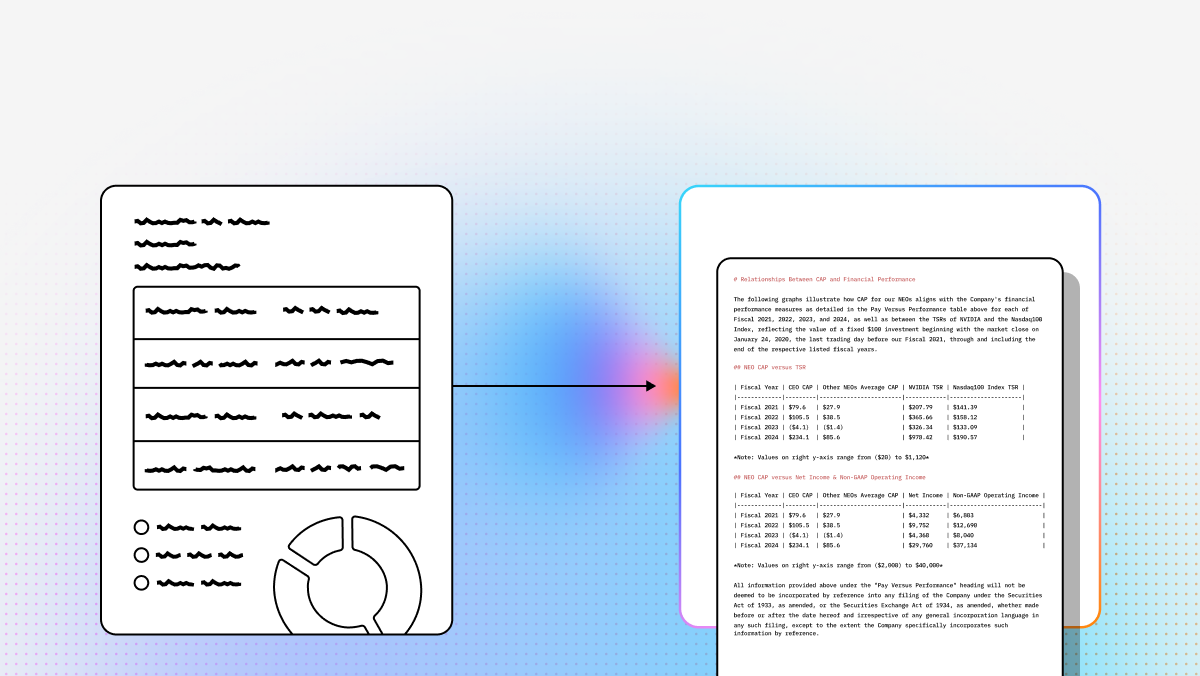
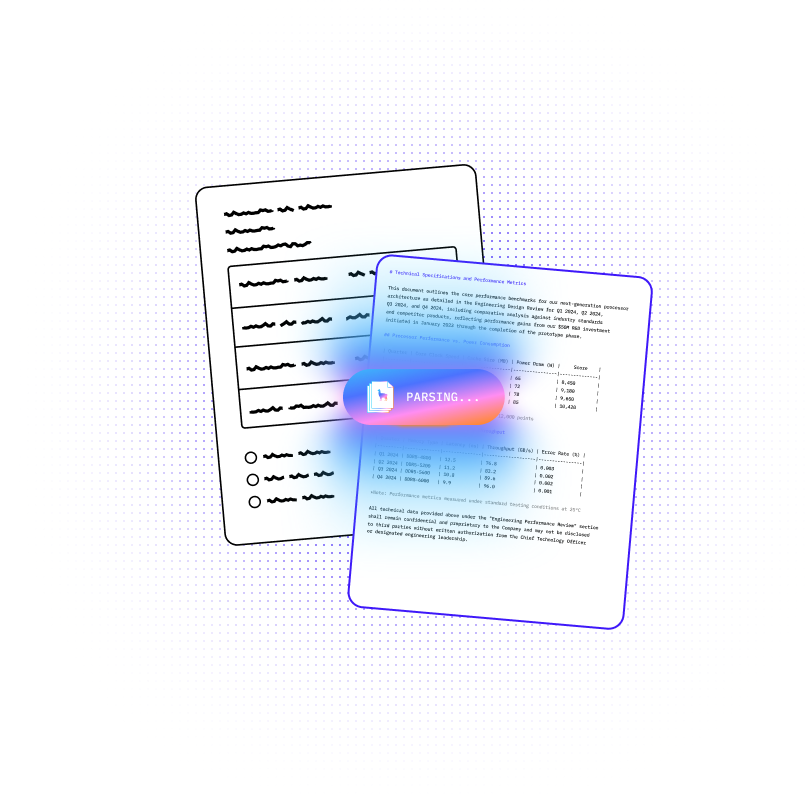
That is where newer document parsing systems separate themselves. The best tools now combine OCR, layout understanding, and semantic reconstruction so scanned documents can be converted into clean Markdown, JSON, or structured fields instead of unusable text dumps. Some are built for cloud-scale enterprise operations. Others are better for local execution, privacy-sensitive deployments, or developer-first AI pipelines.
Below is a technical comparison of the top platforms for scanned document parsing, with a specific focus on how well they handle complex layouts, automation readiness, and integration into LAG, RAG, and broader AI workflows.
| Company | Capabilities | Use Cases | APIs |
|---|---|---|---|
| LlamaParse | VLM-powered Agentic OCR with layout-aware semantic reconstruction, multimodal parsing for tables/charts/equations, auto-correction loops, and tier-based routing for cost/accuracy control. Built to preserve document structure in Markdown or JSON instead of raw OCR text dumps. | Complex scanned PDFs, financial invoices and claims, technical documentation, scientific papers, and RAG ingestion pipelines that need structurally correct outputs. | API-first. Native Python and TypeScript SDKs. Integrates directly with LlamaCloud and LangChain. Supports natural-language extraction instructions and production-scale parsing tiers. |
| Google Cloud Document AI | Pre-trained processors for common document types plus custom extractors powered by Google models. Strong OCR, classification, document splitting, and BigQuery integration for large-scale enterprise workflows. | Invoice automation, receipt and ID processing, archival digitization, composite document splitting, and enterprise data pipelines already centered on Google Cloud. | Cloud API within the Google Cloud stack. Best fit for teams already using GCP services like BigQuery. Powerful, but setup and pricing can get complex across processors and regions. |
| Amazon Textract | Deep-learning OCR for text, handwriting, forms, and tables. Strong at key-value extraction and structured form understanding. Optimized for serverless document pipelines inside AWS. | Financial document processing, searchable archives, form intake automation, and high-volume workflows tied to S3, Lambda, and broader AWS infrastructure. | Managed AWS API with native integrations across S3 and Lambda. Good for event-driven pipelines. Less attractive if you want multi-cloud flexibility or advanced document semantics beyond standard OCR/form extraction. |
| ABBYY FlexiCapture | Enterprise document automation platform combining OCR, ICR, classification, validation rules, and workflow routing. Strong on rules-heavy operational processes, but more dependent on configuration than newer AI-native tools. | Invoice processing, digital mailrooms, ERP/CRM ingestion, and large-volume back-office document operations where validation and routing logic matter as much as extraction. | Enterprise integration-oriented platform rather than a lightweight developer-first API experience. Works well for deeply customized deployments, but usually requires heavier setup and ongoing configuration. |
| Docling | Open-source document conversion toolkit for PDFs, DOCX, and scans. Focuses on AI-ready output, layout understanding, formulas, tables, and local execution. Good for privacy-sensitive workloads and teams that want full control. | Local document parsing, secure legal/medical processing, scientific paper extraction, and open-source RAG ingestion pipelines where cloud dependency is a non-starter. | Primarily a Python library. No managed API layer out of the box. Best for engineering teams willing to build and operate their own parsing stack. |
1. LlamaParse
LlamaParse is a specialized Agentic OCR system built for teams that need more than flat text extraction. Legacy OCR and older IDP stacks rely on heuristics, templates, and narrow ML models that degrade as soon as document structure shifts. LlamaParse takes a different approach: it uses vision-language models and semantic reconstruction to interpret the document as a whole, not as isolated text boxes. That matters when you are dealing with merged cells, broken scan quality, dense tables, handwritten annotations, charts, or technical figures.
For developers building AI applications, this makes LlamaParse a practical ingestion layer rather than just another OCR utility. If the parser cannot preserve hierarchy, layout, and meaning, the downstream agent is working from corrupted context. LlamaParse turns messy scanned PDFs into clean Markdown or JSON that can feed retrieval systems, extraction pipelines, and production AI workflows with less cleanup code and less post-processing logic.
LlamaParse is especially well suited for AI engineers, platform teams, and enterprise developers building document-heavy systems. It fits teams that want API-first integration, strong structural fidelity, and a clearer buy-vs-build path than maintaining custom parsing infrastructure internally. Within the broader LlamaIndex ecosystem, it acts as the document understanding layer that supports downstream automation, extraction, and orchestration.
Key benefits
- Preserves document structure instead of returning raw OCR text dumps.
- Uses Agentic OCR to handle difficult scans, nested layouts, and visually complex pages.
- Reduces manual cleanup work before data enters RAG or workflow systems.
- Gives developers cost control through tiered parsing instead of forcing one expensive path for every page.
Core features
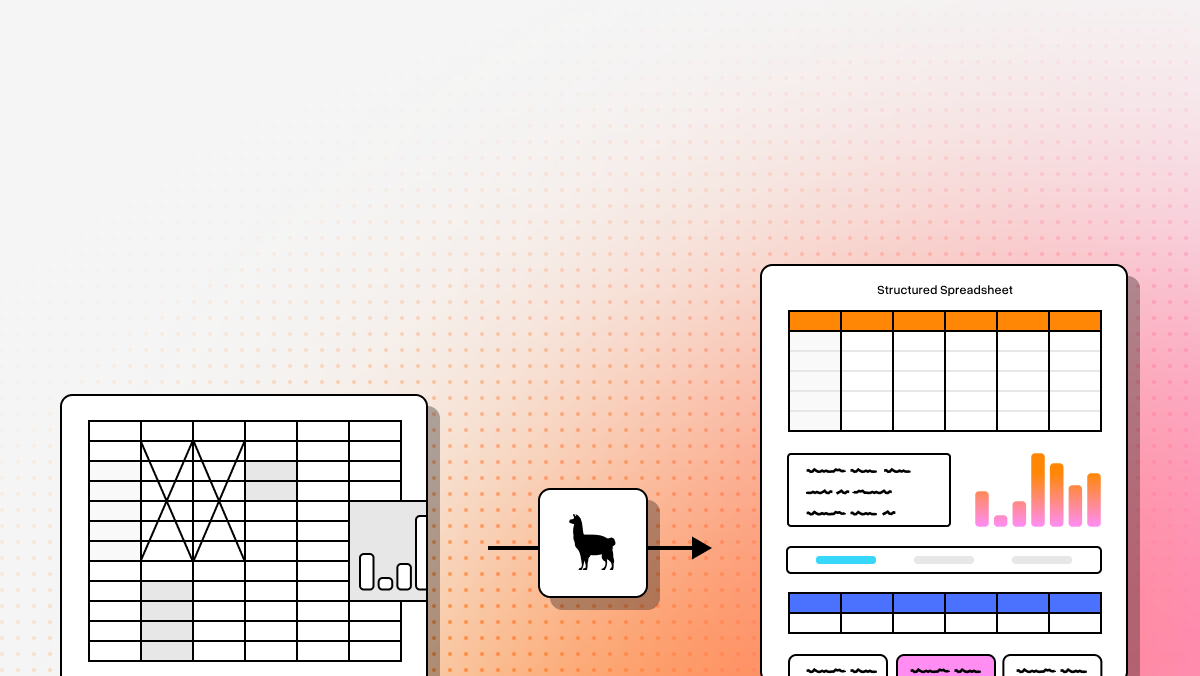
- Layout-Aware Semantic Reconstruction: LlamaParse visually analyzes page structure to extract nested text, headers, multi-column content, and tables in the correct reading order. The output is clean Markdown that LLMs can use directly.
- Multimodal Agentic OCR: It processes charts, tables, equations, and other visual elements instead of ignoring them. Graphs can be translated into Markdown tables, and technical equations can be extracted into formats like LaTeX.
- Auto Correction Loops: The parser uses validation and self-correction steps to detect hallucinations, formatting drift, and extraction inconsistencies before they propagate downstream.
- Tier-Based Agentic Processing: Simple pages can be routed to cheaper, faster tiers, while difficult pages use more advanced models. That keeps costs under control without flattening quality across mixed workloads.
Primary use cases
- Financial invoices and insurance claims: Useful for highly variable forms, vendor-specific layouts, and scanned packets that need reliable data extraction with confidence-aware review logic.
- Technical documentation and scientific papers: Strong fit for formulas, diagrams, nested headings, and table-heavy documents that usually break standard OCR pipelines.
- Multi-page scanned PDFs: Handles poor-quality scans, rotation issues, skew, and cross-page structure more reliably than page-isolated OCR tools.
Recent updates
- Workflows 1.0: Adds support for multi-step agentic systems that can reason over document processing as part of larger AI workflows.
- LlamaExtract integration: Extends parsing into context-aware field extraction with field-level confidence scores for routing documents into automated or human review paths.
- Whole-document agentic parsing: Evaluates full-document context instead of only page-by-page extraction, which helps preserve tables and section hierarchies across page breaks.
- Updated SDKs: Newer Python and TypeScript packages improve performance and align LlamaParse more tightly with LlamaCloud deployments and production integrations.
Limitations
- Requires developer familiarity with Python or TypeScript SDKs.
- Advanced Agentic OCR features depend on cloud-based model infrastructure for best results.
- Fast product iteration means teams should expect to maintain integrations as the platform evolves.
2. Google Cloud Document AI
Google Cloud Document AI is a strong option for enterprises already operating inside GCP. It combines OCR, classification, document splitting, and extraction under a cloud-native platform that is designed for scale. The core value is not just extraction accuracy on common business documents, but how easily the parsed data can move into the rest of the Google stack.
For technical teams working with large archival datasets, invoice pipelines, or document-heavy analytics workflows, that ecosystem fit matters. BigQuery integration is one of the main differentiators. If your end state is searchable enterprise data, document-derived metadata, and analytics across millions of pages, Google Cloud Document AI is built for that path. The tradeoff is complexity: processor selection, configuration, regional availability, and pricing can become harder to reason about than simpler API-first parsers.
Core features
- Pre-trained and custom processors: Supports standard document types such as invoices, receipts, and IDs, while also allowing custom extractors for specialized workflows.
- Enterprise document OCR: Extracts text and layout information from historical archives and scanned business documents at scale.
- BigQuery integration: Pushes document-derived metadata into analytics pipelines for downstream querying and reporting.
Primary use cases
- Automated data entry: Useful in procurement, shipping, and operations teams that need structured extraction from physical forms.
- Archival digitization: Helps convert historical scanned documents into usable data for search, analytics, and model training.
- Document classification and splitting: Effective for composite packets such as mortgage files and multi-form applications.
Recent updates
- Added generative AI-powered custom extractors.
- Expanded alignment with Gemini-based enterprise automation workflows.
- Improved flexibility for custom extraction on variable document layouts.
Limitations
- Pricing varies by processor and workload type, which can complicate budget forecasting.
- Some advanced capabilities are region-dependent.
- Setup is better suited to teams already comfortable with the broader Google Cloud environment.
3. Amazon Textract
Amazon Textract is a practical choice for teams building serverless document pipelines on AWS. It goes beyond plain OCR by recognizing tables, forms, key-value pairs, and handwriting, which makes it useful for common enterprise extraction tasks that would otherwise require manual data entry or template-specific logic.
Its biggest strength is operational fit inside AWS. If documents already live in S3 and your processing layer runs through Lambda or adjacent AWS services, Textract is easy to wire into event-driven workflows. It is less compelling if you want deep semantic reconstruction or a cloud-agnostic architecture, but for standard form-heavy document automation, it remains a solid managed service.
Core features
- Deep learning OCR: Extracts text, handwriting, and layout-level information from scanned documents.
- Table and form extraction: Preserves relationships between cells and form fields instead of flattening them into plain text.
- AWS ecosystem integration: Connects directly with S3, Lambda, and related AWS services for scalable automation.
Primary use cases
- Financial document processing: Commonly used for statements, applications, and compliance-driven workflows.
- Searchable archives: Converts scanned image collections into searchable corpora.
- Automated form processing: Speeds up intake workflows in healthcare, insurance, and other form-heavy industries.
Recent updates
- Improved handwriting recognition.
- Better handling of more complex nested tables.
- Continued optimization for irregular layouts within AWS-native workflows.
Limitations
- Highly irregular documents may still need templates or additional custom logic.
- Best experience is inside AWS, which can create ecosystem lock-in.
- Language support may be narrower than some newer GenAI-oriented parsing systems.
4. ABBYY FlexiCapture
ABBYY FlexiCapture is built for large organizations that need document automation tied to validation rules, workflow routing, and system-of-record integration. It is less of a lightweight developer tool and more of a configurable enterprise platform. That makes it useful in environments where extraction is only one part of the process and where routing, verification, and exception handling matter just as much.
The strength of ABBYY FlexiCapture is not simplicity. It is control. Enterprises that need OCR, ICR, barcode reading, classification, and database-backed validation in one operational system can get a lot out of it. The downside is the setup burden. Compared with AI-native parsing tools, it is heavier to configure and less flexible on rapidly changing unstructured layouts.
Core features
- Enterprise-scale automation: Combines OCR, NLP, and document workflow logic into a unified processing system.
- Smart auto-classification: Uses neural models to categorize documents based on content and layout.
- Advanced validation rules: Cross-checks extracted data against enterprise systems before records move downstream.
Primary use cases
- ERP and CRM integration: Pushes validated document data into systems such as SAP and Salesforce.
- High-volume invoice processing: Useful for vendor-heavy accounts payable workflows.
- Complex workflow routing: Acts as a digital mailroom for routing incoming documents to the right internal teams.
Recent updates
- Faster learning from smaller example sets.
- Better neural auto-classification for custom categories.
- Improved deployment speed for new enterprise document workflows.
Limitations
- Initial setup and configuration can be substantial.
- Still carries legacy architecture patterns from rules-heavy OCR systems.
- Licensing and implementation costs can be high for smaller teams.
5. Docling
Docling is the most attractive option here for developers who want local execution, open-source flexibility, and full control over their parsing stack. It is not a managed API product. It is a Python-based document conversion toolkit designed to turn PDFs, DOCX files, scans, and related inputs into AI-ready outputs such as Markdown.
That makes Docling a good fit for privacy-sensitive or air-gapped environments where cloud APIs are not acceptable. It also fits builders who want to integrate parsing into their own ingestion infrastructure without vendor lock-in. The tradeoff is that you are responsible for operating it. There is no managed platform layer to handle validation, orchestration, or production workflow concerns for you.
Core features
- Open-source conversion toolkit: Converts PDFs, DOCX files, and scanned content into structured AI-ready formats.
- Advanced PDF understanding: Handles layout, reading order, formulas, tables, and some image classification tasks.
- Local execution: Runs on your own hardware, which is useful for regulated or isolated environments.
Primary use cases
- Agentic AI integration: Serves as an ingestion layer for frameworks such as LlamaIndex and LangChain.
- Secure data processing: Keeps sensitive legal, medical, or internal documents fully local.
- Scientific paper parsing: Useful for extracting formulas, structured tables, and technical content from research PDFs.
Recent updates
- Added easier integrations with major AI framework ecosystems.
- Improved local execution efficiency.
- Reduced friction for turning raw documents into usable AI pipeline inputs.
Limitations
- Requires coding knowledge and operational ownership.
- Can be resource-intensive for large-scale local workloads.
- Does not include built-in validation or business workflow automation.
Final take
If your main requirement is accurate parsing of hard scanned documents for LLM-based applications, LlamaParse is the most purpose-built option in this list. Its Agentic OCR approach is aimed at the actual failure modes that break downstream AI systems: lost structure, broken tables, unreadable charts, and low-fidelity extraction from messy scans.
If your priority is cloud-scale enterprise processing inside GCP, Google Cloud Document AI is a strong fit. If you are standardized on AWS and want managed form and table extraction in serverless pipelines, Amazon Textract makes sense. If you need rules-heavy enterprise automation with validation and routing, ABBYY FlexiCapture still has a place. If you want a local, open-source stack with full control, Docling is the obvious choice.
For developers and technical teams building AI products, the practical decision usually comes down to one question: do you just need OCR, or do you need document understanding that holds up in production? On complex scanned documents, that distinction is the whole game.
What is AI for Scanned Documents?
AI for scanned documents refers to the advanced integration of artificial intelligence, machine learning, and optical character recognition (OCR) technologies to automatically extract, digitize, and process data from physical or image-based files. Unlike legacy OCR that simply reads pixels and struggles with formatting, modern AI-driven solutions can understand context, recognize complex layouts, and accurately capture unstructured data from invoices, contracts, and forms. This intelligent technology transforms static, unreadable images into actionable, searchable digital assets that enterprise systems can actually understand.
Why is it important?
Implementing the best AI for scanned documents is critical for modern enterprises looking to scale operations and eliminate manual data entry bottlenecks. By automating document processing, organizations can drastically reduce human error, accelerate turnaround times, and significantly cut operational costs. Furthermore, unlocking the data trapped in paper documents allows businesses to feed accurate, real-time information directly into their ERPs or downstream workflows, driving better decision-making, improving customer experiences, and ensuring regulatory compliance in an increasingly digital-first world.
How to choose the best software provider
Selecting the right enterprise OCR and AI provider requires a strategic methodology focused on accuracy, scalability, and seamless integration. Start by evaluating the software's data extraction accuracy on your specific document types, paying close attention to how it handles complex tables, handwriting, or poor image quality. Additionally, assess the provider's ability to integrate with your existing tech stack via robust APIs, their commitment to enterprise-grade security (such as SOC 2 or GDPR compliance), and whether their machine learning models offer continuous learning capabilities to adapt to your evolving business needs over time.
What is the difference between traditional OCR and AI document parsing for scanned documents?
Traditional OCR is mainly designed to recognize characters and return text. That works reasonably well for clean, single-column pages, but it often fails on real scanned documents where layout and context matter. Once you introduce skewed pages, multi-column formatting, tables, handwriting, stamps, footnotes, charts, or low-quality photocopies, plain OCR usually outputs a text dump with broken reading order and lost structure.
AI document parsing goes further by combining OCR with layout understanding and semantic reconstruction. Instead of only asking, “What characters are on this page?”, it also asks, “What is this section, how do these blocks relate to each other, and what should the final structured output look like?” That is the difference between getting a pile of extracted text and getting something usable in production, such as:
- Markdown with headings, lists, and table structure preserved
- JSON with fields, entities, and hierarchical organization
- Clean reading order across columns and page breaks
- Better handling of charts, equations, forms, and annotations
For developers building RAG pipelines, document agents, or extraction workflows, this distinction matters a lot. If the parser loses structure at ingestion time, downstream LLMs are working from corrupted context. Better parsing usually means better retrieval, fewer hallucinations, less prompt complexity, and less manual cleanup code.
What should developers look for when choosing the best AI for scanned documents?
The best tool depends on your workload, but developers should evaluate more than OCR accuracy alone. The real question is whether the system produces outputs that are reliable enough for automation and LLM workflows.
Key evaluation criteria include:
- Layout fidelity: Can it preserve headings, multi-column reading order, nested sections, and page-level structure?
- Table and form extraction: Does it keep rows, columns, merged cells, and key-value relationships intact?
- Support for difficult inputs: How well does it handle skewed scans, handwriting, stamps, annotations, and poor image quality?
- Output quality: Can it return AI-ready Markdown or JSON, rather than flat text?
- Integration model: Is it API-first, SDK-based, cloud-native, or self-hosted?
- Latency and cost: Can you route simple pages cheaply and reserve advanced parsing for harder documents?
- Operational fit: Does it match your existing stack, such as AWS, GCP, or a local/private deployment?
- Evaluation and confidence signals: Can you measure extraction quality and route uncertain cases to review?
In practice, the choice often looks like this:
- LlamaParse if you need structure-preserving parsing for complex scanned documents feeding LLM applications
- Google Cloud Document AI if you are already deep in GCP and want enterprise-scale processors and analytics integration
- Amazon Textract if your documents live in AWS and your workflows are serverless and form-heavy
- ABBYY FlexiCapture if validation rules, routing, and enterprise workflow controls matter as much as extraction
- Docling if you want open-source, local execution, and full control over the parsing stack
A good test set should include your hardest real documents, not just clean sample PDFs. Benchmarking on messy production files is usually more informative than vendor accuracy claims.
Can AI reliably handle handwriting, tables, multi-column layouts, and poor-quality scans?
It can, but reliability varies a lot by platform and by document type. These are exactly the scenarios where legacy OCR tends to break down, and where newer parsing systems show the biggest differences.
Here is how the challenge usually breaks out:
- Handwriting: Managed services like Amazon Textract can do well on common handwritten forms, but heavily stylized or low-resolution handwriting is still difficult.
- Tables: Many tools detect tables, but preserving merged cells, nested headers, and correct row relationships is much harder than simply spotting a grid.
- Multi-column layouts: Plain OCR often scrambles reading order. Stronger parsers reconstruct column flow and hierarchy more accurately.
- Low-quality scans: Skew, blur, faded copies, shadows, and compression artifacts can lower accuracy across all systems, though some AI-native tools recover better by reasoning over document structure.
- Charts, formulas, and technical content: This is where general OCR often falls short. More advanced multimodal parsers are better suited for scientific and technical documents.
The most practical takeaway is that “supports tables” or “supports handwriting” does not mean “handles complex real-world examples well.” If your workload includes invoices with handwritten notes, scanned financial packets, research papers, or compliance documents assembled from multiple sources, you should test for:
- Reading order correctness
- Table fidelity
- Cross-page consistency
- Whether the final output is usable without manual repair
For LLM applications, a parser that is slightly slower but produces structurally correct output is often more valuable than a faster tool that loses meaning during extraction.
What output format is best for RAG and document-based AI workflows: plain text, Markdown, or JSON?
For most LLM workflows, plain text is the weakest option unless your documents are extremely simple. It strips away too much structure, which hurts chunking, retrieval quality, and downstream reasoning.
A better rule of thumb is:
- Plain text: acceptable for simple search or lightweight OCR use cases
- Markdown: often the best default for RAG because it preserves headings, lists, tables, and readable section boundaries
- JSON: best when you need deterministic extraction, field-level processing, workflow automation, or database ingestion
Markdown is especially useful because it gives LLMs helpful structure without forcing you into a rigid schema too early. If you are building semantic search, knowledge assistants, or agentic workflows over scanned PDFs, Markdown often produces cleaner chunks and better retrieval than flattened text.
JSON becomes more important when you need:
- specific fields such as invoice number, due date, total amount, claimant, or policy ID
- schema validation
- integration with business systems
- confidence-based routing or review workflows
In many production pipelines, the best setup is not either/or. Teams often use:
- Markdown for retrieval, summarization, and question answering
- JSON or structured fields for extraction, automation, and system integration
The key is choosing a parser that can preserve the document’s original logic before you decide how to store or chunk it. If the structure is lost at parse time, no output format will fully recover it later.
Should you use a cloud document parsing API or a local/open-source tool for scanned documents?
That choice usually comes down to privacy, operational ownership, scale, and development speed.
A cloud API is usually the better fit if you want:
- fast time to value
- managed infrastructure
- easy scaling across large document volumes
- built-in enterprise integrations
- less maintenance for OCR/model updates
This is why tools like LlamaParse, Google Cloud Document AI, and Amazon Textract are attractive for production teams that want parsing as a service. They reduce the burden of model hosting, infrastructure tuning, and throughput management.
A local or open-source tool is usually the better fit if you need:
- strict data residency or air-gapped environments
- lower vendor dependency
- custom control over the parsing pipeline
- the ability to inspect, modify, or extend the stack yourself
That is where a tool like Docling stands out. It gives engineering teams more control, but it also means they own deployment, scaling, validation, monitoring, and reliability.
A practical decision framework looks like this:
- Choose cloud if speed, scale, and managed operations matter most
- Choose local/open source if privacy, compliance, or infrastructure control matter most
- Choose based on your downstream AI workflow, not just OCR quality
For many teams, the hidden cost is not API usage but post-processing and maintenance. A cheaper parser that requires heavy cleanup, repair logic, and human intervention can end up costing more than a managed system that returns cleaner structured output from the start.