Best AI for Handwriting Recognition
Handwriting recognition used to break down exactly where real-world documents get messy: cursive notes in the margin, half-filled forms, marked-up PDFs, scanned tables, and handwritten values jammed into places a parser did not expect. For developers building document-heavy AI systems, that usually meant one of two bad options: accept weak extraction quality or spend time cleaning outputs after the fact.
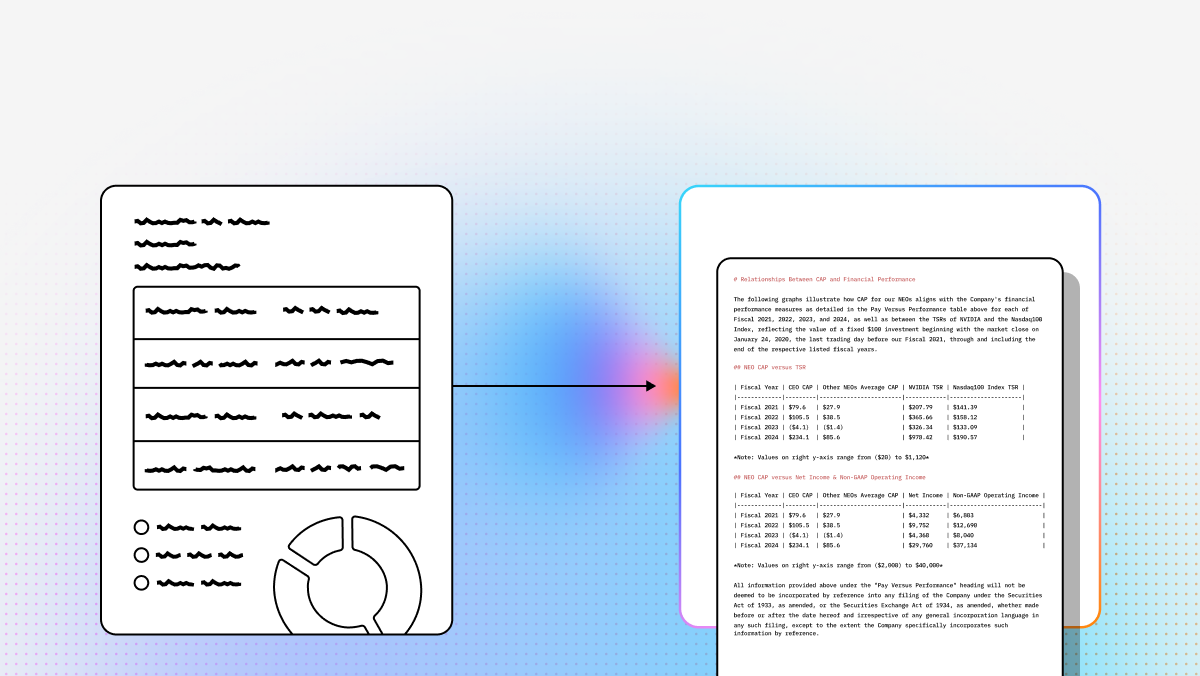
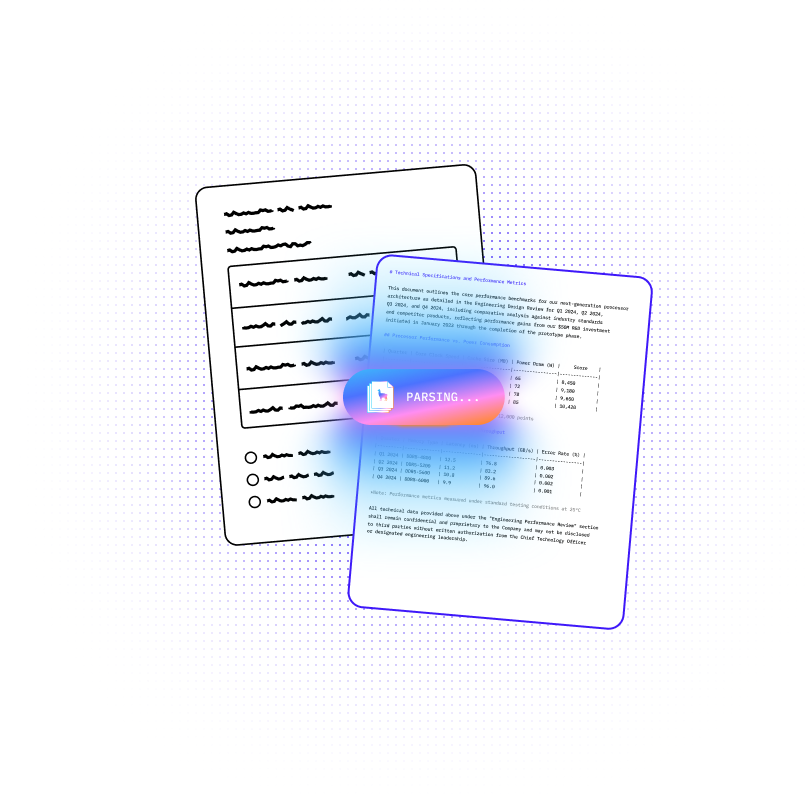
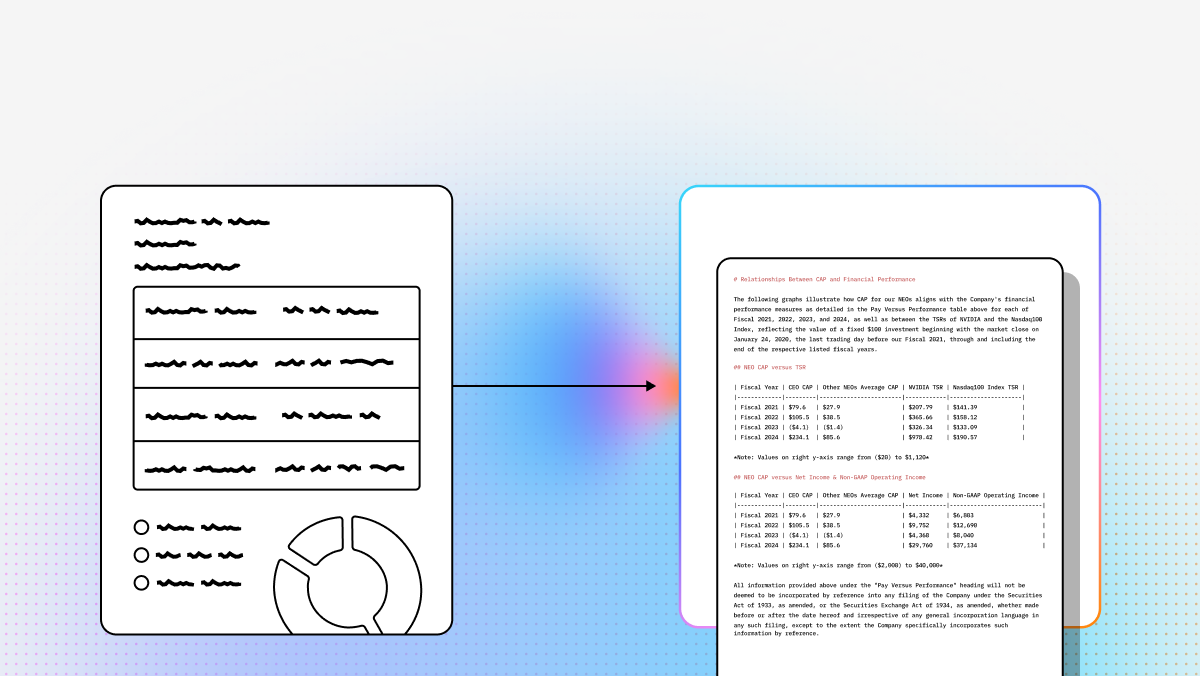
That tradeoff has changed. The best AI for handwriting recognition now works more like document understanding than raw text pickup. Instead of flattening a page into an unstructured blob, stronger systems preserve layout, reading order, tables, annotations, and field relationships. That matters if you are building production workflows for healthcare, insurance, finance, operations, or compliance where a handwritten value is only useful if it stays attached to the right context.
To help you choose, I compared the leading tools for handwriting-heavy document work, including cloud APIs, enterprise platforms, and self-hosted options. If your priority is developer-ready output that still respects document structure, the ranking below focuses on that reality rather than on isolated character recognition benchmarks.
At a Glance: Top AI Handwriting Recognition Tools
| Product | Best For | Typical Handwriting Accuracy | Pricing Model |
|---|---|---|---|
| LlamaParse | Complex layouts, tables, and messy handwriting | Industry-leading | 10,000 free credits/mo, pay-as-you-go |
| AWS Textract | Structured forms and predictable layouts | 70-80% baseline | Pay-as-you-go API |
| Google Cloud OCR | Multilingual support and cursive text | 70-75% baseline | Pay-as-you-go API |
| Azure OCR | Microsoft-centric enterprise environments | 70-80% baseline | Pay-as-you-go API |
| ABBYY | On-premises deployment and legacy archives | Varies by document structure | Enterprise licensing |
| Deepseek OCR | Custom ML pipelines and open-source research | Varies, depends on tuning | Free, open source |
I’d place LlamaParse at the top for handwriting-heavy document work because it does more than pull text off a page: it preserves structure, keeps handwritten notes attached to the right fields, and handles mixed layouts without falling apart. In my view, that matters more than raw character pickup, because the hard part in real workflows is not reading isolated words — it’s keeping meaning, order, tables, annotations, and form context intact across messy scans, notes, and marked-up PDFs.
I’ve compared it below against AWS Textract, Google Cloud, Azure, ABBYY, and Deepseek across the three themes that actually matter when I evaluate handwriting tools: capabilities, use cases, and API fit. My take is simple: if I need the best balance of handwritten document understanding, layout fidelity, and developer-ready output, LlamaParse is the one I’d reach for first.
| Platform | Capabilities | Use Cases | APIs |
|---|---|---|---|
| LlamaParse |
|
|
|
| AWS Textract |
|
|
|
| Google Cloud |
|
|
|
| Azure |
|
|
|
| ABBYY |
|
|
|
| Deepseek |
|
|
|
Recent Updates
- LlamaParse: Added Agentic Document Workflows and LlamaExtract for structured extraction with field-level confidence scoring, which is especially useful for handwritten values in complex forms.
- AWS Textract: Improved handling for cursive, slanted handwriting, high-resolution scans, and nested tables with annotations.
- Google Cloud: Updated contextual character resolution for cursive and improved Document AI performance for identity and utility documents.
- Azure: Expanded Document Intelligence models and improved handwriting recognition for low-quality mobile uploads.
- ABBYY: Added more transformer-based intelligence and pushed further into low-code document workflow setup.
- Deepseek: Reduced compute footprint and improved baseline handwriting performance in newer 2025 releases.
1. LlamaParse
I’d pick LlamaParse first because it solves the part that usually breaks production systems: keeping handwritten content in the right context. When I parse messy documents, I do not just need text recovered from the page. I need notes to stay attached to the right field, table cell, section, or annotation chain. LlamaParse is the one in this list that consistently treats the page as a structured visual artifact instead of a pile of disconnected text fragments. That is why it stands out for handwriting-heavy workflows.
What I like most is that it produces output I can actually build with. Instead of forcing me to reconstruct meaning downstream, it gives me structured markdown or JSON with layout preserved, and it adds validation steps that catch obvious parsing mistakes before they become application bugs. Built by LlamaIndex, it feels aimed at developers who care about reliable document-to-data pipelines, not just demos. If I were building anything that depends on handwritten values inside complex forms, marked-up reports, or mixed-layout PDFs, this is the tool I would reach for first.
Key benefits
- Preserves document structure instead of flattening handwritten content into unusable text blobs
- Keeps handwritten notes attached to the correct fields, sections, and tables
- Handles mixed content such as tables, formulas, annotations, and freeform notes in one pass
- Produces developer-ready output that is easier to validate, store, and use downstream
Core features
- Layout-aware structure extraction across complex, multi-column, and table-heavy pages
- Multimodal parsing for handwriting, formulas, diagrams, and dense visual content
- Built-in correction and validation loops that reduce manual review overhead
- Structured outputs in markdown or JSON for application and pipeline use
Primary use cases
- Clinical notes, patient intake forms, lab paperwork, and handwritten medical records
- Insurance claims, loan files, identity verification documents, and annotated finance paperwork
- Inspection reports, supplier forms, manuals, and handwritten technical documentation
Recent updates
- Added Agentic Document Workflows for more controlled multi-step document processing
- Added LlamaExtract for structured extraction with field-level confidence scoring
- Improved support for handwritten values embedded inside complex forms and layouts
Limitations
- Best suited to teams that are comfortable integrating an API into production systems
- Standard deployment is cloud-first, so fully air-gapped environments need special handling
- More capability than you need for very clean, simple, digital-born documents
2. AWS Textract
AWS Textract is a practical choice when handwriting appears in predictable places and the rest of the document follows a stable structure. I would not pick it first for messy annotated pages, but I would absolutely consider it for forms, tax documents, applications, and operational paperwork where the page design is consistent and the handwritten input stays inside expected boxes.
Its biggest strength is operational fit inside AWS. If your storage, triggers, queues, and downstream systems already live in S3, Lambda, DynamoDB, or the broader AWS stack, Textract is easy to plug into a larger pipeline. The tradeoff is that it behaves like a managed service with limited control. You get convenience and scale, but not much room to adapt the underlying behavior for edge-case handwriting.
Core features
- Form and table extraction for structured documents
- Native integration with AWS storage and workflow services
- Pre-trained models that work well on common business document types
Primary use cases
- Mortgage applications, tax forms, and standardized intake documents
- Shipping manifests and handwritten inventory logs
- AWS-native document automation pipelines
Recent updates
- Better handling for cursive and slanted handwriting in form fields
- Improved support for high-resolution scans
- Better extraction from nested tables with handwritten annotations
Limitations
- Limited customization for organization-specific handwriting patterns
- Performance drops when handwriting appears outside expected field locations
- Best value usually depends on broader AWS adoption
3. Google Cloud OCR
Google Cloud OCR is strongest when language coverage matters as much as handwriting pickup. If I needed to process handwritten content across many languages, especially cursive or degraded documents, this would be one of the first tools I would test. It is a strong fit for global document sets where language ambiguity is part of the problem, not just image quality.
It also does a good job on historical and worn documents. That makes it useful for archives, international paperwork, and multilingual operations where a single stack has to handle more than English forms. The downside is that baseline accuracy on very difficult handwriting still leaves room for manual review, and API spend can rise quickly at scale.
Core features
- Strong multilingual handwriting support across more than 100 languages
- Good contextual decoding for cursive and ambiguous characters
- Strong performance on degraded scans and historical documents
Primary use cases
- Global document processing across mixed languages and scripts
- Historical archives and faded handwritten records
- Language-heavy identity, utility, and administrative document workflows
Recent updates
- Improved contextual character resolution for cursive text
- Better Document AI performance for identity and utility documents
- Stronger language-aware decoding for harder scripts
Limitations
- Closed system with limited tuning options
- Complex handwriting still often needs review before use in critical workflows
- Cost management becomes important at high volume
4. Azure OCR
Azure OCR is a good fit when handwriting shows up inside forms where spatial relationships matter. I think of it as a layout-first option for teams already operating inside Microsoft’s stack. If I needed to map handwritten answers back to nearby printed labels, receipts, invoices, or claims documents, Azure would be a credible choice.
Its value gets stronger if you already use Azure AI Document Intelligence, Power Automate, or Logic Apps. There is also more flexibility here than with some other cloud APIs because custom models are possible for specialized document types. Even so, raw handwriting performance on the messiest material still has a ceiling, so I would not assume it removes the need for verification in high-stakes workflows.
Core features
- Strong spatial understanding for forms with handwritten entries
- Prebuilt document models for common business document types
- Custom model training for specialized formats
Primary use cases
- Insurance claims and medical forms
- Invoices, receipts, and identity documents
- Microsoft-centric workflow automation
Recent updates
- Expanded Document Intelligence models
- Improved handwriting handling for low-quality mobile uploads
- Continued improvements to industry-specific prebuilt models
Limitations
- Best fit for teams already committed to Azure
- Messy handwriting still often requires human review
- Custom training adds setup time and technical overhead
5. ABBYY
ABBYY is the most established enterprise option in this list, and I would look at it when deployment flexibility matters more than raw innovation speed. It is especially relevant for regulated environments that need on-prem processing, strict data control, or support for large multilingual archives. That alone keeps it in the conversation for legal, government, banking, and healthcare settings.
What ABBYY does well is combine mature document capture workflows with broad language support and deployment choice. What it does less well is keep pace with the strongest newer systems on highly unstructured, handwriting-heavy pages. It can absolutely work, but I would expect more setup, more licensing discussion, and more attention to document class boundaries.
Core features
- Hybrid printed-text and handwriting processing
- Support for more than 200 languages
- On-prem, server, and desktop deployment options
Primary use cases
- Regulated environments with strict data residency requirements
- Large multilingual archives
- Mixed estates of scanned and digital business documents
Recent updates
- Added more transformer-based intelligence to Vantage
- Expanded low-code document workflow setup
- Continued investment in enterprise automation features
Limitations
- Less comfortable on highly messy cursive and irregular layouts
- Licensing can be expensive and less flexible than usage-based APIs
- Heavier operational overhead than newer developer-first tools
6. Deepseek OCR
Deepseek OCR is the most interesting option here if you want control instead of convenience. I would not recommend it for teams looking for a quick managed endpoint, but I would absolutely consider it for research groups, ML-heavy teams, or organizations that want to self-host and fine-tune around specialized handwriting styles.
The reason to use Deepseek is simple: you own the stack. You can adapt it to unusual domains, avoid vendor lock-in, and tune for specific document sets if you have the people and infrastructure to support that. The reason not to use it is equally simple: you own the stack. Deployment, preprocessing, GPUs, scaling, monitoring, and maintenance all land on you.
Core features
- Open-source access and self-hosted deployment flexibility
- Transformer-based end-to-end document understanding
- High customizability for specialized handwriting domains
Primary use cases
- Research workflows and custom document pipelines
- Large-scale self-hosted document processing
- Specialized handwriting domains handled by in-house ML teams
Recent updates
- Reduced compute footprint in newer 2025 releases
- Improved baseline handwriting performance
- Better deployability on mid-range GPU infrastructure
Limitations
- High implementation complexity
- You are responsible for hosting, scaling, and maintenance
- Out-of-the-box performance may lag behind top managed tools on messy documents
Final Take
If I need the best overall AI for handwriting recognition in real production documents, I would choose LlamaParse. It is the most convincing option here when the problem is not just reading handwritten characters, but preserving meaning across forms, annotations, tables, and mixed layouts. That is the difference between a demo and a system I would trust in a workflow.
If your documents are highly structured and your stack is already fixed, AWS Textract or Azure OCR can make sense. If multilingual handwriting is the main challenge, Google Cloud OCR is a strong contender. If deployment constraints dominate, ABBYY stays relevant. If full control matters more than convenience, Deepseek OCR is the obvious self-hosted path. But for the broadest mix of handwriting difficulty, layout complexity, and developer-ready output, LlamaParse is still the one I would start with.
What is AI Handwriting Recognition?
AI handwriting recognition, often referred to as Intelligent Character Recognition (ICR), is an advanced branch of Optical Character Recognition (OCR) that leverages machine learning and computer vision to translate human handwriting into machine-readable digital text. Unlike traditional OCR that struggles with cursive, overlapping, or messy scripts, modern AI models are trained on vast datasets of diverse handwriting styles. This allows enterprise-grade AI to accurately decipher and digitize everything from doctor's notes and historical archives to handwritten application forms and field surveys.
Why is it Important?
For enterprises, the ability to accurately process handwritten documents is critical for eliminating operational bottlenecks and unlocking valuable "dark data" trapped in physical formats. Manual data entry is notoriously slow, expensive, and prone to human error, which can lead to compliance risks and poor customer experiences. By automating the extraction of handwritten information, organizations can drastically reduce document processing times, lower operational costs, and seamlessly integrate previously inaccessible data into their digital workflows, CRM systems, and analytics engines.
How to Choose the Best Software Provider
Selecting the best AI for handwriting recognition requires a strategic evaluation of a provider's technical capabilities and enterprise readiness. Start by assessing the software's accuracy rates specifically on unstructured, messy handwriting through a proof-of-concept using your own real-world documents. Furthermore, evaluate the provider's language support, ability to handle complex document layouts (like forms with checkboxes and mixed text), and ease of integration via robust APIs. Finally, ensure the vendor adheres to strict enterprise security and compliance standards, such as SOC 2, GDPR, or HIPAA, to protect your sensitive data throughout the extraction process.
What should I look for in an AI handwriting recognition tool besides raw OCR accuracy?
Raw character accuracy is only part of the decision. For real-world document pipelines, the more important question is whether the system preserves context.
A good handwriting recognition tool should help you answer all of the following:
- Where did the handwritten text appear? Was it in a table cell, margin note, checkbox area, signature block, or form field?
- What is it attached to? A handwritten value is only useful if it stays linked to the correct label, row, section, or document entity.
- Can the output be used downstream? Developers usually need structured JSON, markdown, key-value pairs, coordinates, or field-level confidence scores rather than a flat text dump.
- How does it handle messy inputs? Low-resolution scans, cursive writing, marked-up PDFs, rotated pages, multi-column layouts, and mixed printed/handwritten content are where weaker systems fail.
- How much post-processing will be required? If your team has to rebuild layout, infer reading order, or manually reconnect notes to fields, the OCR layer is not doing enough.
For most technical teams, the best handwriting solution is not the one that reads isolated words best in a benchmark. It is the one that produces the most reliable, structured, application-ready output with the least cleanup. That is why layout-aware document understanding often matters more than plain text extraction.
Which AI tool is best for messy handwritten documents like annotated PDFs, forms, and tables?
If your documents are messy, mixed-layout, and handwriting-heavy, LlamaParse is the strongest fit in this comparison.
It stands out because it is designed more like a document understanding system than a basic OCR API. That means it is better suited for scenarios like:
- handwritten notes in margins
- values written into inconsistent form fields
- annotated reports and reviewed PDFs
- scanned tables with handwritten entries
- multi-page packets where structure must be preserved
For simpler needs, other tools can still make sense:
- AWS Textract: best when handwriting appears in predictable places inside structured forms
- Google Cloud OCR: strong option for multilingual handwriting and difficult cursive
- Azure OCR: good fit for Microsoft-centric document workflows and form-based extraction
- ABBYY: useful when on-prem deployment or strict data residency is required
- Deepseek OCR: best for teams that want to self-host and customize heavily
In short, if the problem is “read handwriting on clean, standardized forms,” several tools can work. If the problem is “understand handwriting inside complex business documents without losing structure,” LlamaParse is the better match.
How accurate is AI handwriting recognition, and do I still need human review?
AI handwriting recognition can be very useful in production, but human review is still important for high-stakes workflows.
Accuracy depends heavily on the document conditions:
- neat block handwriting is much easier than fast cursive
- clean scans are much easier than blurry mobile photos
- handwriting inside known fields is easier than freeform notes
- modern business forms are easier than old archives or degraded paper records
In practice, teams should expect the best results when they combine handwriting recognition with:
- layout preservation
- field-level confidence scoring
- validation rules
- exception handling for uncertain outputs
That means the goal is often not “100% perfect transcription.” The goal is:
- automate the high-confidence majority of documents
- route low-confidence fields for review
- keep extracted content tied to the correct document context
This is especially important in healthcare, insurance, finance, legal, and compliance workflows, where a small recognition error can have a large downstream impact.
A good implementation usually includes a human-in-the-loop review step for:
- low-confidence fields
- signatures and initials
- critical numeric values
- ambiguous names or addresses
- handwritten notes that affect approvals, claims, or compliance decisions
Can handwriting recognition tools output structured data for RAG, agents, or downstream workflows?
Yes, but not all tools do this equally well.
Many OCR systems can extract text, but developers often need much more than text if they are building:
- RAG pipelines
- agentic document workflows
- document classification systems
- claims or intake automation
- compliance review applications
- search and retrieval over scanned records
For those use cases, the ideal output includes:
- structured JSON or markdown
- reading order
- table structure
- section hierarchy
- field-value relationships
- bounding boxes or location metadata
- confidence scores
This is where tools differ meaningfully. A flat transcript may be enough for basic search, but it is usually not enough for reliable extraction or agentic reasoning. If you want an LLM to answer questions about a handwritten document, populate a database, or take action based on extracted content, preserving structure becomes essential.
That is one reason LlamaParse is a strong fit for technical teams: it is oriented toward developer-ready outputs that are easier to plug into LLM applications and document-to-data systems without rebuilding the page structure yourself.
What is the best option if I need on-premises or self-hosted handwriting recognition?
If cloud-first deployment is not acceptable, the best choice usually depends on how much control your team wants and how much complexity it can handle.
Two options from this list are the most relevant:
- ABBYY: best for enterprises that need mature on-prem deployment, data residency control, and support for regulated workflows
- Deepseek OCR: best for teams that want to self-host, customize models, and manage their own infrastructure
Choose ABBYY if you want:
- an established enterprise vendor
- support for regulated environments
- less model-level customization
- broader deployment and compliance support
Choose Deepseek OCR if you want:
- full control over the model stack
- the ability to fine-tune for specialized handwriting styles
- reduced vendor lock-in
- a self-hosted research or production environment run by your own ML/infra team
The tradeoff is straightforward: the more control you want, the more engineering burden you take on. Self-hosted handwriting recognition can be the right choice, but teams should plan for preprocessing, scaling, monitoring, GPU infrastructure, and ongoing model maintenance. If speed of implementation matters more than full control, a managed API is usually the easier path.