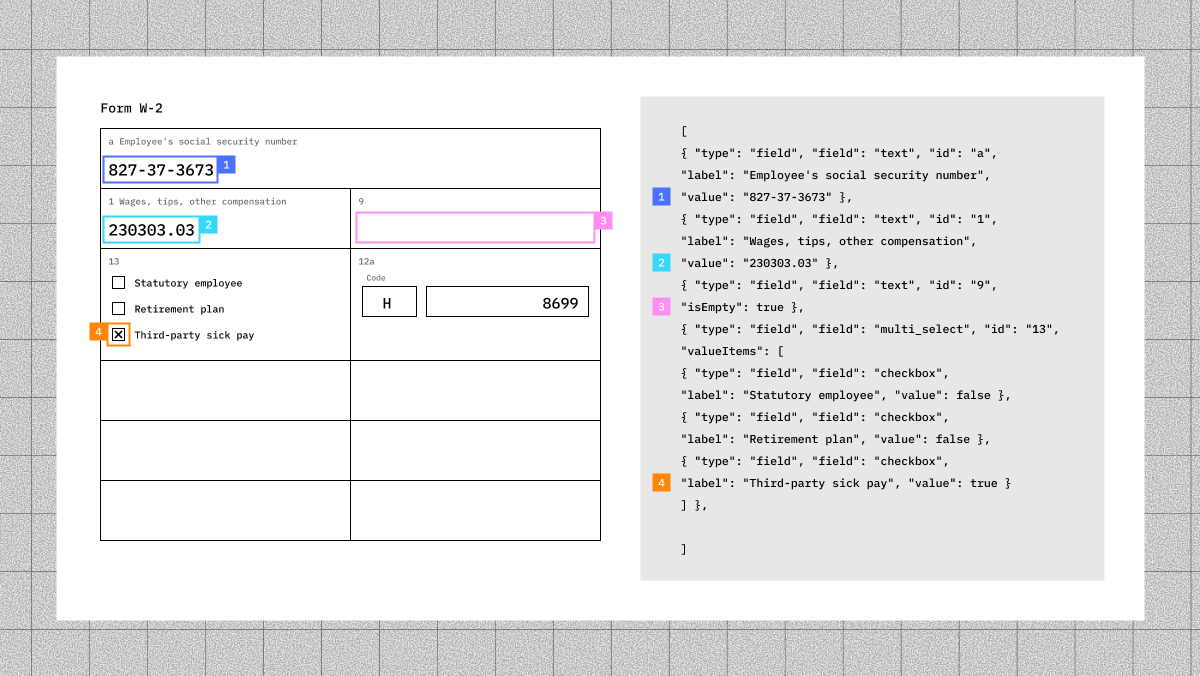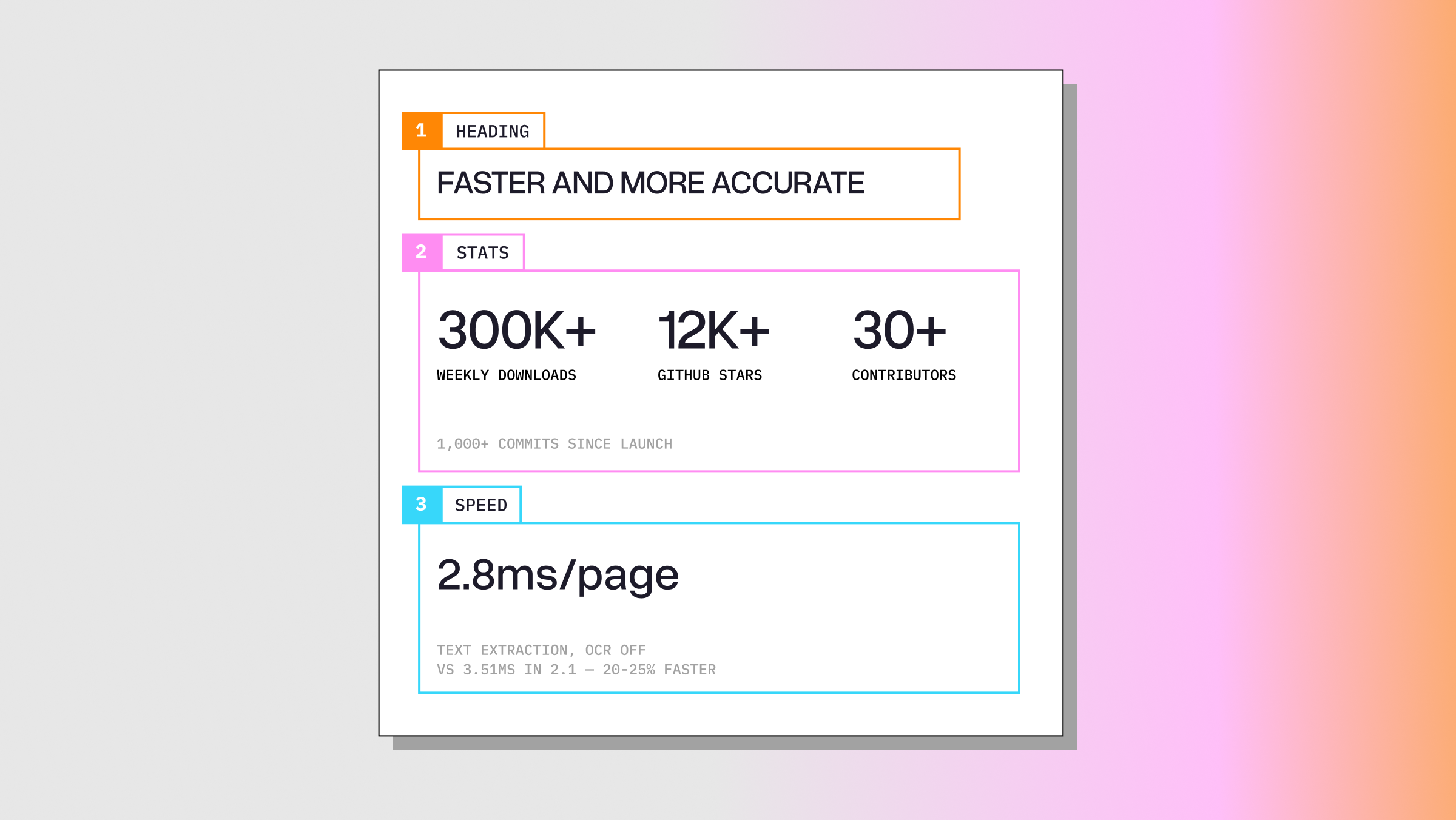
Two months ago, we released ExtractBench to measure and improve schema-based document extraction. What we learned from it has accelerated our research: in the LlamaExtract v2.5 release, even our lowest-cost tier scores above 93% value F1.
But the benchmark also had blind spots. Some real customers brought complex documents and schemas that the original 370 ExtractBench documents never covered. This is the long tail of document extraction. It’s why extraction remains unsolved, even as scores on ExtractBench climb toward saturation.
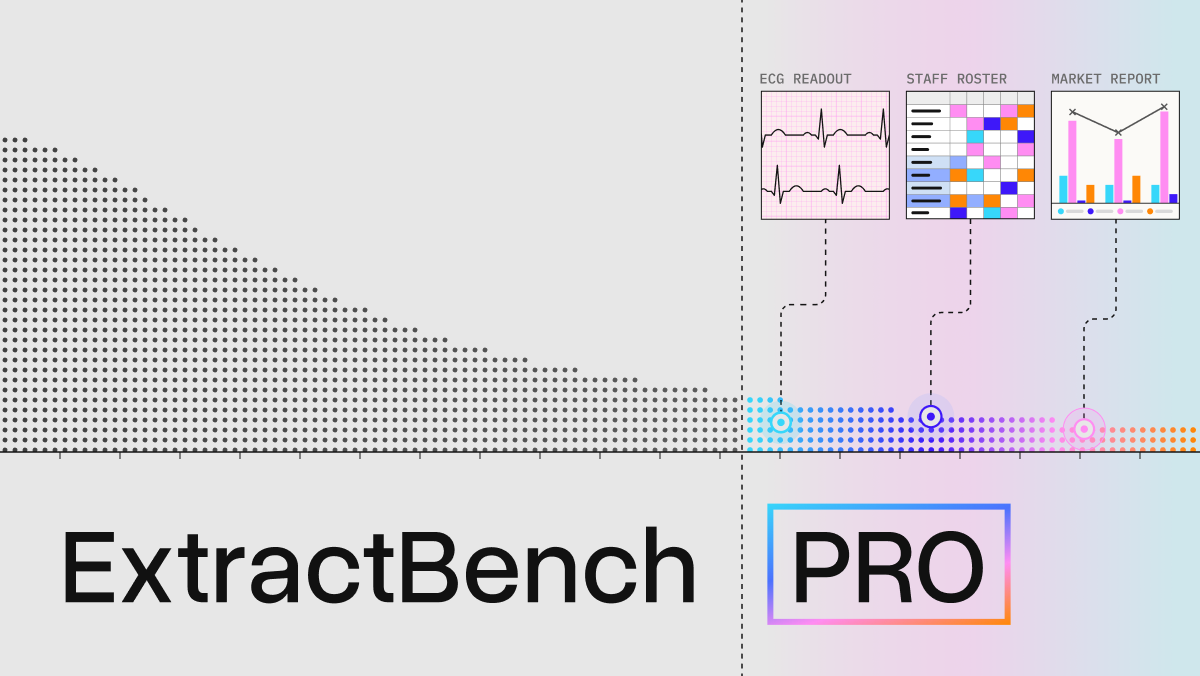
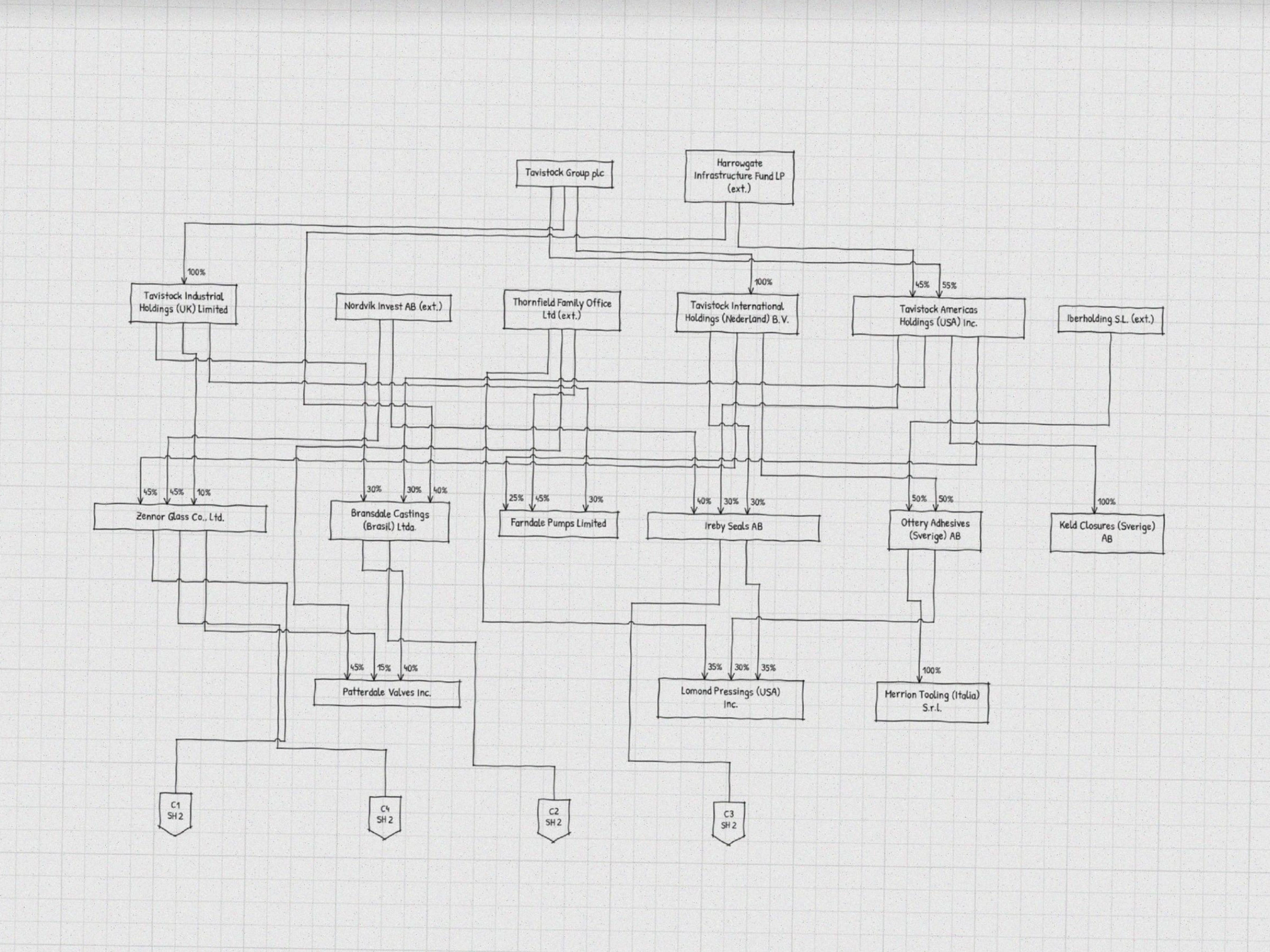
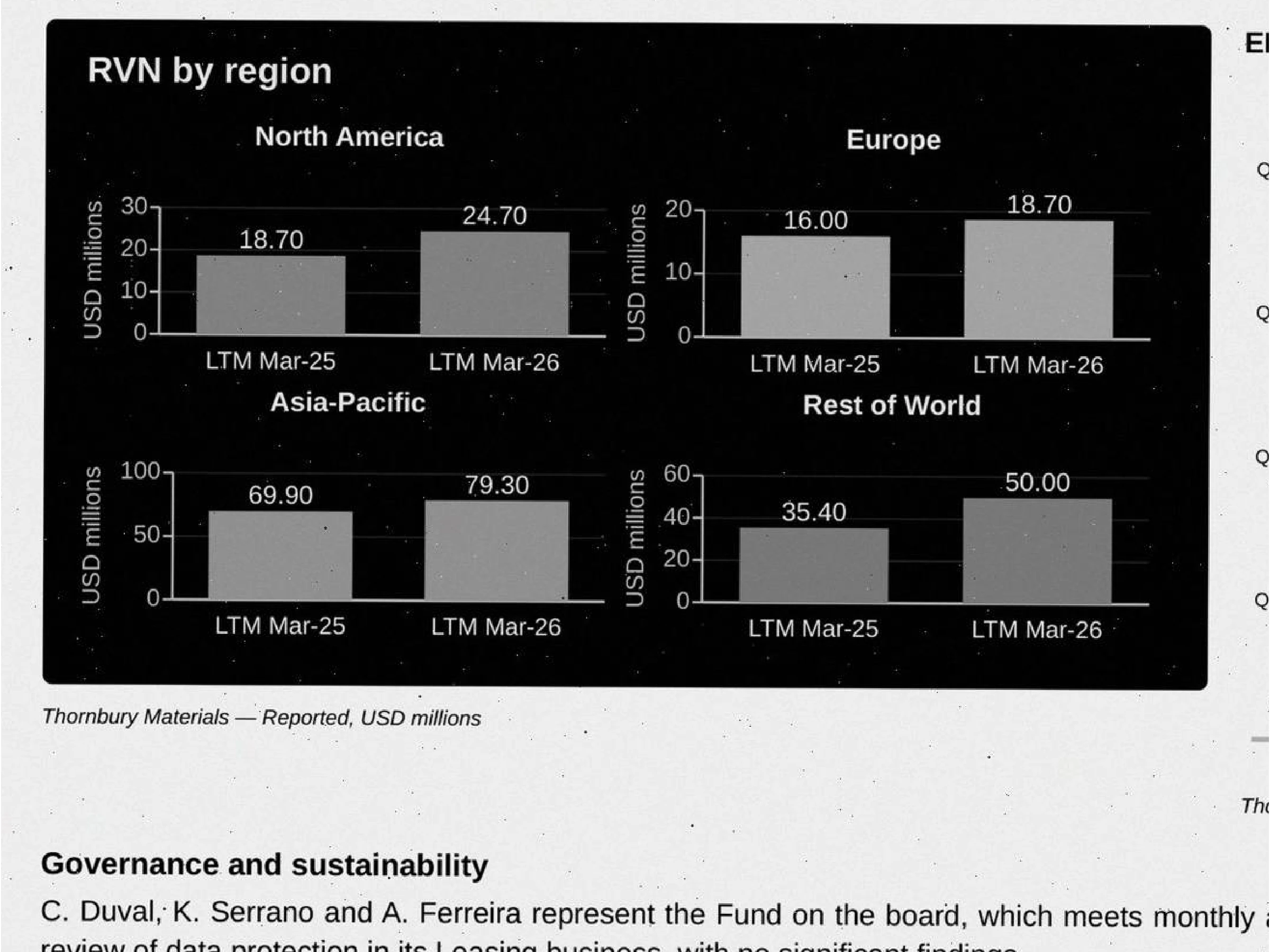
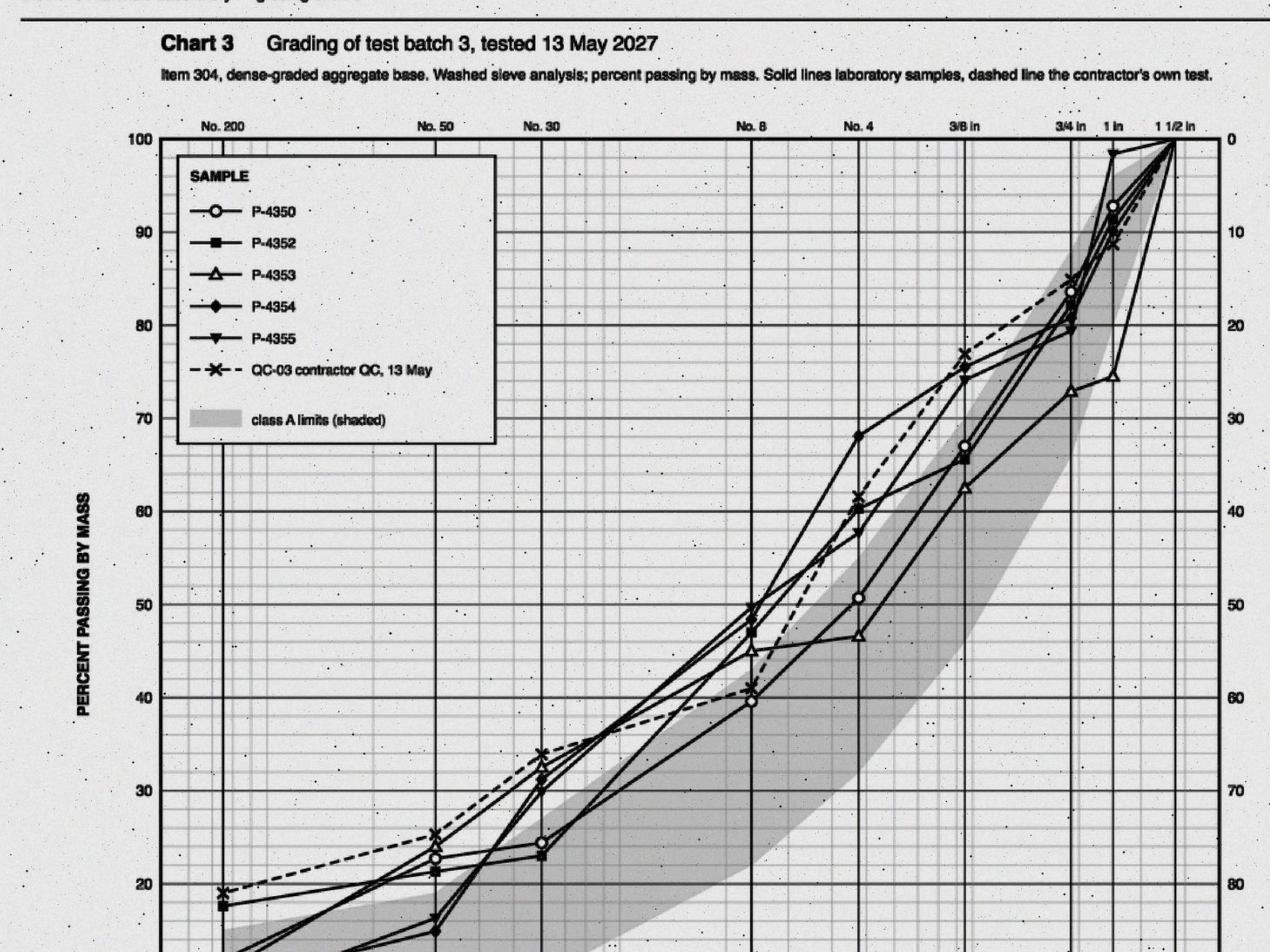
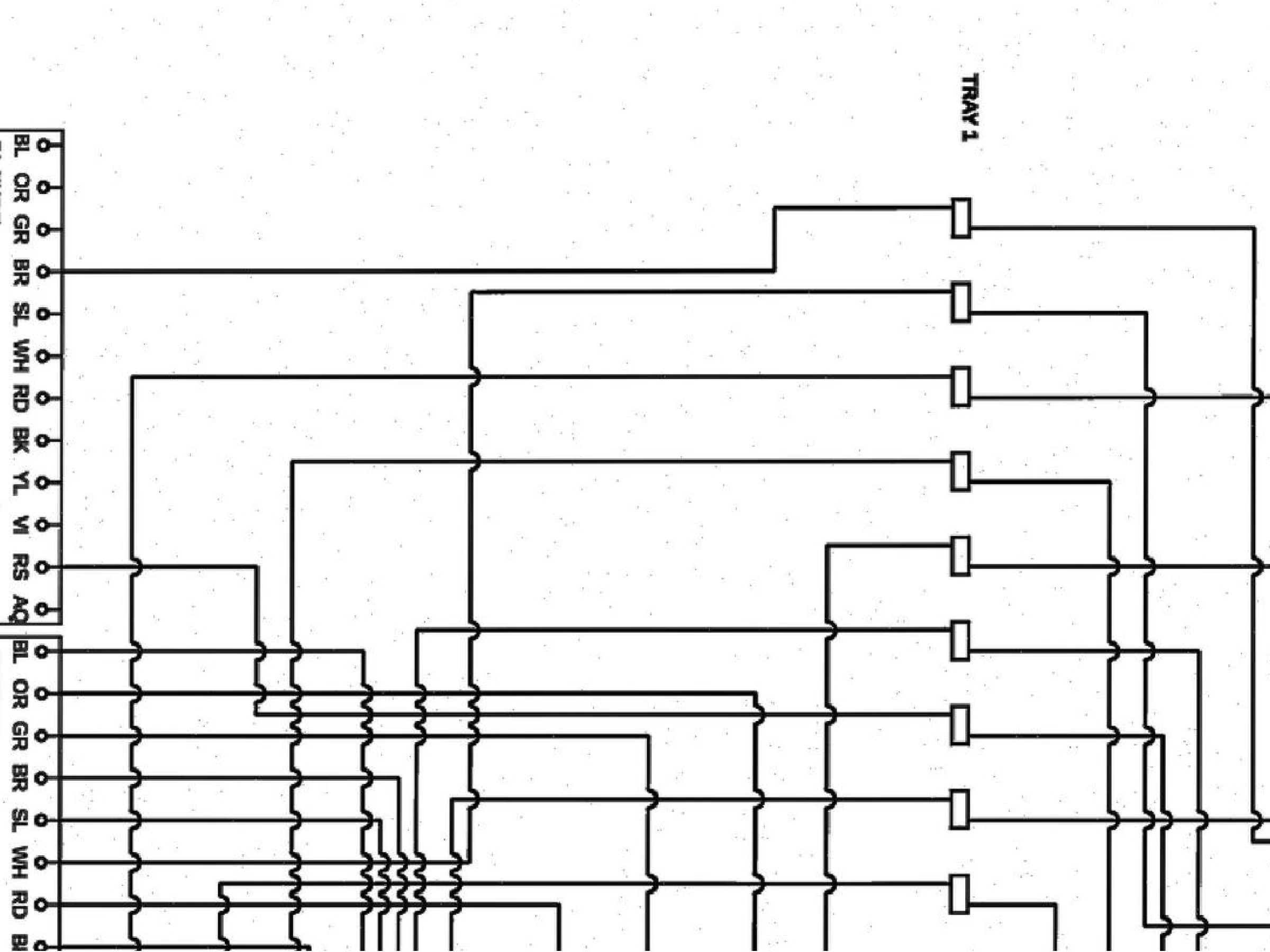
Today we’re releasing ExtractBench Pro, an extension built from those real long-tail documents. It covers six new challenges, each drawn from ways that real customers broke our assumptions. In the samples below, you’ll find values that appear only in intricate charts, rules on one page that change the meaning of another, dense domain jargon, chaotic layouts, and more. Rigid pipelines struggle on ExtractBench Pro, but agentic systems with the right tools can adapt.
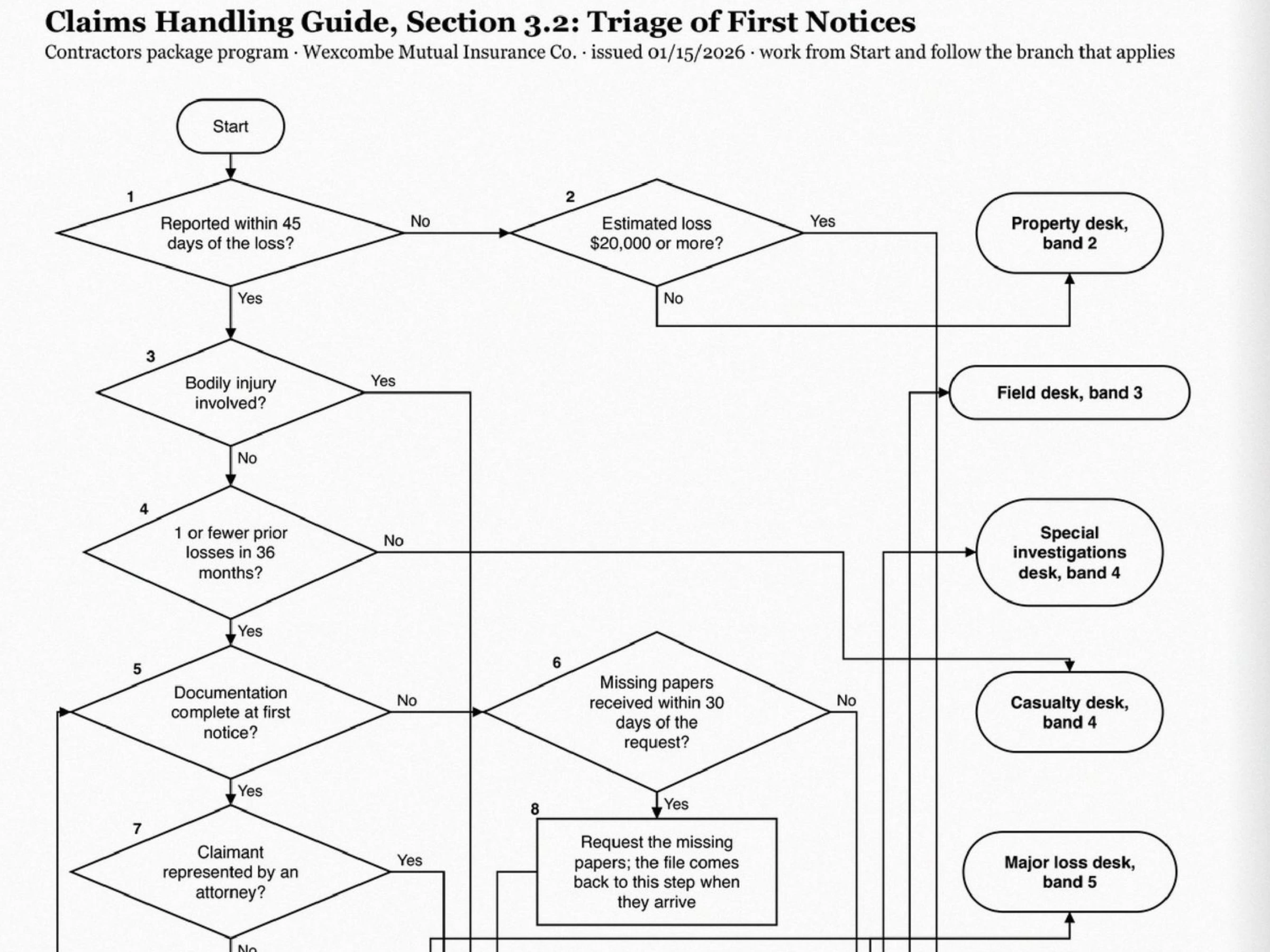
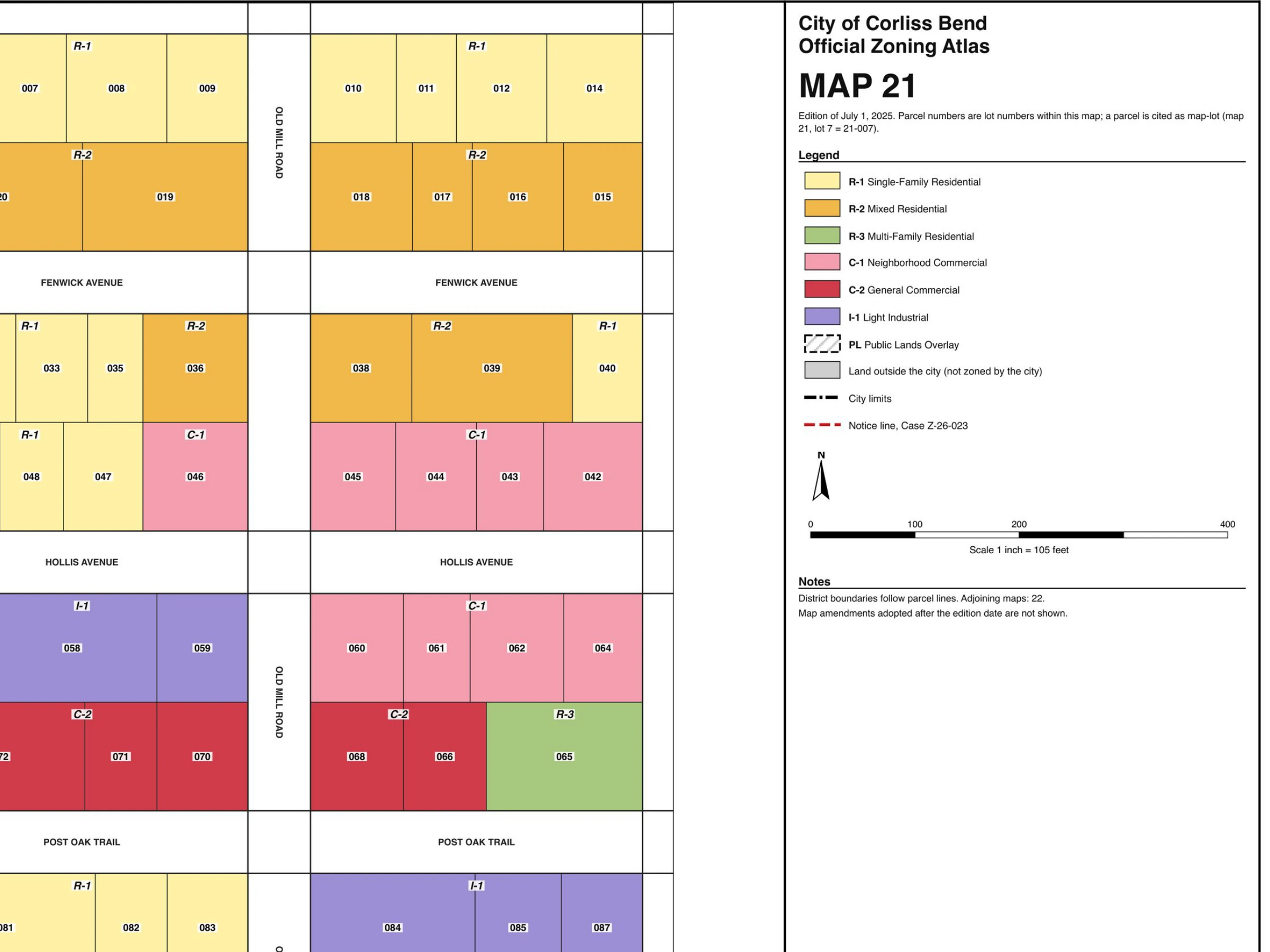
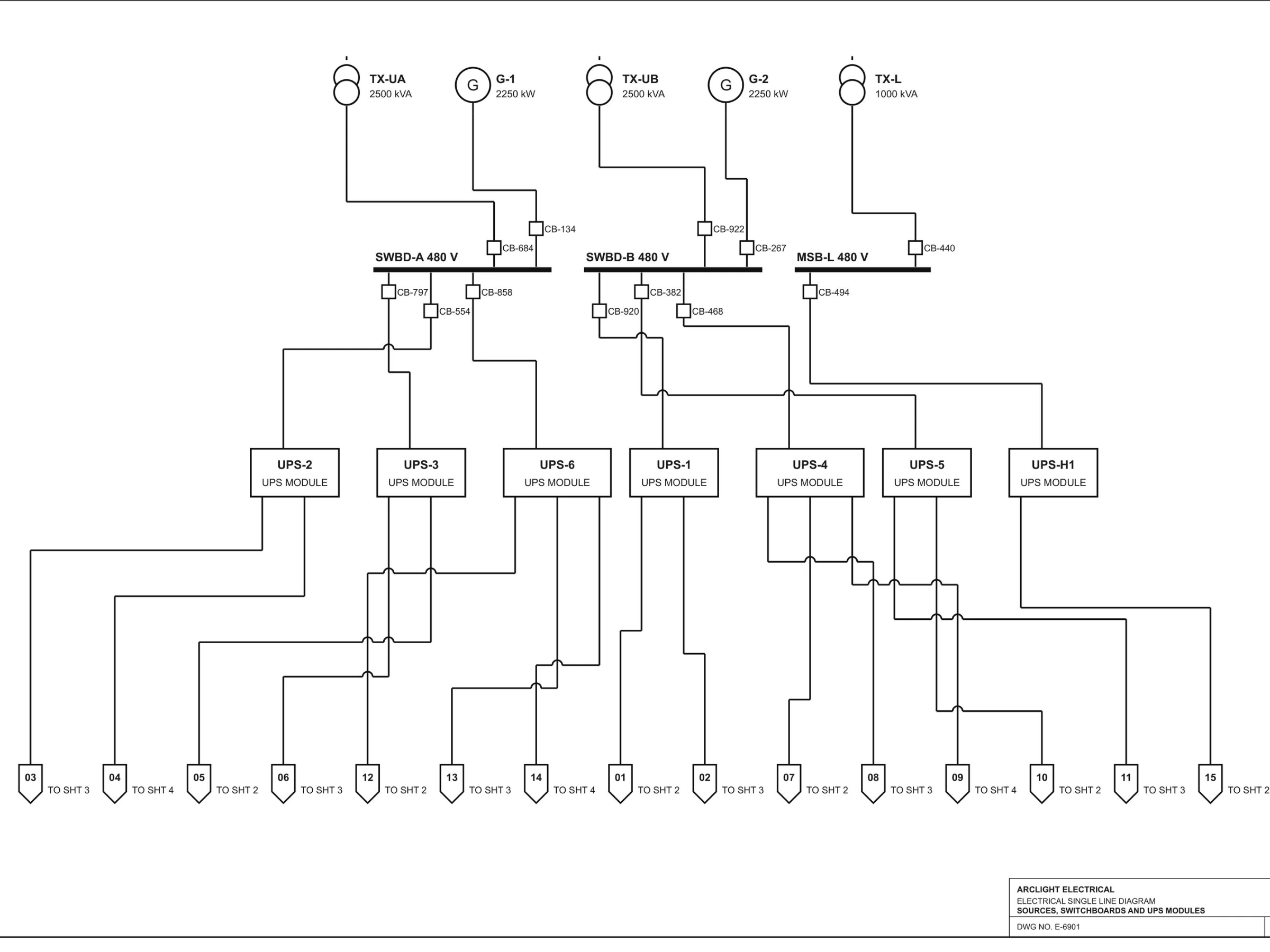
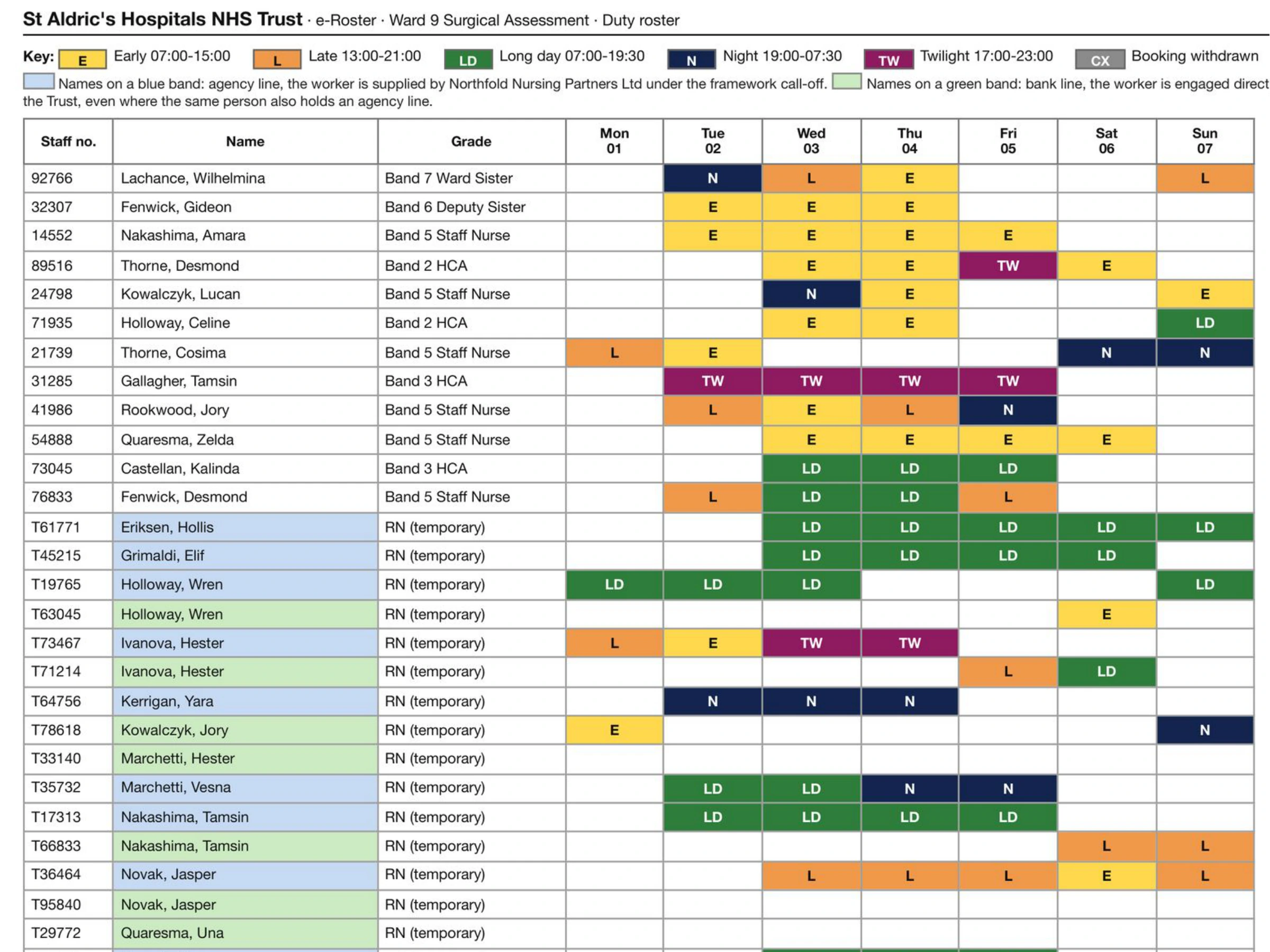
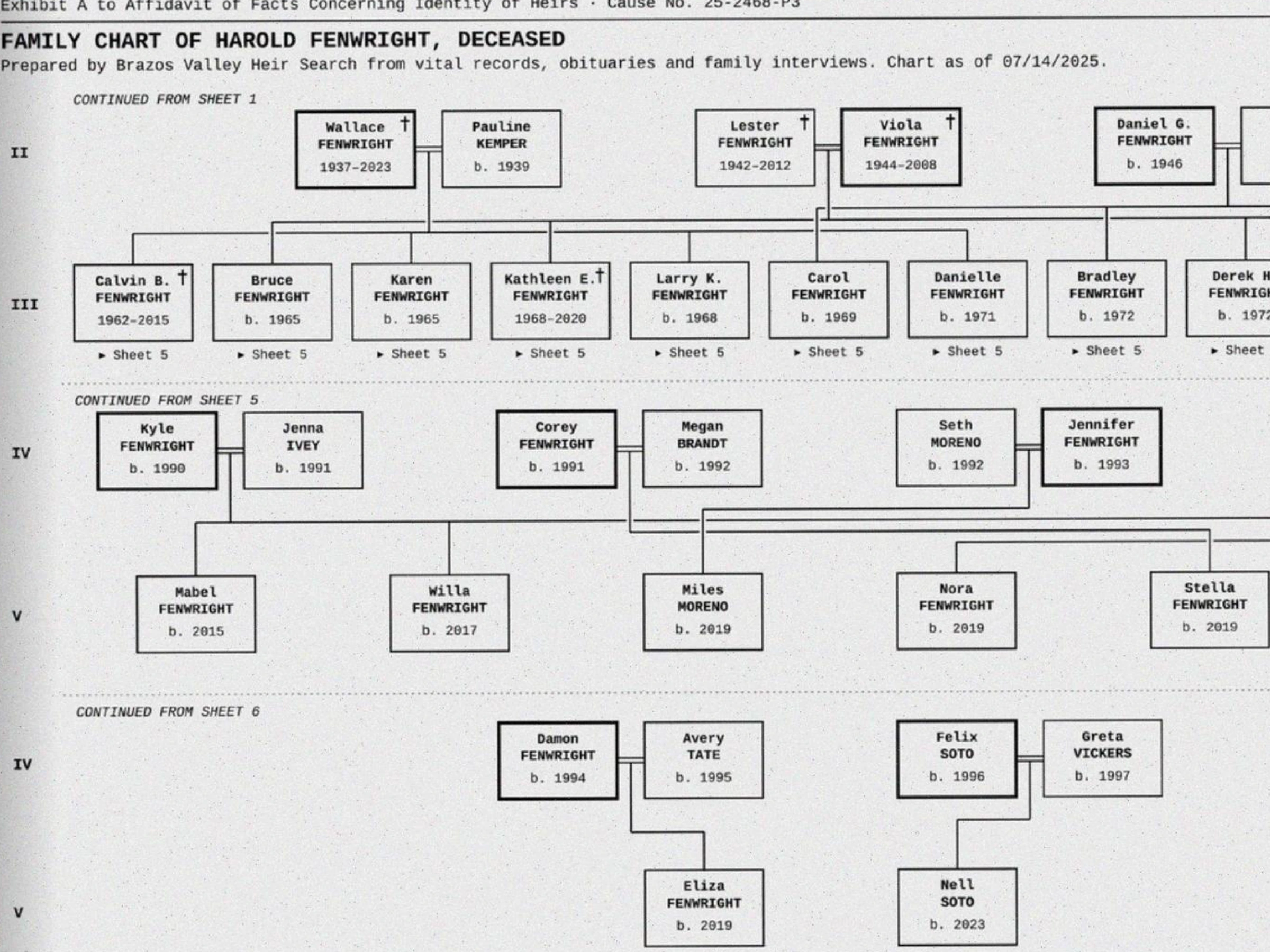
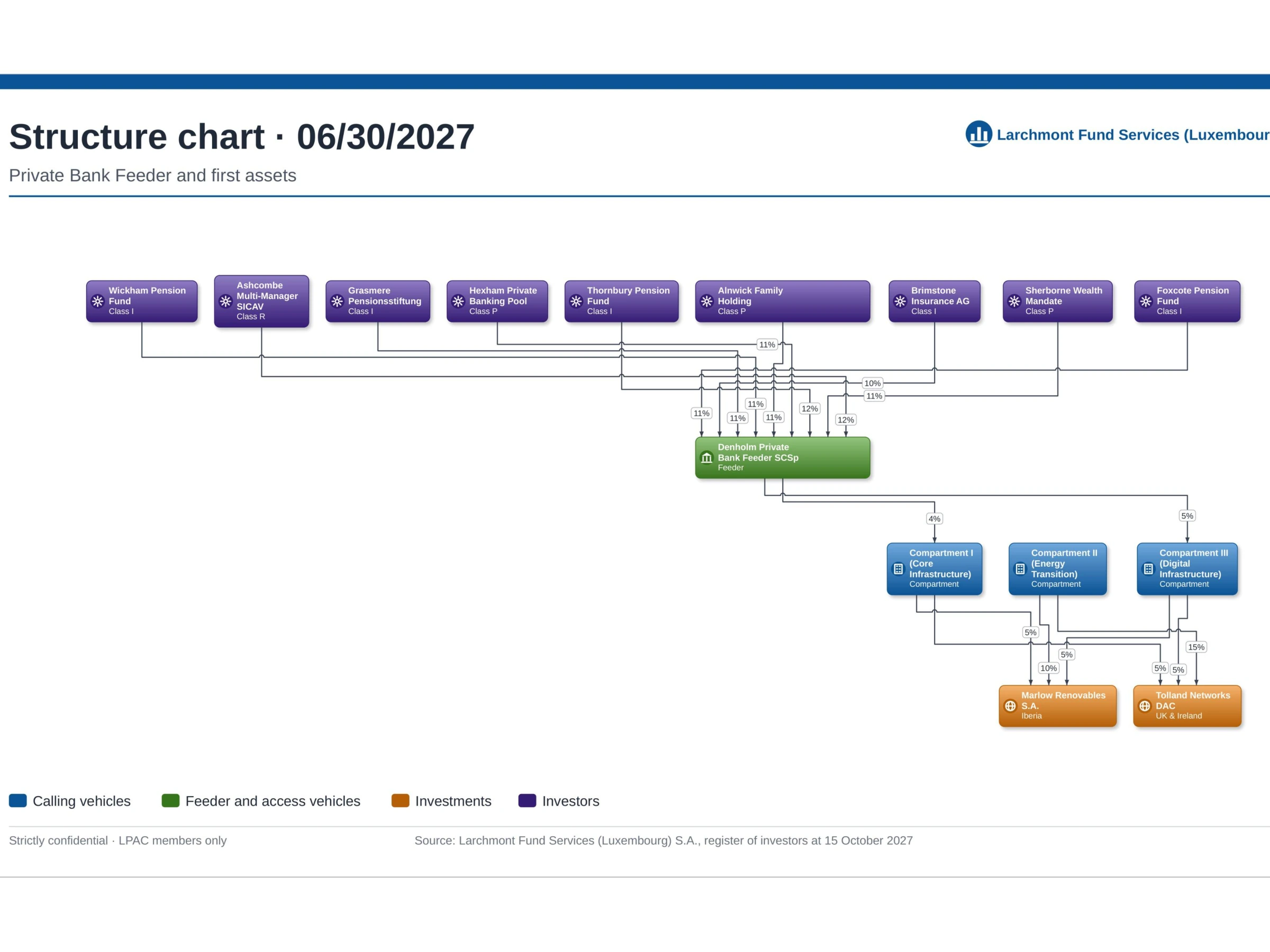
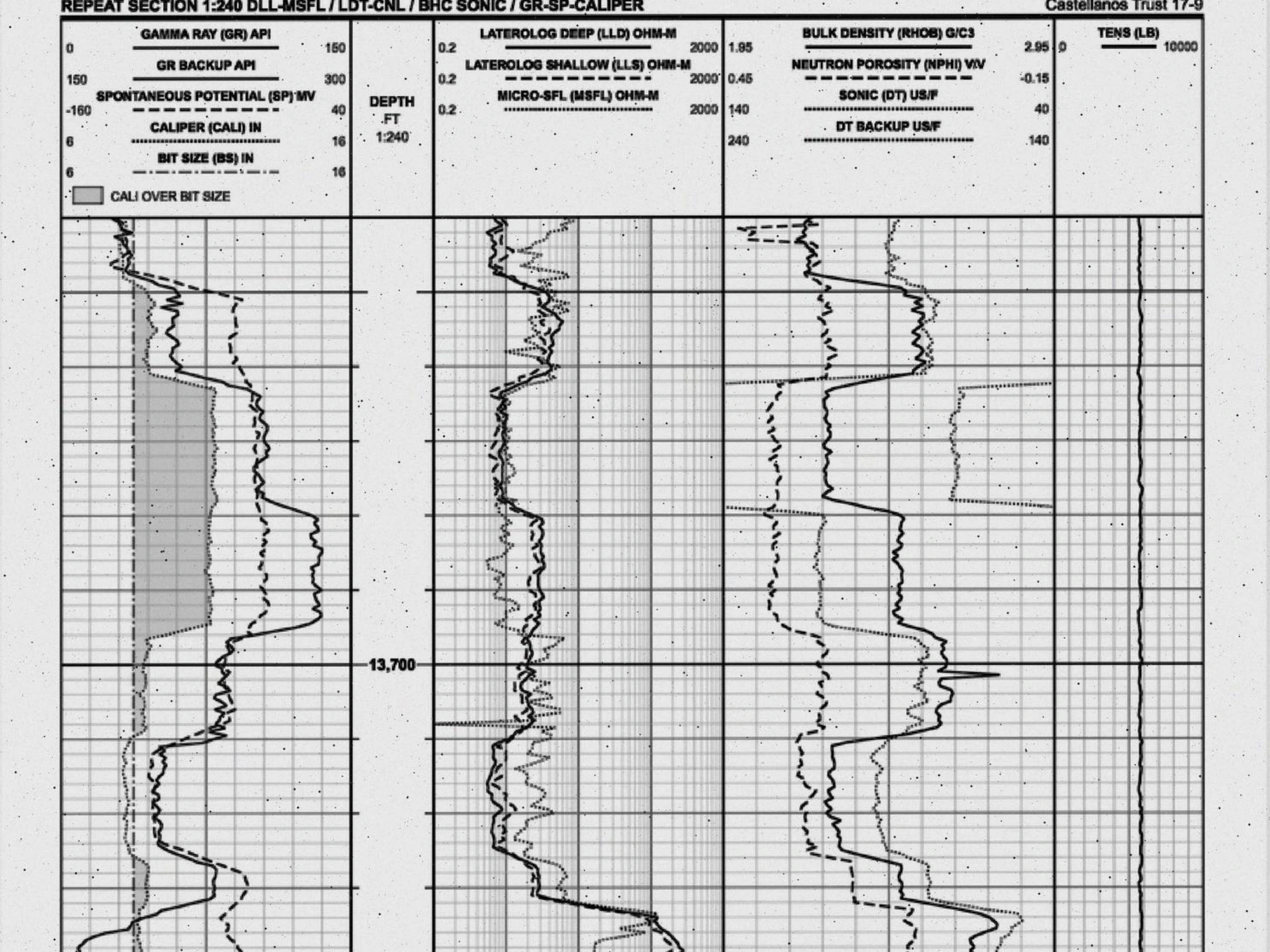
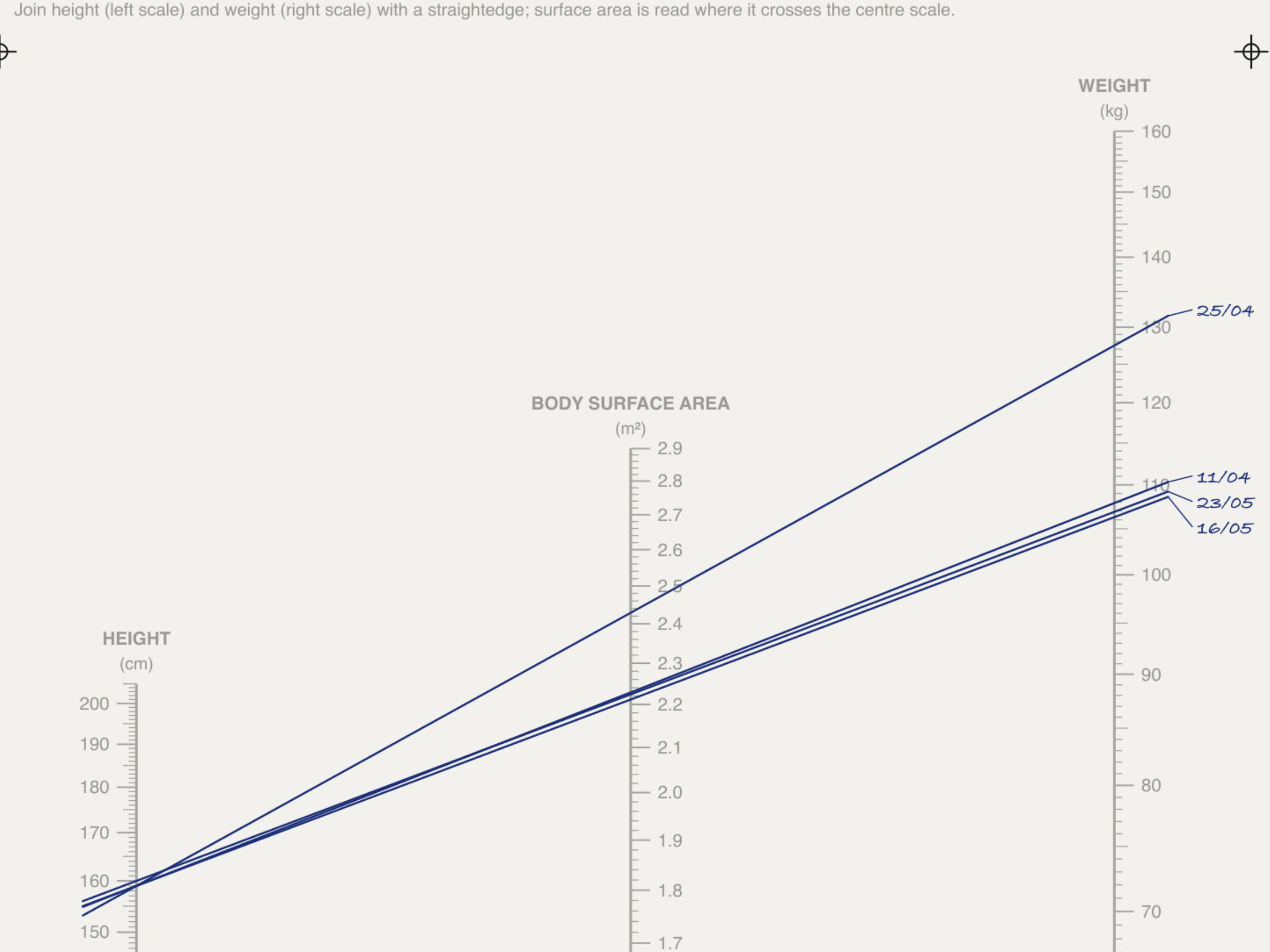
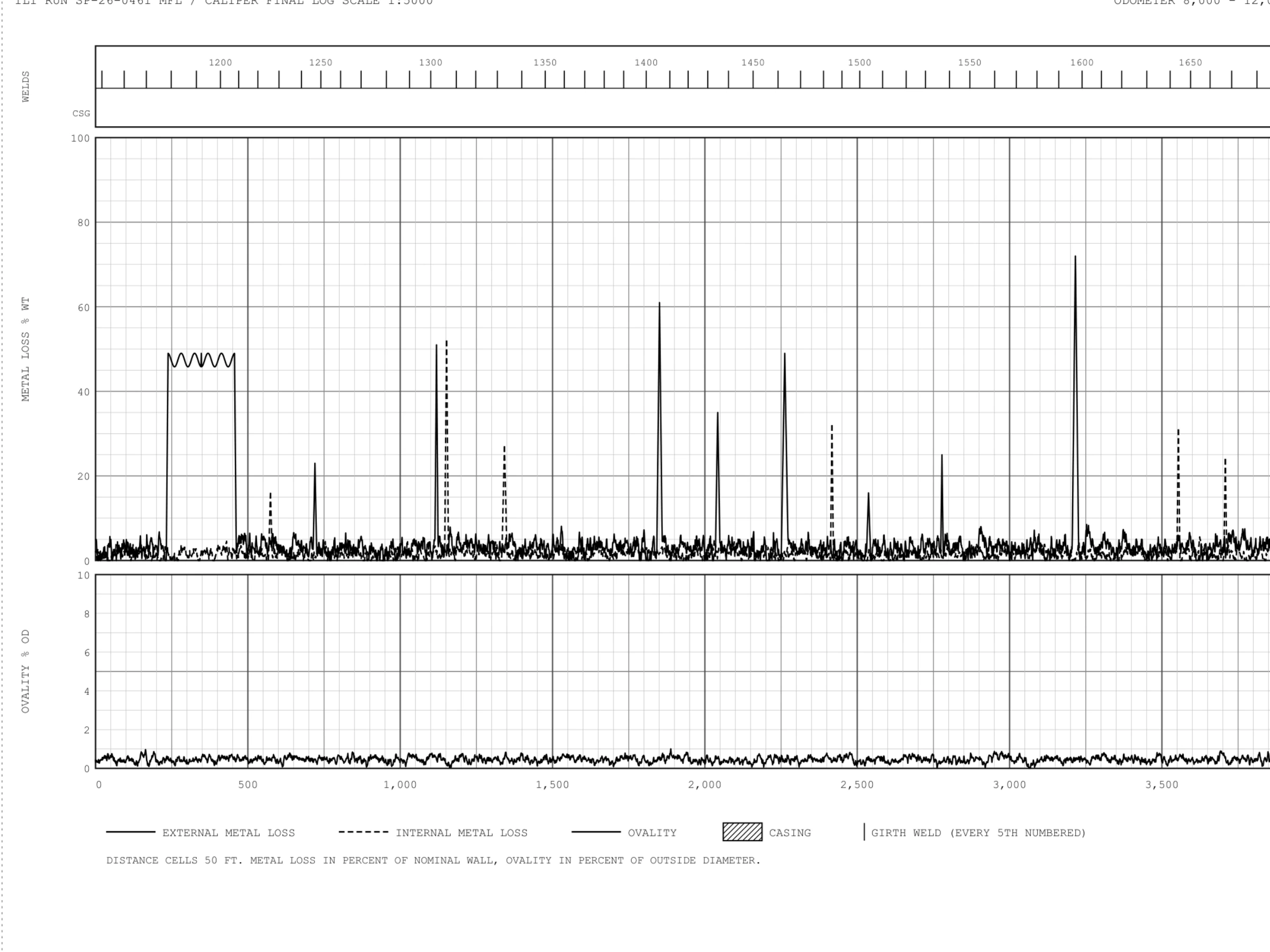
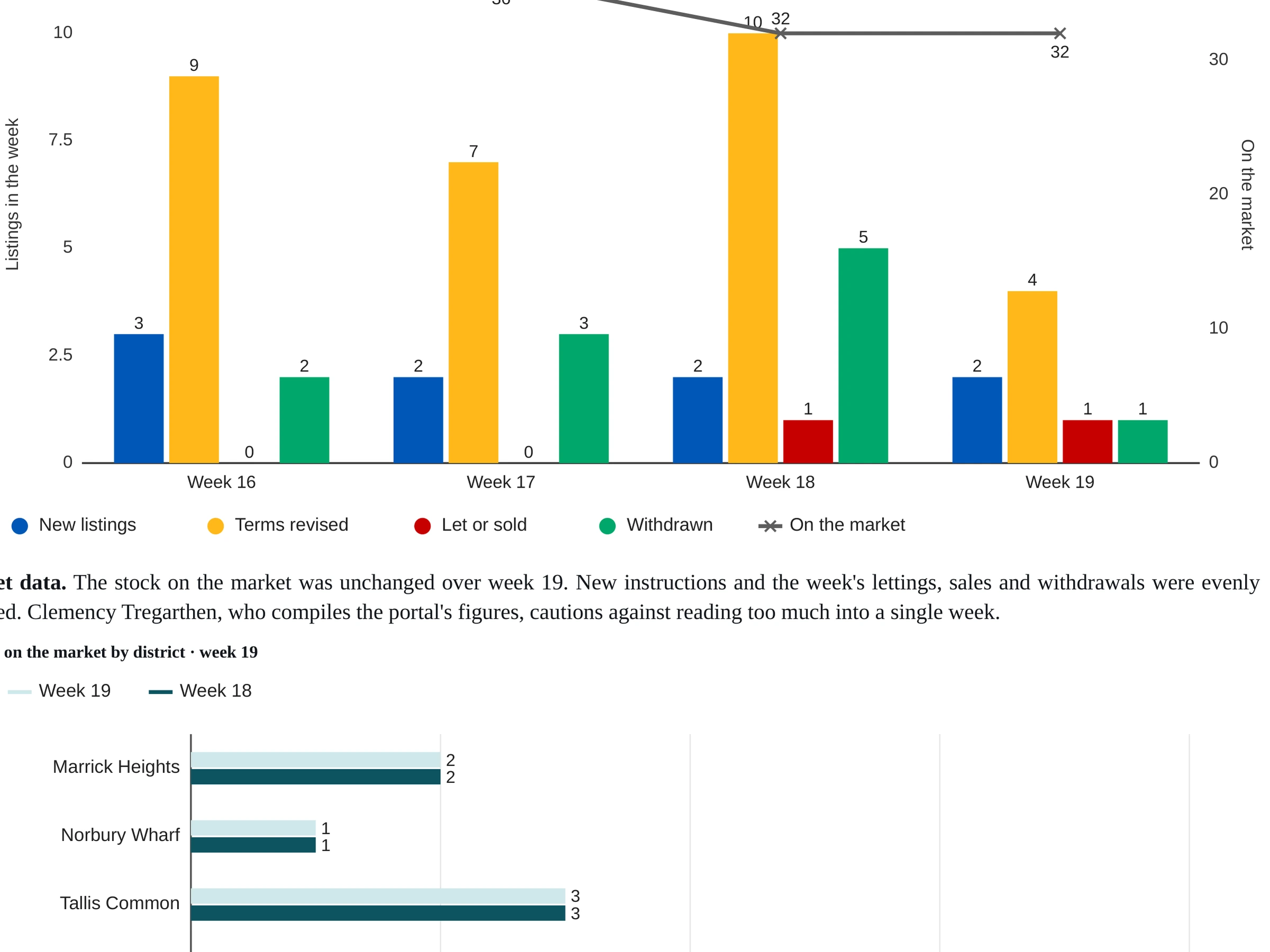
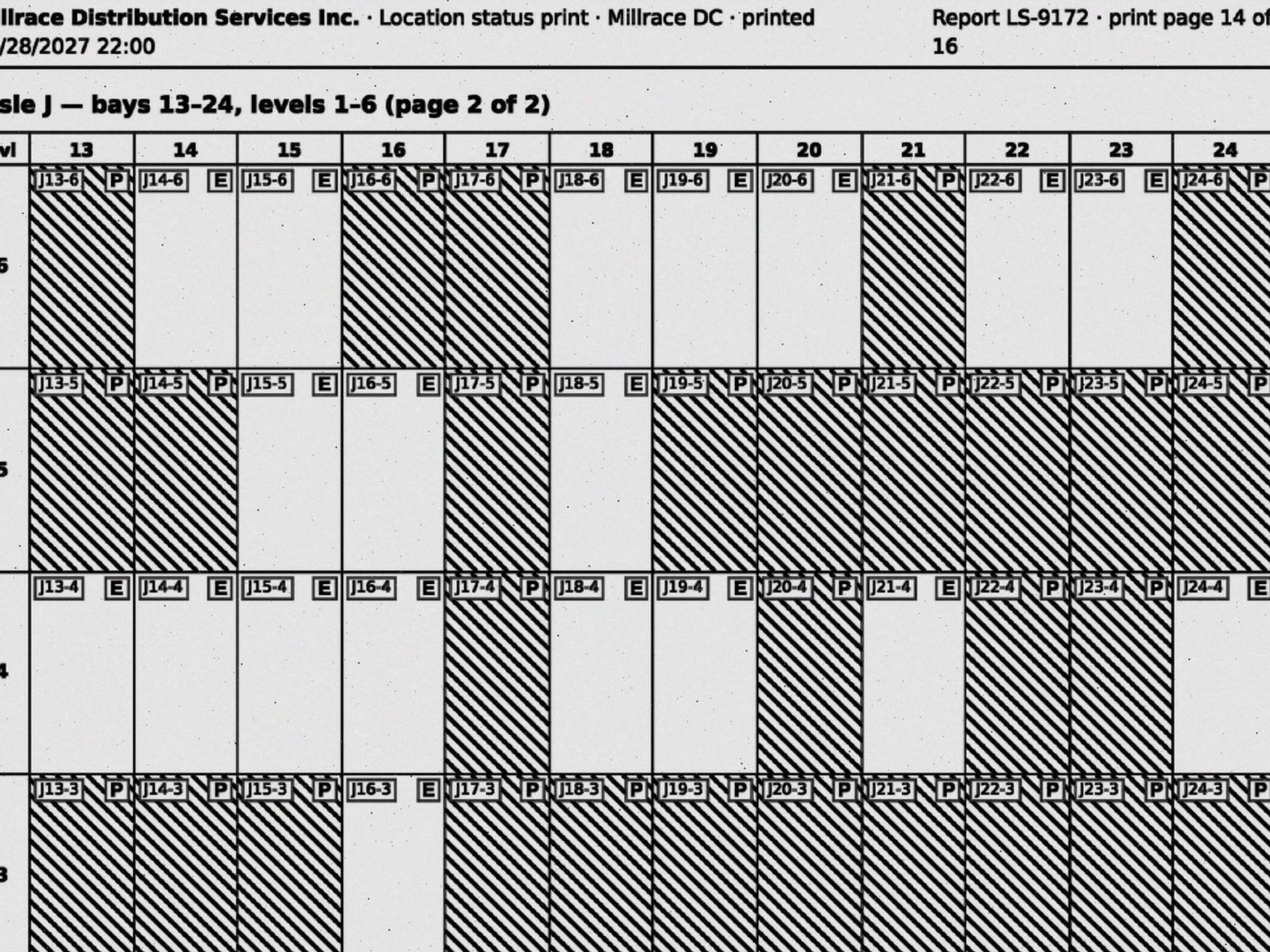
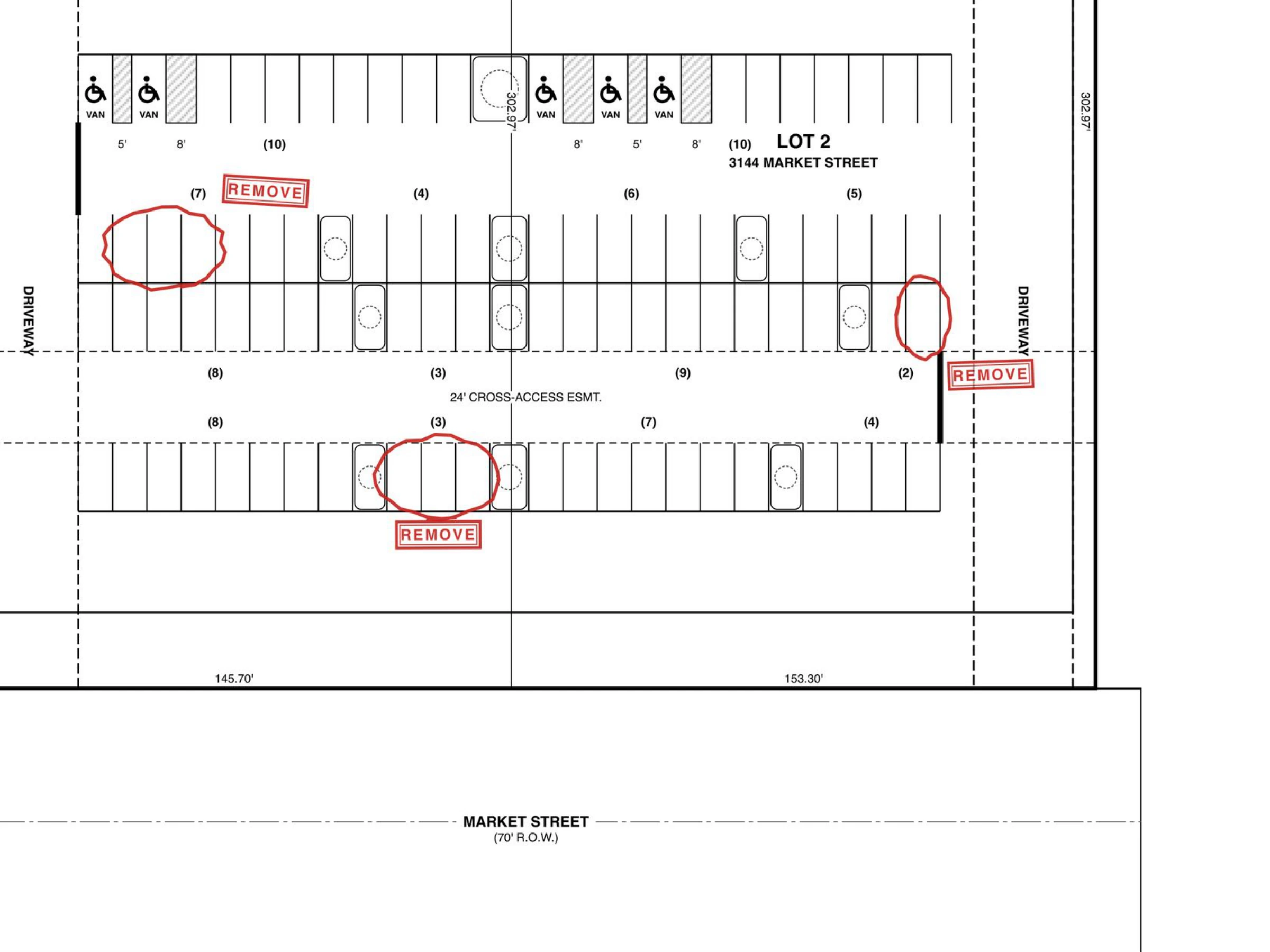


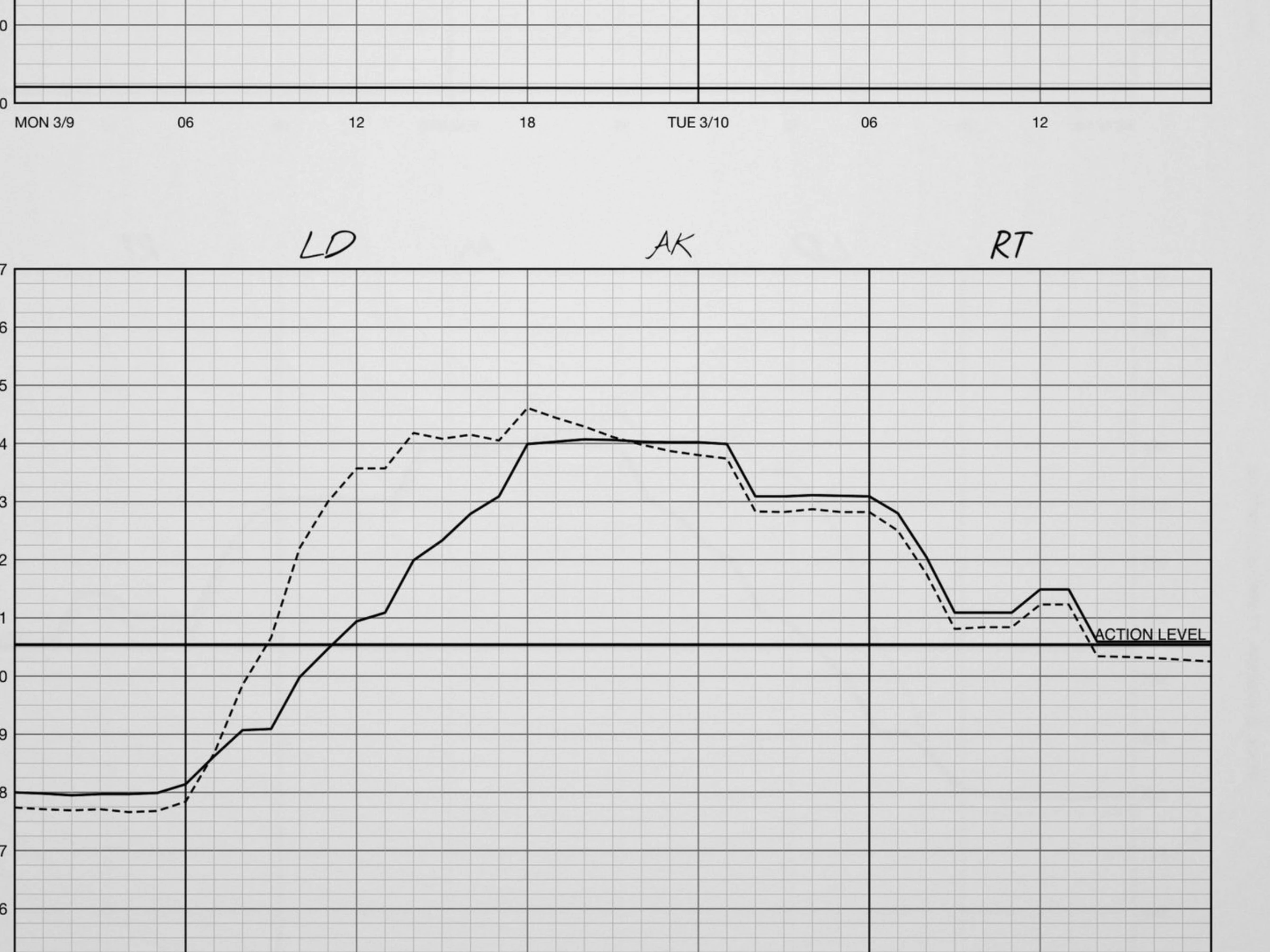
Synthesizing challenging documents
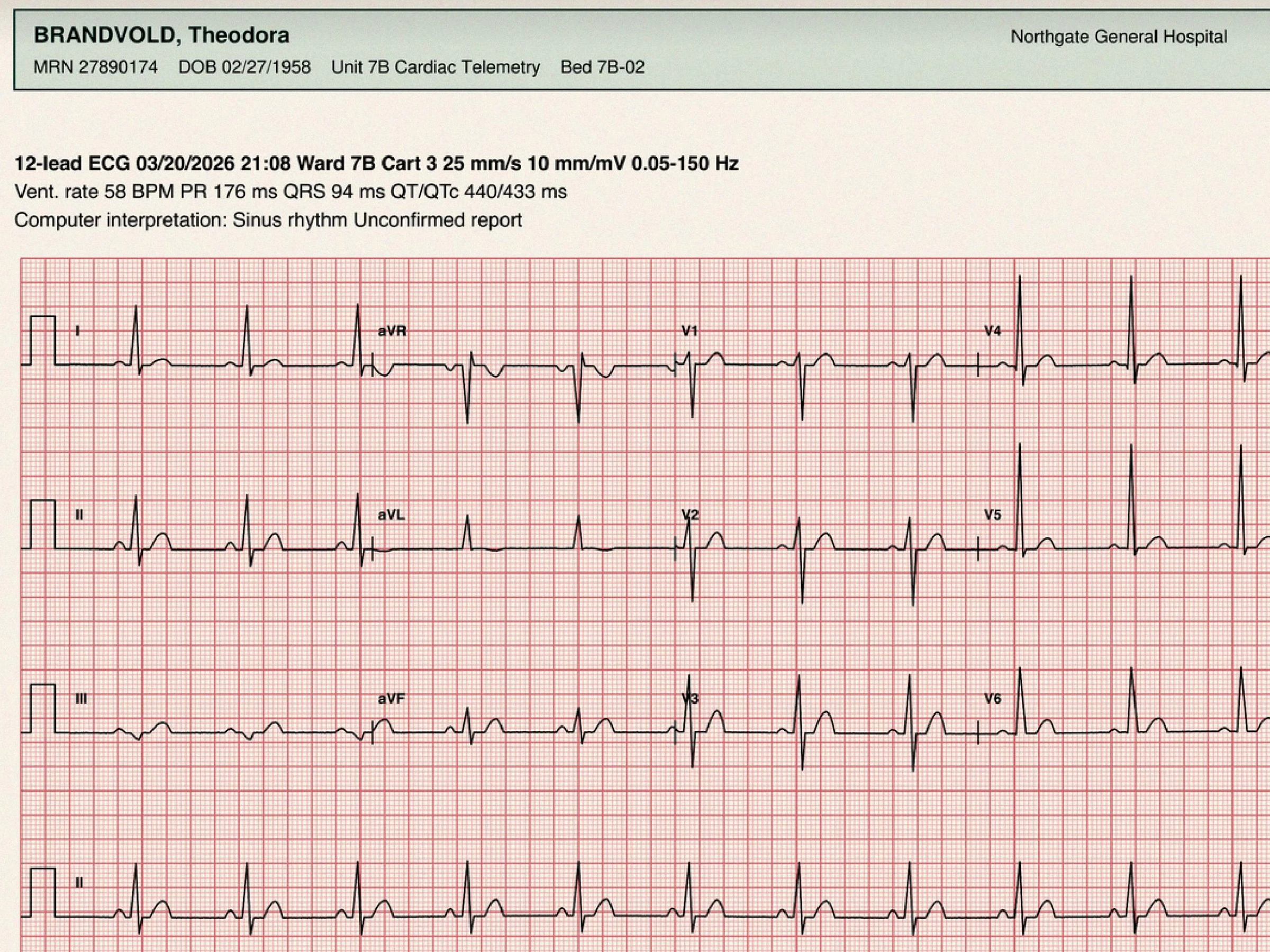
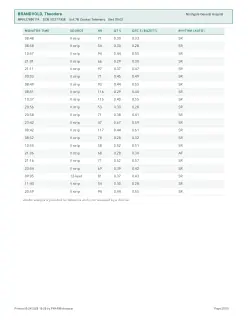
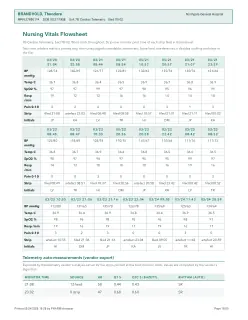
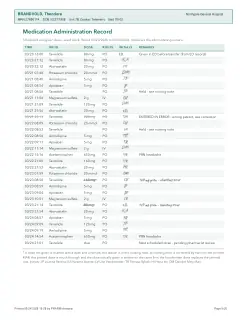
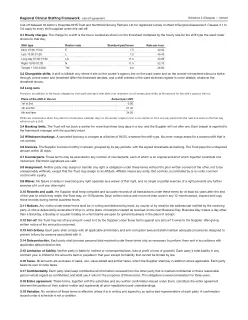
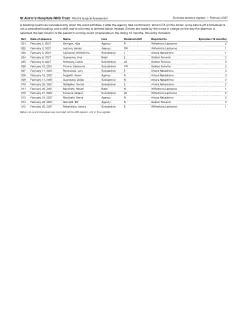
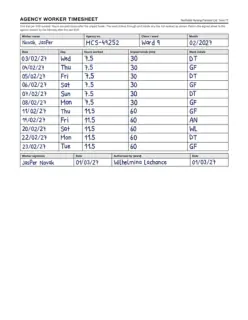
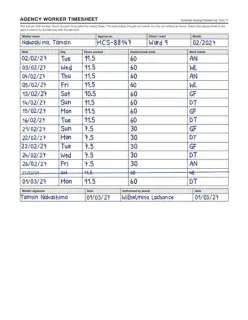
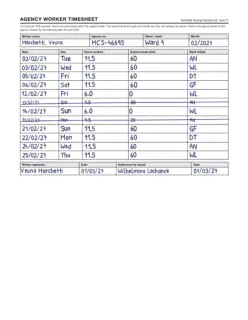
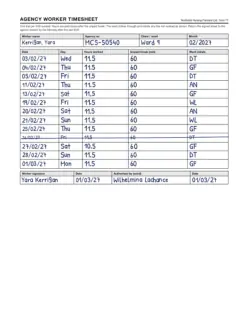
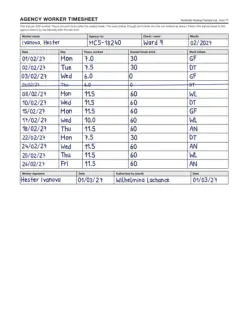
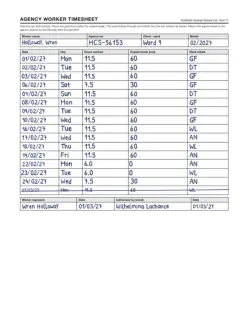
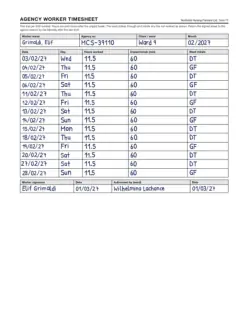
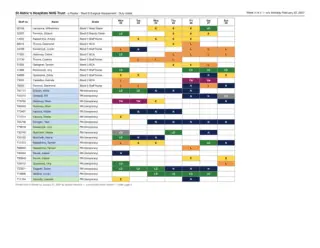
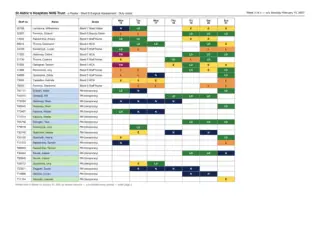
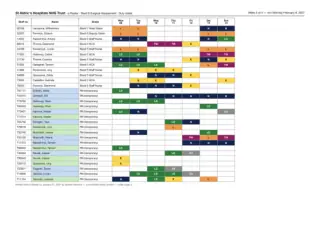
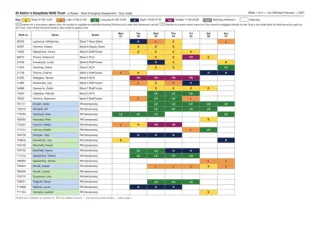
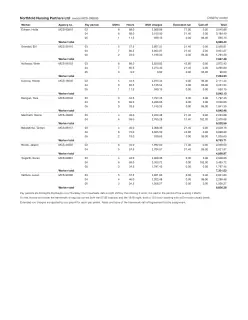
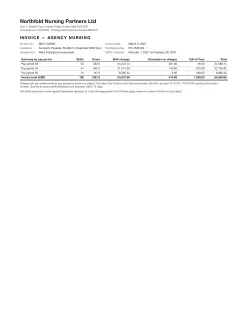
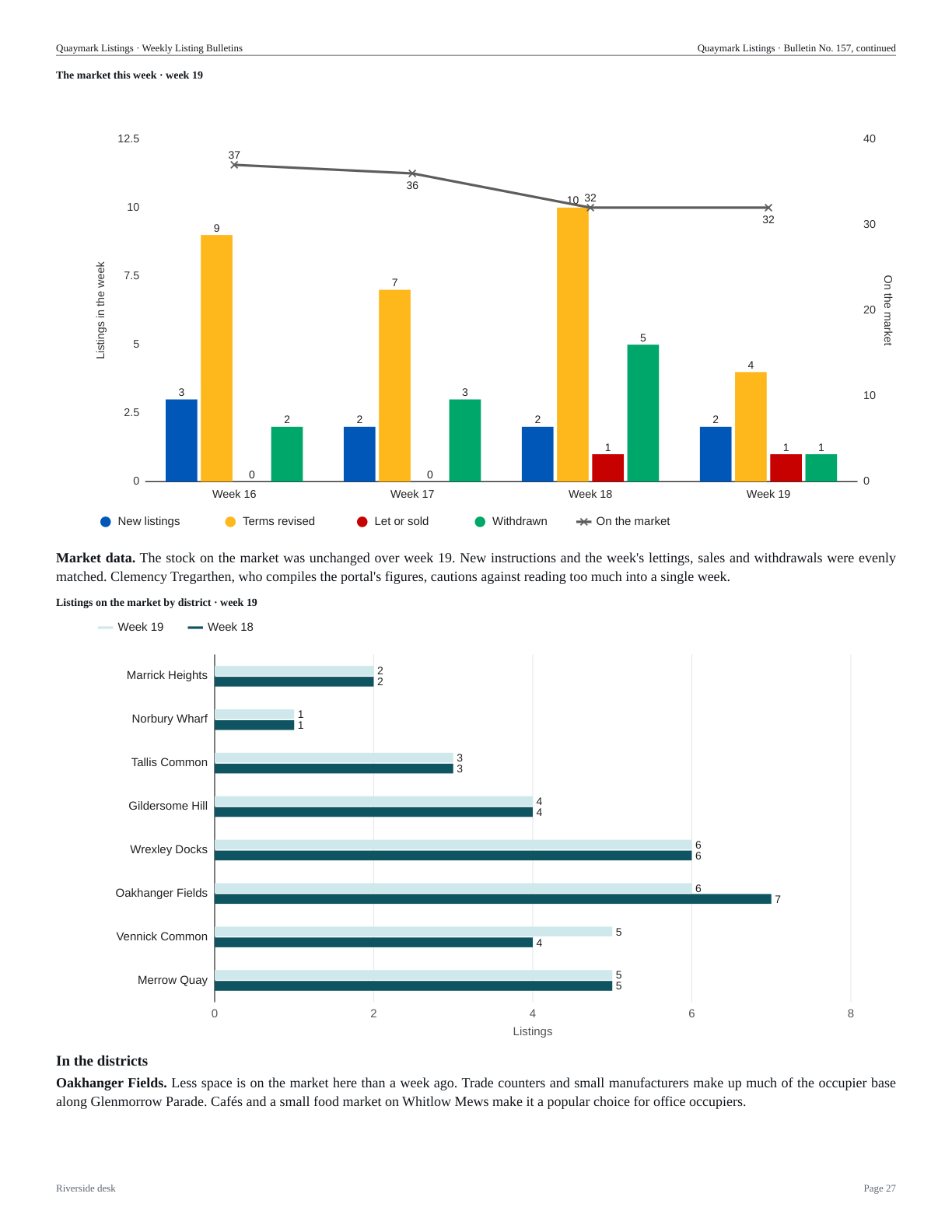
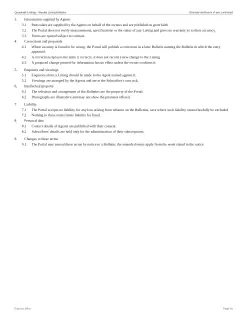
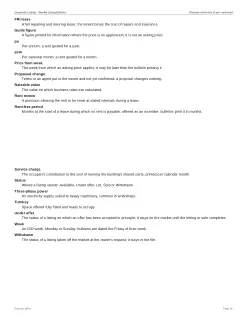
All of the pages you see above were generated from scratch by fully deterministic pipelines. From a single seed and configuration file, the pipelines combine synthetic contents with the formats and styles of real challenging documents sourced from across the web and from our customers. Synthesizing the data anonymizes the sources, while also ensuring high-quality ground-truth annotations that cover both value extraction and grounding.
This is similar to what we did for 45 of the 370 original ExtractBench documents. However, we have made huge leaps in the fidelity and diversity of our data transformations, in order to represent the breadth of challenges seen in long-tail data. The synthetic documents weave data dependencies across multiple pages, plot complex charts, and add perception challenges like photographs and multi-page tiling.


{
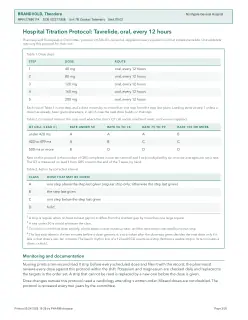
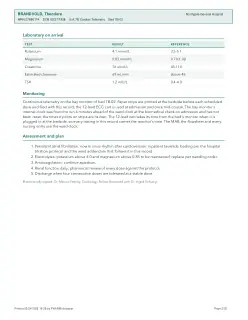
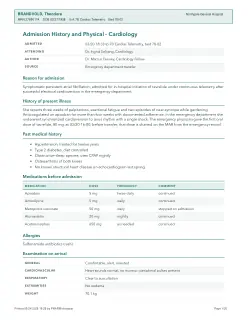
"doses": [
{
"tracing_time": string"21:08",
"bpm_band": string"50 to 74",
"qt_class": string"A",
"withhold": booleanfalse,
"permitted_mg": number120
}
],
⋮
} 














{
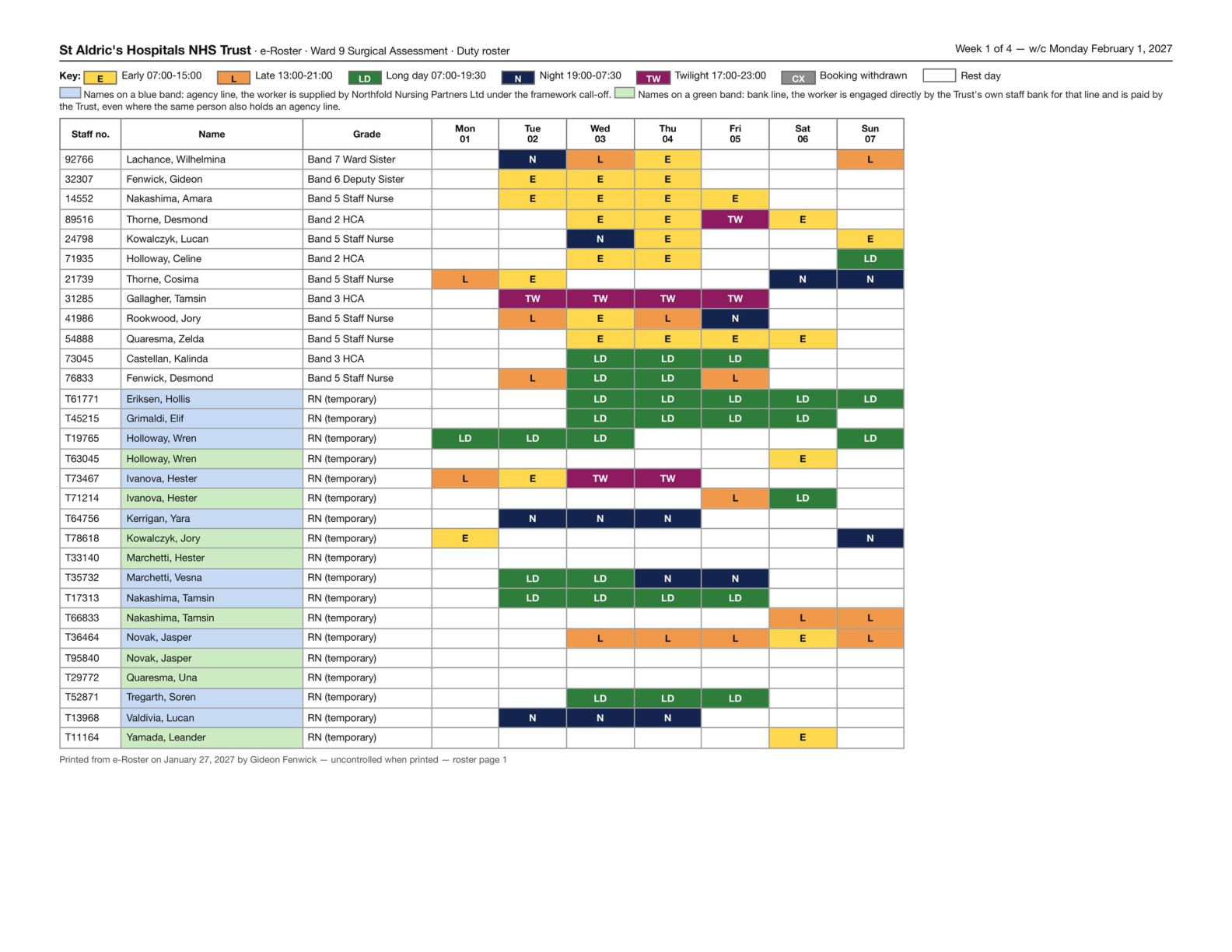
"agency_nurses": [
{
"nurse": string"Eriksen, Hollis",
"chargeable_shifts": number13,
"chargeable_hours": number147.5,
"amount_due": number6850.83
}
],
⋮
} 
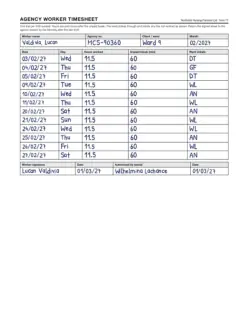
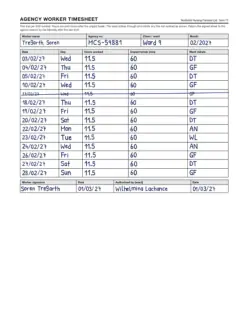

{
"market_weeks": [
{
"week": number19,
"new_listings": number2,
"price_changes": number4,
"lets_and_sales": number1,
"withdrawals": number1,
"listings_on_market": number32
}
],
⋮
} 

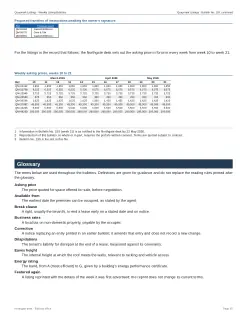
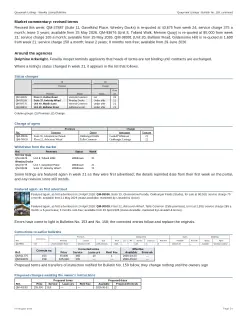
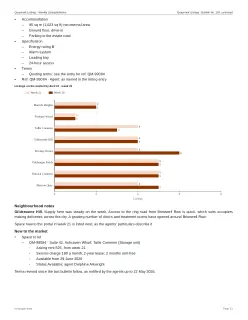
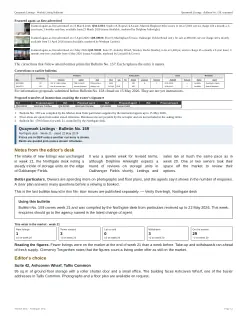
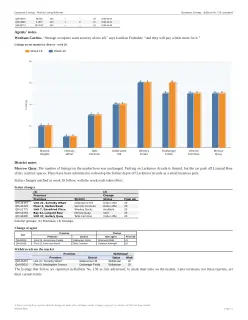
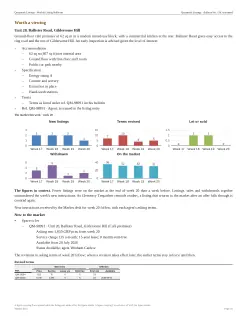
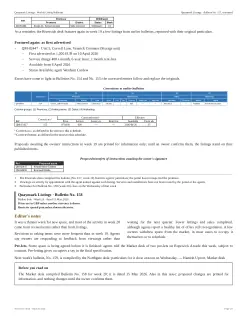
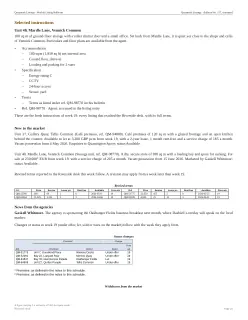
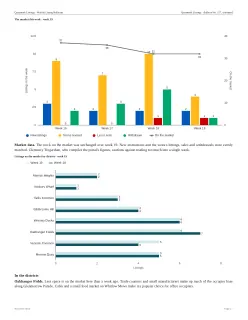
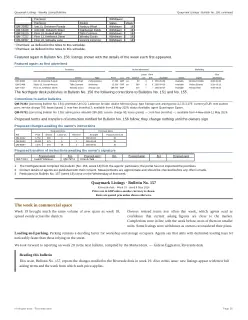
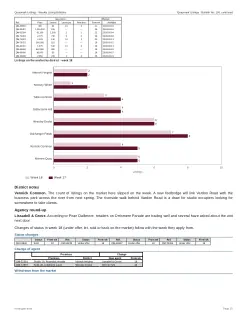
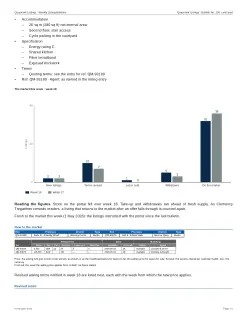
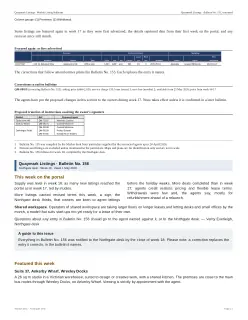
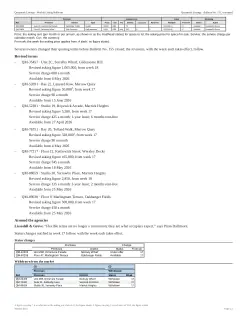
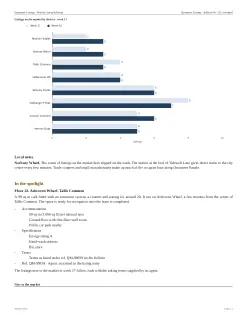
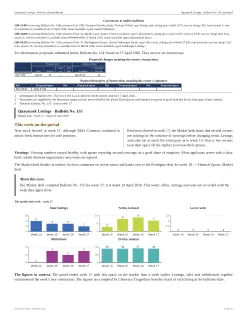
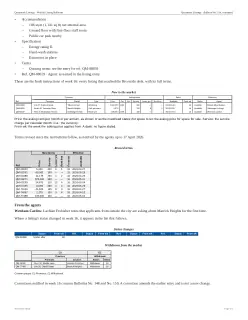
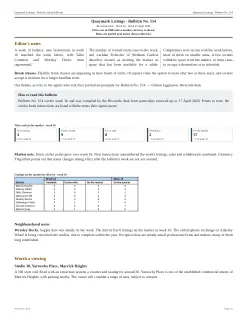
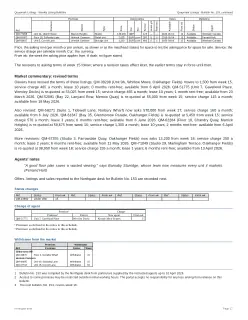
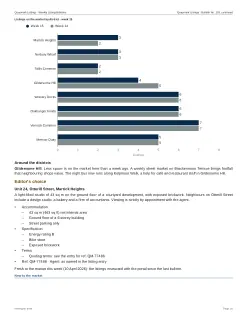
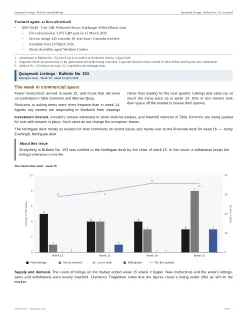
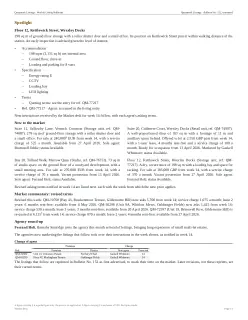
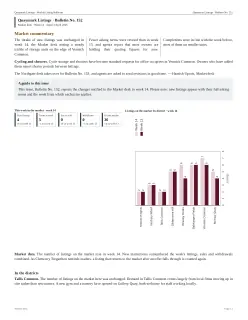
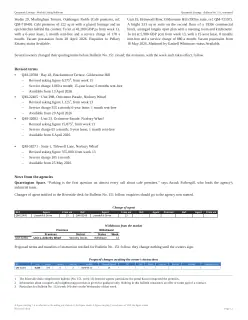
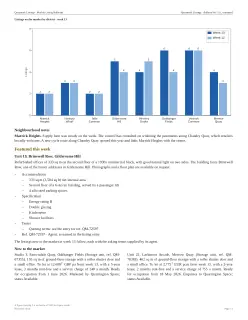
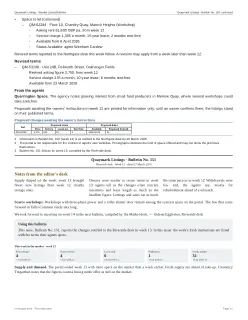
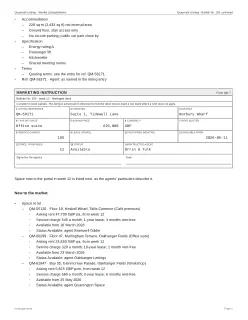
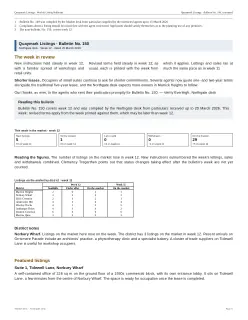
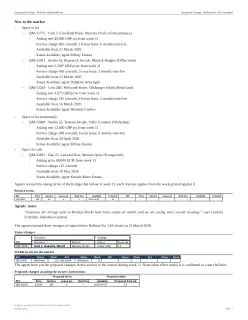
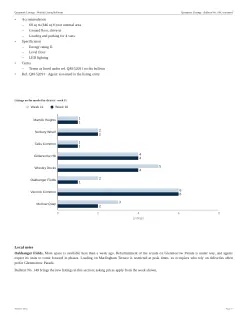
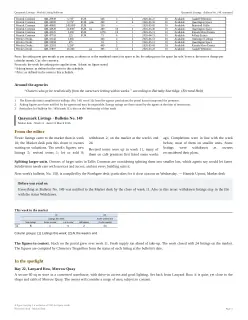
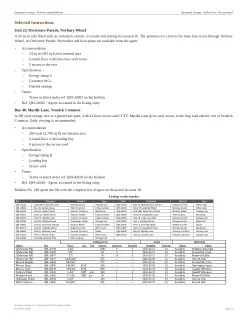
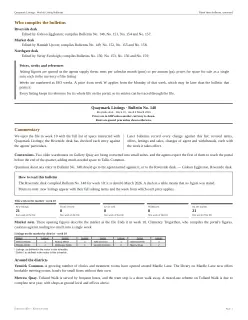
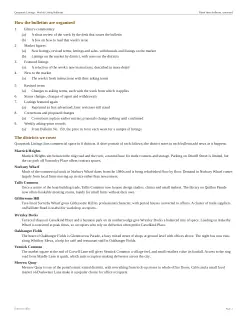
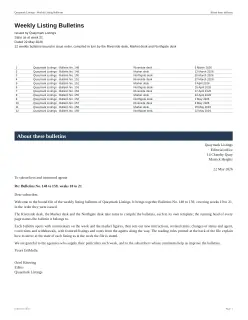
Using diverse configurations, all 100 documents in ExtractBench Pro are synthesized this way. The resulting dataset is split into six main challenges, featuring difficult layouts and formats which require frontier-level intelligence, multi-step reasoning, and efficient tool use to resolve.
Document conventions
In this task challenge, one part of a document contains information like legends or rules that affect how the rest of the document must be interpreted. The information could clarify how symbols, units, or amendments must be handled. Or, it can introduce filtering criteria so that only certain rows of a table are correct to extract. Document length increases the difficulty of this challenge, since finding the relevant information (especially when the extractor doesn’t know if it exists at all) is a needle-in-a-haystack problem.
House vocabulary
Commercial systems are trained on enormous aggregations of public data, and (hopefully) not your organization’s internal documents. When encountering your internal jargon, it is important to seek out your specific definitions (what counts as “bulk”?) and not jump to conclusions. On ExtractBench Pro documents, understanding internal terminology can completely flip what the extractions should be.
House counting rules
Classically, extract is expected to focus on values that literally appear in the document, but customers sometimes expect us to return values derived by aggregating multiple pieces of information. Fulfilling that requires an agent to read definitions from the schema and document, and use them to compute counts and sums.
Drawn relations
Many real-world documents rely on diagrams. They can convey organizational structures, procedures, electrical circuits, and other relational data in a visual manner that works for humans. However, this makes the same documents difficult for classical LLMs specialized in OCR and text. ExtractBench Pro contains relational diagrams where all or part of an extracted value depends on a line rather than a literal value. These relations can form part of a multi-step reasoning chain — the longer the chain, the easier it is for even the smartest agents to overlook a chart.
Charts inside documents
Similar to relational charts, graphs can visually convey a dense time series in a human-friendly way. Not only is this harder for LLMs to read, but these documents also rely on precise vision to resolve fine lines and intersection points. To make this work in ExtractBench’s data format, our schema breaks up continuous scales into a set of ranges, aligned with the axis tick marks, and asks the extractor to predict which range the value lies in at a given point. Some extractors get confused by their bias towards written text placed elsewhere.
Long chart sheets
Vision models depend on their inputs to be within a certain range of acceptable aspect ratios. Vertical data series like well logs and time-location charts can break that expectation by cramming all of that data into a single extremely long and narrow page. Our schemas for these documents can ask for values at hundreds of points, requiring an extractor to strategically locate and extract each value as efficiently as possible.
Results
We tested twelve systems on ExtractBench Pro: four extraction APIs, five coding agents, and the latest releases of our three tiers of LlamaExtract (Cost-Effective, Agentic, and Agentic Plus). Consistent with the original ExtractBench, there is a 30-minute time limit per document. A document that fails or exceeds that limit gets Value and Grounded F1 scores of 0.
During our analysis, we find that many documents experience a bimodal distribution of Value F1. One cluster of extractors is near 100%, while another cluster of extractors has much lower scores on the same document. This gives an important hint about how researchers should think about hill-climbing on ExtractBench Pro: a document is hard until it isn’t. How much lower the failed extractors score, depends on the proportion of fields in the document which relate to the challenge that failed. Therefore, to fairly measure the proportion of challenges passed, we add a new metric to ExtractBench: the proportion of documents with perfect (100%) Value F1.
- LlamaExtract
- Coding agents
- Extraction APIs
- 30-minute limit
- Without the limit
Here’s what the results tell us:
- The long tail is really hard. Compared to ExtractBench, LlamaExtract extractors drop by 18.5 to 47.0 percentage points of Value F1, and 22.9 to 30.4 percentage points of Grounded F1. Some extractors get zero documents perfect on ExtractBench Pro.
- LlamaExtract is the frontier at low costs. Below 25 cents per page, our tiers form the overall cost-performance frontier for perfect documents, Value F1, and Grounded F1. Only at much higher costs are we overtaken by the most expensive coding agents. Nevertheless, we have huge room to improve on drawn relations and long chart sheets.
- Coding agents are strong but expensive. They achieve the highest Value F1 and Grounded F1 on ExtractBench Pro, and our frontier plot shows why — coding agents burn tokens at per-page rates (Opus at 41 cents, Astra at 95 cents) that would break the budgets of most real document extraction customers, and Claude specifically often takes longer than the 30-minute time limit to do so.
- Being good at value extraction doesn’t make you automatically good at grounding. LlamaExtract is generally good at both. Meanwhile, some coding agents and extraction APIs drop off dramatically when comparing their Value F1 to the stricter Grounded F1 metric, which requires them to correctly cite where in the document they got their extraction.
But most of all, we see the big picture: the more resources, versatile tools, and general intelligence you give a system, the better it adapts to the long tail of document extraction. We look forward to adopting that lesson, to make our next generation of LlamaExtract even better.
Get ExtractBench Pro
ExtractBench Pro is released today on the same channels as ExtractBench: the dataset, code and paper. Run your extractor on it and tell us about your progress on long-tail document extraction!
Put extraction to the test
Try Extract on your documents
Use ExtractBench Pro to compare systems, then evaluate Extract on the documents and schemas your workflow depends on. Start with a sample invoice using the Python example below, with citations and confidence scores enabled.
Extract documents from your terminal.
CLI · requires Go
go install github.com/run-llama/llama-parse-cli/cmd/llp@latest Set LLAMA_CLOUD_API_KEY before using llp.
Extract documents with your agent.
claude mcp add --transport http llamaparse https://mcp.llamaindex.ai/mcp Sign in when prompted.
codex mcp add llamaparse --url https://mcp.llamaindex.ai/mcp Sign in when prompted.
Python SDK
python -m pip install -U llama-cloud Run the example and enter your API key when prompted. It downloads the sample PDF for you.
Python · extraction settings
job = client.extract.run(
    file_input=file.id,
    configuration={
        "tier": "agentic",
        "version": "2.5",
        "extraction_target": "per_doc",
        "data_schema": Invoice.model_json_schema(),
        "cite_sources": True,
        "confidence_scores": True,
    },
)
try_extract.py
from getpass import getpass
import httpx
from llama_cloud import LlamaCloud
from pydantic import BaseModel

class Invoice(BaseModel):
    total_amount: float

client = LlamaCloud(api_key=getpass("LlamaCloud API key: "))
sample_url = (
    "https://huggingface.co/datasets/llamaindex/ExtractBench/"
    "resolve/f6180e917a050a84582e6366cff85b7dc1e84e58/"
    "docs/short/aclu_cdwg_invoice.pdf"
)
pdf = httpx.get(sample_url, follow_redirects=True, timeout=60)
pdf.raise_for_status()
file = client.files.create(
    file=("invoice.pdf", pdf.content, "application/pdf"),
    purpose="extract",
)
job = client.extract.run(
    file_input=file.id,
    configuration={
        "tier": "agentic",
        "version": "2.5",
        "extraction_target": "per_doc",
        "data_schema": Invoice.model_json_schema(),
        "confidence_scores": True,
        "cite_sources": True,
    },
)
result = client.extract.get(job.id, expand=["extract_metadata"])
print(result.extract_result)
print(result.extract_metadata.field_metadata.document_metadata)