Table Extraction Benchmark 2025: Top AI Parsers and OCR Tools Compared
Intro Section
Extracting tables from real-world documents is still one of the hardest problems in document intelligence. For developers building retrieval pipelines, workflow automation, or structured extraction systems, the challenge is rarely plain text OCR. The real issue is preserving structure when documents contain merged cells, nested tables, multi-page layouts, handwritten content, charts, or inconsistent formatting.
That is why the table extraction benchmark matters so much in 2025. Modern teams are no longer evaluating parsers based only on whether they can read text off a page. They are evaluating whether a tool can reconstruct document meaning in a format that is usable for downstream AI systems. In practice, that means clean Markdown, reliable JSON, preserved reading order, stable row and column alignment, and enough contextual fidelity for LLM-driven applications.
The market has also shifted. Traditional OCR pipelines that depend on brittle rules and coordinate heuristics are being challenged by newer platforms that use layout analysis, specialized document models, and vision-language reasoning. For technical teams building production systems, the choice of parser now directly affects retrieval quality, extraction accuracy, exception rates, and the amount of post-processing code required.
This guide compares five major options in the current table extraction benchmark: LlamaParse, Docling, Amazon Textract, Azure Document Intelligence, and Google Cloud Document AI. Each tool serves a different operating model, from agentic document processing to open-source local deployment to hyperscaler-native automation.
Table with Competitors
| Company | Capabilities | Use Cases | APIs |
|---|---|---|---|
| LlamaParse | Layout-aware extraction, multimodal parsing for tables/charts/equations, and auto-correction loops for higher structural accuracy on complex documents. | Financial document analysis, insurance claims processing, and manufacturing QA/compliance workflows. | Built for LLM-native pipelines with structured extraction workflows, field-level confidence scoring, and source-citation support; best suited to cloud-connected, agentic document processing. |
| Docling | Advanced table structure recognition with TableFormer, hierarchical layout analysis, and strong local-hardware performance for privacy-sensitive parsing. | Scientific paper parsing, ESG/sustainability report extraction, and secure on-prem ingestion for internal RAG systems. | Primarily a self-hosted open-source framework rather than a plug-and-play SaaS API; offers flexibility but requires more setup and engineering effort. |
| Amazon Textract | Pre-trained table extraction, handwriting recognition, and strong scalability for high-volume document workflows. | Financial form processing, healthcare record digitization, and large-scale public sector archiving. | Provides a mature AWS-native API with structured JSON output and seamless integration with services like S3 and Lambda, though post-processing is often needed. |
| Azure Document Intelligence | Advanced layout analysis, pre-built business document models, and support for multi-page table extraction in hybrid environments. | Invoice automation, identity verification, and digitization of complex tax and corporate filing tables. | Enterprise API within Azure with pre-built and custom model options, plus connected containers for governed deployments; custom training can increase complexity and cost. |
| Google Cloud Document AI | Specialized parsers for industry documents, human-in-the-loop review, and entity enrichment using Google’s Knowledge Graph. | Mortgage processing, procurement automation, and legal contract analysis with specialized table formats. | Cloud API centered on specialized parsers and review workflows; strong for domain-specific extraction, but pricing and cross-cloud integration can be more complex. |
1. LlamaParse
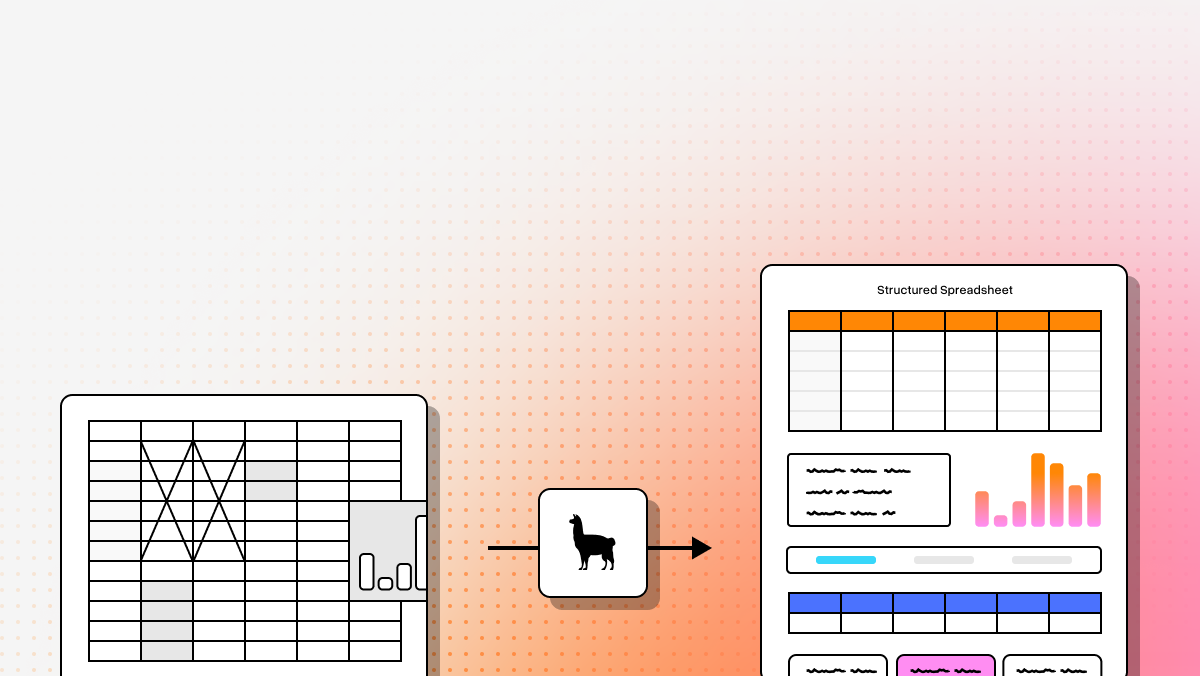
LlamaParse represents a major shift in how developers approach table extraction. Instead of treating documents as flat text streams, it uses layout-aware and vision-language-driven parsing to understand documents as structured visual artifacts. That makes it especially well suited for AI applications where table fidelity directly affects downstream retrieval, extraction, and reasoning quality. For teams building RAG systems, agentic workflows, or enterprise document pipelines, LlamaParse is designed to reduce the amount of cleanup work required after parsing while improving structural accuracy on difficult files.
Key benefits
- Strong performance on complex tables, including nested structures and merged cells
- Better preservation of reading order and document layout for LLM-native pipelines
- Structured outputs that are easier to feed into downstream AI systems
- Self-correcting parsing behavior that helps reduce extraction errors without custom model training
Core features
- Layout-aware structure extraction for complex text and table reconstruction
- Multimodal parsing for charts, graphs, and mathematical content
- Auto-correction loops that validate and refine extracted output
- Structured extraction workflows with field-level confidence scoring and source-citation support
Primary use cases
- Financial document analysis for SEC filings, transaction logs, and audit workflows
- Insurance claims processing across scattered forms, medical records, and policy PDFs
- Manufacturing QA and compliance workflows involving technical manuals and engineering tables
Recent updates
- Introduction of Agentic Document Workflows for more flexible orchestration
- Expansion of structured extraction capabilities through LlamaExtract
- Improved transparency through field-level confidence and source-aware outputs
Limitations
- Advanced agentic and VLM-driven capabilities depend on cloud connectivity
- Complex-document tiers can take longer than lightweight OCR pipelines
- Teams used to regex-heavy extraction may need time to adapt to prompt-driven parsing patterns
2. Docling
Docling is a strong option for teams that want open-source control over table extraction without relying on a SaaS API. Developed by IBM Research, it focuses heavily on document structure and is particularly appealing for privacy-sensitive environments where local processing matters as much as accuracy. Its design makes it attractive for technical teams that want to run parsing inside their own infrastructure and are comfortable taking on deployment and tuning responsibilities.
Core features
- TableFormer-based table structure recognition for dense and complex grids
- Hierarchical layout analysis through DocLayNet-style document understanding
- Efficient local execution for privacy-conscious workloads
Primary use cases
- Scientific paper parsing with non-standard academic layouts
- ESG and sustainability report extraction with multi-level tables
- On-premise ingestion for internal RAG and enterprise AI systems
Recent updates
- Ongoing improvements to TableFormer for merged-cell handling
- Better support for complex grid layouts
- Continued refinement of local parsing quality from IBM Research
Limitations
- Markdown heading hierarchy can sometimes flatten important structure
- Processing time scales linearly with document length
- Setup and configuration require meaningful engineering effort
3. Amazon Textract
Amazon Textract is built for organizations that already operate inside the AWS ecosystem and need scalable, production-grade document extraction. It is one of the more mature options in the space and is often chosen for high-volume processing pipelines where reliability, service integration, and operational scale are top priorities. In the table extraction benchmark, its strength is not necessarily agentic reasoning, but dependable extraction across a wide range of business documents, including noisy scans and handwriting-heavy inputs.
Core features
- Pre-trained table extraction with structured outputs
- Handwriting recognition for legacy and scanned documents
- Native integration with AWS services such as S3 and Lambda
Primary use cases
- Financial form processing for invoices, receipts, and tax documents
- Healthcare record digitization from handwritten or poorly scanned files
- Public sector archiving at large processing volumes
Recent updates
- Expanded language support
- Improved handwriting recognition accuracy
- Updated underlying models for broader document coverage
Limitations
- Customization costs can rise quickly for non-standard document types
- Raw JSON output often requires substantial downstream transformation
- Performance may drop on highly heterogeneous document collections
4. Azure Document Intelligence
Azure Document Intelligence is a strong enterprise document automation platform for organizations aligned with Microsoft’s cloud ecosystem. It combines OCR, layout modeling, and pre-built document understanding into a service that works well for standard business workflows. In table extraction benchmarking, its main strengths are multi-page layout handling, enterprise deployment flexibility, and pre-built models that shorten time to production for common document types.
Core features
- Advanced layout modeling for tables, selection marks, and structural elements
- Pre-built models for invoices, receipts, and identity documents
- Connected containers for governed and hybrid deployment patterns
Primary use cases
- Invoice automation with line-item extraction and reconciliation support
- Identity verification from passports, licenses, and ID cards
- Complex table digitization across tax forms and corporate filings
Recent updates
- Improved handling of multi-page tables and nested structures
- Expanded support for regionalized business forms
- Ongoing refinement of layout analysis capabilities
Limitations
- Custom model training can be costly and time-intensive
- Output often needs additional programmatic formatting for analytics or LLM use
- Extraction logic can feel more rigid than newer agentic parsers
5. Google Cloud Document AI
Google Cloud Document AI stands out when industry-specific parsing matters more than generic OCR. Its specialized parsers and enrichment capabilities make it appealing for organizations that want more than raw extraction. In the table extraction benchmark, its differentiation comes from domain-specific accuracy and workflow support for human validation, especially in regulated or precision-sensitive use cases.
Core features
- Specialized parsers for document types such as contracts and bank statements
- Human-in-the-loop review workflows
- Knowledge Graph enrichment for extracted entities
Primary use cases
- Mortgage processing with complex financial document sets
- Procurement automation across purchase orders and vendor documents
- Legal contract analysis involving dense schedules and structured clauses
Recent updates
- New specialized parsers for healthcare and logistics workflows
- Improved human review interfaces and workflow management
- Faster verification cycles for enterprise teams
Limitations
- Pricing can be difficult to forecast across parser types and enrichment features
- Very complex table customization may require more manual intervention
- Best fit tends to be organizations already operating within Google Cloud
Final Takeaway
If your benchmark is centered on LLM-native document workflows, structural fidelity, and reducing post-processing burden for complex tables, LlamaParse is the strongest fit in this group. If your priority is open-source local control, Docling is compelling. If you need tight cloud integration and enterprise scale, Amazon Textract and Azure Document Intelligence are dependable choices. If your workflows depend on industry-specific parsers and review-heavy validation, Google Cloud Document AI is worth serious consideration.
For most developer teams building modern AI applications, the key evaluation criteria should be simple: how well the parser preserves table structure, how usable the output is for downstream systems, and how much extra engineering work is required after extraction.
What is
A Table Extraction Benchmark is a standardized evaluation framework used to measure the accuracy, speed, and structural fidelity of Optical Character Recognition (OCR) systems when processing tabular data. These benchmarks utilize complex, curated datasets containing diverse table structures—ranging from borderless financial reports to heavily nested invoices—to test an OCR engine's ability to correctly identify cells, rows, columns, and their relational hierarchies. By providing quantifiable metrics, these benchmarks offer a clear, objective baseline for comparing the data extraction capabilities of different AI and OCR technologies.
Why is it important
For enterprises handling high volumes of complex documents, the ability to reliably extract tabular data is critical to downstream automation and operational efficiency. Tables often contain the most valuable business information, yet they are notoriously difficult for traditional OCR to parse due to varying layouts, merged cells, and complex formatting. Benchmarks are essential because they cut through marketing claims, providing organizations with empirical proof of an OCR solution's reliability. Without these standardized tests, businesses risk investing in software that requires extensive manual data correction, ultimately defeating the purpose of digital transformation.
How to choose the best software provider
Selecting the best enterprise OCR provider requires a methodology that looks beyond high-level accuracy claims and dives deep into specific table extraction benchmark metrics. Start by evaluating a provider's performance on industry-standard scoring methods, such as the F1 score for cell topology and Tree-Edit-Distance-based Similarity (TEDS), which specifically measures structural accuracy. Next, ensure the benchmark datasets align with your actual use case; a provider that excels at extracting data from clean, structured forms might struggle with the unstructured, multi-page tables found in your specific industry. Finally, validate their benchmark success by running a proof-of-concept (POC) using a sample of your own complex documents to ensure the technology delivers true operational ROI.
What should developers measure in a table extraction benchmark beyond OCR accuracy?
OCR accuracy alone is not enough for evaluating table extraction tools. For production AI systems, the more important question is whether the parser preserves the table in a form that downstream systems can actually use.
Developers should evaluate:
- Row and column fidelity: Are rows preserved correctly, or do cells drift across columns?
- Merged and nested cell handling: Can the tool reconstruct multi-level headers, merged cells, and nested tables without flattening meaning?
- Reading order and layout preservation: Does the parser keep related content together, especially when tables span multiple pages or appear alongside notes, footnotes, or charts?
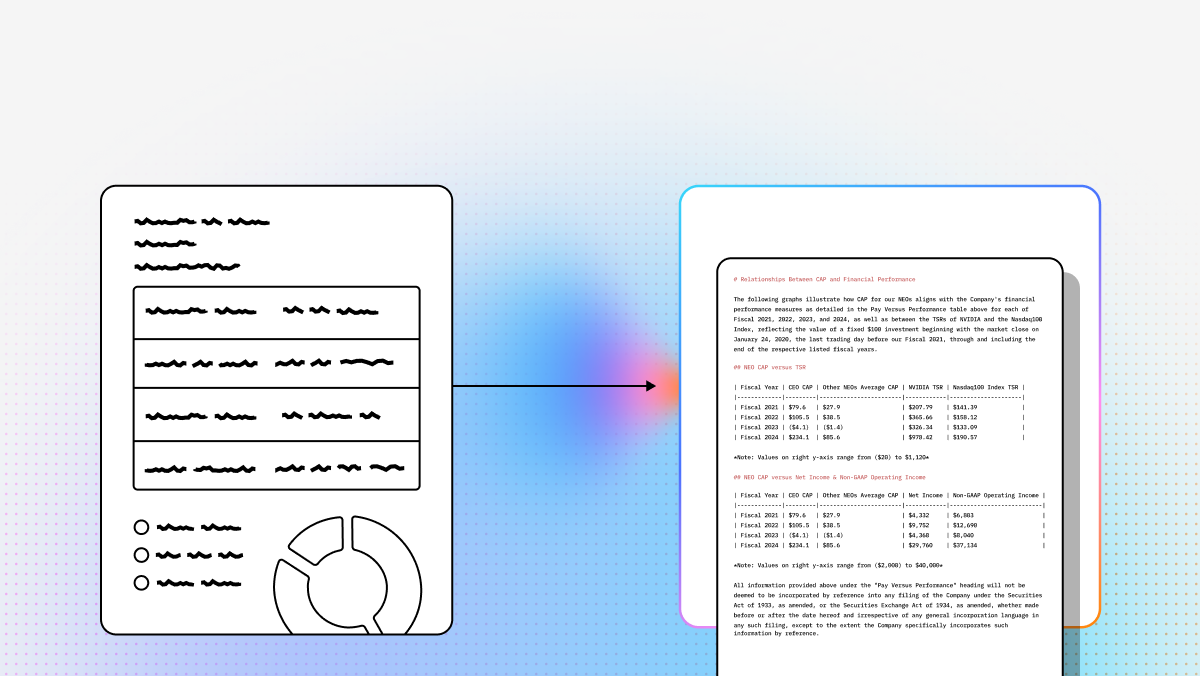
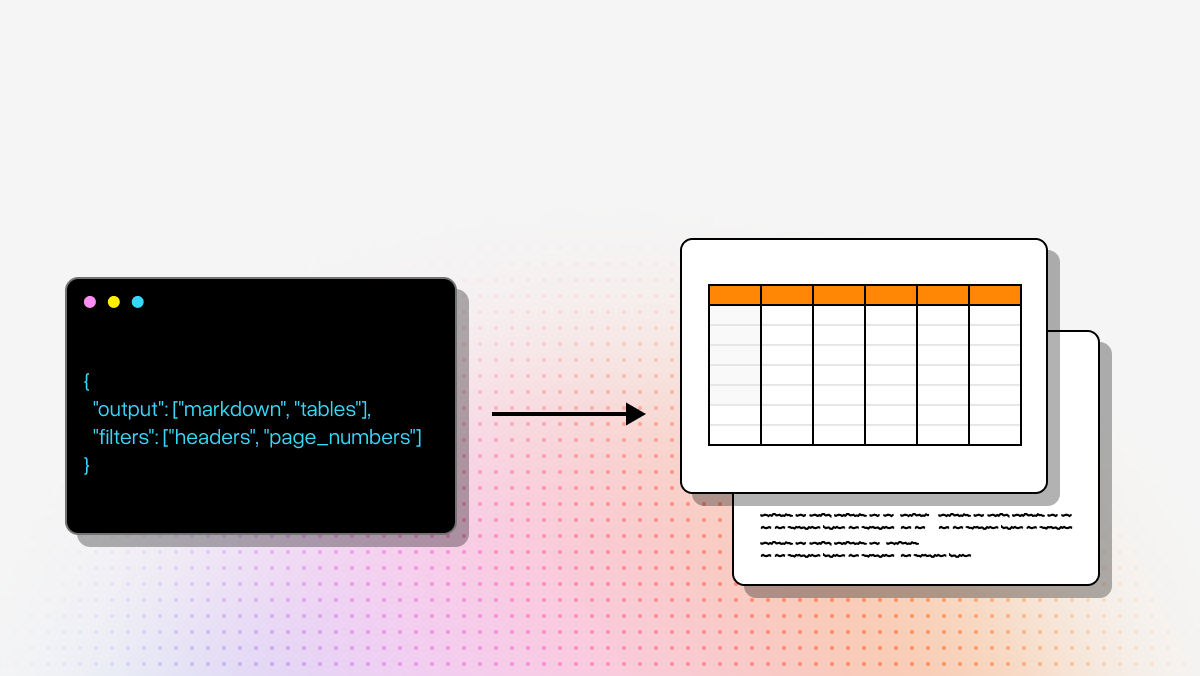
- Output usability: Is the output easy to consume as Markdown, JSON, HTML, or structured objects for ETL, analytics, or LLM pipelines?
- Confidence and traceability: Does the system provide field-level confidence, bounding boxes, citations, or references back to the source document?
- Post-processing burden: How much custom code is required after extraction to normalize headers, repair rows, or clean malformed structures?
- Performance on difficult documents: Benchmark against scanned PDFs, low-quality images, handwritten forms, rotated pages, and inconsistent layouts—not just clean digital files.
- Latency and cost at scale: A parser may perform well on a few samples but become too slow or expensive for large ingestion pipelines.
For most modern AI applications, the best benchmark metric is not “can it read the page,” but “can it produce a reliable table representation that works downstream without extensive manual cleanup.”
How is table extraction different from standard OCR?
Standard OCR focuses on converting visible text into machine-readable text. Table extraction is harder because it requires understanding structure, not just characters.
A table extraction system must determine:
- where rows begin and end
- which cells belong to which columns
- whether headers apply to one column or several
- how merged cells affect interpretation
- whether a table continues onto another page
- how nearby captions, footnotes, or labels relate to the table
This is why a tool can have strong OCR quality and still perform poorly on real table workflows. It may correctly read all the words on a page but still produce unusable output if the table comes back as a flat text blob or fragmented JSON.
For LLM and retrieval systems, this distinction matters a lot. A flattened table often breaks:
- numeric comparisons
- row-level search
- field extraction
- citation accuracy
- reasoning over trends or grouped values
In practice, OCR answers the question “What text is on the page?” while table extraction answers “What does this structured content mean?”
Which output format is best for LLM pipelines: Markdown, JSON, or raw OCR text?
The best format depends on what happens after parsing, but for most developer workflows, structured Markdown or JSON is far more useful than raw OCR text.
A practical way to think about formats:
- Markdown is often best for RAG and human-readable workflows. It preserves table shape in a compact way, works well in chunking pipelines, and is easier to inspect during debugging.
- JSON is best for deterministic automation, analytics pipelines, schema validation, and agent workflows that need explicit fields, rows, and metadata.
- Raw OCR text is usually the least useful for table-heavy documents because it loses layout and often destroys relationships between headers and values.
Developers should prefer tools that can output:
- clean table structure
- stable row and column relationships
- source references or page citations
- confidence scores
- metadata such as page number, section, or document coordinates
In many production systems, the best approach is to keep both:
- Markdown for retrieval and LLM context
- JSON for programmatic extraction and validation
If a parser only returns low-level OCR blocks or coordinate-heavy raw output, expect to spend more engineering time reconstructing meaning before the data is usable.
When should a team choose a self-hosted parser versus a cloud API for table extraction?
This decision usually comes down to governance, deployment model, and how much engineering effort your team wants to absorb.
Choose a self-hosted or open-source parser when you need:
- strict data residency or privacy controls
- on-prem or air-gapped deployment
- direct control over infrastructure and tuning
- lower variable cost at high sustained volume
- flexibility to customize the parsing stack internally
Choose a cloud API when you need:
- faster time to production
- managed scaling and reliability
- easier integration with existing cloud workflows
- less maintenance burden on internal teams
- access to advanced proprietary models or review workflows
There are tradeoffs on both sides:
- Self-hosted tools usually offer more control, but they require setup, monitoring, scaling, and model lifecycle management.
- Cloud APIs reduce infrastructure overhead, but they may introduce pricing complexity, latency concerns, or governance limitations depending on your environment.
For technical teams, the real question is not only accuracy. It is also:
- Who owns the operational burden?
- Where can the documents legally and securely be processed?
- How much customization is needed?
- How important is fast experimentation versus long-term control?
If your table extraction workflow feeds sensitive internal systems or regulated workloads, self-hosting may be worth the extra effort. If speed, scale, and managed service integration matter more, a cloud-native parser is often the better fit.
What types of documents are the hardest for table extraction tools, and how should teams test them?
The hardest documents are the ones where table meaning depends heavily on layout, context, or visual interpretation rather than clean grid lines.
Common failure cases include:
- Merged cells and multi-level headers
- Nested tables or tables inside forms
- Multi-page tables with repeated or missing headers
- Scanned or low-resolution PDFs
- Handwritten annotations inside table cells
- Tables mixed with charts, figures, or side notes
- Irregular financial statements and regulatory filings
- Scientific papers with dense formatting and footnotes
- Documents with rotated pages or inconsistent orientations
- Industry-specific forms with non-standard layouts
To benchmark effectively, teams should test on a dataset that reflects actual production complexity, not just ideal sample files. A strong evaluation set should include:
- clean digital PDFs
- noisy scans
- long documents
- documents from multiple templates
- edge cases that previously broke your pipeline
- examples with downstream business importance, such as invoices, bank statements, contracts, or compliance reports
It is also useful to evaluate more than one success metric. For example:
- Was the table extracted?
- Was the structure preserved correctly?
- Did the output remain usable for retrieval, analytics, or extraction?
- How much repair logic was needed afterward?
- Did the parser preserve citations back to the source?
The best benchmark datasets are not the prettiest ones. They are the documents most likely to expose failure modes before those failures reach production.