Best Table Parsing AI: Top Tools for Complex Document Extraction
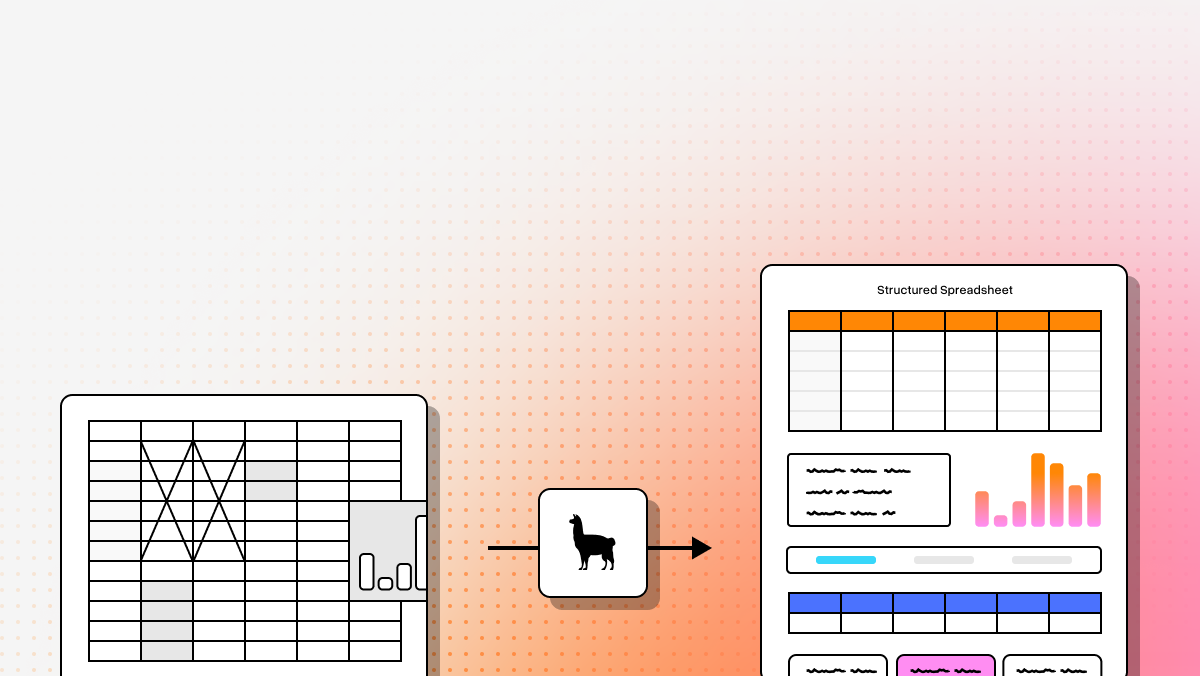
Data is the lifeblood of modern AI, but a significant portion of the world’s most valuable information is still trapped inside PDFs, scans, slide decks, and semi-structured reports. For developers building RAG systems, extraction pipelines, and document agents, the real problem is no longer just reading characters. It is preserving structure: rows, headers, merged cells, nested sections, and the semantic relationships that make a table usable downstream. Modern platforms increasingly tackle this with layout-aware parsing, multimodal models, and structured outputs designed for LLM workflows rather than plain-text OCR alone. (developers.api.llamaindex.ai)
That shift matters because the “best” tool depends heavily on what you are optimizing for. Some teams need a managed API that can turn messy enterprise documents into Markdown or JSON with minimal cleanup. Others care more about privacy, local execution, or deep cloud integration with GCP, Azure, or AWS. And a few want an open-source toolkit they can fully control, even if that means taking on more tuning and infrastructure work themselves. (llamaindex.ai)
Below is a current snapshot of the strongest options to evaluate, followed by a practical breakdown of where each one fits best for AI builders and technical decision-makers. The LlamaParse updates in this article are checked against official LlamaIndex materials current through May 28, 2026, including the v2 parse API and current LlamaCloud documentation. (developers.api.llamaindex.ai)
| Platform | Capabilities | Use Cases | APIs | Recent Updates |
|---|---|---|---|---|
| LlamaParse | Layout-aware semantic reconstruction, multimodal parsing for charts/images/formulas, agentic orchestration, and auto-correction loops. Designed to turn complex documents into clean Markdown or JSON for AI workflows in LlamaCloud. | Financial statements, invoices, healthcare forms, legal contracts, insurance claims, and technical documentation. Especially strong for complex enterprise documents and RAG pipelines. | Python SDK, TypeScript SDK, and REST API. Natural-language parsing instructions, predictable cost scaling, and easy handoff into LlamaExtract for downstream structured extraction. | Introduced LlamaParse v2 with tier-based configuration (Fast, Cost Effective, Agentic, Agentic Plus), support for GPT-4.1 and Gemini 2.5 Pro, automatic orientation/skew correction, and page-level confidence scores. Related platform launches also include LlamaExtract and Workflows 1.0. |
| Google Document AI | Strong layout-aware extraction, native Office and PDF/image support, and multilingual parsing across global enterprise document sets. | Enterprise document workflows, multilingual invoice processing, and extraction from Word/PowerPoint-heavy environments. | Cloud API within the Google Cloud ecosystem. Best suited for teams already operating in GCP and comfortable with IAM, storage, and cloud setup. | Continuous 2025 improvements to layout understanding for complex multi-page documents and deeply nested tables. |
| Azure Document Intelligence | Reliable table and form extraction with structured JSON/Markdown output and deep Microsoft ecosystem integration. | Azure-native automation, invoice/form processing, and LLM/RAG ingestion for teams standardizing on Microsoft infrastructure. | Azure API with strong integration into Logic Apps, Power Automate, and Azure OpenAI workflows, though setup can be heavier than lighter-weight tools. | Expanded Markdown output support in 2025 to better serve AI, LLM, and RAG ingestion use cases. |
| Amazon Textract | Scalable table parsing with detailed block/geometry metadata and strong fit for AWS serverless architectures. | High-volume record digitization, event-driven extraction pipelines, and standardized forms/receipts at AWS scale. | AWS-native API that integrates with S3, Lambda, and related services. Best when traceability and high-throughput cloud automation matter most. | Recent updates focused on maturity improvements for uptime, error handling, and scalable processing in AWS pipelines. |
| Docling | Open-source, local-first parsing with TableFormer-based table understanding and strong flexibility for custom pipelines. | Scientific PDF extraction, privacy-restricted workflows, and highly customized on-prem document conversion pipelines. | Open-source toolkit rather than a managed cloud API. Best for teams wanting transparency, local execution, and code-level customization. | Recently integrated TableFormer, improving open-source accuracy for scientific and financial table extraction. |
| DeepSeek-OCR | Compact vision-language model that parses layouts visually end-to-end, optimized for local deployment on modest hardware. | Local GPU parsing, privacy-sensitive document handling, and lightweight experimentation with multimodal extraction. | Typically deployed locally rather than consumed as a managed enterprise API. Better for self-hosted experimentation than turnkey enterprise integration. | Recently benchmarked as a leading compact VLM for document parsing, with contextual compression techniques improving output quality. |
| PyMuPDF | Very fast CPU-based text-layer extraction for digital PDFs, but limited table fidelity and no scanned-document OCR support. | High-speed text extraction, lightweight document processing, and low-resource environments where cost and speed matter more than structural accuracy. | Python library rather than a hosted API. Best for developers who want direct programmatic control in local or batch workflows. | Recent releases introduced PyMuPDF4LLM, improving formatting for LLM ingestion and AI pipelines. |
The table above reflects official product pages, docs, and release materials from LlamaParse, Google Cloud, Microsoft, AWS, Docling, DeepSeek-OCR, and PyMuPDF. A few categories have evolved since older comparisons were written, especially PyMuPDF4LLM, which now includes layout analysis and optional OCR, and LlamaParse, which now exposes a v2 parse API with dated version pinning. (developers.api.llamaindex.ai)
- Best overall for complex document extraction
LlamaParse
LlamaParse is the strongest all-around choice if your real goal is not just OCR, but dependable table reconstruction for LLM applications. Official LlamaIndex docs position it as an AI-native parser that turns messy documents into structured Markdown, text, or JSON, with configurable parsing tiers ranging from fast to agentic_plus. The current v2 parse API also supports version pinning by date, which is especially useful for teams that need reproducible extraction behavior across staging, evaluation, and production. (developers.api.llamaindex.ai)
It is also broader than a single parser endpoint. In current LlamaCloud materials, LlamaParse sits inside a larger document automation platform that pairs parsing with extraction, indexing, and workflow orchestration. For developers building document agents, that means less time stitching together OCR, table cleanup, schema extraction, and orchestration by hand. (developers.api.llamaindex.ai)
Key benefits
- Produces LLM-ready outputs in Markdown, text, or JSON rather than forcing you to reconstruct document structure from raw OCR blocks. (developers.api.llamaindex.ai)
- Handles hard inputs such as tables, charts, images, handwriting, and multi-page documents inside one managed parsing workflow. (llamaindex.ai)
- Gives teams a clean path from parsing into extraction and multi-step automation through the broader LlamaCloud stack. (developers.api.llamaindex.ai)
- Offers a generous free plan with 10,000 credits per month for prototyping and evaluation. (llamaindex.ai)
Core features
- Flexible parsing tiers let you choose between
fast,cost_effective,agentic, andagentic_plusdepending on document complexity and budget. (developers.api.llamaindex.ai) - Broad file support covers PDFs, Office documents, HTML, images, XML, EPUB, and many more formats. (developers.api.llamaindex.ai)
- Multimodal parsing can extract tables, charts, diagrams, and other visual elements into structured outputs. (developers.api.llamaindex.ai)
- Auto-correction loops and confidence-related metadata are built into the broader parsing and extraction experience, helping teams flag lower-confidence results instead of blindly trusting every page. (llamaindex.ai)
Primary use cases
- Financial statements, invoices, and reporting documents where preserving row relationships and header structure matters for downstream analysis. (llamaindex.ai)
- Insurance, healthcare, and other document-heavy workflows that mix scans, handwriting, tables, and semi-structured forms. (llamaindex.ai)
- RAG pipelines and document agents that need clean, semantically structured inputs instead of raw OCR text. (developers.api.llamaindex.ai)
Recent Updates
- The current parse API is exposed as
/api/v2/parseand supports tier-based configuration with dated stable versions such as2025-12-11,2026-04-09, and2026-05-21. (developers.api.llamaindex.ai) - LlamaExtract’s current configuration supports source citations and confidence scores in extracted field metadata. (developers.api.llamaindex.ai)
- LlamaIndex’s official blog tags show Workflows 1.0 was announced on June 30, 2025, expanding the orchestration story around multi-step agentic systems. (llamaindex.ai)
Limitations
- LlamaParse is a managed, credit-based service, so production teams still need to watch tier selection and usage economics closely. (developers.api.llamaindex.ai)
- It is best when you are comfortable building around APIs and SDKs, not when you only want a tiny local utility library. (developers.api.llamaindex.ai)
- If your documents are simple, digital, and already clean, the heavier AI-native stack can be more capability than you strictly need. This is an evaluator’s inference based on the product’s tiered architecture and managed-service positioning. (developers.api.llamaindex.ai)
- Best for Google Cloud-centric enterprises
Google Document AI
Google Document AI is a strong fit for enterprise teams already operating in Google Cloud and dealing with large, multilingual document sets. Its layout parser can identify text, tables, lists, and structural elements, then create context-aware chunks for retrieval and generative AI use cases. Google also officially supports PDF, HTML, and several Office formats through the layout parser, which is a meaningful advantage for teams that receive mixed file types upstream. (docs.cloud.google.com)
Core features
- Layout parsing for text, tables, and lists with chunking designed for retrieval and generative AI. (docs.cloud.google.com)
- Native support for PDF, HTML, DOCX, PPTX, and XLSX through the layout parser. (cloud.google.com)
- Enterprise OCR across more than 200 languages. (docs.cloud.google.com)
Primary use cases
- Multilingual document ingestion for global operations. (docs.cloud.google.com)
- Parsing Office-heavy document flows without first converting everything to PDF. (cloud.google.com)
- Building GCP-native document pipelines that feed search, extraction, or generative AI systems. (cloud.google.com)
Recent Updates
- Google’s current layout parser docs reference processor versions such as
pretrained-layout-parser-v1.4-2025-08-25,v1.5-2025-08-25, andv1.5-pro-2025-08-25. (docs.cloud.google.com) - The supported files documentation was updated on October 29, 2025, and continues to list OOXML and HTML support under the layout parser. (cloud.google.com)
Limitations
- It is deeply tied to Google Cloud processors, IAM, and surrounding platform setup, which can add overhead for smaller teams or multi-cloud shops. (cloud.google.com)
- OOXML and HTML support are specifically tied to the layout parser, not uniformly to every Document AI processor. (cloud.google.com)
- Like most managed cloud offerings, it is not the right answer for teams that require fully offline or air-gapped local execution. This is an inference from its cloud-native product architecture. (cloud.google.com)
- Best for Microsoft-first automation stacks
Azure Document Intelligence
Azure Document Intelligence is a strong option for enterprises already standardized on Azure, especially when the document workflow needs to connect directly into Logic Apps, Power Automate, Azure AI Search, or Azure OpenAI pipelines. Microsoft’s current layout model can output content in Markdown format, and in v4.0 GA it changed table rendering to HTML tables so merged cells and multirow headers are preserved more faithfully. (learn.microsoft.com)
Core features
- Structured extraction for forms, text, and tables through Azure’s document intelligence stack. (learn.microsoft.com)
- Markdown-oriented output for downstream AI and retrieval workflows. (learn.microsoft.com)
- Native integration into Azure Logic Apps and Power Automate connectors. (learn.microsoft.com)
Primary use cases
- Invoice and form automation for enterprises already running Microsoft cloud infrastructure. (learn.microsoft.com)
- RAG and search pipelines where document layout should influence chunking and output formatting. (learn.microsoft.com)
- Teams that want a Microsoft-managed service rather than a self-hosted parsing toolkit. (learn.microsoft.com)
Recent Updates
- Microsoft’s v4.0 2024-11-30 GA layout API outputs Markdown and now represents tables as HTML tables to better render merged cells and multirow headers. (learn.microsoft.com)
- The Azure AI Search Document Layout skill documentation dated October 21, 2025 includes
outputFormat=markdownand related layout-aware settings. (learn.microsoft.com)
Limitations
- It is most attractive when you are already inside the Microsoft ecosystem; otherwise the setup can feel heavier than more focused parsing tools. (learn.microsoft.com)
- The HTML-table-in-Markdown behavior is useful for fidelity, but it can require extra normalization if your downstream stack expects plain Markdown tables only. (learn.microsoft.com)
- This is still a managed cloud service, not a local-first open-source parser. (learn.microsoft.com)
- Best for AWS-scale document pipelines
Amazon Textract
Amazon Textract remains a practical choice for AWS-native teams that care about scale, serverless integration, and traceable table geometry. AWS documentation makes clear that Textract can analyze documents for text, tables, key-value pairs, and signatures, while exposing the results as Block objects and relationship graphs. It also has mature examples for S3- and Lambda-driven automation, which is a big advantage for event-based ingestion pipelines. (docs.aws.amazon.com)
Core features
- Table extraction with explicit support for cells, merged cells, headers, titles, footers, and table types. (docs.aws.amazon.com)
- Detailed block and relationship output for traceability and custom post-processing. (docs.aws.amazon.com)
- Tight integration with S3 and Lambda for automated document pipelines. (docs.aws.amazon.com)
Primary use cases
- High-volume serverless ingestion pipelines in AWS. (docs.aws.amazon.com)
- Standardized forms and document analysis where geometry and auditability matter. (docs.aws.amazon.com)
- Teams that want document processing to stay inside their existing AWS estate. (docs.aws.amazon.com)
Recent Updates
- AWS announced feature and accuracy updates on June 30, 2025 for DetectDocumentText and AnalyzeDocument, including support for superscripts, subscripts, rotated text, and improved handling of lower-resolution documents. (aws.amazon.com)
Limitations
- Official Textract input docs center on PDF, TIFF, JPEG, and PNG rather than native Office formats such as DOCX or PPTX. (docs.aws.amazon.com)
- The block-graph output is powerful, but many teams will still need their own cleanup layer to turn it into application-ready rows and columns. (docs.aws.amazon.com)
- It is best when AWS-native automation is the priority; if you want a more LLM-ready Markdown-first output, you may prefer other tools. That last point is an evaluator’s inference from the response formats documented by AWS. (docs.aws.amazon.com)
- Best open-source toolkit for local control
Docling
Docling is one of the more compelling open-source options for teams that want strong document understanding without giving up local execution. Its official docs emphasize advanced PDF understanding, local execution for sensitive data, and a unified DoclingDocument representation that can carry text, tables, pictures, layout metadata, and provenance. The current model catalog also shows TableFormer variants for table structure extraction and separate PDF pipeline families for standard and VLM-based processing. (docling-project.github.io)
Core features
- Local execution for privacy-sensitive and air-gapped environments. (docling-project.github.io)
- Advanced PDF understanding with layout, reading order, table structure, formulas, and OCR support. (docling-project.github.io)
- TableFormer-based table models with fast and accurate options. (docling-project.github.io)
Primary use cases
- Scientific and technical PDF parsing where open-source control matters. (docling-project.github.io)
- On-prem or privacy-restricted workflows where cloud APIs are off the table. (docling-project.github.io)
- Teams that want to customize the pipeline, model selection, and export behavior in code. (docling-project.github.io)
Recent Updates
- Current docs highlight two PDF pipeline families: a standard pipeline and a VLM pipeline, giving users more control over accuracy, hardware, and latency tradeoffs. (docling-project.github.io)
- The live model catalog shows TableFormer in both fast and accurate modes across CPU and accelerator options. (docling-project.github.io)
Limitations
- Docling is a toolkit, not a turnkey managed API with SLAs, so your team owns deployment, scaling, and tuning. (docling-project.github.io)
- Because it offers multiple pipelines and model choices, you should expect some experimentation before locking down a production configuration. (docling-project.github.io)
- If your organization wants the fastest path to production rather than maximum control, a managed platform may be easier operationally. This is an inference from Docling’s open-source, local-first design. (docling-project.github.io)
- Best for research-driven local VLM experimentation
DeepSeek-OCR
DeepSeek-OCR is best viewed as a research-forward, vision-first alternative for teams interested in local document parsing and token-efficient document understanding. The October 21, 2025 paper frames it as an “initial investigation” into optical context compression, pairing a visual encoder with a decoder so large document contexts can be represented more compactly. In the paper’s own reported results, it surpassed several baselines on OmniDocBench while using relatively few vision tokens, and it claimed production-scale throughput of 200k+ pages per day on a single A100-40G. (arxiv.org)
Core features
- End-to-end optical context compression rather than a traditional OCR-plus-postprocessing pipeline. (arxiv.org)
- Document parsing aimed at long-context efficiency and reduced token usage. (arxiv.org)
- Open research model suitable for self-hosted experimentation. (arxiv.org)
Primary use cases
- Local experimentation with modern vision-language-style document parsing. (arxiv.org)
- Research workflows focused on compression, large-context processing, or open-model evaluation. (arxiv.org)
- Privacy-sensitive projects where a self-hosted research model is preferable to a cloud API. (arxiv.org)
Recent Updates
- DeepSeek-OCR was publicly introduced in a paper dated October 21, 2025. (arxiv.org)
- The paper reports 97% OCR precision when text-token count stays within 10x of vision tokens, with materially lower accuracy at 20x compression. (arxiv.org)
Limitations
- The paper explicitly presents DeepSeek-OCR as an initial investigation, so I would treat it as research-grade first and enterprise product second. (arxiv.org)
- Its throughput claims are tied to substantial GPU hardware, specifically a single A100-40G. (arxiv.org)
- You should benchmark it carefully on your own complex tables and extraction schemas before production rollout. That is an evaluator’s recommendation based on the research framing and reported accuracy tradeoffs at higher compression ratios. (arxiv.org)
- Best lightweight library for local document preprocessing
PyMuPDF
PyMuPDF is still one of the fastest and most practical local libraries for developers who want direct programmatic control, but it is worth noting that the modern PyMuPDF4LLM stack is more capable than many older comparisons suggest. Current docs describe PyMuPDF4LLM as a lightweight extension that can export Markdown, JSON, and TXT, perform layout analysis, integrate with LlamaIndex and LangChain, and automatically trigger OCR on pages with no selectable text. (pymupdf.readthedocs.io)
Core features
- Very lightweight local extraction with Markdown, JSON, and TXT output. (pymupdf.readthedocs.io)
- Layout analysis and page chunking for LLM and RAG workflows. (pymupdf.readthedocs.io)
- Automatic OCR for rasterized pages, with support for different OCR engines. (pymupdf.readthedocs.io)
Primary use cases
- Fast local preprocessing for AI pipelines where you want a Python library, not a hosted service. (pymupdf.readthedocs.io)
- Converting digital PDFs into Markdown or JSON for downstream indexing and chunking. (pymupdf.readthedocs.io)
- Low-cost environments where CPU-friendly tooling and local data handling matter. (pymupdf.readthedocs.io)
Recent Updates
- Current PyMuPDF4LLM docs, updated in May 2026, highlight structured export to Markdown, JSON, and TXT, plus layout analysis without a GPU requirement. (pymupdf.readthedocs.io)
- Recent documentation also emphasizes auto-OCR behavior and OCR plugin support. (pymupdf.readthedocs.io)
Limitations
- PyMuPDF remains a library, not a full document automation platform with extraction orchestration or agent-style workflows. (pymupdf.readthedocs.io)
- The docs explicitly note that some tables can still merge into plain text instead of clean Markdown tables depending on PDF structure. (pymupdf.readthedocs.io)
- Office document support in the PyMuPDF4LLM flow requires PyMuPDF Pro rather than the base open package alone. (pymupdf.readthedocs.io)
If you want, I can turn this into a second-pass version with either:
- a shorter editorial style for direct blog publishing, or
- a buyer’s-guide version with a final “which tool should you pick?” decision matrix.
What is Table Parsing AI?
Table parsing AI is an advanced application of Optical Character Recognition (OCR) and machine learning designed to automatically detect, extract, and structure tabular data from unstructured documents. Unlike traditional OCR that simply reads text left-to-right, the best table parsing AI understands complex spatial relationships, accurately identifying rows, columns, headers, and cell boundaries within PDFs, scanned images, and digital files. By leveraging deep learning models, this technology transforms locked grid data into highly accurate, machine-readable formats like JSON, CSV, or Excel spreadsheets without the need for manual intervention.
Why is it important?
In the enterprise world, critical business data—ranging from financial statements and invoices to logistics manifests and medical records—is heavily trapped in complex tables. Manually extracting this data is notoriously slow, expensive, and highly susceptible to human error. Table parsing AI is essential because it automates this bottleneck, effortlessly handling structural complexities like merged cells, borderless grids, and nested columns. This accelerates document processing times from days to seconds and ensures pristine data accuracy, empowering organizations to streamline downstream workflows and significantly reduce operational costs.
How to choose the best software provider
Selecting the best table parsing AI provider requires a rigorous methodology focused on accuracy, scalability, and integration. First, evaluate the OCR engine's ability to handle complex, messy, or borderless tables without requiring rigid, manual templates; the best solutions use adaptive, template-free AI models. Next, assess the provider's integration capabilities, ensuring they offer robust APIs and support for your required output formats to seamlessly feed into your existing ERP, RPA, or database workflows. Finally, prioritize enterprise-grade vendors that guarantee high processing speeds for massive document volumes and maintain strict security and compliance certifications, such as SOC 2 and GDPR, to protect your sensitive corporate data.
What is the difference between OCR and table parsing AI?
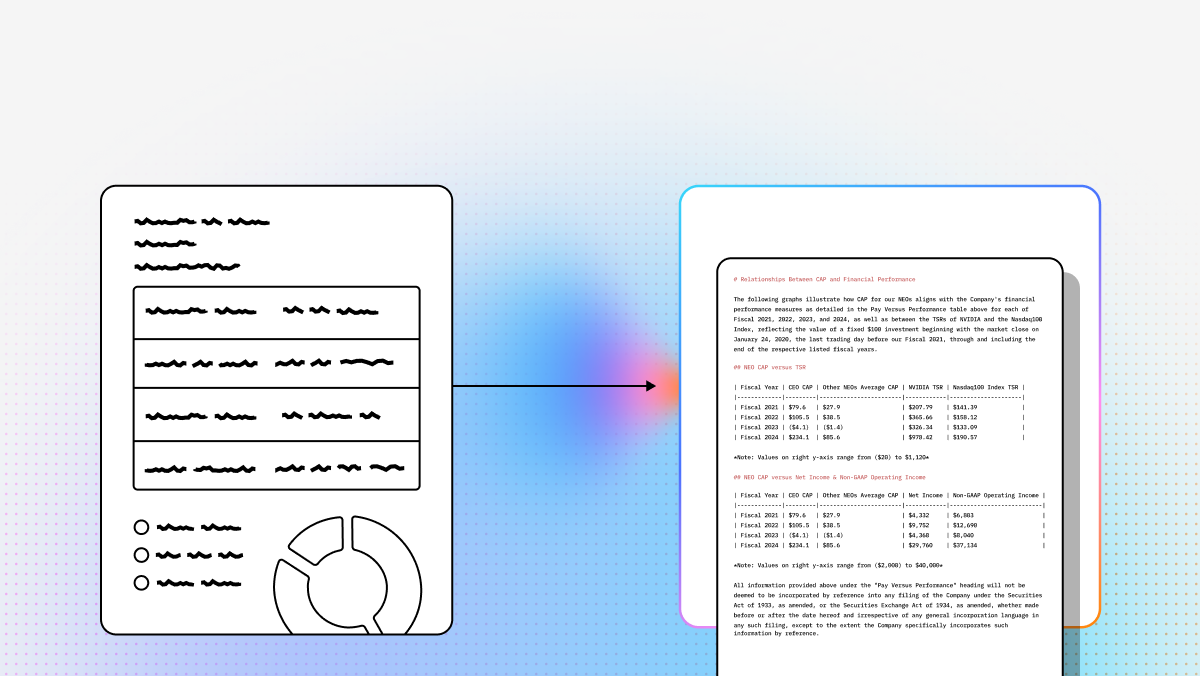
OCR extracts characters from a document image or scanned PDF. Table parsing AI goes a step further by trying to preserve the structure that gives those characters meaning.
In practice, that means table parsing tools aim to recover:
- row and column boundaries
- header relationships
- merged or spanning cells
- multi-page table continuity
- reading order
- nearby labels, captions, and section context
This difference matters because plain OCR often turns a usable table into a flat block of text. That may be acceptable for keyword search, but it usually breaks downstream use cases like:
- analytics pipelines
- financial statement extraction
- invoice line-item capture
- RAG systems that depend on clean chunking
- schema-based extraction with LLMs
If your end goal is to ask an LLM questions like “What was revenue in Q4?” or “Extract all line items and quantities,” then character recognition alone is rarely enough. You need a parser that can reconstruct the document’s layout and semantics, not just read text.
How do I choose the best table parsing AI for my use case?
The best tool depends less on headline accuracy claims and more on your operating constraints.
A practical way to choose is to start with these questions:
Are your documents mostly scanned images or digital PDFs?
Digital PDFs can often be handled by lighter tools. Scans, rotated pages, handwriting, and noisy images usually require stronger multimodal or OCR-heavy parsing.How complex are the tables?
Simple grids are easier than tables with merged cells, nested headers, footnotes, multi-column layouts, or content spanning multiple pages.What output do you need downstream?
If you want LLM-ready ingestion, Markdown or structured JSON is often easier than raw OCR blocks. If you need auditability and custom reconstruction, detailed geometry metadata can be more useful.Do you need a managed API or local execution?
Managed services are typically faster to integrate and scale. Open-source or self-hosted tools are better when privacy, air-gapped deployment, or infrastructure control matters most.Which cloud ecosystem are you already using?
Google Document AI, Azure Document Intelligence, and Amazon Textract are often strongest when your team is already committed to GCP, Azure, or AWS.How much cleanup can your team tolerate?
Some tools are better at producing application-ready Markdown or JSON. Others return lower-level blocks that give you flexibility, but require more engineering effort.
As a rule of thumb:
- choose a managed, LLM-oriented parser if you want the fastest path to production for complex enterprise documents
- choose a cloud-native provider if integration with your existing cloud stack is the top priority
- choose an open-source/local toolkit if compliance, privacy, or customization outweigh operational simplicity
- choose a lightweight library if your documents are relatively clean and you mainly need preprocessing, not full semantic reconstruction
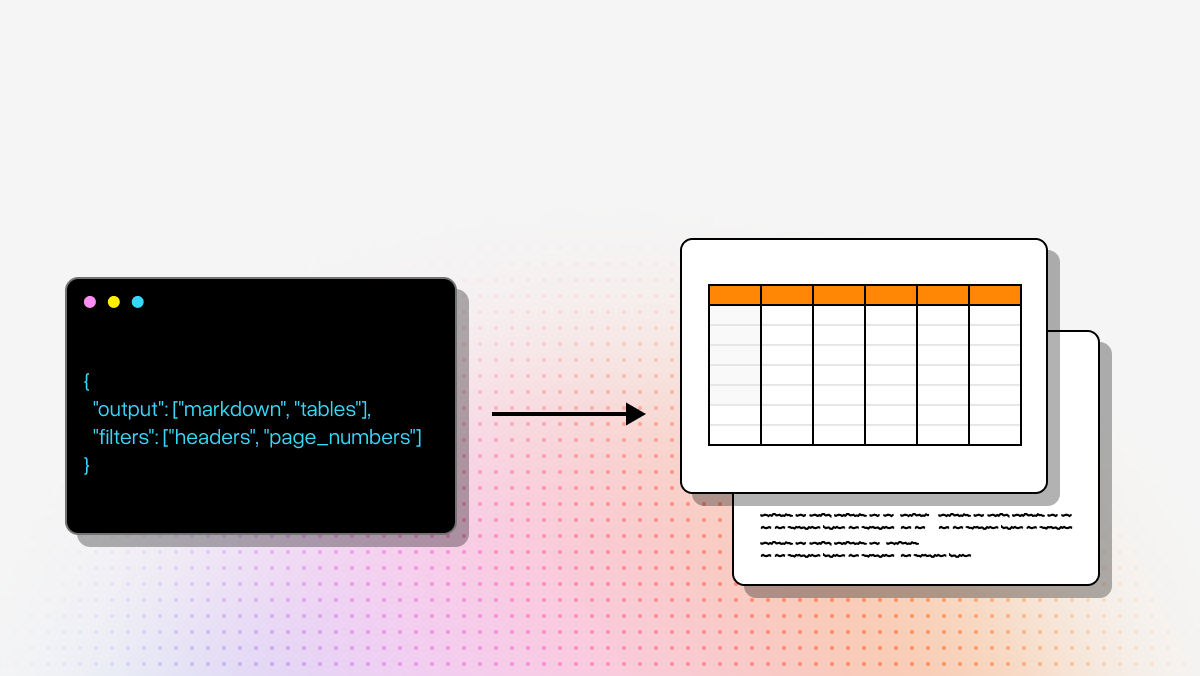
Which output format is best for LLM and RAG workflows: Markdown, JSON, HTML, or raw OCR blocks?
The best format depends on what happens after parsing.
Markdown is often the easiest starting point for RAG because it preserves a lot of structure while staying readable and chunk-friendly. It works well when you want:
- straightforward ingestion into vector pipelines
- human-readable intermediate outputs
- section headers, lists, and tables represented in a form LLMs handle well
JSON is better when you need predictable fields, automated post-processing, or schema-based extraction. It is usually the best choice for:
- API-driven document pipelines
- evaluation frameworks
- structured extraction into apps, databases, or agents
HTML can be useful for table fidelity, especially when merged cells and more complex table structures need to be preserved. The tradeoff is that downstream systems may need an extra normalization step if they expect plain Markdown or row-column JSON.
Raw OCR blocks and geometry metadata are most useful when your team wants maximum control. They can support custom reconstruction, auditing, and visual traceability, but they usually require more engineering work before the data is usable by LLMs or business logic.
For most AI application teams:
- use Markdown for general RAG ingestion
- use JSON for extraction pipelines and agents
- keep HTML or geometry metadata when table fidelity is critical and you may need to reprocess edge cases later
The most effective setup is often not a single format, but a layered one: human-readable parsed content plus structured metadata for debugging and validation.
Can these tools handle merged cells, multi-page tables, rotated scans, and other messy real-world documents?
Some can, but this is exactly where tools start to separate from one another.
Real-world table extraction becomes difficult when documents include:
- merged cells
- stacked or multirow headers
- tables split across pages
- rotated or skewed scans
- handwritten annotations
- embedded charts, formulas, or images
- low-resolution scans
- inconsistent reading order in multi-column layouts
Basic OCR or lightweight PDF text extraction often struggles here because it does not truly model layout. It may read the text correctly but lose the structural relationships that make the table usable.
More advanced layout-aware and multimodal parsers are generally better suited for these cases because they try to interpret the page visually and semantically, not just line by line. That is especially important for:
- financial statements
- insurance and healthcare forms
- legal exhibits
- scientific PDFs
- slide decks and reports with mixed content types
Even so, no parser is perfect. For high-stakes workflows, it is smart to design for failure handling by:
- capturing confidence signals where available
- storing source-page references
- keeping page-level or cell-level traceability
- routing low-confidence pages to review or retry
- benchmarking against your own document set rather than relying on generic demos
If your documents are consistently messy, prioritize tools that explicitly support layout-aware parsing, multimodal understanding, and structured outputs over simpler OCR-first pipelines.
How should I evaluate table parsing AI before putting it into production?
The most reliable evaluation is task-based, not marketing-based.
Start with a representative test set of documents that reflects your real workload, including easy, medium, and hard examples. Then measure performance against the outcomes your application actually needs.
Useful evaluation criteria include:
- table fidelity: are rows, columns, headers, and merged cells preserved correctly?
- semantic correctness: does the extracted table mean the same thing as the original document?
- multi-page continuity: are split tables stitched together correctly?
- format usability: how much cleanup is required before your RAG, extraction, or analytics system can use the output?
- confidence and traceability: can you identify uncertain pages or fields and tie outputs back to source locations?
- latency and throughput: can the tool meet your batch and real-time requirements?
- cost per document: what does the total production workload look like, not just a single-file test?
- integration overhead: how much engineering is needed to connect the parser to storage, orchestration, extraction, and monitoring?
A good production evaluation usually includes two layers:
Parsing quality evaluation
Compare extracted tables against human-reviewed ground truth on a fixed benchmark set.Workflow evaluation
Measure the downstream impact on your actual application, such as:- field extraction accuracy
- RAG answer quality
- analyst review time
- failure rates on edge cases
This second layer matters because the “best parser” is not always the one with the prettiest raw output. It is the one that reduces manual cleanup and improves the final business outcome.
For most teams, a short bake-off across 2-3 tools using real documents will tell you far more than generic benchmark scores.