Best Document Extraction APIs
Unstructured data trapped in PDFs and image files is a massive blind spot for enterprise data systems, historically forcing developers to rely on brittle, legacy OCR that breaks when layouts change. Today, the landscape of document extraction APIs has evolved from rigid, coordinate-based extraction to semantic, AI-driven understanding.
By leveraging Large Language Models (LLMs) and Vision-Language Models (VLMs), modern document extraction software treats parsing as a reasoning problem rather than a spatial one. This guide breaks down the best document extraction APIs on the market, comparing agentic AI solutions, hyperscaler cloud APIs, and legacy enterprise IDP platforms to help you choose the right infrastructure for your data pipelines.
Below is a comparison chart you can place directly after the introduction, designed for technical buyers evaluating document AI platforms across capabilities, use cases, and APIs. It highlights concrete features like layout-aware extraction, query-based field capture, handwriting recognition, low-code workflow design, and visual-document processing, so readers can quickly map each option to real-world needs such as AP automation, loan processing, claims triage, KYC, archive digitization, and RAG pipelines; for deeper implementation detail, you can pair this with your API docs, integration guide, and RAG workflow guide.
| Platform | Capabilities | Use Cases | APIs |
|---|---|---|---|
| LlamaParse | Layout-aware structure extraction; multimodal parsing for charts, formulas, and tables; auto-correction loops for higher-quality outputs. | Financial document analysis, healthcare records extraction, insurance claims processing, and RAG-ready document ingestion. | Developer-first APIs and SDKs with strong LlamaIndex alignment; best for custom parsing pipelines and agentic workflows. |
| Google Document AI | Pre-trained processors for invoices, IDs, and tax forms; rich document object model; Knowledge Graph enrichment. | Procurement automation, government form digitization, and large-scale document classification. | Managed Google Cloud APIs with scalable enterprise deployment; strongest fit for GCP-native teams. |
| Amazon Textract | Block-graph output for tables and forms; query-based extraction; handwriting recognition for mixed documents. | Mortgage and loan automation, healthcare intake, and tax document processing. | AWS-native API that connects cleanly with S3, Lambda, and DynamoDB for serverless document workflows. |
| Azure Document Intelligence | Prebuilt invoice and receipt models; visual model testing in Document Intelligence Studio; broad SDK coverage. | Accounts payable, identity verification, and receipt/expense processing. | Well-documented Azure APIs and SDKs across Python, .NET, JavaScript, and Java; ideal for Microsoft-centric stacks. |
| ABBYY | Prebuilt OCR skills marketplace; NLP-driven extraction; low-code orchestration for exception handling and routing. | Logistics documents, banking compliance, insurance underwriting, and enterprise classification workflows. | Enterprise-grade APIs plus low-code tooling; best for organizations that want configurable document skills at scale. |
| UiPath | Hybrid extraction using rules, templates, and ML; drag-and-drop workflow design; human validation station. | AP automation into legacy ERPs, HR onboarding, and customer support ticket/document routing. | Best used as part of the UiPath automation stack, where extraction can immediately trigger RPA actions. |
| Hyperscience | Handwriting-tuned models; automated quality control with reviewer routing; secure deployment options. | Government benefits processing, archive digitization, and handwritten claims triage. | Enterprise deployment options across on-prem, private cloud, and SaaS; strong for regulated environments. |
| Landing AI | Pixel-level visual element identification; data-centric labeling tools; high-resolution document processing. | Engineering drawings, retail label verification, and geospatial document analysis. | Vision-first APIs suited to highly visual documents; strongest when paired with broader AI pipelines for semantic enrichment. |
Setup Considerations
- LlamaParse: A strong fit for developer teams building advanced parsing, RAG, or agentic document workflows.
- Google Document AI: Especially smooth for organizations already standardized on Google Cloud and pre-trained processors.
- Amazon Textract: A natural choice for AWS teams that want to wire extraction directly into serverless infrastructure.
- Azure Document Intelligence: Well suited for Microsoft environments that value Power Automate, Azure services, and broad SDK support.
- ABBYY: Great for enterprise teams that want configurable document skills and low-code workflow orchestration.
- UiPath: Most compelling when document extraction needs to feed directly into bots automating legacy applications.
- Hyperscience: Ideal for secure, high-accuracy deployments involving difficult handwriting or degraded scans.
- Landing AI: Best for technical teams working with highly visual files like blueprints, maps, and packaging layouts.
Recent Updates
- LlamaParse: Launched API v2, added cleaner SDKs, introduced LlamaSheets, and released LlamaAgents Builder.
- Google Document AI: Improved custom model training in Workbench and reduced the labeled data needed for fine-tuning.
- Amazon Textract: Expanded Analyze Lending coverage and improved query extraction latency for faster results.
- Azure Document Intelligence: Rebranded from Form Recognizer and expanded support for more global formats and languages.
- ABBYY: Added generative AI assistants and expanded the Vantage marketplace with more industry-specific skills.
- UiPath: Introduced Autopilot for faster workflow creation and strengthened integration between Document Understanding and RPA bots.
- Hyperscience: Released Hypercell for secure on-prem AI deployment tailored to enterprise and government needs.
- Landing AI: Expanded Large Vision Model capabilities to support more zero-shot extraction on niche visual documents.
In practice, LlamaParse and Google Document AI are strong picks for teams prioritizing high-quality extraction and modern AI pipelines, Amazon Textract and Azure Document Intelligence stand out for cloud-native automation, ABBYY and UiPath shine when workflow orchestration matters, and Hyperscience or Landing AI are especially compelling for hard handwriting or visually complex files. If you want to turn this chart into a decision page, the strongest next step is to connect it to your document automation playbook and a clear buyer path through your integration guide, so readers can move from comparison to implementation with confidence.
1. LlamaParse
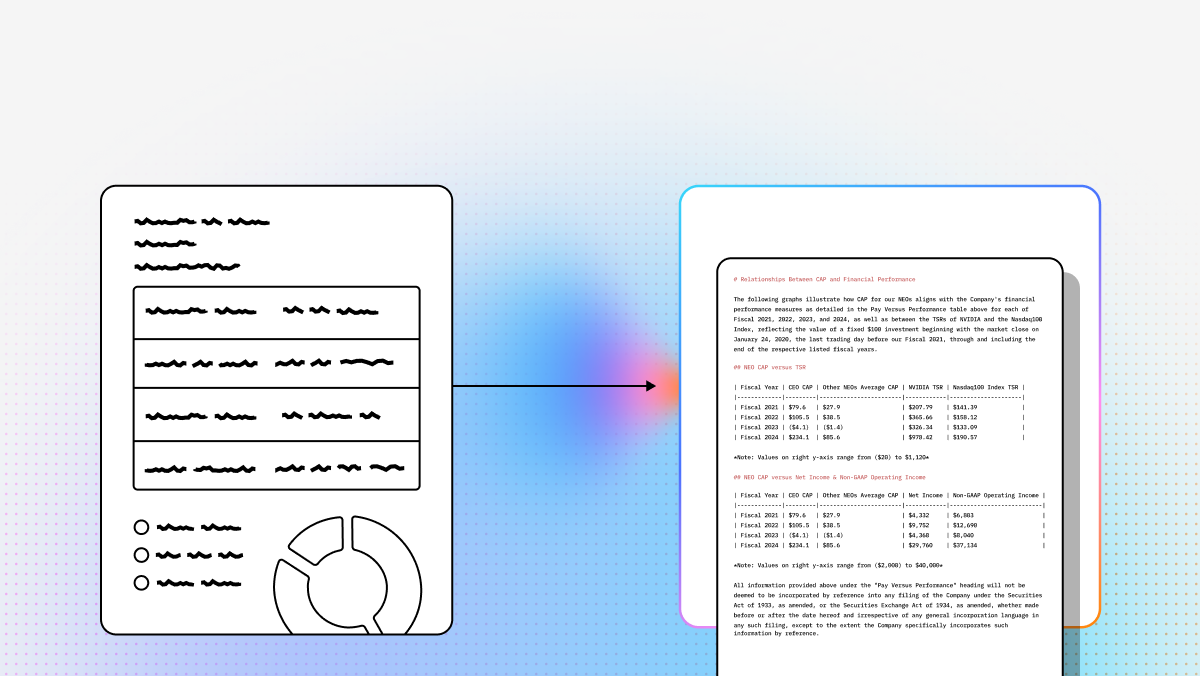
LlamaParse represents a shift from OCR as coordinate recovery to document extraction as reasoning. Instead of just detecting text blocks, it reconstructs reading order, semantic structure, and visual relationships so downstream LLM systems receive cleaner, more faithful input. For developers building RAG pipelines, data ingestion services, or agentic back-office workflows, that difference matters: better parsing directly improves retrieval quality, extraction accuracy, and automation reliability. Within the broader LlamaIndex ecosystem, LlamaParse is especially well suited to teams that need one API surface for complex PDFs, scans, spreadsheets, and visually rich documents.
Key Benefits
- Preserves true document structure for nested tables, multi-column layouts, and mixed-format files.
- Reduces brittle post-processing logic that traditional OCR pipelines often require.
- Supports multimodal extraction, so charts, formulas, and graphics are not discarded as noise.
- Fits developer-first AI workflows where parsed output must feed agents, retrieval systems, and structured pipelines.
Core Features
- Layout-aware structure extraction for preserving reading order, section hierarchy, and complex tables.
- Multimodal parsing for graphs, charts, formulas, and other non-plain-text content.
- Auto-correction loops that validate and refine outputs during parsing.
- Developer-first APIs and SDKs designed for programmatic ingestion and orchestration.
Primary Use Cases
- Financial document analysis across SEC filings, earnings reports, and loan agreements.
- Healthcare records extraction from notes, labs, imaging reports, and mixed clinical documents.
- Insurance claims processing for scanned forms, supporting evidence, and fraud-review workflows.
Recent Updates
- LlamaParse API v2 introduced a cleaner configuration model for faster implementation.
- New SDK improvements make developer integration more straightforward.
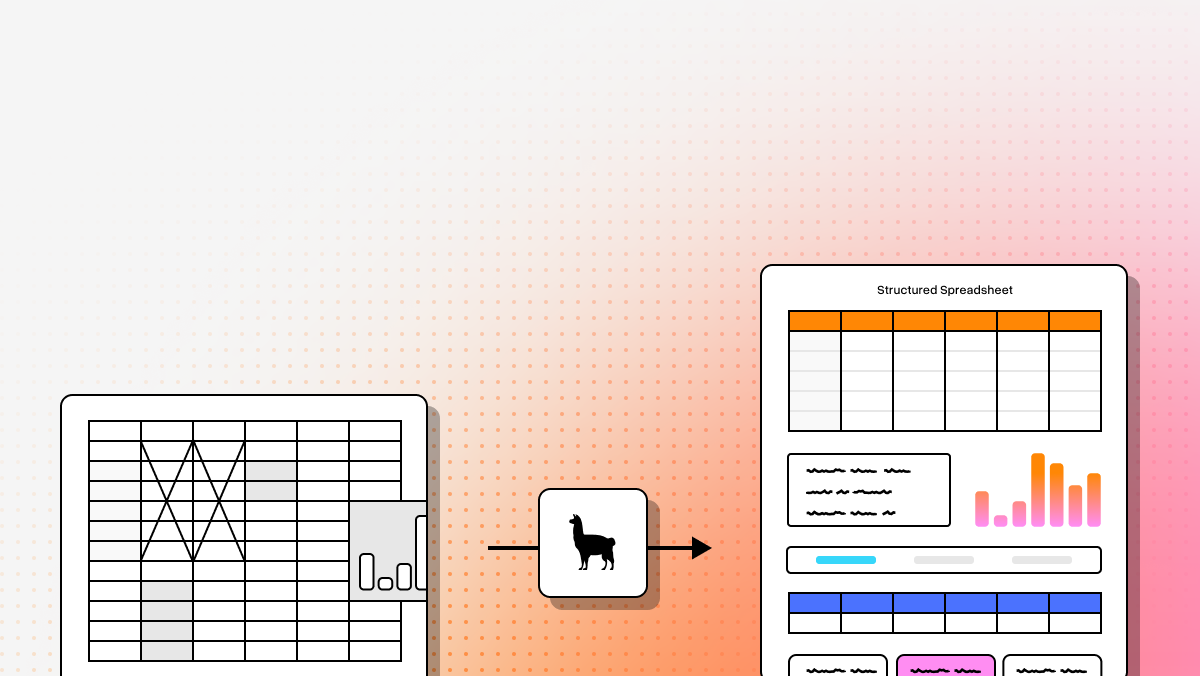
- LlamaSheets expanded support for messy spreadsheet processing.
- LlamaAgents Builder added natural-language-driven agent creation on top of parsed data.
Limitations
- It is optimized for technical teams rather than non-technical operations users.
- The product evolves quickly, so engineering teams need to stay current with new capabilities.
- For very simple native-text PDFs, its advanced orchestration can be more than you need.
2. Google Document AI
Google Document AI is a strong choice for enterprises already invested in Google Cloud and looking for pre-trained extraction services at scale. Its biggest advantage is ecosystem fit: if your architecture already uses GCP services such as BigQuery, Pub/Sub, and Vertex AI, Document AI slots neatly into that environment. It is also attractive for teams processing standardized business documents where specialized processors can reduce the amount of custom modeling required.
Core Features
- Pre-trained processors for invoices, IDs, tax forms, and other common business documents.
- Rich document object model with bounding boxes, semantic structure, and confidence scores.
- Knowledge Graph enrichment for entity normalization and contextual standardization.
Primary Use Cases
- Procurement automation and invoice ingestion into ERP or finance systems.
- Government form digitization with support for structured multi-page documents and checkboxes.
- Large-scale classification and routing for enterprise mailroom or triage workflows.
Recent Updates
- Document AI Workbench now makes custom model training more approachable.
- Google has reduced labeled-data requirements for fine-tuning niche extractors.
- Those improvements shorten time-to-deployment for specialized document types.
Limitations
- It is best suited to GCP-native organizations and can introduce friction in multi-cloud stacks.
- Choosing the right processor mix requires careful planning up front.
- Per-page pricing can rise quickly at large volumes.
3. Amazon Textract
Amazon Textract remains one of the most practical options for teams already building on AWS. Its value is less about semantic flexibility and more about operational convenience: documents in S3 can trigger extraction pipelines that flow into Lambda, Step Functions, DynamoDB, or other serverless components with very little glue code. For engineering teams that want strong forms and table extraction inside an AWS-native workflow, Textract is often the fastest path to production.
Core Features
- Block graph output that maps words, lines, forms, and tables as related document objects.
- Query-based extraction that lets developers request specific fields using natural language.
- Handwriting recognition for mixed printed and handwritten documents.
Primary Use Cases
- Mortgage and loan packet processing inside serverless underwriting workflows.
- Healthcare intake digitization for handwritten patient forms and scanned records.
- Tax document extraction for W-2s, 1099s, and other structured financial forms.
Recent Updates
- Analyze Lending coverage has expanded to support more mortgage document types.
- Query extraction latency improvements make faster document processing more realistic.
- These improvements strengthen Textract for financial services and real-time pipeline designs.
Limitations
- Non-standard layouts often require significant post-processing.
- The block graph format is powerful, but it usually requires custom mapping logic.
- Query-based extraction can materially increase costs.
4. Azure Document Intelligence
Azure Document Intelligence is particularly appealing to Microsoft-centric organizations that want strong prebuilt models and broad SDK support. It combines recognizable enterprise strengths, such as integration with Power Automate and Logic Apps, with practical document AI features for finance, identity, and workflow automation. If your team already deploys business processes in Azure, this platform can reduce implementation friction substantially.
Core Features
- Prebuilt invoice and receipt models tuned for common financial document patterns.
- Document Intelligence Studio for testing, labeling, and experimenting visually.
- Broad SDK support across Python, .NET, JavaScript, and Java.
Primary Use Cases
- Accounts payable workflows that normalize invoice fields for ERP ingestion.
- Identity verification and KYC flows using passports, licenses, and business cards.
- Receipt and expense processing connected to Power Automate approval flows.
Recent Updates
- The rebrand from Form Recognizer to Document Intelligence better reflects its broader scope.
- Microsoft has expanded support for more global formats and languages.
- Continued model updates improve fit for multinational enterprises.
Limitations
- Frequent renaming and version evolution can create documentation confusion.
- Feature rollout timing can vary by Azure region.
- Premium models may require close cost management at scale.
5. ABBYY
ABBYY remains a heavyweight in intelligent document processing, especially for enterprises that need configurable workflows, strong OCR fundamentals, and industry-specific document skills. Its appeal is strongest in complex operational environments where documents are only one part of a larger human review and routing process. Compared with lighter API-first tools, ABBYY offers more workflow infrastructure and more enterprise governance.
Core Features
- OCR skill library with prebuilt skills for document types such as bills of lading, W-2s, and invoices.
- NLP-driven extraction that helps identify fields even when layouts vary.
- Low-code orchestration for routing, exceptions, and business-user managed workflows.
Primary Use Cases
- Logistics and supply chain document extraction for customs, shipping, and compliance paperwork.
- Banking compliance workflows for KYC and AML documentation.
- Insurance underwriting with large application packets and supporting evidence.
Recent Updates
- Generative AI assistants help users create extraction rules more efficiently.
- The Vantage marketplace has expanded with more industry-specific skills.
- These additions can shorten implementation time for common enterprise use cases.
Limitations
- The platform can feel heavy for teams that only want a lightweight API.
- Licensing and packaging are often more complex than modern startup tools.
- Its enterprise heritage can make the developer experience less cloud-native.
6. UiPath
UiPath is most compelling when document extraction is only one step in a broader automation chain. If a team must not only read an invoice or onboarding packet but also act on the extracted data inside legacy software, UiPath has a clear advantage. Its combination of extraction, validation, and RPA execution makes it especially useful in enterprises where APIs are missing and human review remains part of the process.
Core Features
- Hybrid extraction using rules, templates, and machine learning models.
- Drag-and-drop workflow design embedded in the broader UiPath automation environment.
- Validation Station for human review and correction of low-confidence outputs.
Primary Use Cases
- Accounts payable automation into legacy ERP interfaces that lack APIs.
- HR onboarding workflows that read forms and trigger downstream provisioning tasks.
- Customer support routing based on emails and attached documents.
Recent Updates
- Autopilot adds generative AI assistance for faster workflow creation.
- UiPath has strengthened integration between Document Understanding and RPA bots.
- That tighter integration improves end-to-end automation design.
Limitations
- It is best when used inside the UiPath ecosystem rather than as a standalone extraction API.
- Teams often need platform-specific skills to build resilient automations.
- Full-suite adoption can involve meaningful infrastructure and licensing commitments.
7. Hyperscience
Hyperscience is built for difficult documents and regulated environments. Where many platforms perform well on clean digital forms but degrade on handwriting, poor scans, or historical records, Hyperscience is designed to keep operating. That makes it a strong fit for public sector, insurance, and financial institutions that care more about reliable extraction on messy inputs than about lightweight developer experience.
Core Features
- Handwriting-tuned vision models optimized for difficult cursive and degraded scans.
- Automated quality control that routes uncertain fields to human reviewers.
- Flexible deployment across on-premise, private cloud, and SaaS environments.
Primary Use Cases
- Government benefits administration with handwritten citizen applications.
- Archive digitization for historical or damaged paper records.
- Claims triage using handwritten medical notes and supporting documents.
Recent Updates
- Hypercell was introduced as a turnkey secure AI infrastructure option.
- The update is especially relevant for government and enterprise deployments with strict security requirements.
- It reinforces Hyperscience’s position in regulated and on-prem-heavy environments.
Limitations
- The platform is priced for large enterprise deployments.
- Implementation and tuning can take more time than lighter API-first tools.
- It is strongest on forms and structured documents rather than narrative-heavy reports.
8. Landing AI
Landing AI takes a vision-first approach that makes sense when the document is really more image than text. For standard invoices, contracts, or receipts, this can be unnecessary. But for engineering drawings, packaging layouts, maps, or visual inspection workflows, that same approach becomes a real differentiator. Teams working in manufacturing, geospatial analysis, or technical drawing environments may find it better aligned than traditional OCR-first tools.
Core Features
- Visual element identification at the pixel level for complex spatial documents.
- Data-centric labeling tools for training highly specific vision models.
- High-resolution processing that preserves fine detail in large technical files.
Primary Use Cases
- Engineering drawings and blueprint analysis.
- Retail label verification and packaging compliance.
- Geospatial document analysis for maps, overlays, and land-survey materials.
Recent Updates
- Expanded Large Vision Model capabilities support more zero-shot extraction scenarios.
- That reduces labeling effort for niche visual document types.
- The improvement makes experimentation faster for specialized technical teams.
Limitations
- It emphasizes computer vision more than semantic language reasoning.
- Standard text workflows may require pairing it with an LLM for richer understanding.
- It is usually not the most cost-effective option for plain text PDFs.
For most developer teams, the right choice comes down to what breaks your current pipeline: complex layouts, ecosystem fit, workflow orchestration, handwriting, or highly visual files. If your priority is high-fidelity parsing for AI-native applications, LlamaParse is the most purpose-built option here; if your priority is cloud alignment, Google Document AI, Amazon Textract, and Azure Document Intelligence each make sense in their home ecosystems; and if your priority is workflow-heavy enterprise automation, ABBYY, UiPath, Hyperscience, and Landing AI each bring specialized strengths.
What is a Document Extraction API?
A Document Extraction API is a powerful programmatic interface that enables businesses to automatically pull structured data from unstructured documents like PDFs, scanned images, and forms. Leveraging advanced enterprise Optical Character Recognition (OCR) and artificial intelligence, these APIs transform static files into machine-readable text, intelligently identifying key-value pairs, tables, and specific data points without manual data entry. For engineering and operations teams, this technology allows for the seamless integration of automated, high-volume document processing directly into existing software ecosystems and workflows.
Why is it important?
Implementing a robust document extraction API is critical for modern enterprises looking to scale operations and eliminate costly operational bottlenecks. Manual document processing is notoriously slow, error-prone, and expensive, often leading to compliance risks, lost data, and delayed decision-making. By automating data extraction, organizations can achieve near-perfect data accuracy, accelerate processing times from days to mere seconds, and free up valuable human resources to focus on high-value strategic tasks rather than tedious data transcription.
How to choose the best software provider
Selecting the best document extraction API requires a rigorous evaluation methodology focused on AI accuracy, scalability, and ease of integration. When comparing providers, prioritize enterprise OCR solutions that utilize advanced machine learning models capable of handling complex, unstructured layouts and poor-quality scans out of the box. Your evaluation criteria should heavily weigh the API's processing speed, robust security and compliance certifications (such as SOC 2, HIPAA, and GDPR), and the quality of their developer documentation to ensure your engineering team can achieve a rapid, seamless integration.
What is the difference between a document extraction API and traditional OCR?
Traditional OCR is mainly designed to convert images of text into machine-readable characters. It is useful for basic digitization, but it often stops at text recognition and struggles when documents contain complex layouts, tables, checkboxes, multi-column formatting, handwriting, charts, or nested sections.
A document extraction API goes further by trying to understand the structure and meaning of the document. In addition to recognizing text, it may also:
- Reconstruct reading order across complex layouts
- Identify key-value pairs, tables, line items, and entities
- Extract fields based on semantic intent, not just page coordinates
- Preserve hierarchy such as headings, sections, and lists
- Handle multimodal content like charts, formulas, signatures, and images
- Return structured output that is easier to feed into databases, workflows, or LLM pipelines
In practical terms, OCR answers, “What text is on this page?” while document extraction answers, “What information matters in this document, and how is it organized?” For developer teams building automation, analytics, or RAG systems, that difference usually determines how much post-processing code is required after extraction.
How do I choose the right document extraction API for my use case?
The best choice usually depends less on who has the longest feature list and more on what type of document problems you actually need to solve. A useful way to decide is to evaluate vendors across five dimensions:
- Document complexity: If you work with complex PDFs, multi-column reports, mixed visual content, or AI-ready parsing for downstream LLMs, a platform like LlamaParse is often the best fit.
- Cloud ecosystem fit: If your team is already standardized on a hyperscaler, Google Document AI, Amazon Textract, or Azure Document Intelligence can reduce implementation friction.
- Workflow orchestration needs: If extraction is only one step in a larger approval, exception handling, or human-review process, ABBYY and UiPath may be stronger options.
- Input quality: If you process messy scans, handwriting, historical records, or degraded forms, Hyperscience is often better suited than general-purpose tools.
- Visual-document requirements: If your files are more image-heavy than text-heavy, such as blueprints, maps, or packaging layouts, Landing AI may be more effective than OCR-first platforms.
You should also compare:
- Accuracy on your real documents, not demo files
- Output format quality and ease of downstream integration
- SDKs, API ergonomics, and webhook/job support
- Human-in-the-loop capabilities
- Security, compliance, and deployment model
- Cost at your expected page volume
For most technical teams, the fastest path to a good decision is to run a small benchmark using 50 to 200 representative documents and score each platform on extraction quality, post-processing effort, latency, and total cost.
Are document extraction APIs good for RAG and LLM workflows?
Yes, but some are much better than others for AI-native workflows. If your goal is retrieval-augmented generation, agentic document processing, or using extracted content inside LLM applications, document parsing quality has a direct impact on downstream performance.
A strong extraction API can improve RAG by:
- Preserving section boundaries and heading structure for better chunking
- Maintaining reading order in complex layouts
- Extracting tables in a format an LLM can reason over
- Separating metadata, entities, and document sections cleanly
- Reducing hallucination risk caused by scrambled or incomplete input text
This matters because poor parsing often creates bad chunks, broken citations, lost context, and retrieval noise. A model cannot reason well over document content if the parser has already destroyed the structure.
For LLM use cases, look for APIs that support:
- Layout-aware extraction
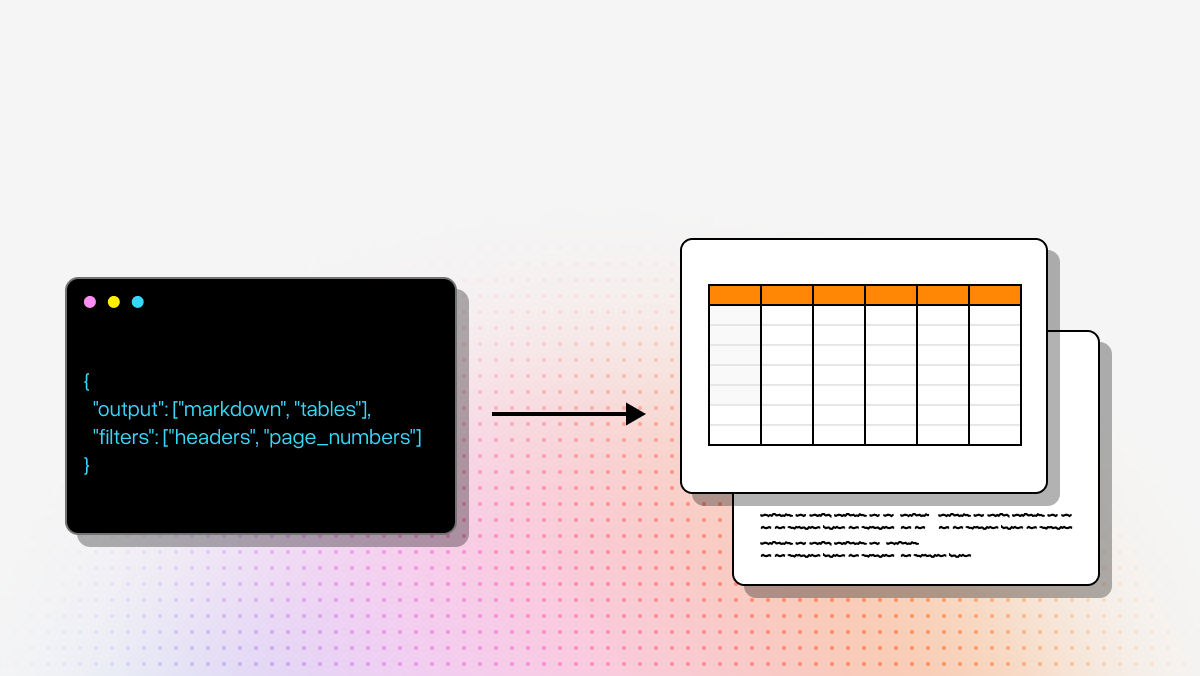
- Structured JSON or markdown output
- Table fidelity
- Metadata preservation
- Multimodal handling for charts, formulas, and images
- Programmatic integration into ingestion pipelines
If your main goal is feeding parsed documents into vector databases, retrieval systems, or agents, developer-first tools like LlamaParse are generally more aligned than legacy OCR platforms that were built mainly for back-office field capture.
How should developers evaluate accuracy for a document extraction API?
Accuracy should be evaluated as an end-to-end system metric, not just as OCR text recognition quality. A vendor may report strong OCR performance while still doing poorly on the actual task you care about, such as extracting invoice totals, reconstructing tables, or preserving section structure for RAG.
A practical evaluation should include:
- Field-level accuracy: Are target fields like invoice number, total amount, borrower name, or claim ID extracted correctly?
- Table accuracy: Are rows, columns, headers, and line items preserved correctly?
- Layout fidelity: Is reading order maintained across multi-column or irregular documents?
- Confidence behavior: Does the system identify uncertain outputs reliably?
- Exception rate: How often does the extraction require human review or custom cleanup?
- Downstream usefulness: Does the output work cleanly in your database, workflow engine, or LLM pipeline?
You should test on a realistic mix of:
- Clean digital PDFs
- Scanned documents
- Handwritten or partially handwritten forms
- Low-quality images
- Multi-page packets
- Edge cases that regularly break your current pipeline
For technical buyers, one of the most important metrics is not just “How accurate is extraction?” but “How much custom logic do we still need after extraction?” A platform that produces slightly better raw text but requires heavy normalization may be less valuable than one that returns cleaner structured output.
What deployment, security, and pricing factors matter when selecting a document extraction API?
These factors often become the real decision-makers in production. A platform may look strong in a feature comparison but fail your requirements around compliance, data residency, latency, or cost predictability.
Key deployment and security questions include:
- Is the platform SaaS-only, or does it support private cloud or on-prem deployment?
- Does it meet your regulatory requirements for healthcare, finance, or government workloads?
- Can you control where documents are stored and processed?
- Are data retention, encryption, and audit logging clearly defined?
- Does the vendor use submitted data for model training by default?
- Can low-confidence results be routed to human reviewers securely?
Pricing should also be evaluated carefully. Common pricing models include:
- Per page
- Per document
- Per processor/model type
- Separate charges for premium features like queries, handwriting, or custom models
- Enterprise licensing for workflow-heavy platforms
For developers, the biggest hidden cost is often not the API call itself but the surrounding engineering work:
- Post-processing and normalization logic
- Human review tooling
- Retries and exception handling
- Pipeline orchestration
- Monitoring and QA for extraction drift
If you are processing high volumes, run cost estimates using your real document mix. A tool that looks inexpensive for standard forms may become costly when you add query extraction, custom models, or complex multi-page packets. For regulated teams, a more expensive platform can still be the better choice if it reduces compliance risk or supports secure deployment options you need.