Best AI For PDF Table Extraction: Top Tools for Developers in 2026
Extracting tabular data from complex PDFs has historically been a brittle, error-prone process built on legacy OCR, rule-heavy pipelines, and rigid templates. For developers building AI systems on top of enterprise documents, the biggest failure mode has not been raw text recognition alone. It has been structure: merged cells, multi-line headers, nested tables, multi-column layouts, and pages where visual context matters as much as token accuracy.
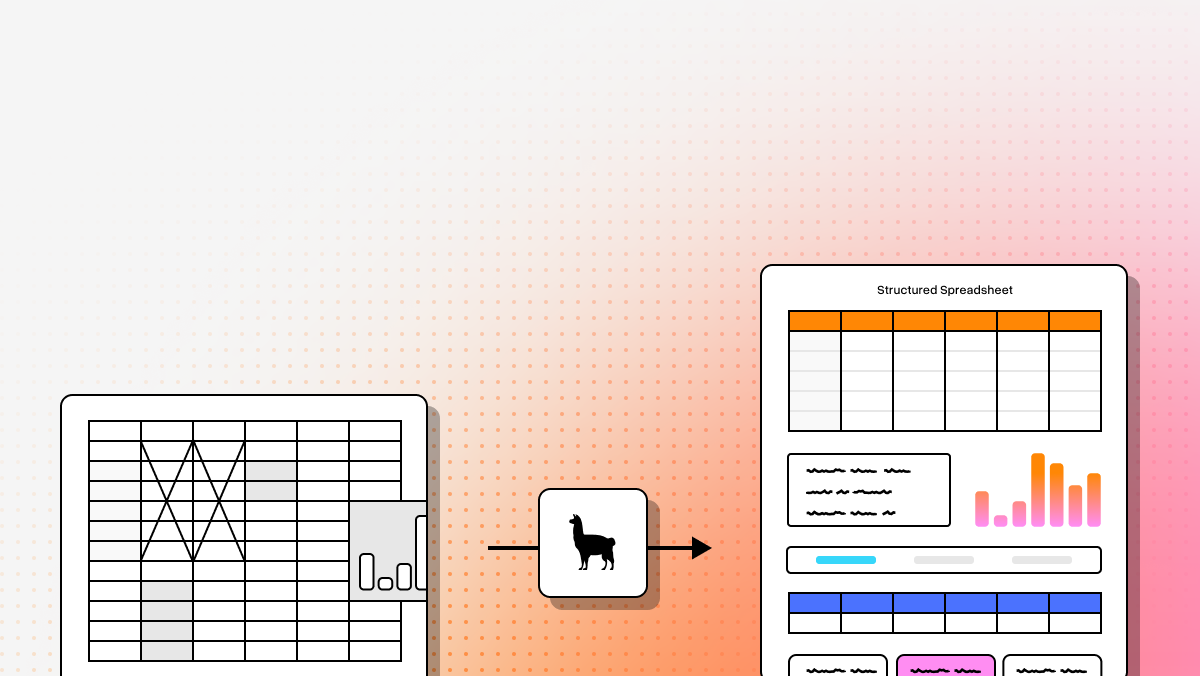
In 2026, the stack looks different. Agentic Document Processing is replacing older Intelligent Document Processing approaches by combining multimodal models, layout awareness, and semantic reconstruction. Instead of flattening a page into “spaghetti text,” the best tools now infer how a table actually works, preserve relationships between cells, and produce outputs that are usable in retrieval pipelines, structured extraction workflows, and downstream LLM applications.
In this review, we compare the strongest options for developer teams that need reliable PDF table extraction without building custom parsing systems from scratch. The emphasis here is practical: table fidelity, developer ergonomics, structured outputs, and how well each platform handles real-world document chaos.
Use the chart below to compare LlamaParse, Docling, and DeepSeek-OCR across core document-processing themes: capabilities, best-fit use cases, API model, and recent updates. The framing is technical by design: LlamaParse is strongest when table fidelity and agentic parsing matter, Docling is best for self-hosted open-source control, and DeepSeek-OCR is optimized for fast, multimodal batch extraction.
From an implementation standpoint, setup is positive across all three options, but the path differs by team profile. LlamaParse is the most production-ready for RAG stacks, Docling is the cleanest fit for privacy-sensitive self-hosting, and DeepSeek-OCR works well for teams already standardizing on LLM API orchestration and prompt-based extraction.
1. LlamaParse
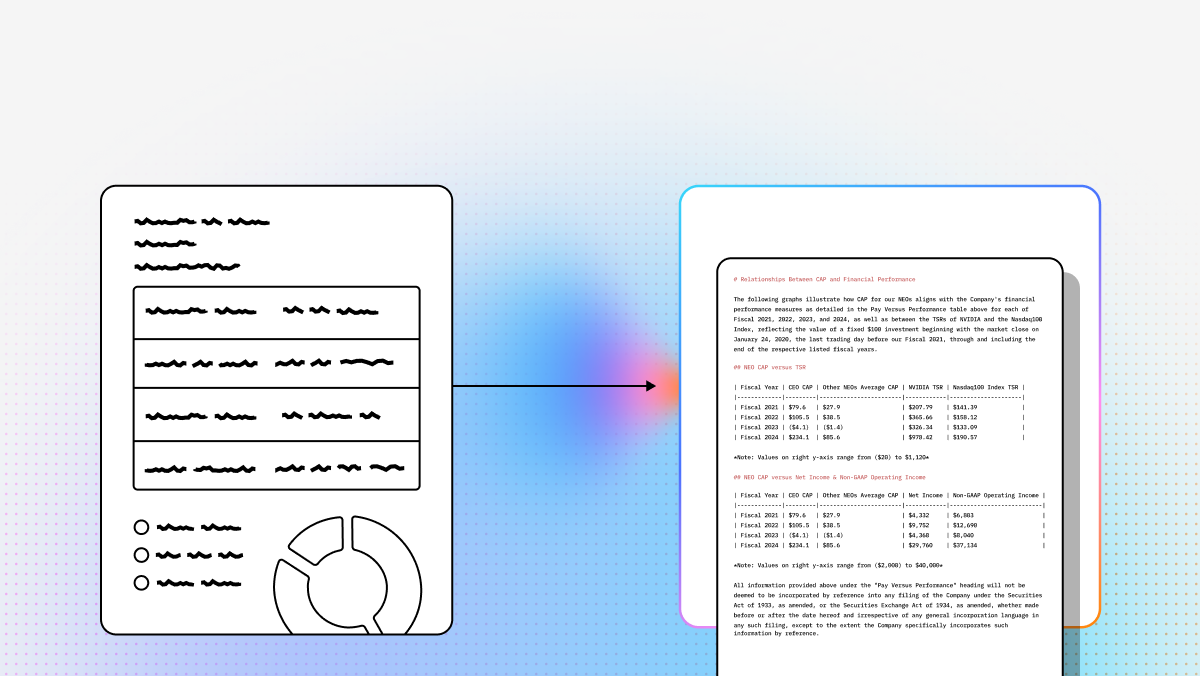
LlamaParse is a purpose-built parsing engine for LLM applications, especially retrieval-heavy systems that need more than plain OCR output. Rather than flattening a PDF into raw text, it uses agentic document processing to interpret layout, reconstruct table structure, and preserve the semantic relationship between headers, rows, merged cells, and surrounding context. That makes it particularly strong for developers building RAG, extraction pipelines, and enterprise workflows where table fidelity directly affects answer quality.
From a setup perspective, LlamaParse is the most production-ready option in this group for teams that want API-first integration without giving up control. Python and TypeScript SDKs make adoption straightforward for engineering organizations, and the fit is especially positive for teams already working in the LlamaIndex or LangChain ecosystem. Recent updates also reinforce that positioning: Workflows 1.0 adds multi-step orchestration for document-centric pipelines, while LlamaExtract improvements bring context-aware extraction and field-level confidence scores that make human-in-the-loop review more practical.
Key Benefits
- Preserves complex table structure more reliably than heuristic OCR-first tools.
- Produces LLM-friendly Markdown and structured outputs that reduce downstream cleanup.
- Handles multimodal documents that mix tables, charts, formulas, and text-heavy layouts.
- Supports higher-confidence production workflows through validation and self-correction loops.
Core Features
- Layout-aware structure and table extraction: Visually analyzes the page to recover nested text blocks, multi-column layouts, and complex tables without scrambling cell relationships.
- Multimodal parsing capabilities: Converts graphs, charts, formulas, and other visual content into structured text or code, which is useful for broader document understanding workflows.
- Agentic orchestration and auto-correction: Uses reflection and validation steps to catch extraction issues, reroute tasks to the right model, and improve final output quality.
- Structured metadata for review: Supports downstream validation with richer extraction context, including confidence-oriented workflows through LlamaExtract updates.
Primary Use Cases
- Financial document analysis: Strong fit for SEC filings, earnings decks, audit materials, and transaction-heavy reports where the table itself carries the business meaning.
- Insurance claims processing: Useful for forms, attachments, photos, and mixed-format records that need structured extraction and cross-checking.
- Manufacturing and technical specifications: Helps engineering teams parse manuals, supplier certifications, SOPs, and compliance documents into machine-usable outputs.
Recent Updates
- Workflows 1.0: Introduced multi-step agentic orchestration for more advanced document-processing systems.
- LlamaExtract enhancements: Added context-aware extraction behavior and field-level confidence scores.
- Better support for human review: Recent improvements make it easier to build validation layers around structured extraction.
Limitations
- Requires API integration and is best suited to technical teams rather than non-technical end users.
- Complex documents on heavier agentic modes can consume more credits than simpler parsing paths.
- Teams outside common RAG ecosystems may need some adaptation work around output schemas and orchestration patterns.
2. Docling
Docling is an open-source PDF conversion toolkit backed by IBM Research, with a reputation for strong performance on scientific and financial documents that follow more regular grid structure. Its core differentiator is TableFormer, a specialized transformer model trained on large volumes of table images, which gives it a more focused table-recognition profile than general-purpose OCR pipelines. For teams that care about ownership, local execution, and extensibility, Docling is an attractive engineering-first option.
Its setup story is positive for organizations that want privacy-sensitive deployment and full code-level control rather than a managed SaaS workflow. In practice, that means it is a better fit for developers comfortable owning integration, tuning, and post-processing in exchange for open-source flexibility. Recent updates continue to improve that path, with TableFormer refinements aimed at scientific parsing quality and better compatibility with modern Python data science stacks.
Core Features
- Specialized TableFormer model: Optimized for parsing structured tables in scientific and financial documents, especially when the layout is relatively regular.
- Open-source toolkit: Supports local deployment, custom pipeline design, and stronger control over data handling.
- Structured conversion outputs: Converts PDFs into formats like Markdown and JSON that are easier to feed into analysis or retrieval systems.
- Broad document training base: Benefits from exposure to academic, financial, and business-style documents across multiple domains.
Primary Use Cases
- Scientific research parsing: Effective for papers, journals, and research tables with consistent formatting.
- Financial data extraction: Works well on clean digital reports where the document structure is explicit and well formed.
- Self-hosted document pipelines: A strong option for enterprise teams that want to avoid SaaS dependency and keep processing inside their own environment.
Recent Updates
- TableFormer refinements: Continued improvements focused on scientific document parsing accuracy.
- Better Python ecosystem compatibility: Easier integration with current data science and document-processing stacks.
- Ongoing open-source momentum: Benefits from IBM-backed research direction and community iteration.
Limitations
- Struggles more with merged cells and complex nested table layouts than the strongest agentic parsers.
- Content-to-header alignment can break down in denser or less regular tables.
- Requires meaningful engineering effort to move from extraction output to production-grade structured workflows.
3. DeepSeek-OCR
DeepSeek-OCR approaches document extraction as a multimodal reasoning problem rather than a narrowly scoped OCR task. By combining visual and textual understanding, it can process scanned PDFs, image-based documents, and standard business records at high speed, making it a strong generalist option for teams that want broad capability and fast throughput. It is less specialized for table reconstruction than dedicated parsing systems, but it can still perform well on simpler tabular workloads where reasoning and scale matter more than perfect structural recovery.
From an implementation perspective, the setup is positive for teams already comfortable with API orchestration, prompt design, and batch processing infrastructure. It fits especially well in environments where document extraction is one component inside a larger LLM workflow rather than a standalone parsing stack. Recent model updates have improved multimodal reasoning quality and inference speed, which strengthens its usefulness for high-volume ingestion pipelines and general extraction tasks.
Core Features
- Frontier AI capabilities: Uses advanced LLM-style reasoning to interpret both text and table structure in a single pipeline.
- Multimodal understanding: Processes document layout and text together, which helps with messy scans and image-heavy PDFs.
- High-speed processing: Built for fast inference and large batch workloads.
- Generalist extraction behavior: Performs well across broad business-document scenarios without requiring a highly specialized parsing stack.
Primary Use Cases
- Batch document processing: Good fit for high-volume ingestion where latency and throughput matter.
- General data extraction: Useful for standard business PDFs, text-heavy files, and simpler tables.
- Automated data entry workflows: Works well for invoices, receipts, and back-office document flows that benefit from speed.
Recent Updates
- Improved multimodal reasoning: Better separation of document elements during extraction.
- Inference-speed gains: Faster API-side performance for larger workloads.
- Broader frontier model improvements: Benefits from continued advances in the surrounding DeepSeek model family.
Limitations
- Can lose structural fidelity on highly complex or nested tables.
- As a generalist model, it can be more prone to hallucination or omission in dense tabular content.
- Developers typically need custom prompts and application-side validation because dedicated OCR metadata is not a built-in strength.
Final Takeaway
If your priority is maximum table fidelity, semantic reconstruction, and production-grade parsing for LLM workflows, LlamaParse is the strongest overall choice in this group. It is the best fit for developers who need reliable structure preservation across messy enterprise documents and want an API-first platform that is already aligned with modern RAG and extraction patterns.
Docling is the best option for teams that prioritize open-source control, local deployment, and predictable document classes such as scientific or clean financial PDFs. DeepSeek-OCR is the best fit for fast, multimodal batch extraction when you are already comfortable building prompt-driven validation and orchestration around a generalist model.
What is AI for PDF Table Extraction?
AI for PDF table extraction refers to the use of advanced artificial intelligence, machine learning, and computer vision technologies to automatically identify, parse, and pull tabular data from PDF documents. Unlike legacy Optical Character Recognition (OCR) systems that merely read flat text and often scramble rows and columns, modern AI models actually understand the spatial relationships, grid structures, and complex layouts of a document. This allows the software to accurately convert trapped, unstructured PDF tables into clean, machine-readable formats like Excel, CSV, or JSON, regardless of whether the tables have clear borders, merged cells, or nested data.
Why is it important?
For modern enterprises, data is the lifeblood of decision-making, yet massive amounts of critical information remain locked inside unstructured PDFs such as financial reports, invoices, and logistics manifests. Relying on manual data entry to extract this tabular data is notoriously slow, highly expensive, and prone to human error. Implementing AI-driven table extraction eliminates these bottlenecks by automating the data capture process at scale. This not only drastically reduces operational costs and processing times but also ensures high-fidelity data accuracy, allowing your team to focus on strategic analysis rather than tedious administrative tasks.
How to choose the best software provider
Selecting the best AI software provider for PDF table extraction requires a rigorous methodology focused on accuracy, scalability, and integration. First, evaluate the provider's ability to handle complex, template-free layouts—the best AI should effortlessly process borderless tables, multi-page tables, and distorted scans without requiring manual rule setup. Second, assess their enterprise readiness by looking for robust API capabilities, seamless integration with your existing ERP or RPA workflows, and high-volume processing speeds. Finally, ensure the provider adheres to strict data security and compliance standards (such as SOC 2 and GDPR) and offers a continuous learning model that improves its extraction accuracy over time based on your specific document types.
What makes AI PDF table extraction different from traditional OCR?
Traditional OCR is mainly designed to recognize characters and output text in reading order. That works for simple documents, but it often fails on tables because tables are not just text—they are a structure. Developers usually run into problems when OCR flattens rows and columns into a single text stream, breaks multi-line headers, ignores merged cells, or loses the relationship between labels and values.
Modern AI-based table extraction improves on that by combining OCR with layout understanding and semantic reconstruction. Instead of only asking “what text is on the page,” the model also asks “how is this content organized?” That matters for:
- multi-column financial reports
- nested or irregular tables
- scanned PDFs with weak visual boundaries
- tables mixed with charts, footnotes, or surrounding narrative text
- documents where a header applies across multiple rows or sections
For developers, the practical benefit is cleaner downstream data. Better extraction means less post-processing, fewer custom rules, and more reliable inputs for RAG pipelines, analytics workflows, and structured extraction systems. In short, the biggest upgrade is not just text accuracy—it is preserving the table’s meaning.
Which tool is best for complex PDF tables and production LLM workflows?
If your top priority is recovering complex table structure accurately, LlamaParse is the strongest fit in this comparison. It is especially well suited for messy enterprise PDFs where table fidelity affects downstream answer quality, such as SEC filings, compliance documents, insurance records, or technical manuals. Its layout-aware and agentic approach makes it better suited for merged cells, hierarchical headers, multi-column layouts, and mixed visual content.
Docling is a strong option when you want open-source control and can tolerate more implementation work. It performs well on cleaner, more regular document classes—especially scientific papers and structured financial reports—but it is generally less robust than the strongest agentic parsers on highly irregular tables.
DeepSeek-OCR is best viewed as a fast, multimodal generalist. It can work well for simpler tables, scanned business documents, receipts, invoices, and batch processing at scale. However, if you need high-confidence structural recovery on dense or nested tables, it usually benefits from extra prompt engineering and application-side validation.
A simple way to choose:
- Choose LlamaParse if you need strong table reconstruction, structured outputs, and production-ready integration for RAG or extraction workflows.
- Choose Docling if you need self-hosting, open-source customization, and control over deployment in privacy-sensitive environments.
- Choose DeepSeek-OCR if you prioritize throughput, broad multimodal extraction, and already have prompt-based validation infrastructure.
Should I use a self-hosted open-source parser or an API-first document extraction platform?
The right answer depends on what your team is optimizing for: control, speed of implementation, privacy, or extraction quality.
A self-hosted open-source option like Docling is usually the better choice when:
- documents cannot leave your environment
- your team wants full control over the pipeline
- you have engineering capacity for deployment, tuning, monitoring, and post-processing
- your document types are relatively predictable
- avoiding SaaS lock-in is a strategic requirement
An API-first platform like LlamaParse is usually the better choice when:
- you want to ship quickly
- table quality and layout fidelity are business-critical
- your team is already building LLM or RAG systems
- you want SDKs, managed infrastructure, and fewer moving parts
- you need more than OCR, including semantic reconstruction and structured outputs
A general API-based multimodal model like DeepSeek-OCR fits best when:
- extraction is one part of a broader LLM stack
- you already manage prompts, retries, and validation layers
- you care more about speed and flexibility than specialist table metadata
- your workloads are high-volume and documents are not consistently complex
In practice, the tradeoff is simple: self-hosted tools usually provide more control but require more engineering ownership, while API-first tools reduce implementation burden and often deliver better out-of-the-box results for difficult documents.
How should developers evaluate PDF table extraction accuracy before choosing a tool?
The best way to evaluate a tool is not by running one or two sample PDFs, but by testing it on a representative set of real documents from your own workflow. Table extraction quality can vary dramatically depending on scan quality, layout complexity, document domain, and output requirements.
A practical evaluation should include documents with:
- merged cells
- multi-line or hierarchical headers
- nested tables
- multi-column pages
- scanned and image-based PDFs
- footnotes, captions, and surrounding text near tables
- domain-specific content like financial statements, invoices, scientific reports, or compliance forms
You should evaluate more than “did it detect the table?” Useful criteria include:
- cell accuracy: Are the values correct?
- row/column fidelity: Are cells in the right position?
- header alignment: Do labels map to the correct data?
- merged-cell handling: Are spanning cells represented correctly?
- output usability: How much cleanup is needed before the data can be used?
- consistency: Does the tool behave reliably across many documents?
- latency and cost: Can it scale within your production constraints?
For LLM applications, one of the most important tests is downstream performance. A parser may look acceptable on visual inspection but still degrade retrieval quality or structured extraction if the table relationships are wrong. The most useful benchmark is often: “How much custom correction logic do we still need after extraction?”
What output format is best for downstream use: Markdown, JSON, CSV, or something else?
The best format depends on what you want to do with the extracted table after parsing.
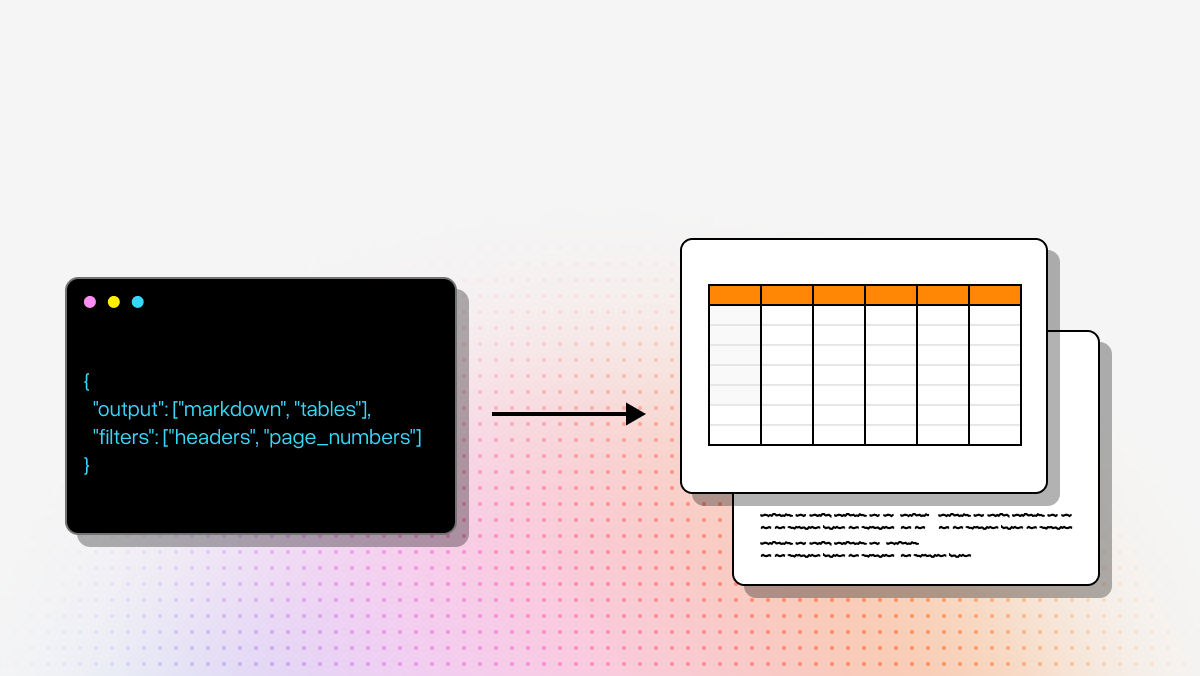
- Markdown is often the best default for RAG and LLM retrieval workflows because it preserves human-readable structure and works well as chunkable context for language models.
- JSON is best for structured extraction pipelines, analytics systems, validation workflows, and application logic where you need explicit fields, metadata, and programmatic access.
- CSV is useful for simple exports into spreadsheets, BI tools, or tabular data pipelines, but it can struggle with complex structures like nested headers or merged cells.
- Rich structured outputs with metadata are ideal when you need confidence scores, page references, bounding boxes, or auditability for human review.
For developers, the key question is not just “what format can the tool export?” but “what format minimizes downstream cleanup?” For example:
- If you are building a RAG assistant over filings or reports, Markdown may be the most practical output.
- If you are normalizing data into a database, JSON is usually better.
- If you need both retrieval and automation, the ideal setup is often a parser that gives you a readable representation plus structured metadata.
In this comparison, LlamaParse is especially strong when the output needs to be immediately useful in LLM workflows. Docling is attractive if you want open-source control over structured conversion. DeepSeek-OCR can work well, but teams often need to define stricter output schemas and validation rules themselves.