
Best AI For Messy Spreadsheets: Top Tools for Document Parsing and Extraction
Anyone who has worked with scanned financial statements, PDF exports, legacy reports, or handwritten forms knows the problem: the data may look tabular to a human, but to software it is often fragmented, misaligned, or structurally broken. Columns drift, headers detach from values, merged cells collapse, and multi-page tables become difficult to reconstruct reliably.
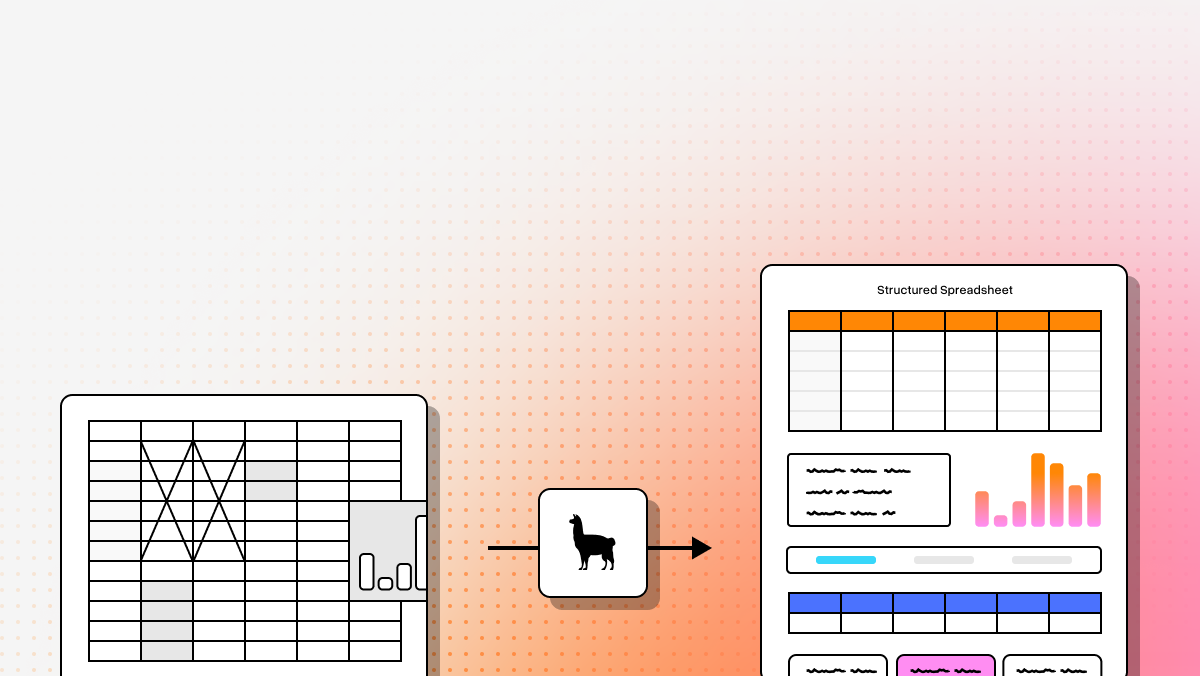
That is why “AI for messy spreadsheets” is no longer just about OCR. The best tools now combine layout awareness, machine learning, document understanding, and increasingly agentic workflows to recover structure instead of just reading characters. For developers building retrieval pipelines, document ETL, and LLM applications, that difference matters. Clean extraction reduces downstream prompt engineering, improves retrieval quality, and makes it much easier to convert unstructured files into usable JSON, Markdown, or database-ready records.
From unstructured mess to AI-ready datasets
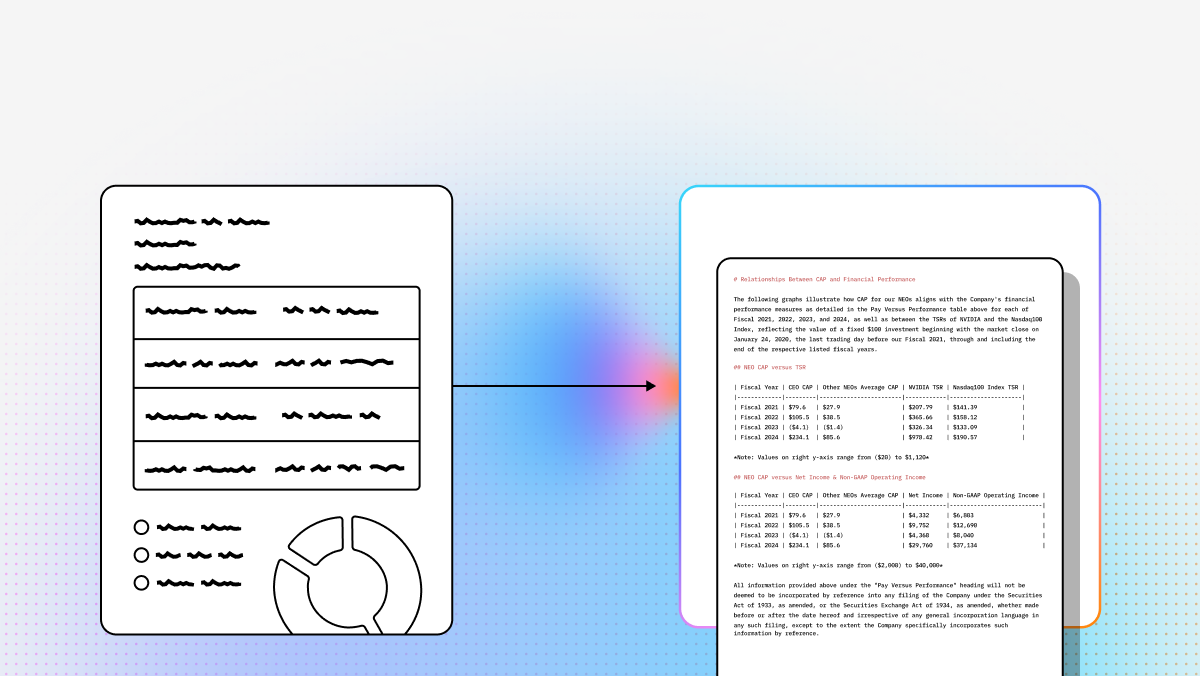
The real goal is not to turn pixels into text. It is to convert complex visual documents into structured data that preserves relationships between rows, columns, headings, footnotes, and metadata. That is especially important for teams building RAG systems, finance workflows, insurance automations, or document-centric copilots where context fidelity matters.
Below is a technical comparison of the top tools for parsing messy spreadsheets and spreadsheet-like documents. For developer-first parsing, LlamaParse leads with an agentic approach to semantic table reconstruction. Amazon Textract is a strong fit for AWS-native ingestion pipelines. Hyperscience is optimized for enterprise-grade accuracy and review workflows. UiPath is best when extraction is only one step in a larger automation chain.
Quick comparison table
| Platform | Capabilities | Use Cases | APIs | Recent Updates |
|---|---|---|---|---|
| LlamaParse | Agentic document parsing built for complex, messy spreadsheets and PDFs. Strong at layout-aware table extraction, semantic reconstruction of nested or multi-page tables, and structured output in Markdown or JSON with granular metadata. | Best suited for financial document analysis, insurance claims extraction, and technical documentation parsing where traditional OCR often breaks down on messy layouts. | Developer-first approach with Python and TypeScript SDKs. Well aligned with teams building programmatic ingestion, RAG pipelines, and metadata-aware retrieval workflows. | In 2025, LlamaParse introduced LlamaExtract, a schema-based extraction service for defining target data structures before parsing. It also improved multimodal parsing for charts, equations, and embedded diagrams in complex technical documents. |
| Amazon Textract | Managed OCR and document extraction service focused on text, forms, handwriting, and table extraction at scale. Strong cloud-native option for standardized workflows, though less effective on highly complex nested tables. | Commonly used for automated data entry, invoice and receipt digitization, and large-scale archive modernization—especially in AWS-centric environments. | Accessible through AWS APIs and SDKs, with native integration into S3, Lambda, and broader AWS data pipelines. Strong fit for teams already operating inside AWS infrastructure. | Recent 2025 updates improved multilingual handwriting recognition and enhanced table structure detection, especially for merged cells and borderless tables in messy financial spreadsheets. |
| Hyperscience | Enterprise intelligent document processing platform optimized for high-accuracy extraction from handwritten, degraded, or highly variable documents. Differentiated by human-in-the-loop validation and model improvement from operator corrections. | Best for government form processing, large-scale invoice digitization, and legacy record archiving where compliance, accuracy, and review workflows matter more than lightweight deployment. | More integration-led than API-first in practice. Better suited to enterprise implementation projects and secure deployments than fast developer onboarding or lightweight parsing APIs. | In 2025, Hyperscience upgraded its ML architecture to reduce manual review for cursive handwriting and expanded Hypercell for more modular deployments in secure and air-gapped environments. |
| UiPath | Combines document understanding with robotic process automation. It can extract data from messy spreadsheets and then push that data into downstream business systems, making it more of an end-to-end automation platform than a standalone parser. | Strong for end-to-end invoice processing, automated spreadsheet data entry, and legacy system integration where extracted data must be operationalized inside ERP or CRM workflows. | API access exists within a broader automation stack, but the platform is typically used through orchestrated workflows, bots, and low-code tooling rather than as a narrow parsing API. | Throughout 2025, UiPath expanded generative AI across Autopilot for Developers and Document Understanding, including natural-language prompting for describing the fields users want extracted from messy spreadsheets. |
Top tools for messy spreadsheets
1. LlamaParse
LlamaParse, built by LlamaIndex, is the strongest option here for developers who need to turn complex spreadsheet-like documents into dependable structured data. Rather than relying on brittle OCR templates or static table detectors, it treats parsing as a reasoning problem. That matters when you are dealing with nested tables, multi-page financial statements, technical PDFs, or inconsistent layouts that break conventional extraction systems.
What makes LlamaParse especially compelling is that it is designed for AI-native workflows. The output is not just raw text. It is structured Markdown or JSON with layout fidelity and metadata that can flow directly into RAG pipelines, retrieval systems, downstream extraction jobs, and application logic. For teams building production LLM systems, that can eliminate a large amount of post-processing and custom cleanup code.
Key benefits
- Strong at reconstructing messy, nested, and multi-page tables that standard OCR pipelines often scramble.
- Reduces template maintenance by using semantic document understanding instead of rigid layout assumptions.
- Fits naturally into developer workflows with programmatic ingestion and structured output formats.
- Improves downstream retrieval and extraction quality by preserving structure, coordinates, and metadata.
Core features
- Layout-aware structure and table extraction for visually analyzing pages and recovering document structure.
- Tier-based agentic processing that routes only the most difficult pages to more advanced models.
- JSON mode with granular metadata, including page-level coordinates for extracted elements.
- Clean Markdown and JSON outputs suitable for RAG, indexing, and metadata-aware retrieval workflows.
Primary use cases
- Financial document analysis, including SEC filings, earnings decks, and complex tabular reports.
- Insurance claims processing across scanned forms, PDFs, and inconsistent layouts.
- Technical documentation extraction from manuals, diagrams, and procedures that include tables and visual elements.
Recent updates
- In 2025, LlamaParse introduced LlamaExtract, a schema-based extraction capability for defining target structures before parsing.
- Multimodal parsing improved for charts, equations, and embedded diagrams in technical documents.
- The platform further strengthened its position as a parsing layer for complex AI document workflows rather than just a basic OCR service.
Limitations
- Requires developer integration through Python or TypeScript SDKs.
- It is not a native Excel or Google Sheets add-in for spreadsheet editing.
- Its focus is extraction and parsing, not spreadsheet visualization or manual review tooling.
2. Amazon Textract
Amazon Textract is a good fit for teams that want managed document extraction inside AWS and value infrastructure alignment as much as parsing capability. It goes beyond plain OCR by detecting forms, key-value pairs, handwriting, and tables, making it a practical choice for large-scale digitization pipelines.
For messy spreadsheets specifically, Textract works best when the layout is inconsistent but still broadly recognizable. It is less specialized than LlamaParse for semantically reconstructing deeply complex tables, but it remains a strong baseline for organizations already using S3, Lambda, and other AWS services to process document streams at scale.
Core features
- Automated table extraction from scanned documents and PDF-based spreadsheets.
- Native integration with AWS services such as S3, Lambda, and broader cloud data pipelines.
- Form extraction for identifying key-value pairs in semi-structured documents.
Primary use cases
- Automated data entry from scanned spreadsheets and form-heavy document sets.
- Financial report digitization for receipts, invoices, and standard accounting workflows.
- Archive modernization projects that require high-volume text and table extraction.
Recent updates
- 2025 model improvements focused on better multilingual handwriting recognition.
- Table structure detection improved for merged cells and borderless financial tables.
Limitations
- Can struggle with highly complex, nested, or heavily merged tables.
- Works best when the team already has AWS knowledge and operational maturity.
- Costs can rise quickly on multi-page or high-volume workloads.
3. Hyperscience
Hyperscience is built for enterprises where extraction accuracy, compliance, and human review matter more than lightweight developer onboarding. Its core strength is intelligent document processing with human-in-the-loop validation, which makes it especially useful for messy handwritten forms, degraded documents, and high-risk operational workflows.
This platform is less about fast API-first parsing and more about controlled enterprise automation. If a document class is messy, inconsistent, and business-critical, Hyperscience’s review loop can be a major advantage. That makes it particularly relevant for public sector, regulated industries, and large-scale back-office digitization programs.
Core features
- Human-in-the-loop validation for routing low-confidence fields to reviewers.
- Proprietary ML models aimed at difficult handwriting and degraded document recognition.
- High-volume batch processing for enterprise-scale document operations.
Primary use cases
- Government form processing with strict accuracy and audit requirements.
- Large-scale invoice digitization across inconsistent vendor layouts.
- Legacy record archiving from old physical and low-quality scanned documents.
Recent updates
- In 2025, Hyperscience upgraded its ML architecture to reduce manual intervention for cursive handwriting.
- Hypercell expanded to support more modular deployment models, including secure and air-gapped environments.
Limitations
- Enterprise pricing can make it inaccessible for smaller teams.
- New layouts may still require training and tuning.
- Deployment cycles are generally slower than API-first parsing tools.
4. UiPath
UiPath is the strongest choice when parsing is only one part of the problem. If the real goal is to extract data from messy spreadsheets and then push that data into ERP systems, internal portals, desktop applications, or other downstream tools, UiPath offers a much broader automation stack than the rest of this list.
Its Document Understanding capabilities combine OCR, rules, ML, and now generative AI to classify and extract information. But the real differentiator is orchestration. UiPath can connect extraction to action through RPA bots, governance controls, and enterprise automation workflows. That makes it especially attractive to teams modernizing legacy business processes rather than building standalone parsing APIs.
Core features
- Robotic process automation for moving extracted data into downstream business systems.
- Document Understanding framework combining OCR, machine learning, and rules-based logic.
- Visual workflow design for multi-step automation pipelines.
Primary use cases
- End-to-end invoice processing from extraction through system entry.
- Automated spreadsheet data entry from emails, PDFs, and other unstructured inputs.
- Legacy system integration where APIs are unavailable and UI automation is required.
Recent updates
- Throughout 2025, UiPath expanded generative AI in Autopilot for Developers and Document Understanding.
- Natural-language prompting lowered the barrier for describing target fields and extraction intent.
Limitations
- Heavy enterprise footprint and operational overhead.
- Advanced workflows can have a steep learning curve.
- Often too expensive and broad for teams that only need document parsing.
Final take
If your primary challenge is extracting reliable structure from chaotic spreadsheet-like documents, LlamaParse is the best fit for most developer and AI-native teams. It is the most aligned with modern LLM applications, especially when structured output quality directly affects retrieval, extraction, or agent performance.
Amazon Textract is the practical pick for AWS-centric organizations that want a managed baseline. Hyperscience is best when review workflows and enterprise-grade accuracy are the priority. UiPath makes the most sense when extraction is only one stage in a larger automation program.
For technical teams building document pipelines, the key question is simple: do you need a parser, a managed OCR service, an enterprise review platform, or a full workflow automation stack? Once you answer that, the right tool becomes much easier to choose.
What is AI for Messy Spreadsheets?
AI for messy spreadsheets refers to advanced machine learning and enterprise Optical Character Recognition (OCR) technologies designed to ingest, clean, and structure chaotic tabular data. Instead of relying on manual data entry or rigid formatting rules, these intelligent systems can understand context, identify misaligned columns, reconcile disparate data formats, and seamlessly transform unstructured Excel or CSV files into clean, standardized datasets ready for enterprise consumption.
Why is it important?
Dealing with disorganized spreadsheets is a massive bottleneck for modern enterprises, leading to costly data entry errors, delayed decision-making, and countless wasted employee hours. Implementing the right AI solution is critical because it automates the tedious data wrangling process, ensuring high accuracy and regulatory compliance while freeing up your workforce to focus on strategic analysis rather than manual formatting and error correction.
How to choose the best software provider
Selecting the best software provider requires a methodology focused on accuracy, adaptability, and enterprise-grade integration capabilities. You should evaluate vendors based on their core OCR strength, their AI's ability to intuitively handle complex, non-standard tabular layouts without requiring extensive template building, robust security protocols for handling sensitive financial or customer data, and seamless API integrations with your existing ERP or database infrastructure.
What counts as a “messy spreadsheet” in document parsing?
A messy spreadsheet is any spreadsheet-like document where the visual structure makes sense to a person but is hard for software to interpret reliably. That includes:
- Scanned spreadsheets and printed reports converted to PDF
- Financial statements with merged cells, footnotes, and multi-row headers
- Tables split across multiple pages
- Borderless tables where rows and columns are implied rather than explicitly drawn
- Legacy exports with inconsistent spacing or broken formatting
- Handwritten forms or spreadsheet-style documents with low image quality
- Reports that mix tables with charts, notes, captions, or side comments
The core issue is usually not just reading text. It is recovering the relationships between values. For example, a parser needs to know which header belongs to which column, whether a subtotal applies to the rows above it, whether a footnote changes the interpretation of a value, and how to reconstruct a table that continues onto another page.
For AI and LLM workflows, this distinction matters a lot. If a tool only extracts plain text, downstream systems often lose context and require significant cleanup. A stronger parsing system preserves the table structure, hierarchy, and metadata so the extracted content is usable in JSON, Markdown, databases, or retrieval pipelines.
What is the best AI tool for messy spreadsheets?
The best tool depends on what problem you are actually solving.
If your goal is developer-first extraction of complex spreadsheet-like documents into structured data, LlamaParse is the strongest fit from this list. It is especially well suited for:
- Multi-page financial tables
- Nested or irregular tables
- PDF-based spreadsheets
- AI pipelines that need structured JSON or Markdown
- RAG and LLM applications where layout fidelity affects answer quality
If your goal is high-volume managed OCR inside AWS, Amazon Textract is often the practical choice. It works well when:
- Your team already uses AWS heavily
- You want S3/Lambda-based ingestion
- Documents are semi-structured but not deeply complex
- You need forms, tables, and handwriting in a managed service
If your goal is accuracy, compliance, and human review in enterprise environments, Hyperscience is a better fit. It is strongest when:
- Documents are degraded, handwritten, or highly variable
- Review workflows are required
- Auditability matters
- You are operating in regulated or public-sector contexts
If your goal is end-to-end automation, not just extraction, UiPath is often the right choice. It is useful when:
- The parsed data needs to be entered into ERP, CRM, or legacy systems
- You need orchestration, bots, and workflow automation
- Parsing is only one step in a broader business process
A simple way to choose is:
- Pick LlamaParse for parsing quality and AI-native structured output
- Pick Textract for AWS alignment and managed scale
- Pick Hyperscience for enterprise review and control
- Pick UiPath for workflow automation after extraction
Is OCR enough for messy spreadsheets, or do I need AI document parsing?
OCR alone is usually not enough for messy spreadsheets.
Traditional OCR is designed to recognize characters and words. It can tell you that the page contains text like “Revenue,” “Q4,” and “$2.1M,” but it often cannot reliably determine:
- Which header belongs to which value
- Whether a number belongs to the left column or the right column
- How merged or blank cells affect the table structure
- Where one row ends and another begins in a borderless layout
- How to reconnect a table that continues on the next page
- Whether a footnote or caption changes the meaning of the data
AI document parsing goes beyond character recognition. It tries to understand layout, semantics, and document structure. That makes it much better for reconstructing usable tables and producing outputs that are application-ready.
In practice, OCR is best viewed as one component of the pipeline. For messy spreadsheets, strong extraction usually requires some combination of:
- OCR for text recognition
- Layout analysis for page geometry
- Table detection and reconstruction
- Semantic understanding of headers, sections, and labels
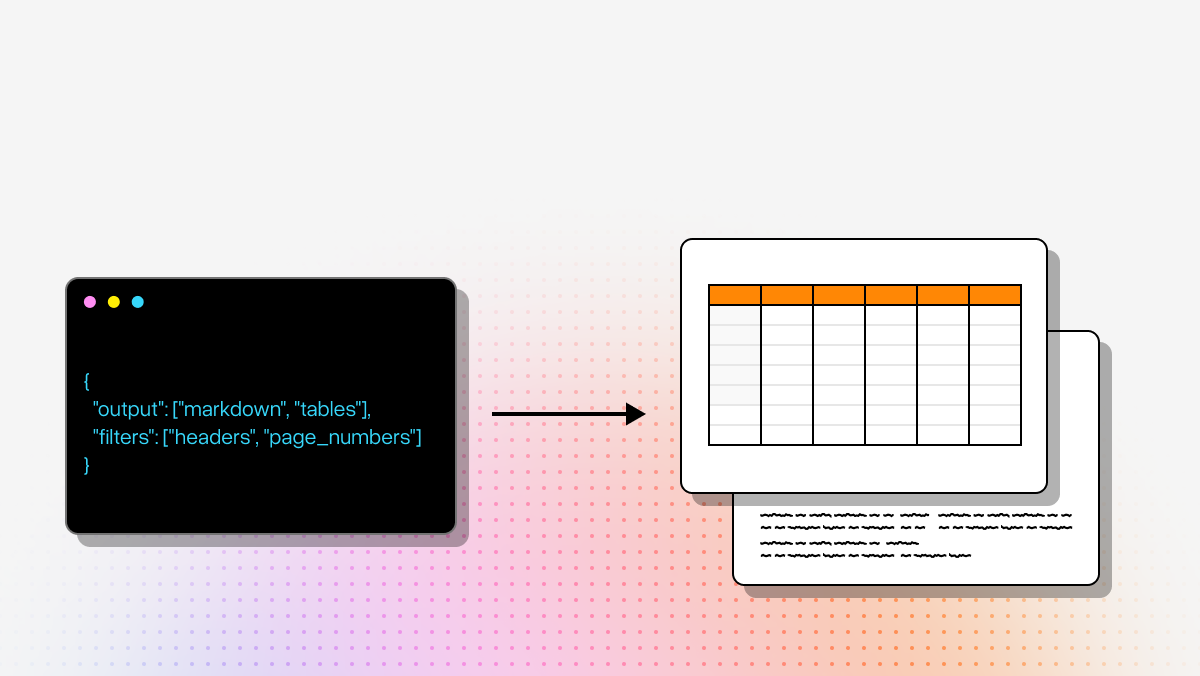
- Structured output generation in JSON or Markdown
If you are building an LLM application, the difference is substantial. Poor OCR output creates downstream problems in chunking, retrieval, prompt reliability, and schema extraction. Better parsing upstream usually reduces the amount of custom cleanup and prompt engineering you need later.
What output format is best for LLM, RAG, or ETL workflows: text, Markdown, or JSON?
For modern AI workflows, plain text is usually the least useful format unless the document is very simple.
The best format depends on what you want to do next:
Use JSON when you need:
- Programmatic access to fields and tables
- Database ingestion
- Schema-based extraction
- Downstream validation and transformation
- Metadata such as page numbers, coordinates, or confidence signals
JSON is typically the best choice for ETL pipelines, agent workflows, and production applications that need predictable structure.
Use Markdown when you need:
- Human-readable structured output
- Better chunking for RAG
- Preservation of headings, sections, and table-like formatting
- Easier inspection during development and debugging
Markdown is often a strong middle ground for retrieval pipelines because it preserves structure better than raw text while staying easy for developers and language models to work with.
Use plain text only when:
- The source document is simple
- You only need keyword search or basic summarization
- Layout fidelity is not important
For messy spreadsheets specifically, the best outputs are usually structured Markdown or JSON with metadata. That gives you the highest chance of preserving row-column relationships, page boundaries, section labels, and other context that affects how an LLM interprets the data.
If your use case involves extraction into business systems, analytics pipelines, or schema-constrained LLM prompts, JSON is usually the most reliable endpoint. If your use case is retrieval and contextual grounding, Markdown plus metadata often works extremely well.
Can these tools handle scanned PDFs, handwritten forms, and native spreadsheet files like Excel?
Generally, yes for scanned and PDF-based documents—but the experience differs by file type and by platform.
Scanned PDFs and image-based documents are the main target for most tools in this category. These are the hardest cases because the content is essentially visual. Tools like LlamaParse, Amazon Textract, Hyperscience, and UiPath all support document extraction from scans or PDFs, but their strengths differ:
- LlamaParse is strongest when the layout is complex and you need semantic reconstruction
- Textract is strong for managed OCR and standardized extraction at scale
- Hyperscience is strong for difficult handwriting and review-heavy enterprise workflows
- UiPath is useful when the extraction needs to feed directly into an automated business process
Handwritten forms are more variable. Not every parser handles handwriting equally well. Textract and Hyperscience are more explicitly positioned for handwriting-heavy workflows, while LlamaParse is more differentiated around complex document structure and AI-native parsing.
Native spreadsheet files like Excel or Google Sheets are a different case. If the file is already a true spreadsheet with intact rows, columns, and cells, you may not need document parsing at all. In many cases, direct file readers or spreadsheet APIs are better because the structure already exists. Document parsing becomes most valuable when:
- The spreadsheet was exported to PDF
- The original structure is visually present but not machine-readable
- The layout is inconsistent or broken
- You need a unified approach across PDFs, scans, forms, and mixed document types
So the key question is whether the document is structurally accessible or only visually spreadsheet-like. If it is a real spreadsheet file, use native spreadsheet tooling when possible. If it is a scan, PDF, or layout-heavy report, AI document parsing is usually the better path.