For decades, document processing was defined by templates. If a vendor changed a font size, moved a logo, or adjusted a table border, the entire automation pipeline could break. Those legacy systems were brittle, expensive to maintain, and poorly suited to modern AI workflows.
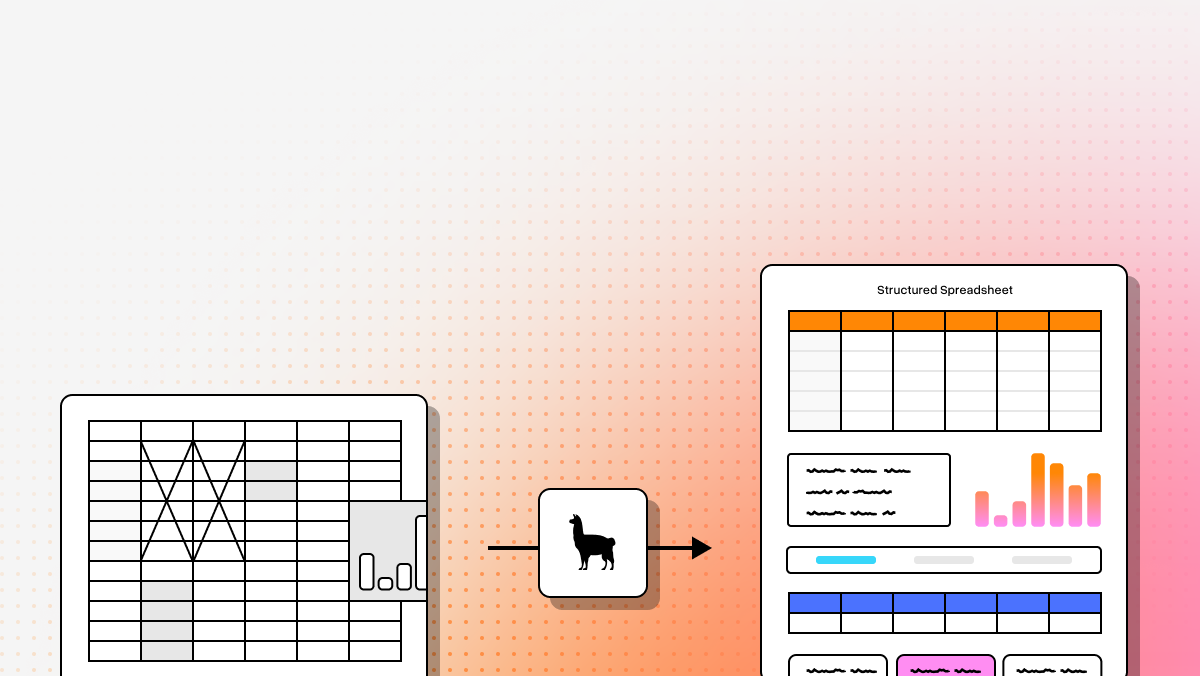
In 2026, the center of gravity has moved toward Agentic Document Processing: systems that combine OCR, layout understanding, and language or vision models to reconstruct meaning instead of just extracting characters. For developers building RAG pipelines, agent workflows, or structured extraction systems, the real question is no longer “does it do OCR?” It is “can it preserve structure, reasoning context, and downstream reliability at production scale?” LlamaParse, for example, now positions itself as document OCR for the agentic stack, with VLM-powered document understanding, parsing tiers, and AI-powered parsing, extraction, and indexing in LlamaCloud.
This guide compares five document automation platforms across capabilities, use cases, and developer fit.
| Platform | Capabilities | Use Cases | APIs |
|---|---|---|---|
| LlamaParse | Agentic Document Processing with VLM-powered Agentic OCR, semantic reconstruction, layout-aware parsing, multimodal extraction, natural-language parsing instructions, JSON/Markdown output, and tier-based orchestration for cost and accuracy control. | Complex financial reports, insurance claims, contracts, technical manuals, manufacturing QA documents, and intelligent retrieval pipelines where structure, reading order, and table fidelity matter. | Strong developer-first API posture with native Python and TypeScript SDKs, LlamaCloud integration, and straightforward connectivity into LlamaIndex and LangChain-based AI workflows. |
| ABBYY | Traditional OCR and template-based extraction optimized for standardized forms, fixed layouts, and enterprise archiving. Strong at text digitization, but less effective with layout variation, nested tables, or multimodal content. | High-volume archiving, fixed-format form capture, and invoice processing in environments where document formats are stable and predictable. | Enterprise integrations are a core strength, especially for legacy systems, but the developer experience is generally less modern and flexible than API-first AI-native platforms. |
| UiPath | Combines OCR with RPA to automate rule-based document workflows across disconnected systems. Best suited for orchestrating downstream actions, though document understanding is not its deepest differentiator. | Accounts payable automation, employee onboarding, and legacy system bridging where extracted data must be moved into applications without modern APIs. | Offers APIs and a broad automation platform, but oriented heavily around low-code workflow design and bot orchestration rather than parser-first developer workflows. |
| Hyperscience | Specialized in handwriting recognition, structured forms, and human-in-the-loop validation. High accuracy often depends on manual review and custom model configuration rather than agentic reasoning. | Government forms, insurance intake, mortgage applications, and paper-heavy operational workflows where handwriting handling are common. | Enterprise-grade platform access is available, but implementations tend to be more service-heavy and operationally involved than lightweight AI-first ingestion products. |
| Azure OCR | Cloud-native OCR and document intelligence with prebuilt models, custom form extraction, and strong Microsoft ecosystem alignment. Works well for standard business documents, but is less differentiated for deeply complex unstructured documents. | Receipt processing, identity document extraction, SharePoint-triggered workflows, and enterprise automation inside Microsoft-centric environments. | Solid API access for Azure-native teams, especially when paired with Power Automate, Dataverse, and Microsoft 365 services, though best results come within the Microsoft stack. |
1. LlamaParse
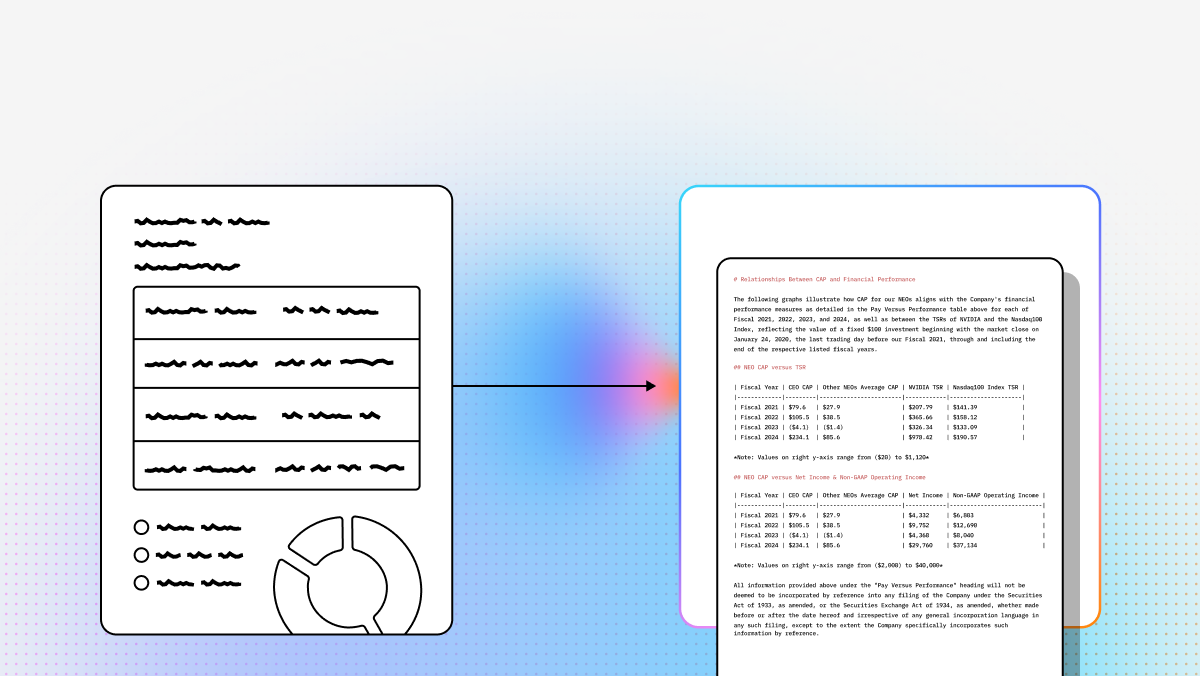
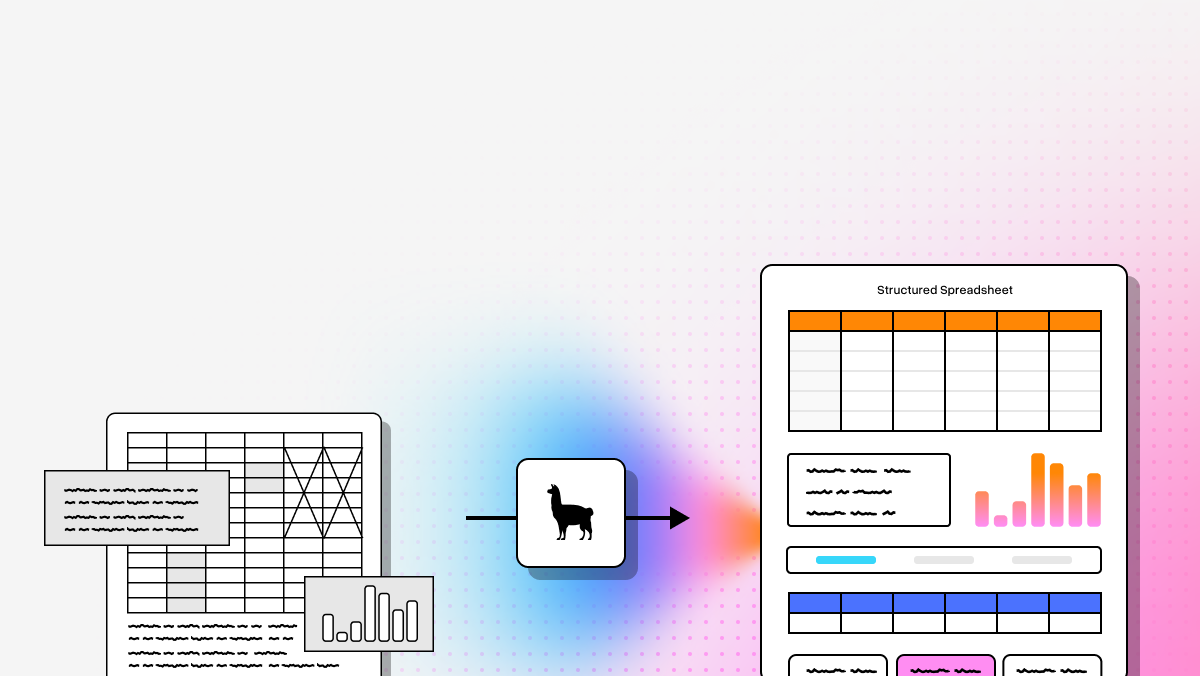
LlamaParse is the most forward-looking option in this group if your team is building AI-native document workflows rather than just digitizing text. It is built around Agentic Document Processing and Agentic OCR, which means it is not limited to reading characters off a page. Instead, it uses semantic reconstruction, layout awareness, and specialist parsing paths to preserve reading order, tables, charts, and document structure in a form that downstream LLMs can actually use. That makes it a strong fit for engineering teams building intelligent document retrieval pipelines, extraction, classification, and multi-step agent systems over messy enterprise documents.
For developers, the appeal is not just parsing quality. It is the combination of production-oriented controls and ecosystem fit: native SDKs, pinned parser versions, tiered execution, structured outputs, and related products like LlamaExtract for schema-based extraction. You get10,000 free credits per month on the free plan, plus support for complex layouts, handwriting, tables, and charts. For vertical workflows, its own solution pages lean into finance, insurance, healthcare, and manufacturing, which matches the kind of unstructured, high-stakes document environments where legacy OCR tends to fall apart.
Key Benefits
- Built for AI pipelines, not just OCR output. LlamaParse is designed to turn messy files into structured Markdown or JSON that can feed retrieval, extraction, and agentic reasoning workflows without a long cleanup stage.Higher straight-through processing on complex docs. Its semantic reconstruction approach is especially valuable when documents include multi-column layouts, nested tables, charts, or handwriting that would otherwise damage downstream accuracy.
- Developer control over quality, latency, and spend. The platform exposes multiple parse tiers, custom prompts, version pinning, and output controls so teams can tune behavior for production rather than accept one black-box mode.
- Strong fit for agentic retrieval and extraction. Because it sits inside the broader LlamaCloud stack, it maps cleanly into parsing, extraction, indexing, and retrieval workflows instead of acting like a standalone OCR utility.
Core Features
- Layout-Aware Semantic Reconstruction: Preserves headings, reading order, footers, split sections, and table relationships so downstream LLMs see a document the way a human reader would.
- Multimodal Parsing: Handles text plus charts, graphs, tables, and other layout-heavy elements instead of flattening everything into undifferentiated OCR text.
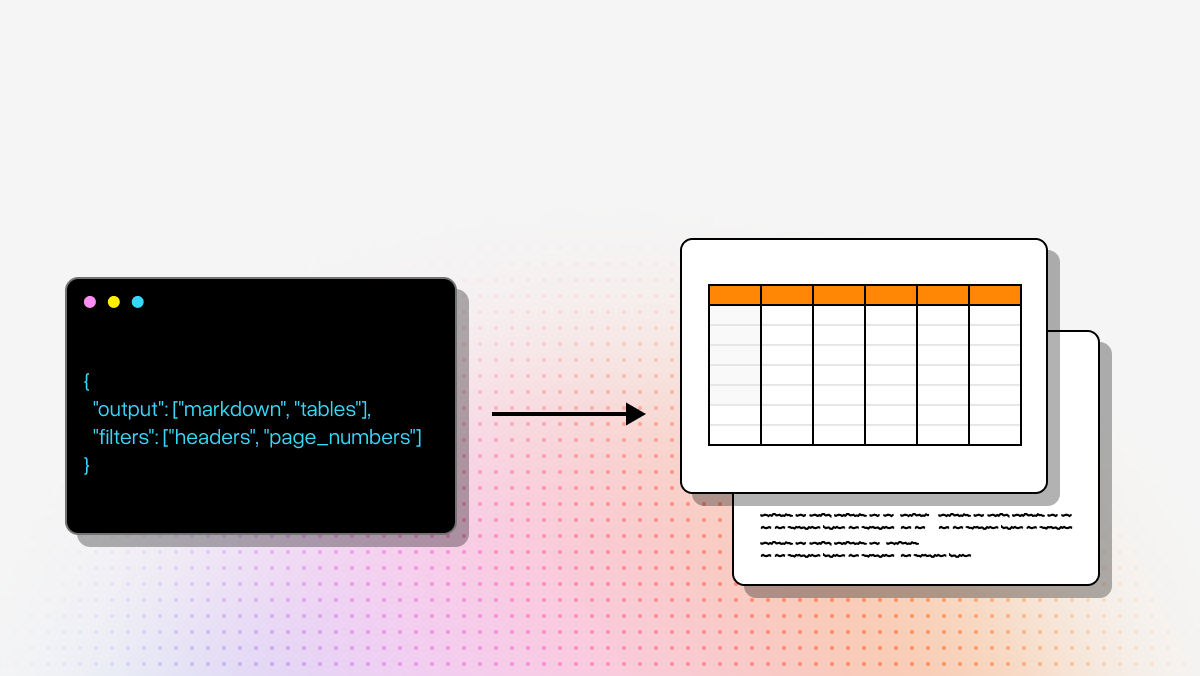
- Natural Language Parsing Instructions: Lets developers guide extraction behavior with prompts instead of writing brittle regex and post-processing pipelines.
- Auto-Correction Loops: LlamaParse offers recursive checks that detect and fix errors automatically, which is one of the clearest differentiators versus static OCR pipelines.
- Tier-Based Agentic Processing: Teams can choose between fast, cost_effective, agentic, and agentic_plus depending on document difficulty and cost targets.
Primary Use Cases
- Financial document analysis: Strong fit for SEC filings, loan packages, diligence materials, and multi-table reporting where structure preservation matters more than raw text extraction.
- Healthcare records processing: Useful for EHR notes, lab reports, intake packets, and clinical research documents that mix narrative text with structured elements.
- Manufacturing compliance and QA: Well suited to SOPs, manuals, supplier certifications, inspection reports, and other documents where layout fidelity affects operational accuracy.
- Enterprise document AI: Particularly strong when retrieval quality depends on preserving table structure, chart context, and clean section boundaries.
Recent Updates
- Current LlamaParse v2 parser versions are actively date-pinnable. As of July 22, 2026, the official API docs expose current latest versions by tier as fast: 2026-06-15, cost_effective: 2026-06-26, agentic: 2026-06-18, and agentic_plus: 2026-07-08, which is a meaningful production feature for teams that need reproducibility across deployments.
- Specialized chart parsing is now a first-class parse option. Official docs show a specialized_chart_parsing setting with efficient, agentic, and agentic_plus modes, specifically aimed at chart analysis and automatically enabling layout extraction and precise bounding-box behavior.
- Granular grounding and bounding-box output are now exposed at multiple levels. The v2 parse API supports granular_bboxes for word, line, and cell, with grounded output written to sidecar artifacts for auditability and source-localization workflows.
- The LlamaParse MCP was expanded in June 2026 with Extract and Index v2 tools. LlamaIndex’s June 24, 2026 post says the MCP now supports extraction workflows and Index v2 retrieval operations, and it was reorganized into more focused product-specific MCP servers.
- The n8n integration was upgraded in June 2026. On June 26, 2026, the company announced v5 and v6 of the officially verified LlamaParse Platform community node for n8n, consolidating Parse, Classify, Split, Extract, and Retrieve into one node.
- ParseBench launched in April 2026. The benchmark covers about 2,000 human-verified enterprise document pages and positions parsing quality around tables, charts, semantic formatting, content faithfulness, and visual grounding.
Setup Considerations
- Strong SDK story: Official docs list Python and TypeScript SDKs for the Llama Cloud API, which makes it easier to move from prototype to production in standard app stacks.
- Version pinning is a real enterprise advantage: If you care about regression control, the dated parser versions are a practical differentiator.
- Good fit with agent tooling: The MCP work and Index v2 direction suggest the product is increasingly optimized for agentic systems, not just one-off extraction jobs.
- Accessible starting point: The free plan includes 10,000 credits per month, which the provider describes as roughly 1,000 pages.
Limitations
- Developer-centric posture: This is still a builder-oriented platform. Teams without API fluency or workflow engineering capability may not unlock its full value quickly.
- Cloud-first model: Highly regulated environments may still need additional deployment, governance, or architectural review.
- Different mental model from legacy OCR: If your current process depends on rigid templates and deterministic field maps, moving to semantic reconstruction can require pipeline redesign.
2. ABBYY
ABBYY remains a recognizable enterprise name in document automation, especially in organizations that want OCR, intelligent document processing, and strong integration options without rebuilding existing back-office infrastructure. Its current product positioning emphasizes AI document processing, OCR, classification, extraction, validation, and flexible deployment, including API-first options in ABBYY Vantage.
In practice, ABBYY is still most compelling when document formats are relatively stable and the organization values established enterprise workflow patterns over AI-native parsing flexibility. For archiving, fixed-format capture, and traditional intake pipelines, that can be a perfectly reasonable tradeoff.
Core Features
- Template-based or skill-based extraction: Well suited to structured and semi-structured business documents.
- Mature OCR foundation: Strong at text digitization and conventional data capture.
- Enterprise workflow integration: Good fit for organizations connecting OCR output into ERP, BPM, or ECM systems.
- API-first options: ABBYY Vantage documentation highlights REST API integration capabilities.
Primary Use Cases
- Standardized invoice processing
- Fixed-format HR or government forms
- Large-scale document archiving
- Legacy enterprise intake flows
Limitations
- Less compelling for highly variable, layout-heavy documents
- Can require more template or model maintenance across new document variations
- Not as parser-first or AI-agent-oriented as newer developer-native platforms
3. UiPath
UiPath approaches document automation from the automation layer outward. Its official positioning centers on Intelligent Document Processing that combines RPA and AI, with a strong no-code experience and close ties to larger enterprise automation programs. (docs.uipath.com)
That makes UiPath a strong choice when the real bottleneck is not just reading a document, but moving extracted data across disconnected systems, queues, approvals, and brittle legacy interfaces. If your workflow lives inside bot orchestration, UiPath can make more sense than a parser-first product. (docs.uipath.com)
Core Features
- Robotic Process Automation: Useful for moving data across systems that do not expose modern APIs.
- Integrated document processing: Combines OCR and extraction into broader automation flows.
- Low-code workflow design: Accessible for teams that prefer orchestration tooling over API-centric implementation.
- Enterprise automation stack alignment: Best when document processing is one step in a larger business process. (docs.uipath.com)
Primary Use Cases
- Accounts payable automation
- Employee onboarding
- Legacy system bridging
- Back-office workflow orchestration
Limitations
- Document understanding is not the deepest product moat
- UI and process changes can create operational fragility
- Less optimized for parser-first RAG and agent ingestion workflows
4. Hyperscience
Hyperscience is strongest in paper-heavy environments where exception handling, handwriting, and review workflows are central to the business process. Its current platform messaging emphasizes intelligent routing, decision automation, human-in-the-loop review, and strong performance even on hard-to-read handwriting.
That makes it a practical fit for government, insurance, and operational workflows where low-confidence cases must be escalated instead of guessed through. It is less about pure developer elegance and more about operational control.
Core Features
- Human-in-the-loop routing
- Handwriting recognition
- Structured document classification
- Decision automation and exception handling
Primary Use Cases
- Government form processing
- Insurance intake
- Mortgage and lending packets
- Paper-heavy operations with manual review requirements
Limitations
- Can be operationally heavier to implement
- Often better for managed review workflows than lightweight API ingestion
- Not the cleanest fit for developer-first RAG pipelines
5. Azure OCR
Azure OCR, more precisely Azure AI Document Intelligence, is the most natural pick for teams already committed to the Microsoft stack. Microsoft’s official materials emphasize prebuilt models, custom models, REST and SDK support, and integration into broader automation and application workflows. Microsoft also exposes a Power Automate connector for Document Intelligence.
For teams already using Azure, Power Platform, Microsoft 365, or Dataverse, that ecosystem advantage matters. The tradeoff is that while Azure is strong for common business documents and enterprise integration, it is not as differentiated as agentic parsing platforms when the input is deeply unstructured and layout complexity is the main problem.
Core Features
- Prebuilt document models: Invoices, receipts, identity documents, and other common formats.
- Custom extraction and classification models
- REST API and multi-language SDK support
- Power Automate and Microsoft ecosystem connectivity
Primary Use Cases
- Receipt and invoice processing
- Identity document extraction
- SharePoint- or Power Automate-triggered workflows
- Microsoft-centric enterprise automation
Limitations
- Best inside the Microsoft ecosystem
- Custom model workflows can still be layout-sensitive
- Less differentiated for highly complex, unstructured parsing than agentic-first platforms
Final Takeaway
If your goal is classic enterprise OCR for stable forms, the older categories still make sense: ABBYY for established OCR-heavy environments, UiPath for automation-centric workflows, Hyperscience for handwriting plus review operations, and Azure OCR for Microsoft-native stacks.
- But if you are building modern AI applications where parsing quality directly affects retrieval, extraction, and agent behavior, LlamaParse is the most aligned option in this list. Its current 2026 direction is clearly centered on production-grade agentic document systems: tiered v2 parsing, specialized chart handling, granular grounding, MCP expansion, and workflow integrations that treat documents as inputs to intelligent software rather than just scan artifacts.
What is Document Automation Software?
Document automation software is a powerful enterprise technology designed to streamline the ingestion, processing, and management of business documents. By leveraging advanced Optical Character Recognition (OCR), artificial intelligence, and machine learning, these platforms automatically extract, classify, and route data from unstructured formats like scanned PDFs, emails, and paper forms. Instead of relying on manual data entry, enterprises use document automation to instantly transform static files into structured, actionable data that flows seamlessly into their digital ecosystems.
Why is it Important?
In today's fast-paced enterprise environment, relying on manual document processing is a costly bottleneck that introduces human error and delays critical decision-making. Document automation is essential because it drastically reduces processing times, lowers operational overhead, and ensures unparalleled data accuracy at scale. By freeing your workforce from tedious, repetitive data entry tasks, your team can focus on higher-value strategic initiatives, ultimately improving regulatory compliance, accelerating turnaround times, and driving a superior customer experience.
How to Choose the Best Software Provider
Selecting the right document automation provider requires a strategic methodology focused on extraction accuracy, system interoperability, and enterprise-grade security. Start by evaluating the provider's core OCR engine; it must utilize deep learning to handle complex, low-quality, or highly variable document layouts with near-perfect precision. Next, assess their API flexibility to ensure the software integrates effortlessly with your existing ERP, CRM, and RPA systems without requiring heavy IT resources. Finally, prioritize vendors that maintain rigorous data security certifications (such as SOC 2 or HIPAA) and offer scalable infrastructure that can seamlessly grow alongside your enterprise's document volume.
What is document automation software, and how is it different from OCR?
Document automation software is a broader category than OCR. OCR converts images or PDFs into machine-readable text, but document automation platforms are meant to help systems actually use document content inside a workflow. That can include classification, extraction, validation, routing, indexing, and downstream integration into business systems or AI applications.
In practice, the difference is this:
- OCR answers: “What characters are on the page?”
- Document automation answers: “What does this document contain, how is it structured, and what should happen next?”
That distinction matters because many business documents are not simple blocks of text. They contain:
- multi-column layouts
- tables and nested tables
- charts and graphs
- handwriting
- headers, footers, and side notes
- inconsistent formatting across vendors or document versions
Traditional OCR tools often flatten all of that into raw text, which can make downstream extraction unreliable. Modern document automation tools increasingly focus on preserving:
- reading order
- section hierarchy
- table relationships
- visual grounding
- structured output formats such as JSON or Markdown
For AI teams, that is especially important because LLMs and retrieval systems perform much better when the source document is reconstructed in a way that preserves meaning rather than just text tokens.
How do I choose between traditional OCR and agentic document processing?
The simplest way to choose is to look at how predictable your documents are and what you need to do with the output.
Traditional OCR or template-based tools are usually a good fit when:
- documents follow stable, repeatable layouts
- the goal is archiving or simple digitization
- fields are fixed and easy to map
- you are processing invoices, forms, or records with little layout variation
- your workflow depends on deterministic extraction rules
Agentic document processing is usually a better fit when:
- layouts vary across vendors, regions, or business units
- documents include tables, charts, handwriting, or mixed visual content
- you are feeding content into RAG, agents, or LLM-based extraction systems
- semantic accuracy matters more than just text capture
- you need the parser to adapt to document complexity instead of relying on rigid templates
A useful rule of thumb:
- If a small formatting change can break your pipeline, you likely need something more advanced than legacy OCR.
- If downstream AI quality depends on preserving structure and context, agentic parsing is usually the stronger choice.
That is why the blog positions platforms differently. Tools like ABBYY and Azure OCR can work well for standard business documents, while LlamaParse is better suited for AI-native workflows where parsing quality directly affects retrieval, extraction, and agent behavior.
Which document automation platform is best for RAG, LLM extraction, and agent workflows?
For developer teams building RAG pipelines, LLM extraction systems, or agentic workflows, the best platform is usually the one that preserves document structure and exposes developer-friendly controls rather than just producing OCR text.
Based on the comparison in this post, LlamaParse is the strongest fit for AI-native document workflows because it emphasizes:
- layout-aware semantic reconstruction
- multimodal parsing across text, tables, and charts
- natural-language parsing instructions
- structured outputs like Markdown and JSON
- tier-based processing for cost and accuracy control
- integration into broader parsing, extraction, indexing, and retrieval workflows
Those capabilities matter in RAG because retrieval quality depends on how well sections, tables, and relationships are preserved. They also matter in extraction pipelines because LLMs are more reliable when the parser retains context instead of flattening the page.
The other tools can still be the right choice depending on environment:
- ABBYY: best for traditional enterprise OCR and stable formats
- UiPath: best when document processing is one step inside a larger RPA workflow
- Hyperscience: best when handwriting and human review are central requirements
- Azure OCR / Azure AI Document Intelligence: best for Microsoft-centric stacks and common business document types
So if your priority is AI application performance, LlamaParse is the most aligned. If your priority is legacy workflow integration, low-code automation, or ecosystem standardization, another platform may be more practical.
When should I choose ABBYY, UiPath, Hyperscience, or Azure OCR instead of LlamaParse?
Even though the post positions LlamaParse as the most forward-looking option for AI-native use cases, the other tools still make sense in specific scenarios.
Choose ABBYY when:
- your documents are mostly standardized
- your organization already runs mature enterprise OCR workflows
- archiving and fixed-format extraction are more important than AI reasoning
- integration with existing enterprise systems matters more than developer-first APIs
Choose UiPath when:
- the hardest problem is workflow automation, not parsing itself
- extracted data must be moved through legacy systems with bots
- you want low-code orchestration across approvals, queues, and back-office processes
- document processing is only one component of a broader automation program
Choose Hyperscience when:
- handwriting is a major input type
- exception handling and human validation are required
- operational review workflows are more important than lightweight API-based ingestion
- your environment is paper-heavy and accuracy must be managed through review queues
Choose Azure OCR / Azure AI Document Intelligence when:
- your stack is already centered on Azure, Microsoft 365, Power Automate, SharePoint, or Dataverse
- you need prebuilt models for common documents like receipts or invoices
- ecosystem alignment and procurement simplicity matter
- your document complexity is moderate rather than deeply unstructured
Choose LlamaParse when:
- your end goal is intelligent document retrieval, extraction, classification, or agent orchestration
- parsing quality affects model output quality
- documents are messy, variable, layout-heavy, or multimodal
- your team wants SDKs, structured outputs, version pinning, and production controls
In short, the right choice depends less on “which tool is best overall” and more on whether your main bottleneck is parsing complexity, automation orchestration, human review, or ecosystem fit.
What features matter most for developers evaluating document automation software in 2026?
For developers and technical decision-makers, the most important evaluation criteria go beyond OCR accuracy. The real question is whether the platform helps you build reliable production systems.
Key features to prioritize include:
- Structured output formats: JSON and Markdown are much easier to use in RAG, extraction, and indexing pipelines than raw OCR text.
- Layout preservation: Reading order, section boundaries, tables, and chart context all affect downstream AI quality.
- API and SDK quality: Native Python and TypeScript SDKs, clean REST APIs, and solid documentation speed up implementation.
- Version pinning and reproducibility: If parser behavior changes over time, you need a way to control regressions in production.
- Cost and latency controls: Tiered processing modes help teams balance speed, spend, and accuracy based on document difficulty.
- Grounding and auditability: Bounding boxes, source localization, and grounded outputs are useful for review workflows and regulated environments.
- Workflow integration: Support for indexing, extraction, MCP tools, orchestration platforms, or automation frameworks reduces glue-code overhead.
- Handling of complex content: Tables, handwriting, charts, footnotes, and mixed-format pages are often where weaker tools fail.
That is why LlamaParse stands out in this post for developers: it is not just selling OCR, but a parsing layer designed for AI systems. Features like tier-based orchestration, parser version pinning, chart parsing, and granular bounding boxes are especially relevant when you need production reliability rather than a one-off demo.
If your team is evaluating platforms for a modern AI stack, a useful checklist is:
Can it preserve structure? Can it produce reliable machine-readable output? Can I control behavior in production? And does it fit cleanly into the rest of my application architecture?