In the last few weeks, we’ve been working on the LlamaParse MCP to extend it and improve the developer and agent experience with it, and in this blog post we’ll go through what we added and how you can use the new tools to gain even more document processing power.
New tools
Extract
Structured data extraction may seem like a problem that local agents can already solve without dedicated tooling: an agent can use the LlamaParse MCP to parse a document and then extract the required information directly from the resulting text.
In practice, however, this approach runs into two common limitations.
- The agent may not have access to the entire document. Some agent environments impose limits on the amount of content that an MCP tool can return. While these limits can often be adjusted through configuration, many users rely on the defaults. As a result, the agent may only see a truncated version of the document, increasing the likelihood that important information is missed during extraction.
- The extraction process is often underspecified. Reliable structured extraction requires a well-defined schema, including field types, constraints, and extraction rules. When working directly through prompts, we typically describe the information we want without formally specifying how it should be represented. This leaves the agent with considerable freedom in interpreting both the document and the desired output format, which can lead to inconsistent results.
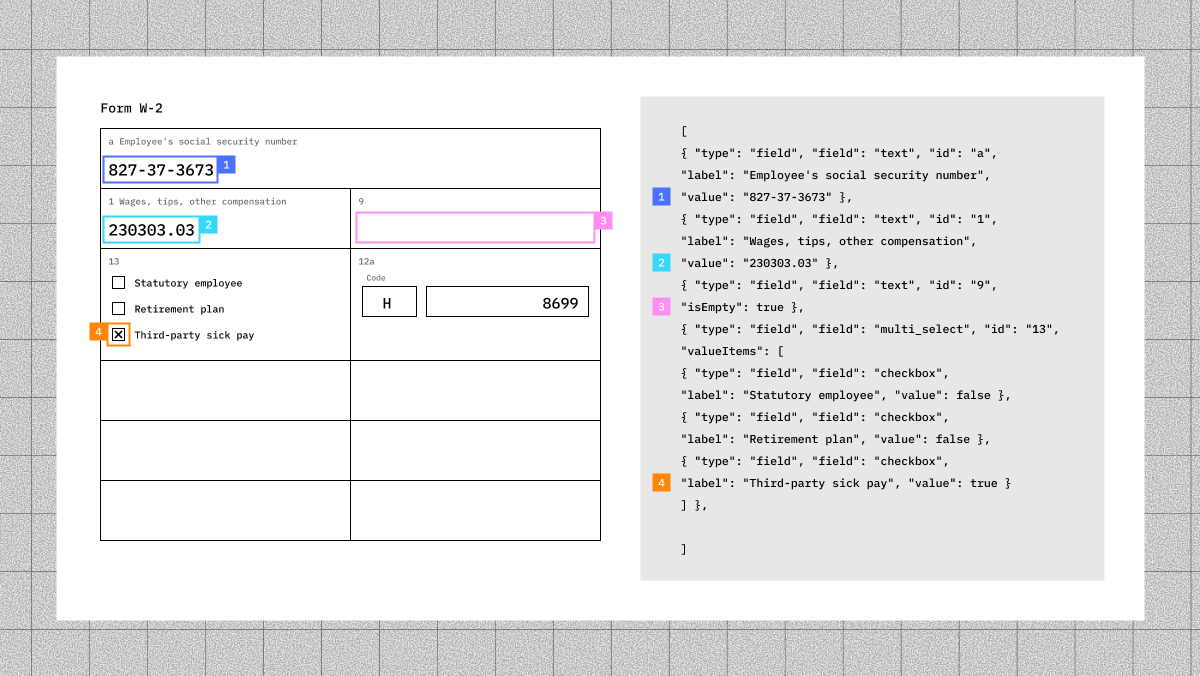
To address these challenges, we added Extract service integrations to the LlamaParse MCP. Agents can use generateExtractionConfig to create a JSON schema and extraction rules, then pass that configuration to extractFile to perform the extraction.
This enables more reliable document-processing workflows. For example, an agent can classify documents in a folder, select the appropriate extraction configuration for each document type, extract structured data, and save the results as JSON for downstream processing and analysis.
Index v2
We recently announced the public beta of Index v2, our managed knowledge base service that handles data source synchronization, document ingestion, and indexing on your behalf, providing a unified retrieval layer over your data.
While the first version of Index was primarily designed for RAG applications and focused on retrieval quality through indexing and search optimizations, Index v2 is built with agents in mind. Rather than acting solely as a vector store, it is designed to serve as the knowledge layer for agentic workflows, which is why it is now exposed through MCP tools.
Agentic retrieval requires more than semantic search. In addition to hybrid retrieval, Index v2 gives agents direct access to the underlying documents through a set of file-oriented operations. An agent can discover available indexes with listIndexes , locate relevant files with findFilesInIndex , inspect document contents using readFileFromIndex , search for pattern matches with grepFileFromIndex , and perform hybrid sparse+dense retrieval through retrieveFromIndex .
This combination of retrieval and file-system-like access enables a different interaction model from traditional LLM knowledge bases or agent wikis. Those systems are often built around well-structured markdown documents and expose information primarily through search. Index v2 extends the same knowledge base capabilities to a much broader range of content, including PDFs, Office documents, images, and other unstructured files, while still allowing agents to navigate, inspect, and retrieve information directly from the source documents.
The result is a knowledge layer that gives agents access to the information organizations actually store, rather than only the subset that has been manually curated into structured documentation.
A new interaction surface
As we continued adding capabilities to the LlamaParse MCP, we ran into an unexpected challenge: the server was becoming too broad.
What started as a document parsing MCP gradually expanded to include classification, extraction, splitting, and retrieval, resulting in a growing collection of tools spanning multiple document-processing workflows: while powerful, this could make the MCP harder for both users and agents to navigate.
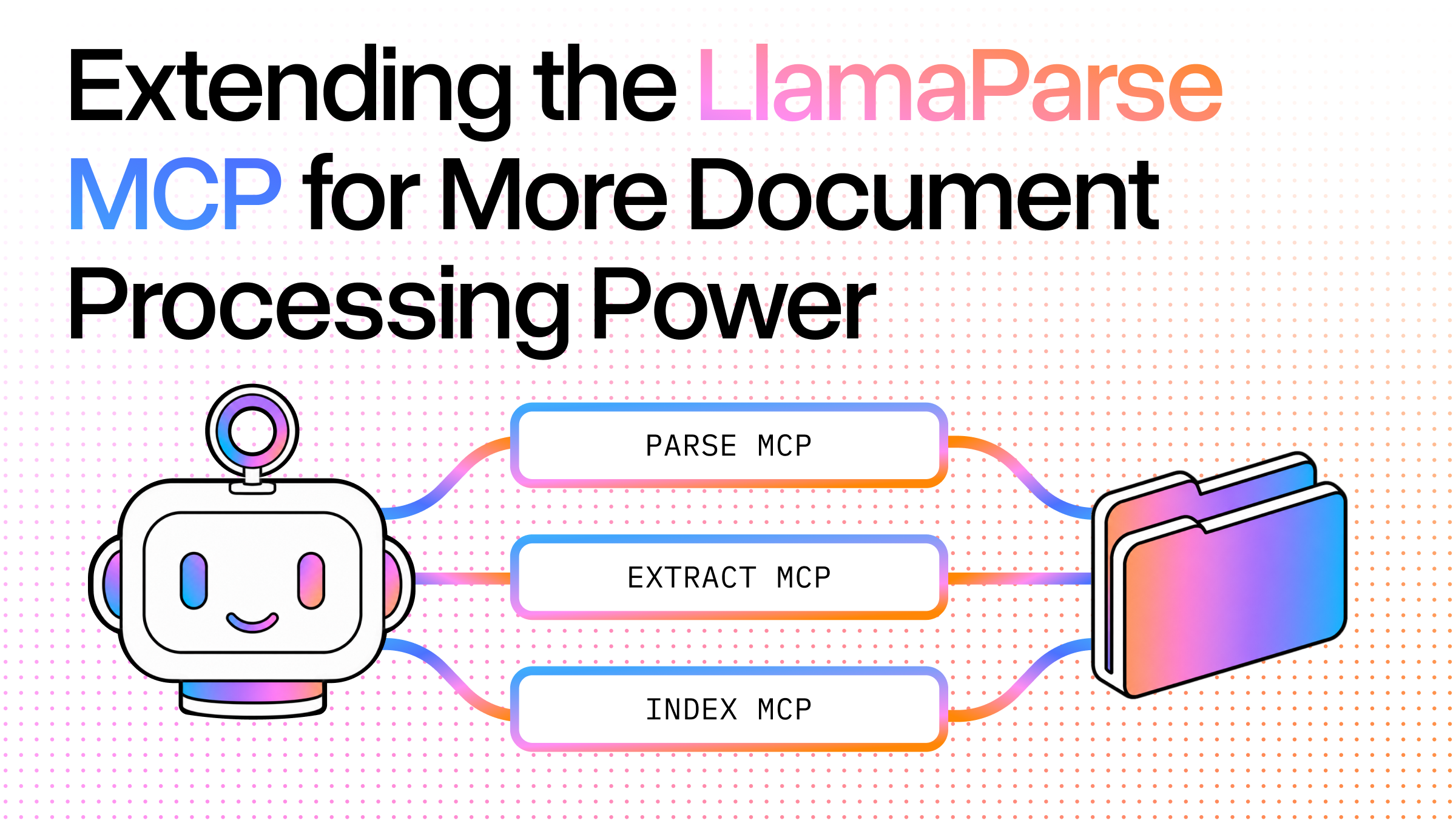
To address this, we reorganized the server into a set of product-specific MCP servers. Rather than exposing every capability through a single endpoint, each server now focuses on a specific area of intelligent document processing and can optionally inherit context (such as a configuration ID or index ID) directly from the route it is connected to.
Our MCP structure now looks like this:
html
<https://mcp.llamaindex.ai/>
├── classify
│   ├── /{configId}/mcp
│   └── /mcp
├── extract
│   ├── /{configId}/mcp
│   └── /mcp
├── index
│   └── /{indexId}/mcp
├── mcp
│
├── parse
│   └── /mcp
└── split
    ├── /{configId}/mcp
    └── /mcp
The top-level /mcp endpoint remains available and exposes the full platform surface area, including Parse, Classify, Extract, Split, and Index v2. However, users can now connect directly to the product-specific endpoints when they want a more focused experience.
This approach offers benefits beyond a cleaner tool list. By narrowing the scope of each MCP server, agents can operate with more targeted context, make tool-selection decisions more reliably, and execute independent tasks in parallel.
Consider a classify-then-extract workflow. A user can create a classification configuration in the LlamaParse Platform, obtain its configuration ID, and connect directly to the corresponding classification endpoint:
json
"mcpServers": {
  "classify-folder-1": {
    "type": "http",
    "url": "<http://mcp.llamaindex.ai/classify/cfg-abc/mcp>"
  }
}
The agent can then classify files in a folder and organize them into category-specific subfolders.
At the same time, the user can create an extraction configuration and connect to a dedicated extraction endpoint:
json
"mcpServers": {
  "extract-folder-1": {
    "type": "http",
    "url": "<http://mcp.llamaindex.ai/extract/cfg-abc/mcp>"
  }
}
Using parallel tool calls, the agent can launch extraction jobs against the classified files as soon as they become available, potentially running multiple extraction workflows concurrently across different categories.
This architecture encourages a more modular model for agentic document processing. Instead of relying on a single MCP server that does everything, workflows can be composed from multiple specialized servers, each responsible for a well-defined task. This improves isolation, enables greater parallelism, and provides more fine-grained control over workflow behavior and throughput.
As agents increasingly move toward autonomous workflows and long-running task loops, we believe specialized MCP servers will often be a better building block than a single monolithic endpoint.
That said, the unified /mcp server remains an excellent option for exploratory work, prototyping, and broader document-processing tasks where access to the full toolbox is more valuable than strict task specialization.
What's next
The updates we've shipped to the LlamaParse MCP reflect a broader shift in how we think about document processing for agents: not as a single monolithic capability, but as a set of composable, specialized tools that agents can orchestrate to tackle complex, multi-step workflows.
With structured extraction via Extract, agentic knowledge access via Index v2, and a cleaner product-specific server architecture, you now have more building blocks than ever to construct reliable document-processing pipelines, whether you're classifying invoices, extracting structured data from contracts or building a retrieval layer over unstructured enterprise content.
We're continuing to invest in making LlamaParse MCP a first-class platform for agentic document workflows. If you'd like to get started, check out the LlamaParse Platform and the MCP repository.