The average enterprise has tens of thousands of documents (purchase orders, invoices, compliance reports, customer emails, legal contracts) and most of their analytics infrastructure touches almost none of it. According to IDC, 90% of enterprise data is unstructured: text, images, PDFs, audio, and formats that relational databases were never designed to handle. That data accumulates in file servers, inboxes, and content management systems while the BI dashboards downstream pretend it doesn't exist.
This problem is extraction-related. Those documents contain exactly the kind of signal that drives business decisions (contract terms, pricing, risk factors, customer sentiment, compliance status), but getting it out requires converting free-form human language into the rows and columns that downstream systems can actually process.
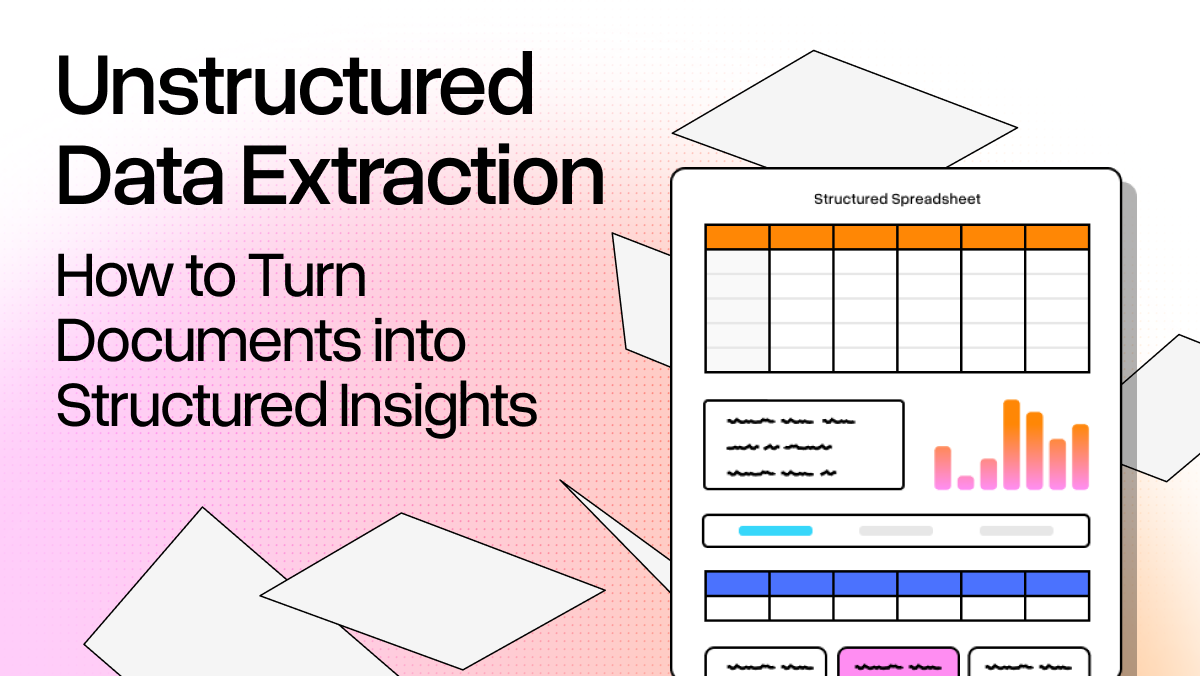
Unstructured data extraction is the set of techniques and tools that take raw documents and pull structured, queryable information out of them. Organizations that get it right can query document archives the same way they query a database, while the rest struggle to keep up.
Understanding the Spectrum: Structured, Semi-Structured, and Unstructured
Not all data is equally hard to work with, but it’s more so a spectrum.
- Structured data lives at one end, including SQL databases, Excel spreadsheets, ERP exports, where information is organized into rows and columns with a defined schema. Because each field has a known location and format, querying and analysis are straightforward.
- Semi-structured data sits in the middle. Formats such as JSON, XML, CSV files, log files include organizational markers but do not enforce a rigid schema. An API response might give you the same fields every time, or it might not.
- Unstructured data is everything else: emails, PDFs, Word documents, scanned contracts, transcripts. These documents are written for humans rather than machines, so there’s no consistent structure.. Two invoices from different vendors can describe the exact same transaction in completely different layouts.
Most extraction work involves pulling structured fields from unstructured sources. You're essentially dealing with potentially thousands of oddly formatted documents, and they all look a little different.
How It Works: The AI Stack
Until recently, unstructured data extraction meant writing brittle rule-based parsers: regex patterns, template matchers, keyword extractors. They work until the format changes, and then they break.
The modern approach, on the other hand, relies on three layers.
Natural Language Processing (NLP) gives algorithms the ability to read context rather than just match characters. Instead of searching for a literal string, NLP lets a model understand that "due in 30 days" and "net-30 payment terms" mean the same thing.
Named Entity Recognition (NER) goes further: it identifies and classifies specific pieces of information (names, dates, currencies, addresses, organization names, product identifiers) within unstructured text. A well-trained NER model can scan a 40-page contract and extract every date reference with high reliability. Training domain-specific NER models pays off quickly at scale, though out-of-box models handle the most common entities (dates, monetary values, organization names) well enough for many use cases without customization.
Large Language Models (LLMs) are where the real flexibility comes in. Instead of training a custom NER model for every document type, you describe what you want in plain language and let the model figure out how to extract it. This zero-shot capability (extracting information without domain-specific training examples) cuts the cost of adding new document types to your pipeline considerably. A model that has been trained on large volumes of document data can often generalize to common document types without requiring teams to manually label extensive training examples for each new format.
The Extraction Workflow, Step by Step
Getting the components right is the easy part. Getting them to work together in a real pipeline is where things actually get complicated. Here’s what it looks like.
- Ingestion. Documents arrive from cloud storage, email attachments, API endpoints, or internal repositories. This step handles format normalization: your pipeline needs to accept PDFs, DOCXs, images, HTML, and whatever else your source systems produce.
- Pre-processing. Raw input text is always messier than you expect. Scanned PDFs need OCR to become machine-readable. Long documents need chunking strategies to fit within model context windows. Boilerplate (headers, footers, legal disclaimers that appear on every page) should be stripped so it doesn't contaminate extraction results.
- Prompting and extraction. You specify what you want: a JSON schema of target fields, a list of entities to identify, or a set of questions to answer. The LLM extracts it from the prepared text. The quality of your prompt and schema determines the quality of your output.
- Validation. Cross-reference extracted data against known values where possible. Is that company name in your database? Does the date fall within a plausible range? Does the total match the sum of line items? Automated validation catches obvious errors before they hit downstream systems. When validation fails, records either route to a human review queue or trigger a second extraction pass with a revised prompt. Which path makes sense depends on the stakes and your throughput requirements.
- Output and integration. Clean, validated data goes to whatever format the downstream system needs: JSON for an API, CSV for a spreadsheet, a direct database insert.
Advanced Techniques: Getting More from LLM Prompts
The workflow above gets you started. Production pipelines handling thousands of documents daily need more precision on a few fronts.
The first is zero-shot vs. few-shot extraction. Zero-shot asks the model to extract fields based purely on your schema and instructions, without requiring any examples. This works well for common document types because the model has seen enough of them in training. Few-shot adds examples to the prompt. It costs more tokens but improves accuracy on unusual formats or edge cases.
The second is schema enforcement: getting the model to return data in a format your code can actually consume. LLMs are probabilistic. Count on occasional malformed JSON or extra commentary that breaks a downstream parser. Using Pydantic models or JSON mode constrains the output structure and cuts those errors sharply.
The third is context window management. A 200-page financial filing doesn't fit in a single prompt. Chunking strategies (sliding windows, semantic chunking, hierarchical summarization) determine how you partition a document without losing context that spans sections. Get this wrong and your extraction misses relationships between different parts of the same document.
Use Cases: Where Extraction Creates Real Value
Unstructured data extraction isn't a solution looking for a problem. It shows up in real workflows with real stakes.
Media and Competitive Intelligence
Marketing and strategy teams monitor competitors, track brand mentions, and aggregate industry news, all of which arrive as unstructured text. Extraction pipelines turn news articles, earnings call transcripts, and press releases into structured feeds that analysts can query and track over time.
Legal and Financial Document Analysis
Contract review is one of the most time-consuming tasks in any legal or finance team. An extraction pipeline that identifies indemnification clauses, change-of-control provisions, payment terms, and renewal dates across thousands of contracts turns weeks of manual review into a query. The same logic applies to financial statements: pulling revenue figures, EPS, and risk disclosures from SEC filings at scale.
Healthcare and Clinical Research
Patient notes, clinical trial reports, and medical literature are almost entirely unstructured. Extracting structured data from them (diagnoses, medications, dosages, adverse events) powers everything from pharmacovigilance systems to clinical decision support tools. The scale difference is meaningful. Teams manually reviewing adverse event reports might process a few hundred cases weekly. A well-tuned pipeline handles the same volume overnight.
The LlamaParse Approach
Most extraction pipelines hit the same ceiling. Traditional OCR tools are deterministic pattern-matchers: accurate when documents follow predictable layouts, brittle when they don't. Complex tables, embedded images, rotated text, and multi-column layouts are exactly the cases that matter most in real-world document processing, and exactly where traditional OCR breaks down.
LlamaParse (LlamaIndex) is built differently. Rather than applying a single OCR model to every document, LlamaParse uses agentic orchestration to route each element (text blocks, tables, figures, charts) to the combination of models (traditional OCR, vision language models, layout analyzers) that will produce the most accurate result. A dense financial table takes a different model path than a paragraph of body text.
In practice, this means LlamaParse handles the document types that break traditional pipelines (dense tables, multi-modal content, irregular layouts) without custom training when you add a new document type. You don't have to teach it your invoices. A few capabilities worth calling out:
- Multi-modal understanding: LlamaParse processes text, images, charts, and tables together. A chart that summarizes data described in adjacent text gets parsed with both in context, not as two disconnected elements.
- Multiple validation loops: Confidence scores and source citations let downstream systems (or human reviewers) know exactly how reliable each extracted field is before it leaves the pipeline.
- Flexible output formats: Markdown, JSON, or HTML, depending on what your downstream system needs.
For teams who need structured extraction on top of parsed output, LlamaParse lets you define a target schema and populate it consistently across thousands of documents. It’s free to try with 10,000 credits upon signup.
Best Practices and What's Coming in 2026
A few things to get right before you scale.
PII handling. Documents contain personally identifiable information: names, addresses, account numbers, health data. Your pipeline needs to account for consent, retention policies, and regional compliance requirements (GDPR, HIPAA, CCPA). Identifying and masking PII before data reaches storage is much easier than cleaning it up afterward.
Human-in-the-loop validation. Automated extraction is accurate but not infallible, and the stakes vary. A miscategorized product code in an order processing system is a minor inconvenience. A misread indemnification clause in a liability contract can cost real money. Those aren't the same problem. High-stakes document types need review workflows where humans can inspect and override low-confidence extractions. Confidence scores and source citations make this practical rather than requiring full manual review.
Agentic extraction is maturing. Current practice involves humans defining schemas and prompts upfront, then tuning when accuracy dips. The near-term direction is systems that observe document types, infer the right extraction approach, and iterate on their own prompts. LlamaParse is already building toward this: autonomous document agents that handle routing, validation, and correction without constant prompt engineering.
Conclusion
The 80% of enterprise data locked in unstructured documents isn't going anywhere. If anything, it's growing. More emails, more contracts, more reports, more PDFs every quarter. The organizations building extraction pipelines now can query that backlog the same way they query a database. The ones that wait keep assigning people to read PDFs.
Getting extraction right means picking the right stack (NLP, NER, LLMs, schema enforcement), the right workflow (ingestion through validation), and tools that can handle complex real-world documents without constant retraining. That last part is where most traditional OCR solutions fall short.
LlamaParse is built for the document types that break traditional pipelines (dense tables, embedded images, irregular layouts) and produces clean, structured, AI-ready output without custom model training. It's free to try, and you get 10,000 credits on signup. If you're building a document intelligence pipeline, that's where to start.